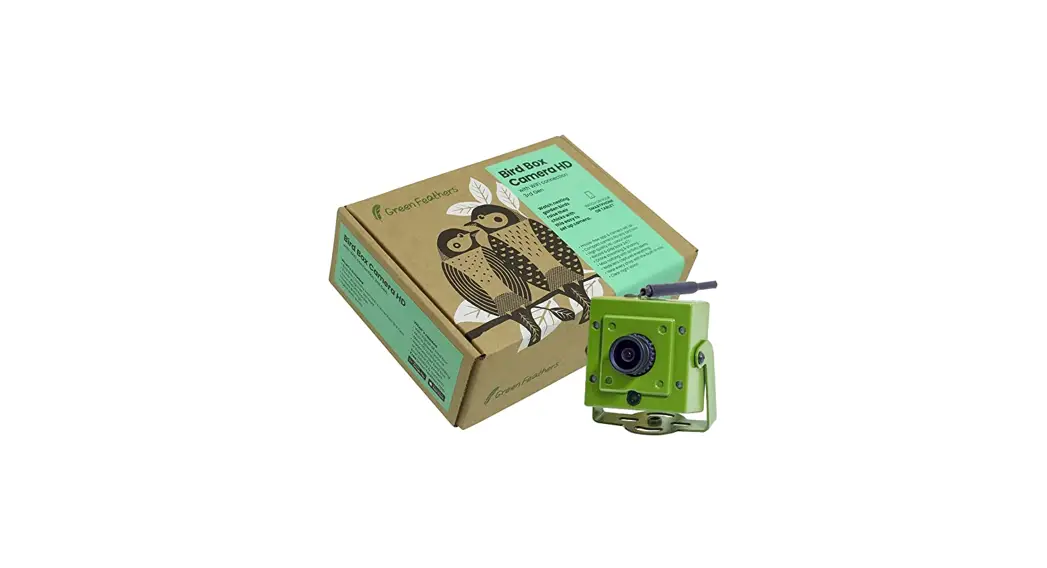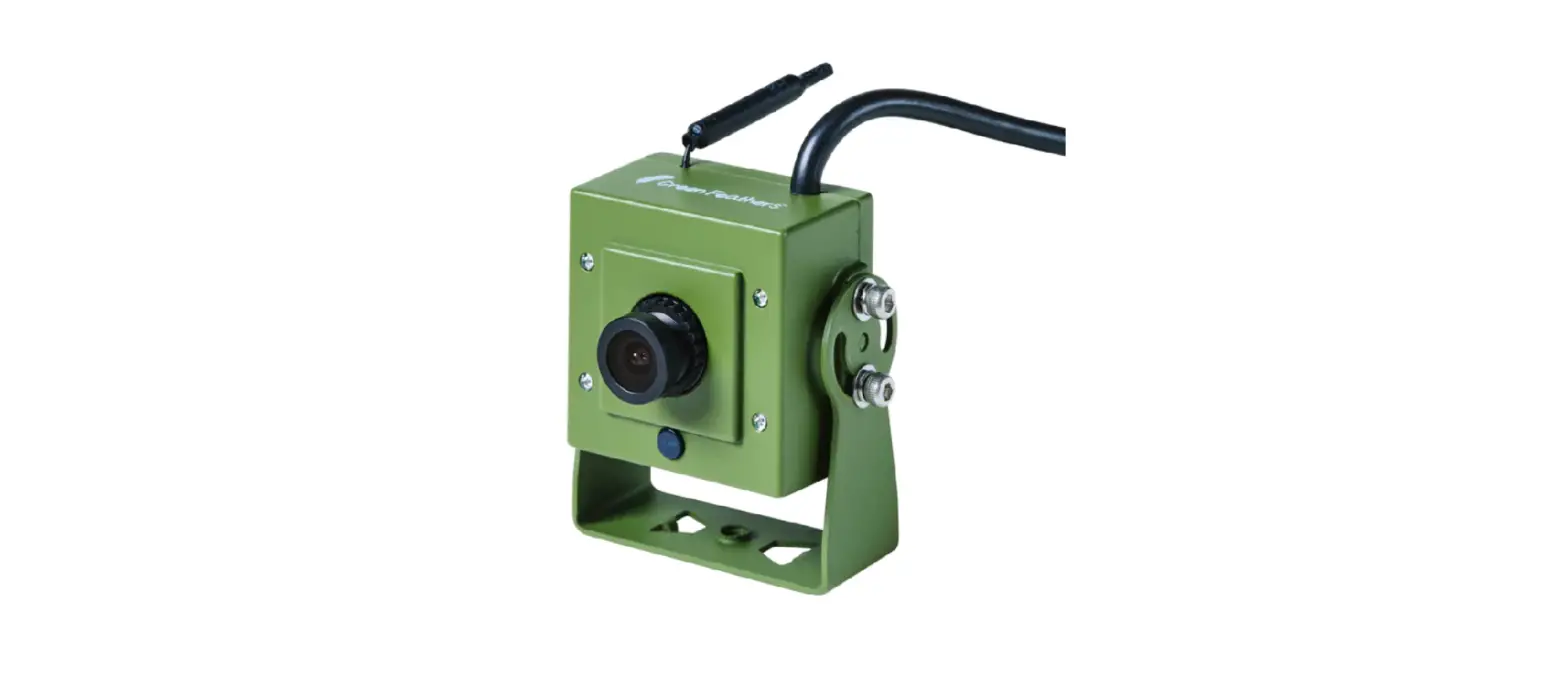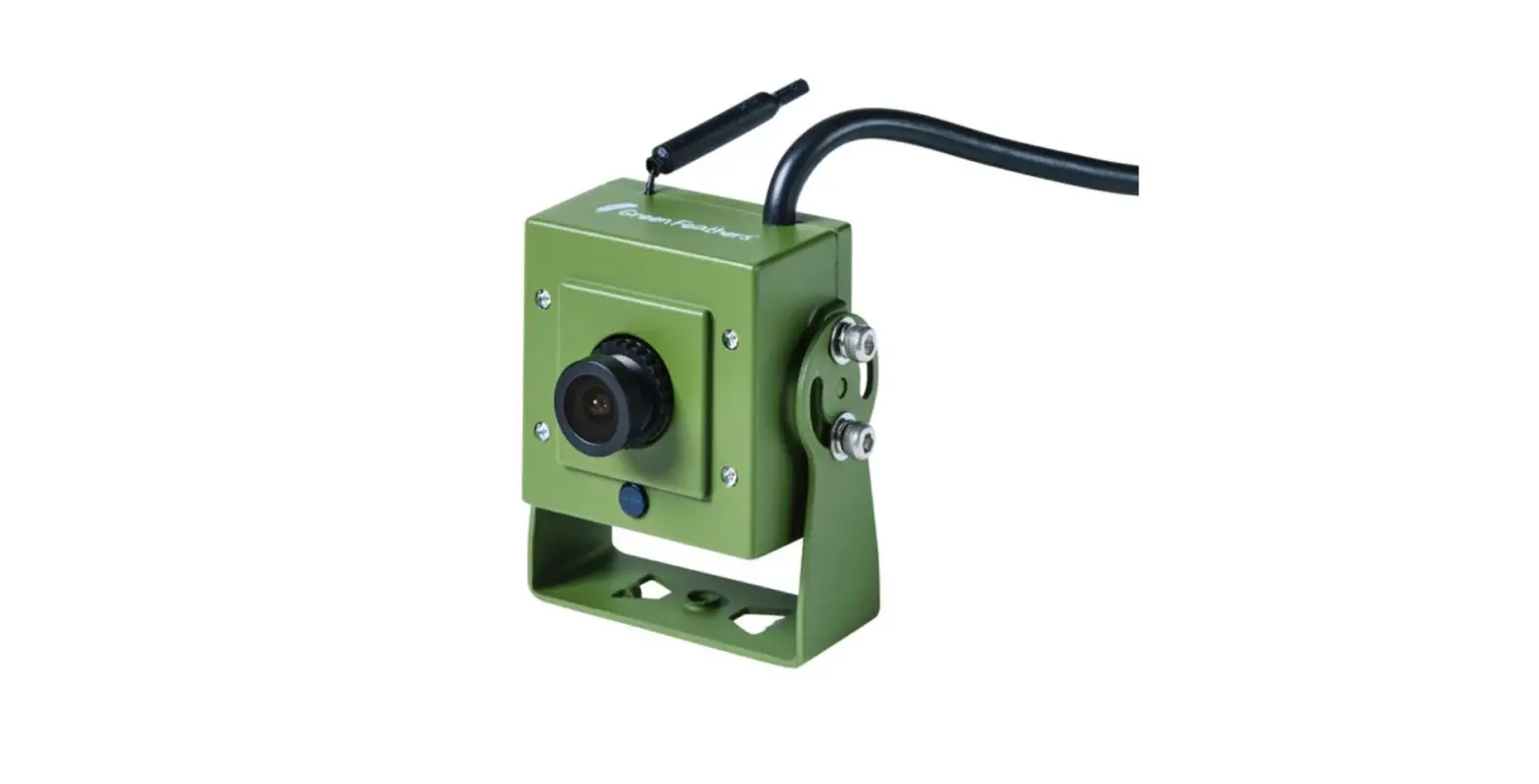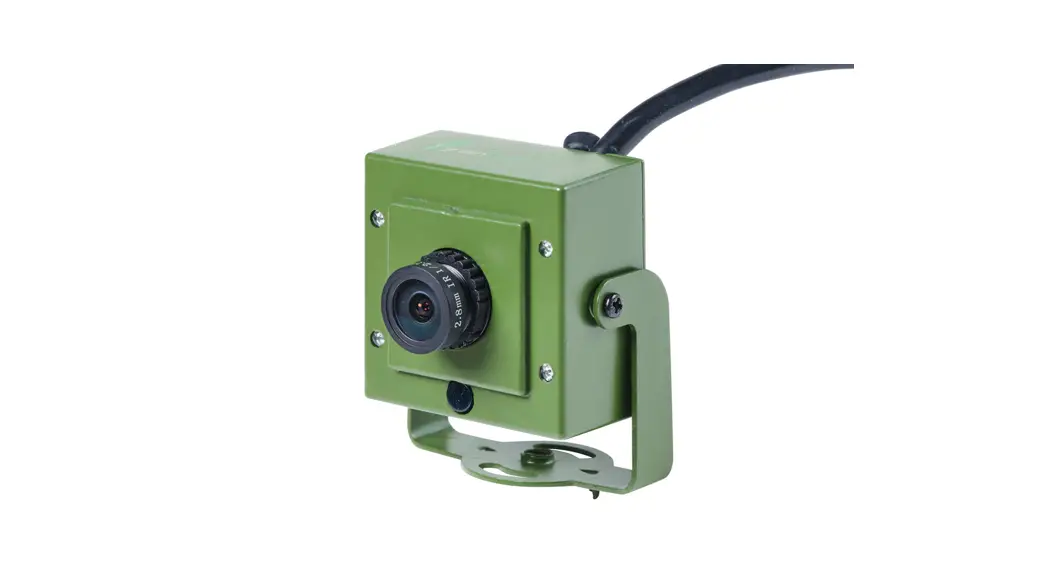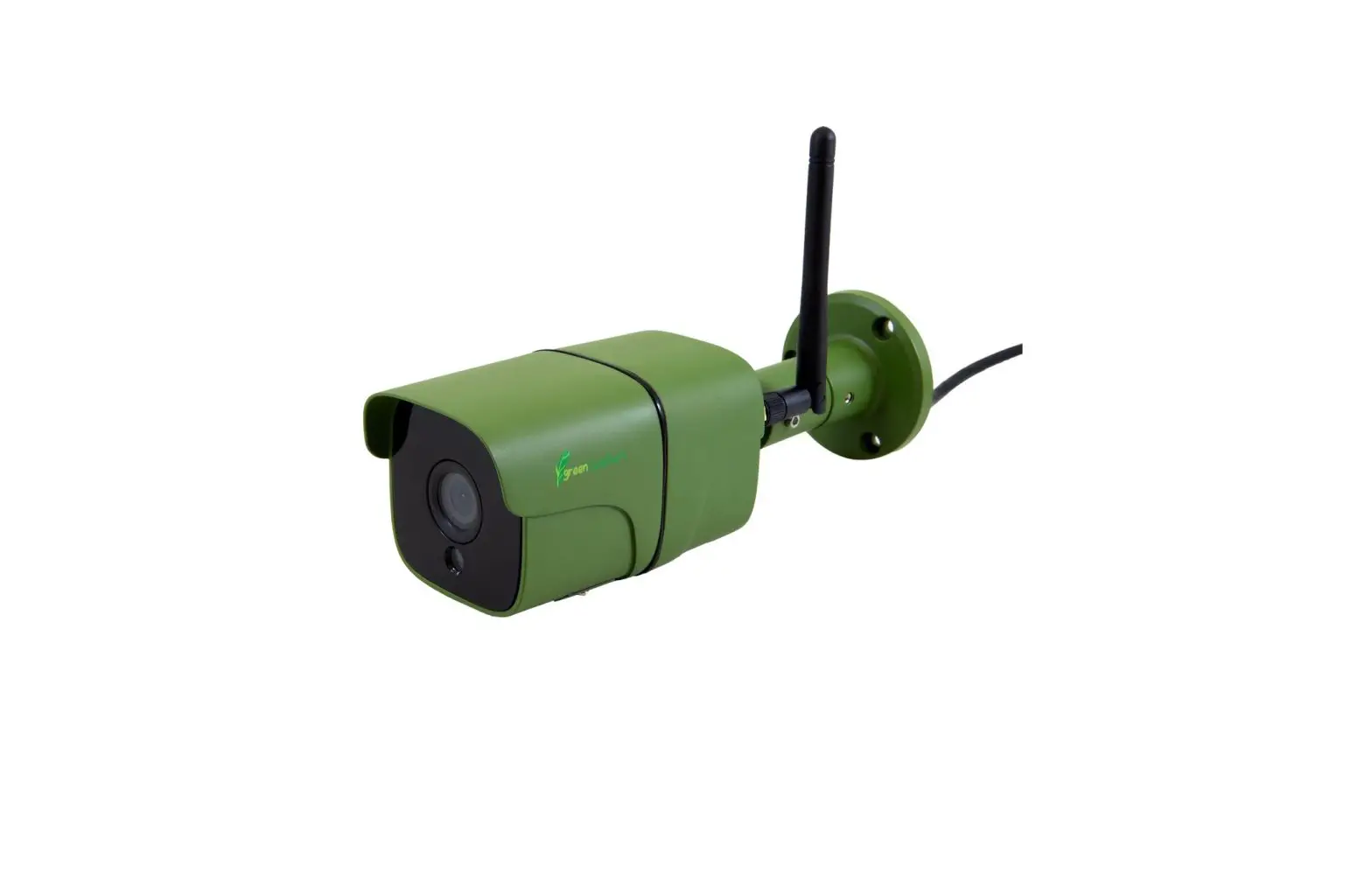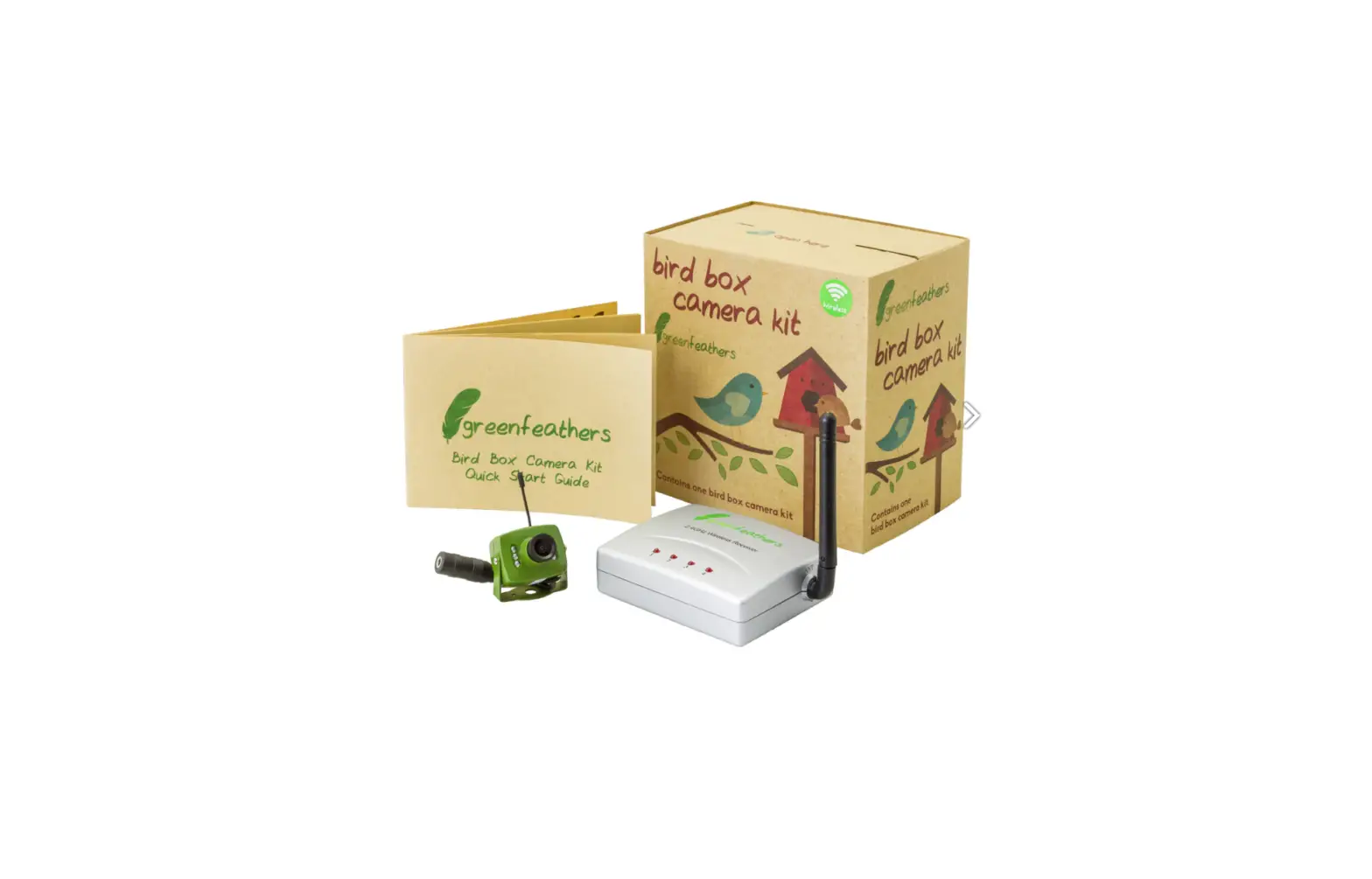
Green Feathers NC701G Bird Box Camera with Wireless Transmission User Guide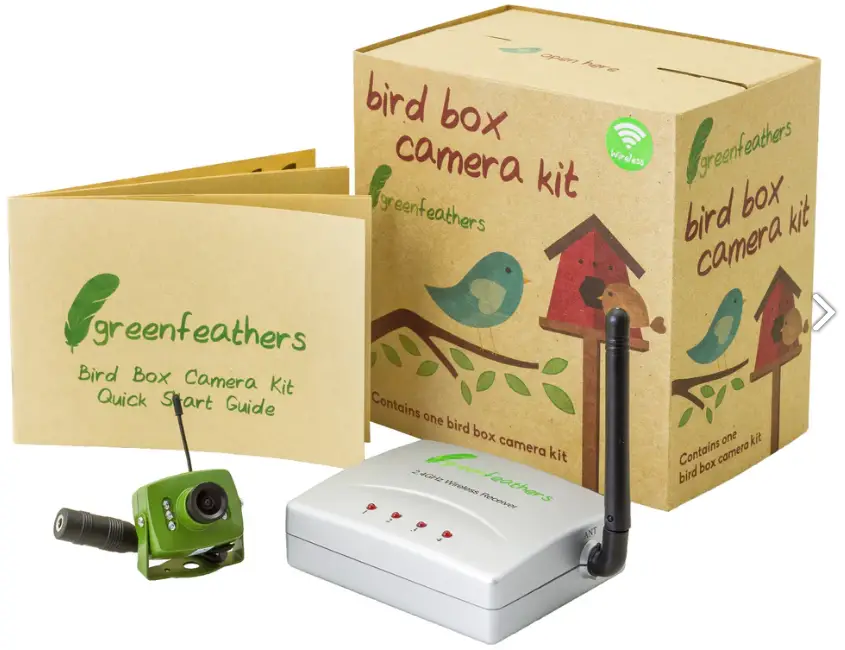
Installations Instructions
Before installing the camera, we recommend setting it up inside your house as a test run, with the camera in a separate room to the receiver.
- Check the receiver is set to the same channel as the sticker on the camera, then connect the power supply to the camera.
- Connect the receiver to the power supply, then connect the yellow AV cable plug into VIDEO1 and the white one into AUDIO1. Remove the lens cap from the camera.
- Connect the yellow and white AV cables into the yellow and white ports on a TV, AV to HDMI adaptor, USB capture device or a recorder. If your TV has a yellow/green port, connect the yellow AV cable into that. If your TV does not have a yellow or yellow/green port, you will need to use an AV to HDMI adaptor or recorder.
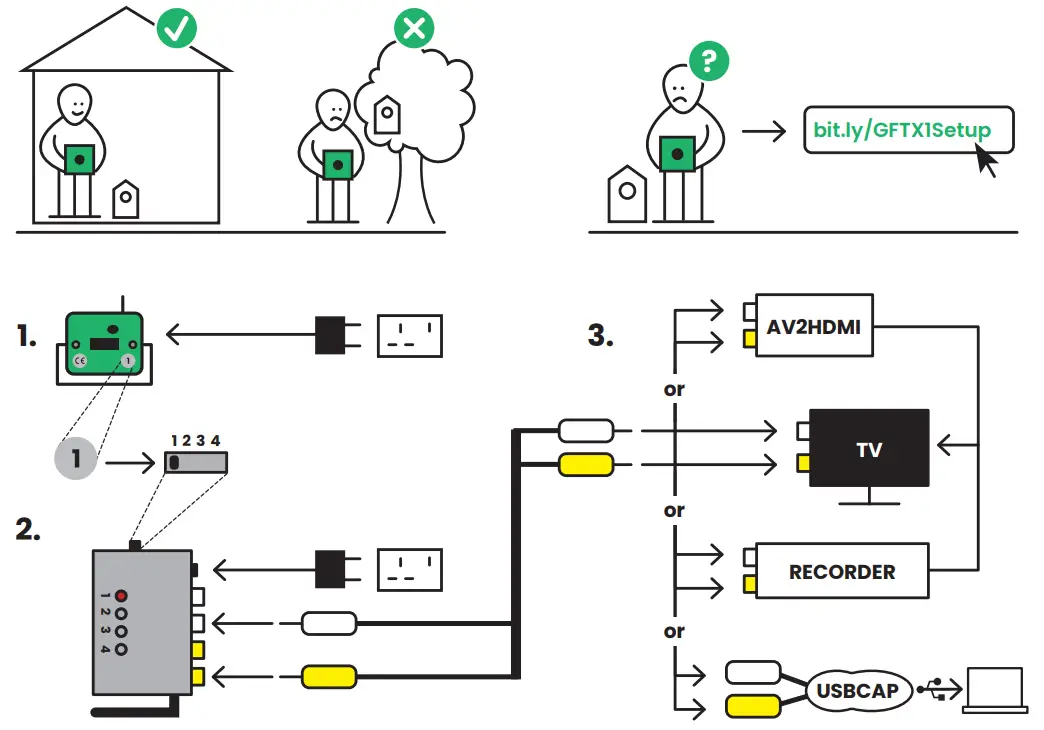
For more information on setting up and using your camera: bit.ly/GFTX1Setup
 Wireless Analogue Bird Box Camera - setup guide and troubleshooting (NC701G) | Green Feathers Help