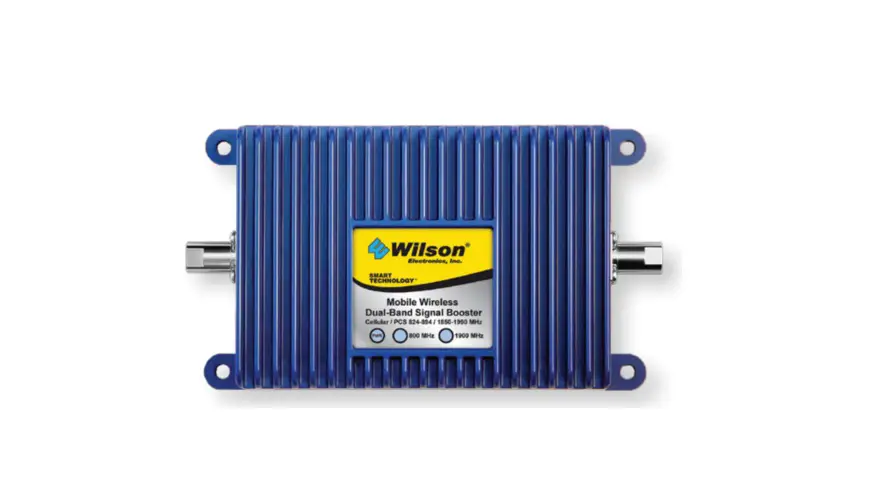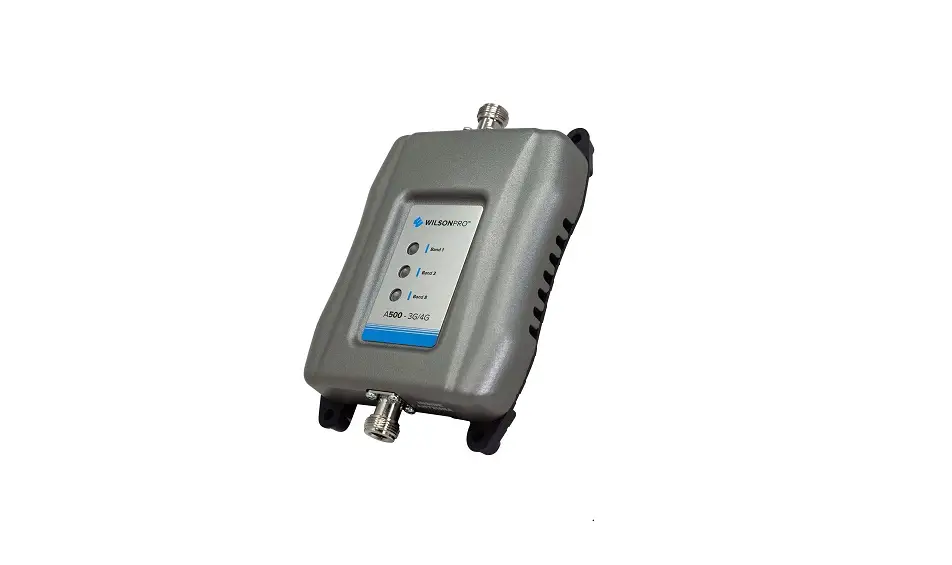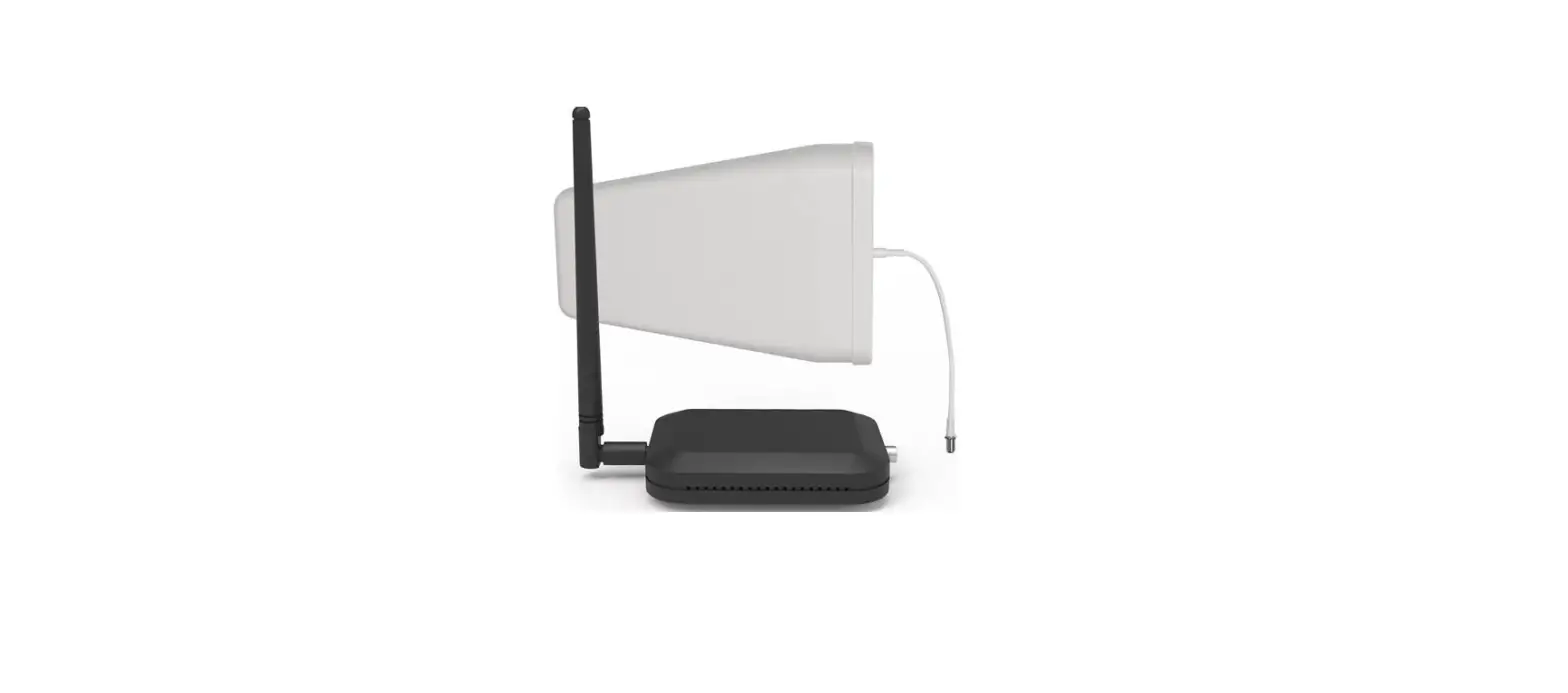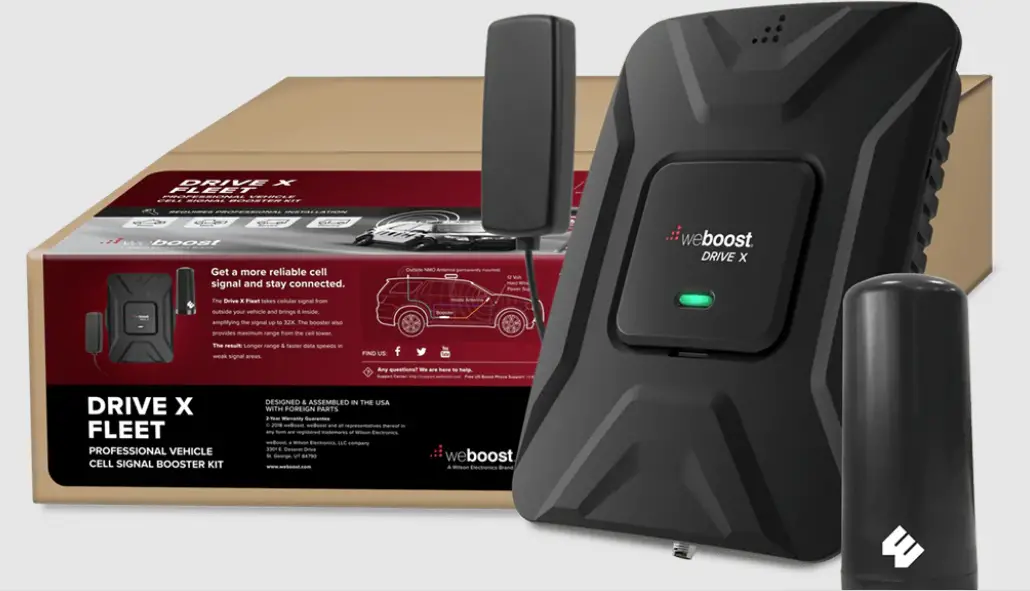
 A Wilson Electronics Brand
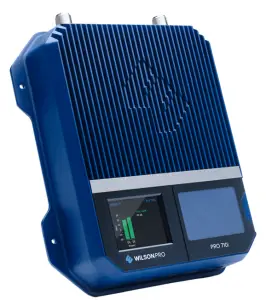
PRO 710i
Industrial-Class, In-Building Cell Signal Amplifier
Supporting Band 71 (600MHz)
Installation Guide
NEED HELP wilsonpro.com
 866.294.1660
Package Contents
Kit 460064
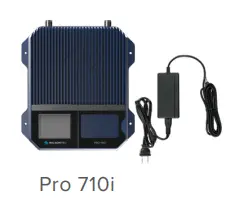
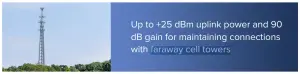



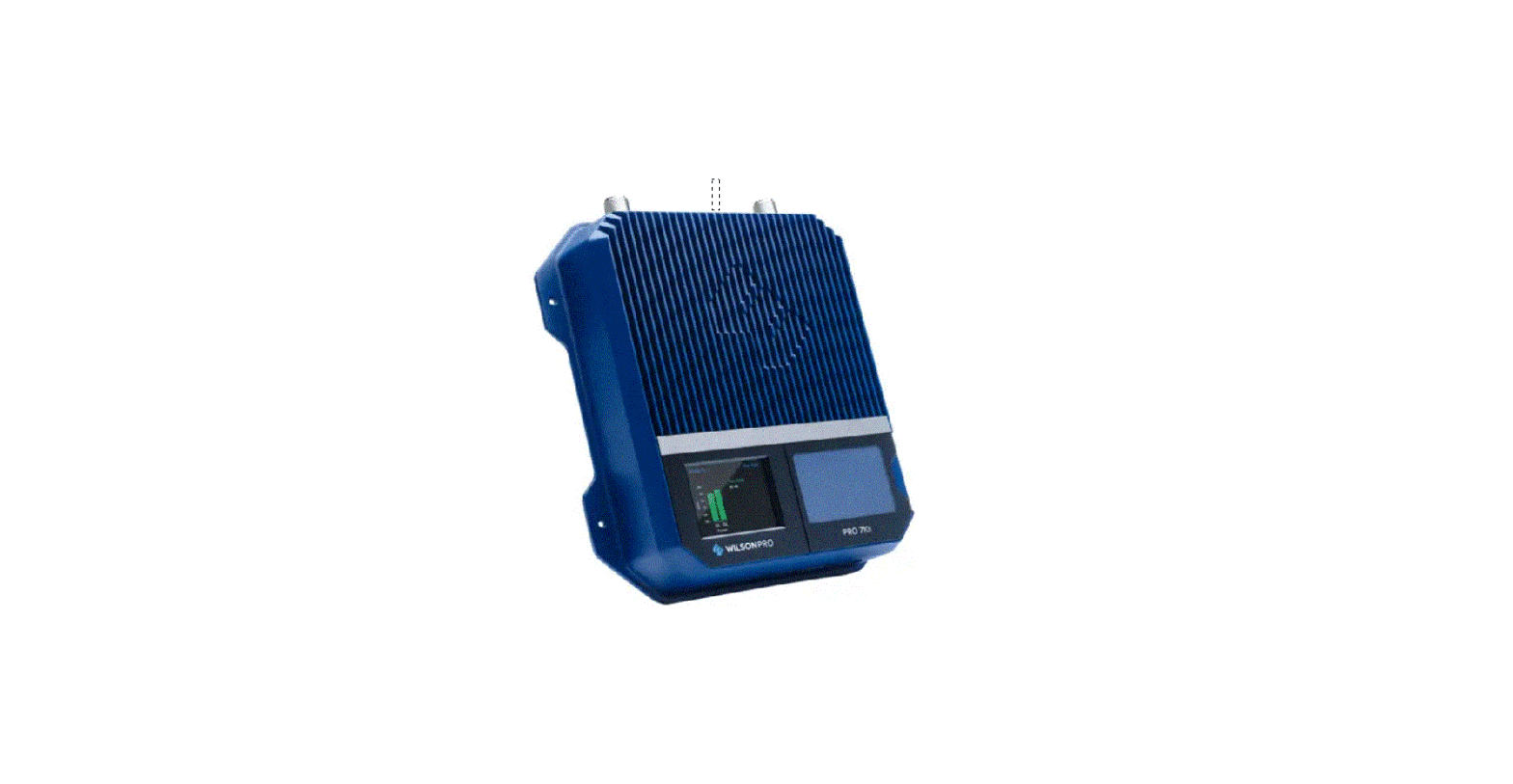
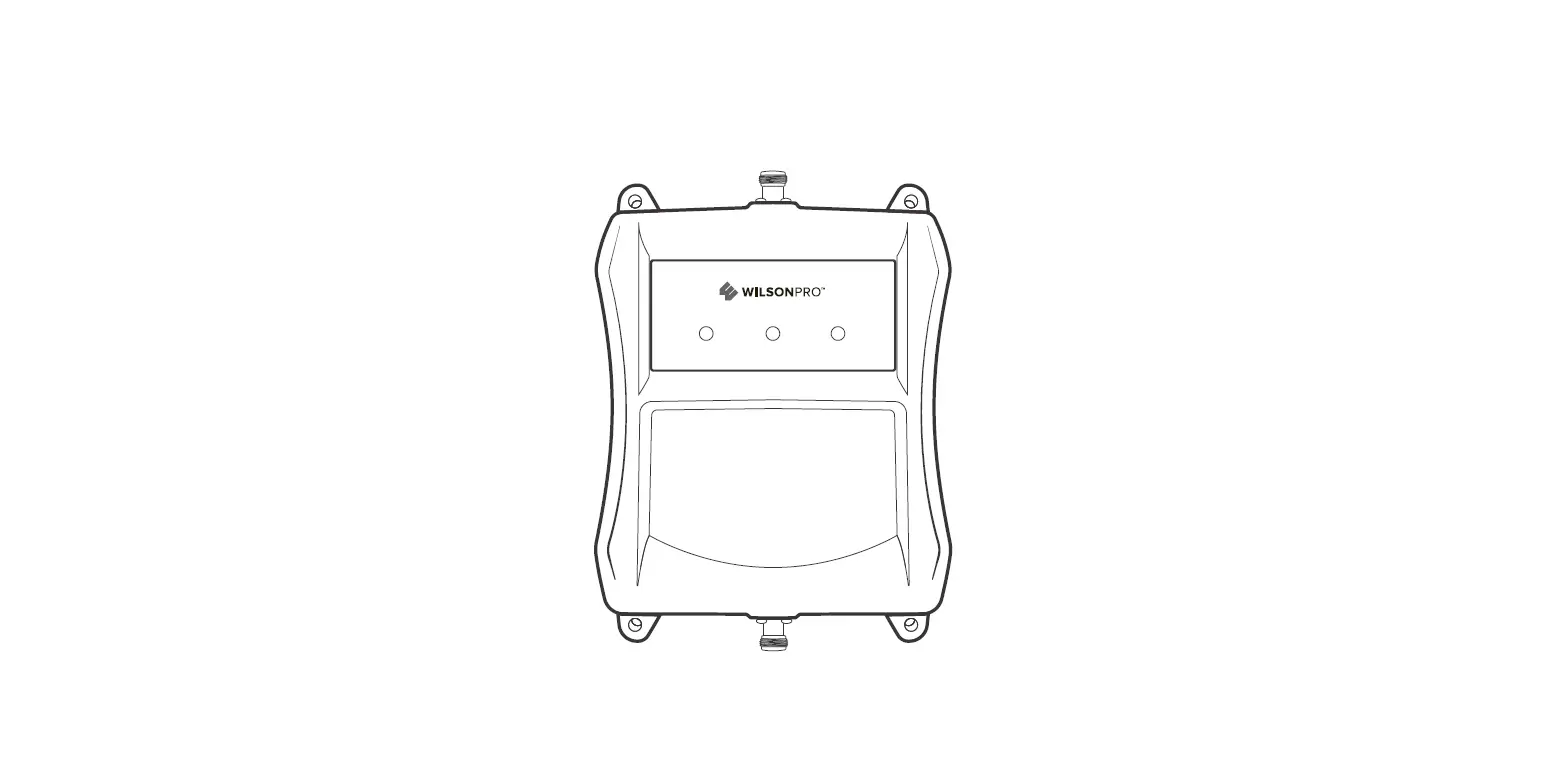
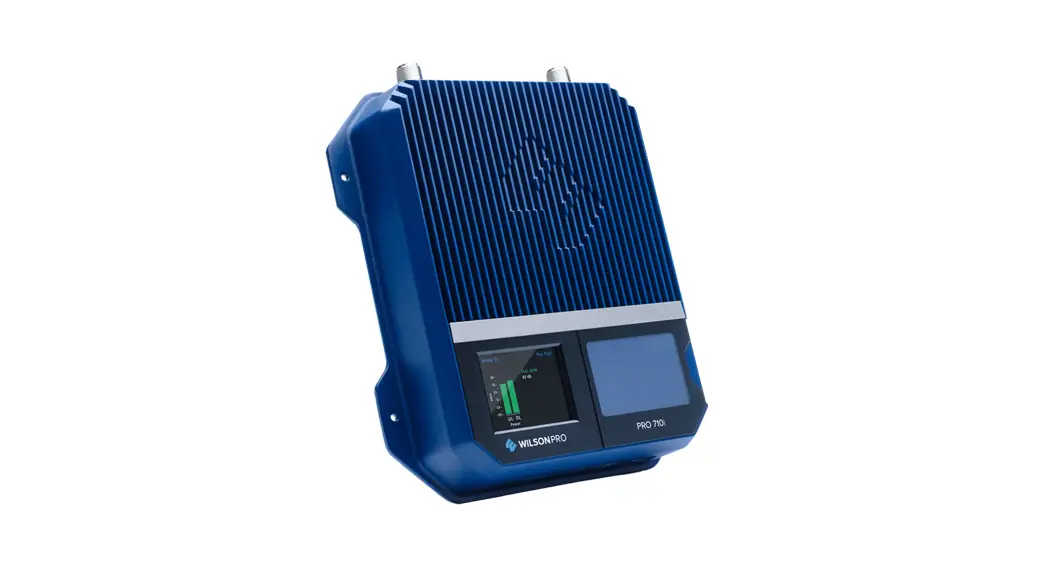
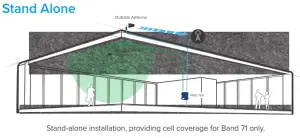
The Pro 710i industrial-class, in-building, cell signal amplifier provides significantly enhanced band 71 (600MHz) signal strength, supporting 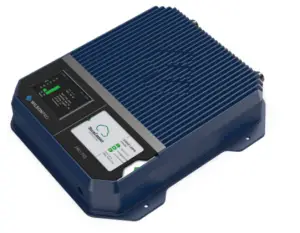 4G LTE and 5G technology. The Pro 710i can be installed as either a “stand-alone” amplifier providing exclusive band 71 amplification, or it can be combined with a new or existing WilsonPro amplifier system, supporting multiple bands. Because the Pro 710i is an industrial class amplifier, local band 71 carrier approval must be obtained for every installation.
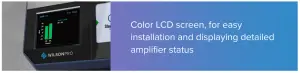
The Pro 710i also incorporates Wilson Electronics’ state-of-the-art XDR (eXtended Dynamic Range) technology that prevents signal overload conditions which can, in accordance with regulations, force the amplifier to shut down. When the Pro 710i senses that any incoming cell signal is too strong and threatens to overload the system, XDR automatically reduces amplifier gain to compensate while maintaining signal coverage throughout the building. The Pro 710i incorporates an easy-to-use color LCD screen, and both antenna ports are located on the top of the unit for simple installation. Like all WilsonPro cell signal amplifiers, the Pro 710i amplifier system is universal: it works for all cellular devices, and all U.S. and Canada cell phone carriers using band 71 (600MHz).
Key Features
 | Industrial-Class Amplification: Up to 100,000 sq. ft. of Band 71 (600MHz) coverage with a single amplifier (local carrier approval required for each installation). |
 | Extended Dynamic Range (XDR) for continuous connectivity: XDR allows the Pro 710i system to make automatic, real-time adjustments so it never shuts down due to a strong outside signal. |
 | Onboard Software for Better Control: The amplifier is automatically controlled with built-in onboard software, ensuring reliable connectivity throughout large spaces and multi-story buildings. The amplifier will adjust its gain level up or down as required by the conditions of the immediate signal environment. |
 | Color LCD Screen: The Pro 710i utilizes a color LCD screen for assessing amplifier performance and making necessary antenna adjustments. |
Post-Install Setup
The Pro 710i is designed with advanced internal programming, which allows it to automatically adjust for a variety of conditions, while still amplifying weak signals. Once the antenna cables are connected, turn the unit ON by inserting and twisting the power supply cord until it is securely locked in place.
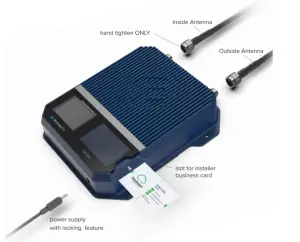
Installation Diagram
A Wilson Lightning Surge Protector (859902) is recommended for all building installations. Make sure the protector is installed outside the building. Connect it to a suitable ground and in line, between the Outside Antenna and the Signal Amplifier.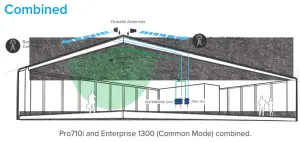
 User Interface
 User Interface
The Pro 710i takes about five seconds to boot up. Once bootup is complete screen will appear, showing the amplification and status of Band 71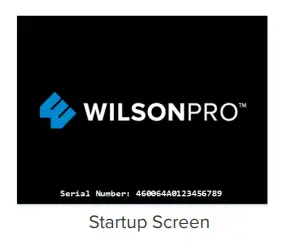
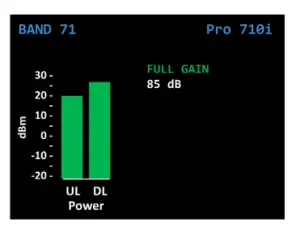
“FULL GAIN” is displayed in green if there is a weak outside signal requiring the amplifier to operate with maximum allowable gain. The amplifier is functioning normally; however, a stronger signal might be obtained with some antenna adjustments.
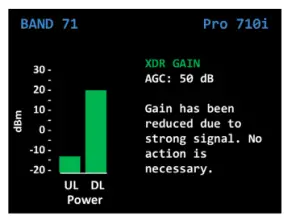
“XDR GAIN” is displayed in green, indicating that the amplifier has reduced its gain to accommodate a moderate to strong outside signal. The amplifier is functioning normally and no adjustments are needed.
“OSCILLATION” is displayed in green, indicating that the amplifier has reduced its gain to accommodate a moderate oscillation condition. The amplifier is operating normally; however, better performance might be obtained with some antenna adjustments.
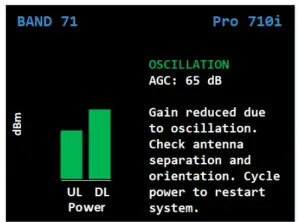
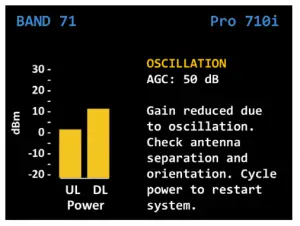
“OSCILLATION” is displayed in yellow, indicating a significant oscillation is occurring and band gain has been reduced below 65 dB. Reposition antennas (increase the separation between inside and outside antennas and point in opposite directions) and then reboot (turn the unit off, then on) the Pro 710i to reactivate Band 71 and maximize performance. When adequate separation is achieved, the yellow color will return to green upon reboot. Note: when the color is yellow, the band is Operational; however, performance is reduced.
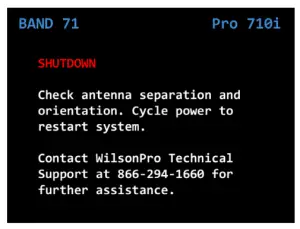
“SHUTDOWN” is displayed in red, indicating severe or repeated oscillations have occurred and the amplifier has shut off. Reposition antennas (increase the separation between Outside and Inside Dome Antenna and point in opposite directions) and then reboot (turn the unit off & on) the Pro 710i to reactivate Band 71 and maximize performance. When adequate separation is achieved, the red color will return to green upon reboot.
Safety Guidelines
 Warnings
WARNING: Changes or modifications not expressly approved by Wilson Electronics will void the user’s authority to operate the equipment.
WARNING: E911 location information may not be provided or may be inaccurate for calls served BY USING THIS DEVICE.
To uphold compliance with network protection standards, all active cellular devices must maintain at least 6 feet of separation distance from Panel and Dome antennas.
Use only the power supply provided in this package. Use of a non-Wilson Electronics product may damage your equipment.
RF Safety Warning: Any antenna used with this device must be located at least 8 inches from all persons.
WARNING. This is NOT a CONSUMER device. It is designed for installation by FCC LICENSEES and QUALIFIED INSTALLERS. You MUST have an FCC LICENSE or express consent of an FCC Licensee to operate this device. Unauthorized use may result in significant forfeiture penalties, including penalties in excess of $100,000 for each continuing violation.
WARNING. This is NOT a CONSUMER device. It is designed for installation byan installer approved by an ISED licensee. You MUST have an ISED LICENSEthe express consent of an ISED licensee to operate this device. AVERTISSEMENT: Ce n’est PAS un appareil CONSOMMATEUR. Il est conçupour être installé par un installateur agréé par un licencié ISED. Vous DEVEZdétenir une LICENCE ISED ou le consentement exprès d’un titulaire de licenceISDE pour utiliser cet appareil.
FOR MORE INFORMATION ON REQUIREMENTS SET OUT IN ISED CPC-2-1-05, SEE BELOW:
http://www.ic.gc.ca/eic/site/smt-gst.nsf/eng/sf08942.html
Antenna Specifications
This radio transmitter has been approved by the FCC and Innovation, Science and Economic Development (ISED) Canada to operate with the maximum permissible antenna gain below. An antenna that has a gain greater than the maximum gain indicated for any type listed are strictly prohibited for use with this device.
| BAND 71 | |
| Outside antenna maximum permissible antenna gain (dBi) 50Ω | 6.5 |
| Inside antenna maximum permissible antenna gain (dBi) 50Ω | 6.0 |
INSIDE ANTENNAS
| PN # | Antenna Type | Band 71 Support Good Ok Poor | Result | ||
| 311234 | Panel Antenna with Band 71 Support | ✓ | Supports Band 71 | ||
| 314406 | 4G Low-Profile Dome Antenna w/ Reflector | ✓ | Supports Band 71 | ||
| 314407 | 4G Low-Profile Dome Antenna | V | Supports Band 71 | ||
| 311135 | Indoor Wall Mount Antenna | ✓ | Poor VSWR and efficiency on Band 71 | ||
| 304412 | Wilson Ceiling Mount Dome Antenna | ✓ | Supports Band 71, but at reduced efficiency | ||
OUTSIDE ANTENNAS
| PN # | Antenna Type | Band 71 Support Good Ok Poor | Result | ||
| 311233 | Wide Band Directional Antenna with Band 71 Support | V | Supports Band 71 | ||
| 311228 | High Gain LPDA Antenna | ✓ | Poor VSWR and efficiency on Band 71 | ||
| 304422 | 4G Omni Plus Building Antenna | ✓ | Supports Band 71, but at reduced efficiency | ||
| 304424 | 4G Omni Building Antenna | ✓ | Supports Band 71, but at reduced efficiency | ||
| 314411 | Wilson Wideband Directional Antenna 50 Ohm | ,/ | Poor VSWR and efficiency on Band 71 | ||
NOTE: all of the antennas listed above support bands 4,5,12,13, and 25/2. For additional, detailed information, please refer to the product data sheet at www.wilsonpro.com.
Specifications
| Model Number | 460064 |
| FCC ID | PWO460064 |
| IC ID | 4726A-460064 |
| Connectors | N-Female |
| Antenna Impedance | 50 Ohms |
| Max Gain | 90 dB |
| Frequency | 617-652 MHz, 663-698 MHz |
| Power output for single cell | 600MHz Band 71 |
| phone (Uplink) dBm | 24.2 |
| Power output for single cell | 600MHz Band 71 |
| phone (Downlink) dBm | 24.5 |
| Noise Figure | 5 dB nominal |
| Isolation | > 90 dB |
| Power Requirements | 120V AC 0.5A |
Each Signal Booster is individually tested and factory set to ensure FCC compliance. The Signal Booster cannot be adjusted without factory reprogramming or disabling the hardware. The Signal Booster will amplify, but not alter incoming and outgoing signals in order to increase coverage of authorized frequency bands only. If the Signal Booster is not in use for five minutes, it will reduce gain until a signal is detected. If a detected signal is too high in a frequency band, or if the Signal Booster detects an oscillation, the Signal Booster will automatically turn the power off on that band. For a detected oscillation the Signal Booster will automatically resume normal operation after a minimum of 1 minute. After 5 (five) such automatic restarts, any problematic bands are permanently shut off until the Signal Booster has been manually restarted by momentarily removing power from the Signal Booster. Noise power, gain, and linearity is maintained by the Signal Booster’s microprocessor.
This device complies with Part 15 of FCC rules. Operation is subject to two conditions: (1) This device may not cause harmful interference, and (2) this device must accept any interference received, including interference that may cause undesired operation. Changes or modifications not expressly approved by Wilson Electronics could void the authority to operate this equipment.
Warranty
30-DAY MONEY-BACK GUARANTEE
All WilsonPro products are protected by WilsonPro’s 30-day money-back guarantee. If for any reason the performance of any product is not acceptable, simply return the product directly to the reseller with a dated proof of purchase.
3-YEAR WARRANTY
WilsonPro Amplifiers are warranted for three (3) years against defects in workmanship and/or materials. Warranty cases may be resolved by returning the product directly to the reseller with a dated proof of purchase.
Signal Amplifiers may also be returned directly to the manufacturer at the consumer’s expense, with a dated proof of purchase and a Returned Material Authorization (RMA) number supplied by WilsonPro. WilsonPro shall, at its option, either repair or replace the product.
This warranty does not apply to any Signal Amplifiers determined by WilsonPro to have been subjected to misuse, abuse, neglect, or mishandling that alters or damages physical or electronic properties.
Replacement products may include refurbished WilsonPro products that have been recertified to conform with product specifications.
RMA numbers may be obtained by contacting Customer Support.
DISCLAIMER: The information provided by WilsonPro is believed to be complete and accurate. However, no responsibility is assumed by WilsonPro for any business or personal losses arising from its use, or for any infringements of patents or other rights of third parties that may result from its use.
MARKETING APPROVAL: Installer and end customer hereby grant to Wilson Electronics the express right to use installers or end customers company logo in marketing, sales, financial, and public relations materials and other communications solely to identify Customer as a Wilson Electronics customer.

3301 East Deseret Drive, St. George, UT 3301 East Deseret Drive, St. George, UT
www.wilsonpro.com | support.wilsonpro.com
www.wilsonpro.com | support.wilsonpro.com Copyright © 2020 Wilson Electronics. All rights reserved. Wilson Electronics products covered by U.S. patent(s) and pending application(s) For patents go to: weboost.com/us/patents
NOT AFFILIATED WITH WILSON ANTENNA
GDE000257_Rev01_06.05.20