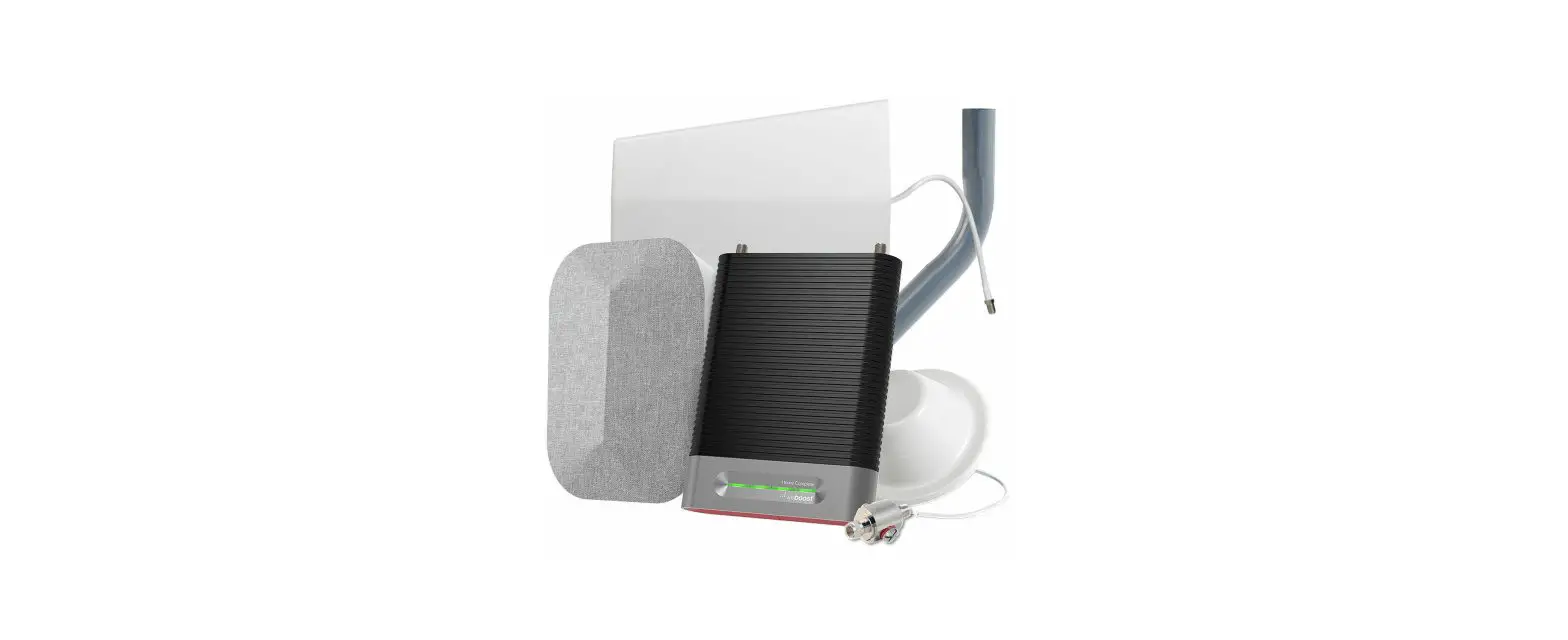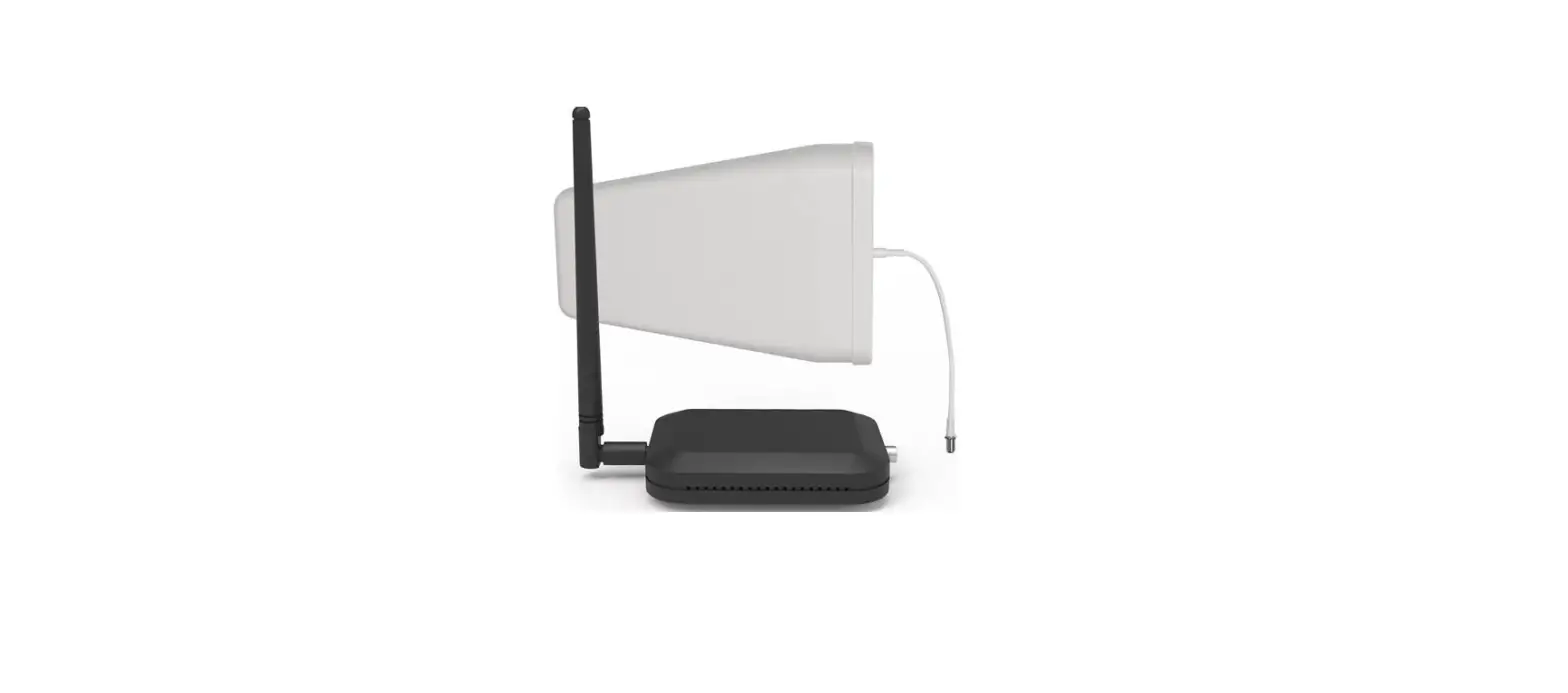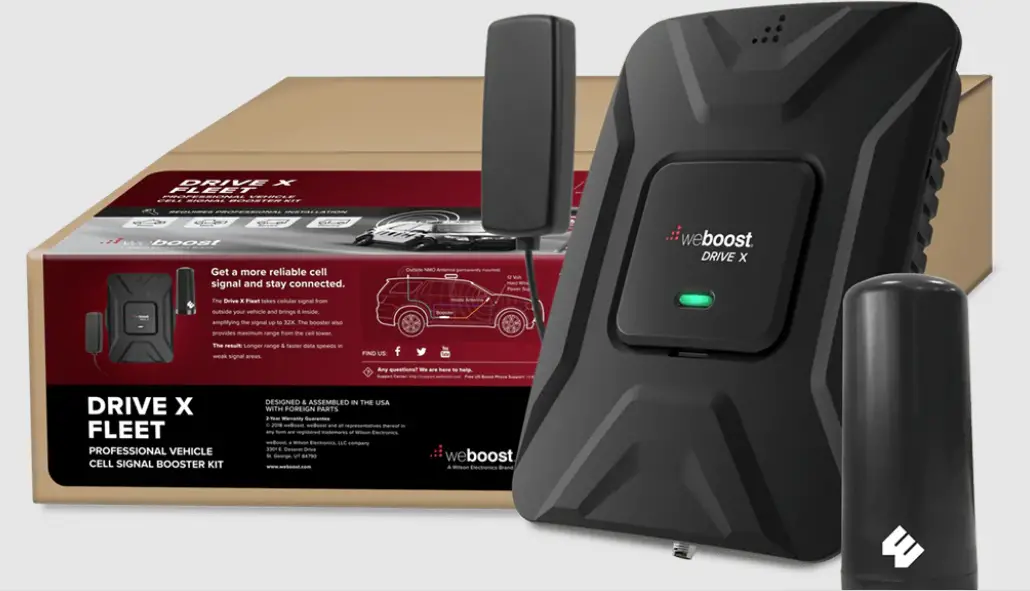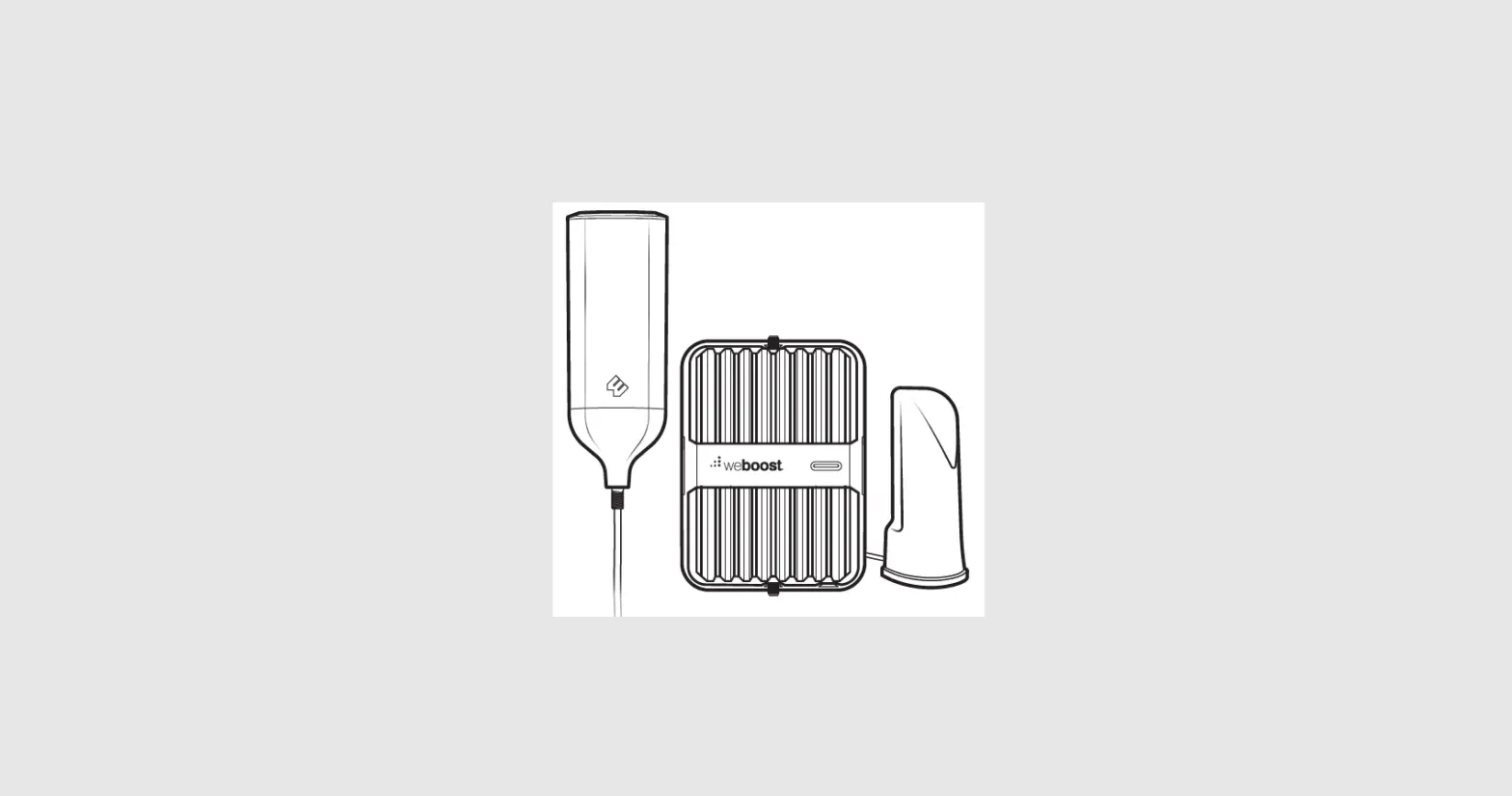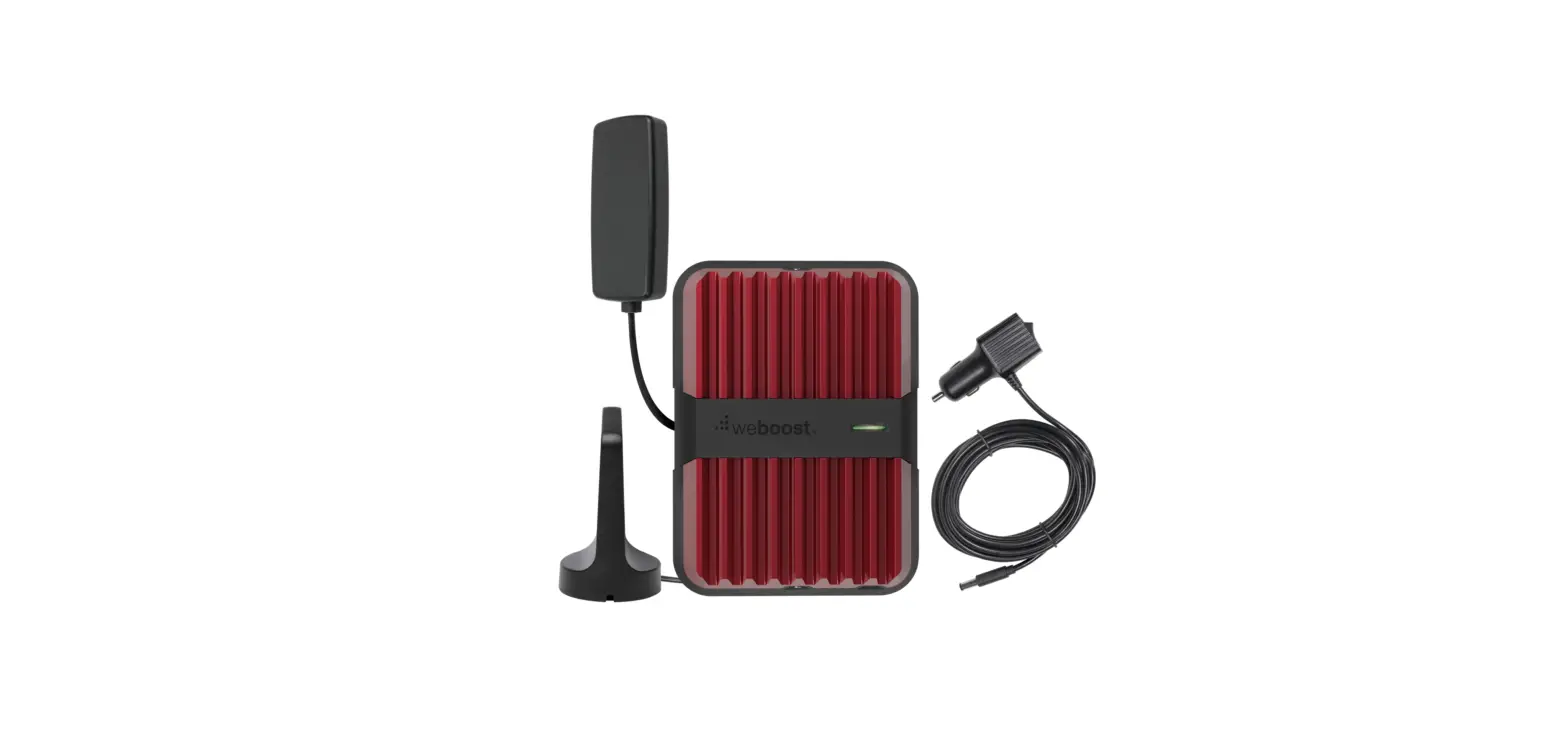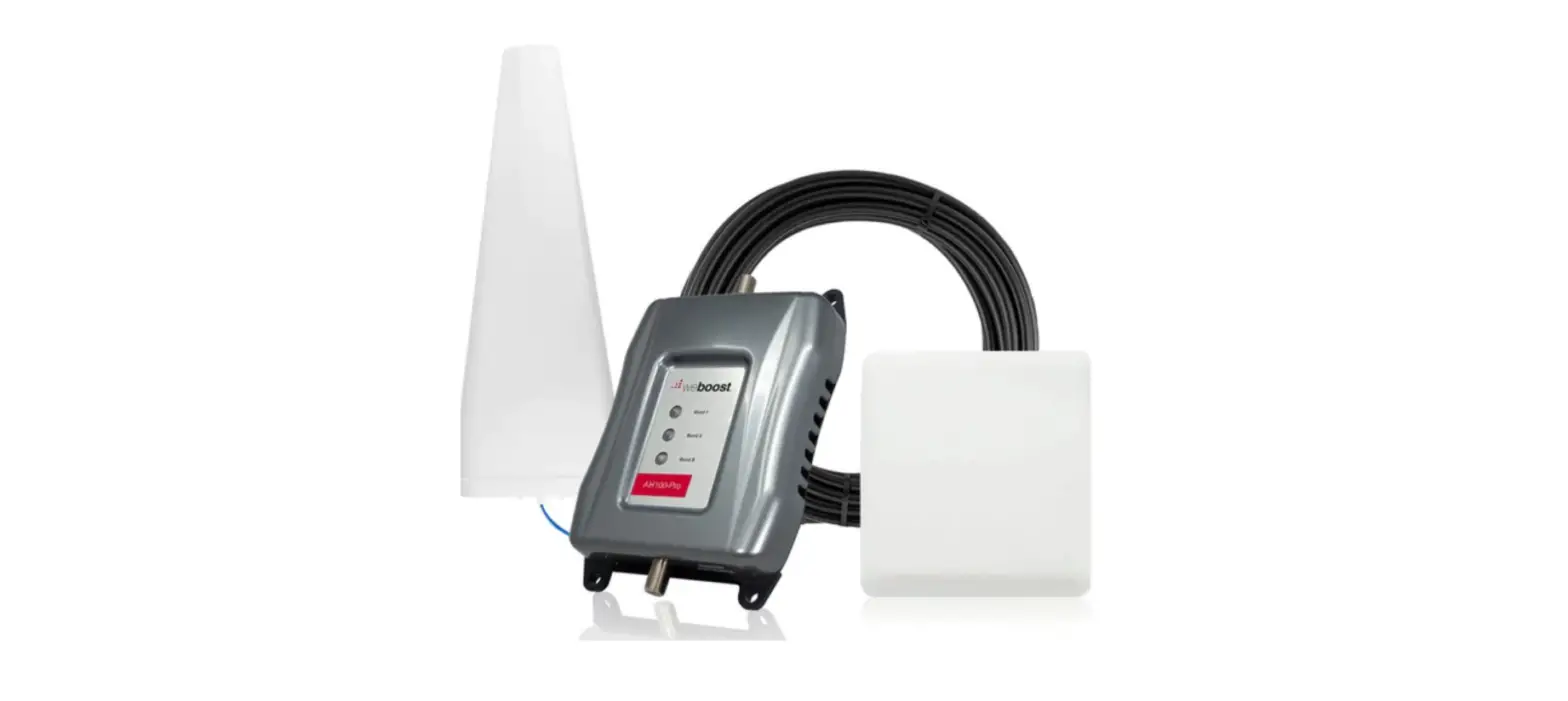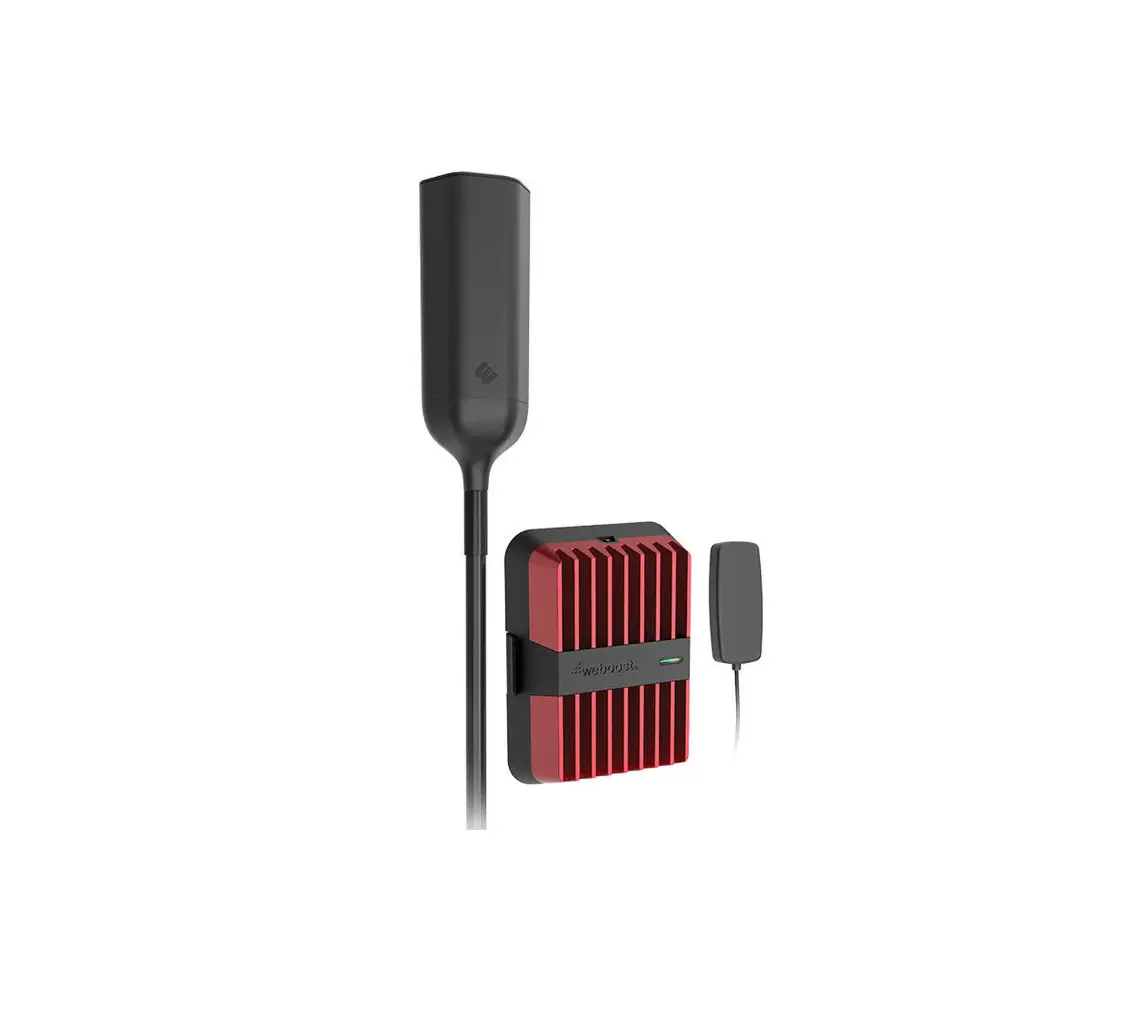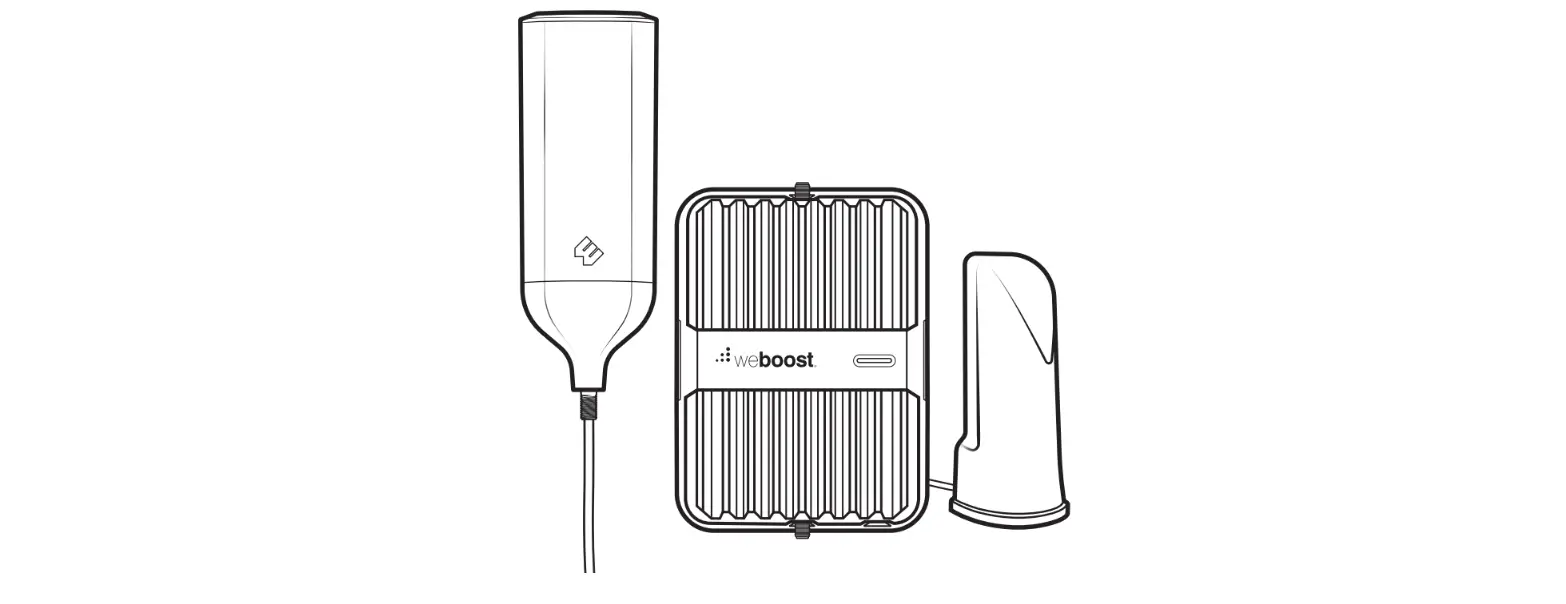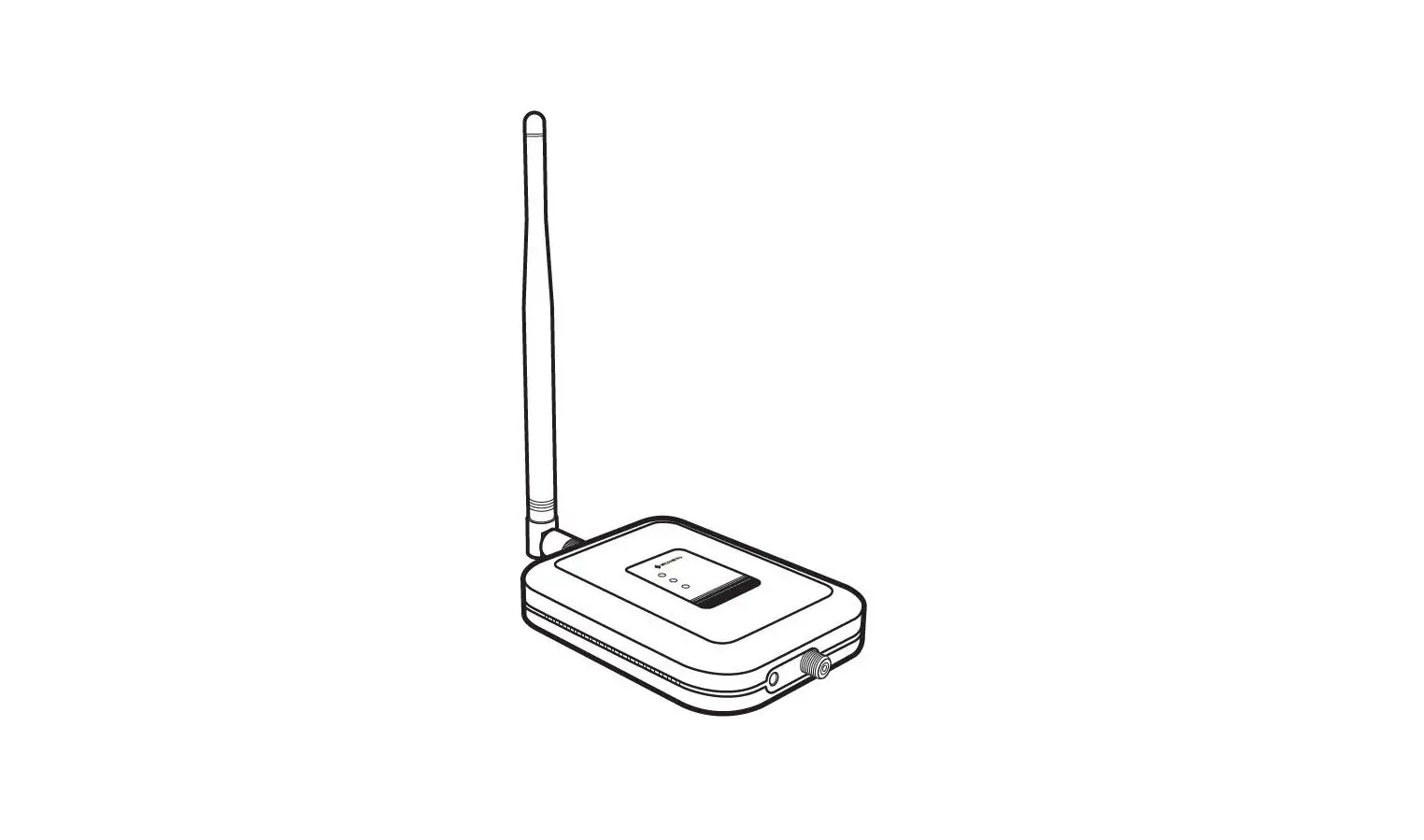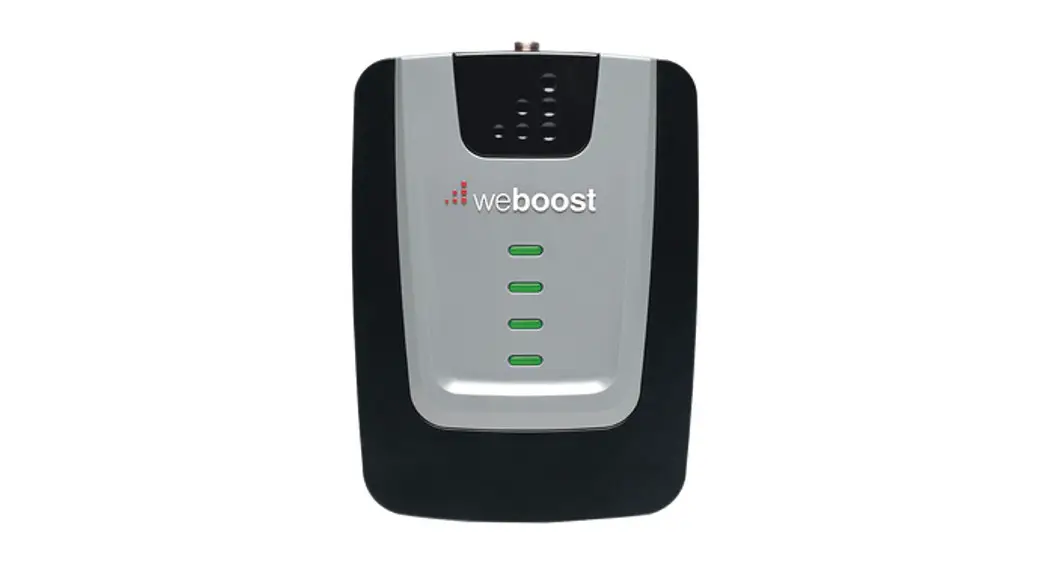

Home Room
Cell Signal Booster
Installation Guide
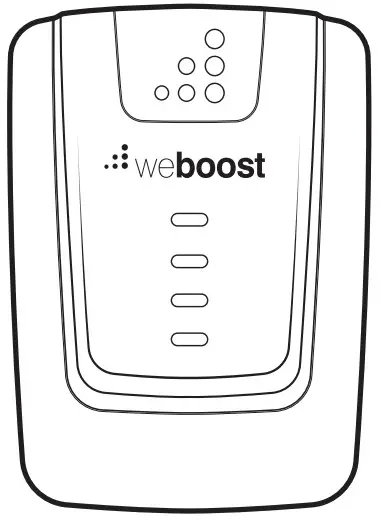
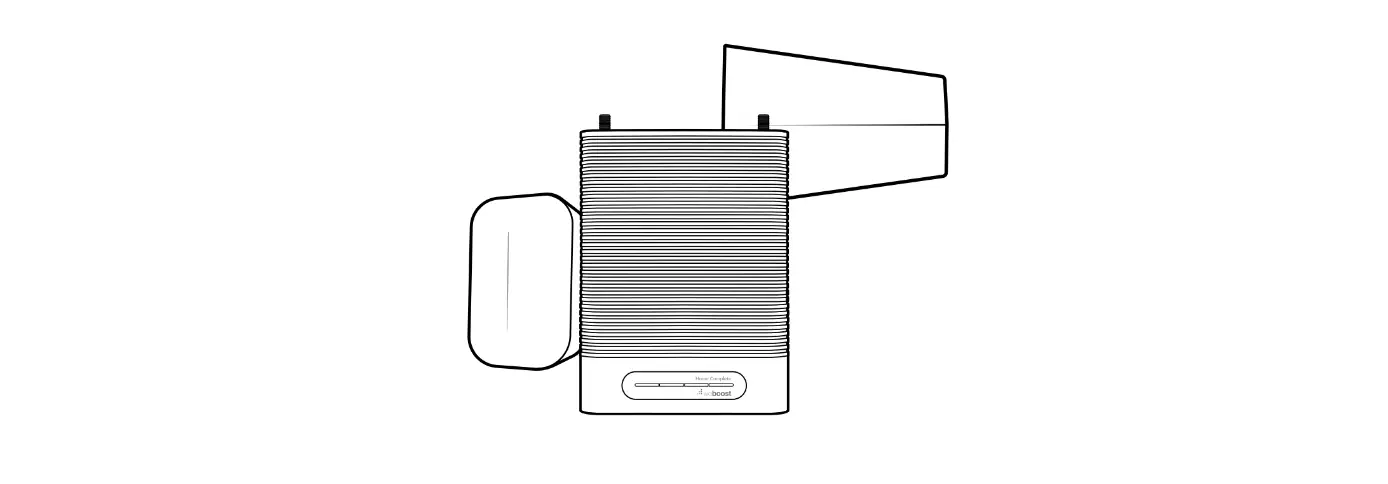
HOMEROOM CELL PHONE SIGNAL BOOSTER
Package Contents
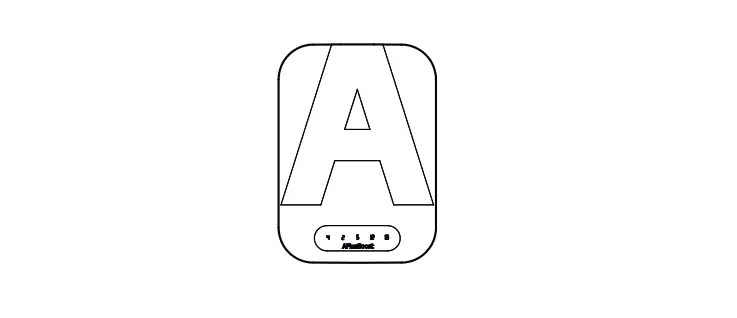
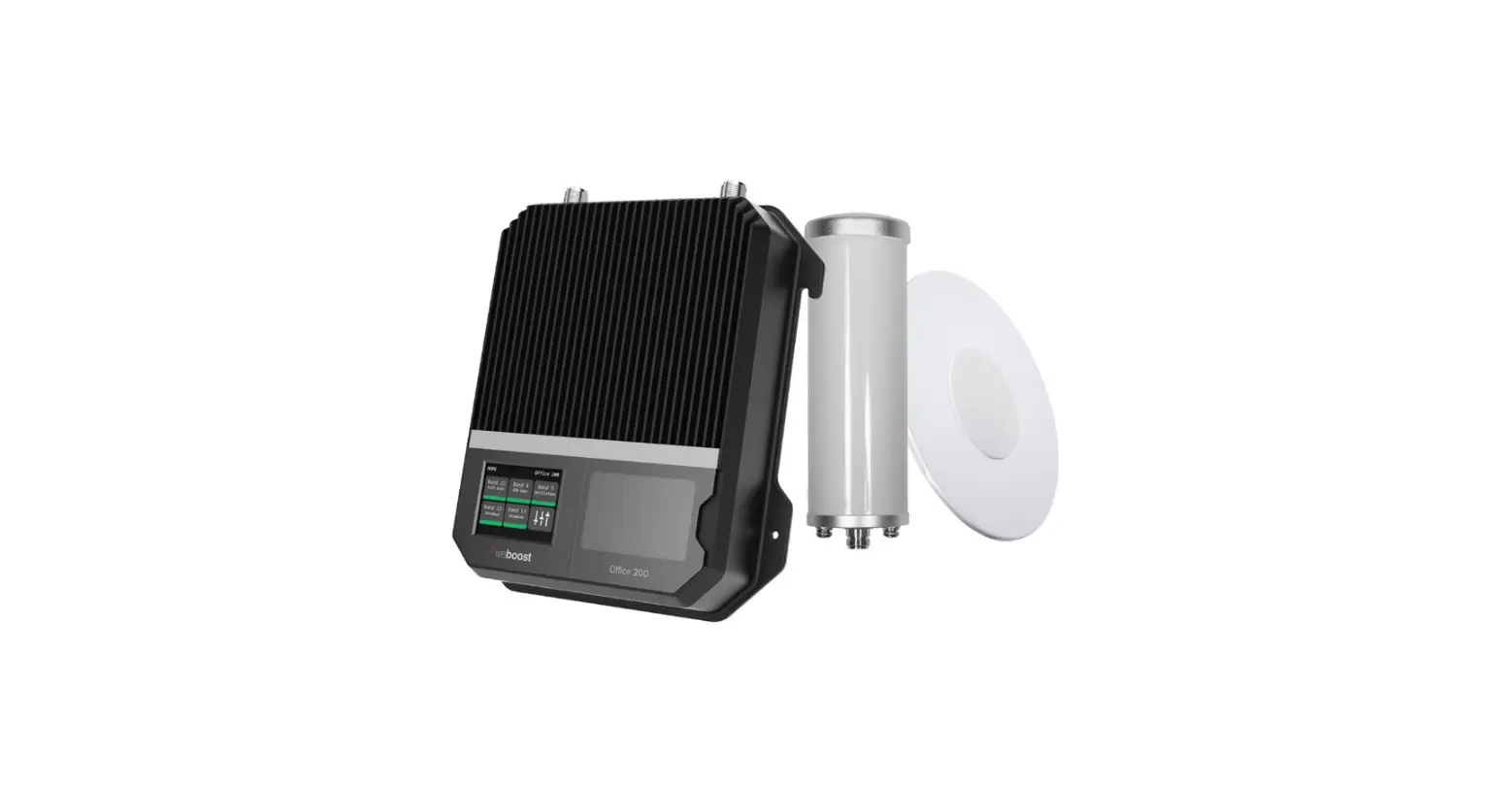
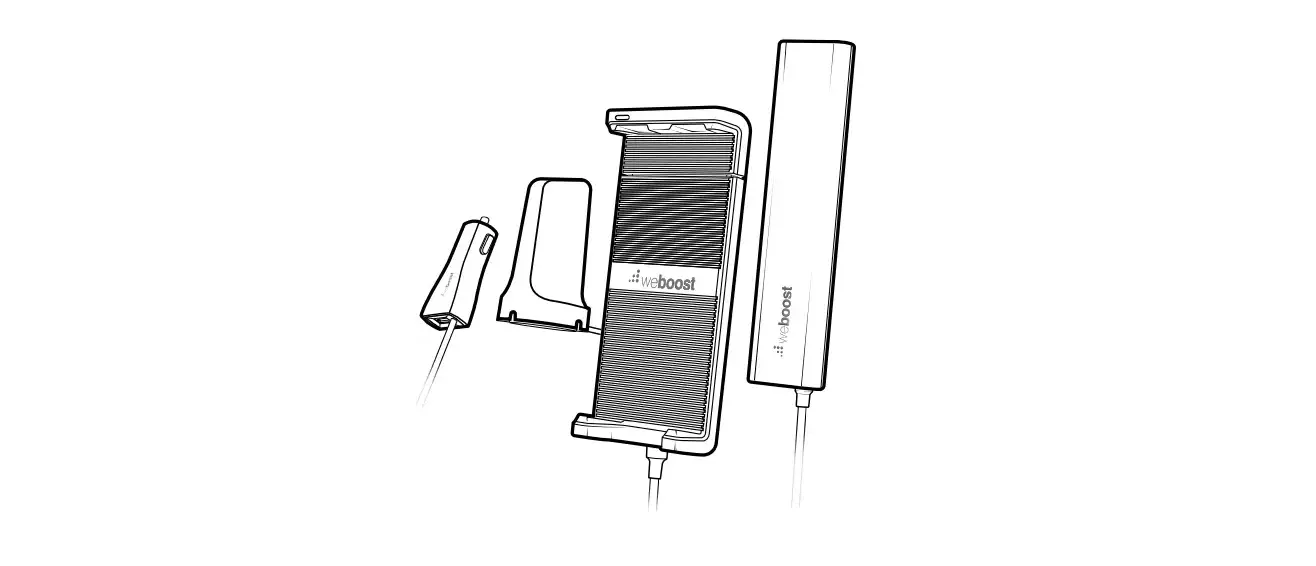
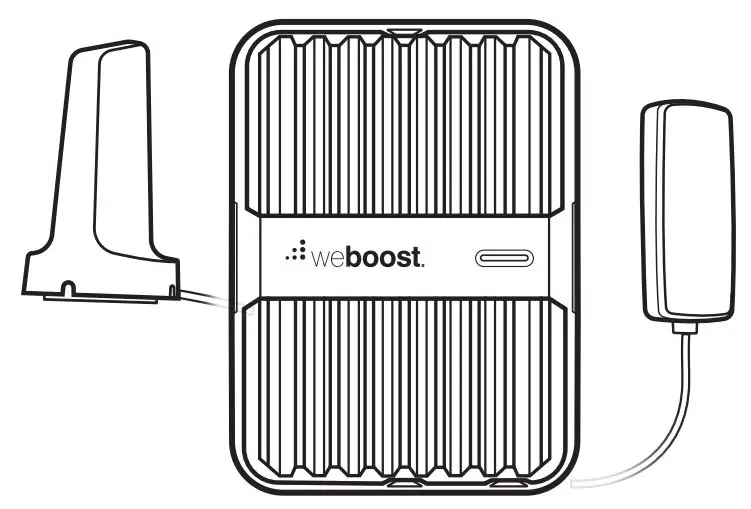
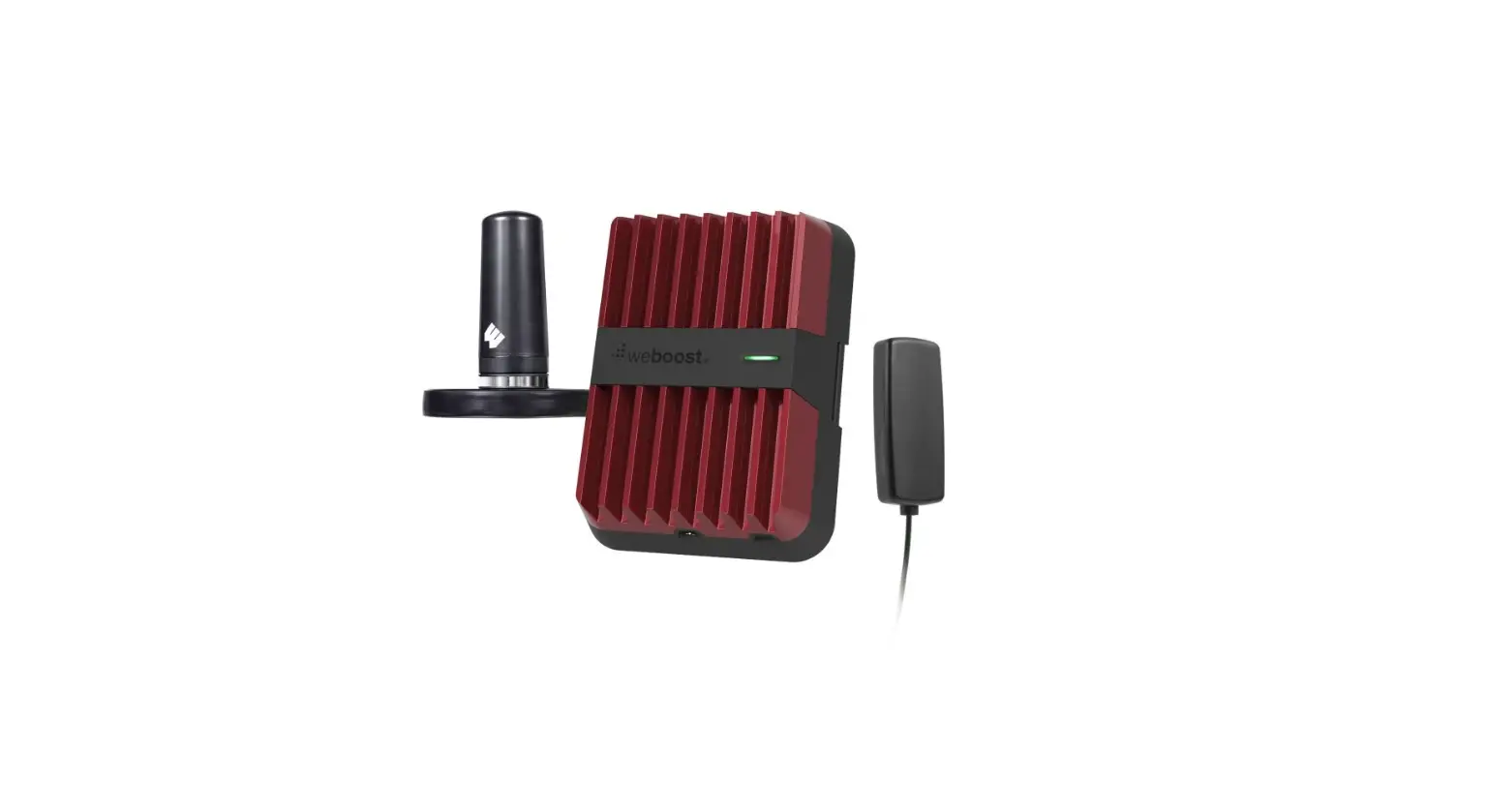
 | Home Room |
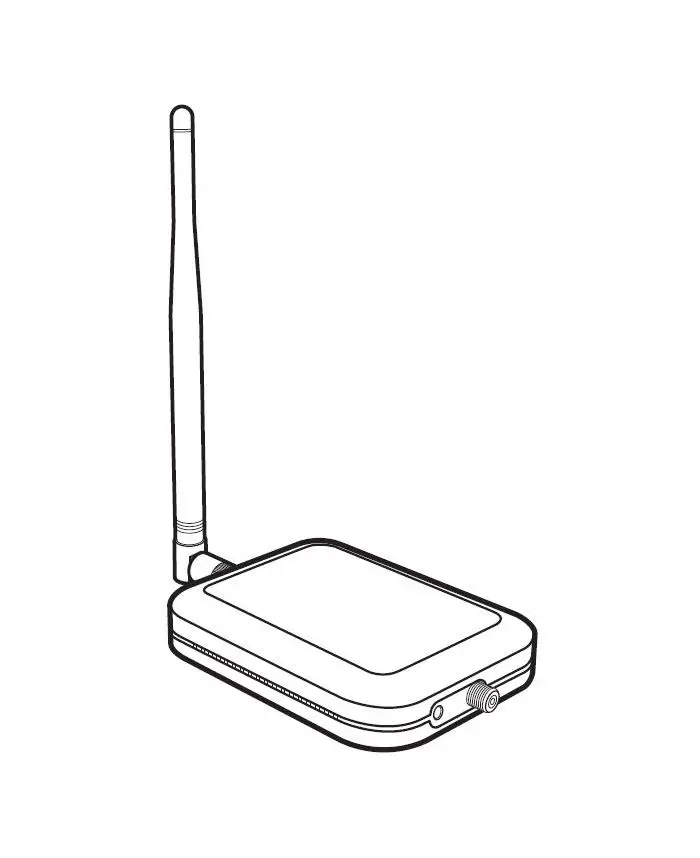
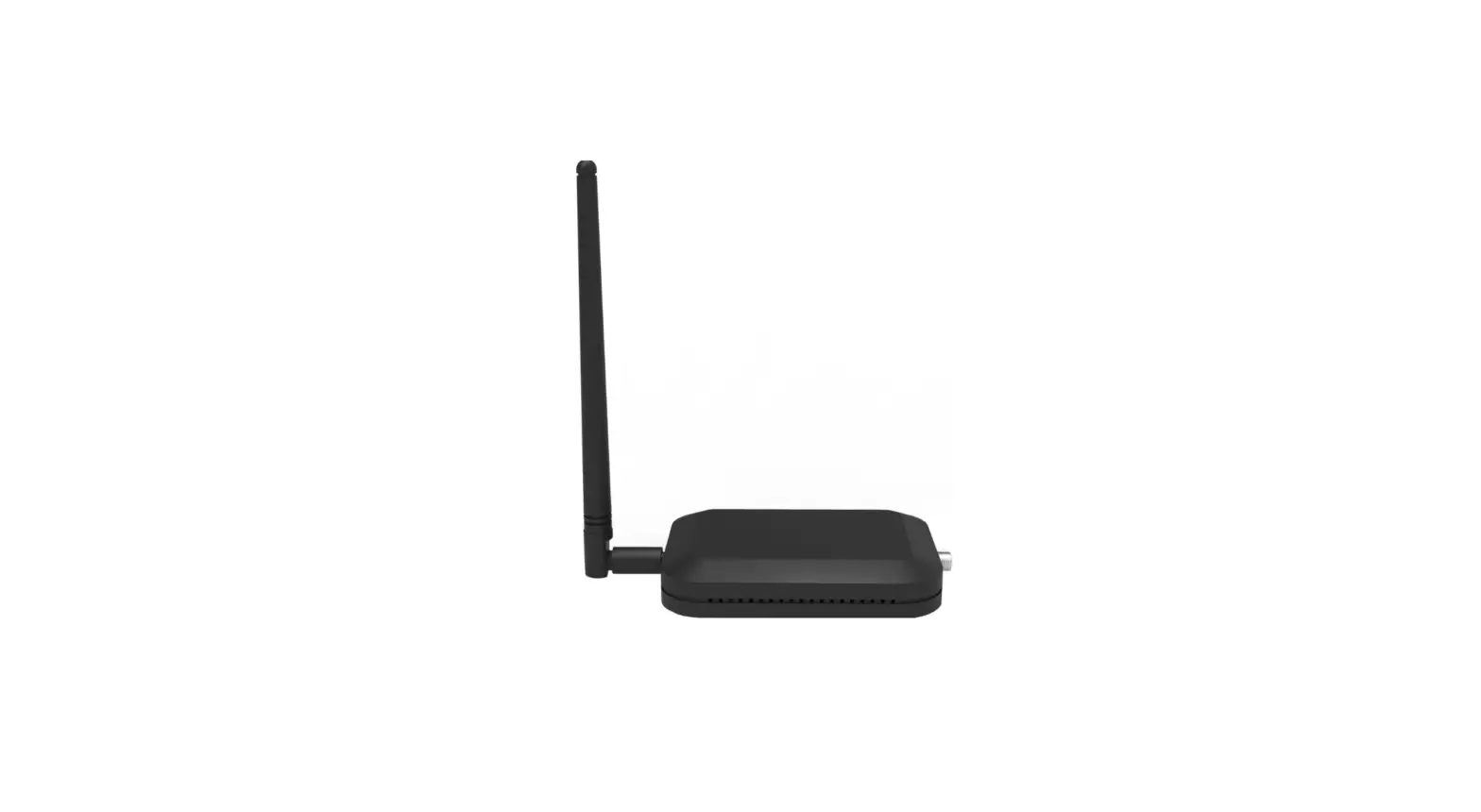
 | Inside Antenna |
 | Outside Antenna |
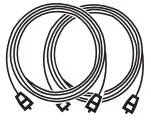 | 30′ Cables Qty. 2 |
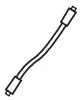 | Window Entry Cable |
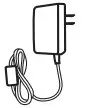 | Power Supply |
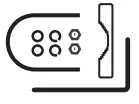 | Roof/Pole Mount Bracket |
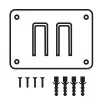 | Wall Mount Bracket |
 | Cable Connectors |
Preparation
You Will Need (tools not included)
Make sure the following materials are prepared and ready for your installation.
 1 to 2 hours
 2 people (a person to help with antenna calibration)

- Ladder
- Phillips-head screwdriver
- 10mm open-end wrench or adjustable wrench
- Drill (if routing the cable through the wall)
- 1.25”-2” diameter pole existing pole (or order #901117)
- Recommended: Power Strip with surge protection
Step 1-A & B: Connect Inside Antenna To Booster
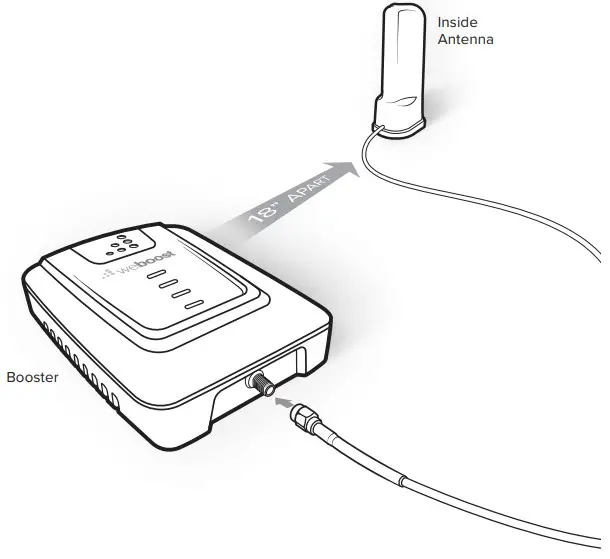
Connect Inside Antenna cable to the bottom port on Home Room booster labeled ‘INSIDE’ and place Inside Antenna in weak signal area at least 18 inches away from the booster.
NOTE: Do not connect the booster to power until the system is fully installed.
Step 2-A: Point OutsideAntenna Toward NearestCell Tower
Point the Outside Antenna toward the nearest cell phone tower. To find the nearest tower, use an app such as ‘Open Signal’. After locating a cell tower’s approximate location is the most critical step of the installation process because it will determine the overall performance of the booster system.
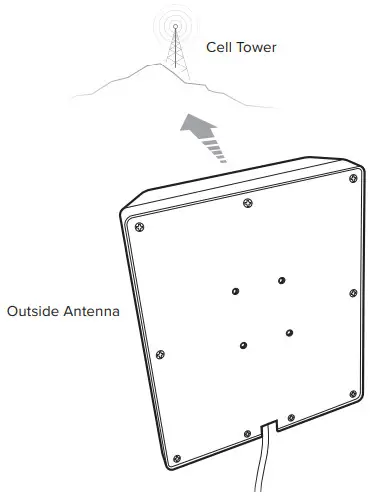
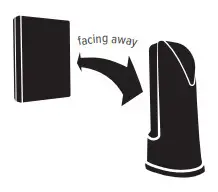
NOTE: The Outside Antenna must be at least 20 feet horizontal or 50 feet vertical from the Inside Antenna for best performance. Make sure the Inside Antenna and Outside Antennas are set up so they are facing away from each other.
Step 2-B: Mount Bracket To Outside Antenna
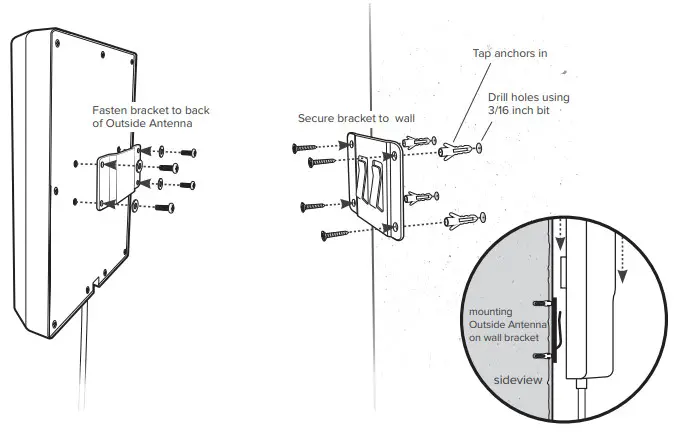
Pole Mounting and Wall Mounting Options are included. The pole mounting option is preferred because it would be easier to adjust to the direction of the cell tower.
Attach the L-Bracket to the Outside Antenna and use the U-Bolts/Pole Bracket to attach the L-Bracket to a pole.
Pole Mounting Option
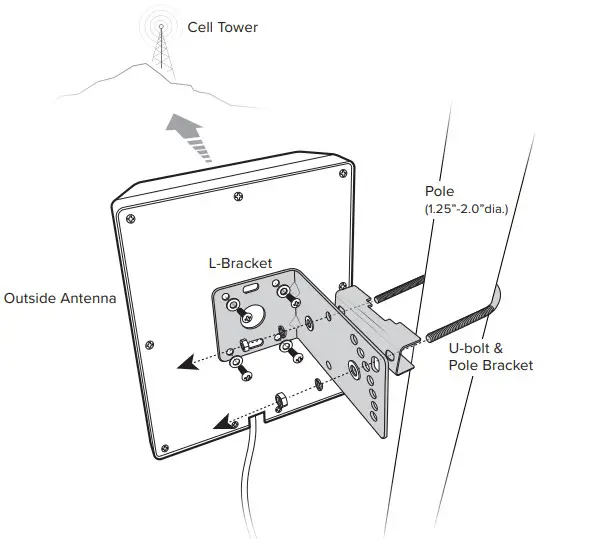
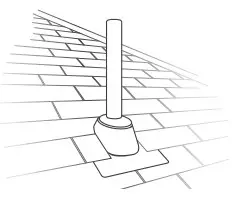
NOTE: Mounting on the existing roof exhaust pipe would be a good time-saver option.
Wall Mounting Option
Step 3: Route & Connect Cable To System
Connect the white RG-6 Cable to the Outside Antenna and route cable into the home. All connections should be hand tightened only.
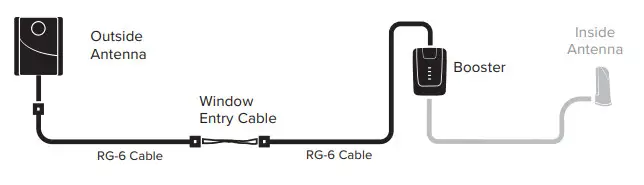
A Window Entry Cable is provided to help make cable entry easier. Route cable to the Home Room booster and connect to top port labeled ‘OUTSIDE’.
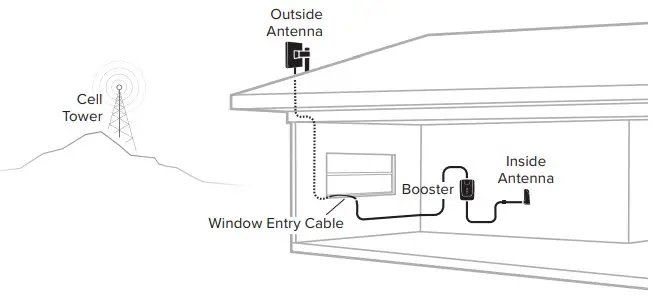
Step 4: Power Up The Booster & Optimize the System
Plug the Power Supply into the wall outlet then connect to the Home 4G Booster.
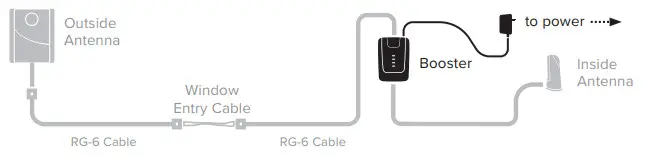
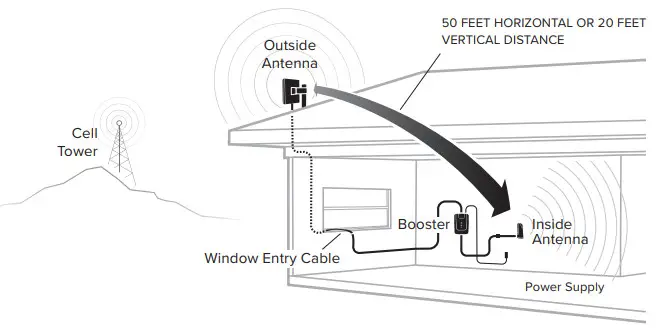
After powering up your system, you are now ready to optimize your system. Rotate the outside antenna in 1/4 turn increments (within the cell tower general location) and each time observing the signal level on your cell phone from the inside antenna’s projected area.
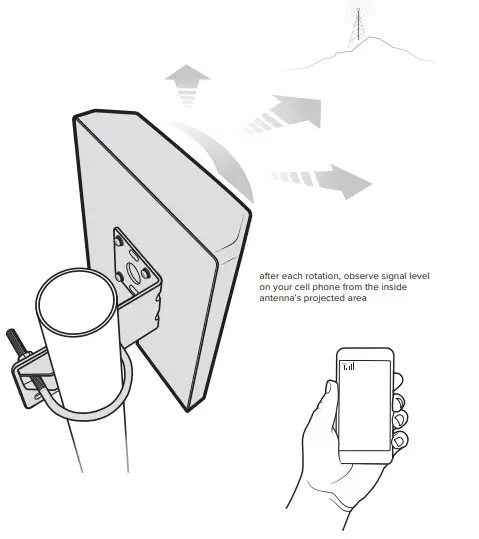
Measuring Booster Performance
How To Get Signal Strength As A Number
iPhone®:Dial *3001#12345#* then press Call.
- Hold down the power button until you see ‘Slide to Power Off’.
- Then release the power button.
- Hold the Home button until your main screen appears.
If you want to check 3G/1x but your iPhone is picking up 4G/ LTE signal, go to Settings>Cellular>Cellular Data Options>Enable LTE>Select Off.
After you system is set up, you can go back to the dots signal by once again dialing *3001#12345#* then pressing call. When the menu comes back up, tap “phone” in the top left corner of your phone.
iPhone®:iOS 11 no longer displays the decibel (dBm) reading in ‘Field Test Mode’. Tip: Using the bar indicator on your cell phone can assist you in finding the strongest signal direction as well as placing calls in different locations. For changes/updates on this issue, periodically go to weboost.com/signalstrength.
Android™:Settings > About Phone > Status or Network > Signal Strength or Network Type and Strength (exact options/wording depends on phone model).
iPhone is a registered trademark of Apple Inc. Android is a trademark of Google Inc.
All Other Phones & Alternate Methods
Go to www.weboost.com/test-mode-instructions/
(MEASURING BOOSTER PERFORMANCE cont.)
Signal Strength without Booster
Note here:—-
Signal Strength with Booster
Note here:—-
Compare Results
Compare Results
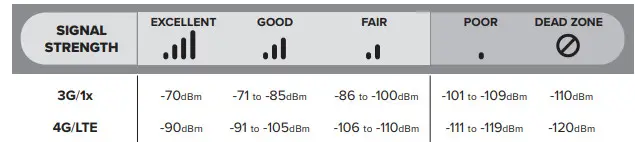
Having an accurate measurement of signal strength in decibels (dBm) is crucial when installing your system. Decibels accurately measure the signal strength you are receiving.
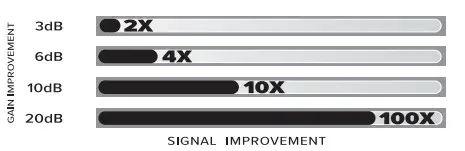
DID YOU KNOW a signal increase of just 3dB is 2 times the power and signal amplification!
Light Patterns
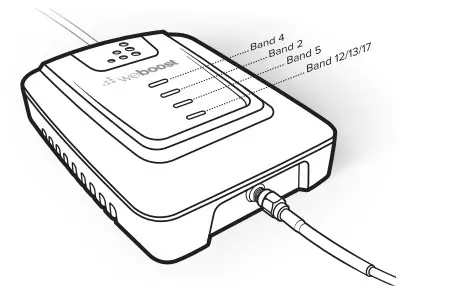
Solid Green
This indicates that your booster is functioning properly and there are no issues with installation.
Blinking Green, Then Red
The band has reduced gain. This indicates that one or more of the booster bands has reduced power due to a feedback loop condition called oscillation. This is a built-in safety feature to prevent harmful interference with a nearby cell tower. If you are already experiencing the desired signal boost, then no further adjustments are necessary. If you are not experiencing the desired boost in coverage then refer to the Troubleshooting section.
Solid Red
The band has shut off. This is due to a feedback loop condition called oscillation. This is a built-in safety feature that causes a band to shut off to prevent harmful interference with a nearby cell tower. Refer to the Troubleshooting section.
Blinking green, Orange
The band has reduced gain. This indicates that one or more of the booster bands has reduced power due to overload from the nearby cell tower. This is a built-in safety feature to prevent harmful interference with a nearby cell tower. If you are already experiencing the desired signal boost, then no further adjustments are necessary. If you are not experiencing the desired boost in coverage then refer to the Troubleshooting section.
Solid Orange
The band has shut off due to overload from the nearby cell tower. Outside Antenna must be adjusted. Refer to the Troubleshooting section.
Light Off
If the Signal Booster’s light is off, verify your power supply has power.
Troubleshooting
IF YOU ARE HAPPY WITH THE COVERAGE, THESE LIGHT ISSUES DON’T HAVE TO BE RESOLVED. YOUR CARRIER’S BAND HAS NOT BEEN AFFECTED.
FIXING ANY RED LIGHT ISSUES
This involves Solid Red & Blinking Green/Red lights.
1Verify Outside Antenna faces away from the Inside Antenna. Unplug and replug in the power supply.
2Verify the Inside Antenna is at least 18” from the Booster and pointed away from the Booster. Unplug and re-plug in the power supply.
3Tighten all cable connections (be sure to hand tighten only, do NOT use tools). You may want to undo and redo the connection completely. Unplug and replug in the power supply.
4Increase the distance (horizontally or vertically) between the Outside and Inside antenna. Add included cable if needed. Unplug and re-plug in the power supply.
FIXING ANY ORANGE LIGHT ISSUES
This involves Solid Orange & Blinking Green/Orange lights.
Outside Antenna must be adjusted. Wait 10 seconds between adjustments for the lights to reset.
Pole Mount Option: Rotate the Outside Antenna away from the strongest cellular signal in small increments (45°) until the light turns green. Unplug and re-plug in the power supply.
Wall Mount Option: Change mount location. Move the Outside Antenna to a wall outside the building to see if the lights turn green. Unplug and re-plug in the power supply.
Safety Guidelines
To uphold compliance with network protection standards, all active cellular devices must maintain at least six feet of separation distance from Inside Panel and Dome antennas and at least four feet of separation distance from the desktop Antenna. Use only the power supply provided in this package. Use of a non-weBoost product may damage your equipment.
The Signal Booster unit is designed for use in an indoor, temperature-controlled environment (less than 100 degrees Fahrenheit). It is not intended for use in attics or similar locations subject to temperatures in excess of that range.
RF Safety Warning: Any antenna used with this device must be located at least 8 inches from all persons.
AWS Warning: The Outside Antenna must be installed no higher than 10 meters (31’9”) above ground.
This is a CONSUMER device.
BEFORE USE, you MUST REGISTER THIS DEVICE with your wireless provider and have your provider’s consent. Most wireless providers consent to the use of signal boosters. Some providers may not consent to the use of this device on their network. If you are unsure, contact your provider.
You MUST operate this device with approved antennas and cables as specified by the manufacturer. Antennas MUST be installed at least 20 cm (8 inches) from any person.
You MUST cease operating this device immediately if requested by the FCC or licensed wireless service provider.
WARNING. E911 location information may not be provided or may be inaccurate for calls served by using this device.
This device may be operated ONLY in a fixed location for in-building use.
FOR MORE INFORMATION ON REGISTERING YOUR SIGNAL BOOSTER WITH YOUR WIRELESS PROVIDER, PLEASE SEE BELOW:
Sprint: http://www.sprint.com/legal/fcc_boosters.html
T-Mobile/MetroPCS: https://support.t-mobile.com/docs/DOC-9827
Verizon Wireless: http://www.verizonwireless.com/wcms/consumer/register-signal-booster.html
AT&T: https://securec45.securewebsession.com/attsignalbooster.com/
U.S. Cellular: http://www.uscellular.com/uscellular/support/fcc-booster-registration.jsp
Antenna Kit Options
This radio transmitter 4726A-460020 has been approved by Innovation, Science, and Economic Development Canada to operate with the antenna types listed below, with the maximum permissible gain indicated. Antenna types not included in this list that have a gain greater than the maximum gain indicated for any type listed are strictly prohibited from use with this device.
| BAND 12/17 | BAND 13 | BAND 5 | BAND 4 | BAND 25/2 | |
| Outside antenna maximum permissibleantenna gain (dBi) 50Ω | 4.50 | 4.20 | 4.90 | 3.71 | 4.92 |
| Inside antenna maximum permissible antenna gain (dBi) 50Ω | 4.16 | 4.16 | 3.73 | 3.49 | 6.60 |
| FIXED INSIDE ANTENNA KIT OPTIONS | ||||
| Kit # | Coax Type | Ln(ft) | Antenna Type | 0 |
| 304412-17410 | RG-174 | 10 | 4G Dome | 50 |
| 304412-40010 | Wilson-400 | 10 | 4G Dome | 50 |
| 304412-5810 | RG-58 | 10 | 4G Dome | 50 |
| 304419-0610 | RG-6 | 10 | 4G Dome | 75 |
| 304419-1110 | RG-11 | 10 | 4G Dome | 75 |
| 311135-40060 | Wilson-400 | 60 | Wall Mount Panel Antenna | 50 |
| 311135-5820 | RG-58 | 20 | Wall Mount Panel Antenna | 50 |
| 311155-0630 | RG-6 | 30 | Wall Mount Panel Antenna | 70 |
| 311155-1150 | RG-11 | 50 | Wall Mount Panel Antenna | 75 |
| 311155-40060 | Wilson-400 | 60 | Wall Mount Panel Antenna | 75 |
| 311160 | RG-58 | 13 | RV Desktop Antenna | 50 |
| FIXED OUTSIDE | ANTENNA KIT OPTIONS | |||
| Kit e | Coax Type | Ln(k) | Antenna Type | CI |
| 301111-0675 | RG-6 | 75 | Yagi Directional | 75 |
| 301111.5850 | RG-58 | 50 | Yagi Directional | 50 |
| 301111.11140 | RG-11 | 140 | Yagi Directional | 75 |
| 301111400170 | Wilson-400 | 170 | Yagi Directional | 50 |
| 304421-1120 | RG-11 | 20 | 4G Omni | 75 |
| 304421.0610 | RG-6 | 10 | 4G Omni | 75 |
| 304422.40020 | Wilson-400 | 20 | 4G Omni | 50 |
| 304422-5810 | RG-58 | 10 | 4G Omni | 50 |
| 304422-1120 | RG-11 | 20 | 4G Omni | 75 |
| 304421-5810 | RG-58 | 10 | 4G Omni | 50 |
| 304421.17410 | RG-174 | 10 | 4G Omni | 50 |
| 311203-40020 | Wilson-400 | 20 | Omni-Directional | 50 |
| 311203-5820 | RG-58 | 20 | Omni-Directional | 50 |
| 314411.40075 | Wilson-400 | 75 | Wide Band Directional | 50 |
| 314411-5825 | RG-58 | 25 | Wide Band Directional | 50 |
| 314453-5825 | RG-58 | 25 | Pole Mount Panel | 50 |
| 314453-40075 | Wilson-400 | 75 | Pole Mount Panel | 50 |
| 314473.0640 | RG-6 | 40 | Pole Mount Panel | 75 |
| 314473-1175 | RG-11 | 75 | Pole Mount Panel | 75 |
| 314475-0630 | RG-6 | 30 | Wide Band Directional | 75 |
| 314475-1175 | RG-11 | 75 | Wide Band Directional | 75 |
Specifications
| Product Number | U470001 | ||||
| Model Number | 460020 | ||||
| FCC | PWO460020 | ||||
| Connectors | SMA-Female on the Inside Antenna / F-Female on the Outside Antenna | ||||
| Antenna Impedance | 50 Ohms / 75 Ohms | ||||
| Frequency | 698-716 MHz, 746-787 MHz, 824-894 MHz, 1850-1995 MHz, 1710-1755/2110-2155 MHz | ||||
| Power output for single cell phone (Uplink) dBm | 700 MHz Band17 23.94 | 700 MHz Band13 24.19 | 800 MHz Band 5 23.49 | 1700 MHz Band 4 24.55 | 1900 MHz Band 2 23.61 |
| Power output for single cell phone (Downlink) dBm | 700 MHz Band17 Band17 11.64 | 700 MHz Band13 Band13 11.92
| 800 MHz Band 5 12.1 | 2100 MHz Band 4 11.9 | 1900 MHz Band 2 9.5 |
| Noise Figure | 5 dB nominal | ||||
| Isolation | > 110 dB | ||||
| Power Requirements | AC / DC 5V, 4A, w/2.5×5.5mm Jack | ||||
Each Signal Booster is individually tested and factory set to ensure FCC compliance. The Signal Booster cannot be adjusted without actory reprogramming or disabling the hardware. The Signal Booster will amplify, but not alter incoming and outgoing signals in order to increase coverage of authorized frequency bands only. If the Signal Booster is not in use for five minutes, it will reduce gain until a signal is detected. If a detected signal is too high in a frequency band, or if the Signal Booster detects an oscillation, the Signal Booster will automatically turn the power off on that band. For a detected oscillation the Signal Booster will automatically resume normal
operation after a minimum of 1 minute. After 5 (five) such automatic restarts, any problematic bands are permanently shut off until the Signal Booster has been manually restarted by momentarily removing power from the Signal Booster. Noise power, gain, and linearity are maintained by the Signal Booster’s microprocessor.
This device complies with Part 15 of FCC rules. Operation is subject to two conditions: (1) This device may not cause harmful interference, and (2) this device must accept any interference received, including interference that may cause undesired operation. Changes or modifications not expressly approved by weBoost could void the authority to operate this equipment.
 2 YEAR WARRANTY
weBoost Signal Boosters are warranted for two (2) years against defects in workmanship and/or materials. Warranty cases may be resolved by returning the product directly to the reseller with a dated proof of purchase.
Signal Boosters may also be returned directly to the manufacturer at the consumer’s expense, with a dated proof of purchase and a Returned Material Authorization (RMA) number supplied by weBoost. weBoost shall, at its option, either repair or replace the product.
This warranty does not apply to any Signal Boosters determined by weBoost to have been subjected to misuse, abuse, neglect, or mishandling that alters or damages physical or electronic properties.
Replacement products may include refurbished weBoost products that have been recertified to conform with product specifications.
RMA numbers may be obtained by contacting Customer Support
DISCLAIMER: The information provided by weBoost is believed to be complete and accurate. However, no responsibility is assumed by weBoost for any business or personal losses arising from its use, or for any infringements of patents or other rights of third parties that may result from its use.

3301 East Deseret Drive, St. George, UT 866.294.1660
 www.weboost.com
 support.weboost.com
Copyright © 2019 weBoost. All rights reserved.
weBoost products covered by U.S. patent(s) and pending application(s)
For patents go to: weboost patents
NOT AFFILIATED WITH WILSON ANTENNA
GDE000197_Rev01_10.15.19
 weboost.com/signalstrength
 FCC Booster Registration | UScellular
 weBoost | Cell Phone Signal Boosters for Home, Cars, RVs & More
 AT&T Signal Booster
 Register a signal booster | T-Mobile Support