WILSON ELECTRONICS WilsonPro Signal Booster Kit for Single Rooms Installation Guide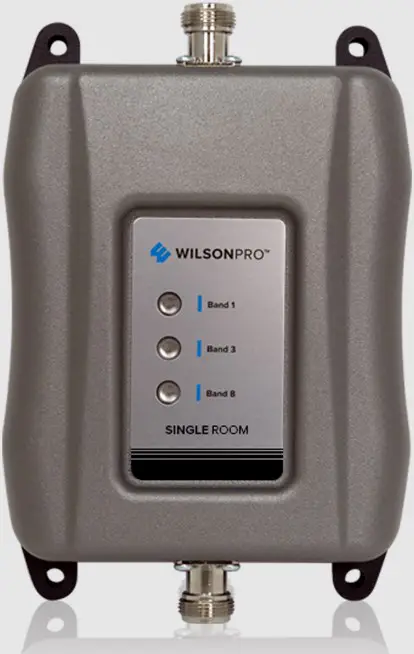
Package Contents
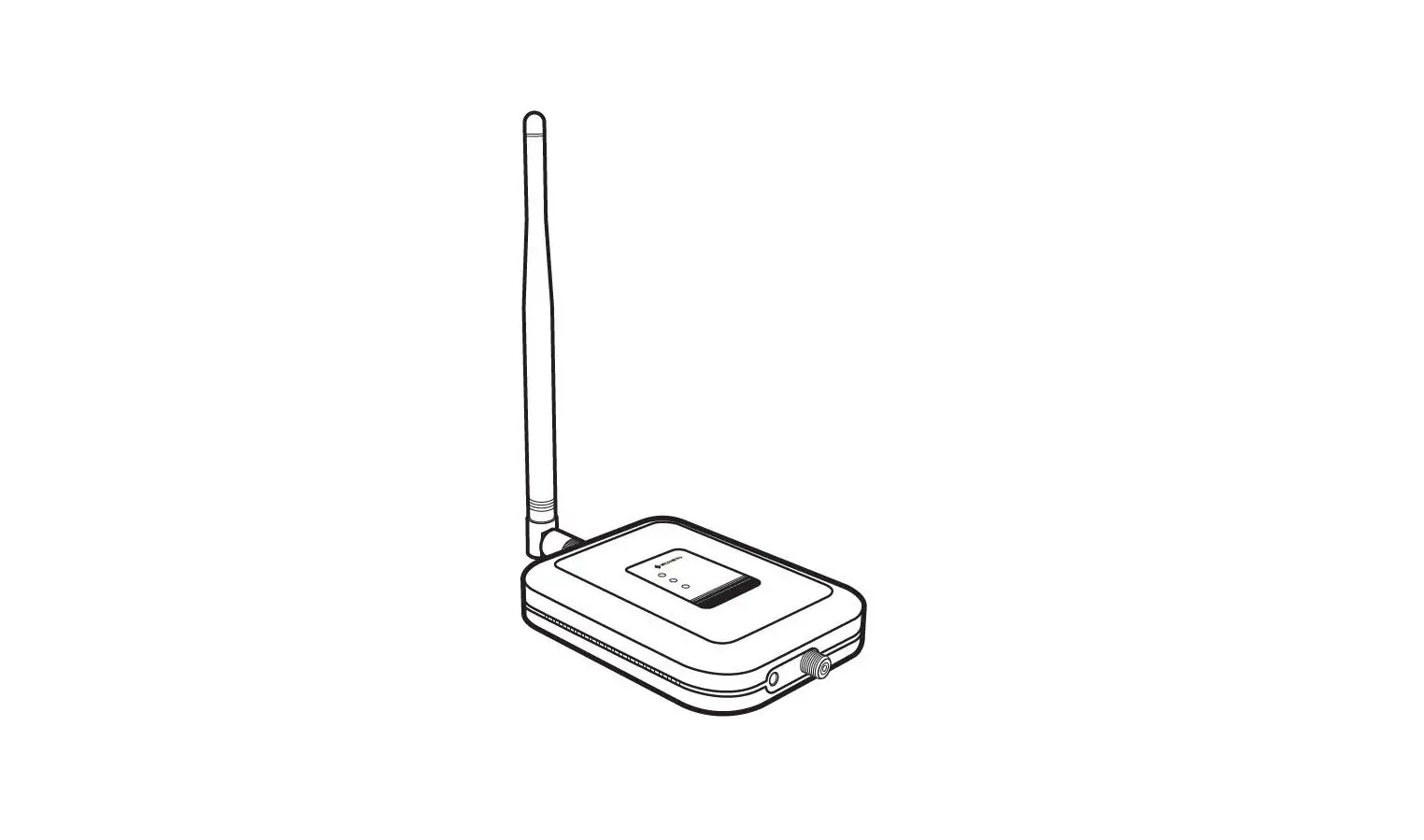
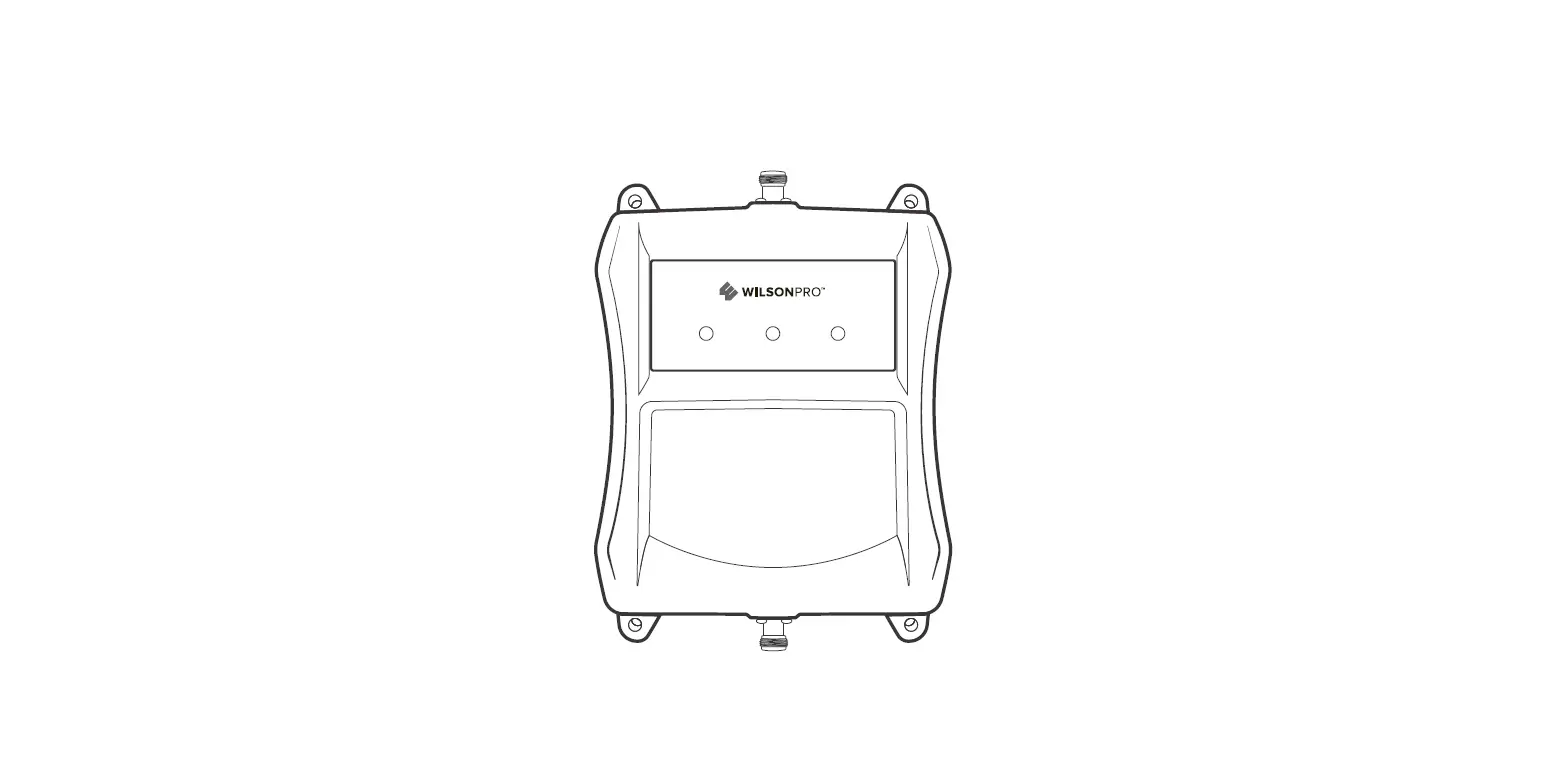
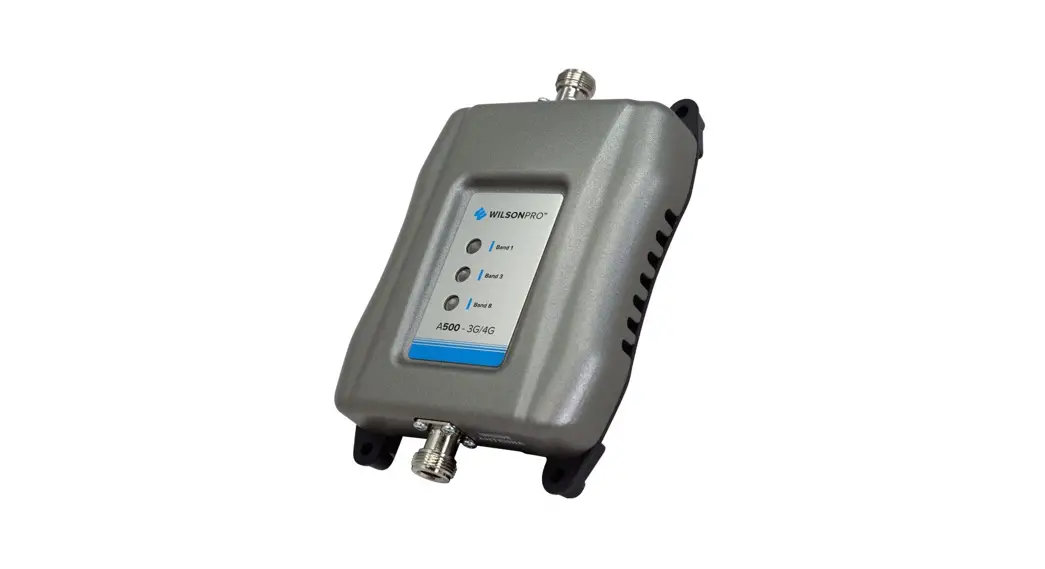
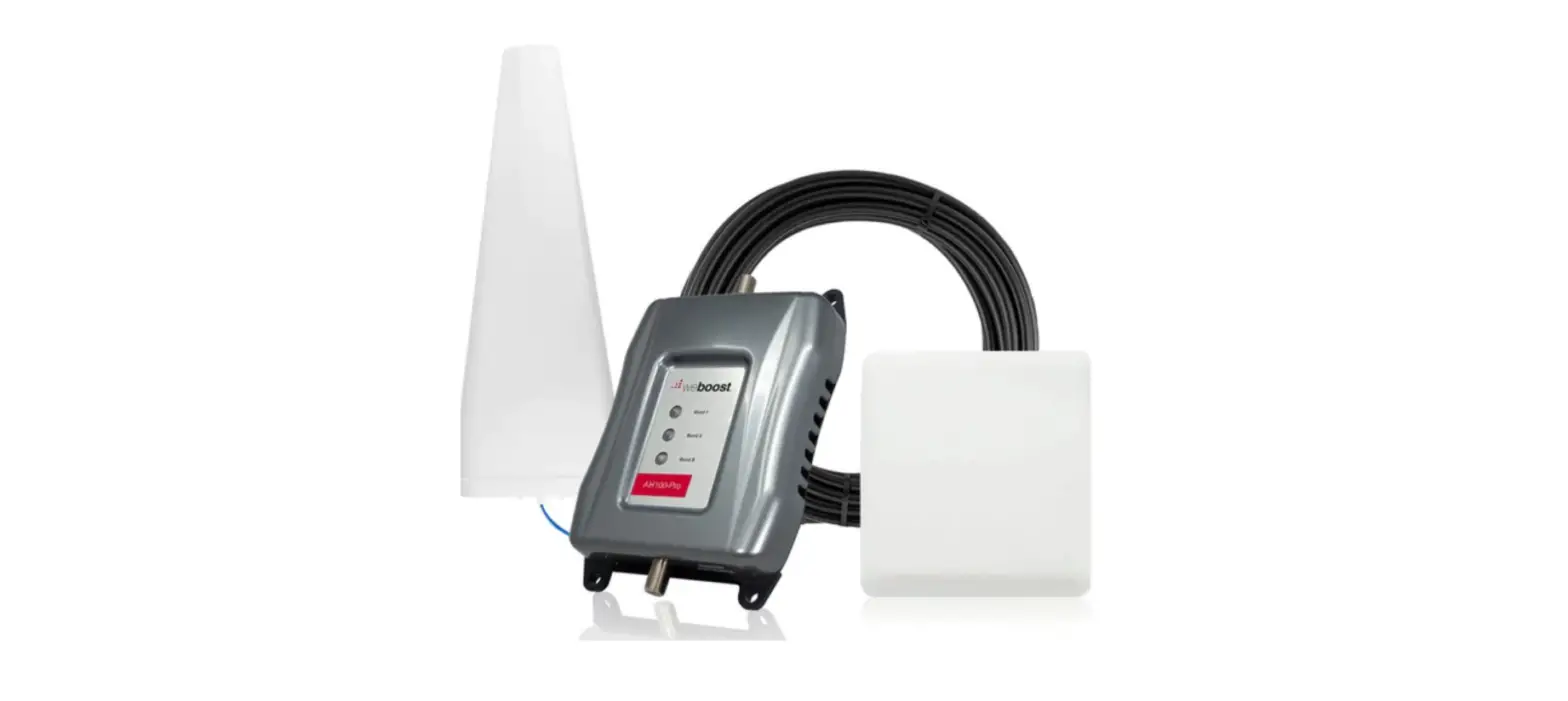
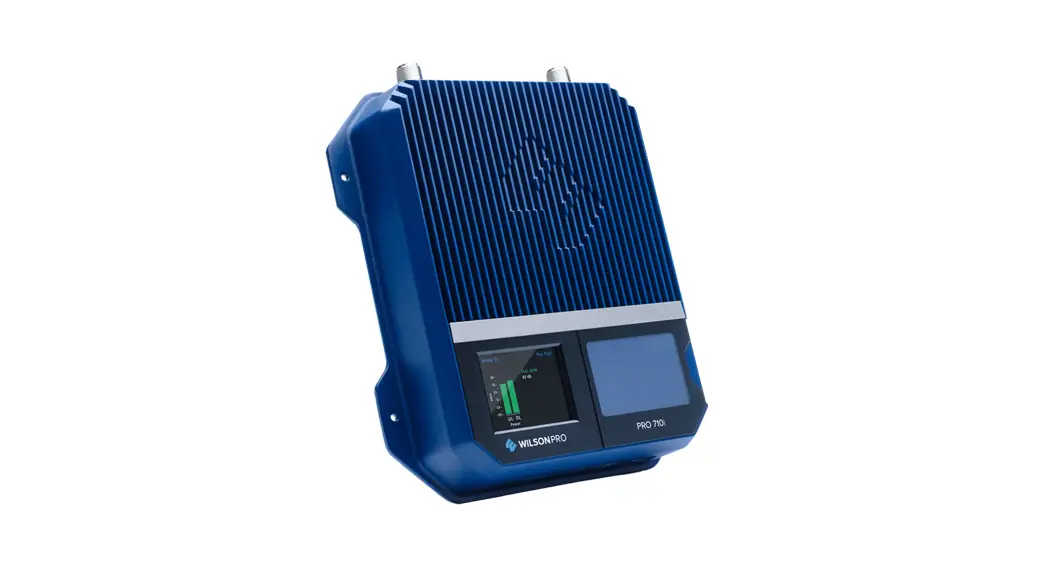
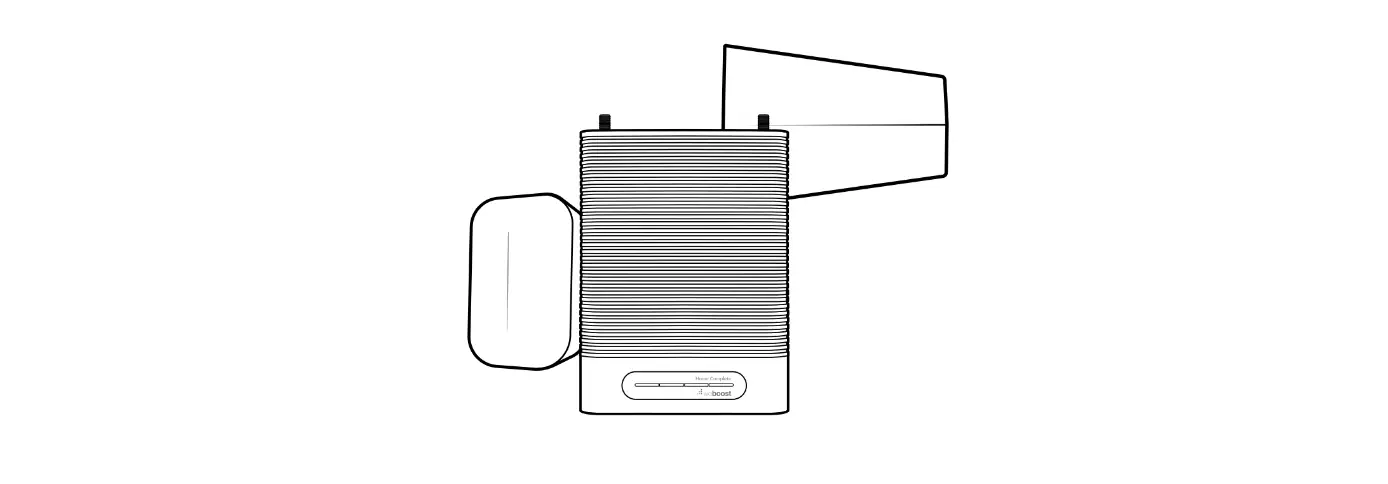
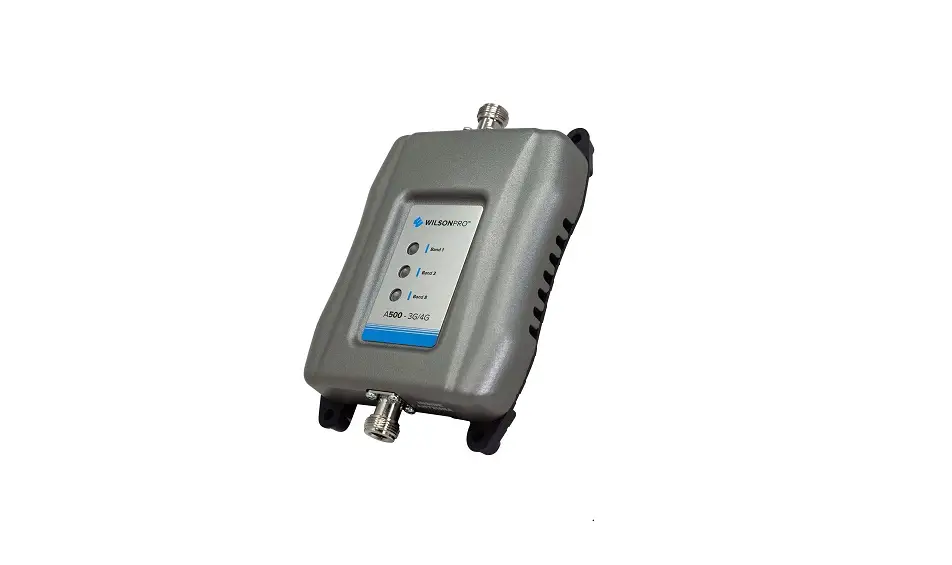
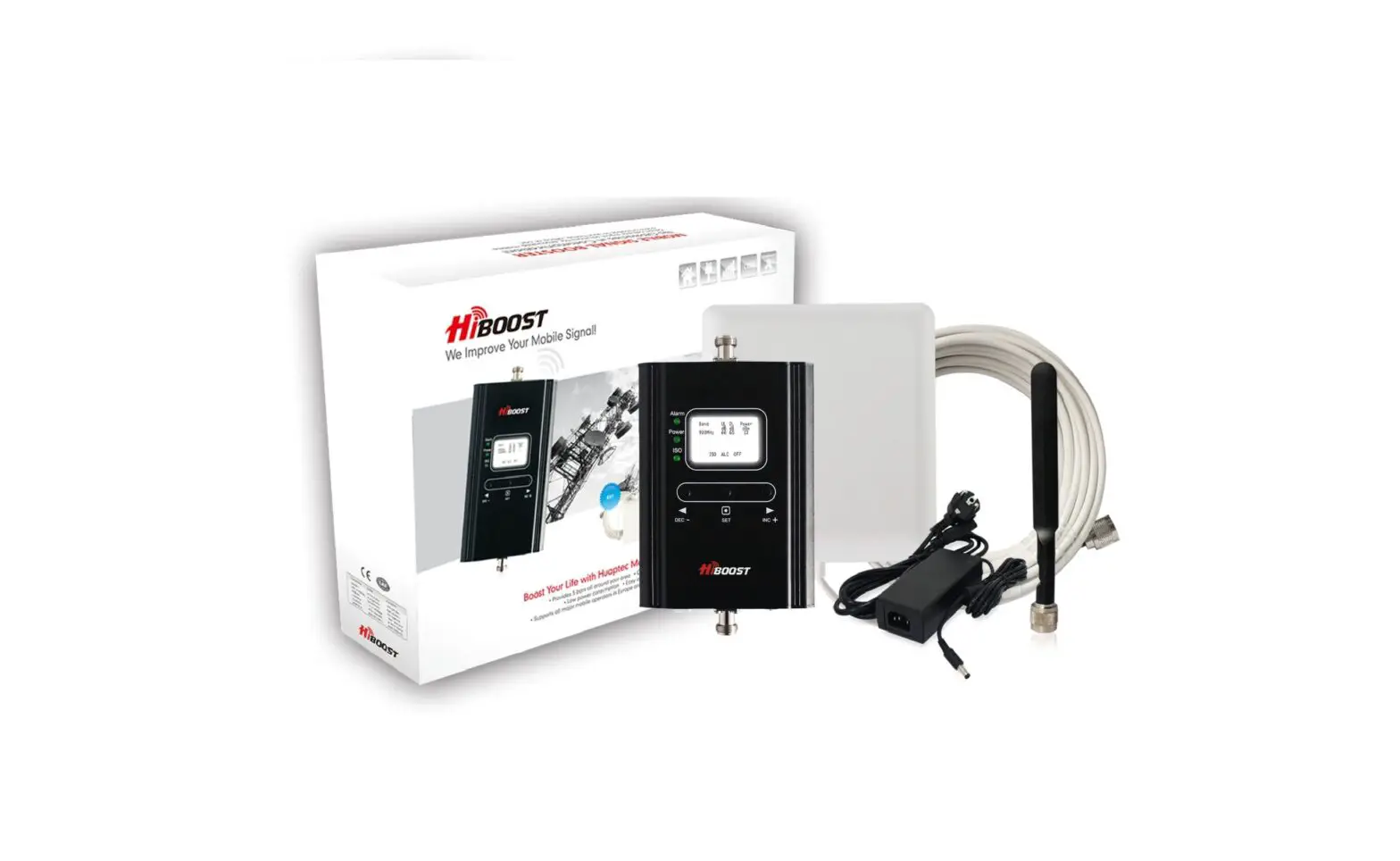
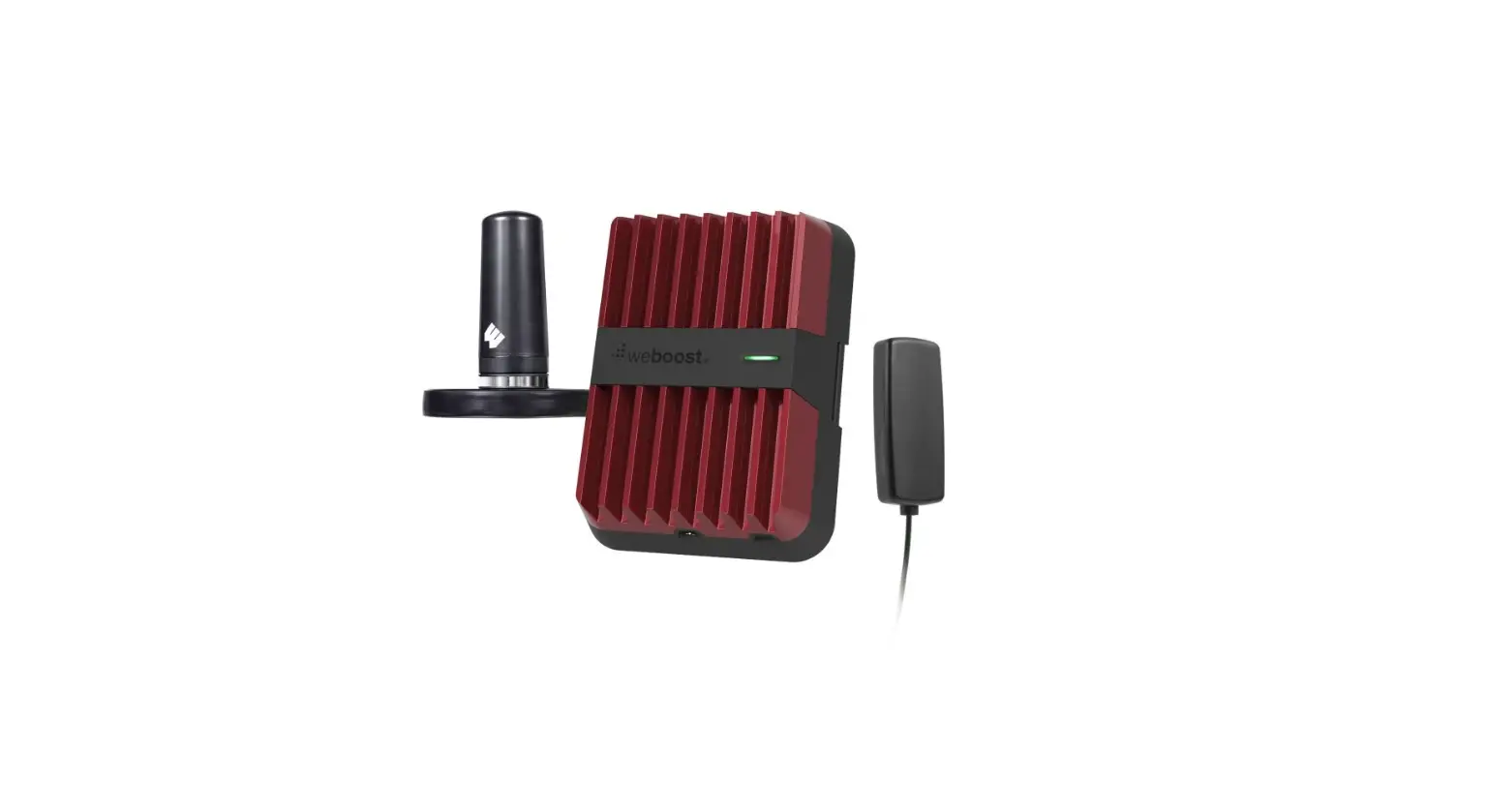
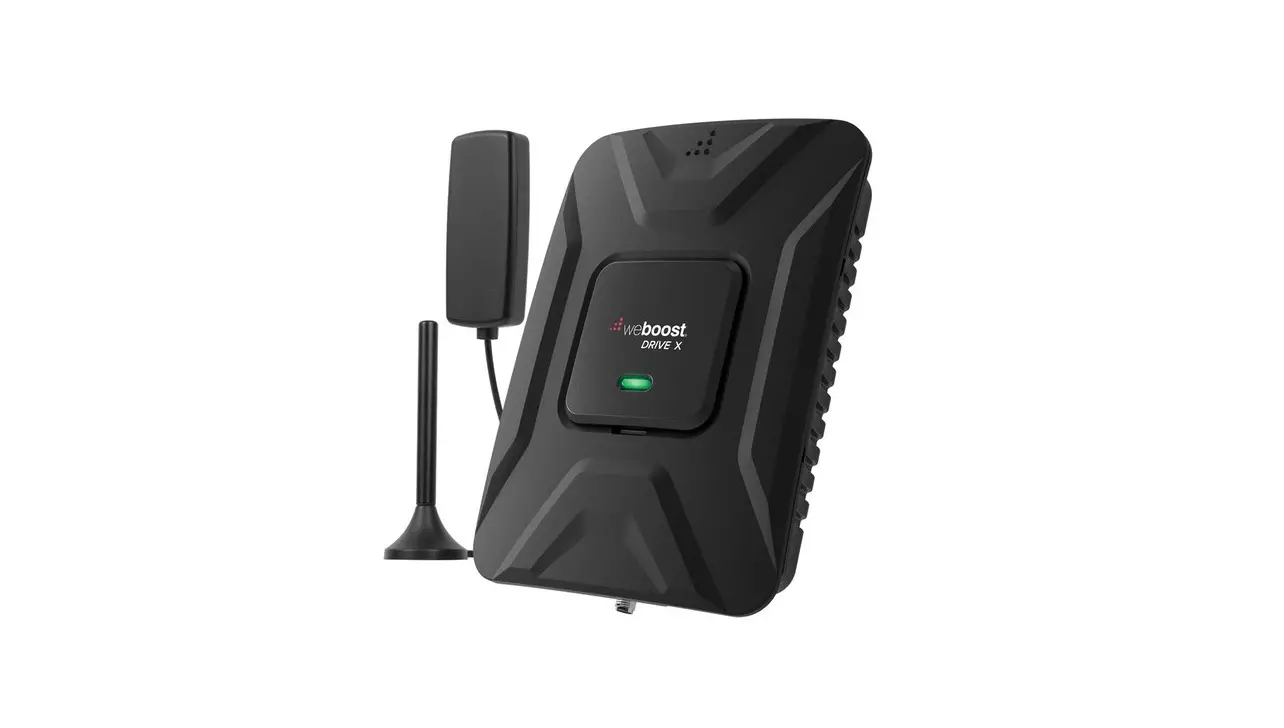
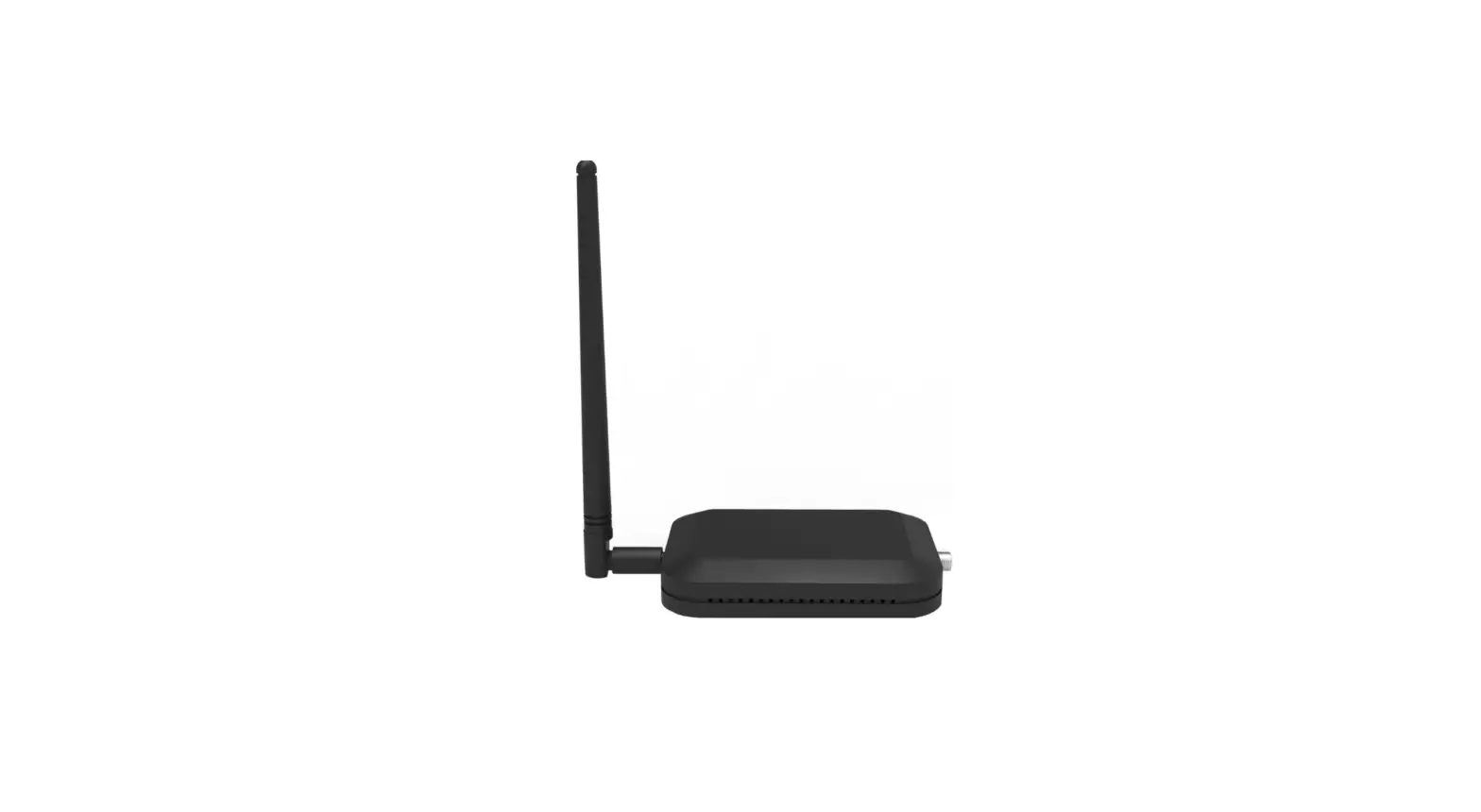
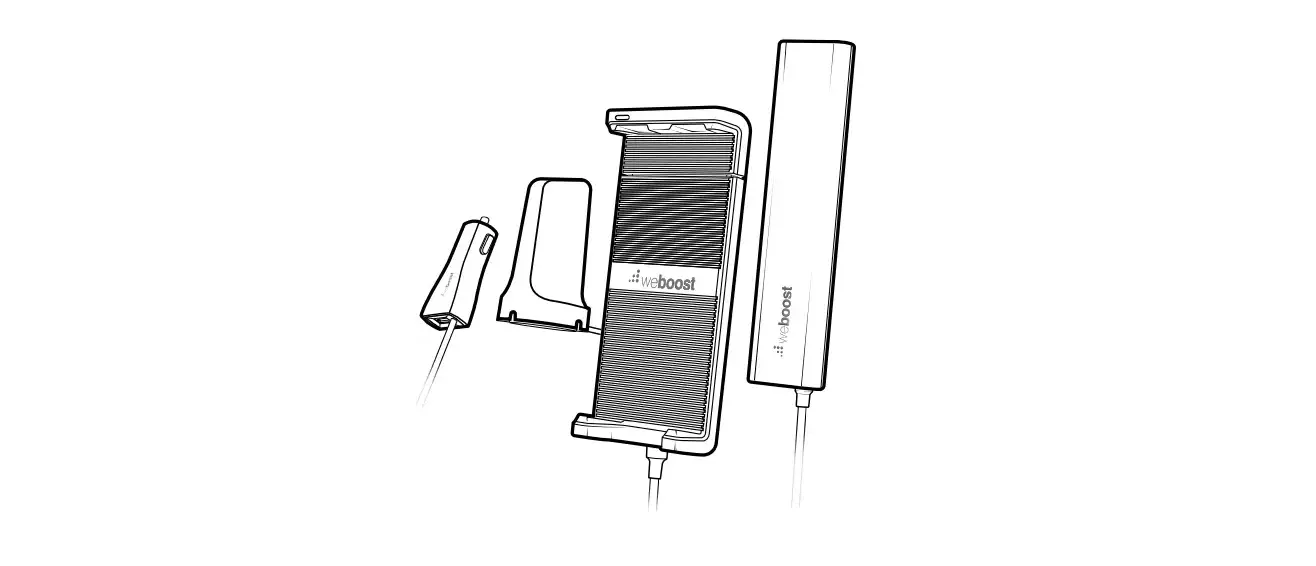
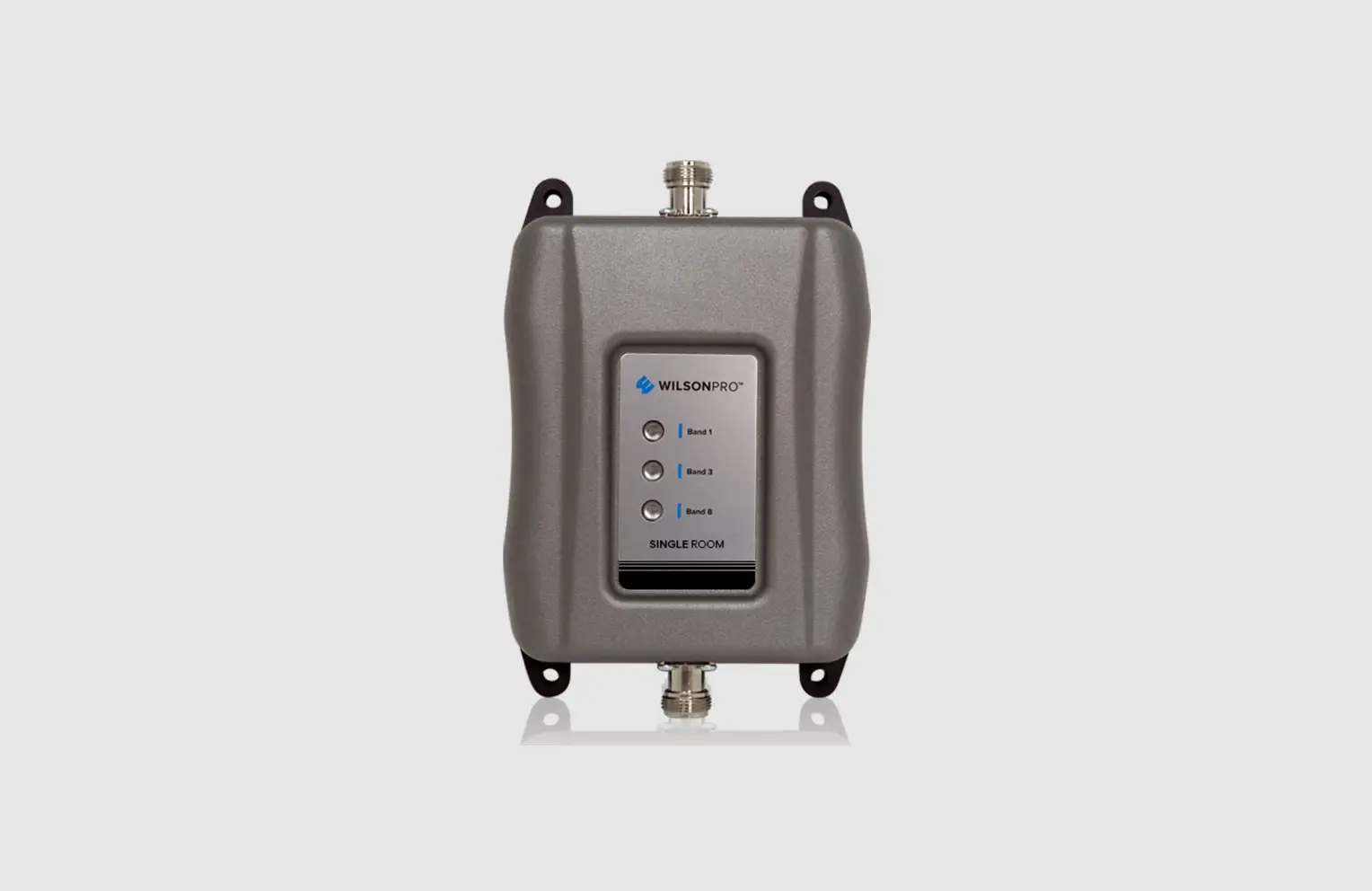
- Single Room Booster
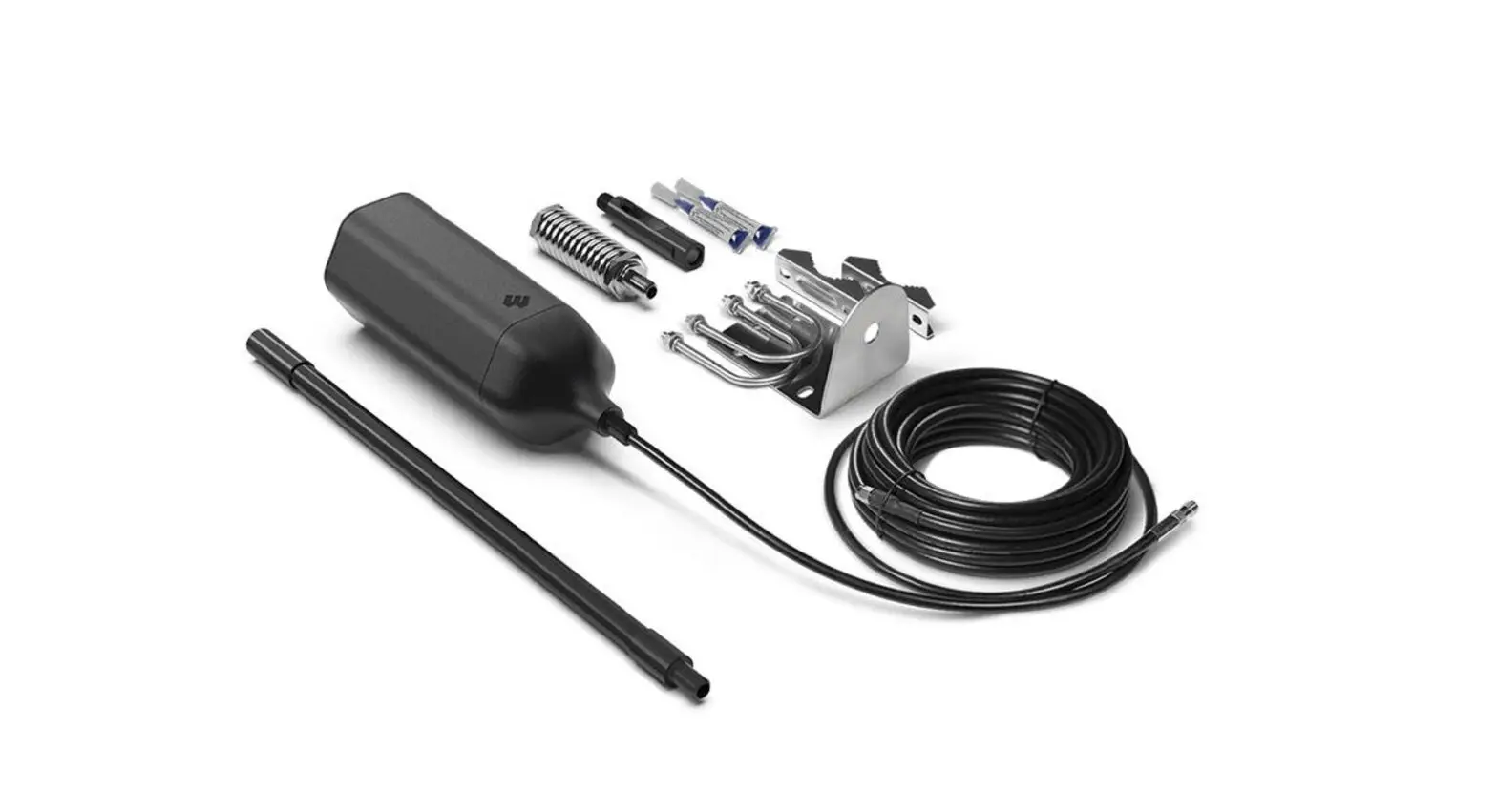
- 8 meter cable
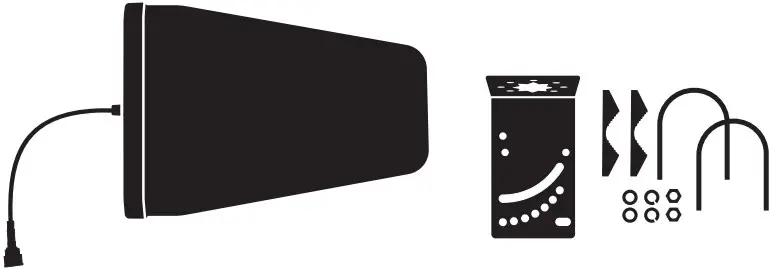
- Outside Antenna & L-Bracket Antenna Mount
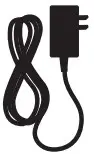
- Power Supply
STEP 1 Attach Booster Antenna to Booster & Place In Desired Location
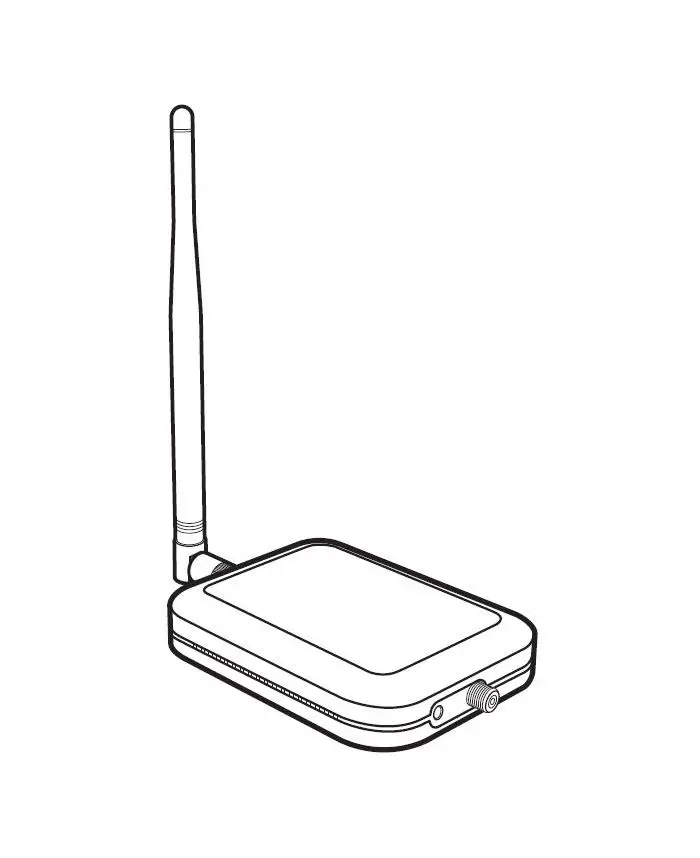
Attach the Booster Antenna to the Single Room Booster and place in room where stronger cell signal is needed.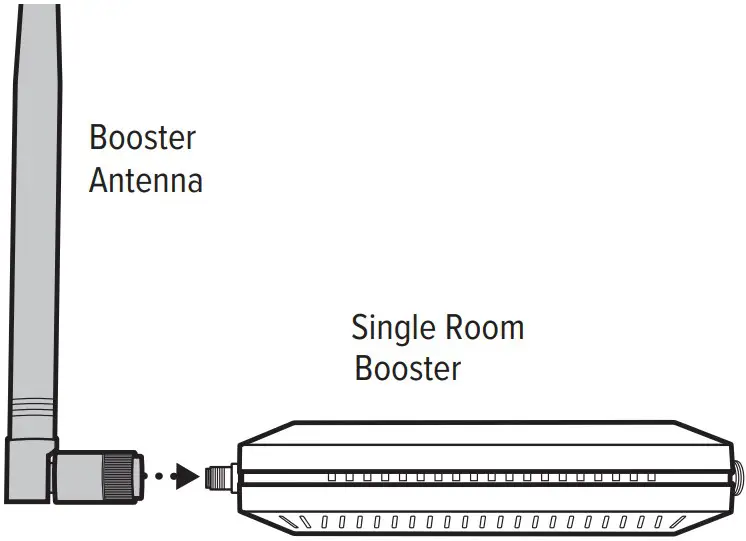
STEP 2 Mount & Point Outside Antenna Toward Nearest Cell Tower
Pole mounting is preferred because it will be easier to adjust to the direction of the cell tower. Use the U-Bolts to attach the Antenna to a pole or exhaust pipe on roof.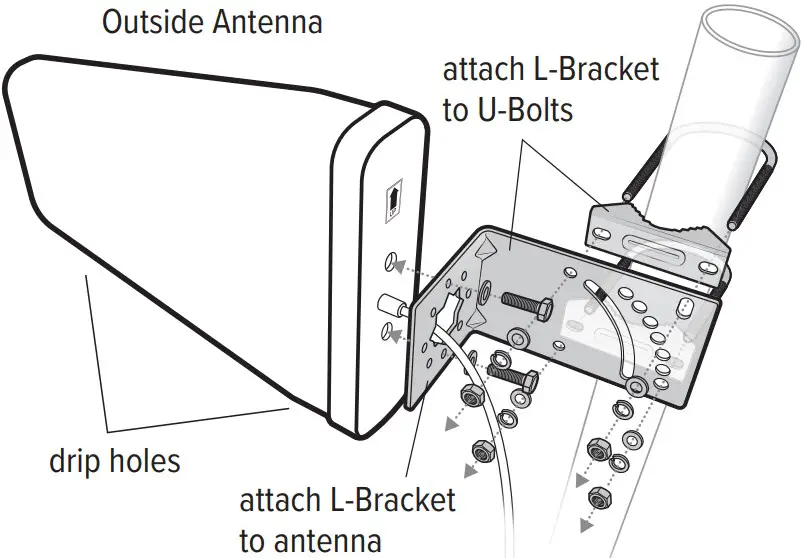
Point the Outside Antenna toward the nearest cell phone tower. To find the nearest tower, use an app such as ‘Open Signal’. This is the most critical step of the installation process because it will determine the overall performance of the Booster System.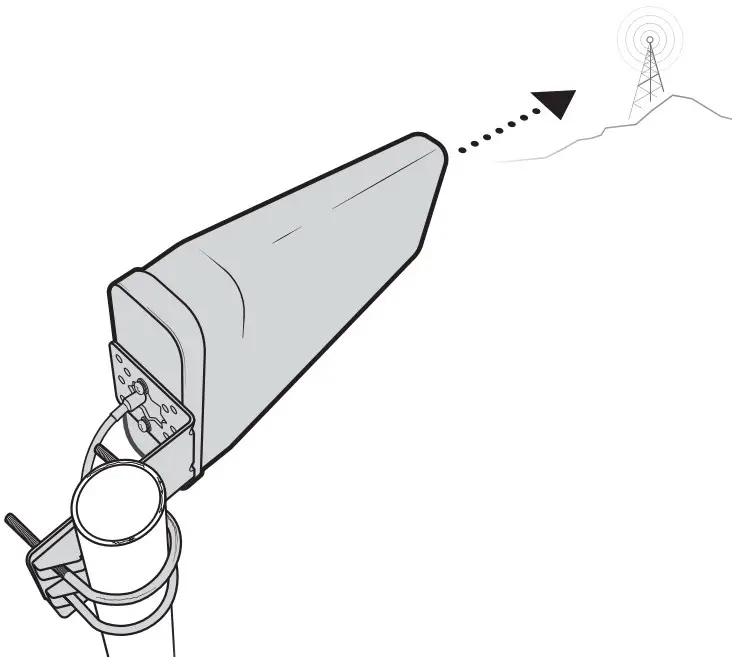
Side Mounting
Side mounting is a option if you can still obtain strong signal. Note: Drip holes should be pointed down towards ground.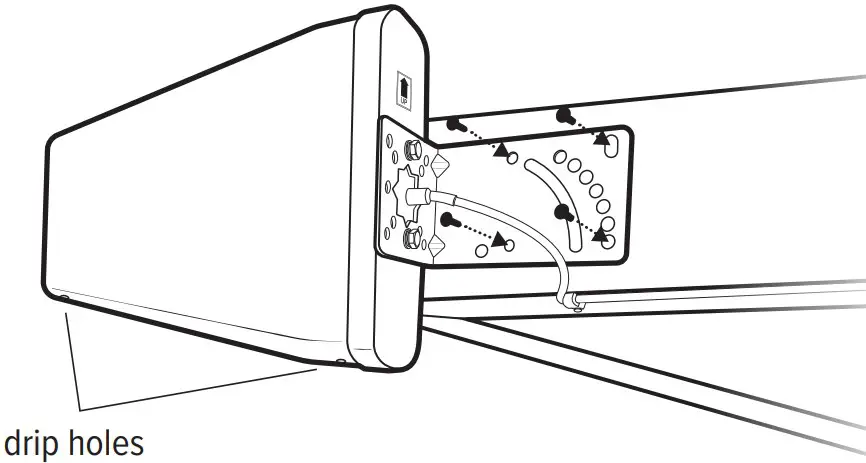
STEP 3 Route & Connect Outside Antenna To Booster
Connect the Cable to Outside Antenna and route and connect cable to Booster. All connections should be finger tightened only.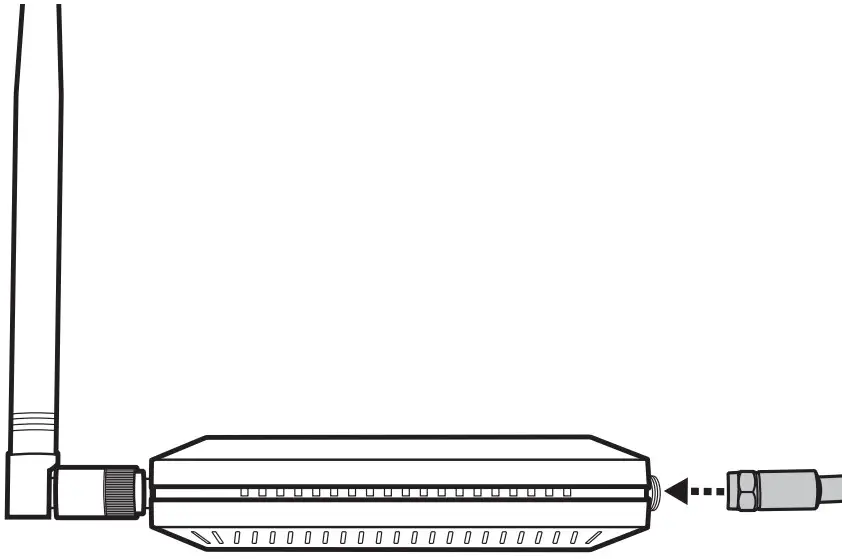
STEP 4 Power Up The Booster & Optimize The System
Plug the Power Supply into wall outlet then connect into end of Booster.
NOTE: We strongly recommend using a power strip with surge protection.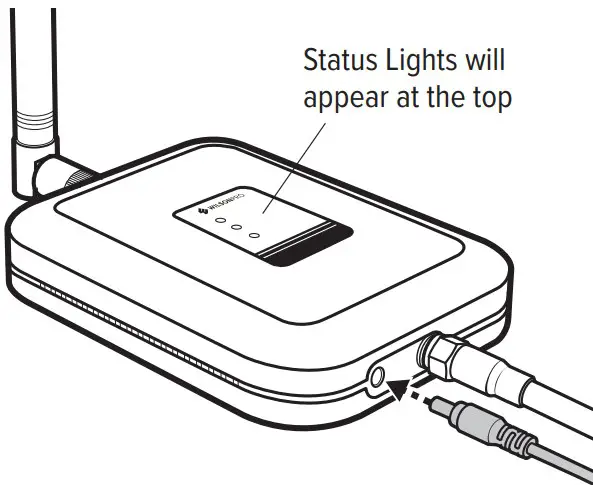
After powering up your system, check tosee how your talk, text, and data rates have improved. If more is desired, you can optimize your system.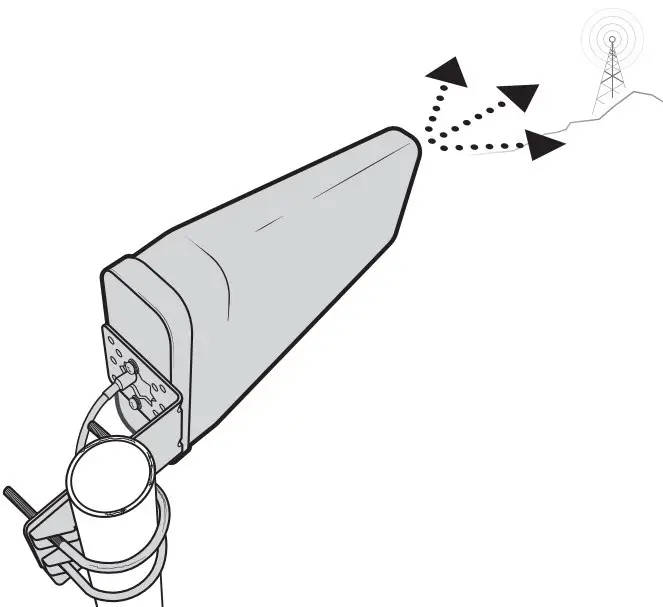
Rotate the Outside Antenna in 1/8 turn increments, after each turn, unplug and reconnect the Booster to power while observing the signal level on your cell phone from the Inside Antenna’s projected area. When you have determined a direction that gives you the strongest signal, secure the Outside Antenna in place. Below gives you an idea of how much boosted cell signal coverage this system will bring indoors based on how strong the outside signal is.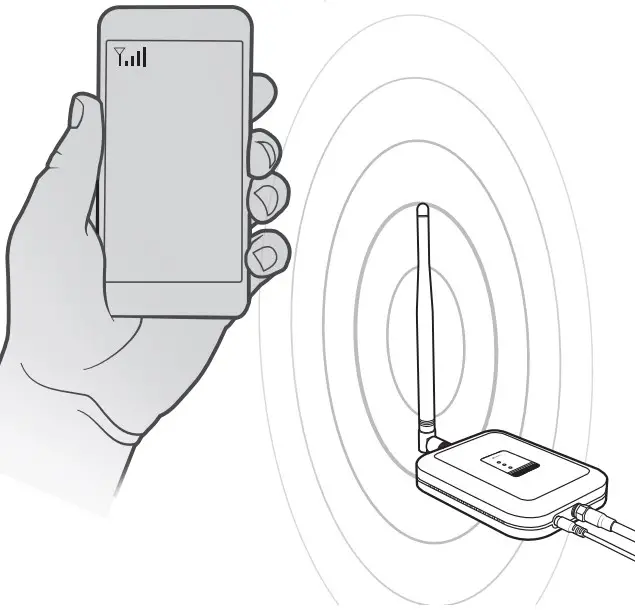
| If the cell signal outside your home is: | Strong | Good | Weak | None |
| Your boosted cell signal will cover: | Large Room | Medium Room | Small Room | None |
Status Light Patterns
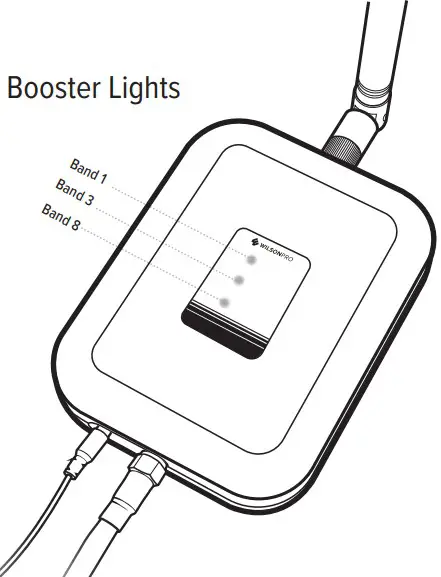
GREEN
This indicates that your Single Room Booster is functioning properly and there are no issues with installation.
SOLID RED
This is due to a feedback loop condition called oscillation. This is a built in safety feature that causes a band to shut nearby cell tower. Refer to Troubleshooting section.
BLINKING GREEN, RED
This indicates that the Booster is operatingat a reduced gain to prevent oscillation (feedback). This is a built in safety feature to prevent harmful interference with a nearby cell tower. If you are already experiencing the desired signal boost, then no further adjustments are necessary. If you are not experiencing the desired boost in coverage then refer to the Troubleshooting section.
BLINKING GREEN, YELLOW
This indicates Band has reduced gain. This indicates that one or more of the Booster bands has reduced power due to overload from nearby cell tower. This is a built in safety feature to prevent harmful interference with a nearby cell tower. If you are already experiencing the desired signal boost, then no further adjustments are necessary. If you are not experiencing the desired boost in coverage then refer to the Troubleshooting section.
Troubleshooting
FIXING RED LIGHT ISSUES
This involves Solid Red & Blinking Green/Red lights.
- Tighten all cable connections (be sure to handtighten only, do NOT use tools). You may want to undo and redo the connection completely. Unplug and replug in Power Supply.
- Increase the distance (horizontally or vertically) between the Outside and Inside Antennas. Add included cable if needed. Unplug and replug in Power Supply.
FIXING ANY YELLOW LIGHT ISSUES
This involves Solid Yellow & Blinking Green/Yellow lights.
- Outside Antenna must be adjusted. Disconnect and reconnect power between adjustments. Wait at least 10 seconds between adjustments for the lights to reset. Pole Mount Option: Rotate the Outside Antenna away from the strongest cellular signal in small increments (1/8 turn) until the light turns green. Unplug and replug in Power Supply. Mounting On Side Of Roof Option: Change mount location. Move the Outside Antenna to location of the home/building to see if the lights turn green. Unplug and replug in Power Supply. Then secure in place.
Safety Guidelines
Verify that both the Outside Antenna and the adapter extension cable are connected to the Signal Amplifier before powering up the Signal Amplifier. Use only the Power Supply provided in this package. Use of an incorrect Power Supply may damage your equipment. RF Safety Warning: Any antenna used with this device must be located at least 20cm from all persons. AWS Warning: The Outside Antenna must be installed no higher than above ground.
Antenna Info
The following accessories are certified by the to be used with the Cell Signal Boosters.
| INSIDE ANTENNA INFO | ||
| # | Antenna Type | Ω |
| BT50206 | Omni | 50 |
| OUTSIDE ANTENNA INFO | ||
| # | Antenna Type | Ω |
| BT974884 | Directional | 50 |
| BT974877 | Omni | 50 |
Specifications
| Model | |||
| ICASA | |||
| Connectors | ale | ||
| Antenna Impedence | 50 Ohms | ||
| Frequency | 880-915 / 925-960 1710-1785 / 1805-1880 1920-1980 / 2110-2170 | ||
| Power output for single cell phone (Uplink) dBm | 30 | 30 | 30 |
| Power output for single cell phone (Downlink) dBm | 15 | 17 | 20 |
| Power Requirements | 5 V / 3 A | ||
1 YEAR WARRANTY
WilsonPro Signal Boosters are warranted for one year against defects in workmanship and/or materials. Warranty cases may be resolved by returning the product directly to the reseller with a dated proof of purchase. Signal Boosters may also be returned directly to the manufacturer at the consumer’s expense, with a dated proof of purchase and a Returned Material Authorization (RMA) number supplied by WilsonPro shall, at its option, either repair or replace the product. This warranty does not apply to any Signal Boosters determined by WilsonPro to have been subjected to misuse, abuse, neglect, or mishandling that alters or damages physical or electronic properties. Replacement products may include refurbished WilsonPro products that have been recertified to conform with product specifications. RMA numbers may be obtained by contacting Customer Support.
DISCLAIMER: The information provided by WilsonPro is believed to be complete and accurate. However, no responsibility is assumed by WilsonPro for any business or personal losses arising from its use, or for any infringements of patents or other rights of third parties that may result from its use.
 Your Cell Phone Signal Booster Store | Bolton Technical