
Multi-Language Quick Guide
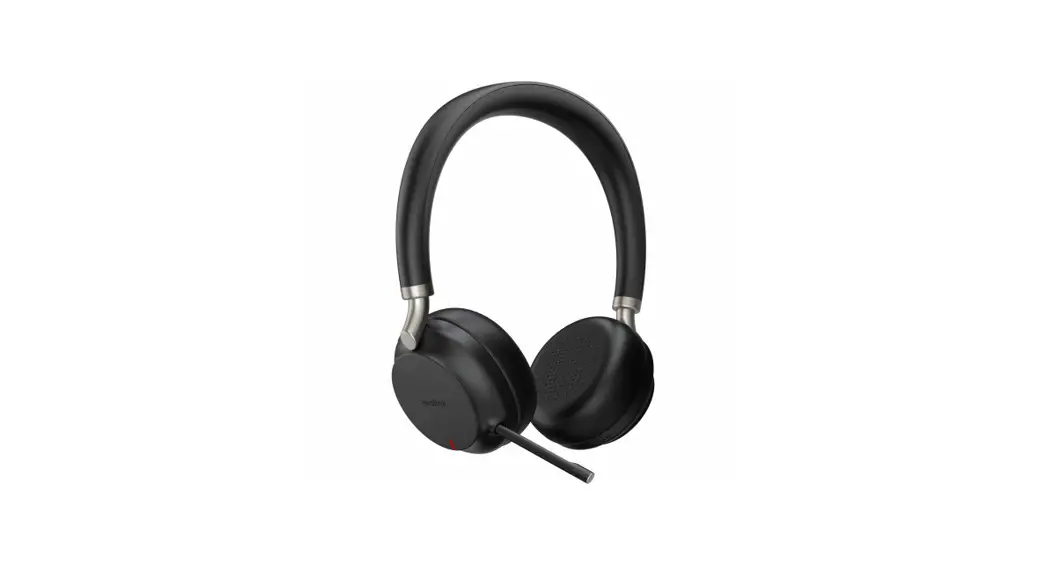
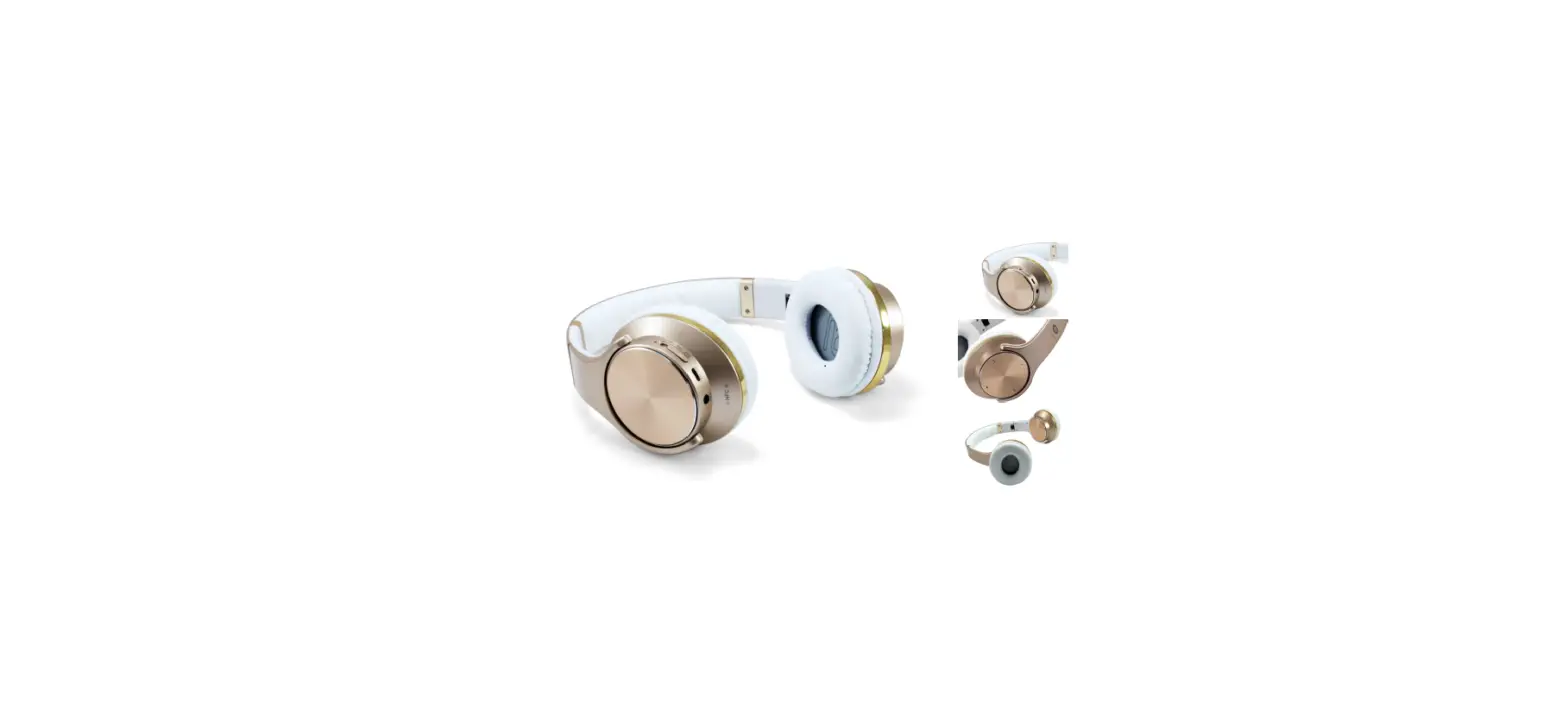
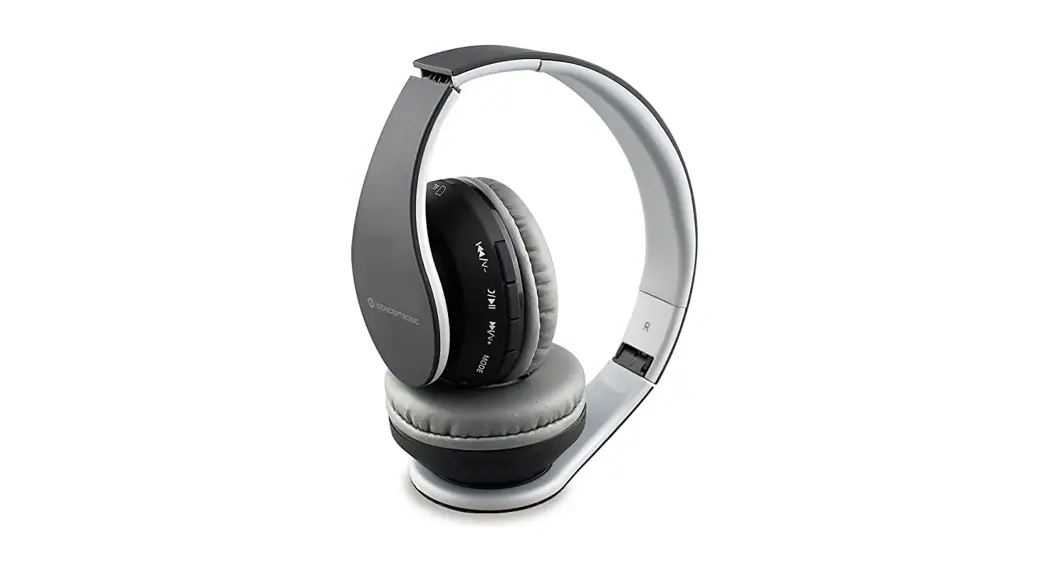
Wireless Bluetooth Headset
PARRIS01
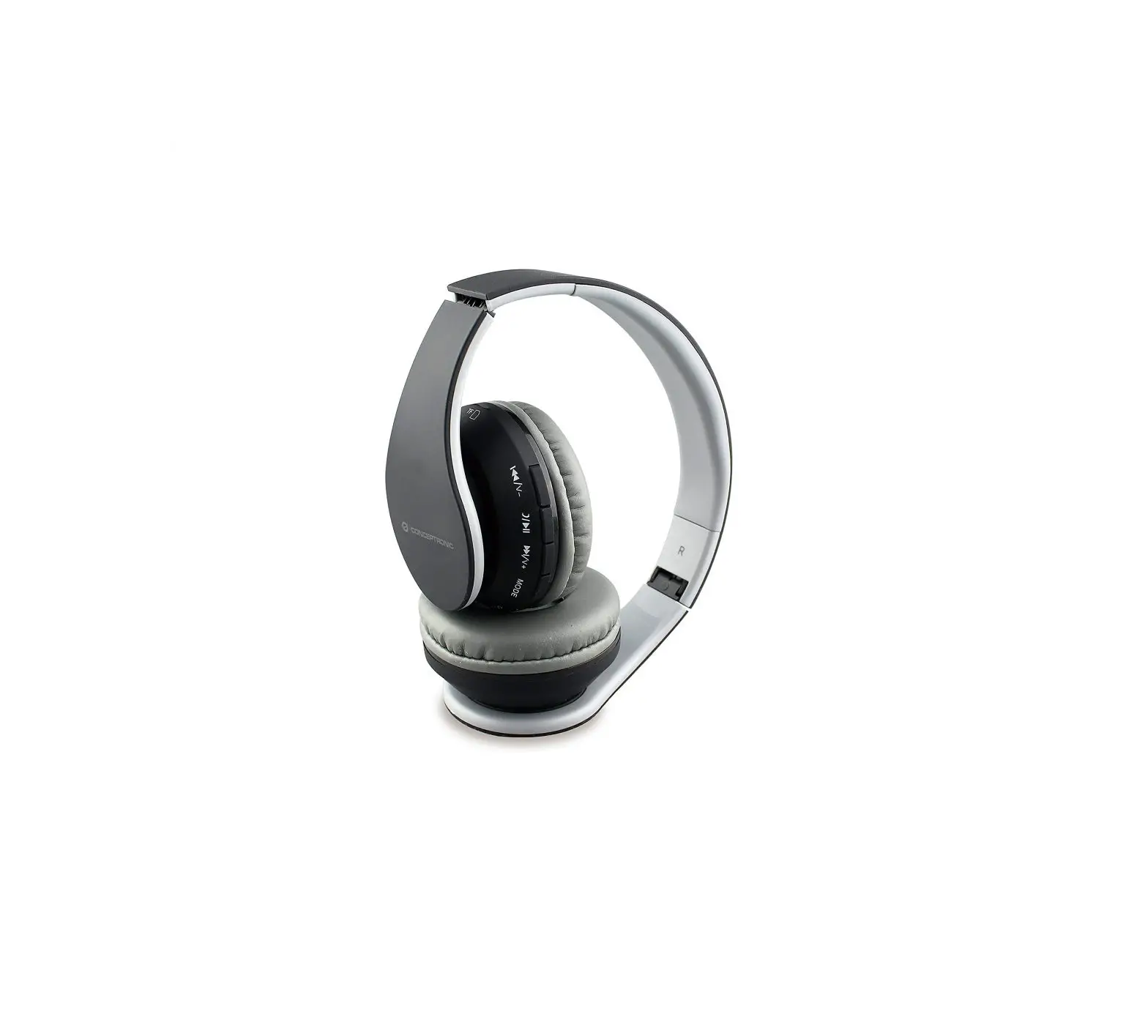
Conceptronic PARRIS01
Package contents
- Wireless Bluetooth Headset
- 3.5mm audio jack cable
- Micro USB to USB cable
- Multi-language quick installation guide
Specifications
| Input Power | : DC 5V 500mA |
| Output Powe | : 80mW |
Product overview
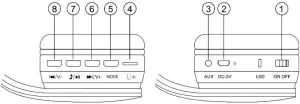
- On/Off
- DC 5V in
- AUX in
- Micro SD/TF card slot
- Mode Switch Button
 : Short press – Vol +; Long press – Next
 :Play / Pause / Short press – answering calls; Long press – hang off
 : Short press – Vol –; Long press – Previous
 : Short press – Vol +; Long press – Next
 :Play / Pause / Short press – answering calls; Long press – hang off
 : Short press – Vol –; Long press – Previous
Installation & usage
- Turn on your smartphone, tablet, or PC and go to the Bluetooth setting window.
- Turn on your Bluetooth device.
- The Bluetooth device will be shown on the smartphone, tablet, or PC. Select “PARRIS”
Music Mode (TF / AUX):
- Turn the Power button to “ON”, and insert TF card or connect MP3/MP4 or PC to the speaker, audio files play automatically.
FM Radio Mode:
- Turn the power button to “ON” without the TF card inserted.
- Press the Mode button to enter “FM” mode, long-press the “ ” button to auto search. (It is recommended to execute at least one full search before using the radio receiving function. All founded stations will be saved even in power-off)
- : to change “Previous frequency”
- : to change “Next frequency
Charging
- The LED light will turn on while your device is charging, and will turn off when fully charged.