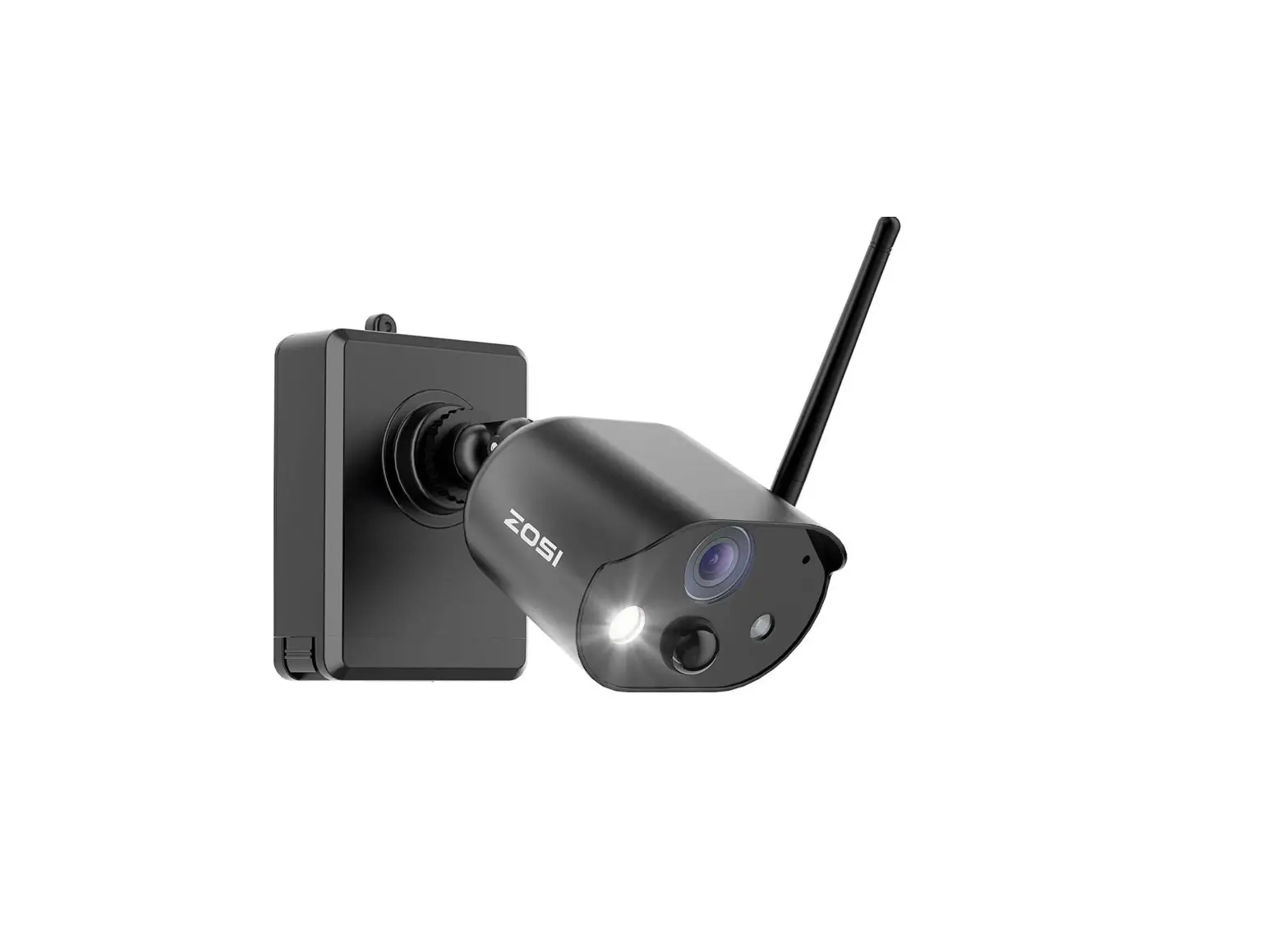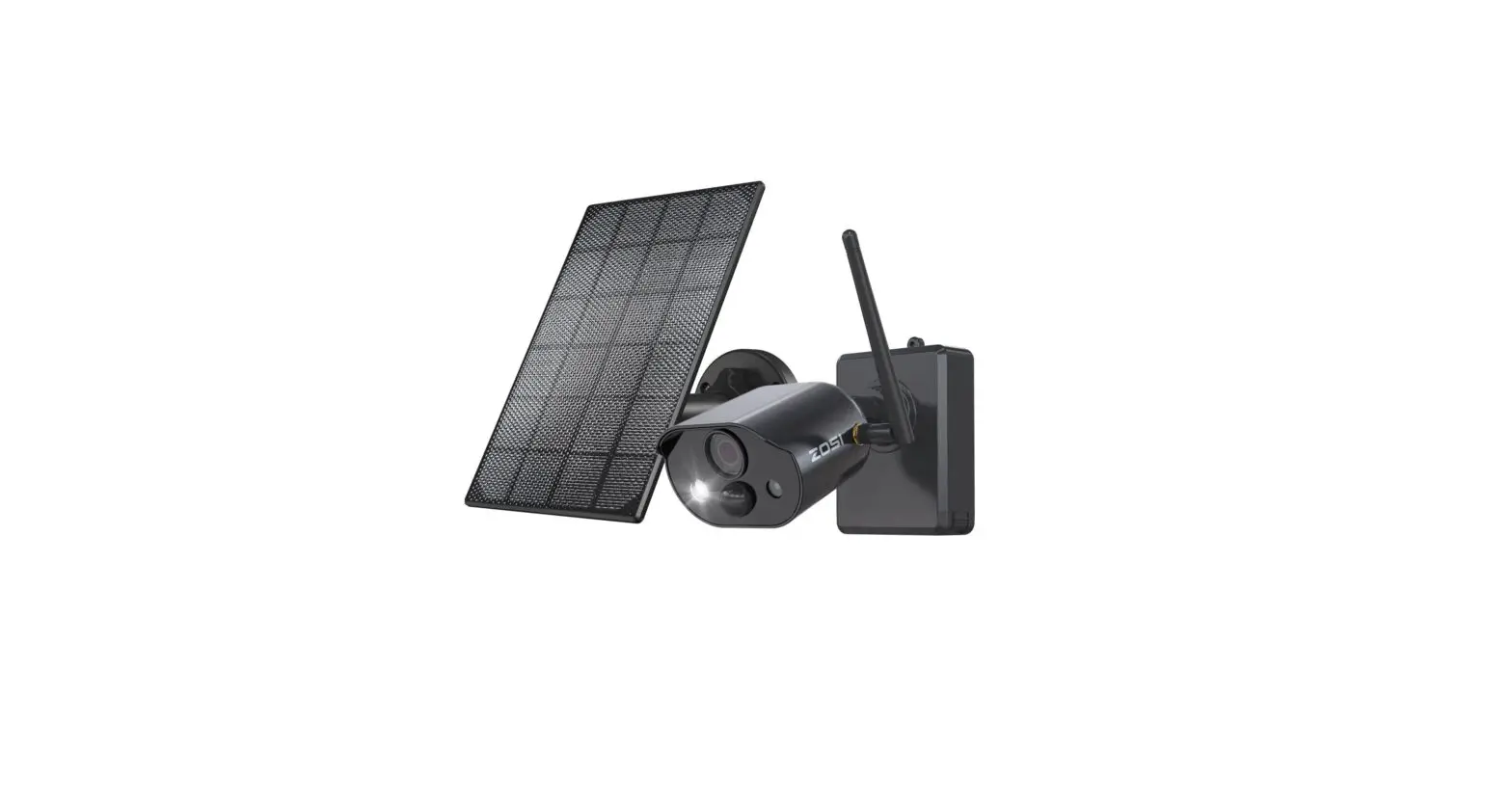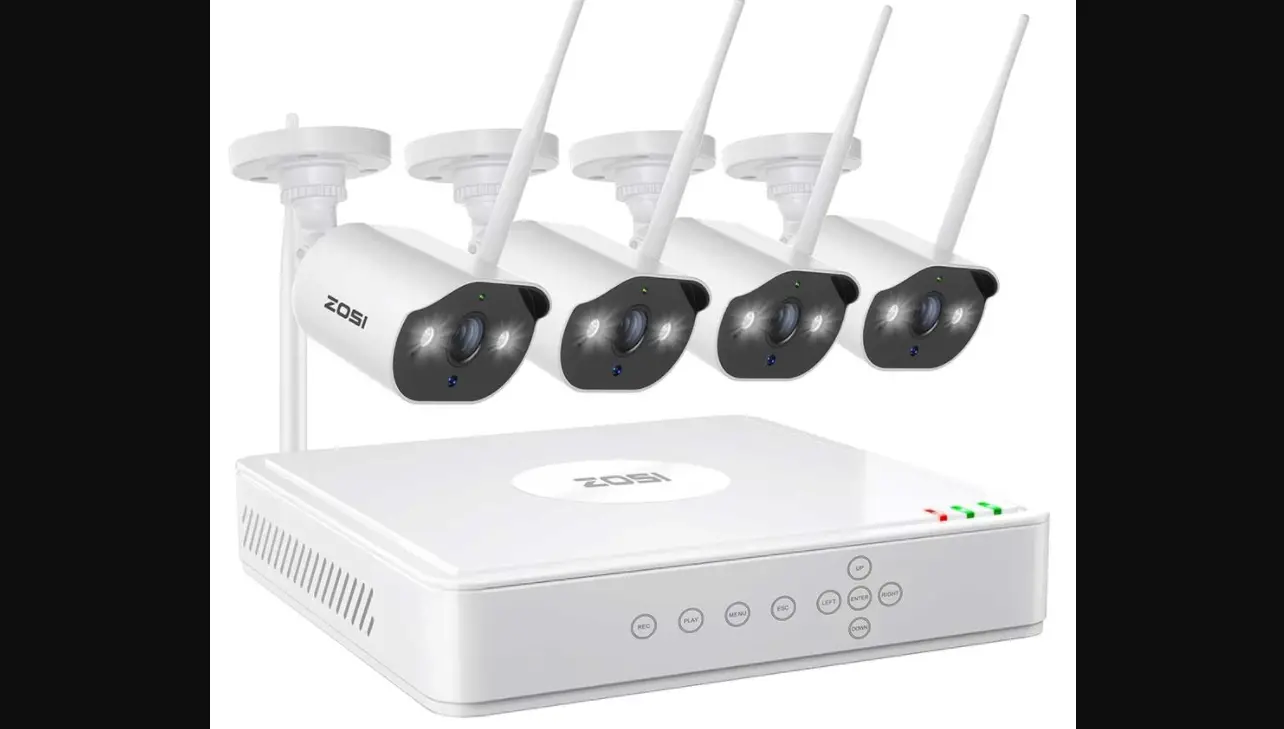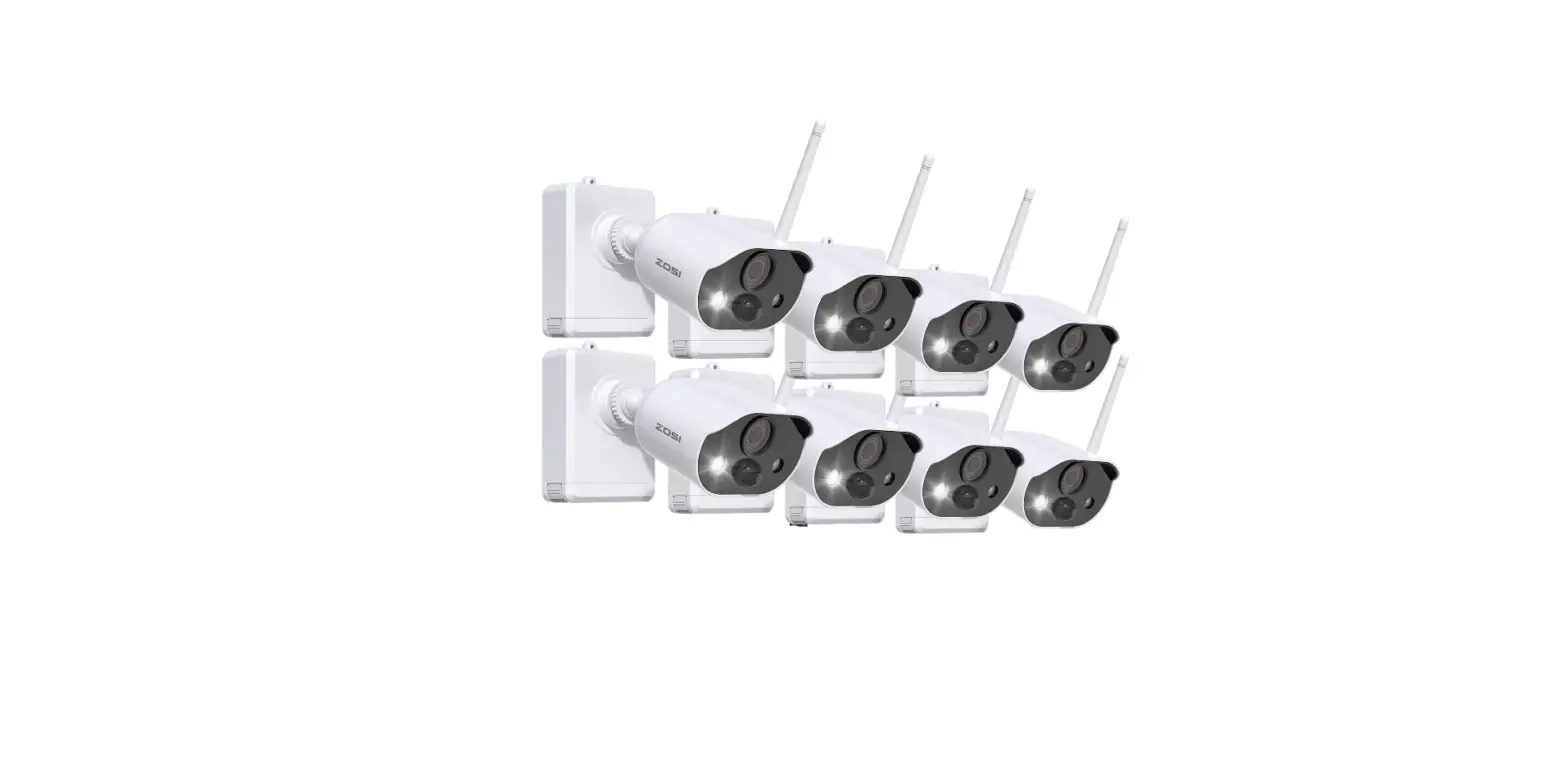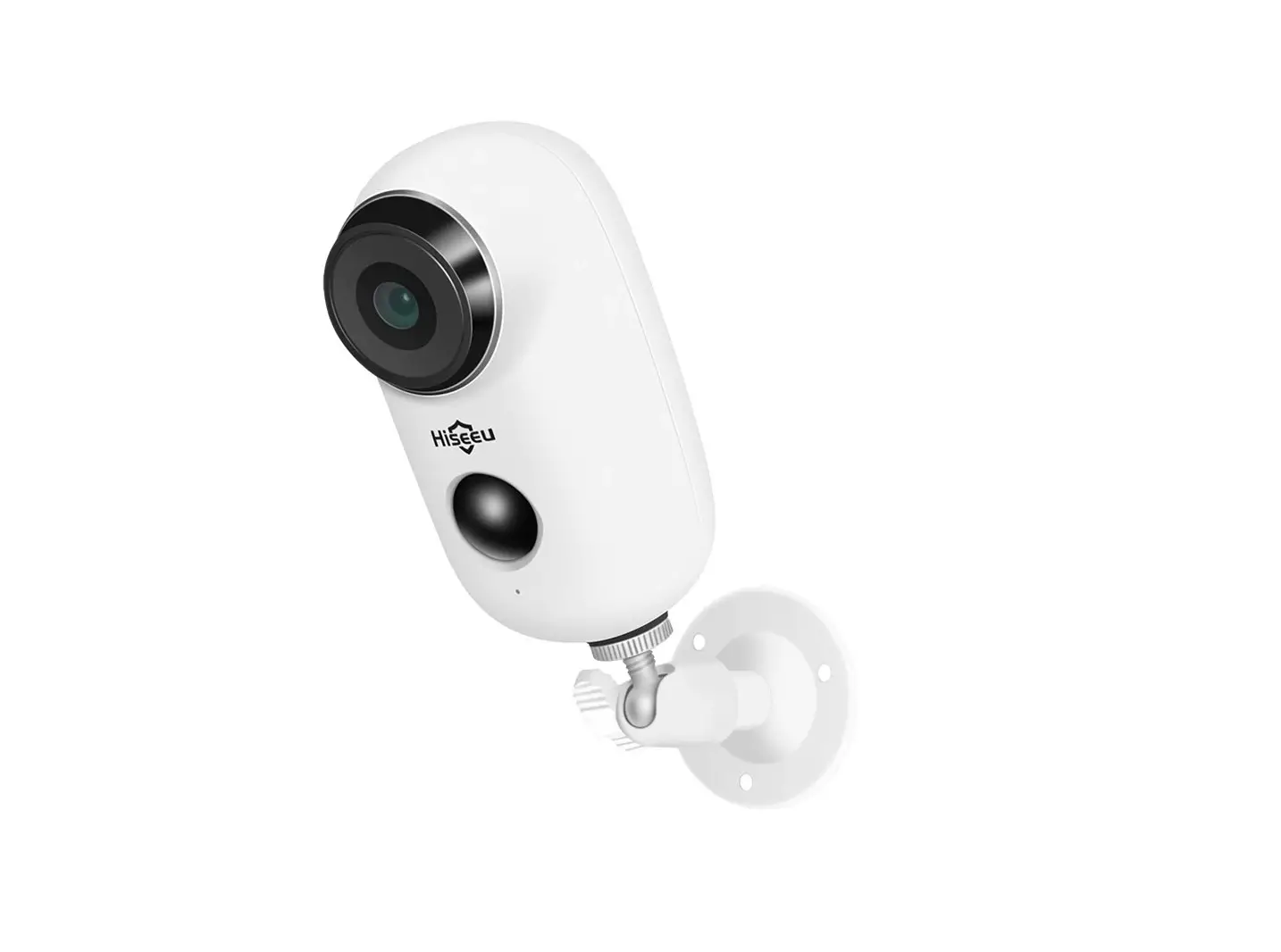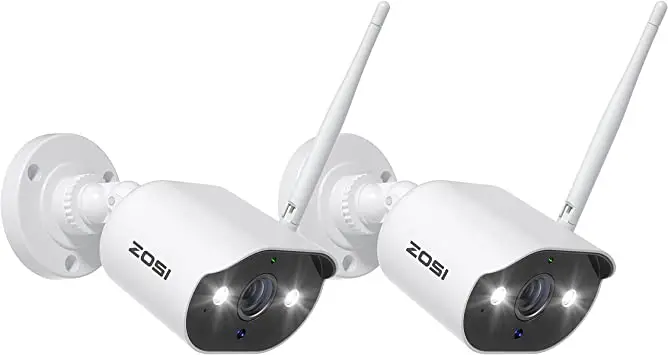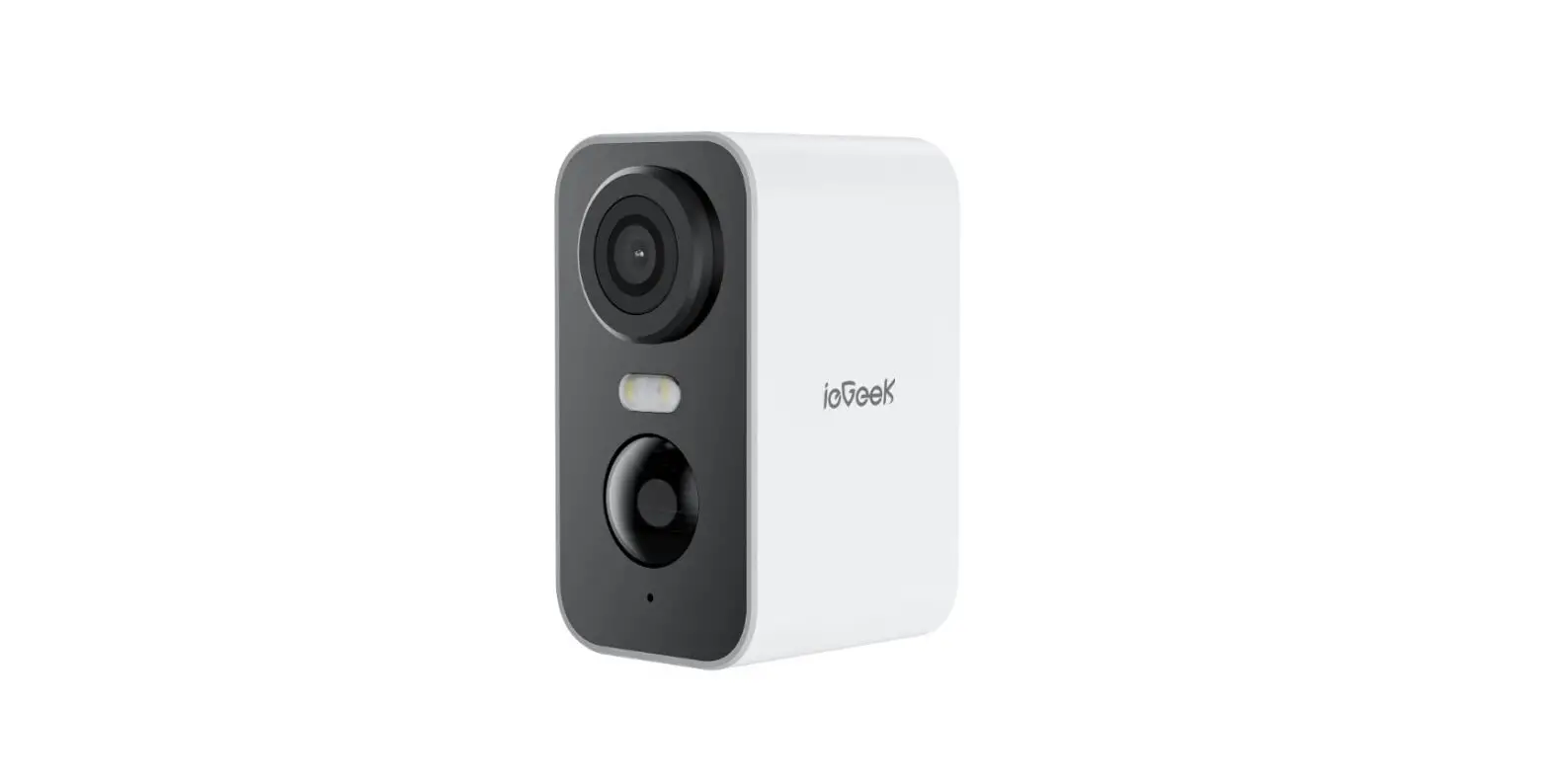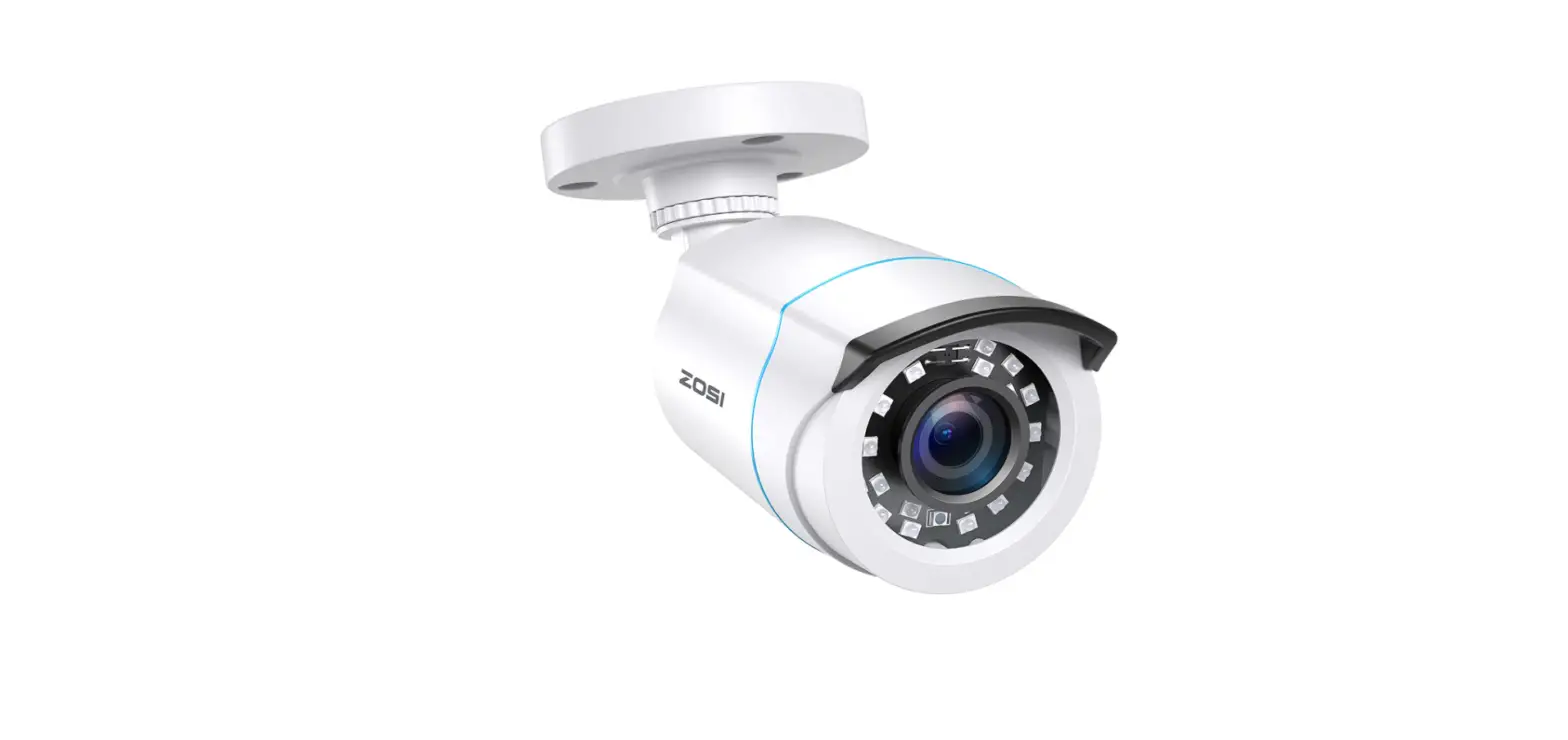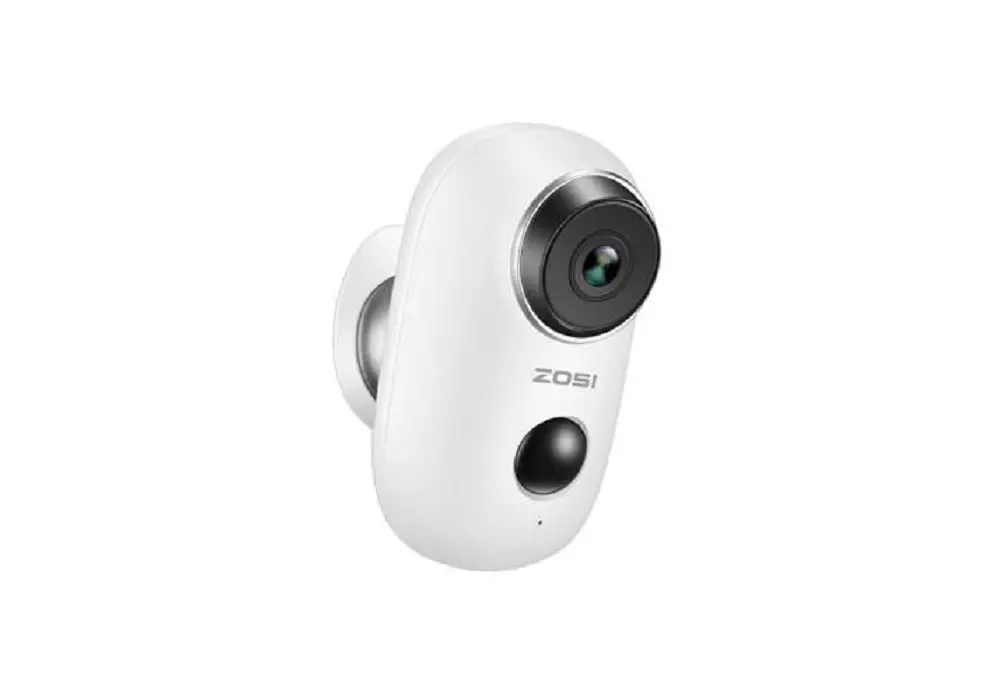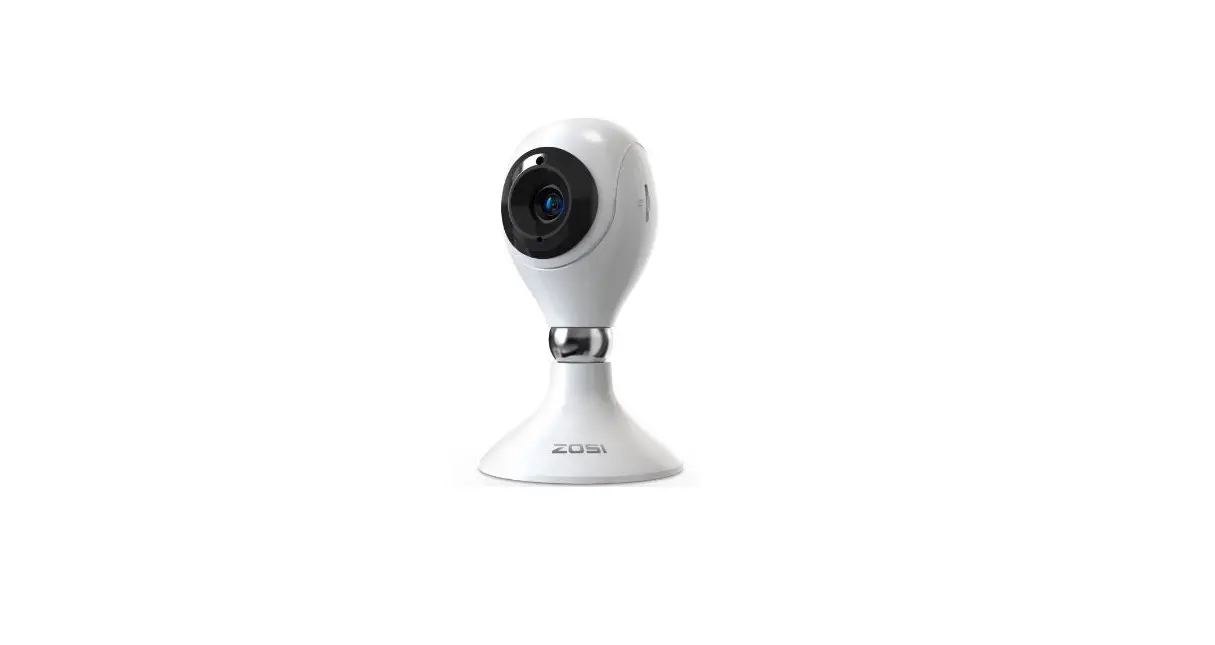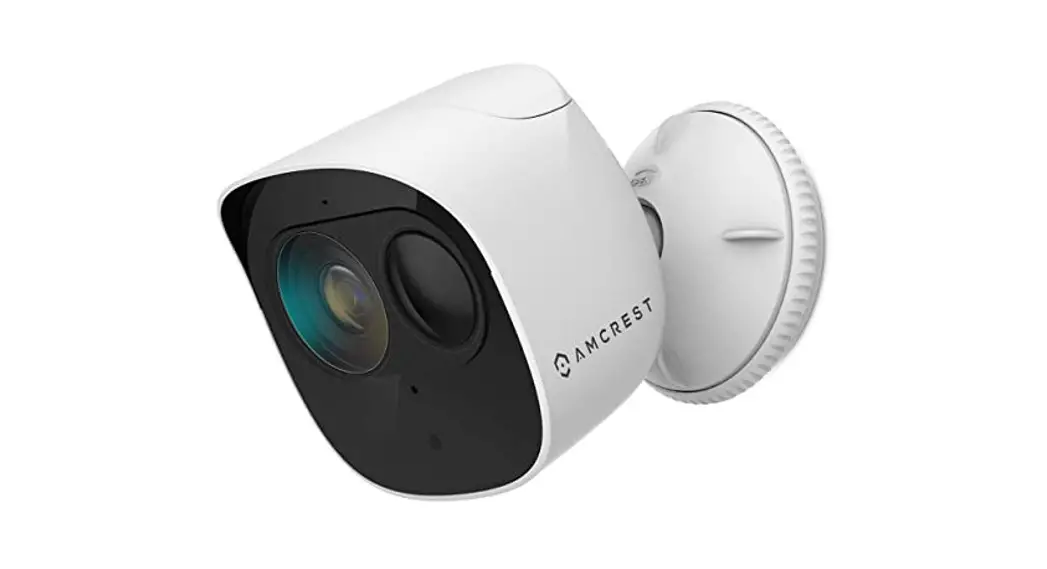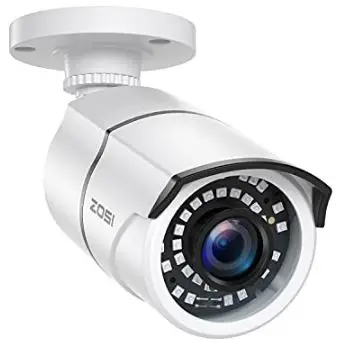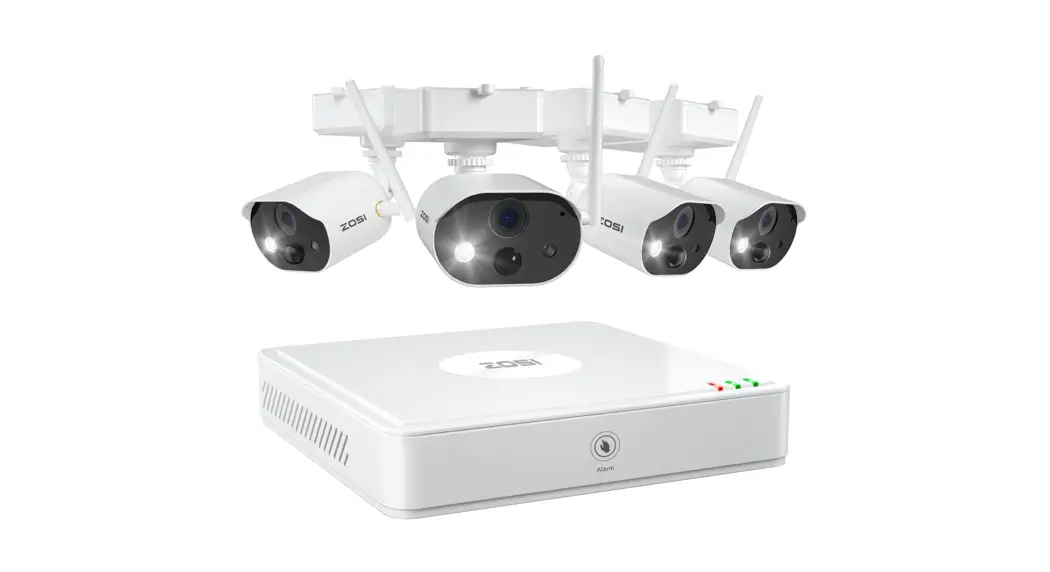

Wire-Free Battery Camera System
Please read the Quick Start Guide carefully before using the product and keep it properly. Scan the QR code on the device via ZOSI Smart App.
What’s in the Box
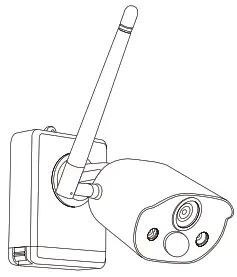 | 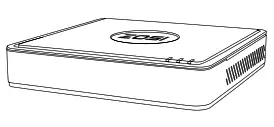 | 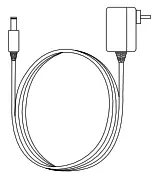 |
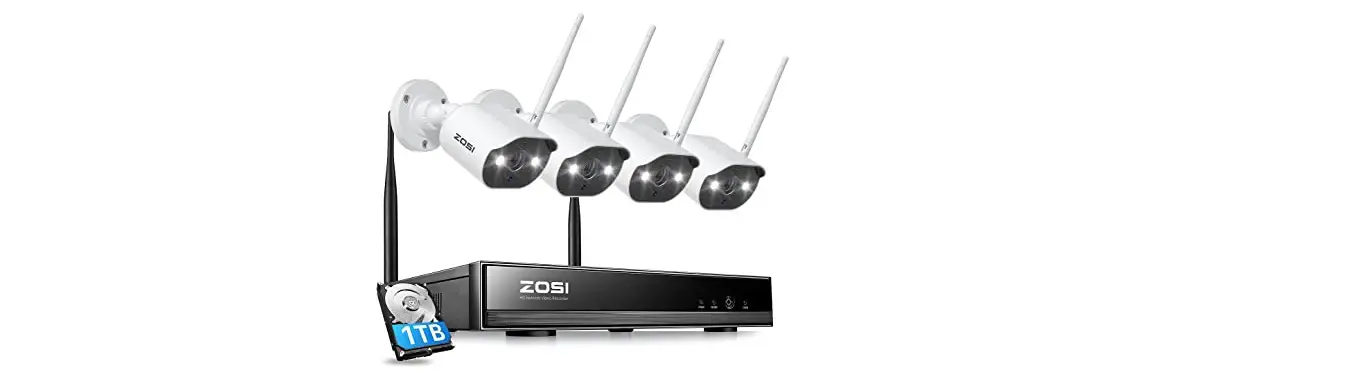
| 4 x Camera | 1 x NVR | 1 x Power Adapter |
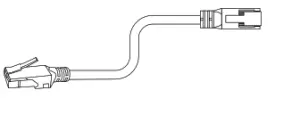 | 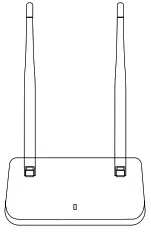 | 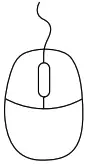 |
| 1 x Ethernet Cable | 1 x Wireless Receiver | 1 x USB Mouse |
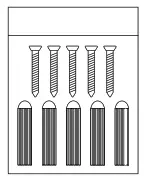 | 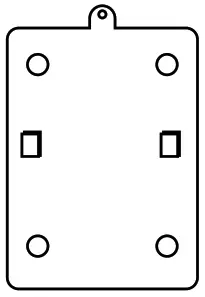 |  |
| 4 x Mounting Screw Bag | 4 x Mounting Base | 1 x Quick Start Guide |
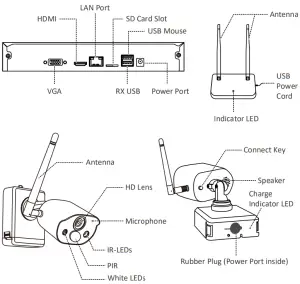
Product Appearance
Download ZOSI Smart App
Connect your smartphone to the WiFi network, scan the QR code below, and download and install the App to finish registration according to the instructions.
Scan the QR code via smartphone to download ZOSI Smart App
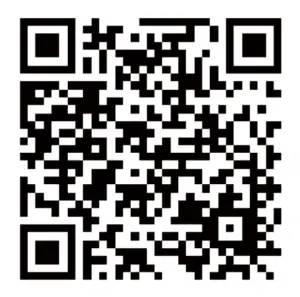
http://www.dvema.com/web/app/ZosiSmart/download.html
Connect to Power Supply
Connect the power port of the camera to an outlet using the power adapter.
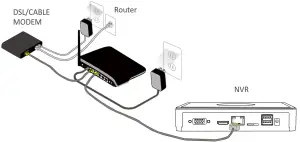
When the camera makes a hum, it means the camera is activated.
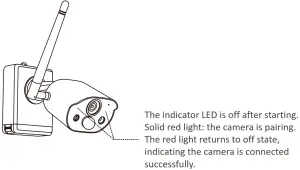
Quick Configuration
Operating the camera connection on the NVR operation page, press the connect key behind the battery camera, and start to configure.
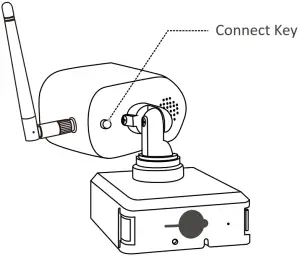
Camera Installation
The mounting wall should have a certain thickness that can bear at least 3 times the weight of the camera.
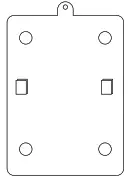
1. Mount the Base
2. Mount the Anchoring
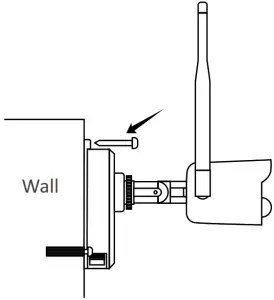
Adjust the Angle
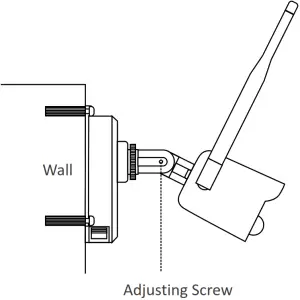
Loosen the adjusting screw to adjust the angle of the camera. Tighten the adjusting screw after the adjustment.
FAQs
- Q: Why can’t I add a device by using a local search?
A: Please make sure the device and mobile phone are on the same LAN.
If you can’t make both of them in the same LAN, please manually enter the UID of the device to add a device. - Q: Why is the device disconnected?
A: Please check
Whether the device is connected to the network
Whether the router is operating normally
Whether the function of obtaining an IP address automatically is chosen or not - Q: Why can’t I find the video recording file?
A: Please check
Whether the SD card is damaged
Whether the date of the searched file is valid
Whether the time of the device system is correct or not