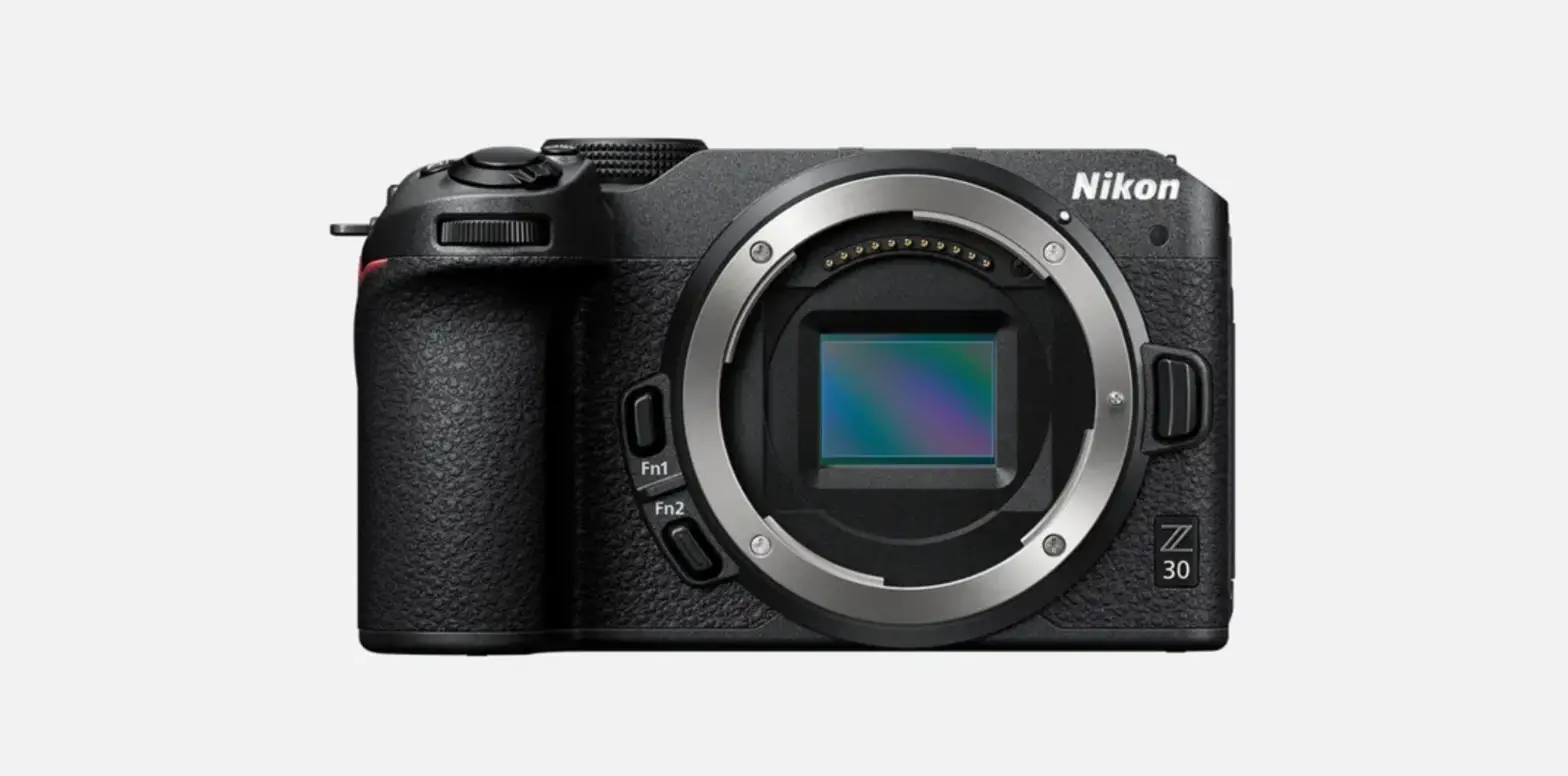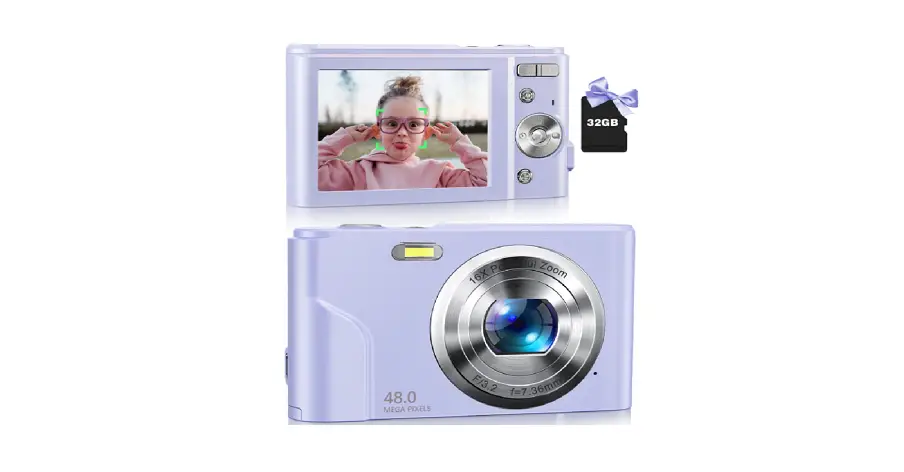

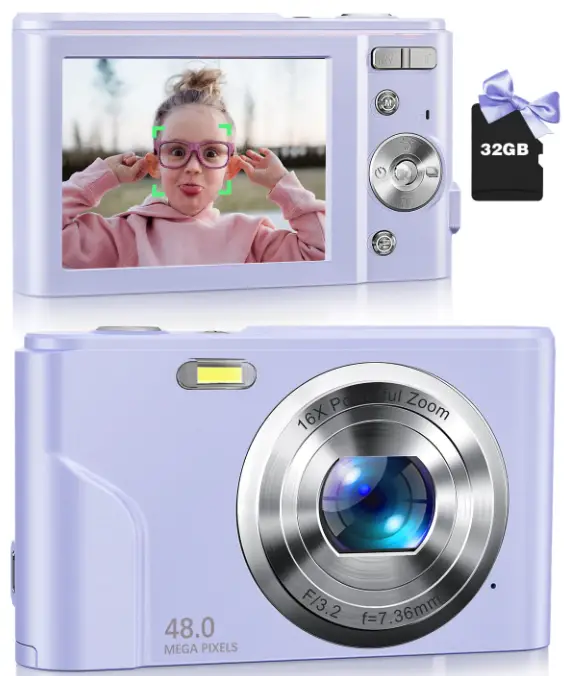
ZOSTUIC DC311AF Digital Camera
 Register your product and get a 2 year extended warranty to protect your purchase for even longer, Email:[email protected]
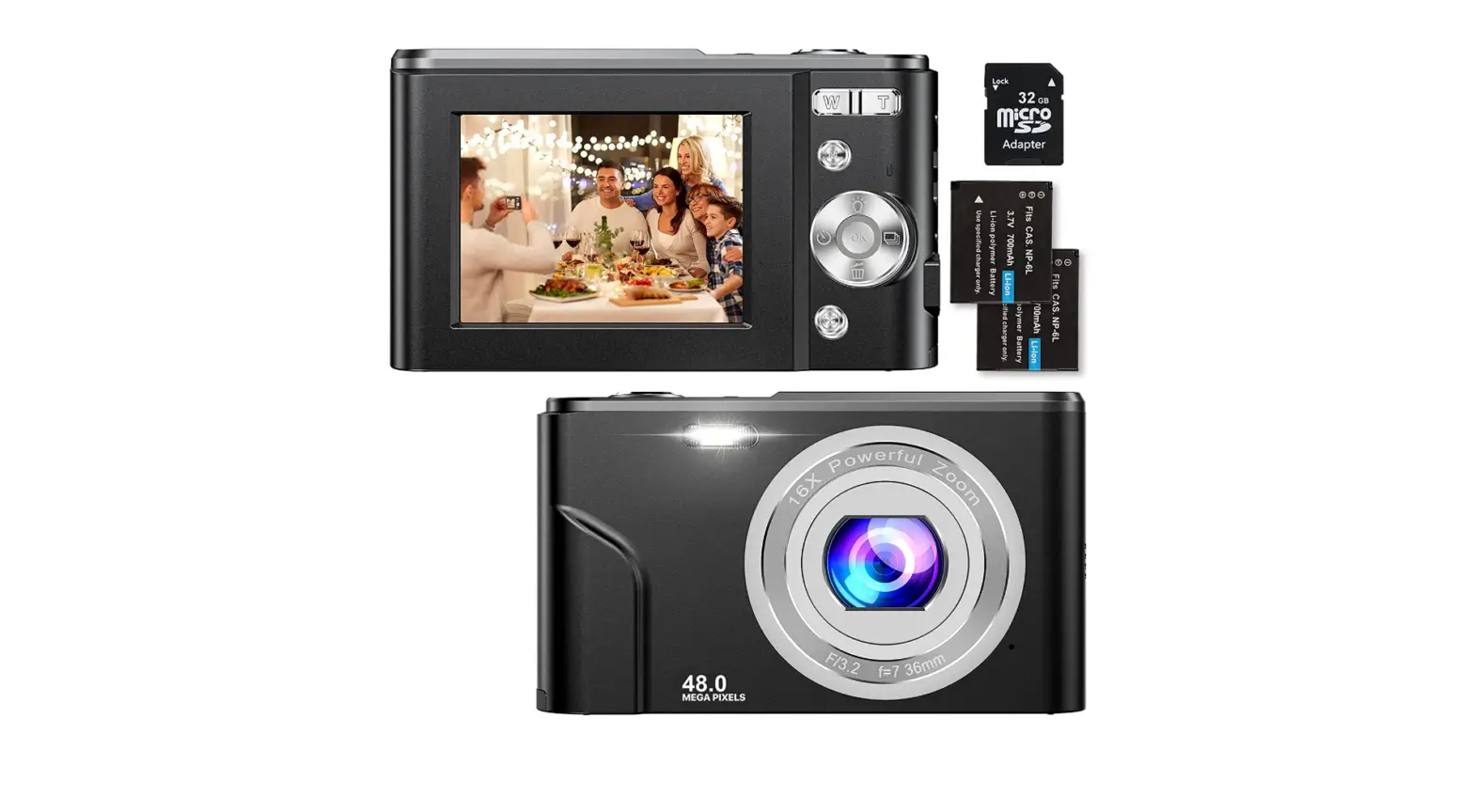
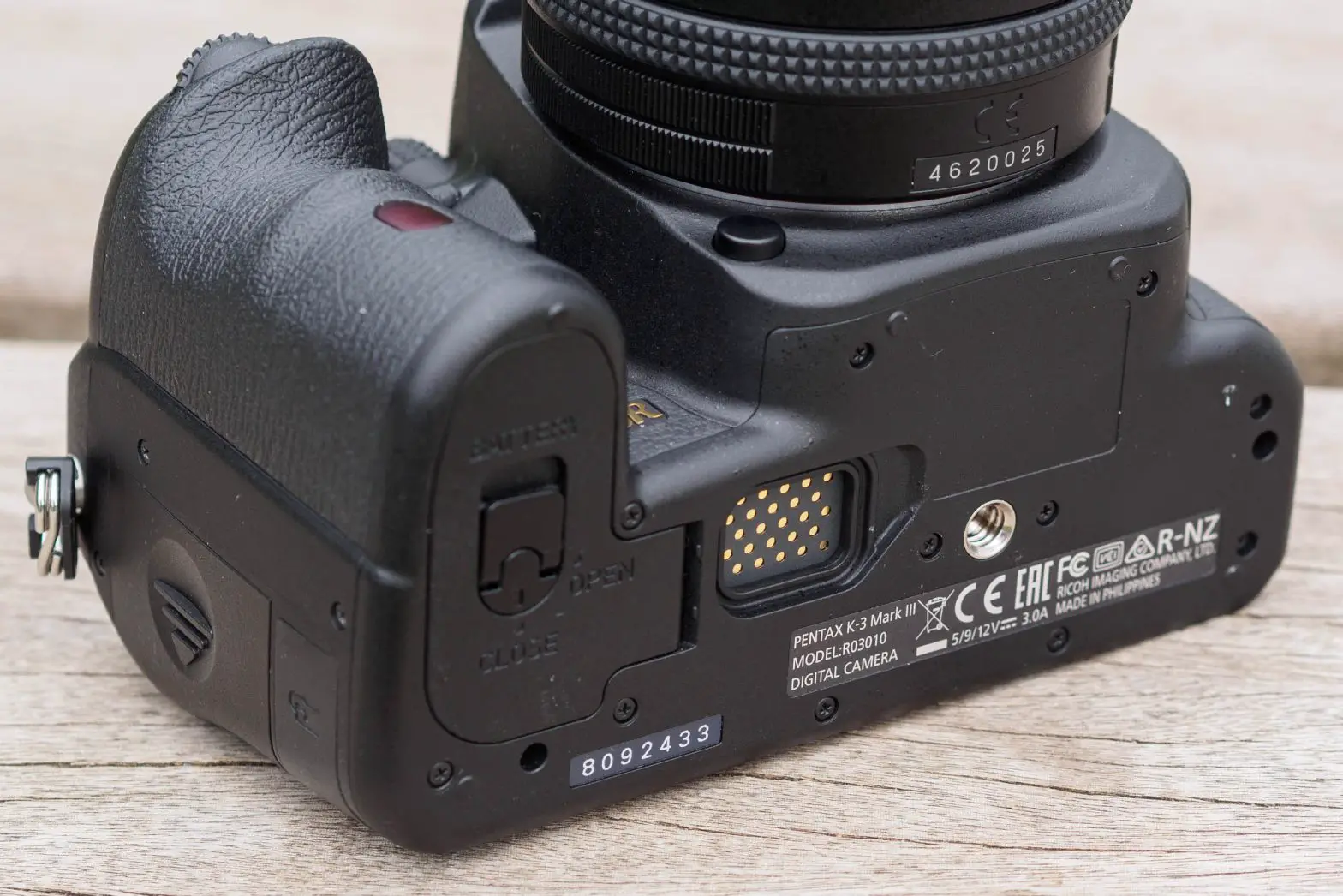
How to Insert and Remove the Battery?
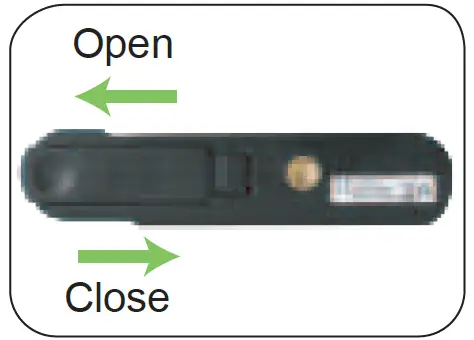
Open or close the battery cover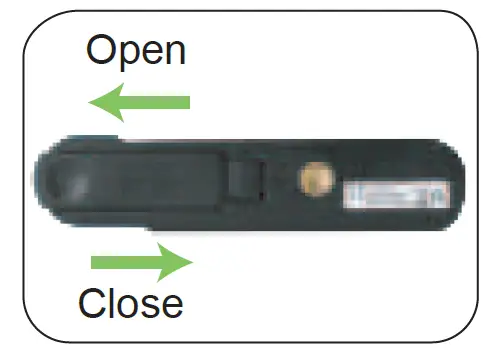
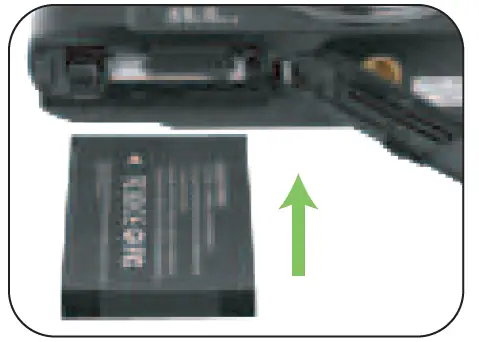
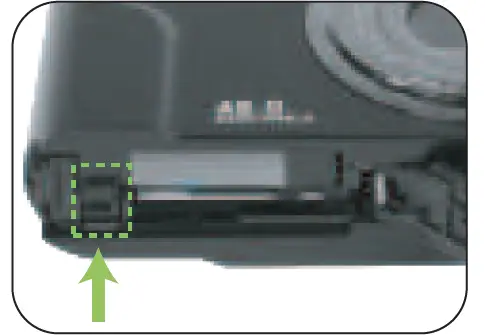
- Insert the battery into place until the buckle springs back and lock the battery

- If you want to remove battery please push the lock lever

How to Insert and Remove Micro SD Card?
- Open or close the battery cover

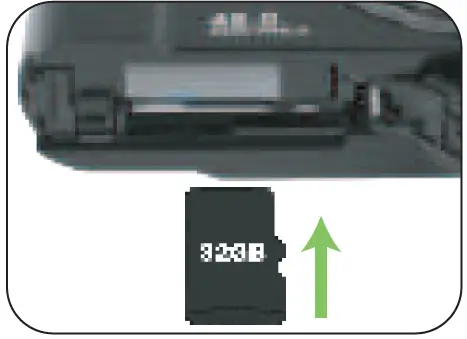
- Insert the micro SD card until you hear a card lock

How to Use Autofocus Function to Take Micro Image?
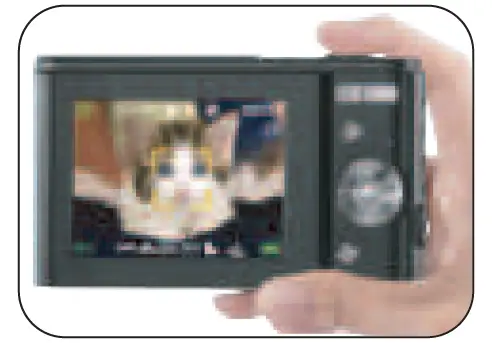
- In still image mode, press the shutter button halfway down to focus

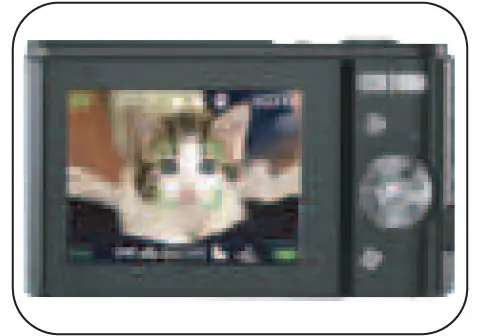
- The focus frame will turn green after focus

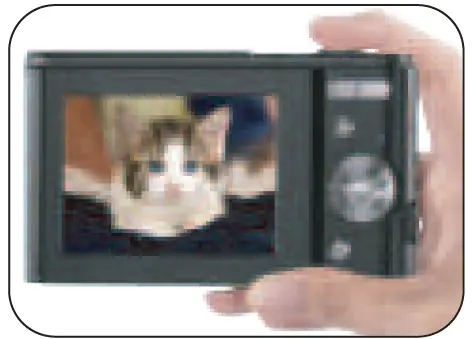
- Press the shutter button fully down to shoot micro image

How to Download Still Image/ Video Files to Computer?
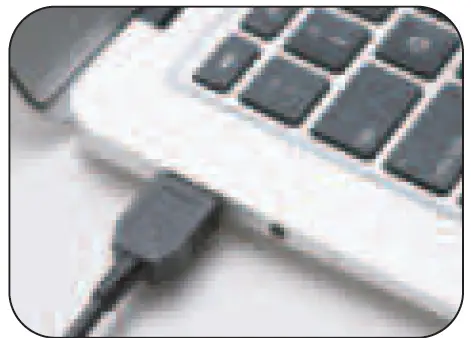
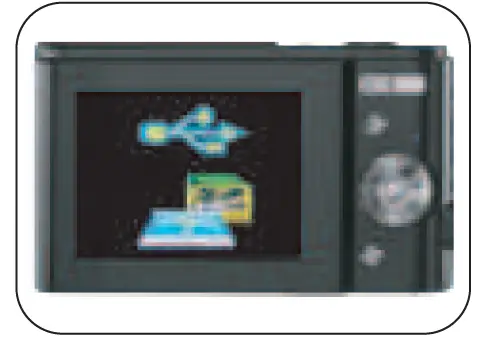
- Turn on the camera, connect it with computer by USB cable

- Download the files to your computer
 Any problem, feel free to contact us for help!
 Any problem, feel free to contact us for help!