TooPower
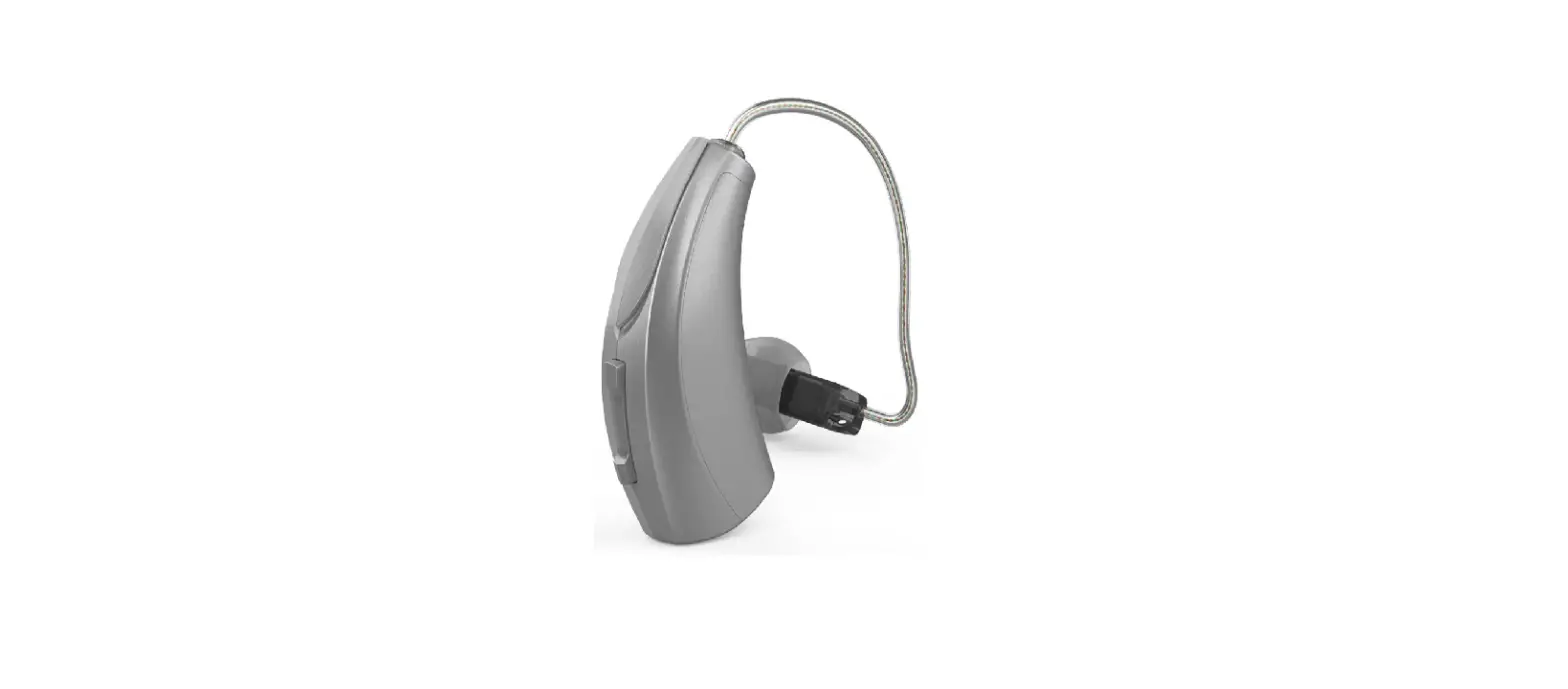
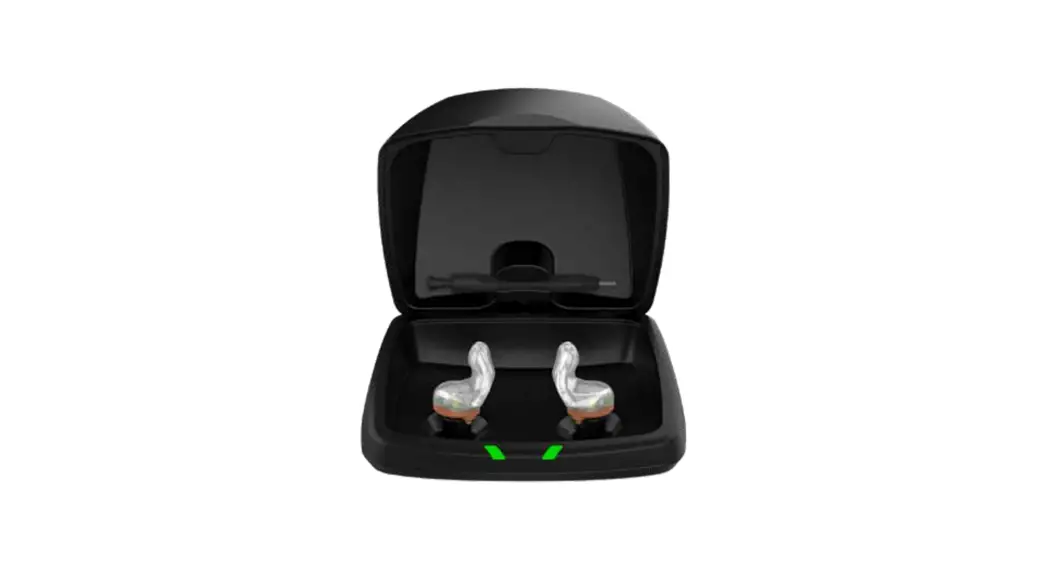
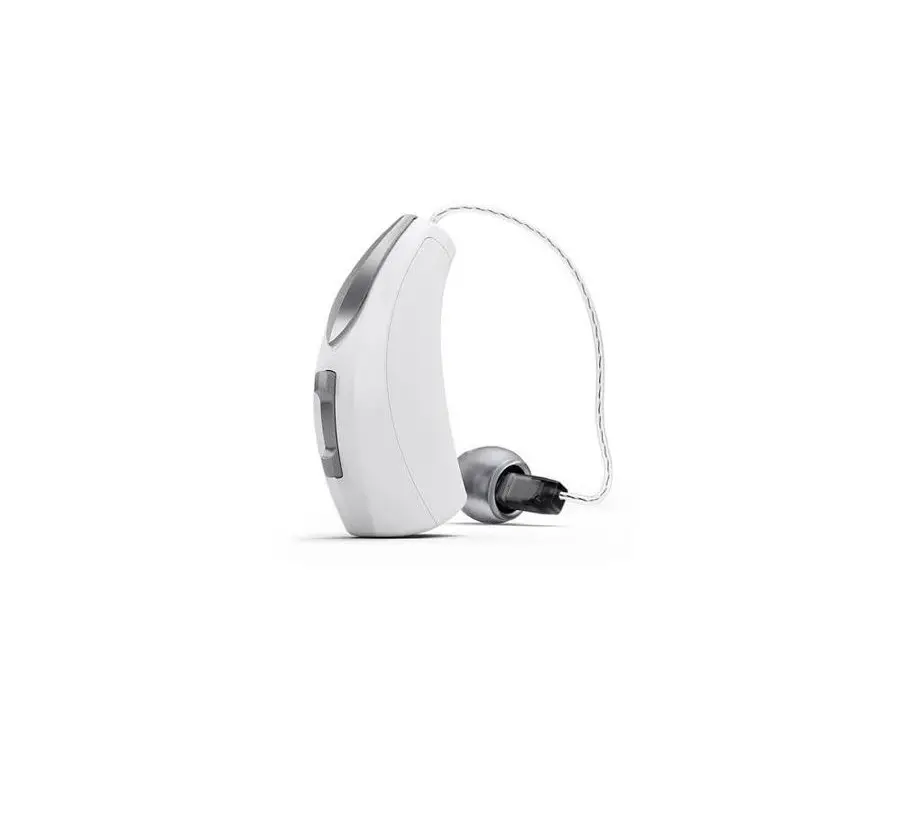
TooPower Hearing Aids for Adults Rechargeable Noise Cancelling
WHAT INCLUDE
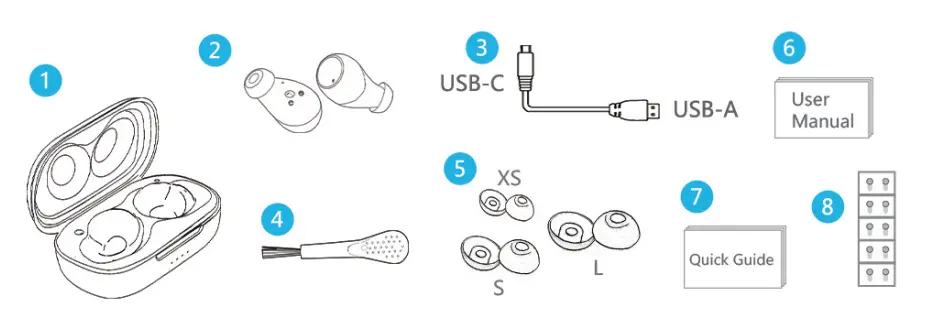
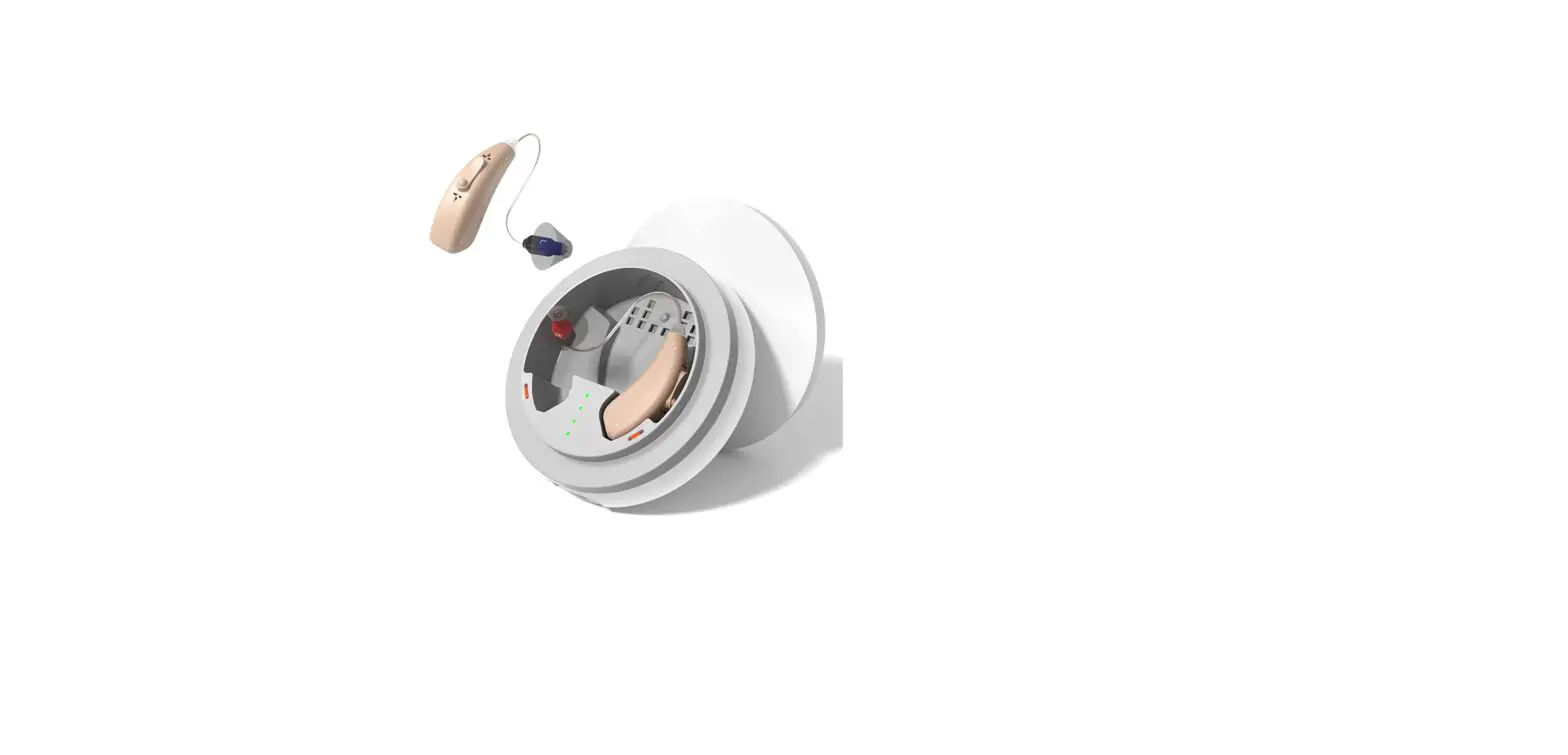
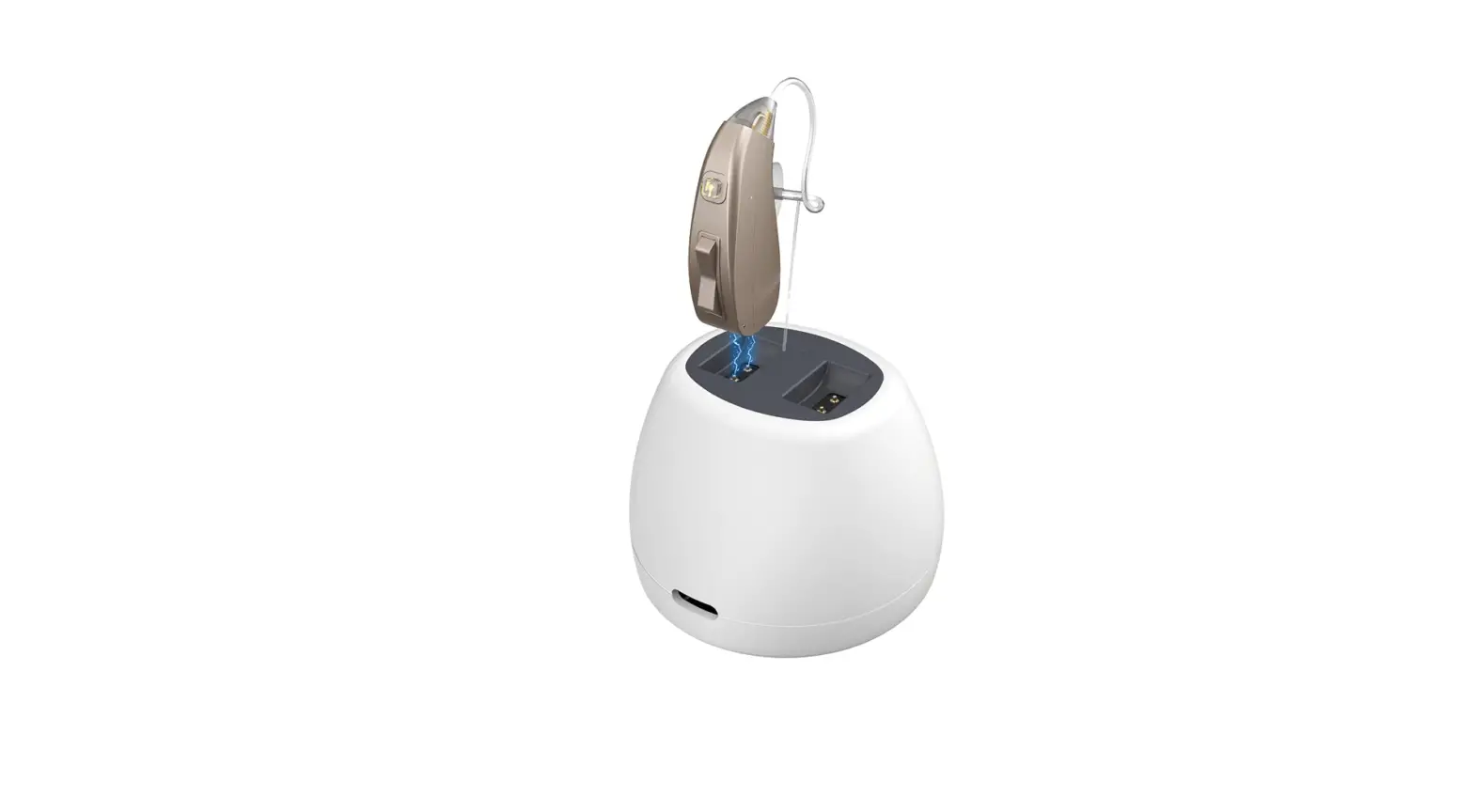
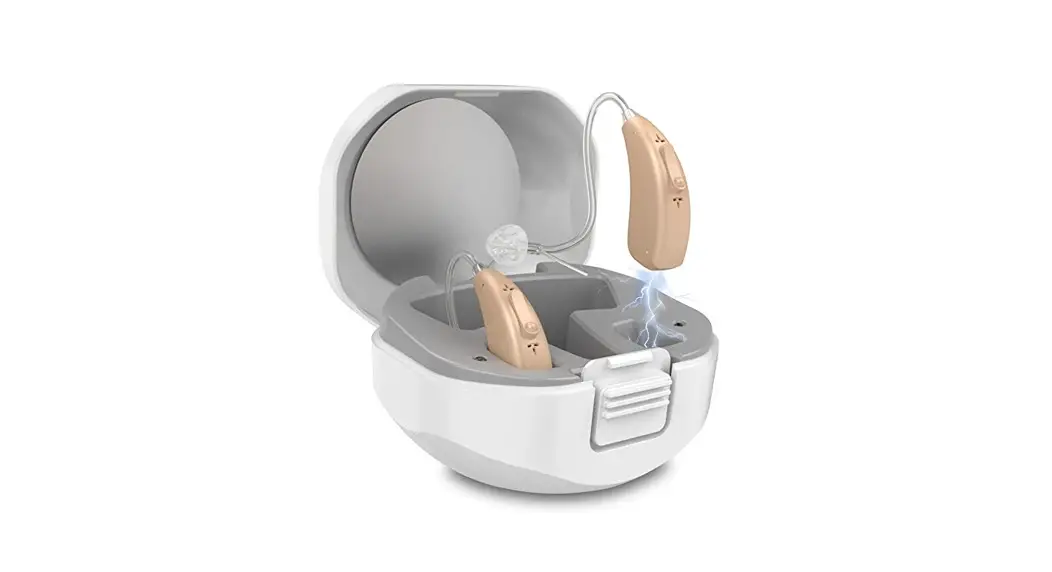
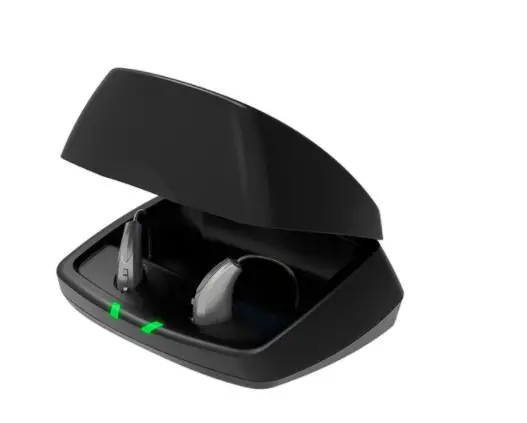
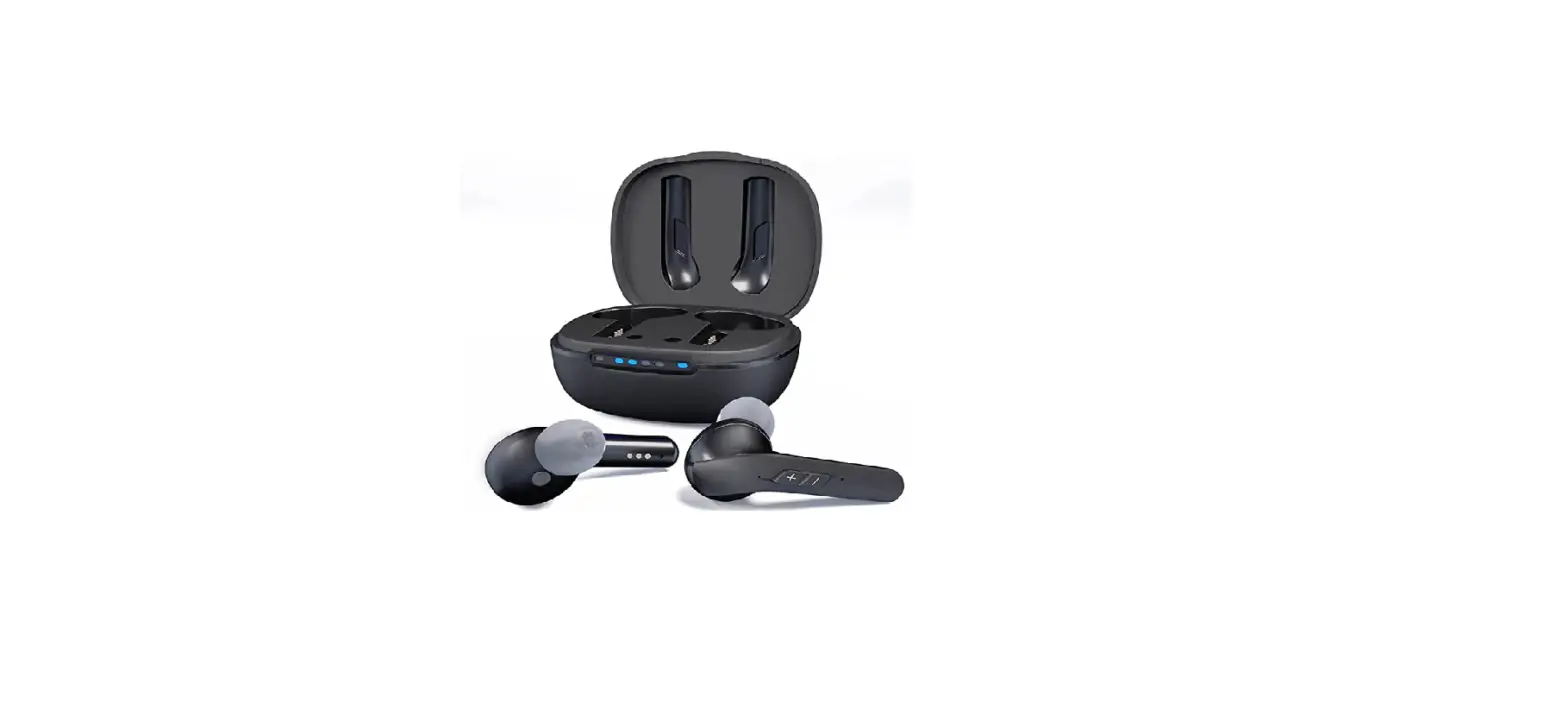
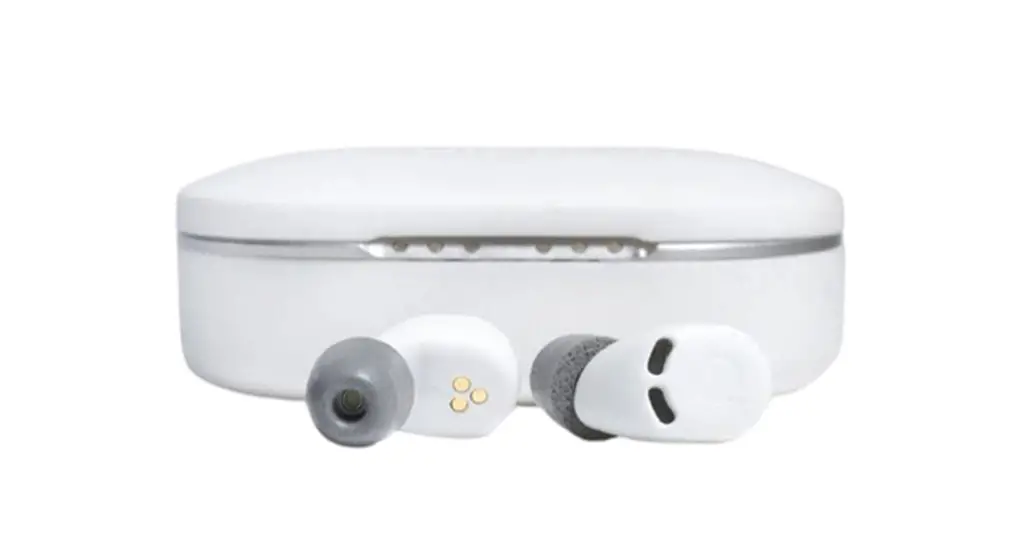
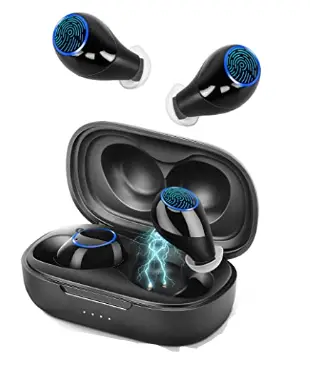
- Charging case:*1
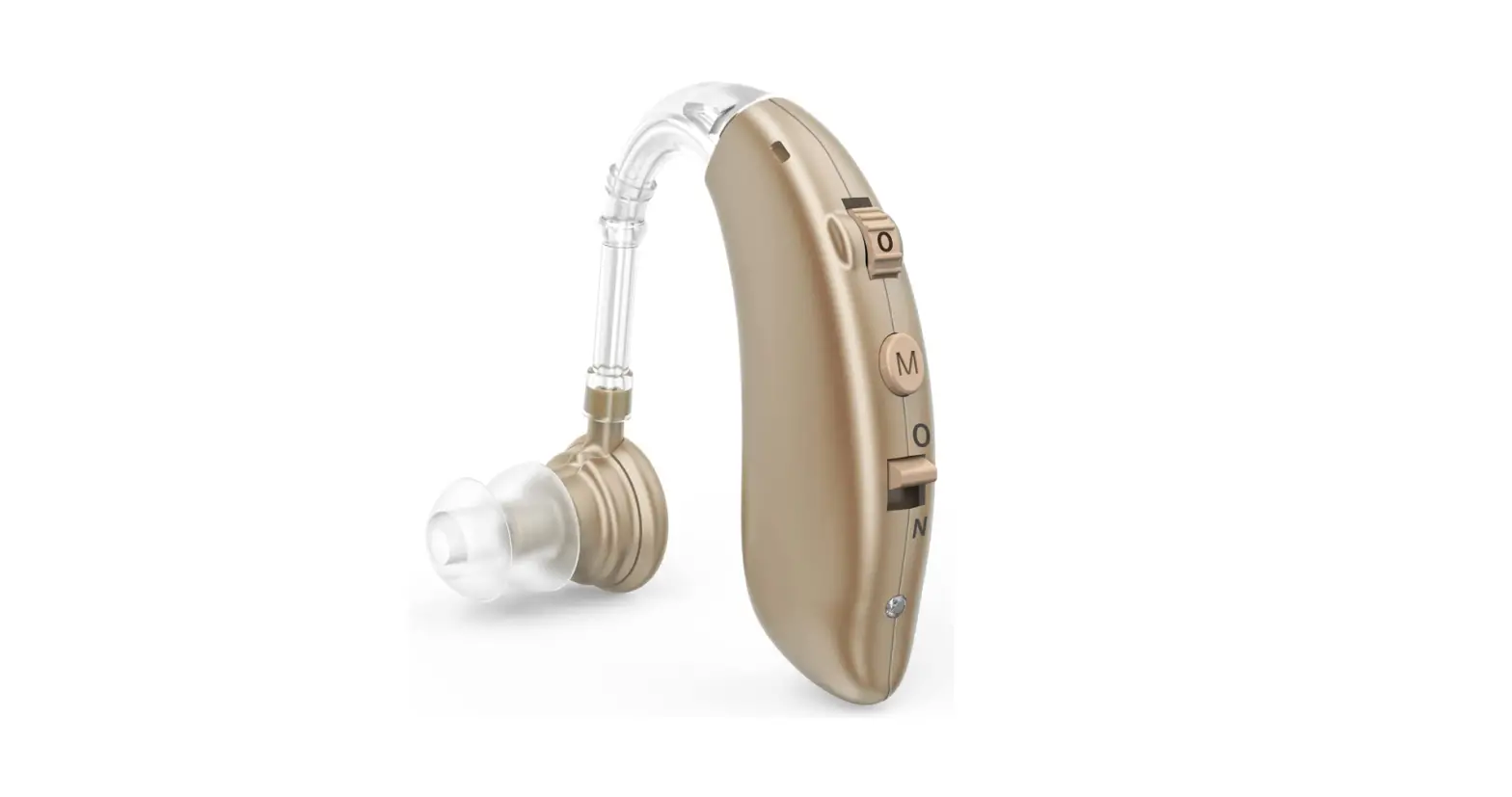
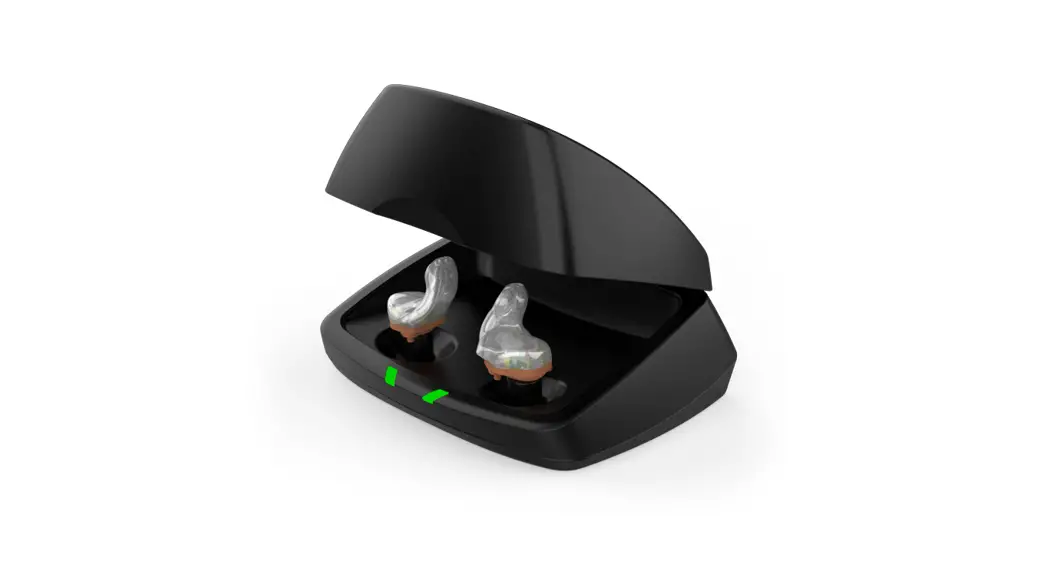
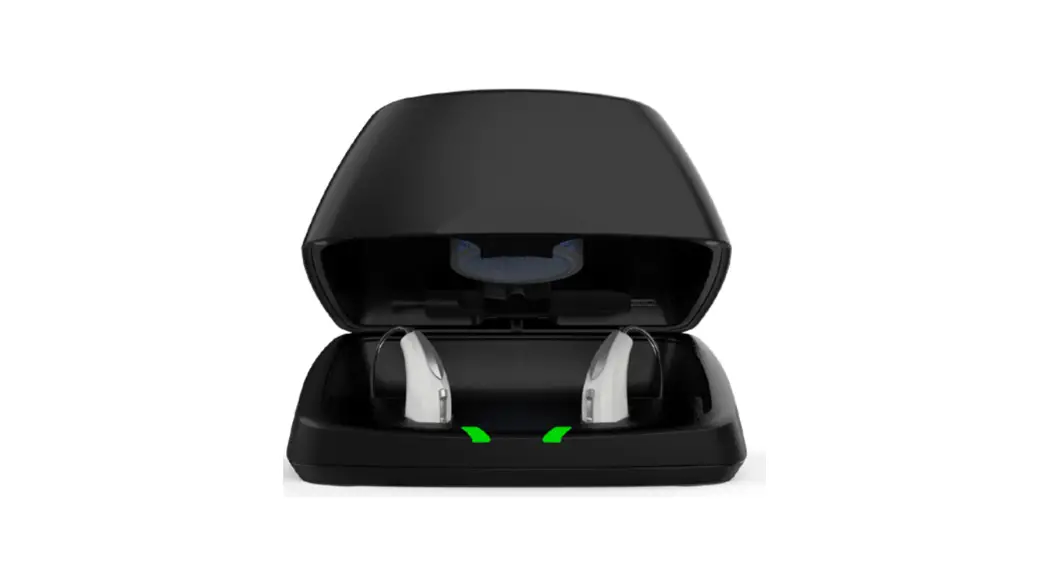
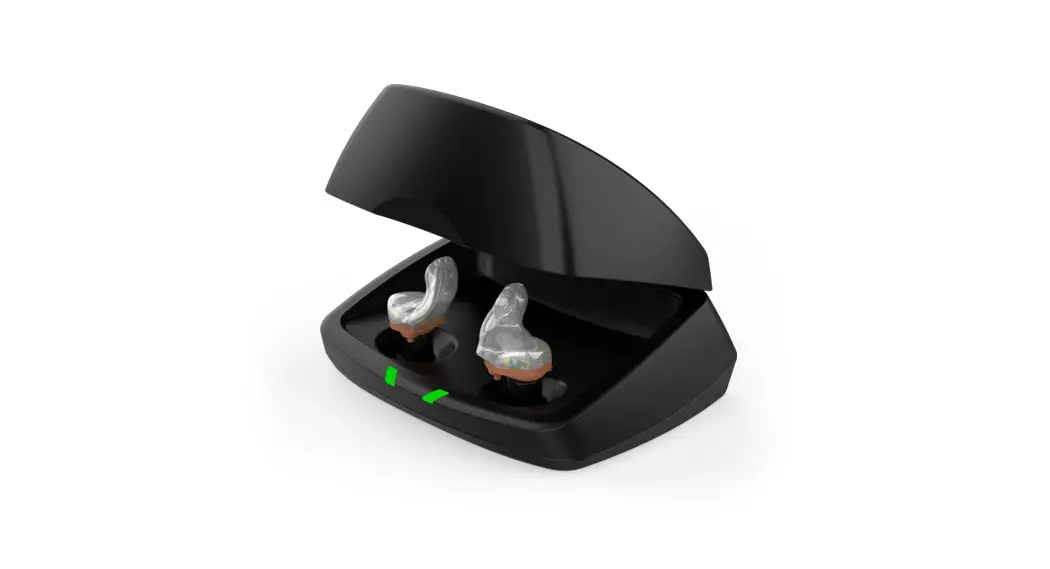
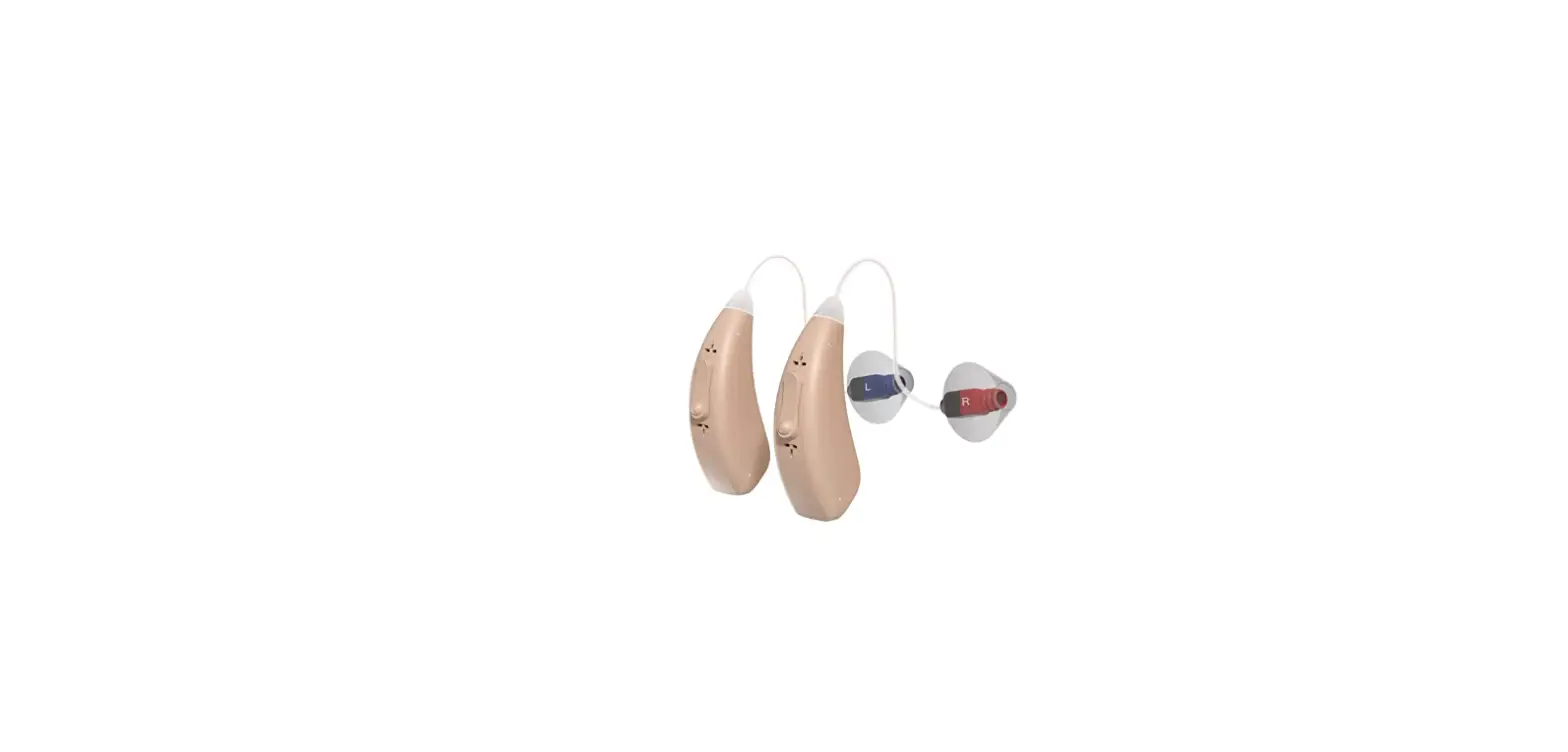
- Hearing amplifier 1 pair
- USB cable:*1
- Cleaning brush:*1
- Silicone ear dome 3_pairs
- User manual:*1
- Quick guide:*1
- Dustscreen :*10
The amplifier are pre-assembled with ··M· size ear domes.
INTRODUCTION
The amplifier comes with 4 pairs of silicone ear domes. Choose the one that fits best. The wrong size of ear domes may cause whistling.
The device is with memory function. It will automatically save the mode and sound volume after 15 minutes of using.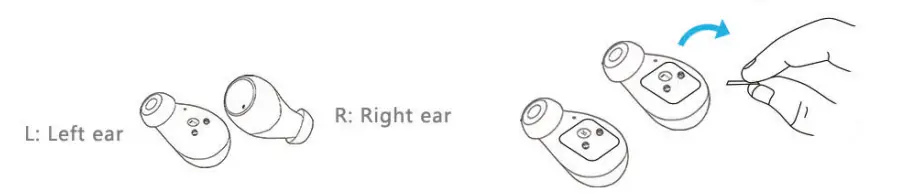
Remove the pro1ective film on the charging copper column before use.)
Assembly
Put the dome over the grooves on the amplifier to mount it.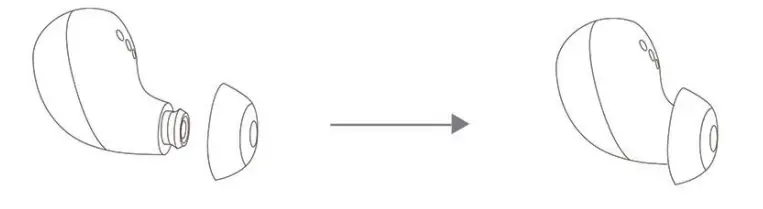
How to put on
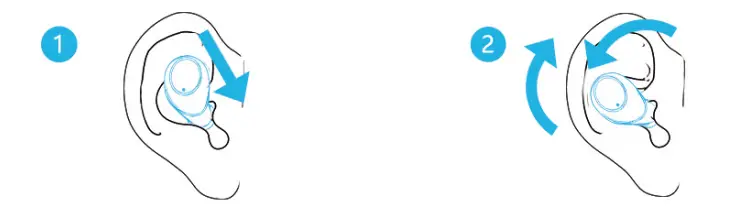
- Clean the ear canal. Push the hearing amplifier into the canal.
- Gently turn the hearing amplifier left and right until it is stable and comfortable.
WEARING
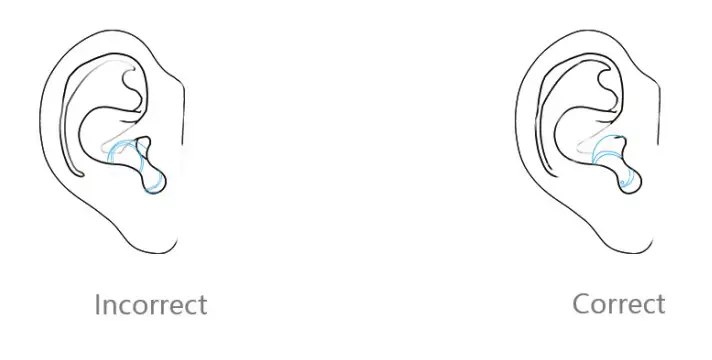
- Hold the amplifier by its side where the shell curves in.
- Gently insert the canal portion of he<1ri ng amplifier into your ear.
Volume
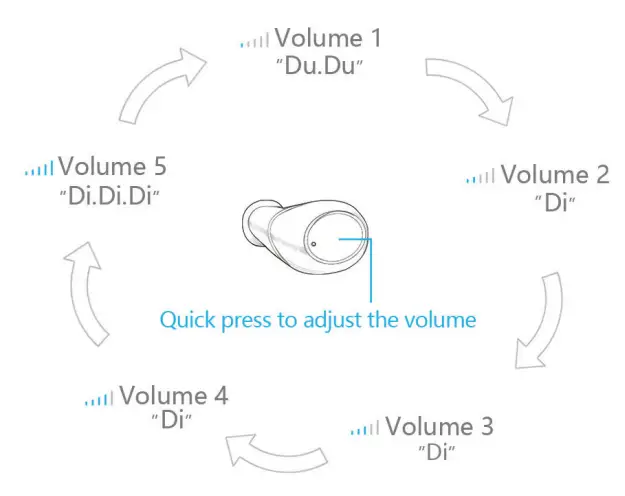
The volume goes from lowest (Volume 1) to highest (Volume 5), and then back to lowest (Volume 1 ).
Switch mode
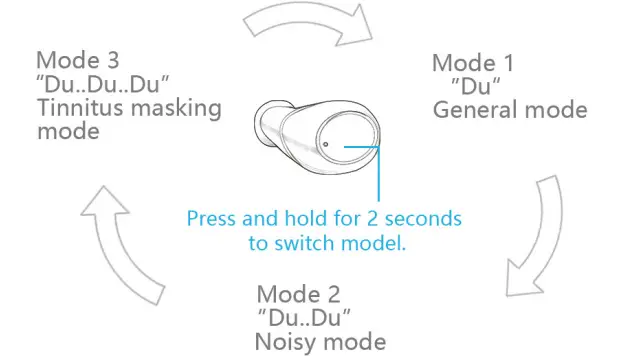
The mode rotates from Mode ·1 to Mode 3 then back to Mode 1.
On and Off
- Turn on: take the amplifier out of its case or press and hold the button for 5 seconds. A signal sound of “Du.Du.Du.Du.Du.” means the amplifier is on.
- Turn off: put the amplifier back into its case or press and hold the button for 5 seconds. A signal sound of “Du.Du.Du.Du means the amplifier is off.

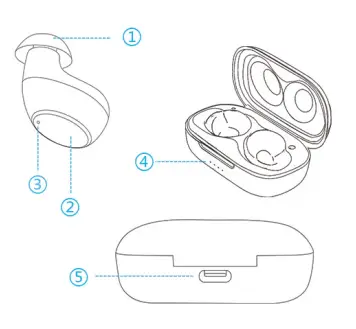
- CD Silicone ear dome
- Touch-sensitive control key
- Dual-mic
- Charging Indicator
- Type-C Connection
Charging indicator
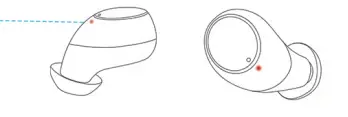
Amplifier indicator light
- Red: char9in9
- No light: fully charged
Charging chamber indicator light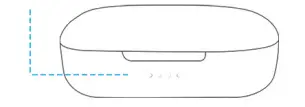
- Blinking white: low power
- Solid white: normal power range {A single white light indicates 2:>% power)
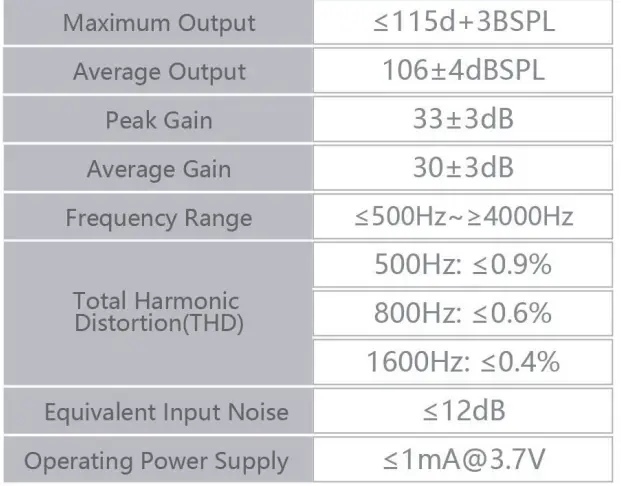
Technical specifications 
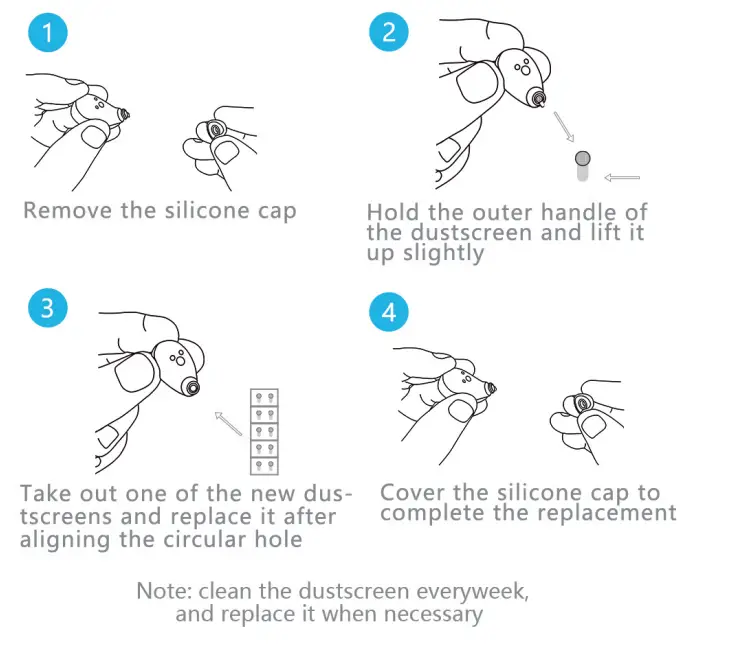
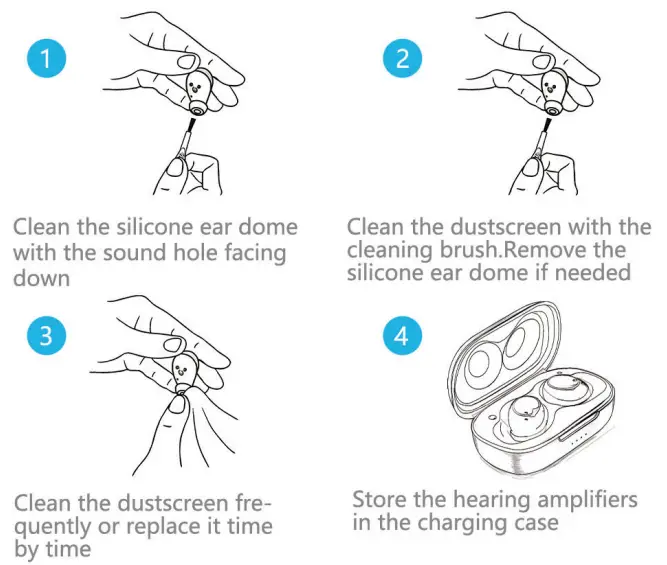
Dustscreen replacement
Cleaning and maintenance
Troubleshooting
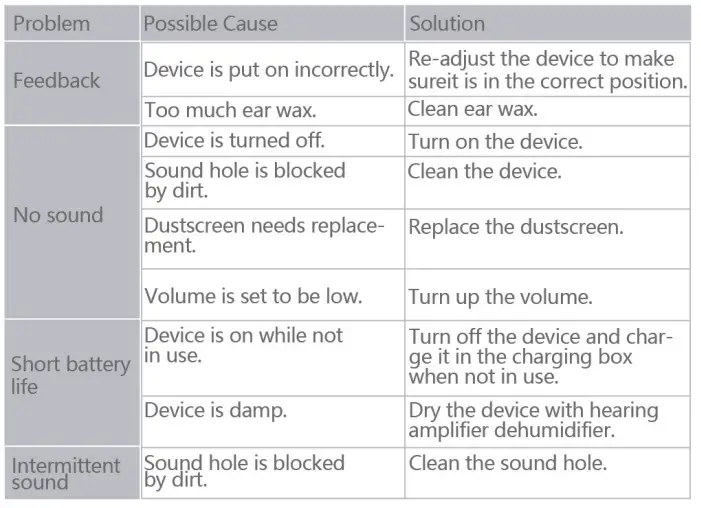
Note: if the problem cannot be solved by the above list of methods, please contact our Customer Service.
Cautions
- For any injuries or pain after using the device, stop using it immediately and seek professional help from a hearing amplifier center or ENT physician.
- Do NOT take NMR OR CT scan exams with your device as it may cause damage to the device.
- In extremely noisy settings such as mining fields or explosions, turn off the device to avoid hearing damage Products with high moisture levels can cause damage to the device.
- Remove the device before using such products as hair gel or face cream etc. Turn off the device when not in use Charge it at least once every 6 months to promote optimal battery life.
 Avoid water Keep the device from water. Remove the device before swimming, bathing, showering, or face washing
 Avoid heat Do not leave the device under direct sunlight or in places with excess heat. Avoid dropping the device to the ground from high above.
 Avoid shock Keep it from violent shock.
Thank You for Reading
FAQS
A single hearing aid has no sound because you accidentally turned down the sound of that hearing aid, you just need to touch the control button to adjust the volume to the appropriate volume to restore the sound
(1)Check whether the volume is adjusted to suit your hearing situation.(2)Check whether the hearing device has power.(3)Check whether the ear canal is not cleaned and the cerumen is blocking the sound outlet of the hearing aid.
Normal hearing is accustomed to external environmental noises such as computer fans, air conditioners, and road noises for a long time. However, after hearing loss, the sound cannot be heard for a long time and in a relatively quiet space. Once you wear the hearing aids will feel that the environment is noisy and unaccustomed, and need to adapt for a while.
The noise is whistling, which is a positive feedback whistling sound generated by the sound from the hearing aid horn after being leaked and picked up by the microphone. The solution is to cut off the feedback path, reduce the sound leakage, choose an appropriately-sized earplug and wear it seal.
The initial wearing of hearing aids has a process of adaptation. Now wearing in a quiet environment, the wearing time needs to adapt slowly, please refer to USER GUIDE.
Adjust the volume to normal.The volume of the hearing device is turned on to the maximum because of the product test, it needs to be turned down at the beginning use.
Selecting an appropriately-sized earplug to keep the ear canal sealed , can effectively prevent the whistling.
Please do not cover the sound hole when adjusting the volume, otherwise, it is easy to cause howling
What is the width and length of these strips? I’m looking for cable straps that will wrap my different sized items.
The width of the tape is 0.78 inches and the length is 15 feet, which can be freely cut for small and large items.
Wear it in a quiet place for 1-2 hours in the first week, wear it in the park for 3-4 hours in the second week, wear it to public places for 5-6 hours in the third week, go anywhere without restrictions in the fourth week. It usually takes about 2 to 3 weeks to get used to hearing aids.
Press and hold for 2 seconds to switch mode from normal listening mode (“Du” signal ) to noise enviroment mode (“Du..Du” signals ), to tinnitus masking mode (“Du..Du..Du” signals ), then back to normal listening mode to cycle if continue to press and hold for 2 seconds.
Since the contact part of the earplug and the ear canal is not tightly fitted, the amplified sound leaks out of the gap, and the return microphone is amplified again, which will produce howling.
Please make sure the ear canal and earplugs are sealed when in the ear, then adjust the volume until you hear the sound.
Hook and loop strip tape with adhesive has a layer of adhesive. And it’s rather strong. Works wel on everything I’ve asked it to hold, like the cable box against the wall and a sound bar against the bottom of the TV.
Our ear cups have a maximum diameter of 0.7 inches
No Bluetooth. They are charged then placed into each ear canal. They work really well for the price.
Yes.
Charges in a sunny place during the day and glows at night.
It is hook and loop and pulls apart into two separate strips, one side plastic hook and the other strip has a fabric type facing. When pushed together they form a good strong hold, both with a strong sticky backing.