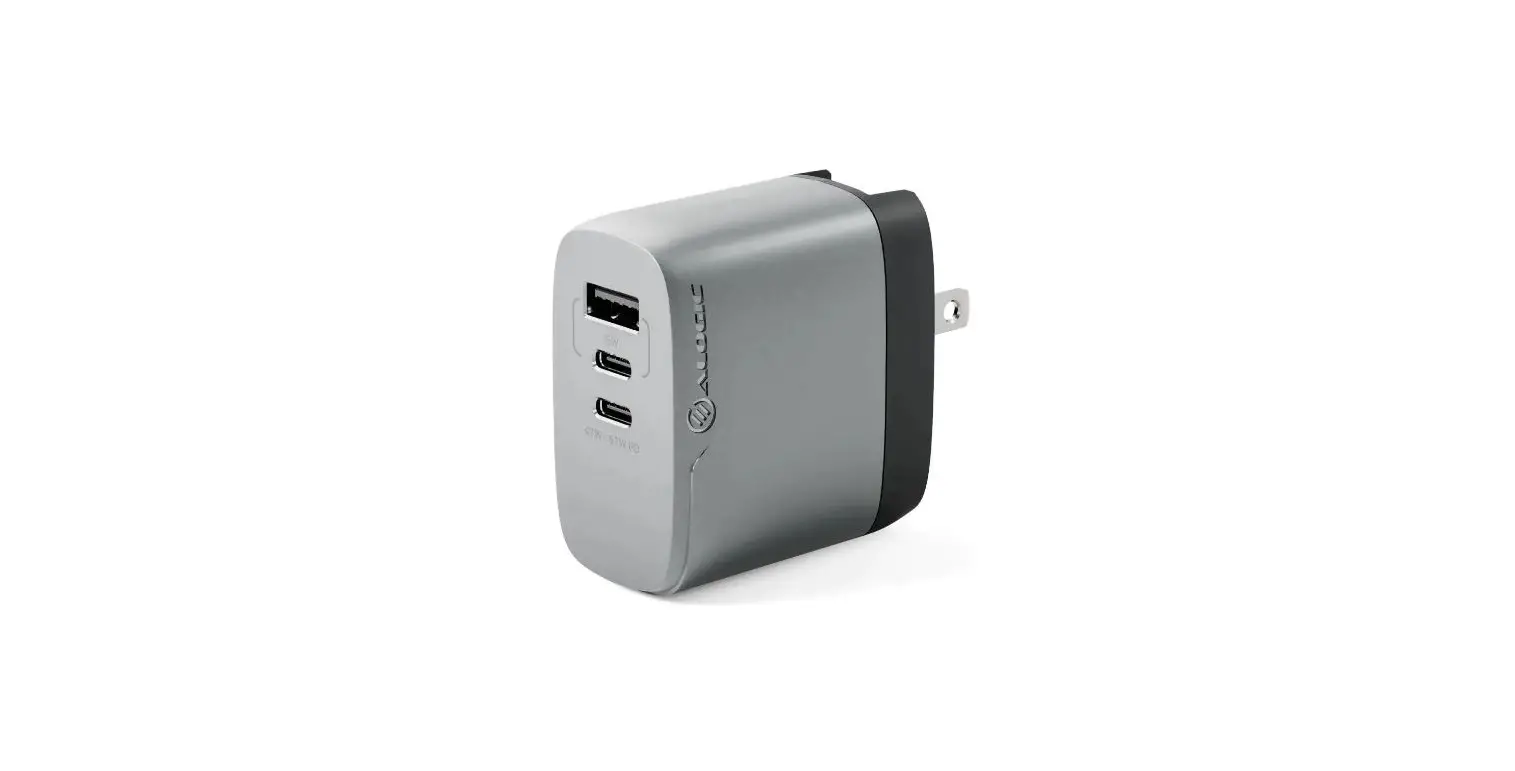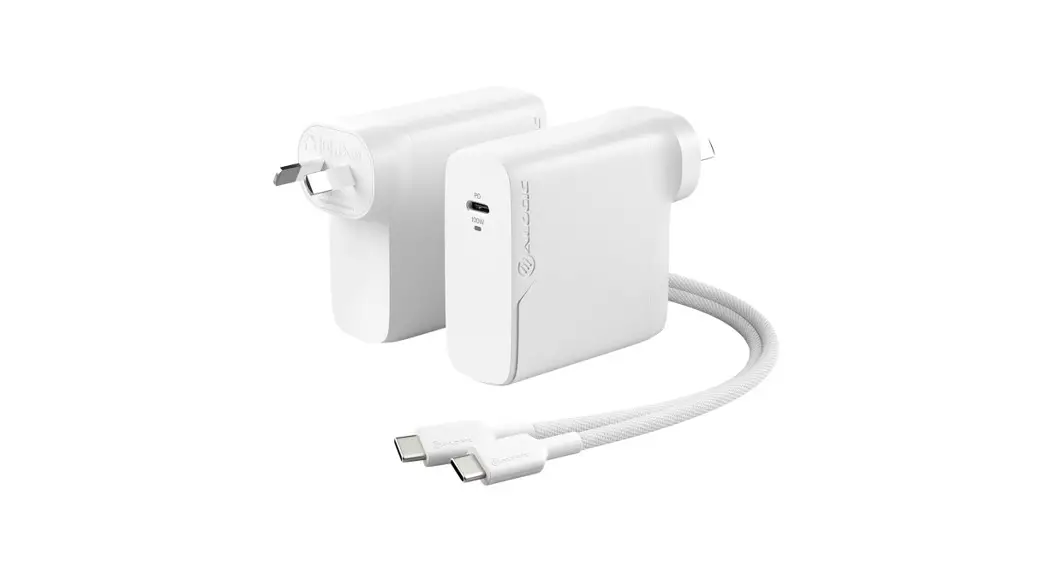
 1X100 Rapid Power 100W GaN Charger
User Guide
Congratulations on purchasing this quality ALOGIC product. To get the most out of your purchase, please take the time to read these instructions before use.
This product allows you to charge devices using the latest USB Type-C Power Delivery (PD) charging standard. It provides charging of high-power devices such as laptops at up to 100W, but can also safely charge smaller devices such as tablets, portable gaming consoles & smartphones.
USB Power Delivery is a new, multi-voltage charging standard that dynamically negotiates power output over a USB Type-C connection allowing you to safely and efficiently charge a wide range of compatible devices from a single charger.
Using the Charger
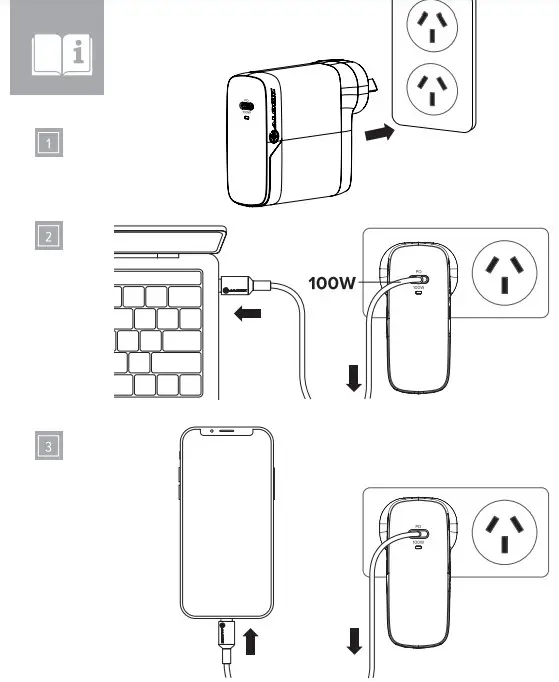
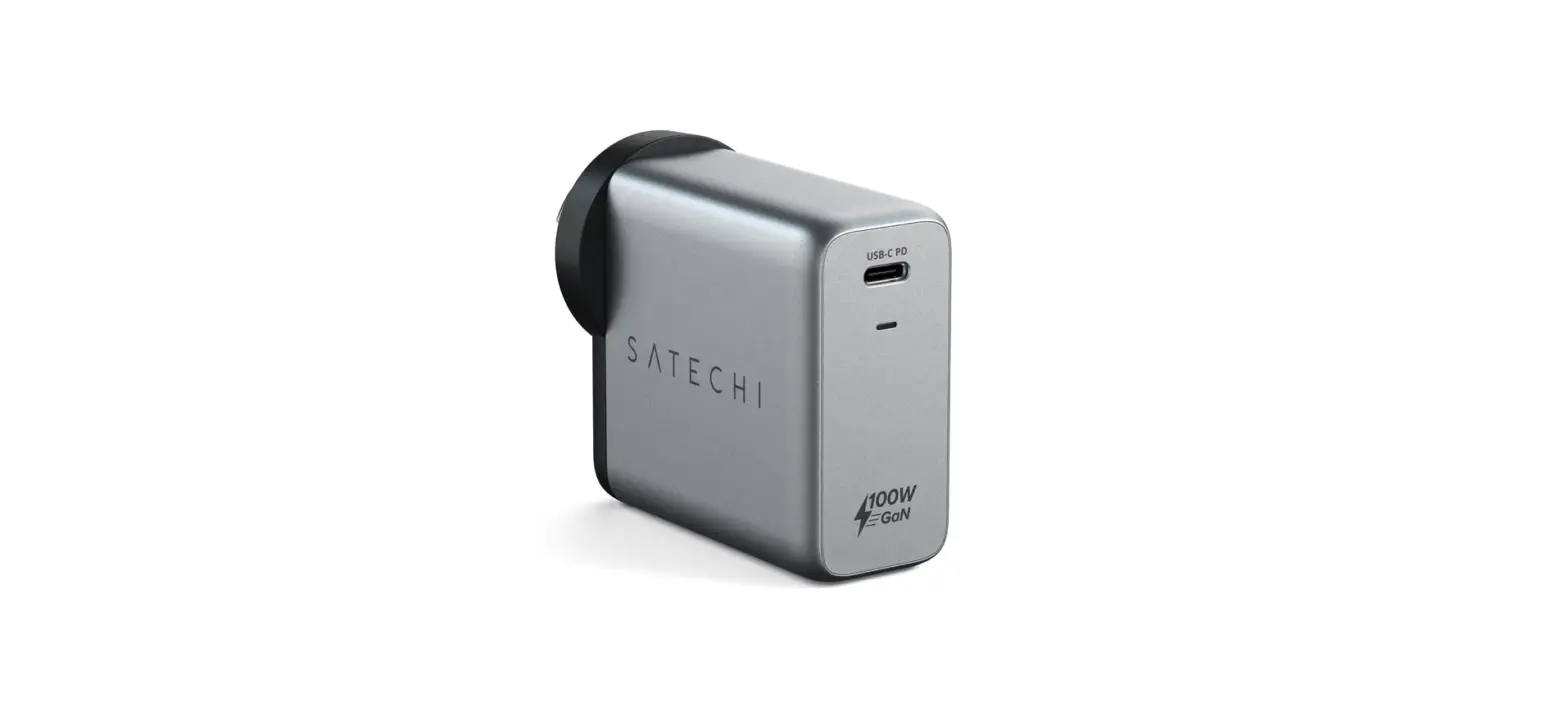
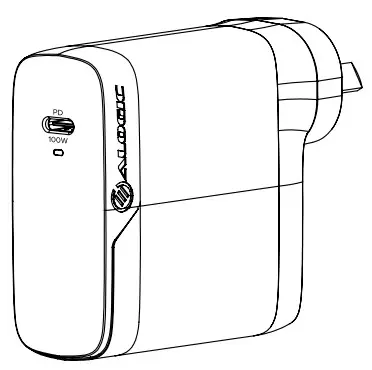
(Refer to the images on the previous pages)
- Plug the wall charger into a power outlet.
- Connect a laptop, phone, tablet, or another device that has a USB-C charging port to the output of the charger. Use the cable supplied with the charger or another USB-C 5A-rated cable to ensure the connected device charges at the fastest possible speed.
- A device-specific cable is required to charge devices that have charging ports other than USB-C (such as a USB-C to Lightning or USB-C to Micro USB cable). ALOGIC USB-C charging adapter cables are available to purchase separately from the charger.
Unplugging your devices when they have finished charging is recommended to prolong the life of the batteries.
Unplugging your devices when they have finished charging is recommended to prolong the life of the batteries.
Troubleshooting
| Problem | Solution |
| USB-C laptop not charging when connected to the charger | • Not all laptop USB-C ports support charging using USB-C Power Delivery. This charger should only be connected to the USB-C port in the laptop that supports power pass through or power delivery protocol. • Ensure you connect the charging cable to a port on the laptop that supports charging. |
| Laptop charging slowly | • Certain high performance laptops can use up to 100W or more when performing CPU-intensive tasks. The laptop will charge more rapidly when the processing demand is reduced. • Ensure you use the charging cable supplied with the charger or another SA (100W) USB-C cable when charging laptops. Most USB-C cables only support charging at up to 3A (60W) or below and won’t allow some laptops to charge at full speed |

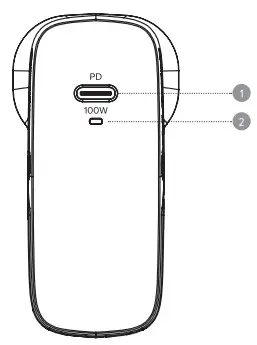
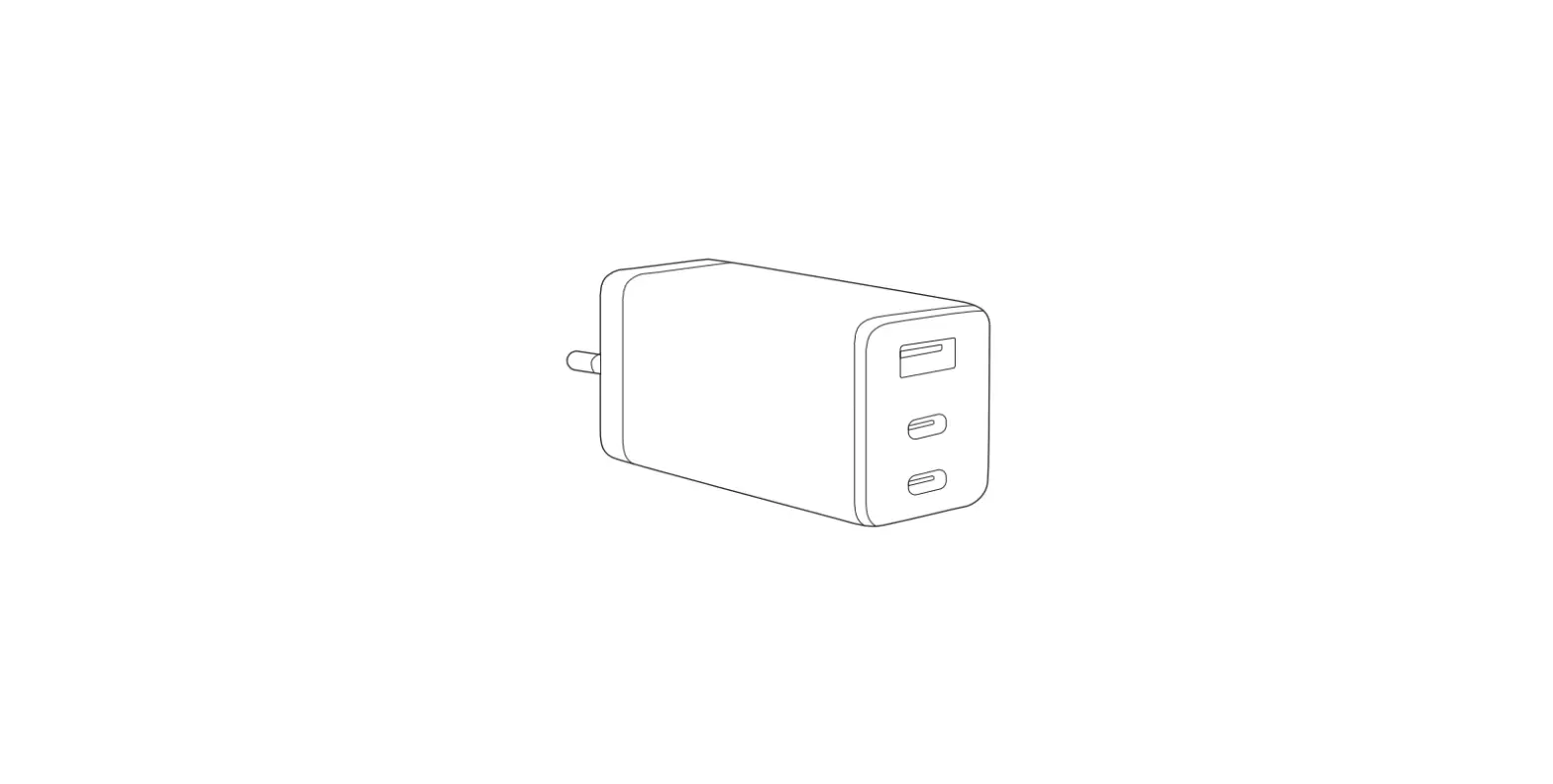
- USB-C charging outlets -100W max
- Power indicator
Specifications
| Model | WCG1X100-ANZ WCG1X100SGR-ANZ |
| Dimensions | 70 x 68 x 29.5mm (H x D x W) |
| Weight | 220g |
| Output | USB-C Port -100W (20V 5A) Max |
| Input | 100-240VAC 50″60Hz 1.5A Max |
| Warranty | 2 Years |
Package Contents
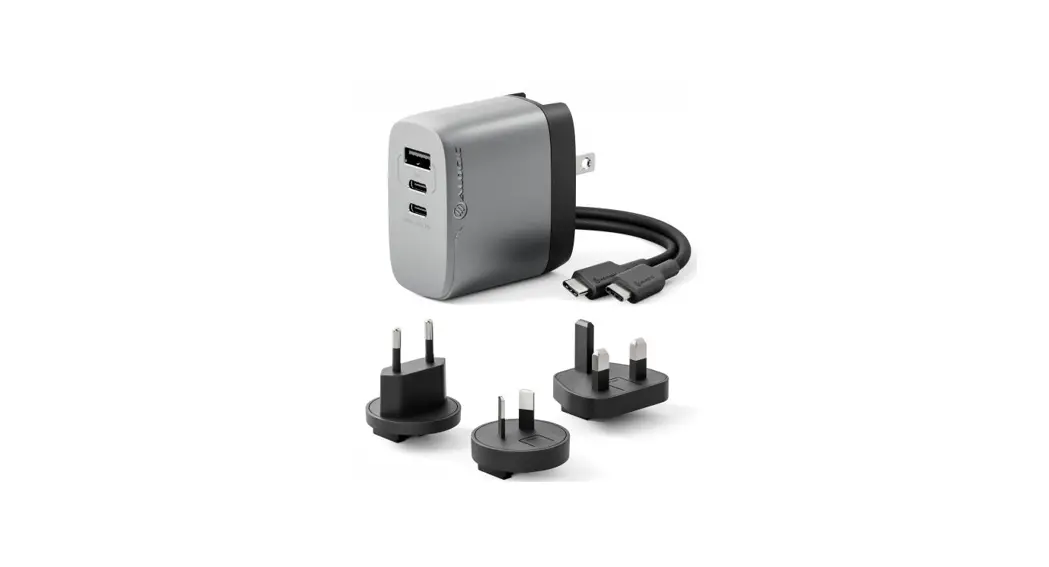
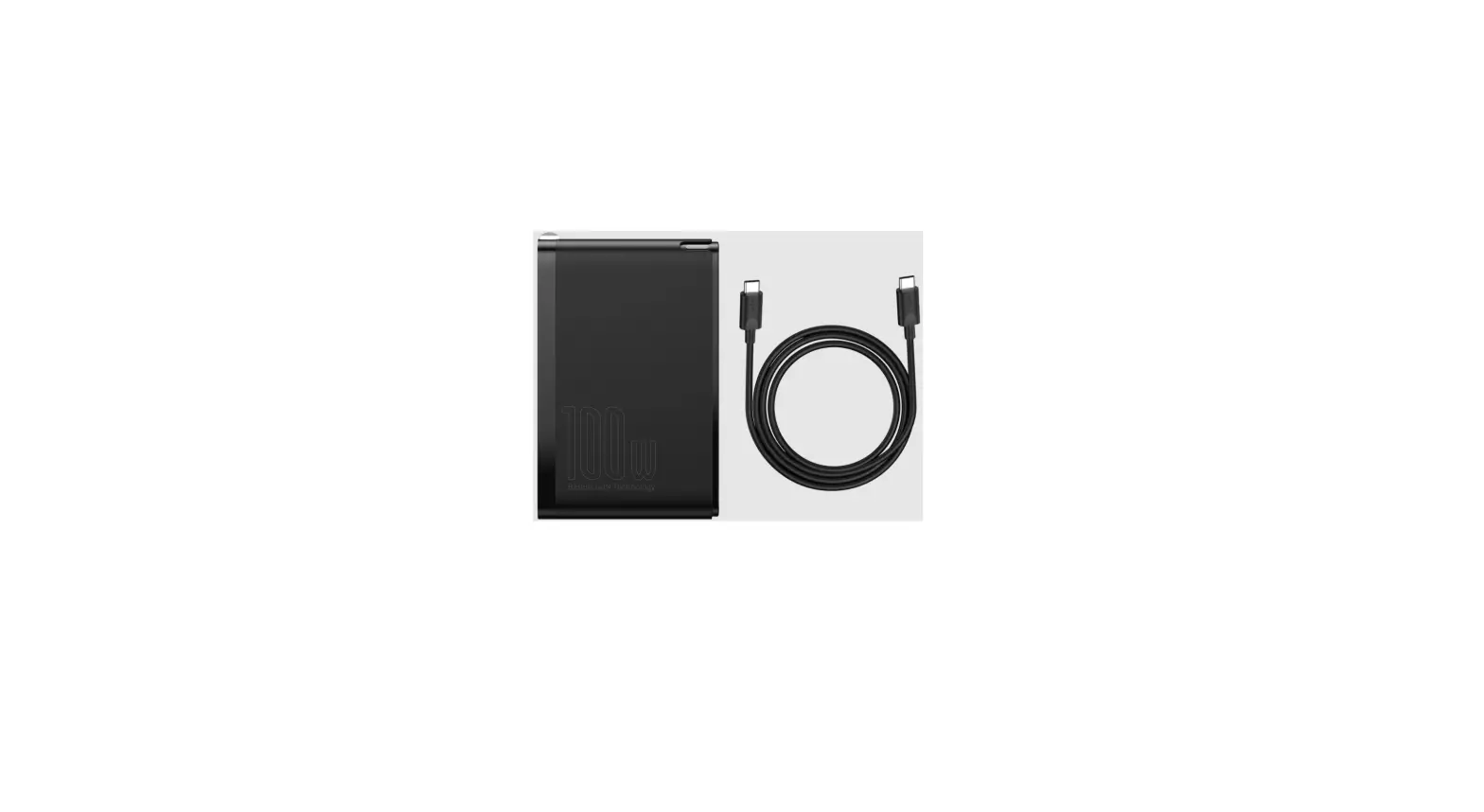
100W Rapid Power GaN Charger
2m USB-C to USB-C 100W Charging Cable
User Manual