 QUICK START GUIDE
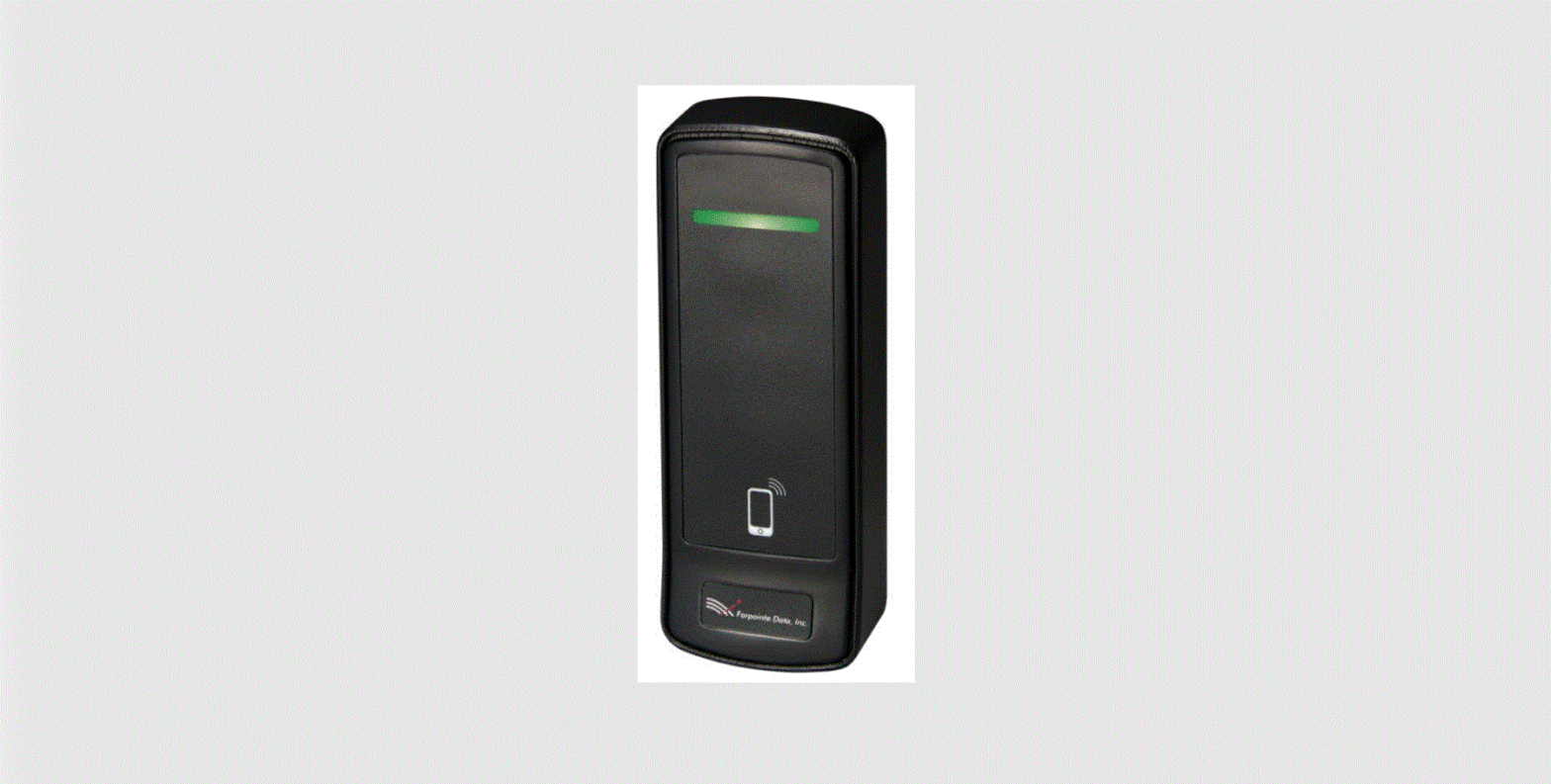
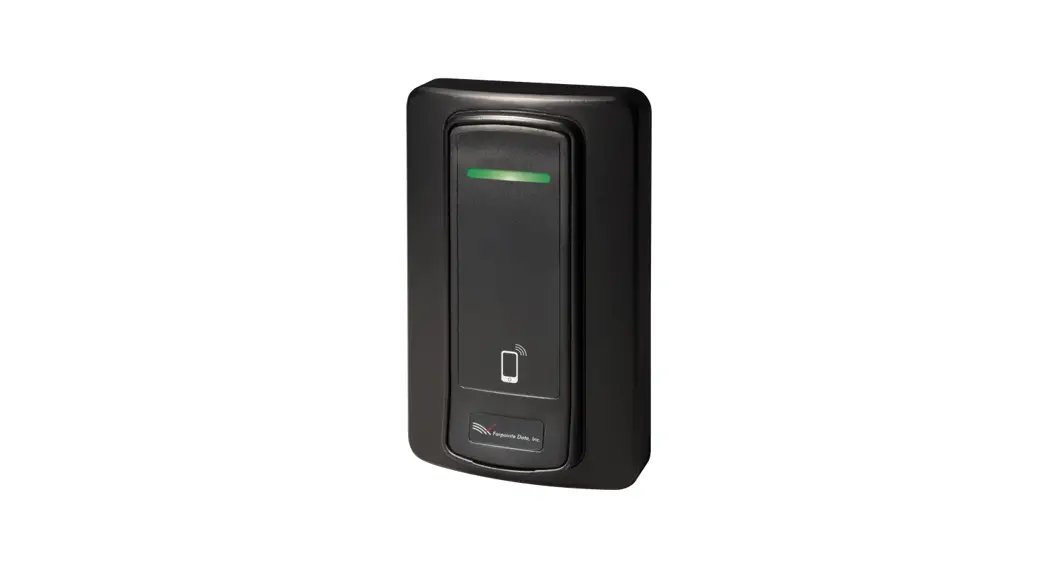
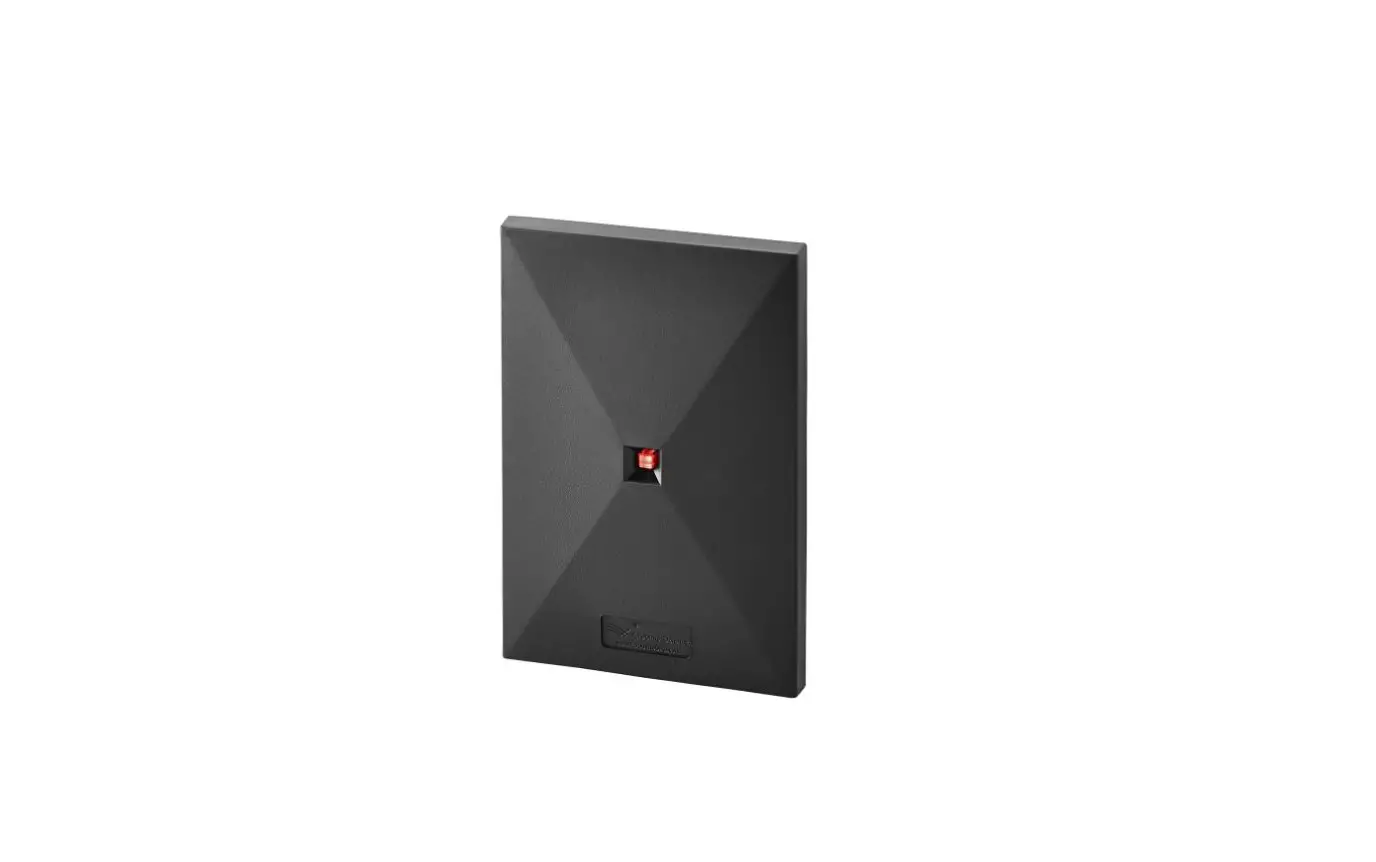
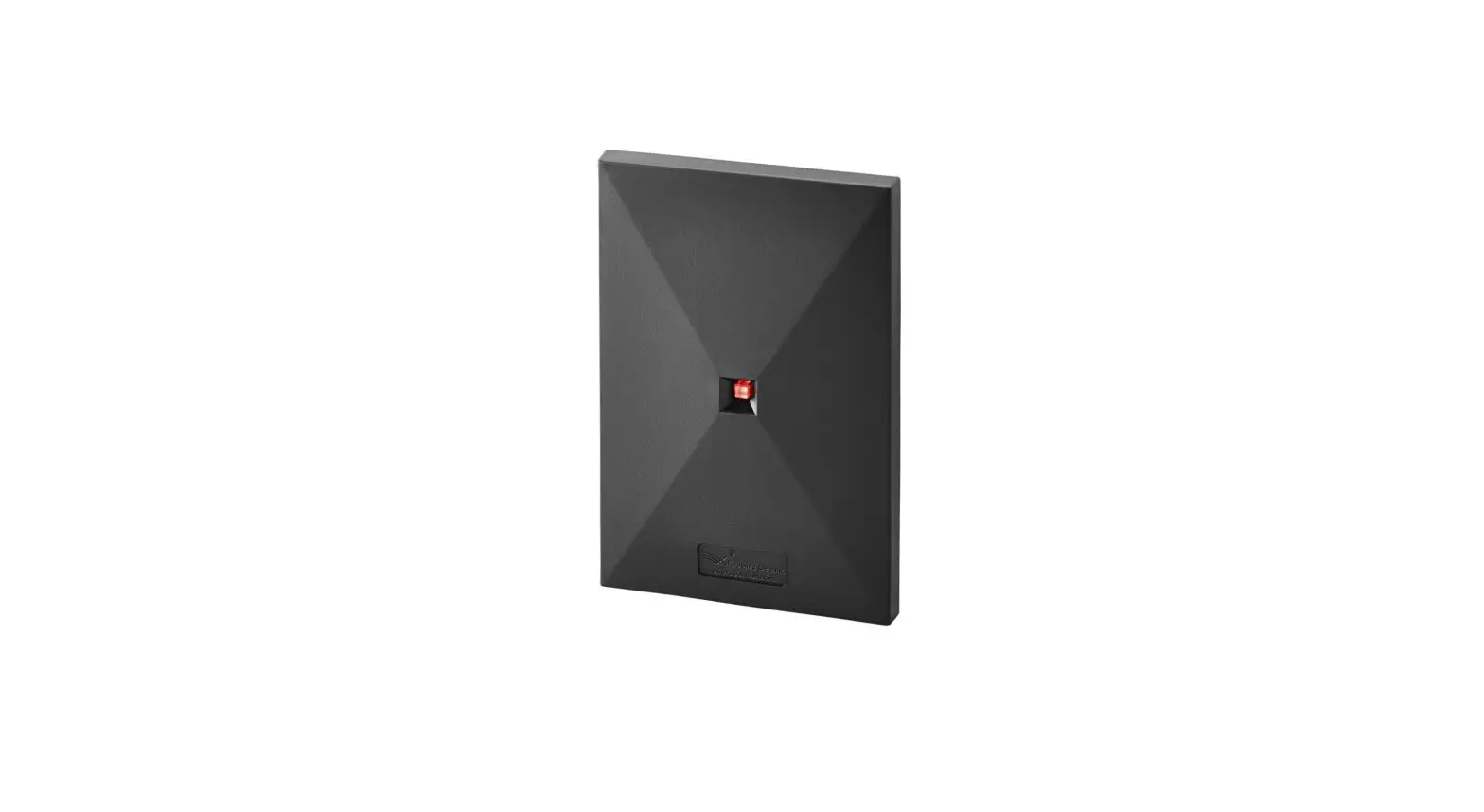
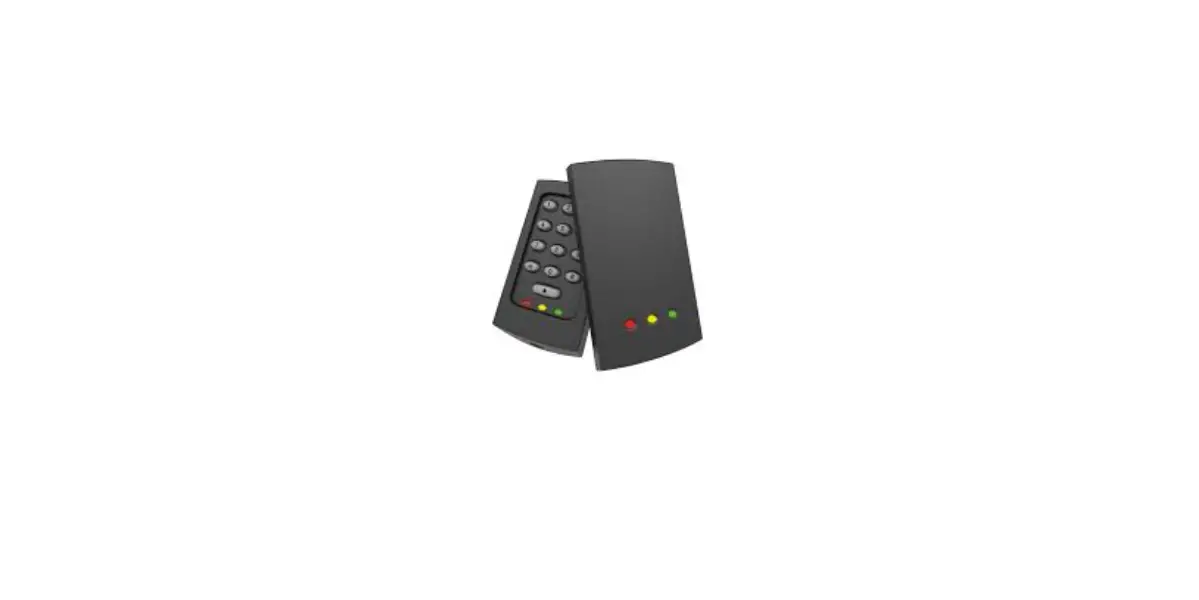
NORTEK MOBILE-READY
PROXIMITY READERS
This Quick Start Guide is intended for experienced installing technicians. It is a basic reference to ensure all connections are properly made.
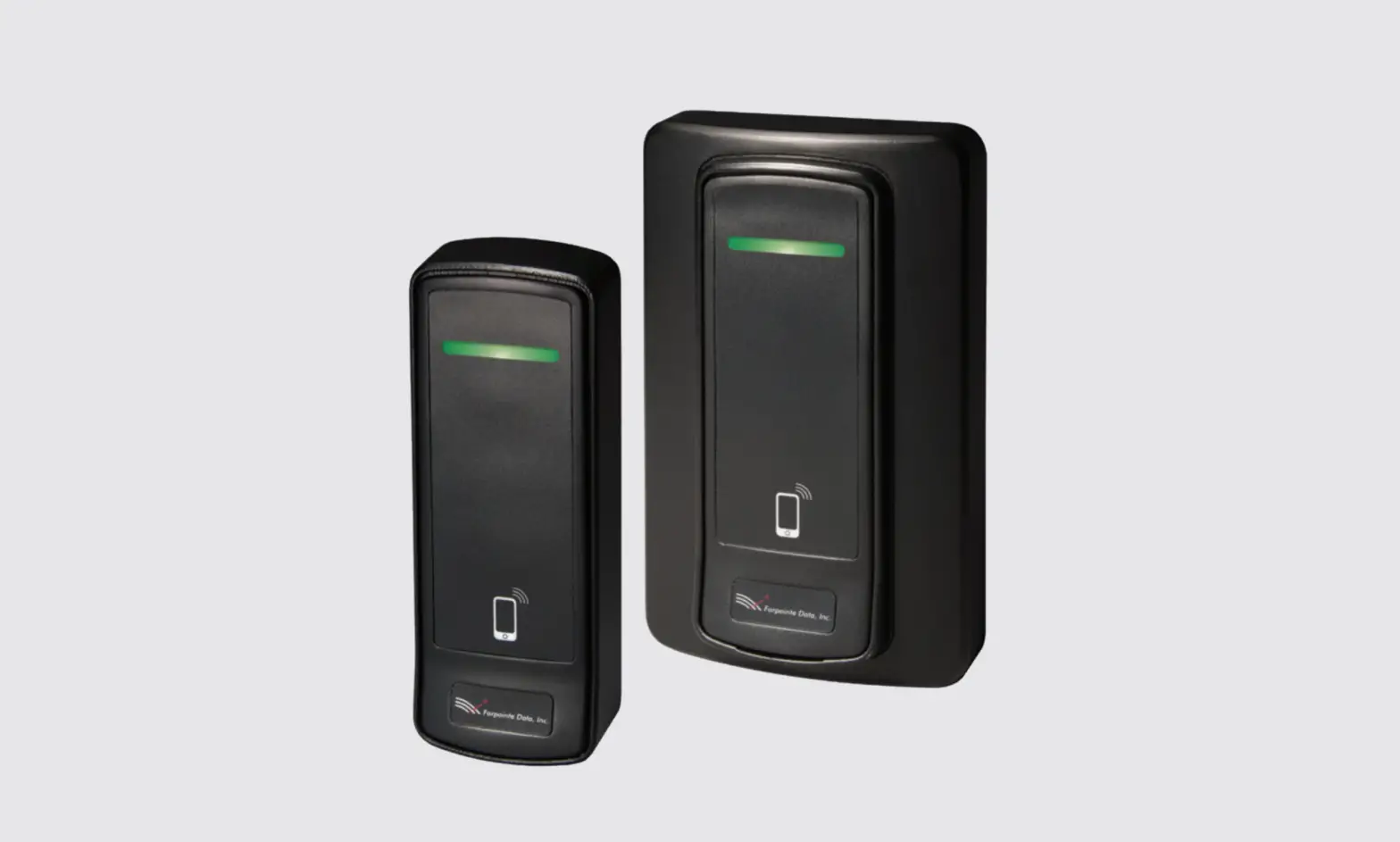
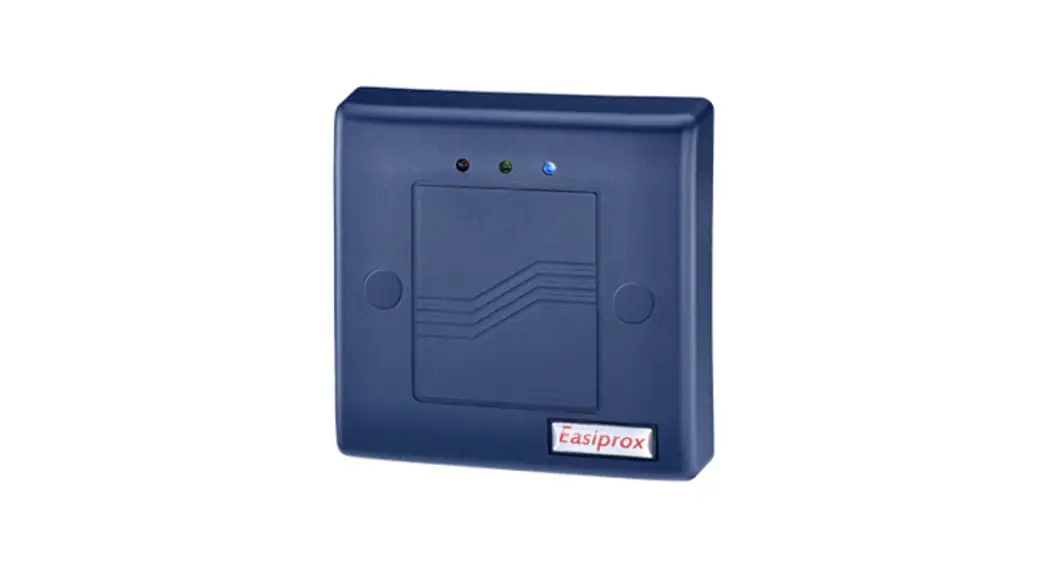
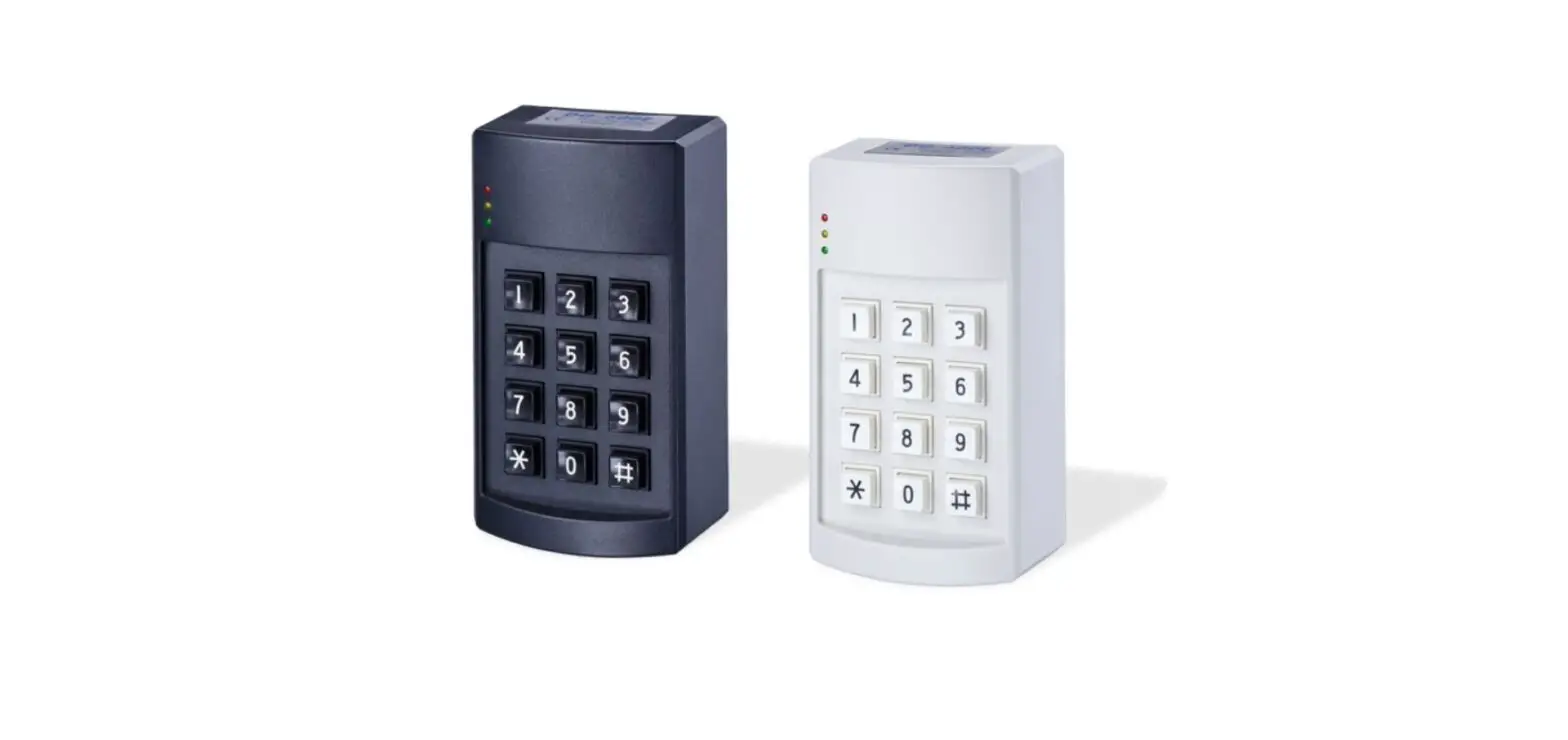
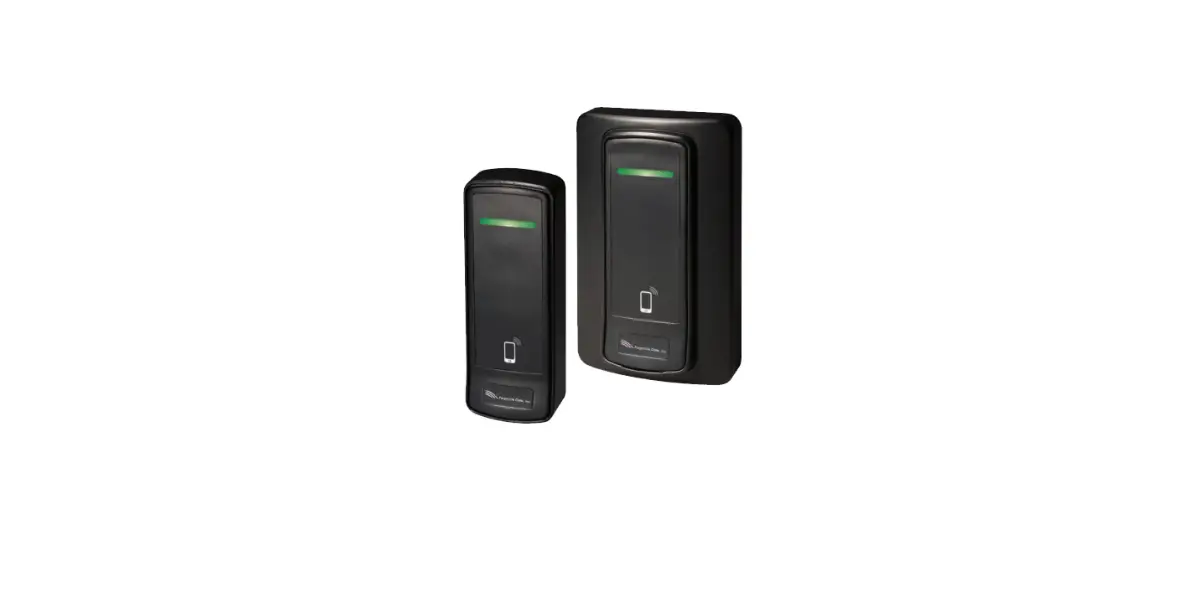
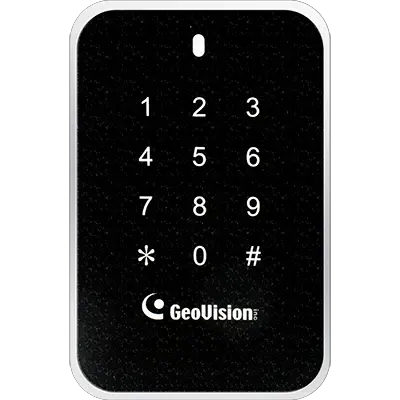
Models include Nortek PB-3500, PKB-2600 and PKB-3400.
1.0 Introduction
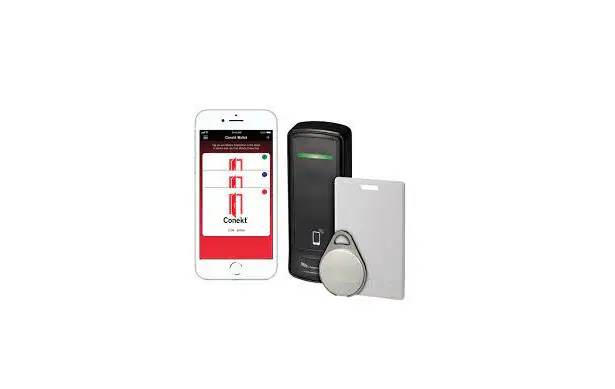
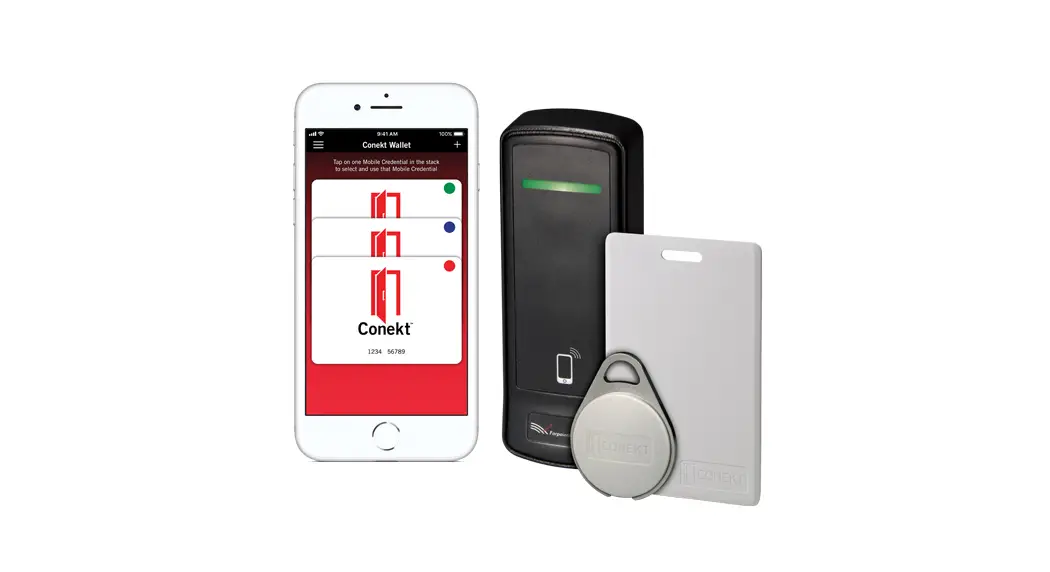
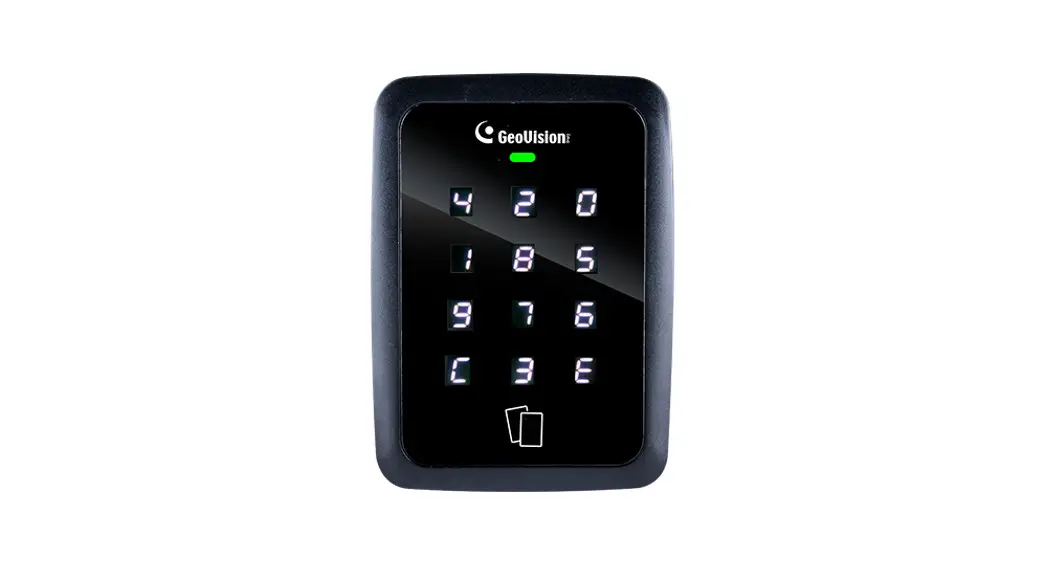
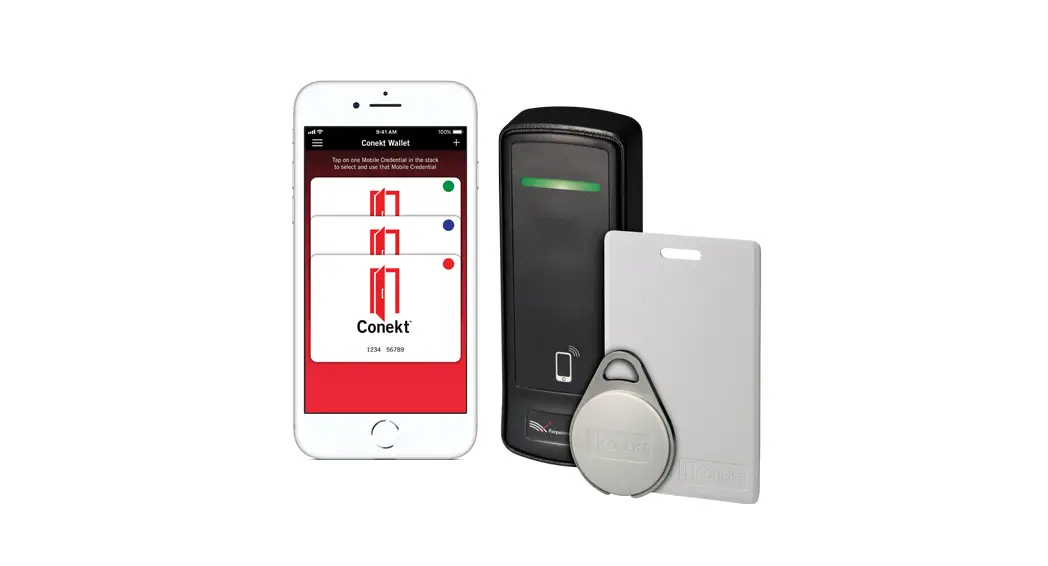
A key component of a physical security electronic access control system, a mobile-ready reader combining BLE and proximity technologies is based on RFID technology. In operation, it is capable of reading data stored on a proximity credential via radio frequency—or reading data from mobile credential stored in a smartphone’s wallet app via BLE technology—and without physical contact, and then passing the data obtained to the physical access control system. Access control systems typically manage and record the movement of individuals through a protected area, such as a locked door.
2.0 Mounting Provisions
Each reader may be installed either indoors or outdoors. Mounting options are shown in the table below. Use supplied #6 mounting screws, or equivalent security screws, for installation.
| PB-3500 | PKB-2600 | PKB-3400 | |
| Mullion Mount | • | • | |
| Single-gang Wall Mount* | • | • |
*Plastic or metal.
3.0 Reader Wiring
| Wiegand | |
| Conductor | Function |
| Red | DC (8-14 VDC) |
| Black | Ground |
| Green | Data 0 |
| White | Data 1 |
| Brown | Red LEDª |
| Orange | Green LEDs |
| Yellow | Card Present |
| Blue | Beeper |
| Violet | flea powder |
| Drain | Shield Ground |
| Magstripe | |
| Conductor | Function |
| Red | DC (8-14 VDC) |
| Black | Ground |
| Green | Clock |
| White | Data |
| Brown | Red LED |
| Orange | Green LED |
| Yellow | Card Present |
| Blue | Beeper |
| Violet | flea powder |
| Drain | Shield Ground |
NOTES:
a Single Line LED: This is the standard operating mode and does not make use of the Orange conductor. The LED is Red when the reader is idle and flashes when a card is presented. The LED turns Green when the Brown Conductor is pulled low by the access control panel.
b Dual Line LED: This mode makes use of both the Brown and Orange conductors. The Brown conductor controls the Red LED and the Orange conductor controls the Green LED. LED states are determined by the access control system option and capability. Unused conductors should be trimmed, isolated, and taped back to prevent unintended current flows. Apply positive voltage only to the Red DC Conductor.
4.0 Cable Requirements
24 AWG minimum, multi-conductor stranded with an overall foil shield, for example, Belden 9535 or similar, supporting the five conductors comprising the physical layer of the Wiegand interface (power, ground, data 0, data 1, and/or beeper and LED). Alternatively, Belden 9539 or similar, for all reader functions. Contact your access control system manufacturer for their specific requirements. Per the SIA’s Wiegand specification, the maximum cable length is 500 feet (152 m).
5.0 Output Formats
Wiegand (industry standard 26-bit Wiegand and custom Wiegand formats) Magnetic Stripe (ABA Track II, clock, and data, with card present)
6.0 Grounding
Shield (drain) continuity must run from the reader to the access panel. Shield (drain) and reader ground must be tied together at the access panel and connect to the earth ground at one point.
7.0 Power
The reader may be powered by the access panel. A linear power supply is recommended for the best operation.
8.0 Voltage
12 VDC at the reader is recommended for best operation.
| Model | PB-3500 | PKB-2600 | PKB-3400 |
| Voltage | 8 to 14 VDC | 5 to 16 VDC | 5 to 16 VDC |
| Current Draw | 40 mA typical, 195 mA peak | 70 mA typical, 110 mA peak | 70 mA typical, 110 mA peak |
9.0 fleaPower™ Control Line
To reduce the average current required by the reader, pull the purple conductor low.
10.0 Connection
The connection must be done in accordance with NFPA 70. Do not connect to a receptacle controlled by a switch. Connect to a power-limited DC voltage source.
11.0 Troubleshooting
- When the reader is first powered on it will beep 4-times, and the LED will shine red.
- Presenting a supported access credential will result in the reader beeping and the LED flashing once.
- Mobile operation is optimized for smartphones supporting BLE (Bluetooth LE) version 4.2 or newer. Further, for the downloading of mobile access credentials, a stable, high-quality internet connection is recommended.
NOTE: The access panel controls LED functionality, such as switching the LED to green.
If the reader does not recognize the mobile credential or card or tag (no beep, no LED flash) or exhibits a short read range, please see the table below for possible causes and solutions.
| Possible Cause | Corrective Action |
| Incorrect cabling | Verify gauge, connections, and cabling length |
| Not enough power | 12 VDC recommended |
| Incorrect credential used | Verify if credential technology is supported |
| Reader/access panel not properly grounded | Earth ground needed—verify shield and reader ground are tied at access panel and connect to ground at one point |
| Supply generating interference | Linear power supply recommended, verify switching power supply before use |
Should any of the corrective actions mentioned above not improve performance, disconnect the reader from the access panel and power it with a separate power supply or 9VDC battery, and re-test card functionality. By powering the readers separately, most variables that may lead to reduced performance can be eliminated. Should the problem persist, please contact Farpointe directly?
Access Control Performance Levels:
| Destructive Attack | Line Security | Endurance | Standby Power |
| Level II | Level I | Level IV | Level I |
FCC Compliance Statement: This device complies with part 15 of the FCC rules. Operation is subject to the following two conditions: (1) this device may not cause harmful interference, and (2) this device must accept any interference received, including interference that may cause undesired operation.
Caution: Changes or modifications not expressly approved by Farpointe Data could void the user’s authority to operate the equipment.
The product can be used without license conditions or restrictions in all European Union countries, including Austria, Belgium, Bulgaria, Cyprus, Czech Republic, Denmark, Estonia, Finland, France, Germany, Greece, Hungary, Ireland, Italy, Latvia, Lithuania, Luxembourg, Malta, Netherlands, Poland, Portugal, Romania, Slovakia, Spain, Sweden, United Kingdom, as well as other non-EU countries, including Iceland, Norway, and Switzerland.
This device contains license-exempt transmitter(s)/receiver(s) that comply with Innovation, Science, and Economic Development Canada’s license-exempt RSS(s). Operation is subject to the following two conditions: (1) This device may not cause interference. (2) This device must accept any interference, including interference that may cause undesired operation of the device.
Many Farpointe Data Readers carry the following certifications:

Note: This equipment has been tested and found to comply with the limits for a Class A digital device, pursuant to part 15 of the FCC Rules. These limits are designed to provide reasonable protection against harmful interference when the equipment is operated in a commercial environment. This equipment generates, uses, and can radiate radio frequency energy and, if not installed and used in accordance with the instruction manual, may cause harmful interference to radio communications. Operation of this equipment in a residential area is likely to cause harmful interference in which case the user will be required to correct the interference at his own expense.
Farpointe Data reserves the right to change specifications without notice.
 http://www.farpointedata.com
© 2020 Farpointe Data, Inc. All rights reserved. Farpointe Data®, PyramidSeries Proximity®, Delta®, Ranger®, and CONEKT®are the registered U.S.trademarks of Farpointe ata, Inc. All other trademarks are the property of
Farpointe Data, Inc.
2195 Zanker Road
San Jose, CA 95131 USA
Office: +1-408-731-8700
Fax: +1-408-731-8705
[email protected]
www.farpointedata.com
 Farpointe Data - RFID Readers and Credentials for Electronic Access Control