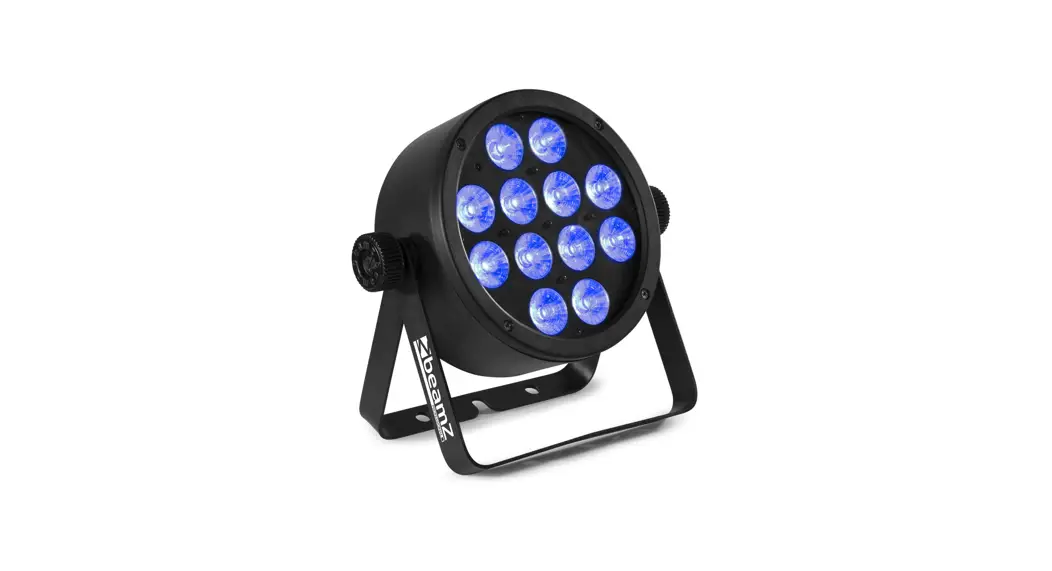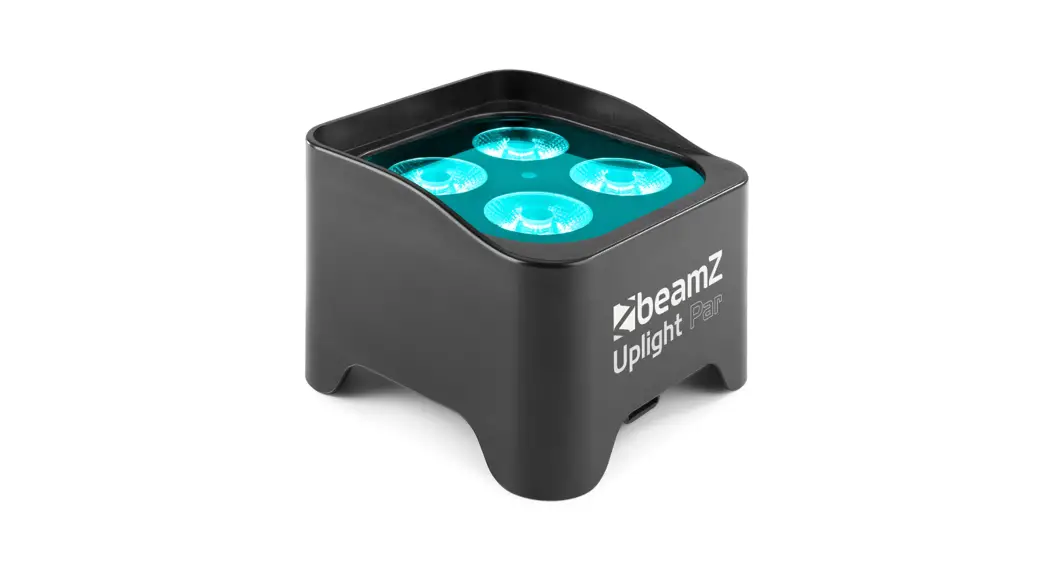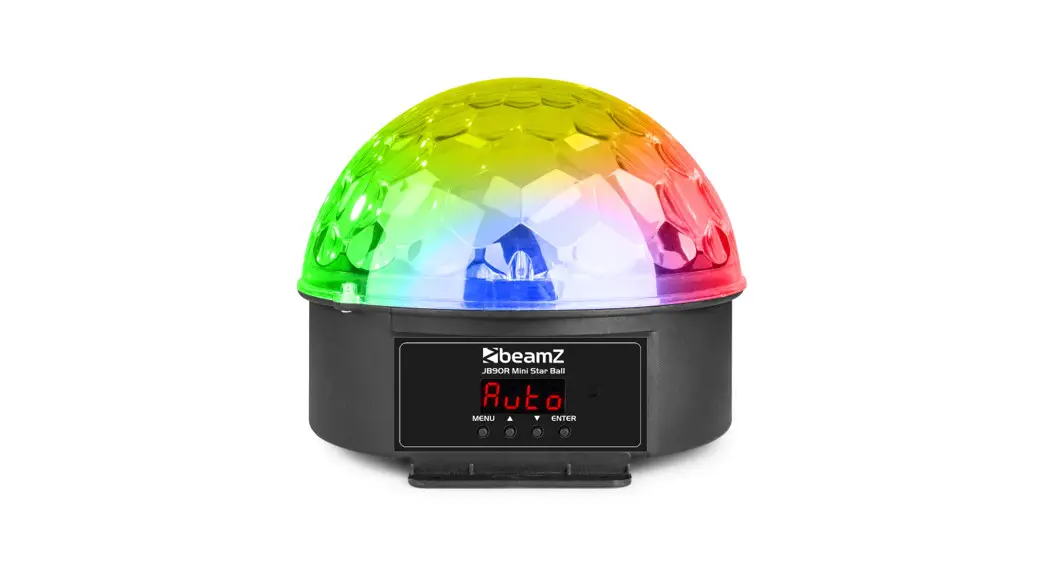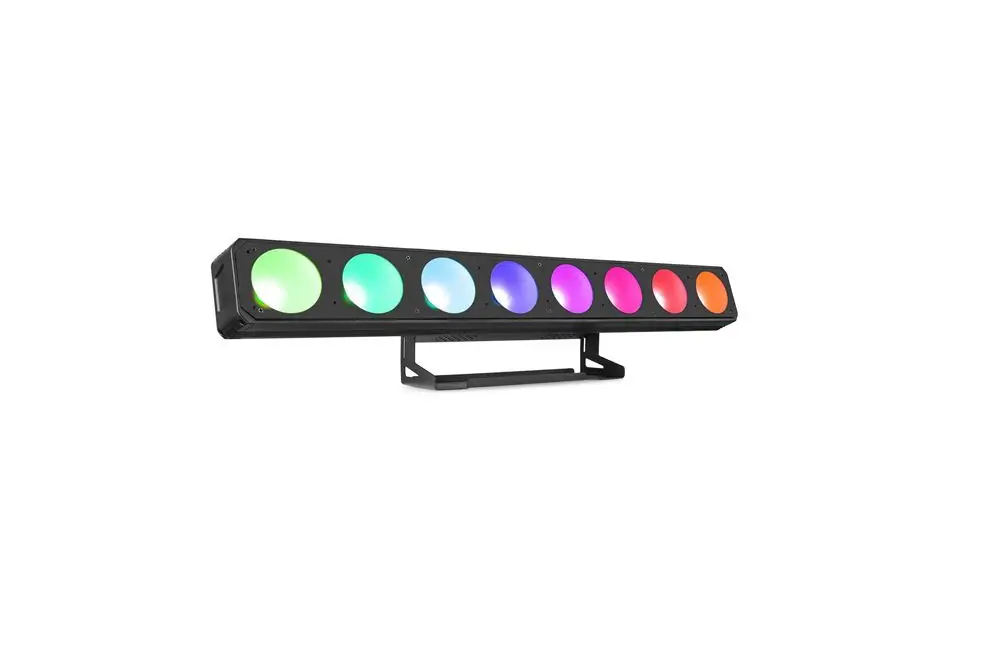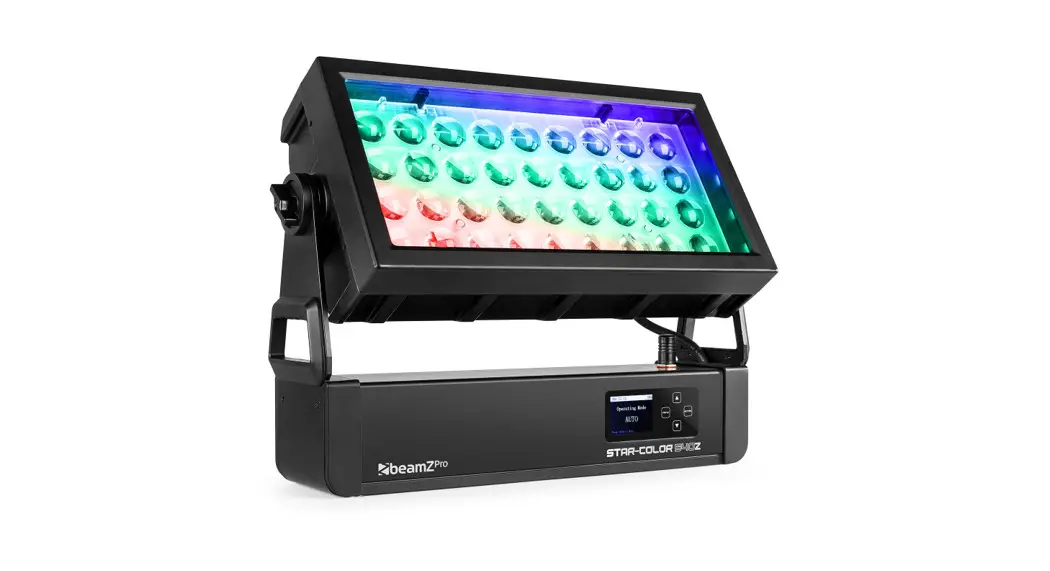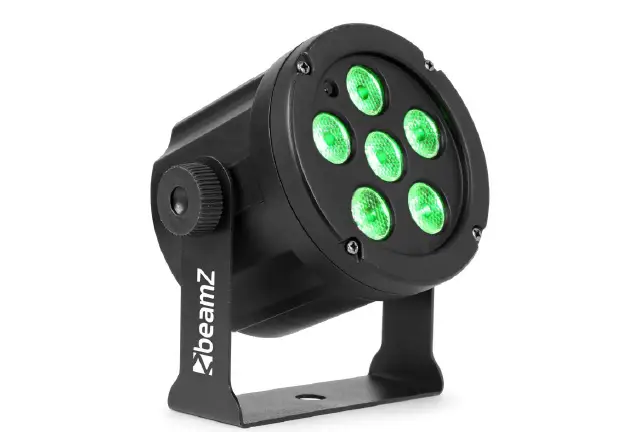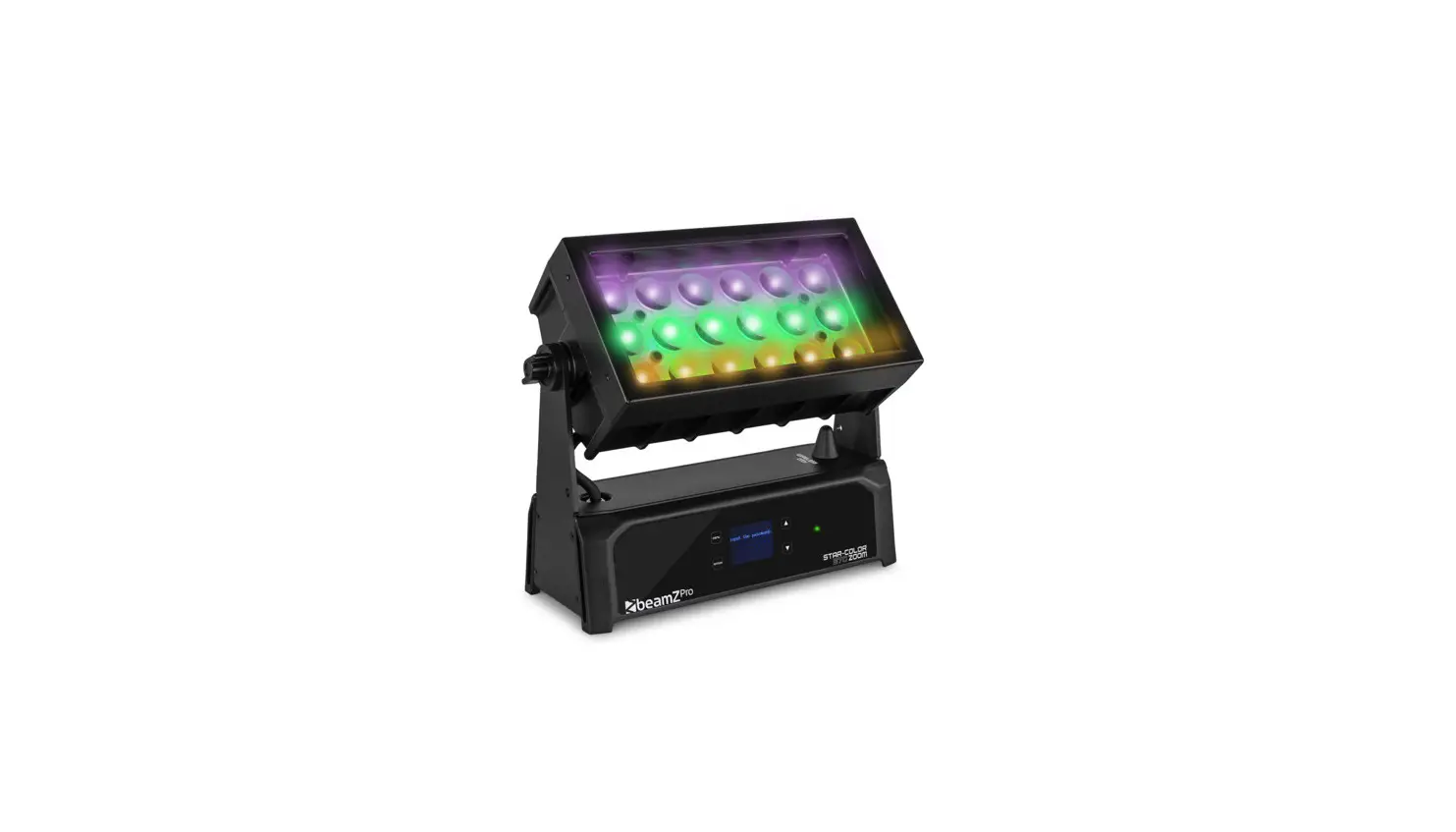

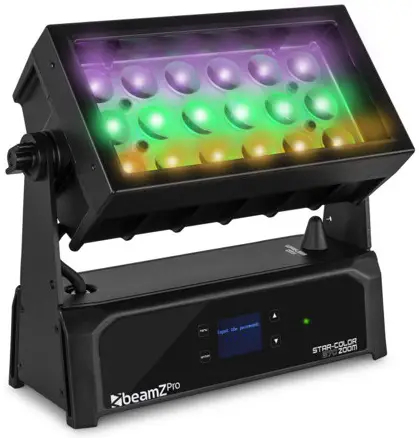
beamZ Pro Starcolor 72 and 128
RIGGING
In temporary installations, you can suspend the fixture from a rigging truss by means of a rigging clamp that is approved for the weight of the fixture securely fastened through the hole in the center of the bracket (A). The fixture must be installed hanging vertically downwards only. When using a rigging clamp, secure the fixture with a safety cable, that is approved for the weight of the fixture so that the safety cable will hold the fixture if the rigging clamp fails. Remove as much slack as possible from the safety cable (by looping it more than once around the truss chord, for example). Check that the truss and all fasteners used can support 10 times the weight of all the fixtures and equipment that they will support.
When carrying out any installation, always comply with European and national guidelines concerning rigging, truss, and all other safety issues. Always let the installation be checked out by an authorized dealer!
MOUNTING ON A SURFACE
To anchor the mounting bracket to a wall or other flat surface, use three high-strength corrosion-resistant fasteners that are safe for the application. Use self-locking nuts! Install washers under all nuts and bolt heads. Make sure that there is a washer between each fastener and the bracket. Ensure that the surface and all fasteners used can support 10 times the weight of all the fixtures and equipment that they will support.
Fasten the center of the bracket with a 10 mm (25/64inch) shaft diameter bolt in the center hole A. Then use two bolts with an 8 mm (5/16 inch) shaft diameter passing through the curved slot B to anchor the fixture. This setup will give approximately 90° of pan adjustment.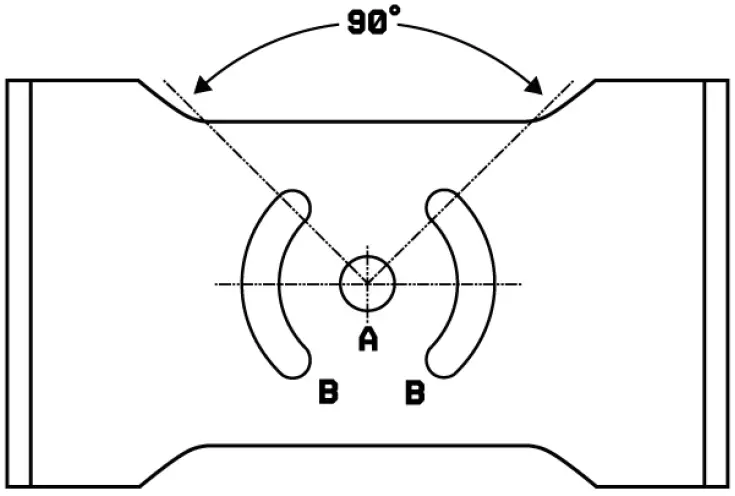
| MENU | DESCRIPTION | ||
| ADDR | A001–A512 | DMX address setting | |
| CH– | 8CH | Internal program 1-9 | 8 DMX Channel mode |
| 4CH | 4 DMX Channel mode | ||
| 10CH | 10 DMX Channel mode | ||
| AU– | Au.01 | T.(00-99) | Macro mode 1 from slow to fast |
| Au.02 | Macro mode 2 from slow to fast | ||
| … | … | ||
| Au.10 | Macro mode 10 from slow to fast | ||
| SOUN | SOU | So. (00-99) | Sound active |
| COLO | r.(000-255) | Manual colour adjustment | |
| g.(000-255) | |||
| b.(000-255) | |||
| u.(000-255) | |||
| S.(0-20) | |||
| DI– | nod.0 | No dimmer curve | |
| nod.1 | Dimmer curve | ||
| nod.2 | |||
| nod.3 | |||
| nod.4 | |||
| TEMP | Show the LED PCB temperature | ||
| RSET | No | Load factory settings | |
| Yes |
DMX CHANNELS
| CHANNEL | FUNCTION | UALUE | DESCRIPTION |
| 1 | Dimmer | 000-255 | Master dimmer 0-100% |
| 2 | 000-255 | Red dimmer 0-100% | |
| 3 | Colour | 000-255 | Green dimmer 0-100% |
| 4 | 000-255 | Blue dimmer 0-100% |
CHANNELS
| CHANNEL | FUNCTION | UALUE | DESCRIPTION |
| 1 | Dimmer | 000-255 | Master dimmer 0-100% |
| 2 | 000-255 | Red dimmer 0-100% | |
| 3 | Colour | 000-255 | Green dimmer 0-100% |
| 4 | 000-255 | Blue dimmer 0-100% | |
| 5 | 000-255 | White dimmer 0-100% | |
| 6 | Strobe | 000-012 | No function |
| 013-255 | Strobe from slow to fast | ||
| 7 | Macro | 000-050 | No function |
| 051-100 | Static colors | ||
| 101-109 | Macro mode 1 | ||
| 110-119 | Macro mode 2 | ||
| … | |||
| 190-199 | Macro mode 10 | ||
| 200-255 | Sound active | ||
| 8 | Static color | 000-031 | Red |
| 032-063 | Green | ||
| 064-095 | Blue | ||
| 096-127 | White | ||
| 128-159 | Red + Green | ||
| 160-191 | Red + Blue | ||
| 192-223 | Green + Blue | ||
| 224-255 | Full on |
Channel 8 when value 51-100 (CH7)
| 8 | Macro speed | 000-255 | Speed from slow to fast |
beamz pro
offers a wide range of high-performance lighting equipment and related accessories for the rental, entertainment, and architectural lighting markets. BeamZ Pro stands for performance, innovation, and value pricing!