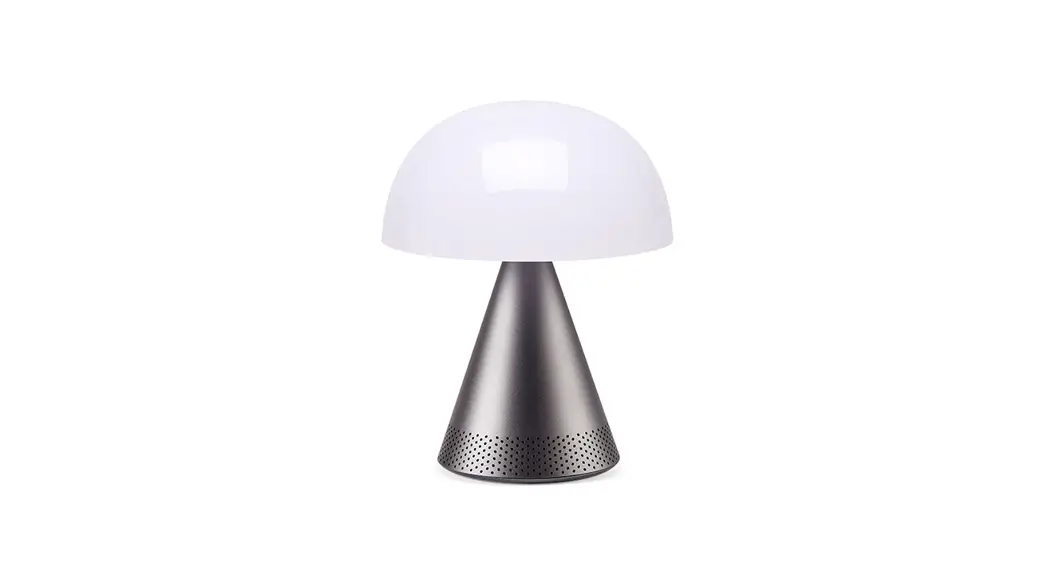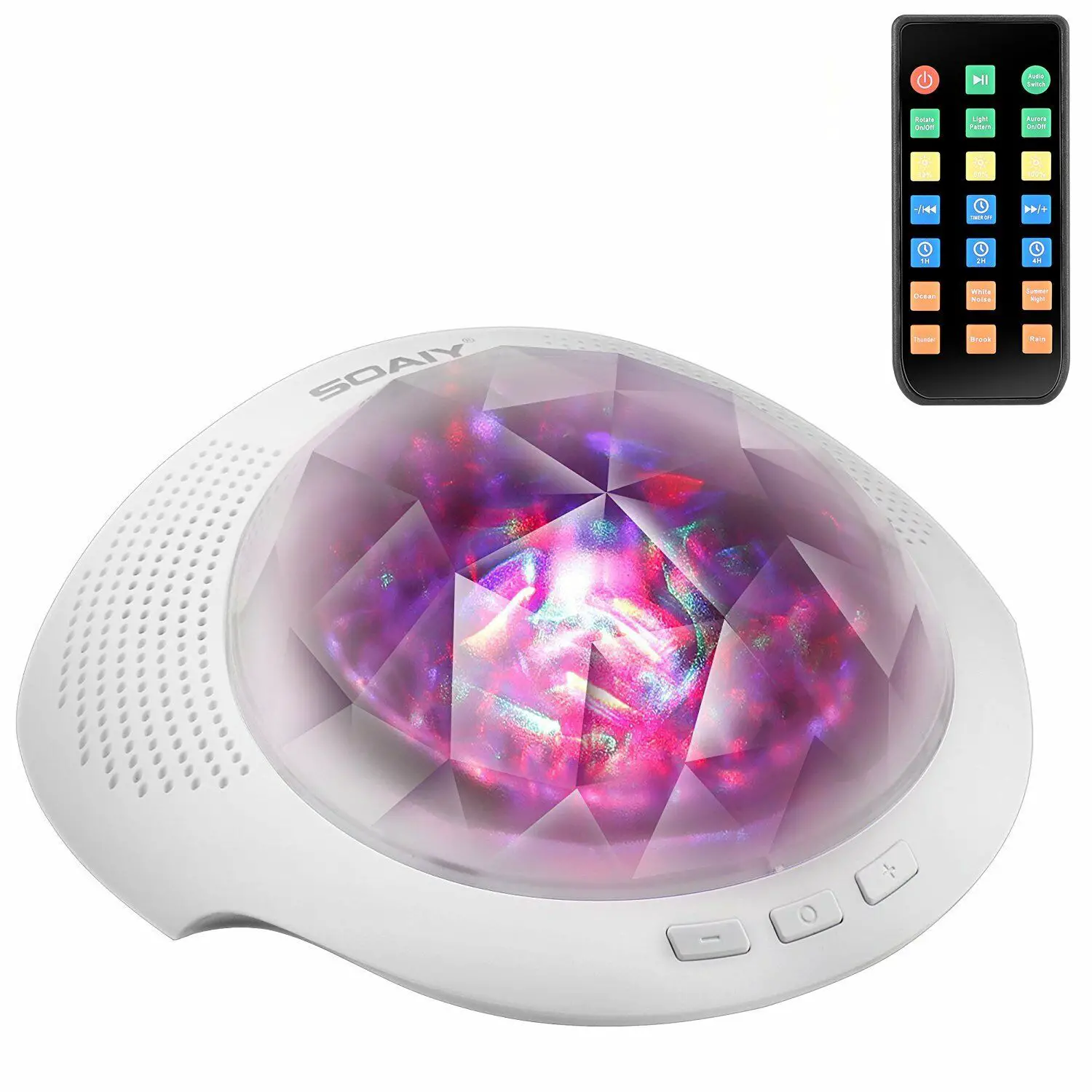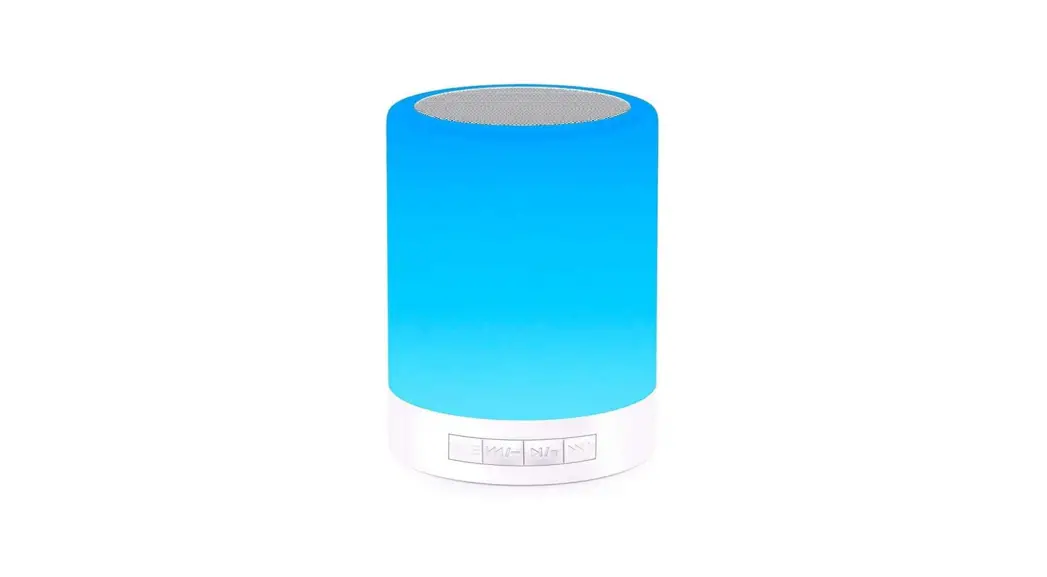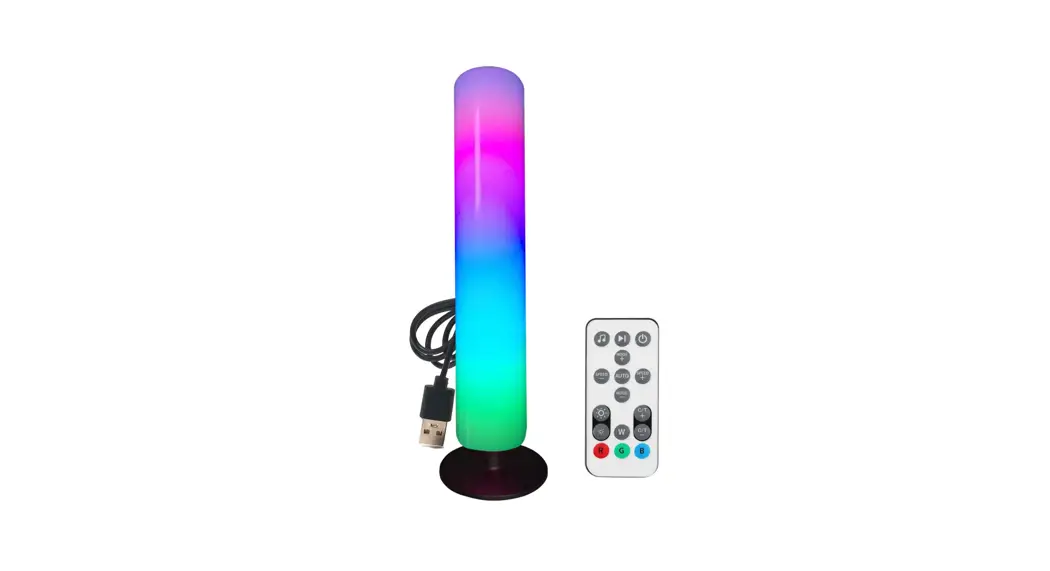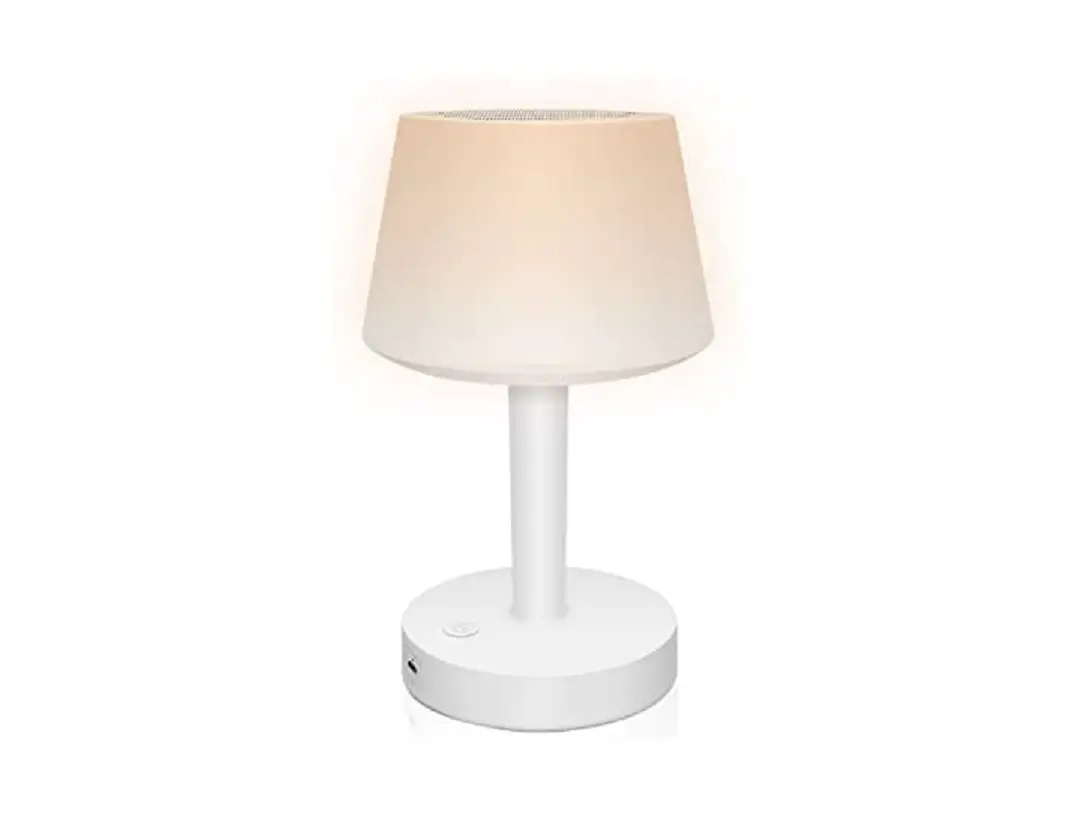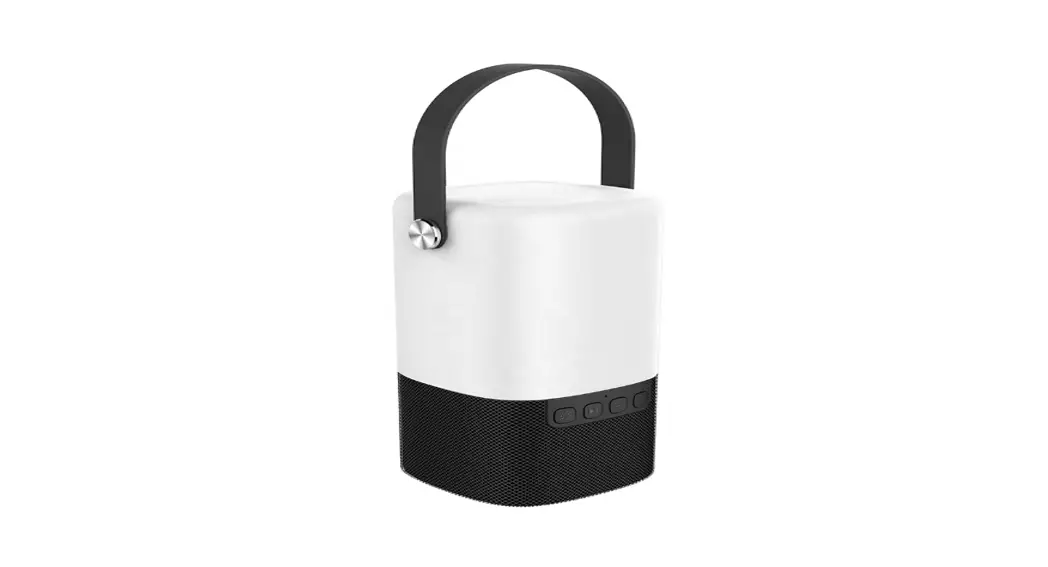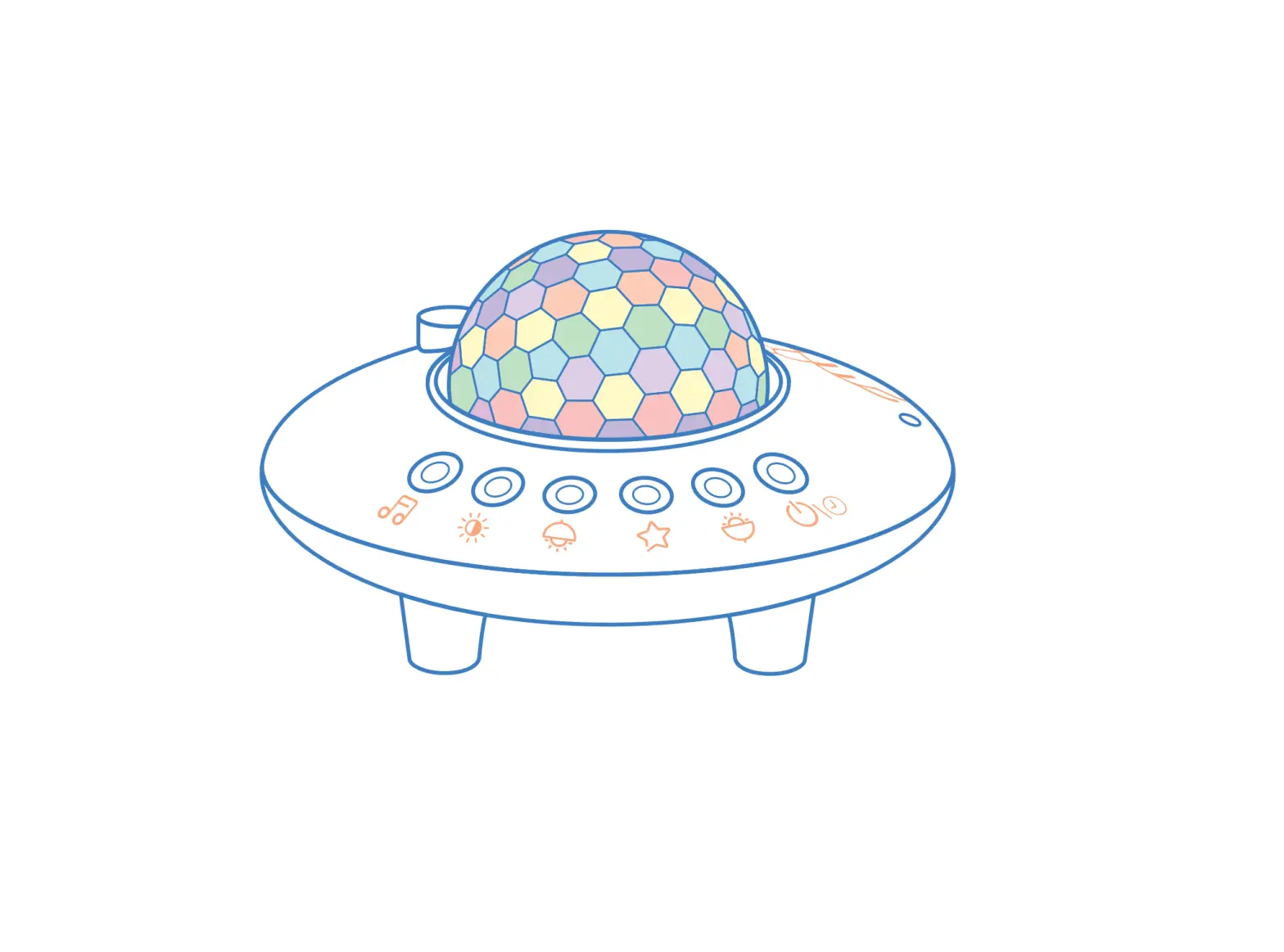
Lighting Air Technology UFO Speaker Lamp
PACKING LIST
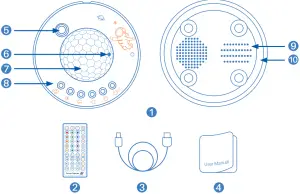
- Galaxy Projector x 1
- Remote Controller x 1
- Type-C Cable x 1
- User’s Manual x 1
STRUCTURE DIAGRAM
- Starlight
- Charging Indicator
- Galaxy Projector
- Button
- Speaker
- Night light
SPECIFICATIONS
| Item | Data |
| Projection light power | 2*1.5W(Max) |
| StarIight power | 0.5W |
| Night light power | 17*0.2W(Max) |
| Speaker power | 2W(Max) |
| Charging parameters | Type-C 5V == 1A Max |
| Battery capacity | 1800mAh |
| Product size | ¢150*95mm |
| Projection area | 10-40 m2 |
CHARGING
- Please connect the Type-C cable for charging before the first use. The red indicator light will stay on while charging, and the Iight will go out after full charge.
- Voice prompt when battery is low: Battery Low, please charge in time.
- Please use 5V/1A adapter to charge the projector, otherwise it might cause product problems.
POWER ON
- Long press the on/off button to turn on the projector for the first time, then you can use the remote control to operate.
- If the remote control has been turned off for more than 4 hours, you need to turn the product on again via the on/off button on the product.
- Equipped with memory function, the product will show the last used state after turned on.
Bluetooth pairing name: QY-UF003 Galaxy Projector
Operation | Function |
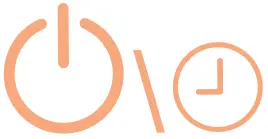 On/Off button | Long press to switch on/off |
| Short press for 1 hour timer, voice prompt “beep” Short press again for 2 hours timer, voice prompt “beep beep” Short press again for 4 hours timer, voice prompt “beep beep beep” Short press again to cancel t he timing, voice prompt “cancel timing”. | |
 Projection light | Short press to switch the projector light mode: Breath-Flash-Ocean-Lake-Purple-Orange |
 Starlight key | Turn starlight on or off |
 Night light key | Short press to turn off t he projection light, only the night light is on; |
 Brightness adjustment | Adjust the brightness of the projection light and night light, three-level brightness adjustable. Note: When in the three dynamic modes of Breath, Flash, and Slow, the brightness cannot be adjusted |
 Music key | Short press to cycle through the following modes: Bluetooth mode: Voice prompt “Bluet oot h mode” (pairing name: HM719A Galaxy Projector) And it will prompt “Bluetooth Connected” after Bluetooth connection, or “Bluetooth Disconnected” after Bluetooth disconnection White noise mode: When switching to music mode, the voice prompt “music mode”, short press to switch into following music: Sea-Birds-Night-Piano-Music box-Stream Long press to decrease or increase the volume, and the maximum or minimum volume will be prompted with a booming sound |
REMOTE CONTROL OPERATIC
| Operation | Function |
 | on/off button |
 | Turn off or turn on the Light |
 | Reduce the brightness, three levels of brightness adjustment Note: Breath, Flash and Slow modes cannot adjust the brightness |
 | Increase the brightness, three brightness adjustment Note: Breath, Flash and Slow modes cannot adjust the brightness |
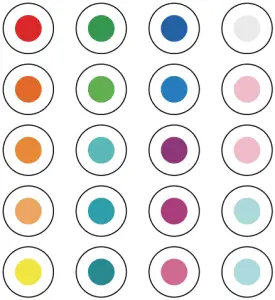 | Set the projection light or night light to the corresponding color |
| Turn the projection light on or off |
 | Three dynamic modes of projection light: Flash, Slow, Breath |
| Turn the star light on or off |
| Turn off the projection light, and turn on the night light |
 | Adjust the star light speed, three-speed adjustment |
 | Turn on Bluetooth mode, voice prompt: “Bluetoot h mode” (pairing name: HM719A Galaxy Projector) The voice prompt “Bluet oot ‘l Connected” after B uetooth connection, or “Bluet oot 1 Disconnected” after Bluetooth disconnection |
 | Turn on Music mode, voice prompt: “music mode”; Built-in 6 music, you can choose from the previous song and the next song buttons |
 | The light changes with the rhythm of the music |
 | Short press to get the previous track Long press to decrease the volume, when the lowest volume is reached, it will remind you with “boom boom” sound |
 | Play/ Pause |
 | Short press to get the next track Long press to increase the volume, when the highest volume is reached, it will remind you with “boom boom” sound |
 | Timing 1 hour, 2 hours, 4 hours |
Note
- Regarding brightness adjustment: In these 4 modes
 , the brightness cannot be adjusted.
 - Please do not disassemble the product for repair. The free warranty does not cover personal disassembly.
- Please unplug the Type-C cable when the product is fully charged.
- Do not use detergent or other solvents to clean the product.
- Keep the product away from fire, heat and direct sun exposure.
 , the brightness cannot be adjusted.
FCC STATEMENT
Any Changes or modifications not expressly approved by the party responsible for compliance could void the user’s authority to operate the equipment.
This device complies with part 15 of the FCC Rules. Operation is subject to the following two conditions: (1) This device may not cause harmful interference, and (2) this device must accept any interference received, including interference that may cause undesired operation.
FCC Radiation Exposure Statement:
This equipment complies with FCC radiation exposure limits set forth for an uncontrolled environment. This equipment should be installed and operated with minimum distance 20cm between the radiator& your body.
CORRECT DISPOSAL OF THIS PRODUCT
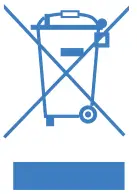
(Waste Electrical & Electronic Equipment)
This marking shown on the product or its literature, indicates that it should not be disposed with other household wastes at the end of its working life.
To prevent possible harm to the environment or human health from uncontrolled waste disposal, please separate this from other types of wastes and recycle it responsibly to promote the sustainable reuse of material resources.
Household user should contact either the retailer where they purchased this product or their local government office for details of where and how they can take this item for environmentally safe recycling.
Business users should contact their supplier and check the terms and conditions of the purchase contract.
This product should not be mixed with other commercial wastes for disposal.