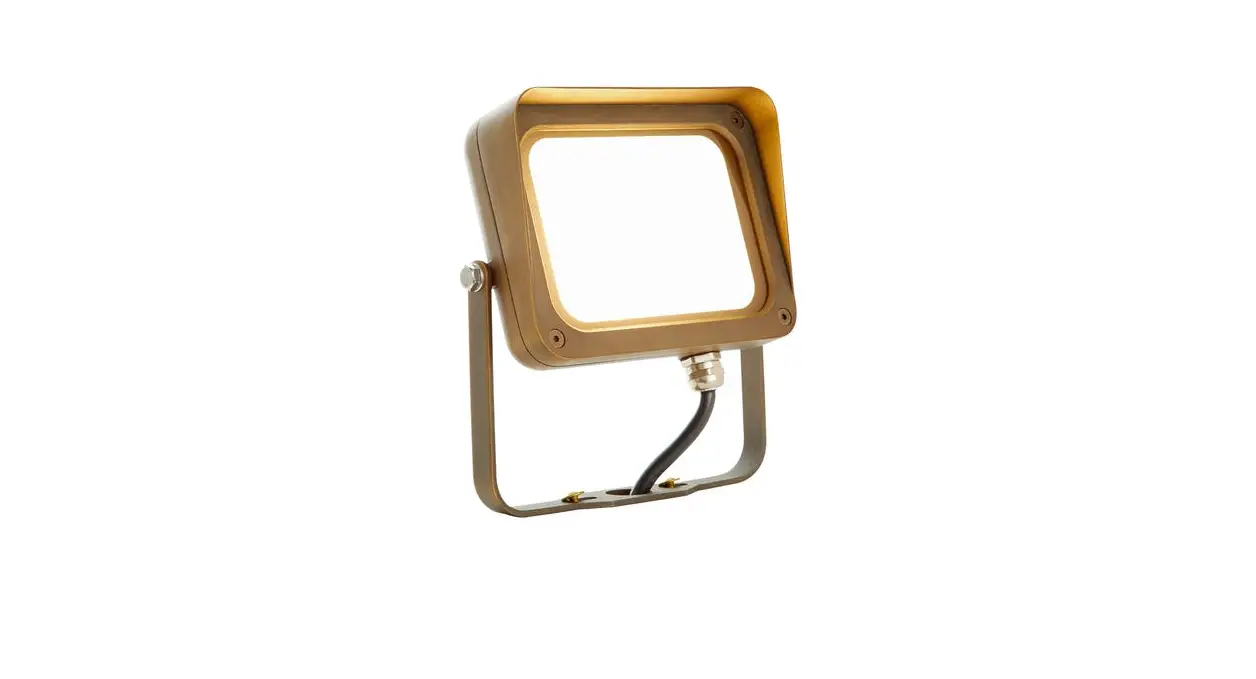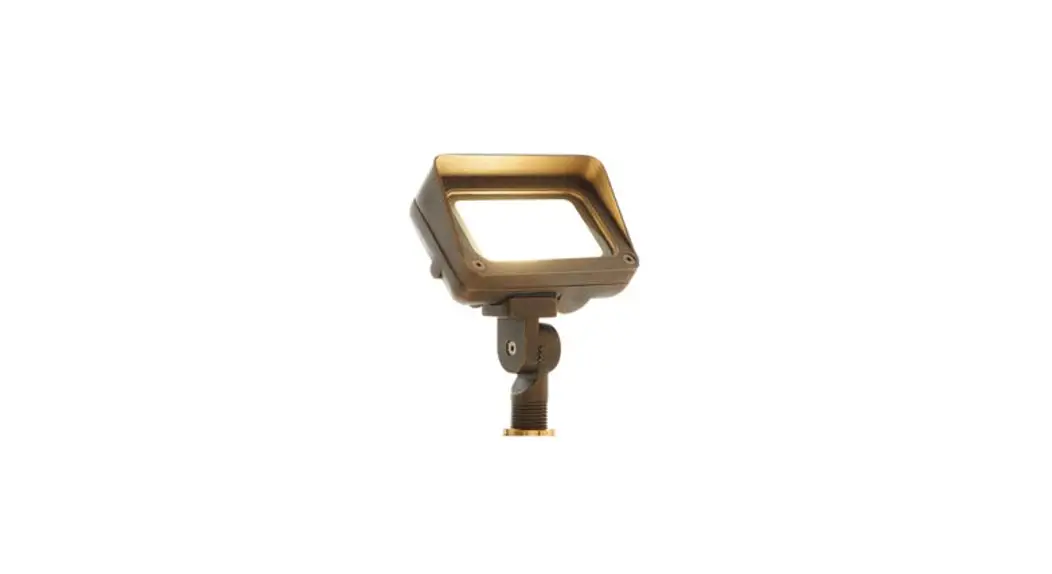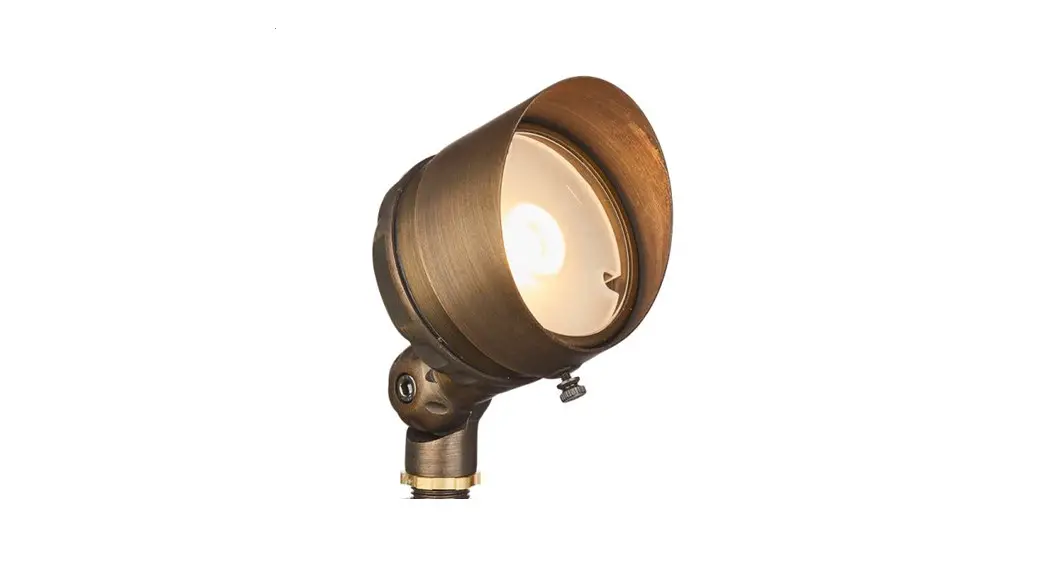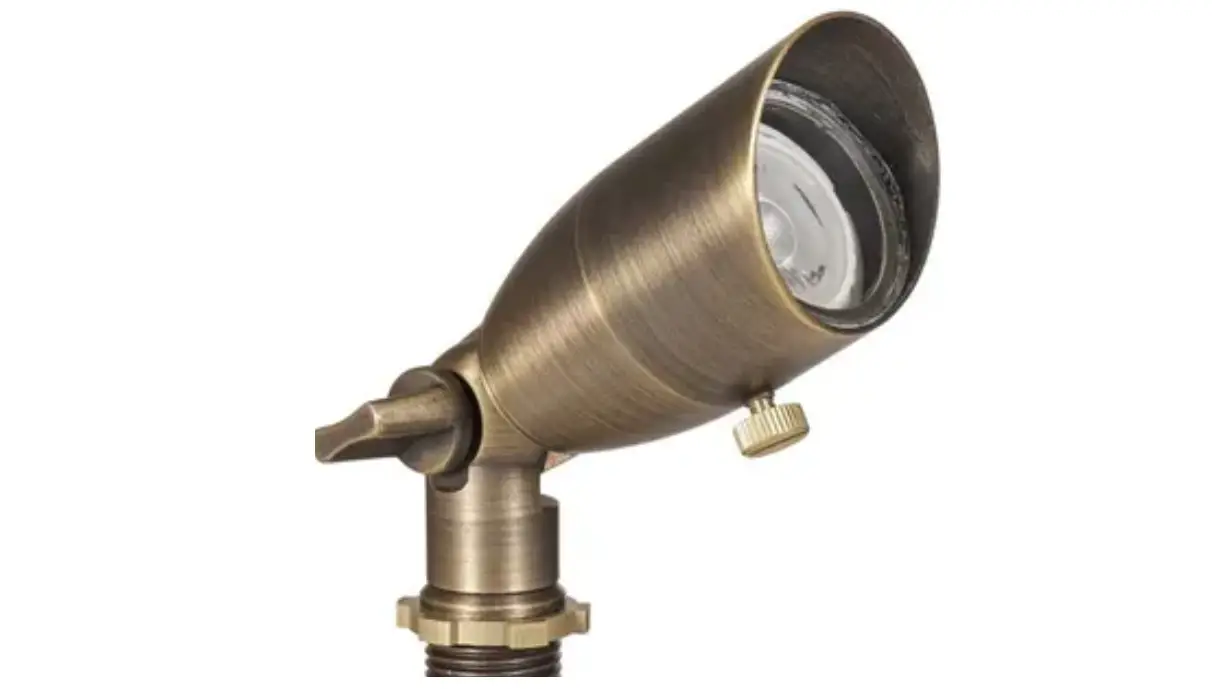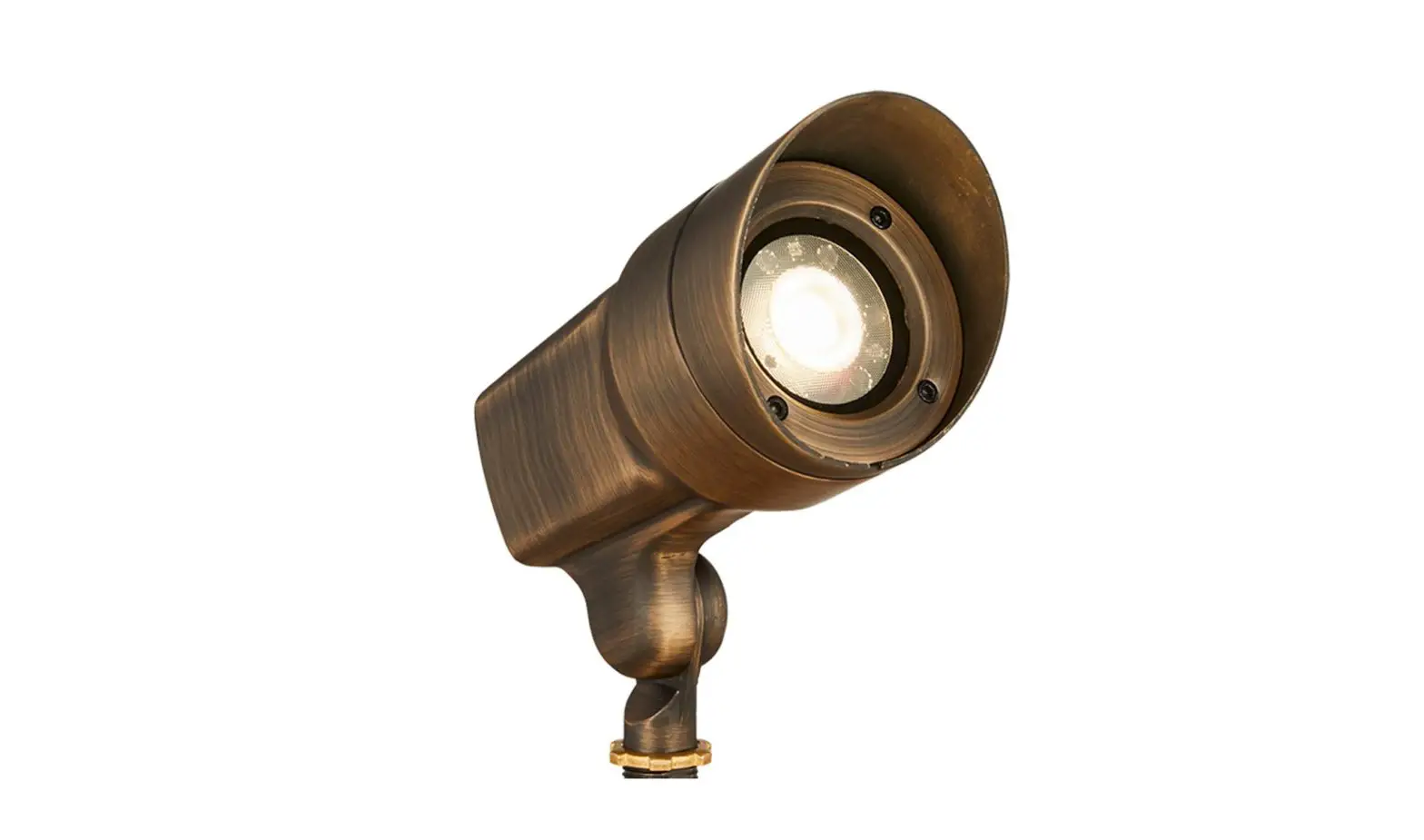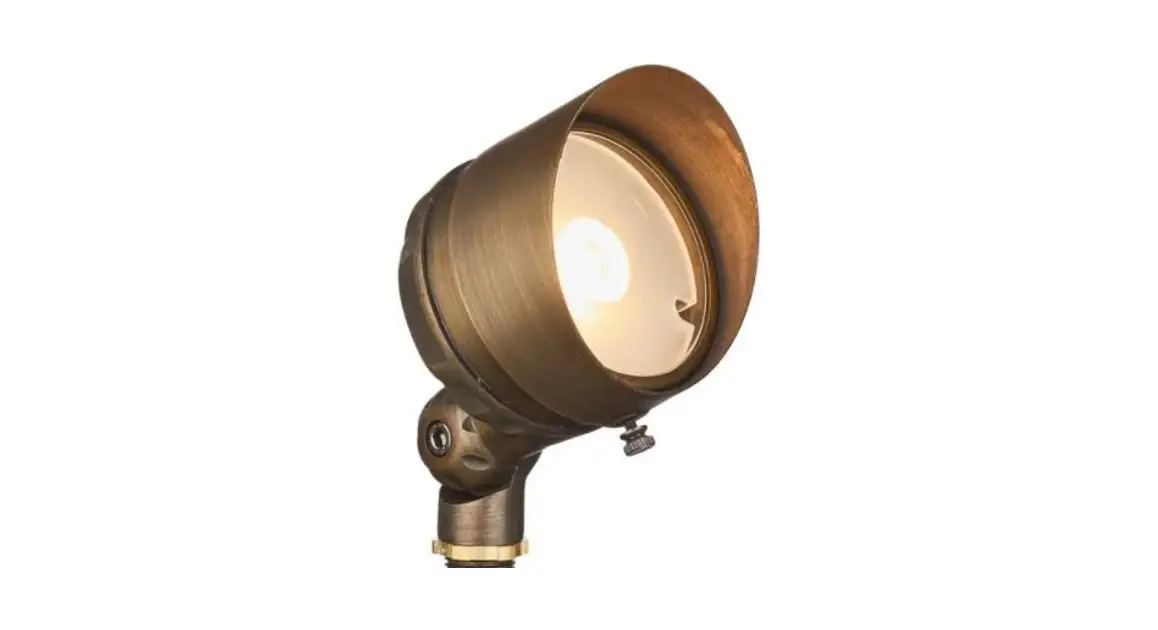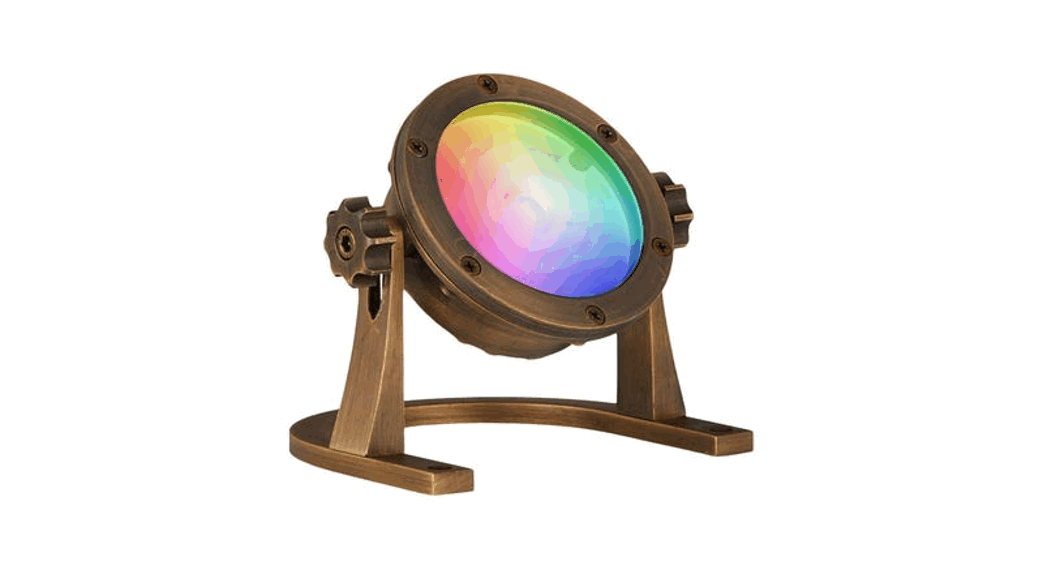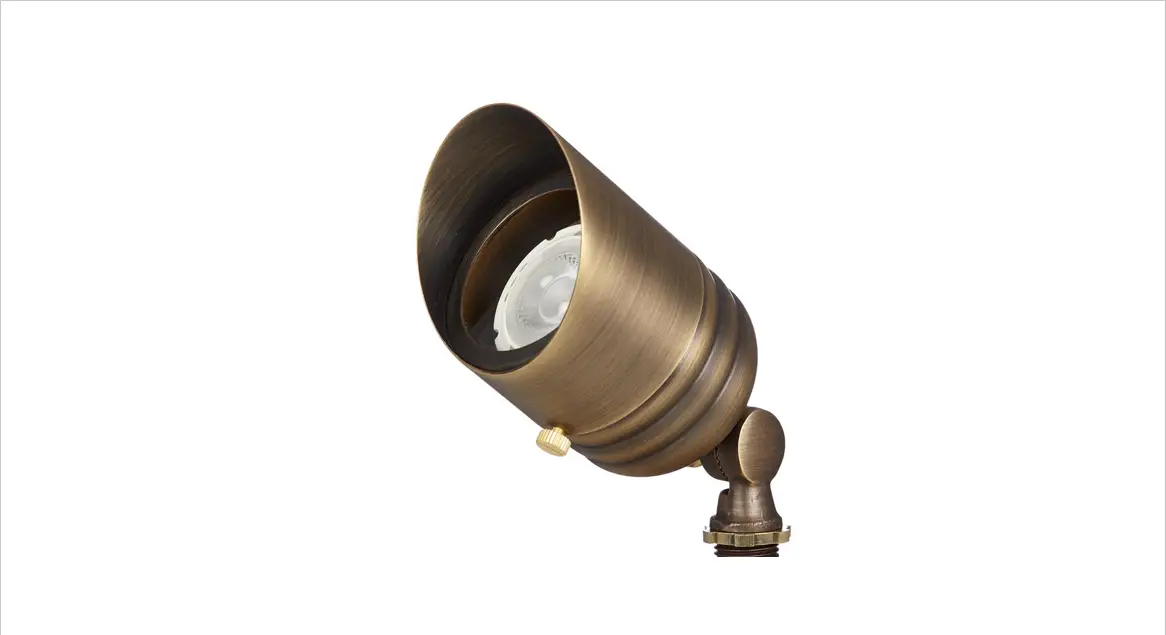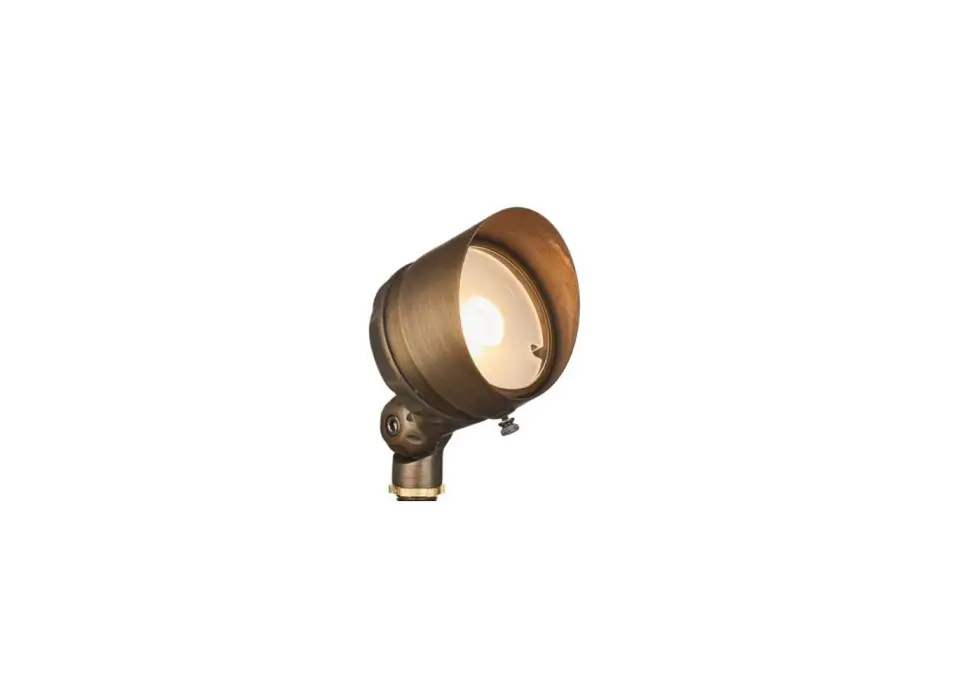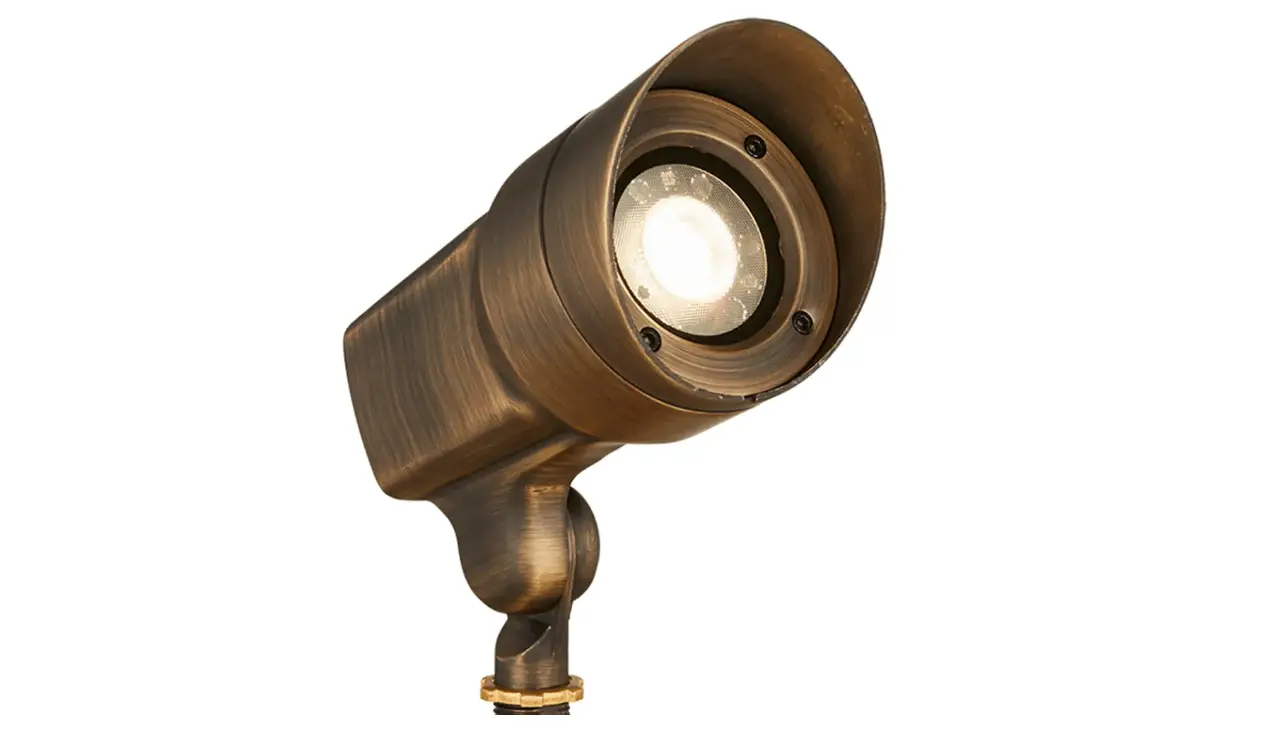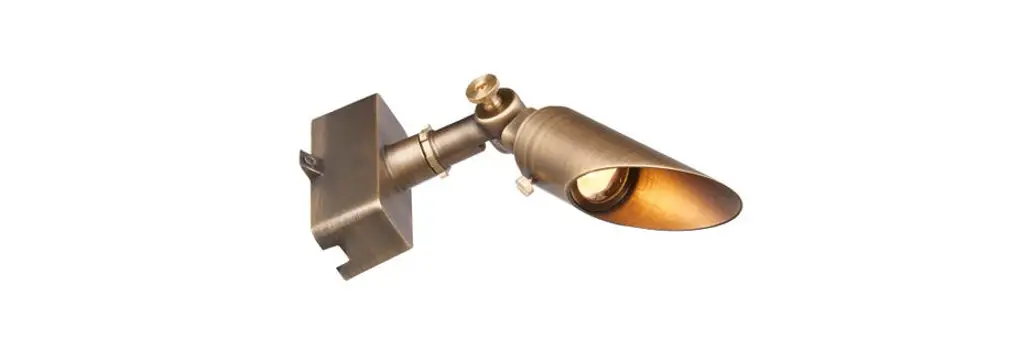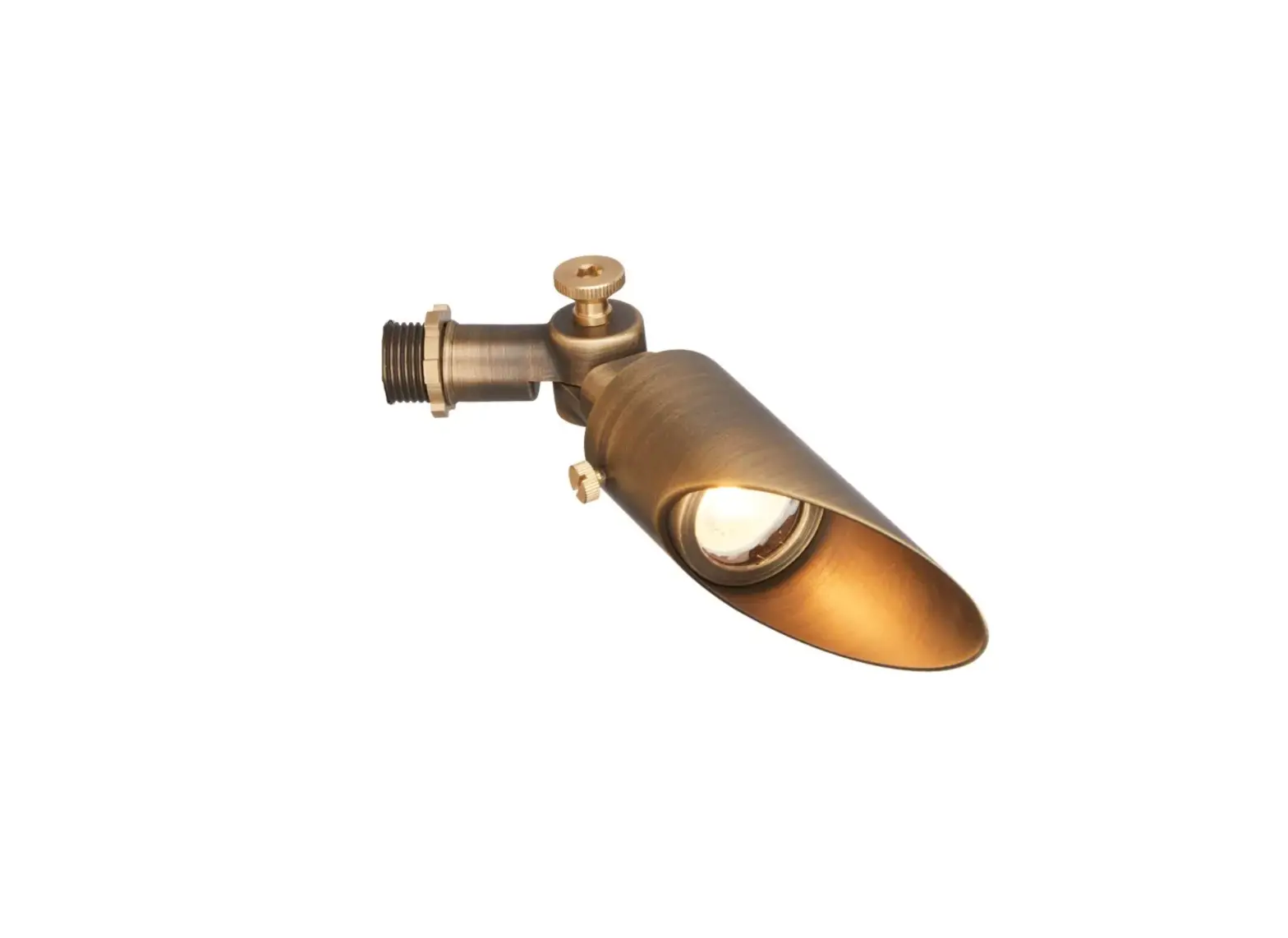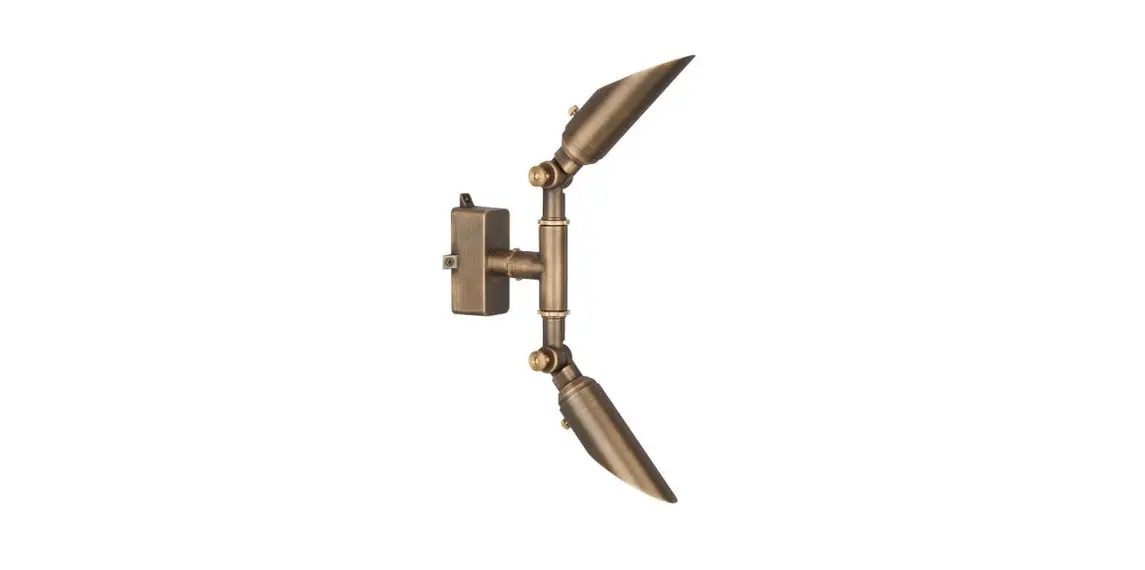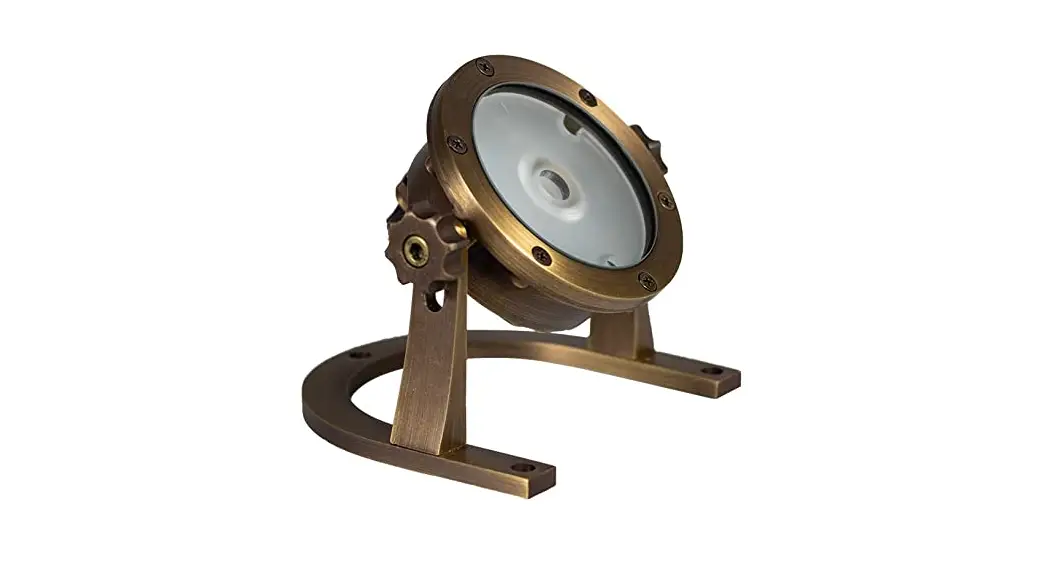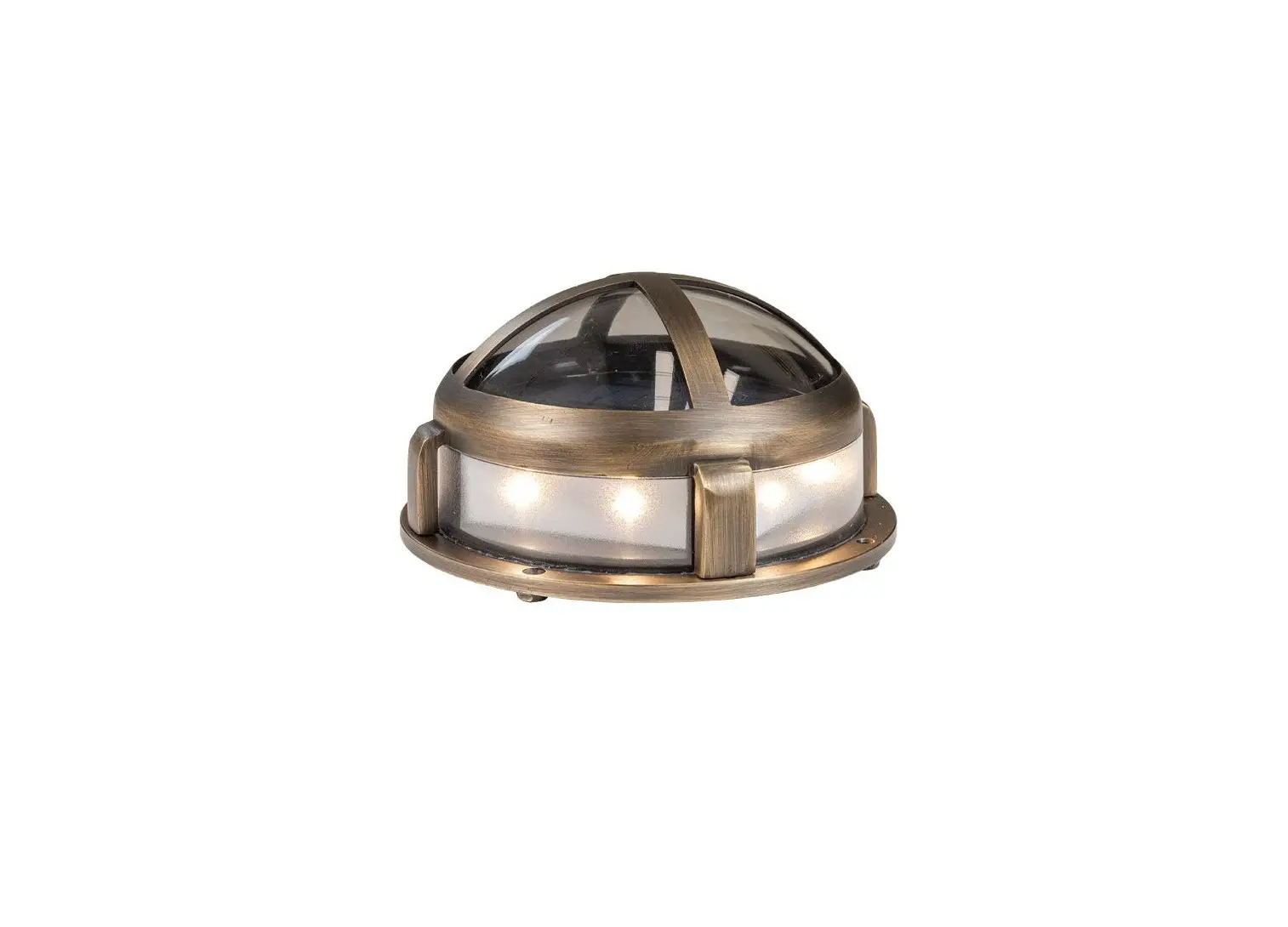
 VFL-450X-LI-XBZ Line Voltage Landscape Lighting
Instruction Manual
INSTALLATION INSTRUCTIONS
 Important: Please Read Before Installation
 Important: Please Read Before Installation
- This LED Floodlight uses the latest in solid-state lighting technology for long life, low maintenance, and high efficiency.
- An internal power-factor-corrected switch-mode supply allows it to be used from any nominal 120V, 50/60Hz AC supply without any variation in light output.
- Suitable for use in the following locations:
• Ambient Temp: -20~+25°C (-4~+77°F)
• Wet Locations
Note: Save these instructions for future reference.
Important Safety Instructions
To avoid the risk of fire, explosion, or electric shock, this product should be installed, inspected, and maintained by a qualified electrician only, in accordance with all applicable electrical codes.
To avoid electric shock, be certain electrical power is OFF before and during maintenance.
- CAUTION: RISK OF ELECTRIC SHOCK, Do not use with extension cord near water or where water may accumulate. Keep the lamp at least 16 feet from pools and spas. Keep plugs and receptacles dry. For use only on GFCI protected circuits. Do not submerge.
- TO PREVENT ELECTRIC SHOCK MATCH THE WIDE BLADE OF THE PLUG TO THE WIDE SLOT.
To avoid explosion:
- Make sure the supply voltage is the same as the rated luminaire voltage.
- Do not install where the marked operating temperatures exceed the ignition temperature of the hazardous atmosphere.
- Do not operate in ambient temperatures above those indicated on the luminaire nameplate.
Package Contents
A. (1) Fixture
Products Model #
| Model | Input Voltage | Watt | Input Current |
| 15W Floodlight | 120V | 15W | 0.22A |
| 30W Floodlight | 30W | 0.41A |
Product Dimensions
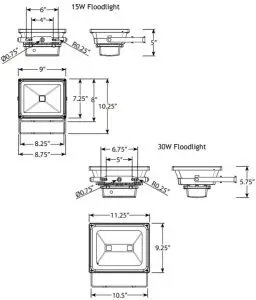
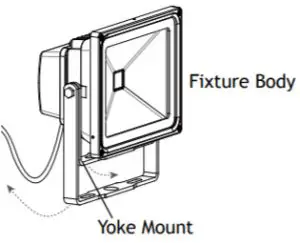
Rotate Yoke Mount
Rotate the yoke mount towards the back of the fixture body.
Plug in Fixture
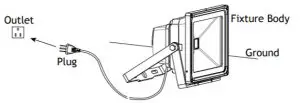
Place the fixture on the ground at your desired location. Place the plug in the outlet.
Turn on the power and check if the lighting fixture works. If not, please turn off the power and contact a local electrician.
IR Remote
An IR Remote is suitable for this fixture. Please refer to the following instructions for usage and battery replacement.
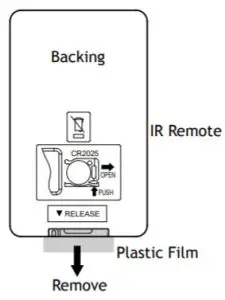
Remove Plastic Film
Remove the plastic film from the IR remote before use.
IR Remote Functions
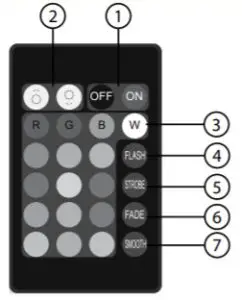
NOTE: When using the remote make sure it is pointed at the sensor in the faceplate so it operates properly.
- On/Off
- Brightness Control
- 16 color selections
- Flash
◗ Mode 1: Repeats Red, Green, Blue + color cycle for 1-second duration of each of the seven colors within this mode.
◗ Mode 2: Hit flash a second time and this mode slowly blends the same seven colors from mode one, mixing them together. - Strobe
◗ Mode 1: Pick any color on the remote, then press strobe, and that color will strobe every second alternating between on and off.
◗ Mode 2: Hit strobe a second time and this mode will strobe a blended white color at the same speed as before. - Fade
◗ Mode 1: Pick any color on the remote, then press fade and that color will slowly fade in and out every second.
◗ Mode 2: Hit fade a second time and it will fade a blended white color in and out at the same speed as before. - Smooth
◗ Mode 1: Repeats a flash cycle of Red, Green, and Blue only.
◗ Mode 2: Hit smooth a second time and this mode slowly blends Red,
Green, and Blue only; in and out of each other at the same speed.
Replace Battery
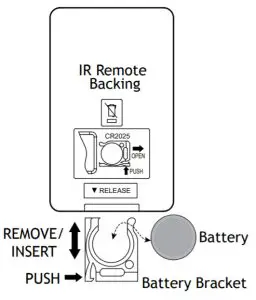
Push the side of the battery bracket and carefully remove it from the IR remote. Replace the battery and then insert the battery bracket back into the IR remote.
Replacement Battery Style: CR2025 Button Battery
Help Hotline:
1-813-978-3700 • Mon-Fri 8am-8pm • Sat-Sun 10am – 6pm (EST)
Specifications and product details are subject to change without notice.
© Copyright 2020, VOLT ® Lighting, Lutz FL USA 33549
All rights reserved.
[email protected]
813.978.3700
www.voltlighting.com