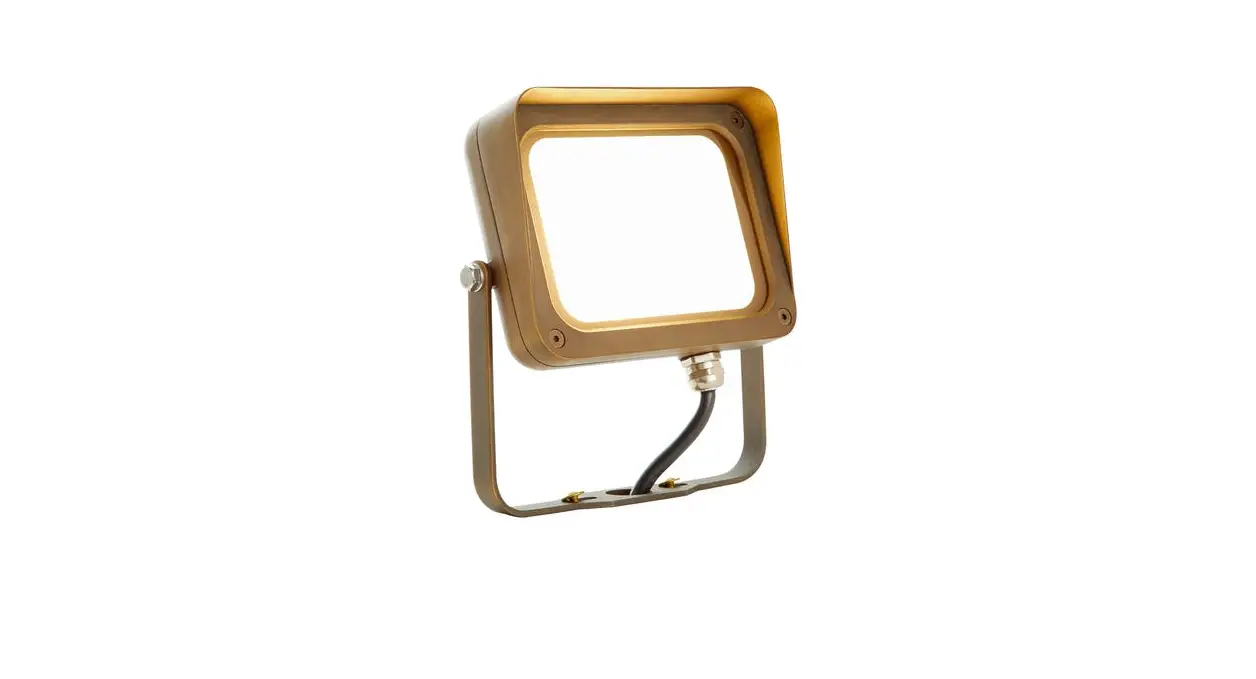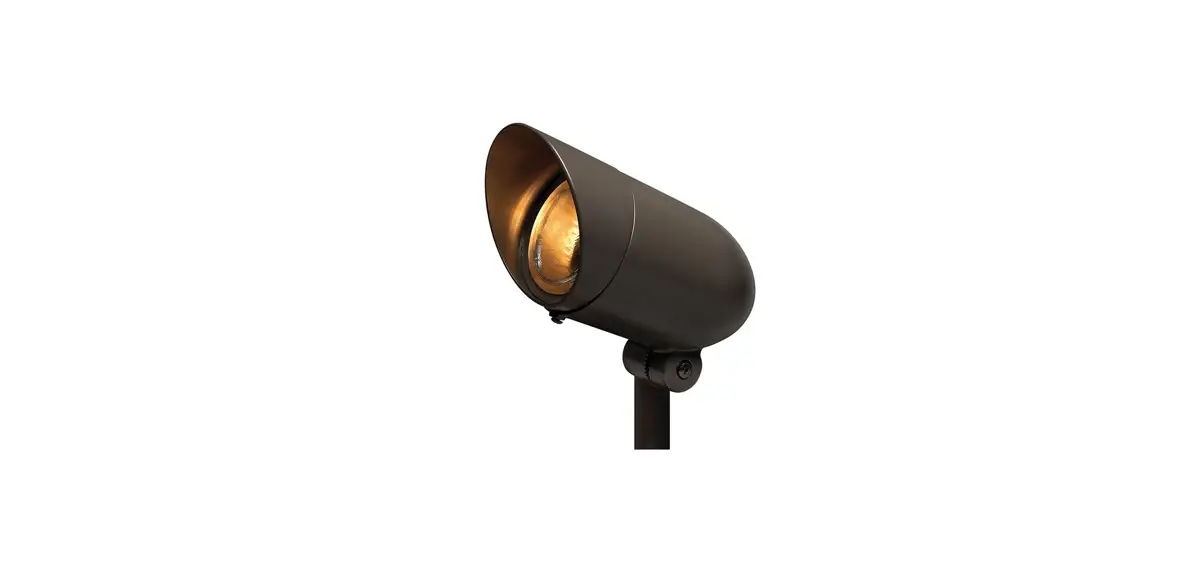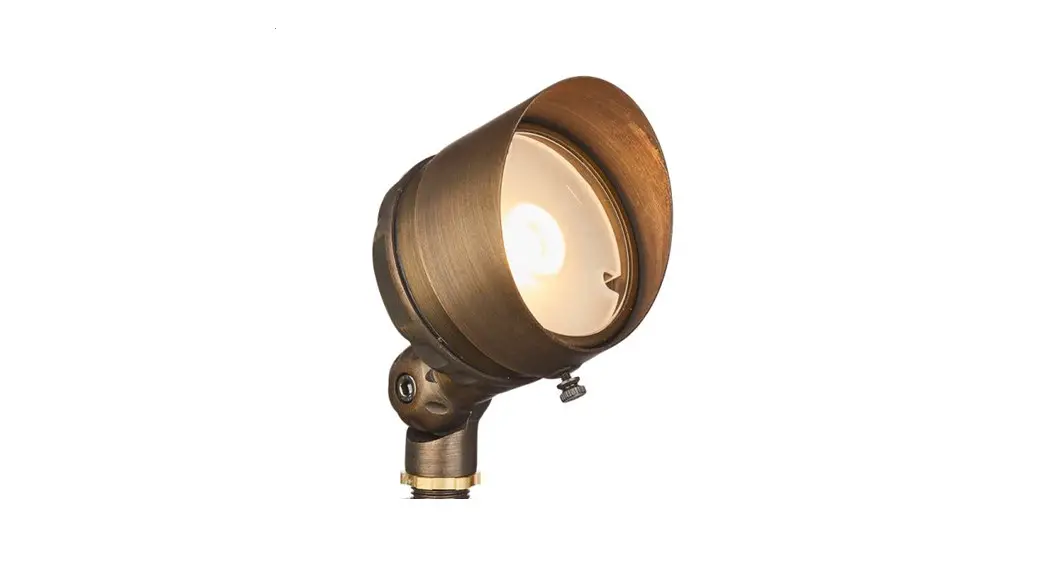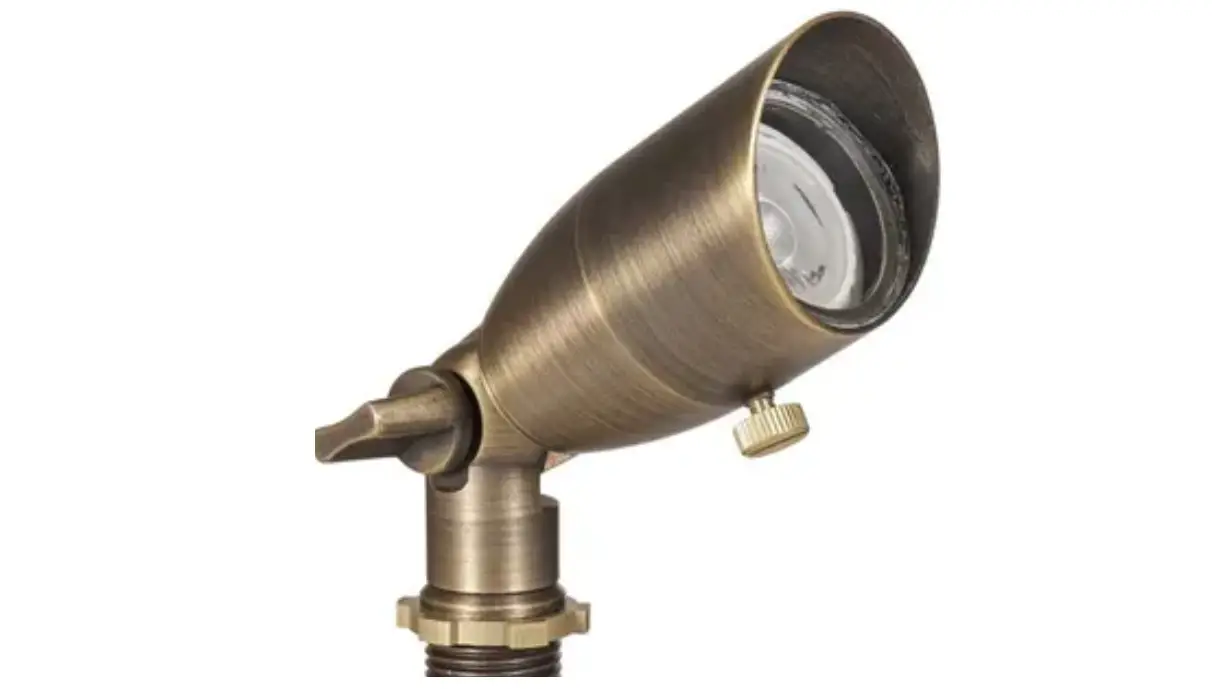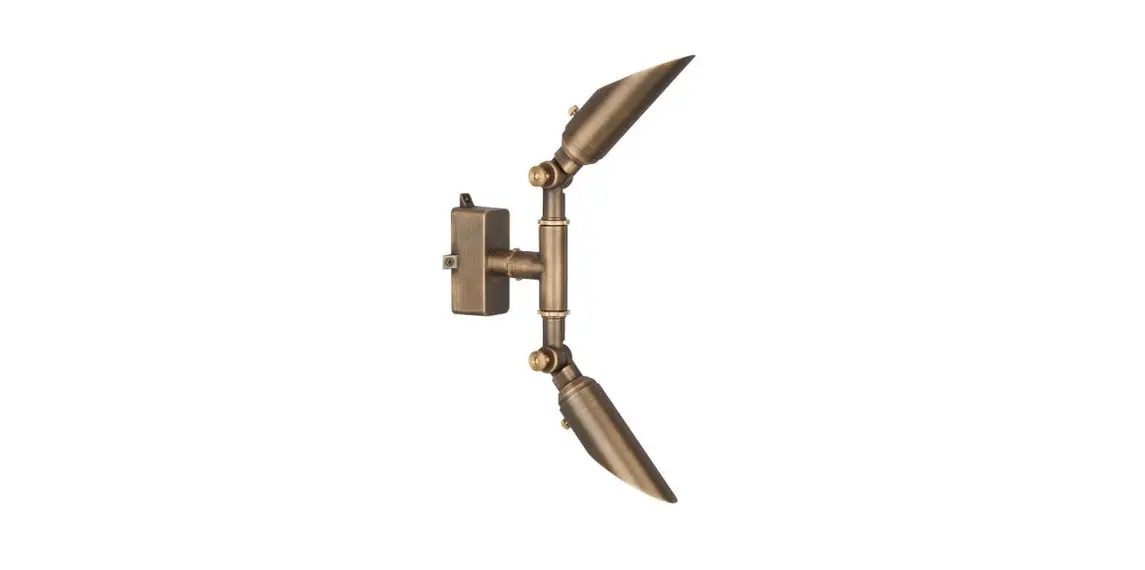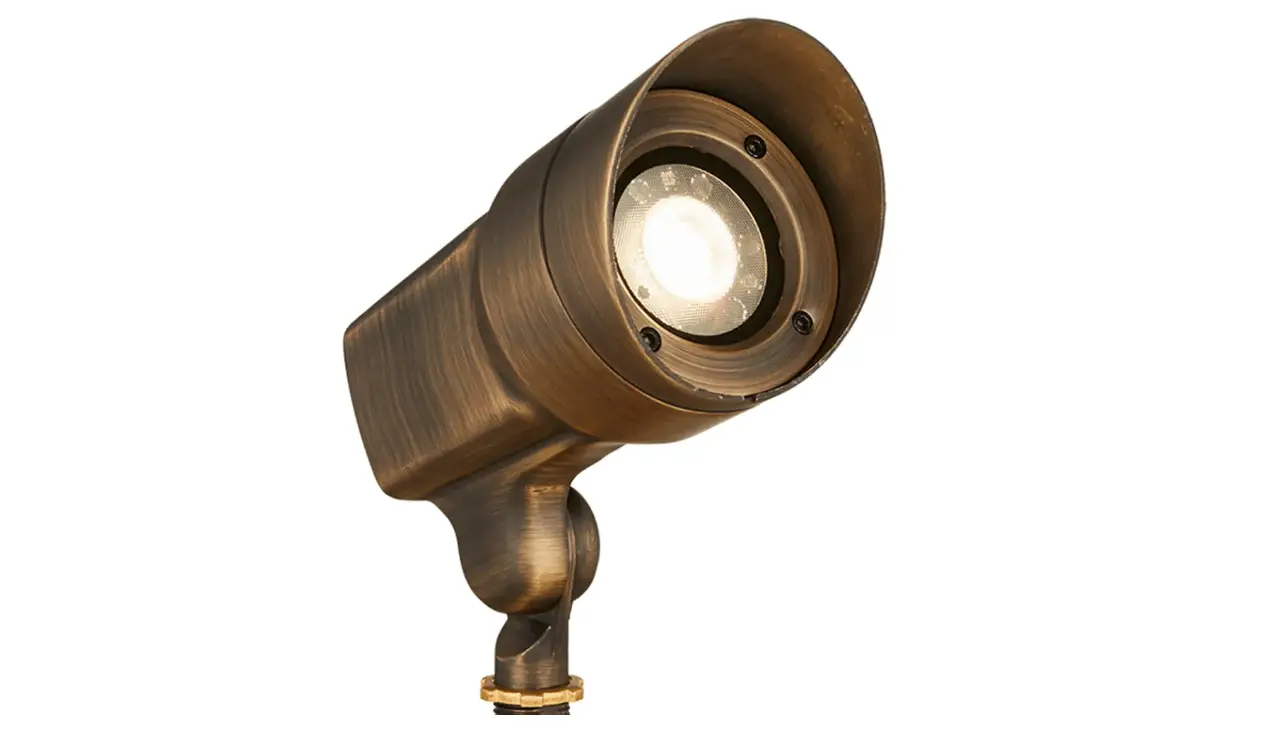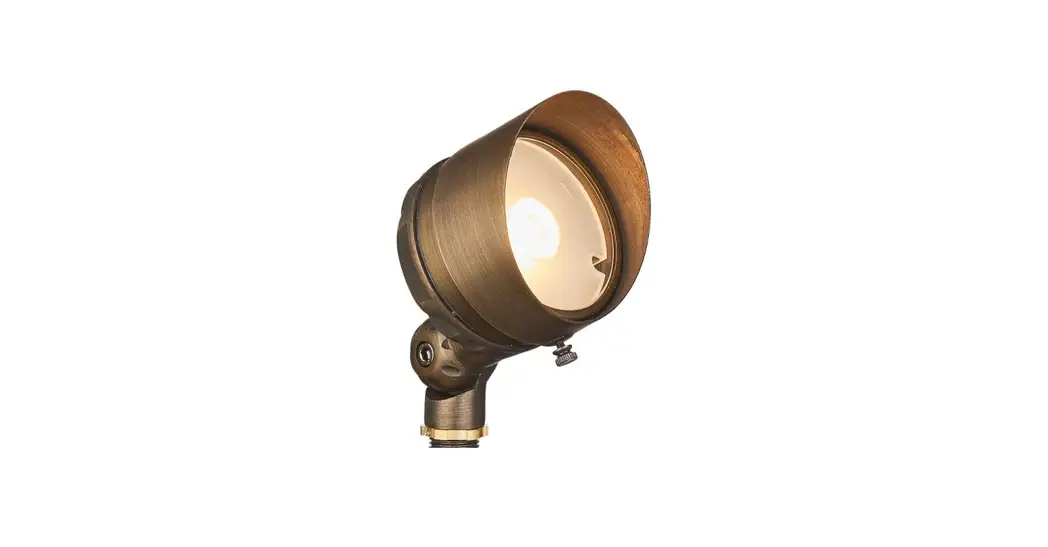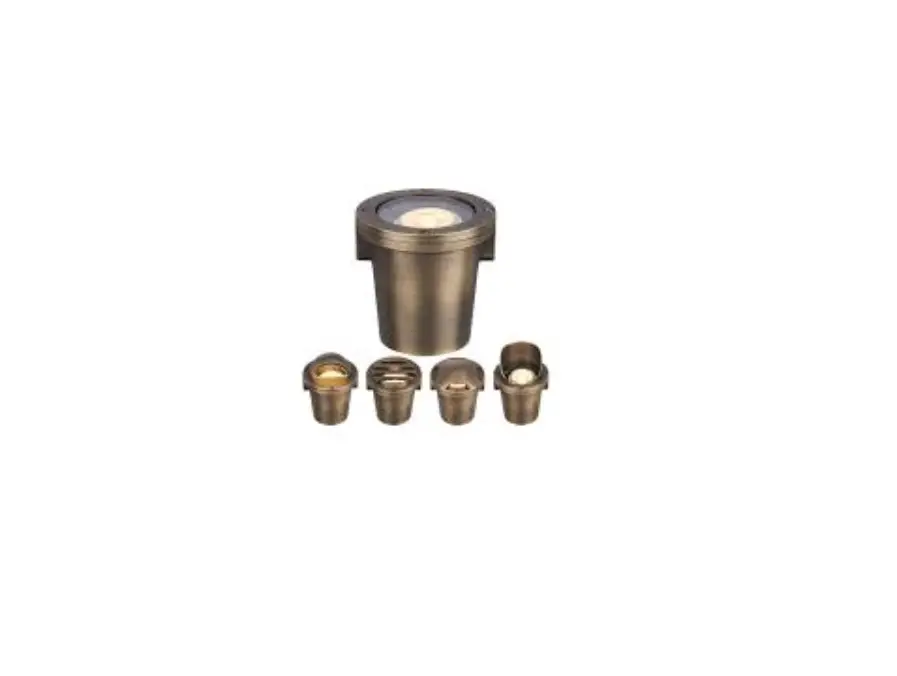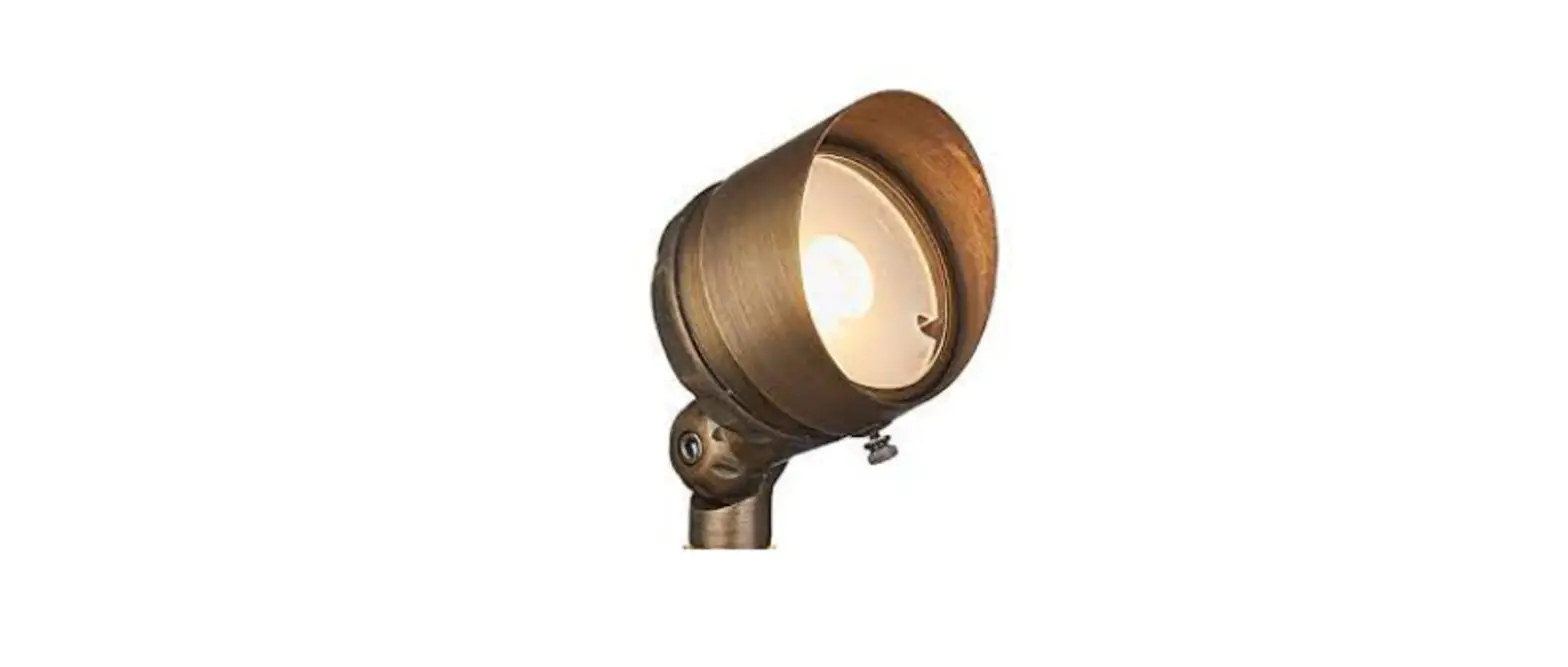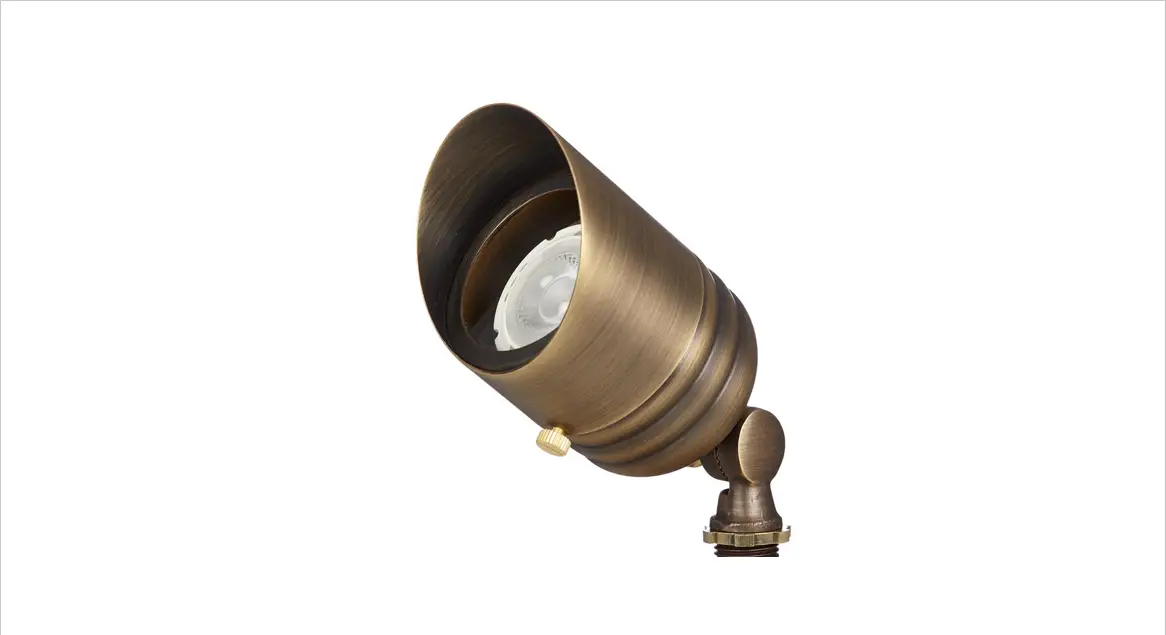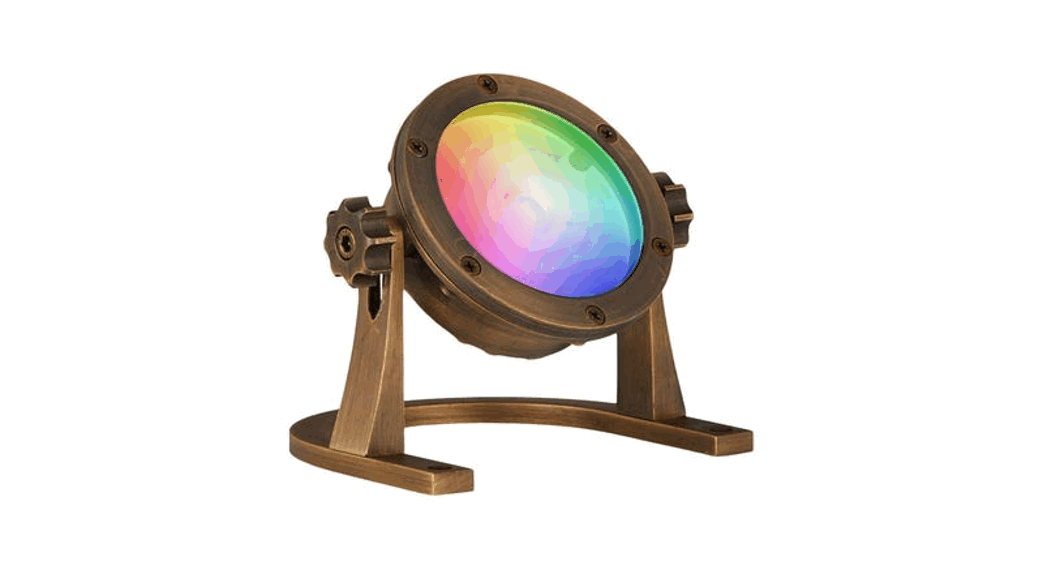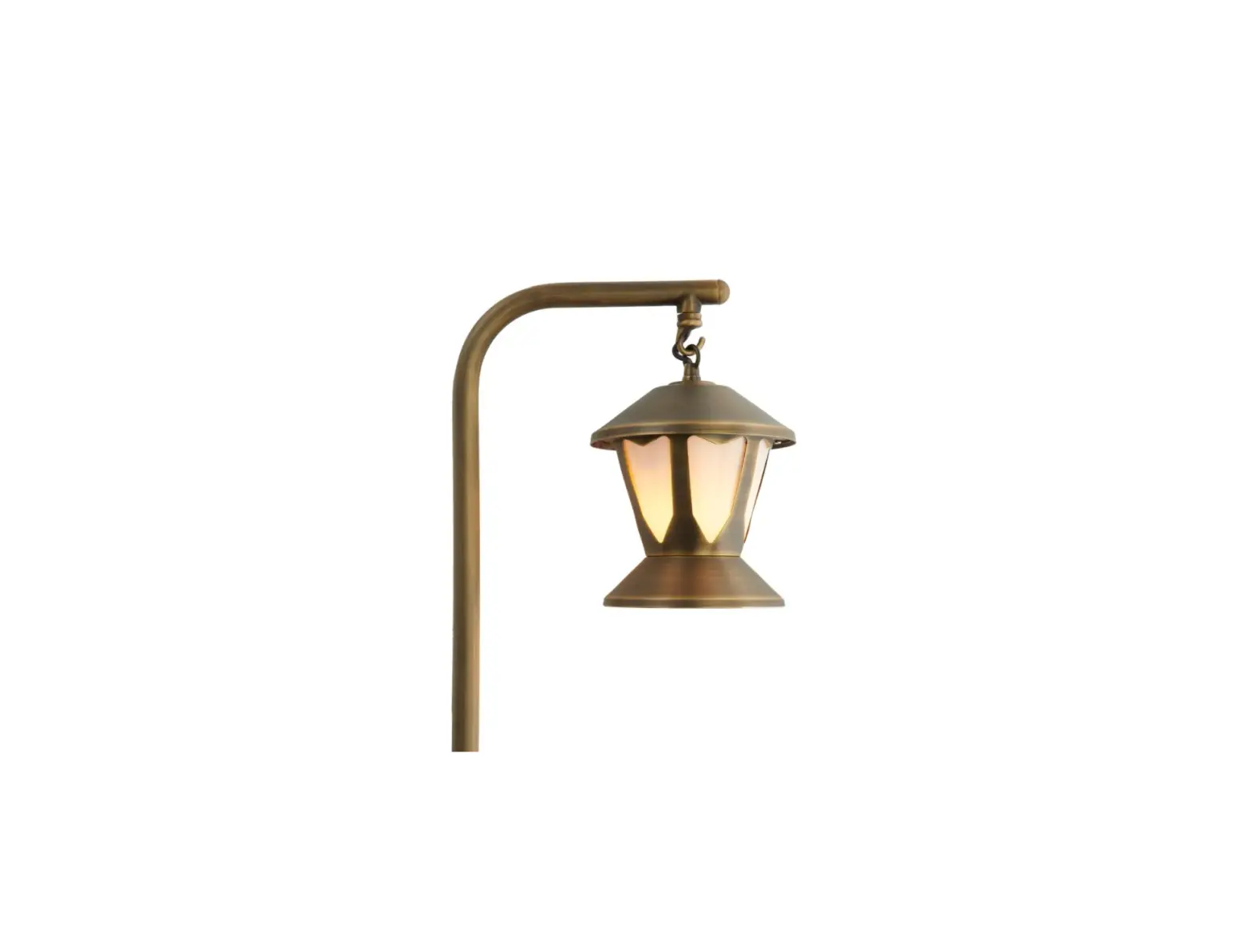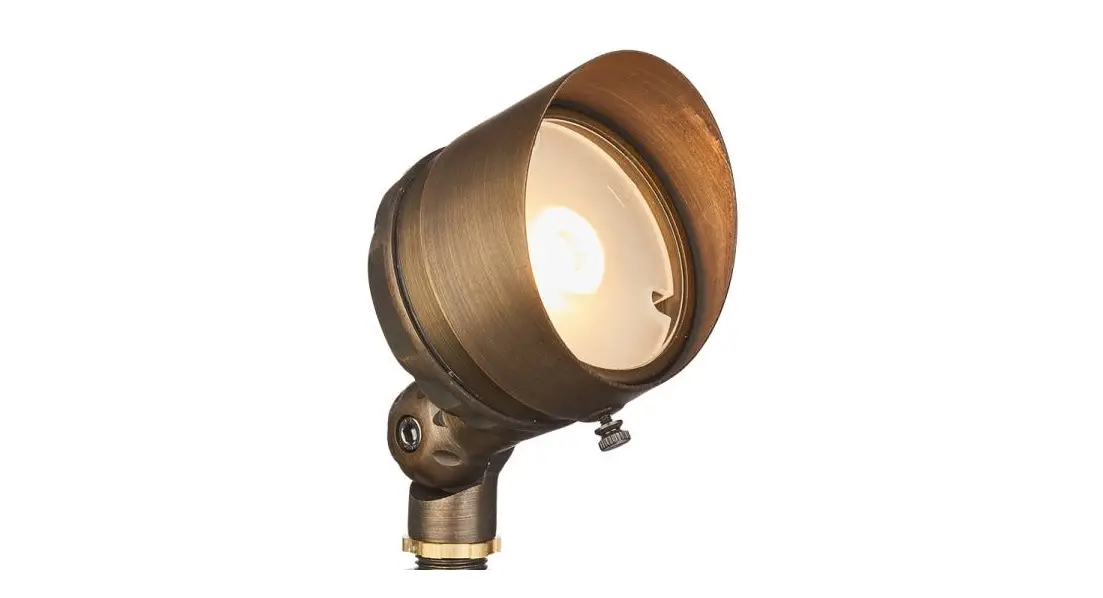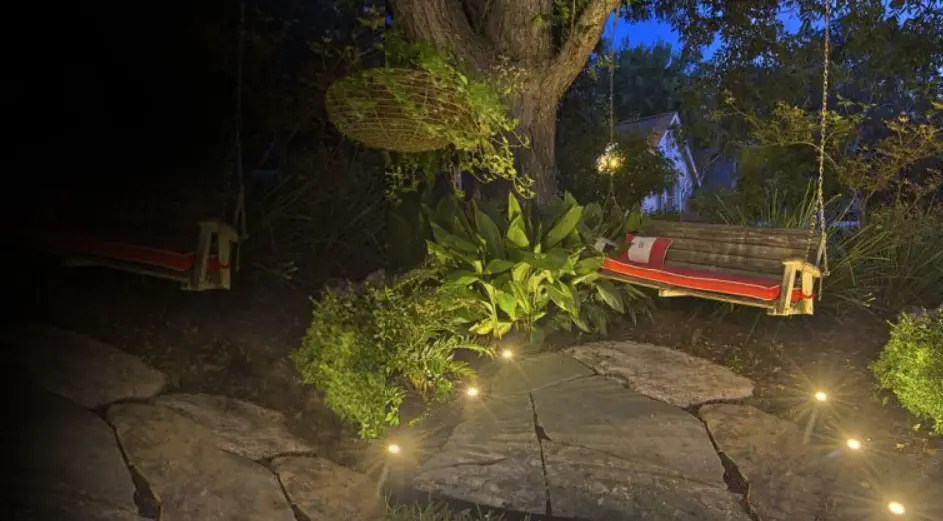

VFL-450X-ABZ Low Voltage Landscape Lighting

Please Read Before Installation
This luminaire is intended for installation in accordance with local codes and the National Electric Code (NEC). Failure to adhere to these codes and instructions may result in serious injury, property damage and void the warranty. These instructions do not intend to cover all variations in installation, operation maintenance, or mounting situations.
- Make sure that the power is turned OFF before installing or servicing this luminaire.
- WARNING: risk of electrical shock. Install all luminaires 10 feet (3.05M) or more from the pool, spa, or fountain.
- This luminaire is intended to be used only with a power supply (transformer) rated maximum of 300 watts (25 AMPS) at 15 volts.
- Wiring connections must be made with UL-listed wire connectors that are suitable for outdoor use.
- Position the low voltage wire and wire connector so that it is located within 6 inches (15.2 cm) from a building structure, a luminaire or fitting.
- The main low voltage cable is intended for shallow burial – less than 6 inches (152 mm).
Important Safety Instructions
- Turn off/unplug and allow to cool before replacing the lamp.
- The lamp gets HOT quickly! Contact only switch/plug when turning on.
- Do not touch the hot lens, guard, or enclosure.
- Keep the lamp away from materials that may burn.
- Do not touch the lamp at any time. Use a soft cloth. Oil from the skin may damage the lamp.
- Do not operate the luminaire fitting with a missing or damaged shield.
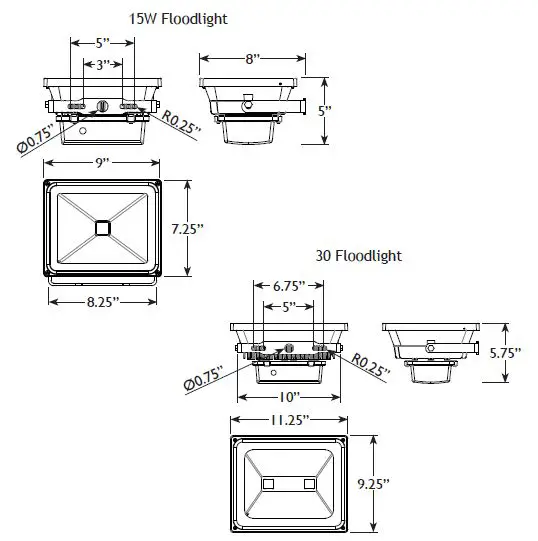
Product Dimensions
Marking for Expansion Bolt Anchors
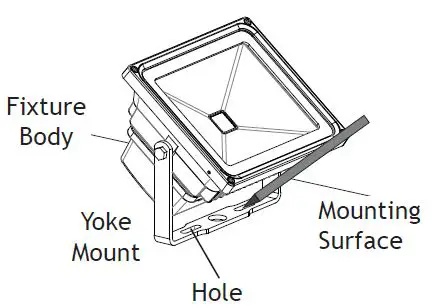
Mark two points on the mounting surface using the holes on the yoke mount as a guide. These marks will be used for the expansion bolt anchors (not included).
Install Expansion Bolt Anchors
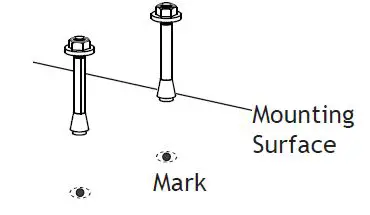
Drill the proper holes using the marks on the mounting surface for the expansion bolt anchors. Insert the expansion bolt anchors into the drilled holes. Tighten the hex nuts on the expansion bolt anchors until they are fastened to the surface.
Install Fixture Body
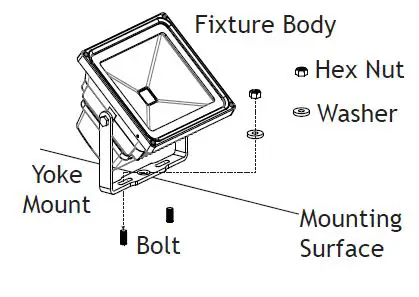
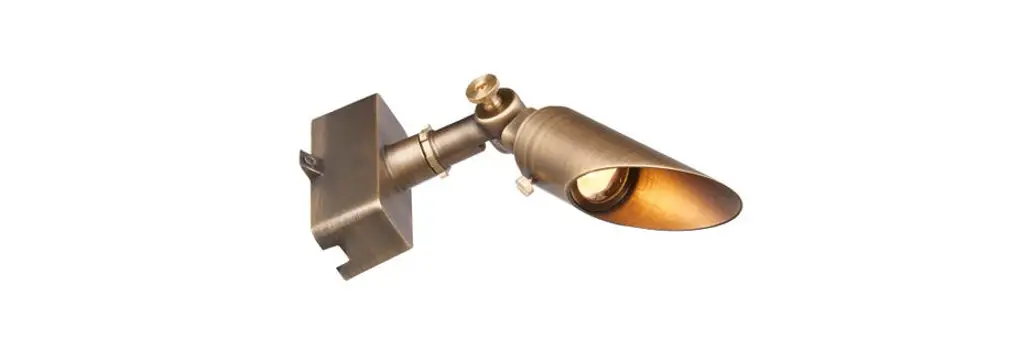
Remove the hex nuts and washers from the expansion bolts. Attach the yoke mount with fixture body to the bolts and secure with the previously removed washers and hex nuts. Tighten until snug.
Wire Connection
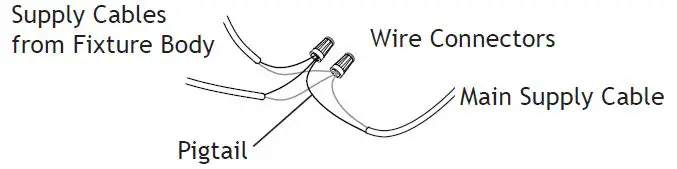
Strip both leads from the fixture pigtail. Using two wire connectors(sold separately), connect the leads from the fixture bodies to the main supply cable leads.
Adjust Fixture Body
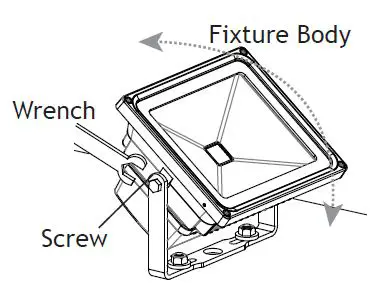
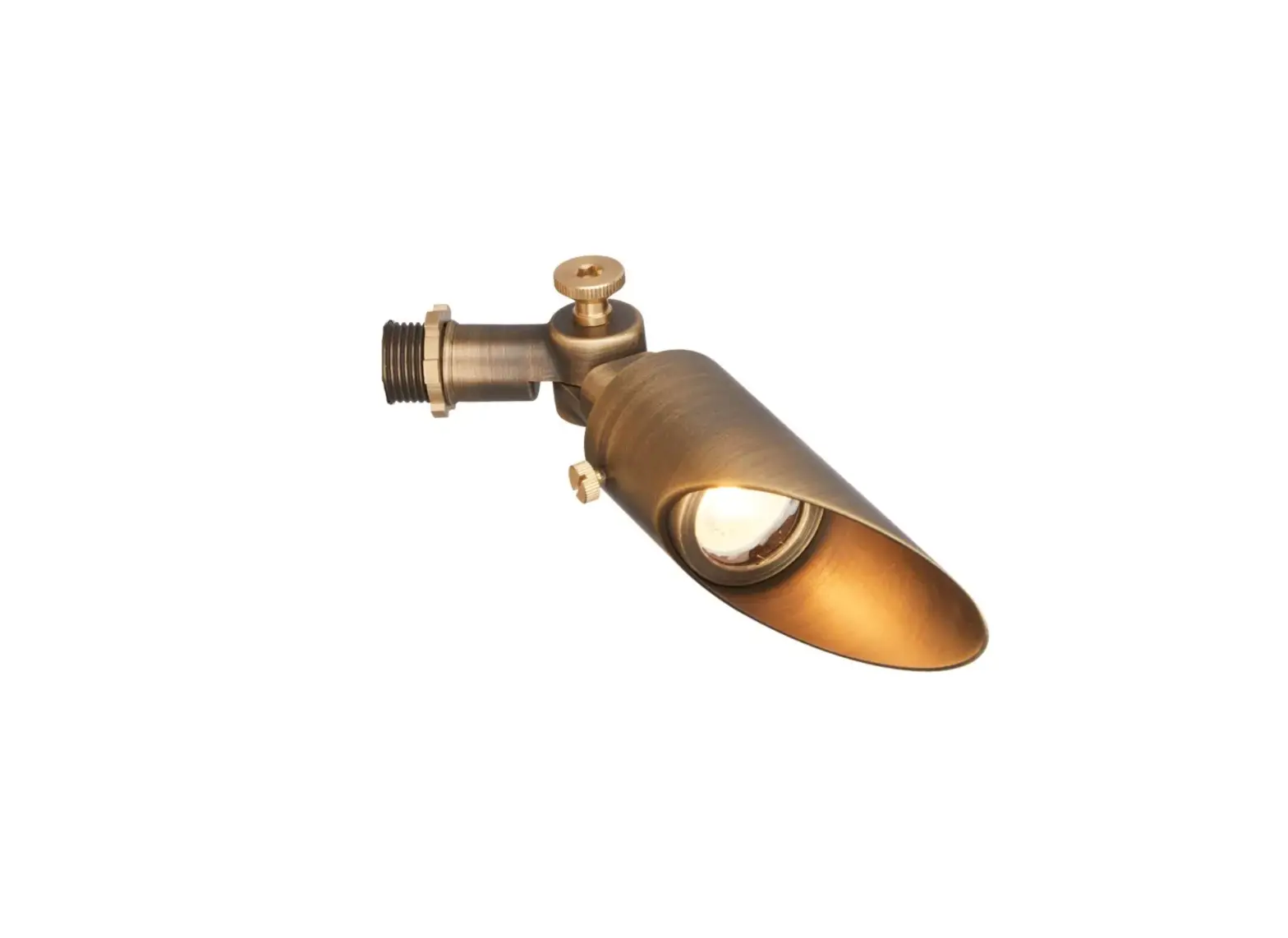
Using the wrench, loosen the screws on the side of the fixture to adjust the fixture to your desired orientation. Always tighten the screws after any adjustments.
Install Stake
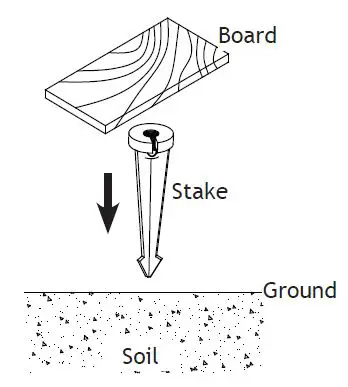
Determine the desired location for mounting the stake. Hammer the stake into the ground until the flange of the stake is flush to grade. To avoid damage to the stake, place a board on top of the stake while hammering. Note: If the ground is hard and the stake is difficult to install, make a crosscut in the ground using a flat shovel.
Install Fixture to Stake
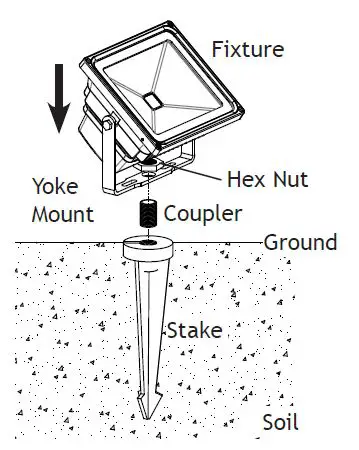
Attach the coupler onto the stake. Place the yoke mount with the fixture body onto the coupler and secure it with the hex nut. Hand tightens until snug.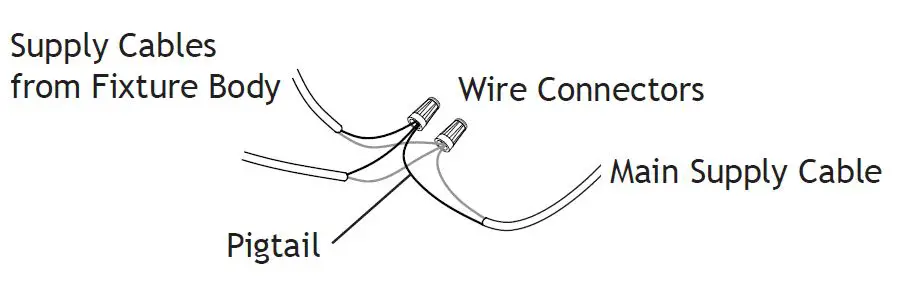
Strip both leads from the fixture pigtail. Using two wire connectors(sold separately), connect the leads from the fixture bodies to the main supply cable leads.
Remove Plastic Film
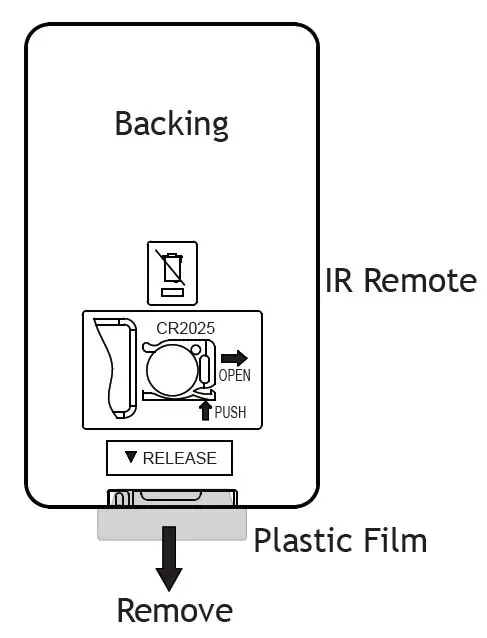
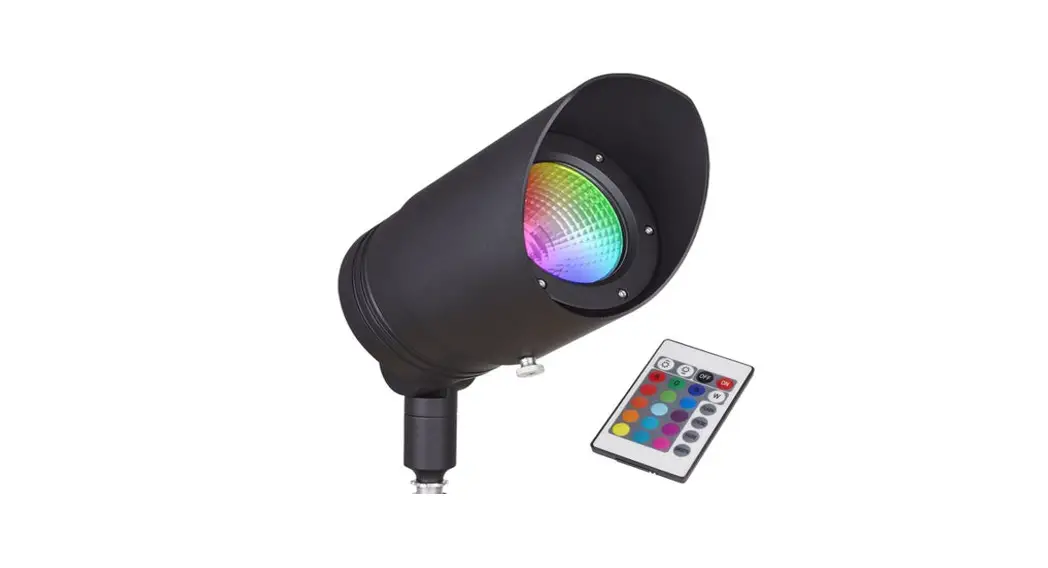
Remove the plastic film from the IR remote before use.
IR Remote Functions
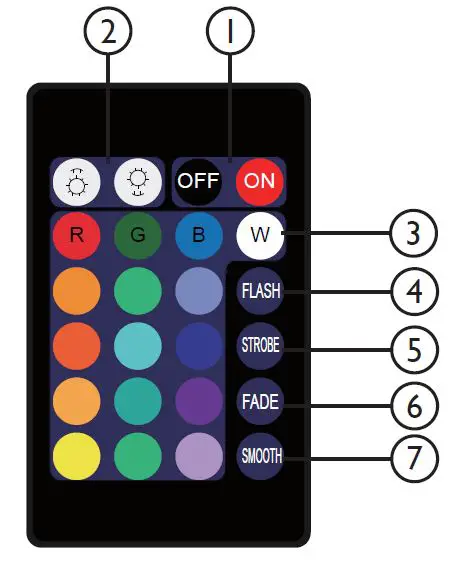
NOTE: When using the remote make sure it is pointed at the sensor in the faceplate so it operates properly.
- On/Off
- Brightness Control
- 16 color selections
- Flash
- Mode 1: Repeats Red, Green, Blue + color cycle for 1-second duration of each of the seven colors within this mode.
- Mode 2: Hit flash a second time and this mode slowly blends the same seven colors from mode one, mixing them together.
- Strobe
- Mode 1: Pick any color on the remote, then press strobe and that color will strobe every second alternating between on and off.
- Mode 2: Hit strobe a second time and this mode will strobe a blended white color at the same speed as before.
- Fade
- Mode 1: Pick any color on the remote, then press fade and that color will slowly fade in and out every second.
- Mode 2: Hit fade a second time and it will fade a blended white color in and out at the same speed as before.
- Smooth
- Mode 1: Repeats a flash cycle of Red, Green, and Blue only.
- Mode 2: Hit smooth a second time and this mode slowly blends Red, Green, and Blue only; in and out of each other at the same speed.
Replace Battery
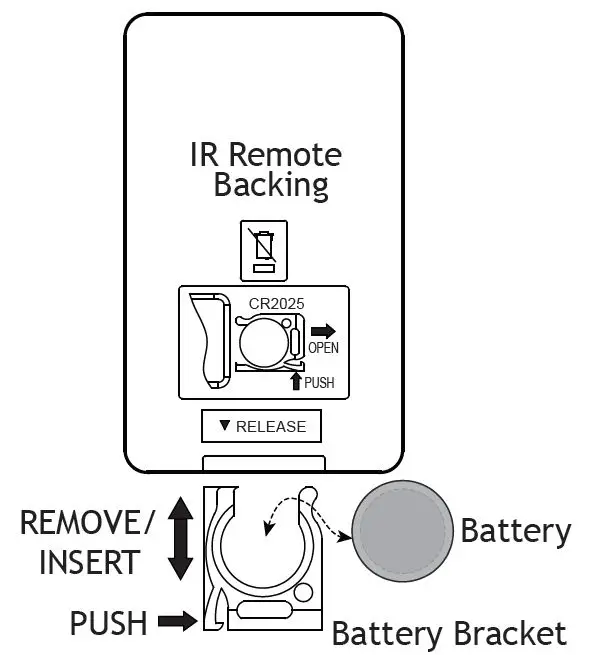
Push the side of the battery bracket and carefully remove it from the IR remote. Replace the battery and then insert the battery bracket back into the IR remote. Replacement Battery Style: CR2025 Button Battery