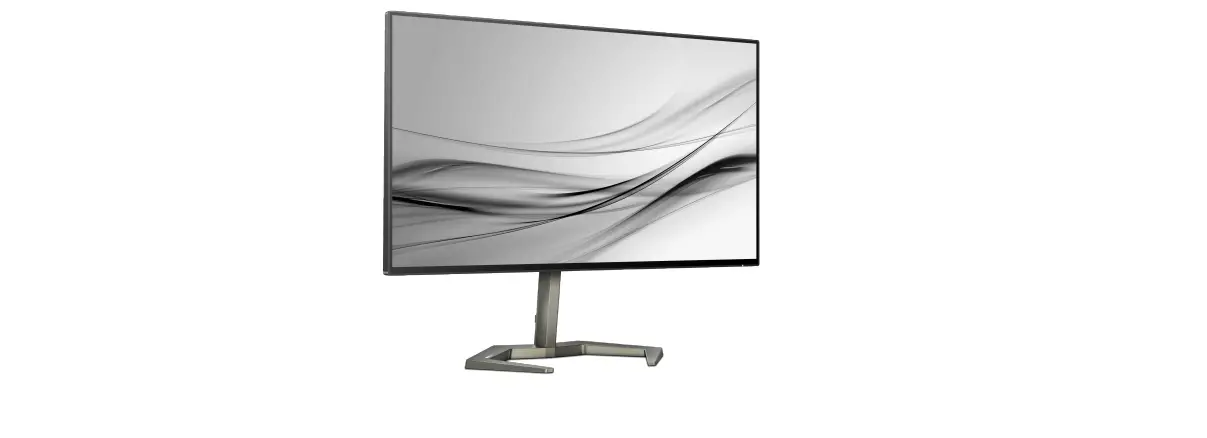
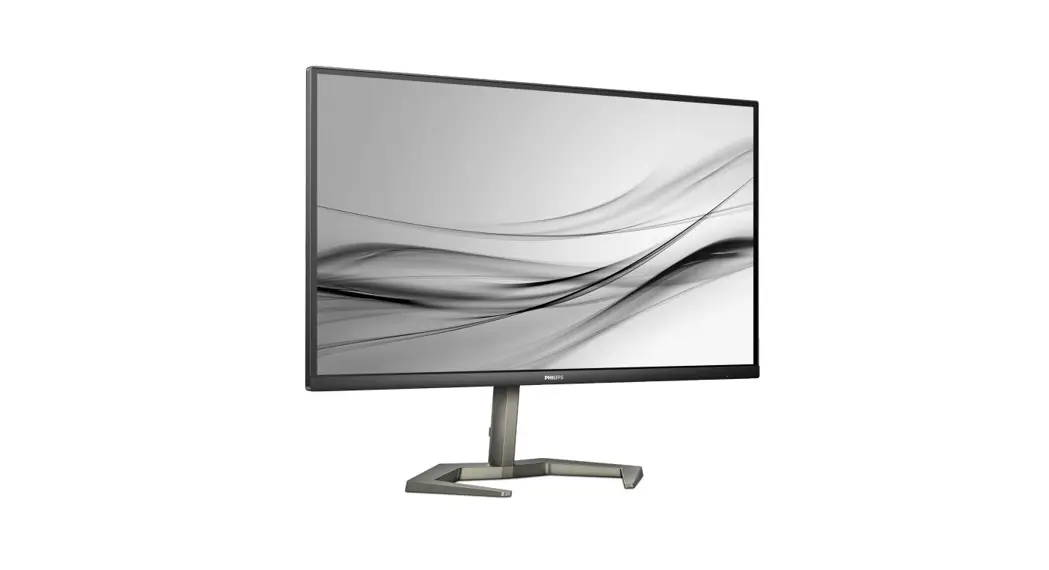
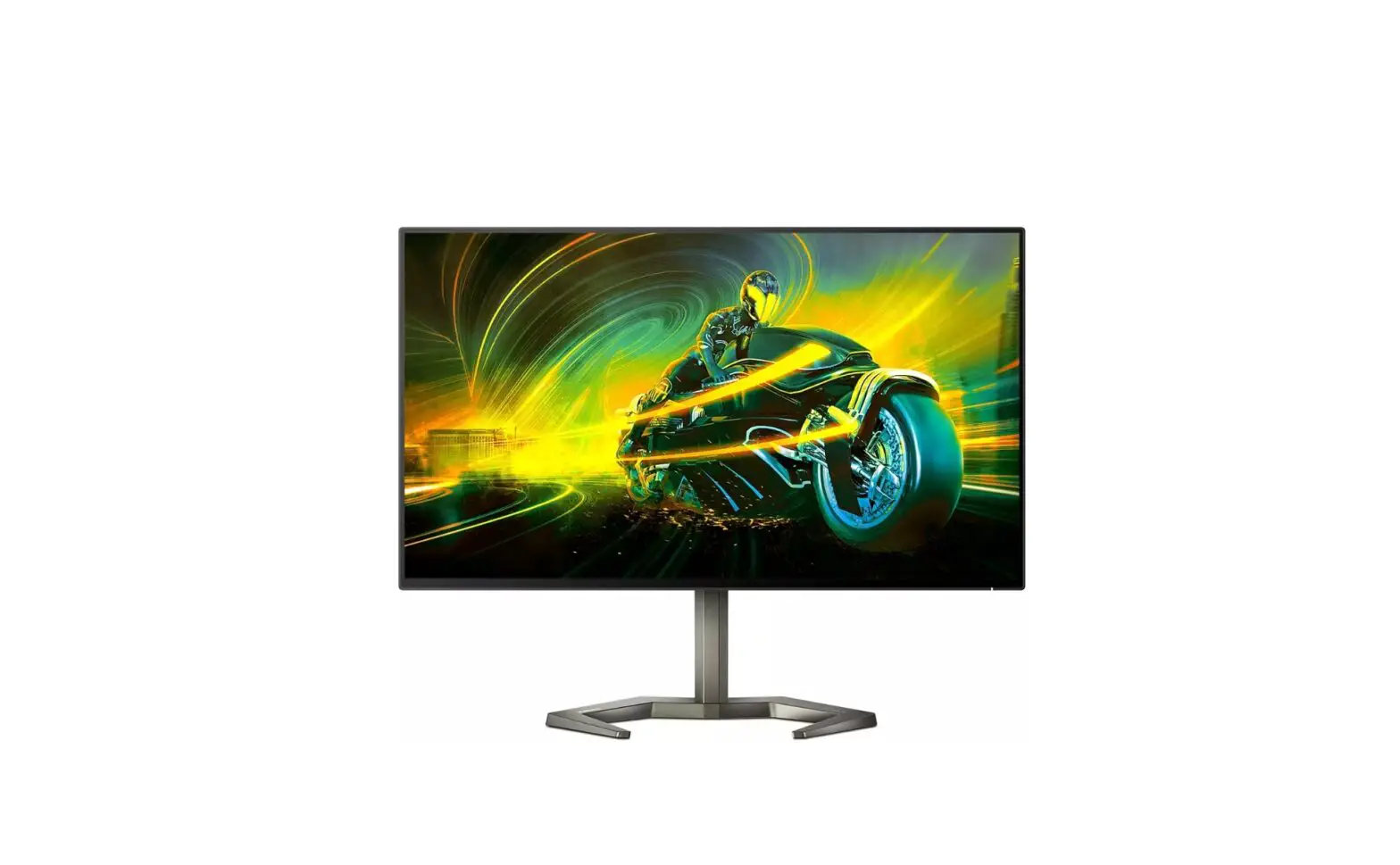
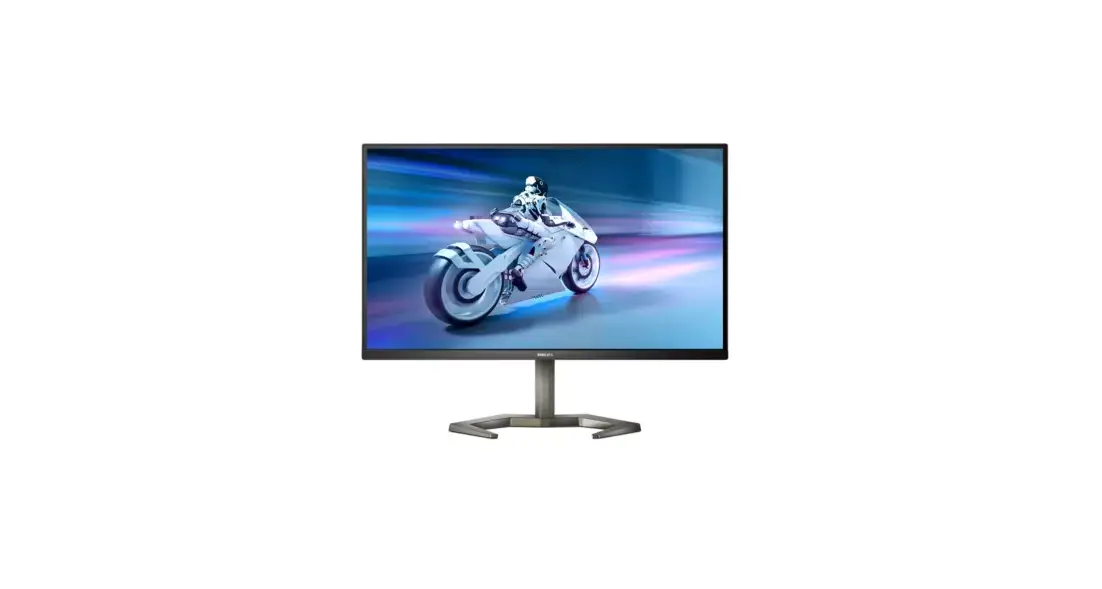
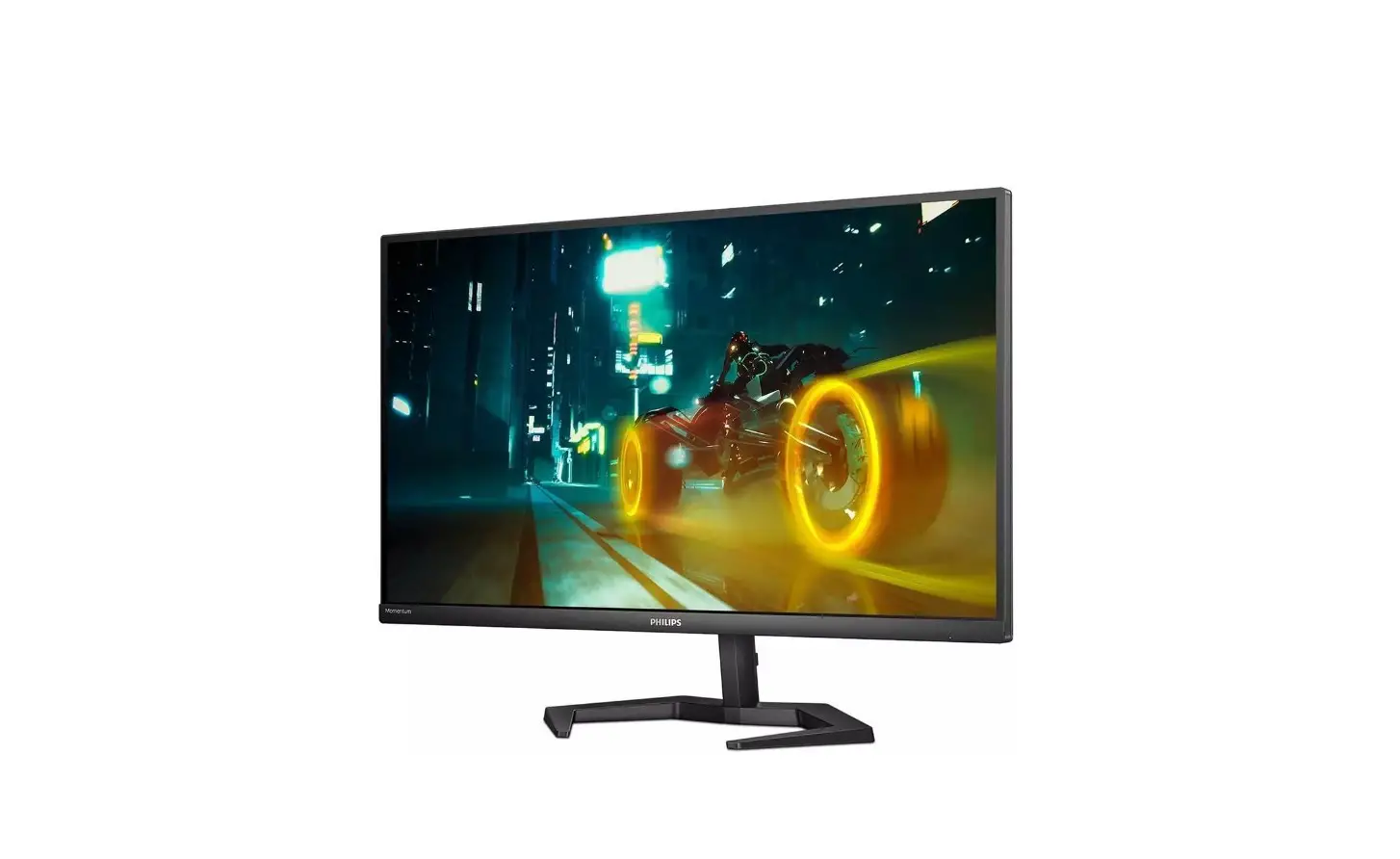
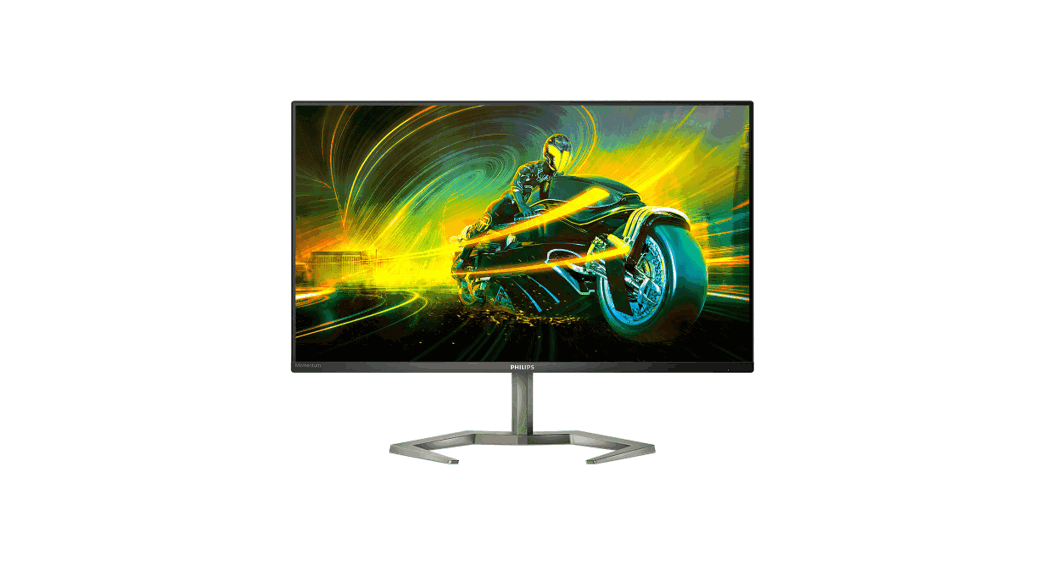
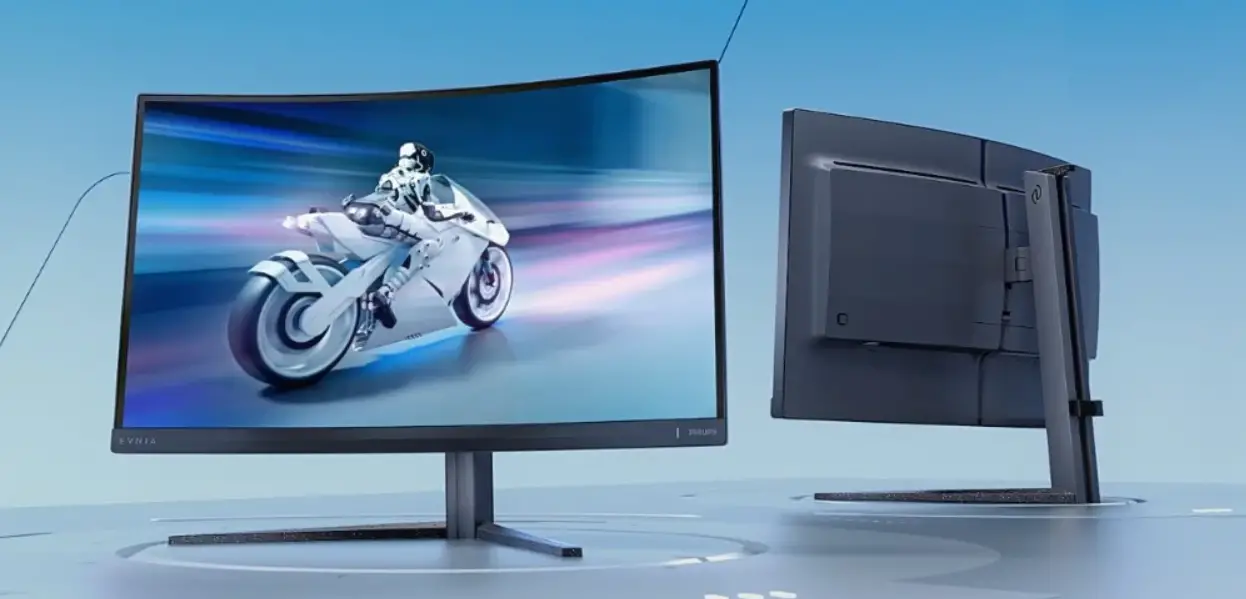
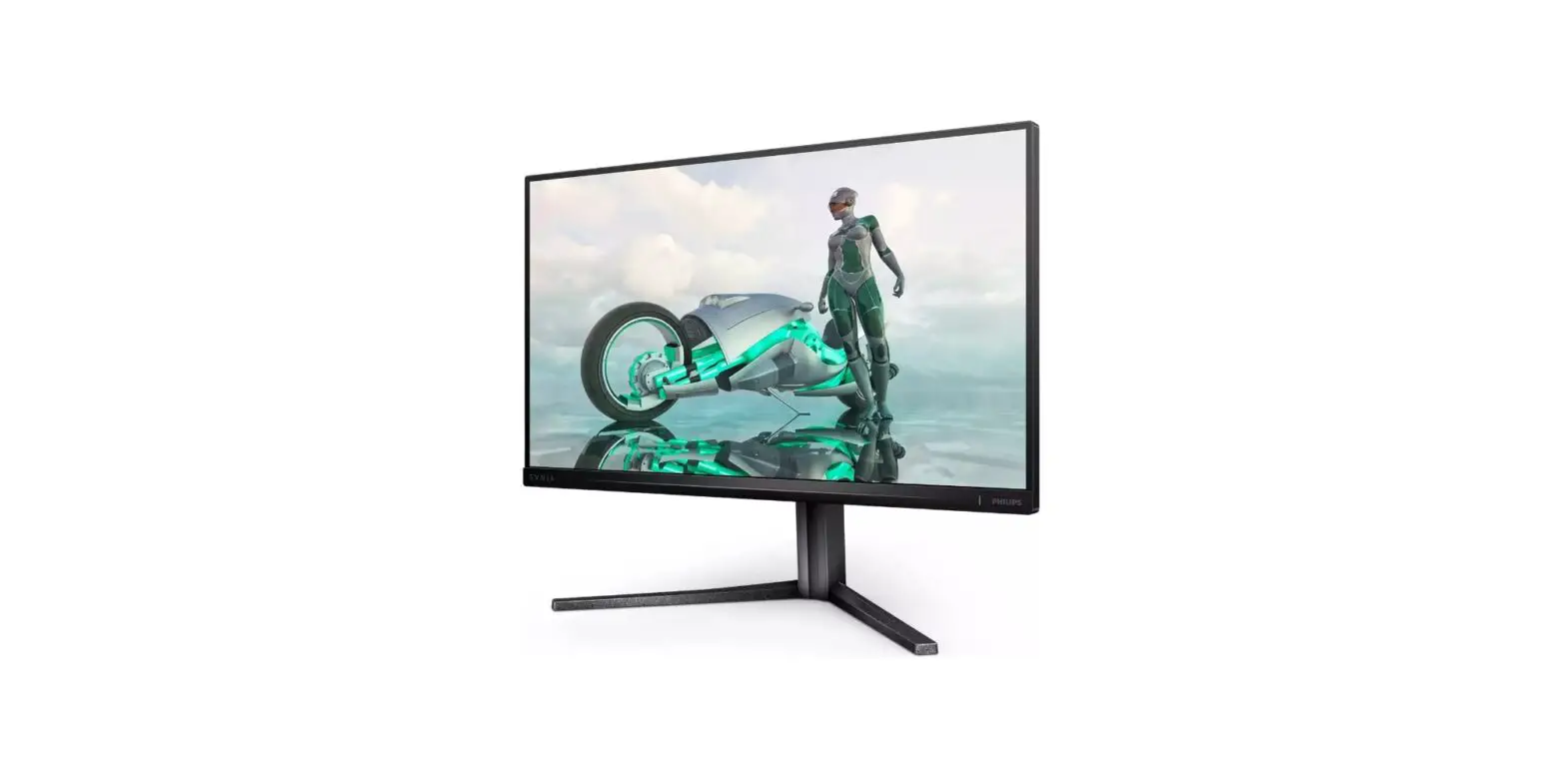
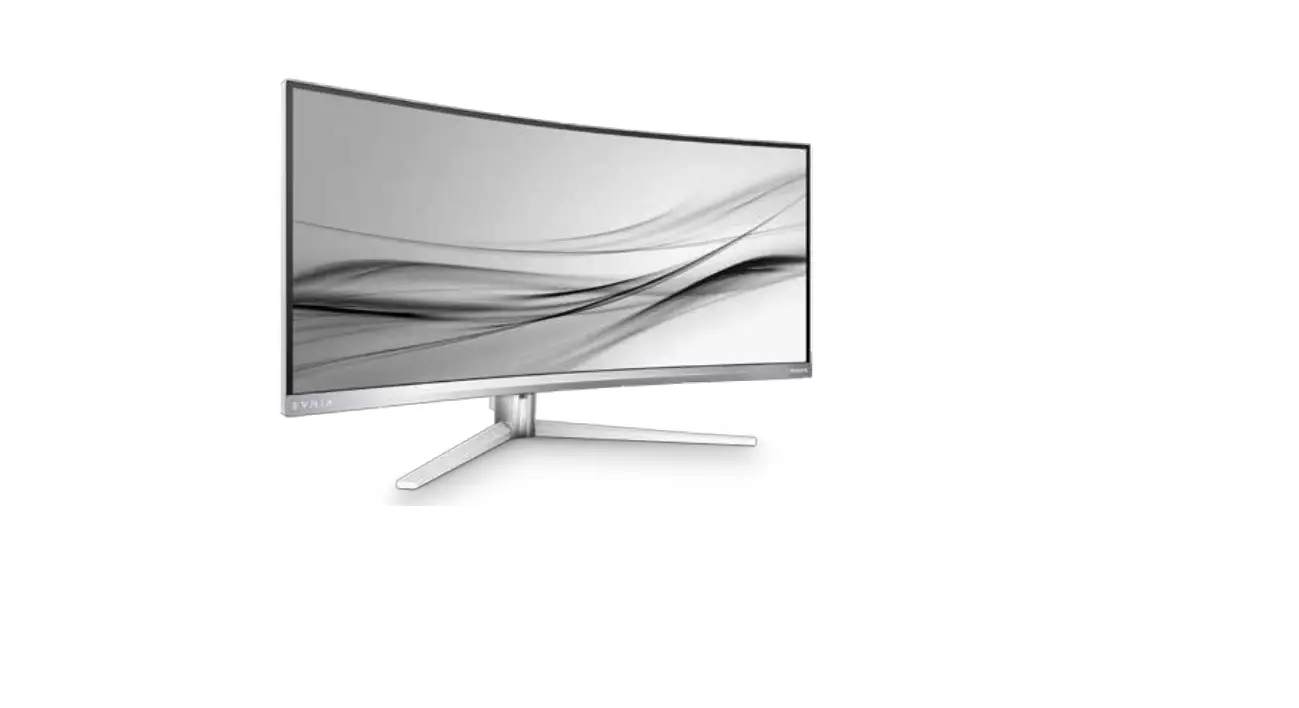
27M1F5800 Evnia 50004K UHD Gaming Monitor
Product Information:
This product is a monitor manufactured by Top Victory
Investments Ltd. It is sold under the responsibility of Top Victory
Investments Ltd. The monitor is branded as Philips and features the
Philips Shield Emblem, which are registered trademarks of
Koninklijke Philips N.V. The product model number is 27M1F5800Q1T.
The monitor has various input options including HDMI 1, HDMI 2,
DisplayPort 1, and DisplayPort 2. It also has a USB hub with a USB
A-B connection and supports Multiview PBP (Picture-by-Picture)
functionality. The monitor is energy efficient and complies with
energy labelling standards.
Product Usage Instructions:
1. To begin using the monitor, register your product and get
support at www.philips.com/welcome.
2. Before setting up the monitor, ensure that you have the
following components: AC/DC Adapter, HDMI cable, DP (DisplayPort)
cable, and USB A-B cable.
3. Place the monitor face down on a smooth surface, taking care
not to scratch or damage the screen.
4. Connect the AC/DC Adapter to the monitor and plug it into a
power outlet.
5. Connect the desired input source to the monitor using the
appropriate cable. You can choose from HDMI 1, HDMI 2, DisplayPort
1, or DisplayPort 2.
6. If you want to use the USB hub functionality, connect one end
of the USB A-B cable to the USB hub port on the monitor and the
other end to your computer or device.
7. If you wish to use the Multiview PBP feature, follow the
on-screen instructions to configure the main and sub sources. You
can switch between the main and sub sources using the SWAP button
on the monitor.
8. Adjust the monitor settings according to your preference
using the controls provided.
9. For detailed instructions on using the monitor and its
features, refer to the User Manual provided.
10. If you have any questions or need support, visit www.philips.com/support or refer to
the FAQ section.
Note: The physical design of the monitor may vary depending on
the region. Please refer to the user manual or contact support for
specific details.
4
20° -5°
-45°
+45°
130mm
Quick start
1
2
Earphone-Hang
0°
3 -90°
0°
90° 3
Register your product and get support at www.philips.com/support
FAQ
Software SmartControl
User Manual
Version: 27M1F5800Q1T
2021 © TOP Victory Investments Ltd. All rights reserved.
This product has been manufactured by and is sold under the responsibility of Top Victory Investments Ltd., and Top Victory Investments Ltd. is the warrantor in relation to this product. Philips and the Philips Shield Emblem are registered trademarks of Koninklijke Philips N.V. and are used under license.
Specications are subject to change without notice.
The terms HDMI, HDMI High-Denition Multimedia Interface, HDMI Trade Dress and the HDMI Logos are trademarks or registered trademarks of HDMI Licensing Administrator, Inc.
www.evnia.philips
Energy Labelling
27M1F5800
Printed in China
F41G27M181346D—-
27M1F5800
Register your product and get support at www.philips.com/welcome
1
4
2
1 3
CAUTION: Place the monitor face down on a smooth surface. Pay attention not to scratch or damage the screen.
2
USB hub Multiview PBP
2 1
USB A-B
Fast Charger
PBP
A B (main)
SWAP
B A (main)
MAIN
SOURCE (xl)
Inputs
SUB SOURCE POSSIBILITY (xl)
HDMI 1 HDMI 2 DisplayPort 1 DisplayPort 2
HDMI
HDMI 2
DisplayPort 1
DisplayPort 2
3
Contents
Quick start
27M1F5800 Register your product and get support at www.philips.com/welcome
* Earphone-Hang
AC/DC Adapter
*HDMI
*DP
* USB A-B
*Different according to region Display design may differ from that illustrated
 Philips Customer Service Support - Home | Philips