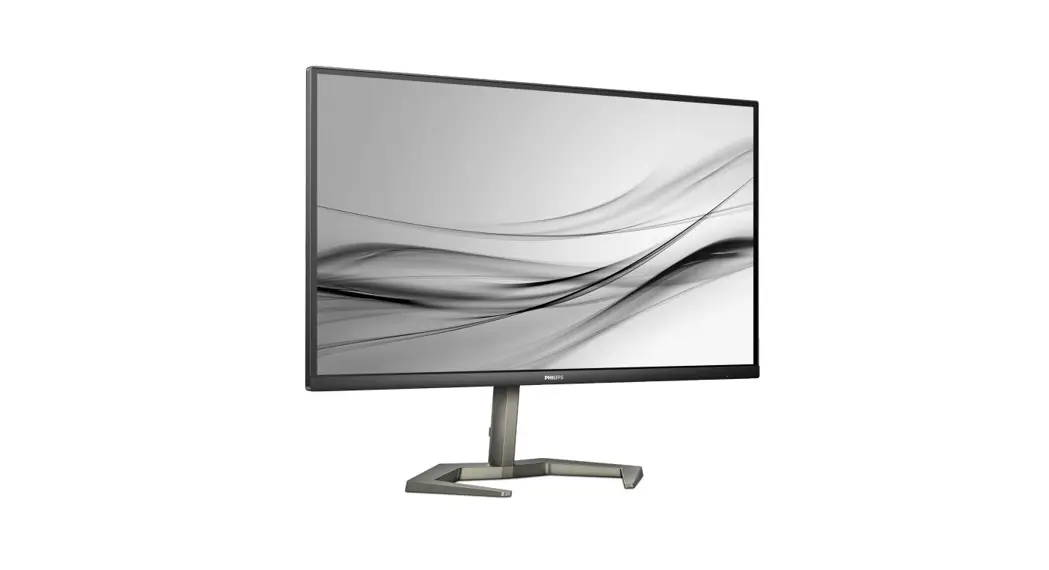
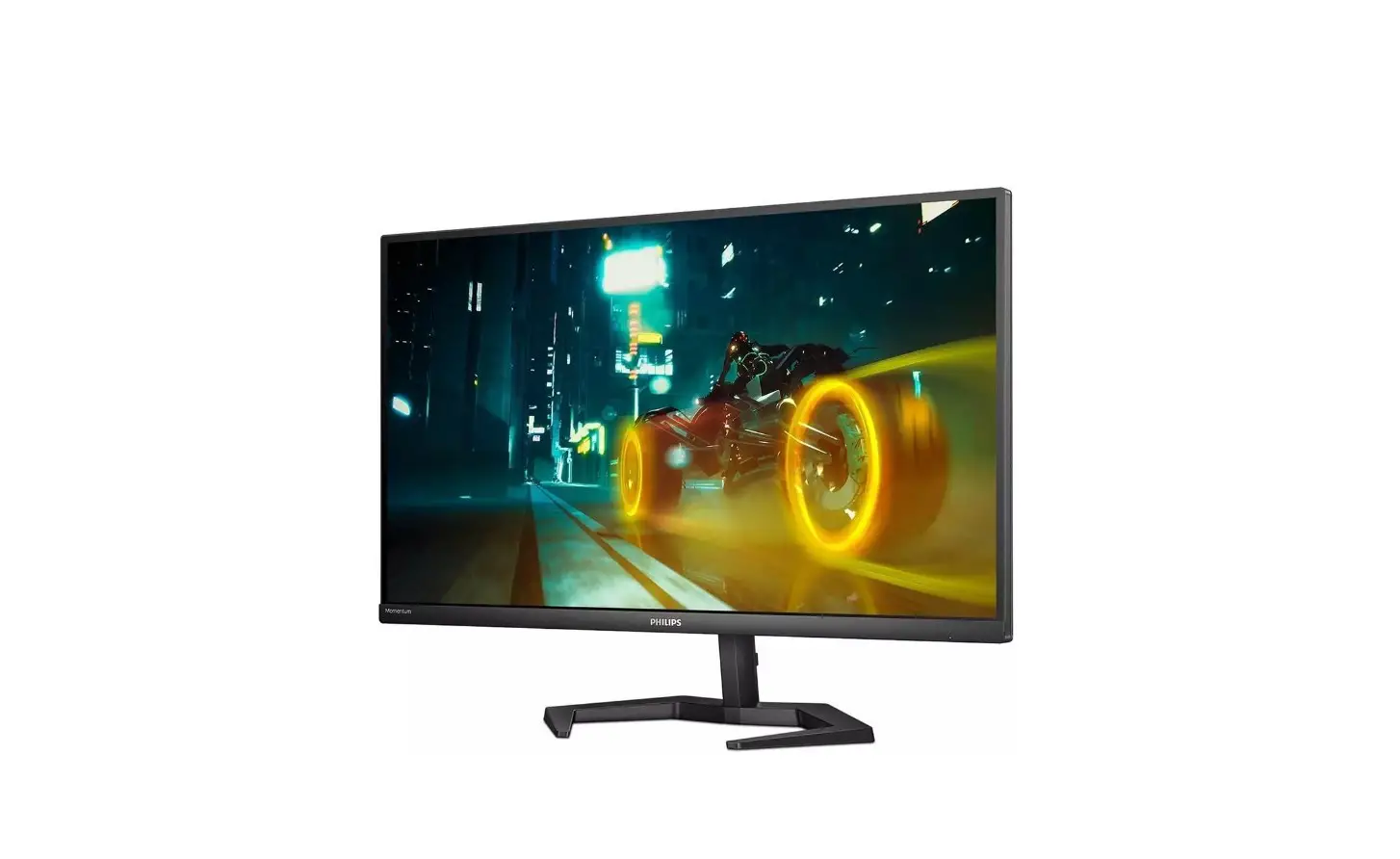
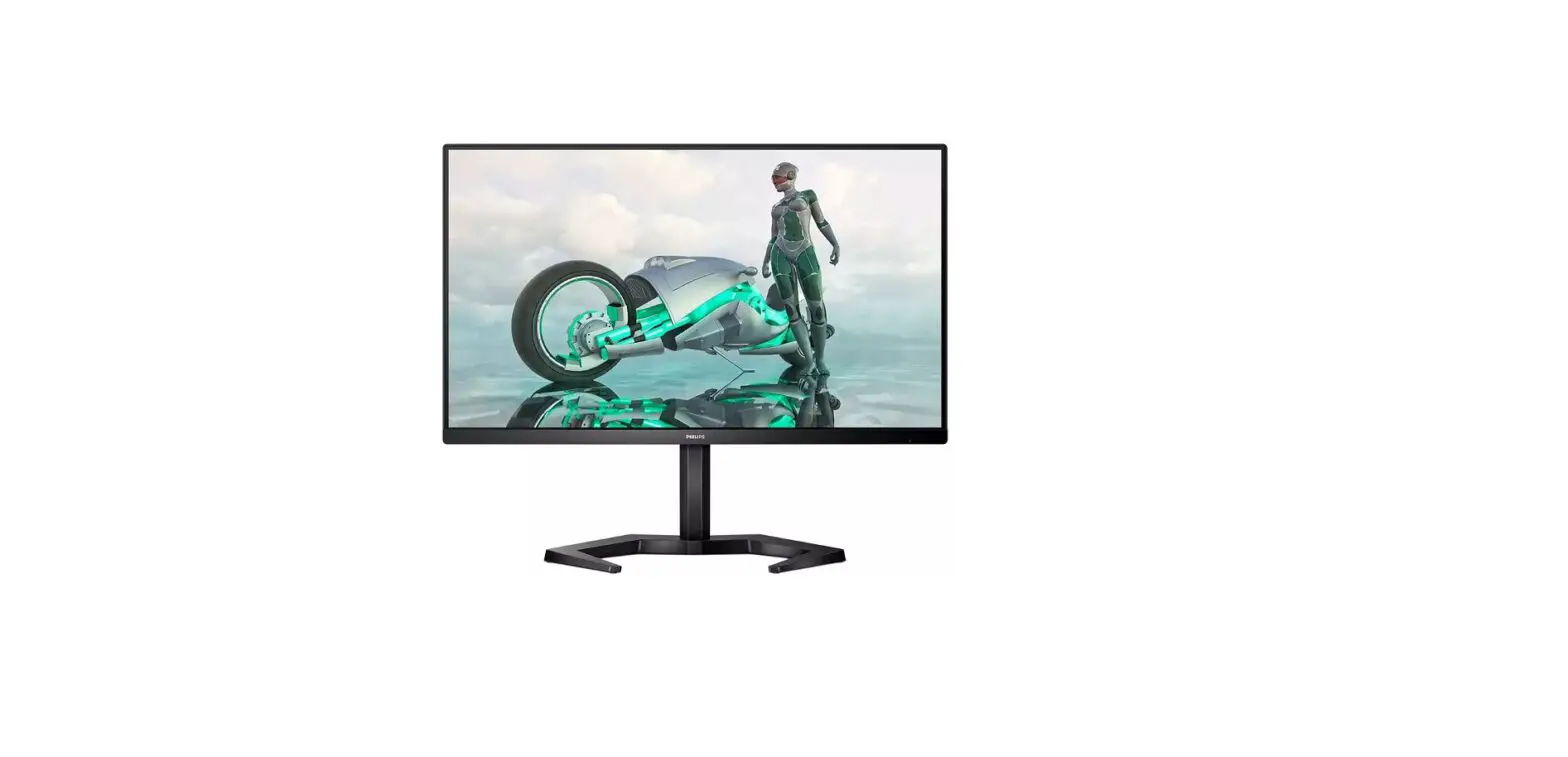
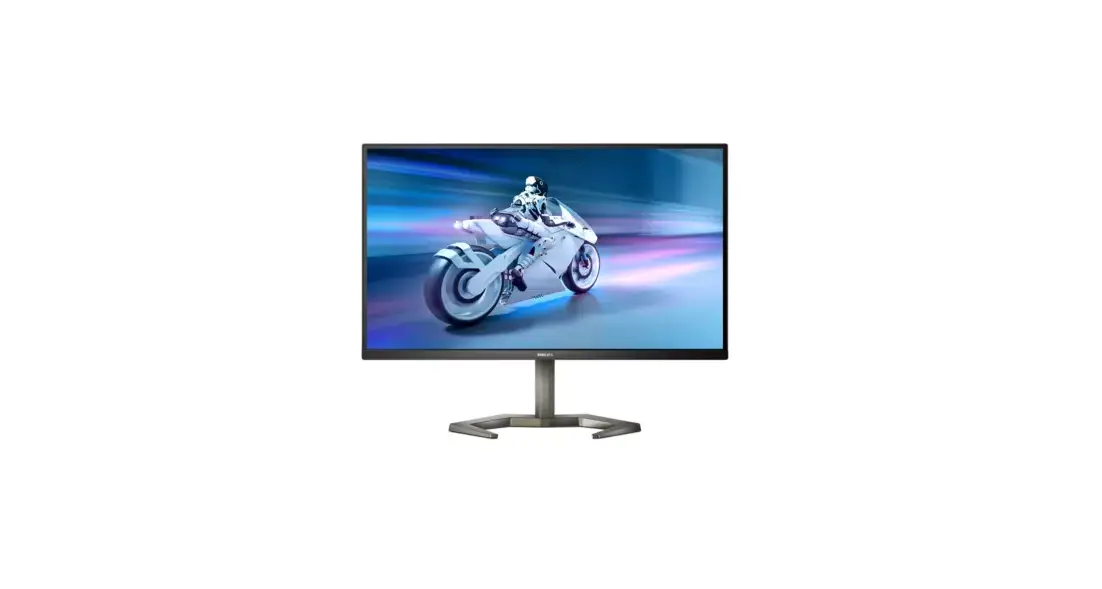
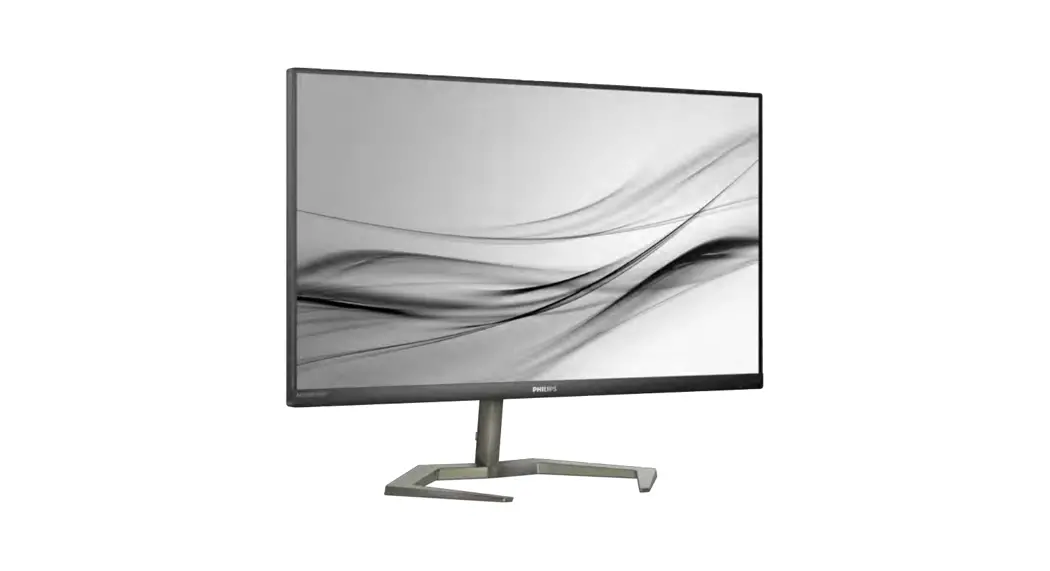
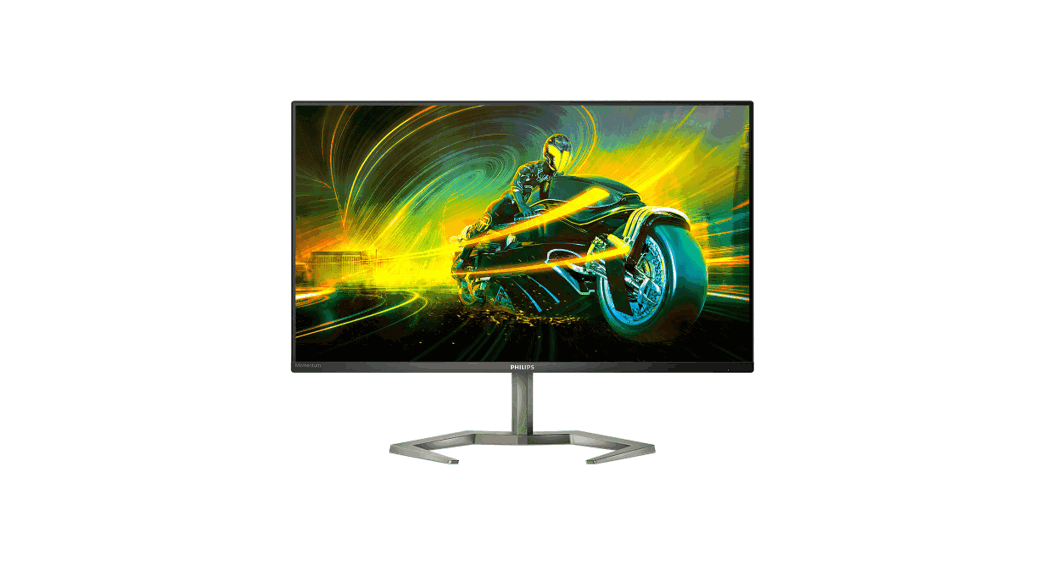
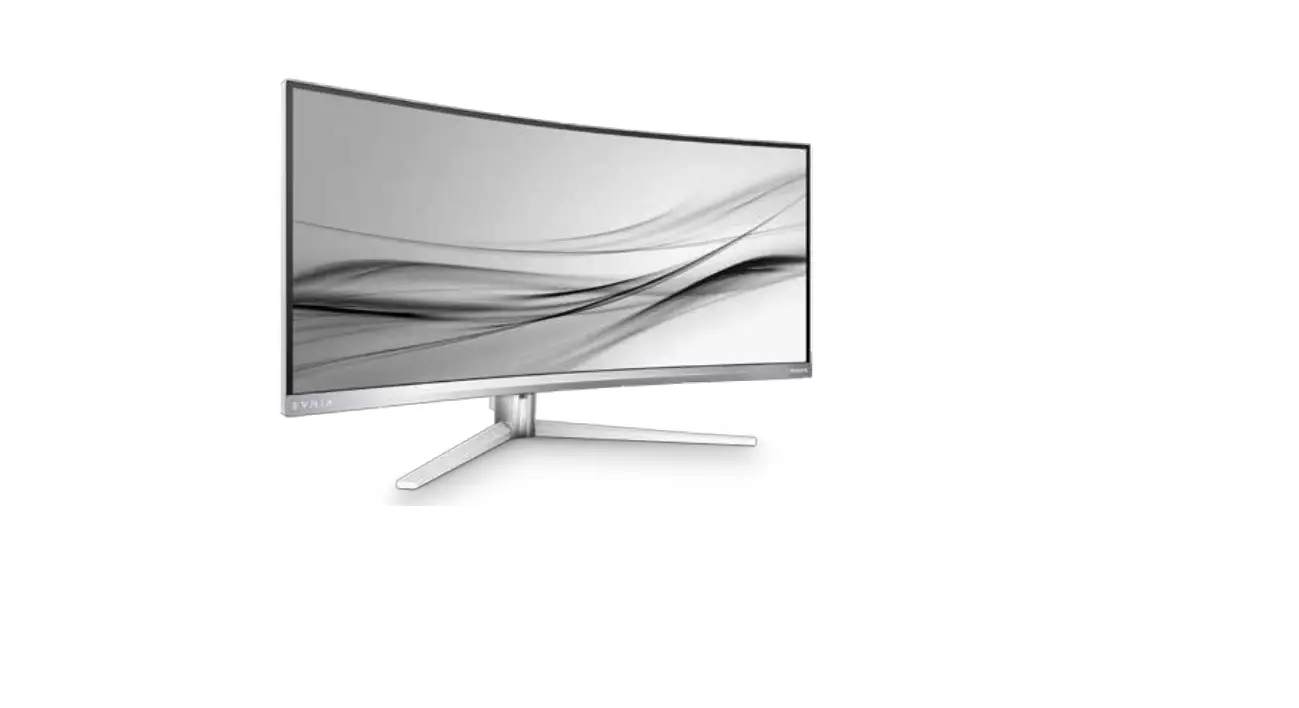
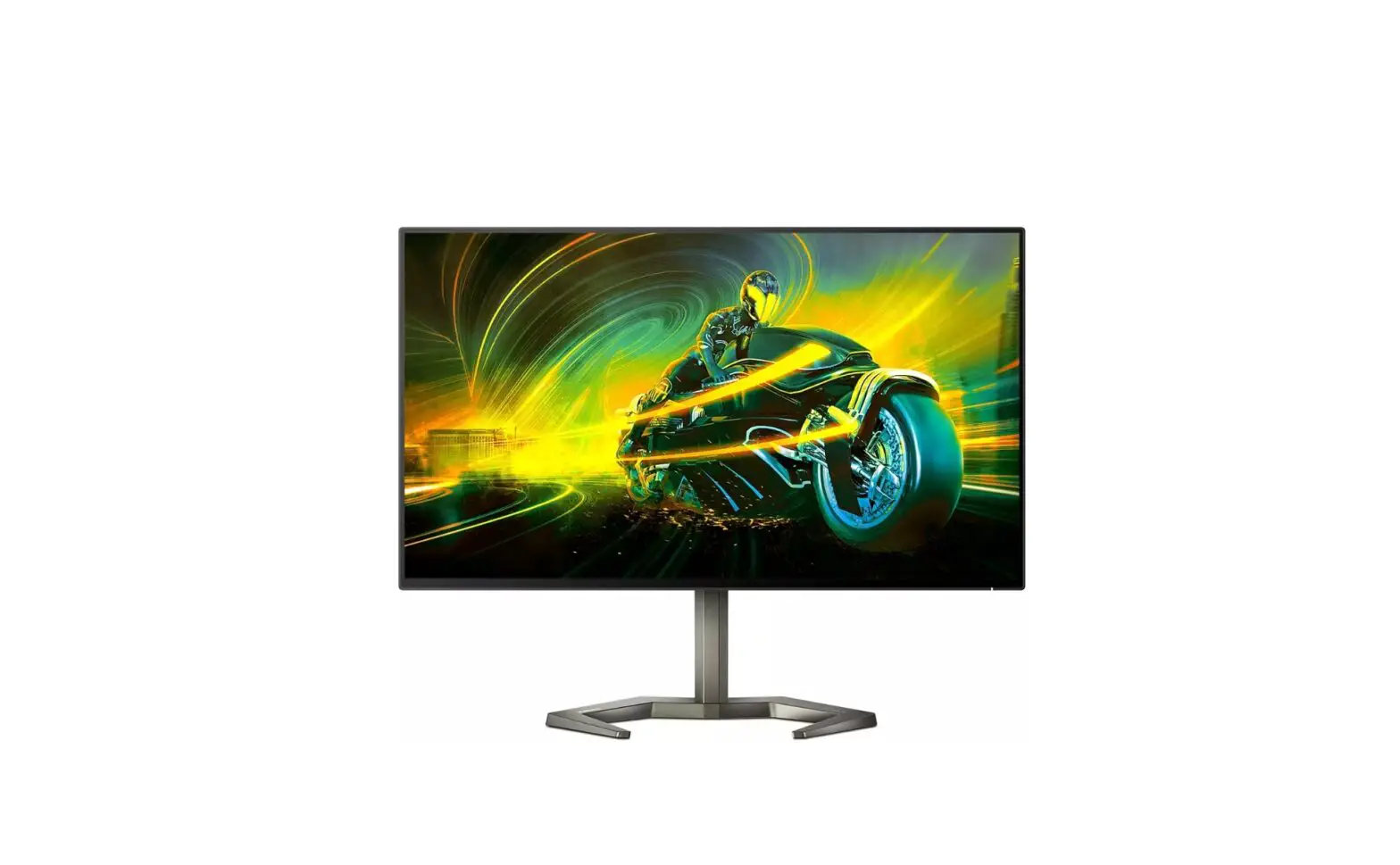
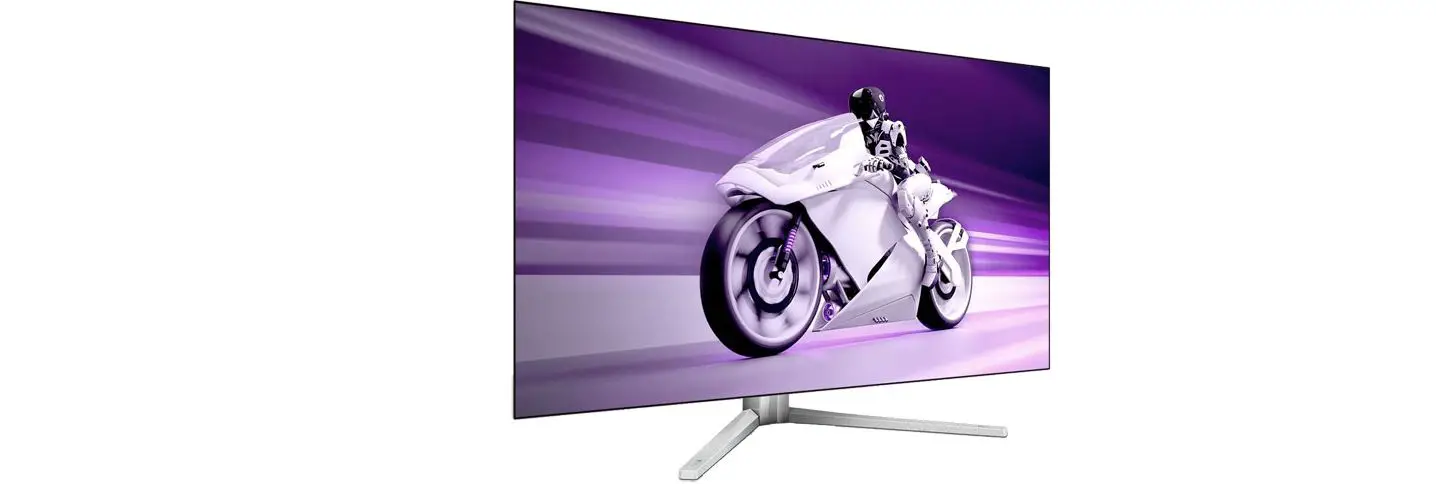
32M1N5800 EVNIA UHD IPS Gaming Monitor
Product Information:
This product is a monitor manufactured and sold by Top Victory
Investments Ltd. It is sold under the responsibility of Top Victory
Investments Ltd. The monitor is equipped with various features
including HDMI, DP, USB hub, audio out, and a fast charger. The
monitor has a screen size of 32 inches (130mm) and the model number
is 32M1N5800.
Product Usage Instructions:
- Before using the monitor, it is recommended to register the
product and get support at www.philips.com/welcome. - Ensure that the monitor is placed face down on a smooth surface
to avoid scratching or damaging the screen. - Connect the necessary cables to the corresponding inputs. The
monitor supports HDMI 1, HDMI 2, DP 1, and DP 2 inputs. - If using a USB device, connect it to one of the USB ports
available on the monitor. - The monitor also features an audio out port for connecting
external speakers or headphones. - Use the provided power cable to connect the monitor to a power
source. - If available, refer to the user manual for detailed
instructions on using additional features such as PBP
(Picture-by-Picture) or SWAP (switching between A and B main
sources).
Please note that the design of the monitor may vary depending on
the region.
4
-45°
20° -5°
+45°
130mm
1
2
5
0°
3 -90°
0°
90° 3
Quick start
Register your product and get support at www.philips.com/support
FAQ
Software SmartControl
User Manual
PBP
A B (main)
SWAP
B A (main)
SUB SOURCE POSSIBILITY (xl)
MAIN SOURCE (xl)
Inputs
HDMI 1 HDMI 2 DP 1 DP 2
HDMI 1 HDMI 2
°
°
°
°
°
°
°
°
DP 1
° ° ° °
DP 2
° ° ° °
Version: 32M1N5800Q1T
2021 © TOP Victory Investments Ltd. All rights reserved.
This product has been manufactured by and is sold under the responsibility of Top Victory Investments Ltd., and Top Victory Investments Ltd. is the warrantor in relation to this product. Philips and the Philips Shield Emblem are registered trademarks of Koninklijke Philips N.V. and are used under license.
Specications are subject to change without notice.
The terms HDMI, HDMI High-Denition Multimedia Interface, HDMI Trade Dress and the HDMI Logos are trademarks or registered trademarks of HDMI Licensing Administrator, Inc.
www.evnia.philips
Energy Labelling 32M1N5800A
Printed in China
Q41G32M1813B04
32M1N5800 32M1N5800A
Register your product and get support at www.philips.com/welcome
USB hub
1
2
3
1
CAUTION: Place the monitor face down on a smooth surface. Pay attention not to scratch or damage the screen.
2 1
USB A-B
2
Earphone-Hang
Fast Charger
HDMI 1 HDMI 2 DP 1
DP 2
AUDIO
OUT
USB
USB
USB UP
3
Contents
Quick start
32M1N5800 32M1N5800A Register your product and get support at www.philips.com/welcome
* Earphone-Hang
Power
*HDMI
*DP
* USB A-B
*Different according to region Display design may differ from that illustrated
 Philips Customer Service Support - Home | Philips