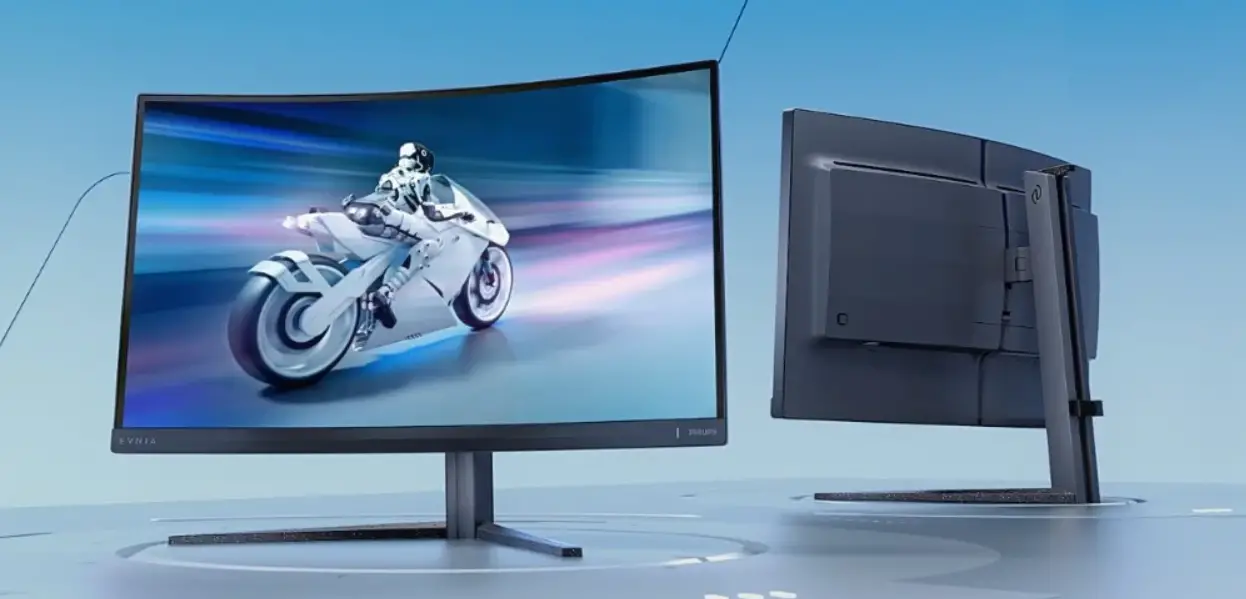
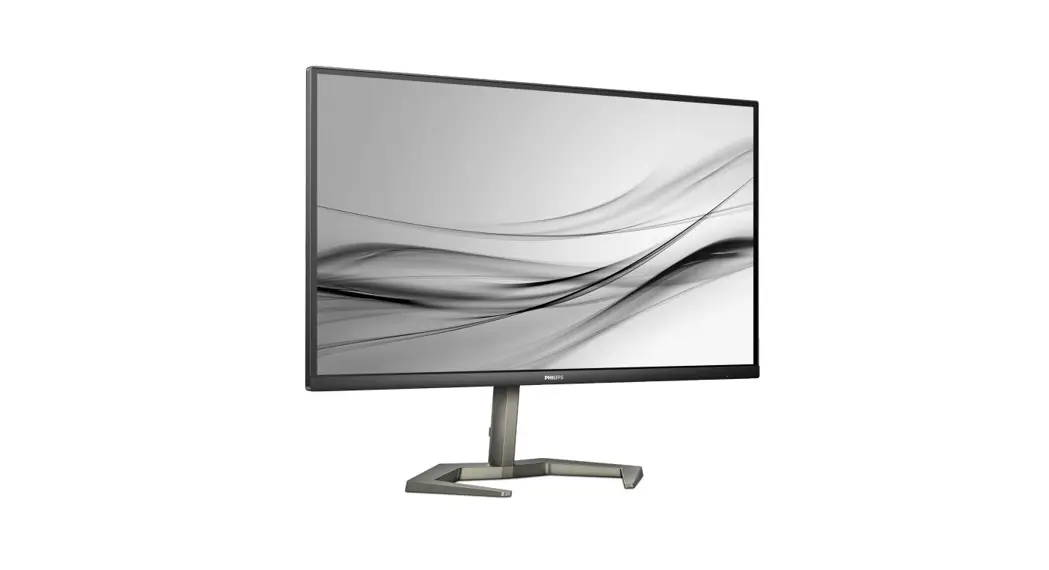
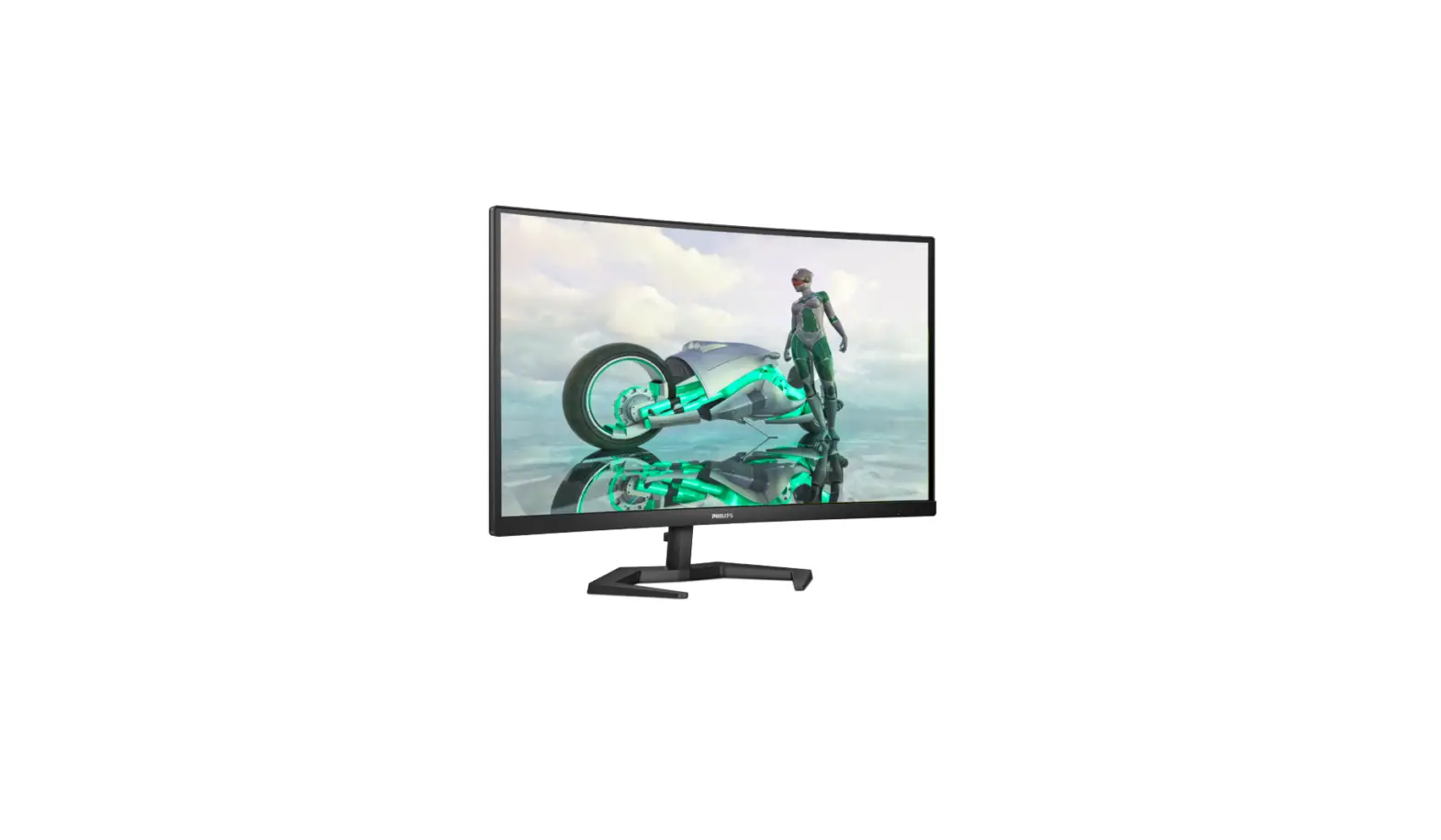
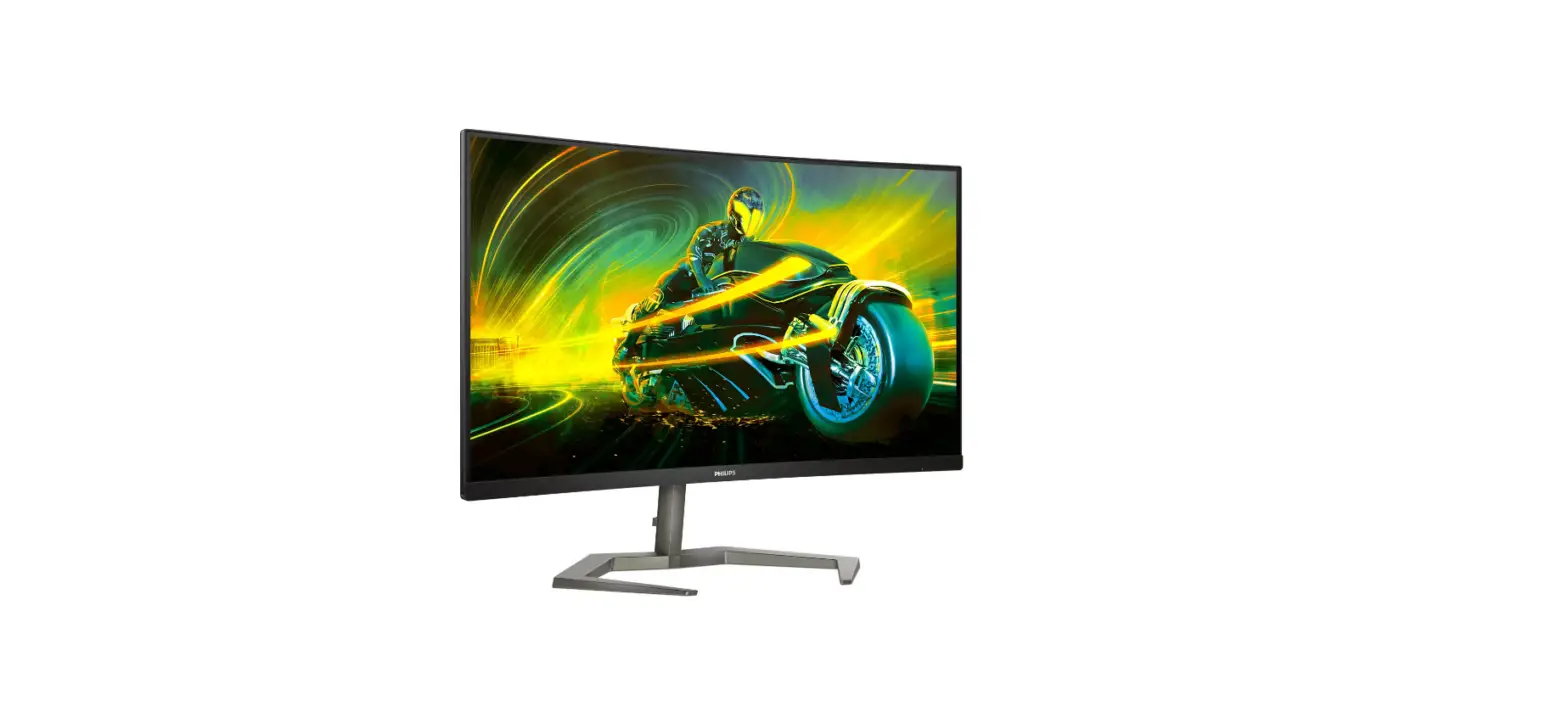
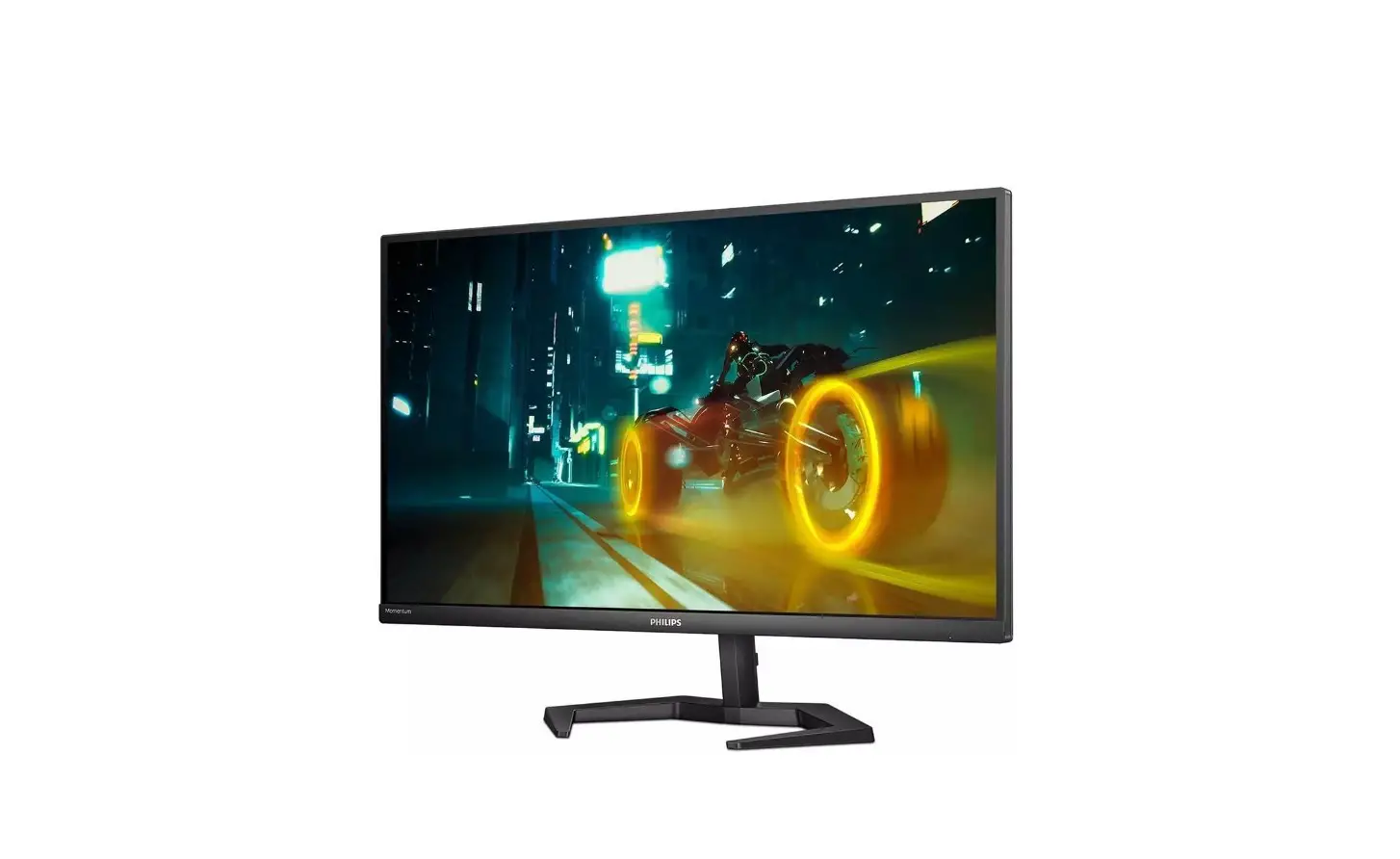
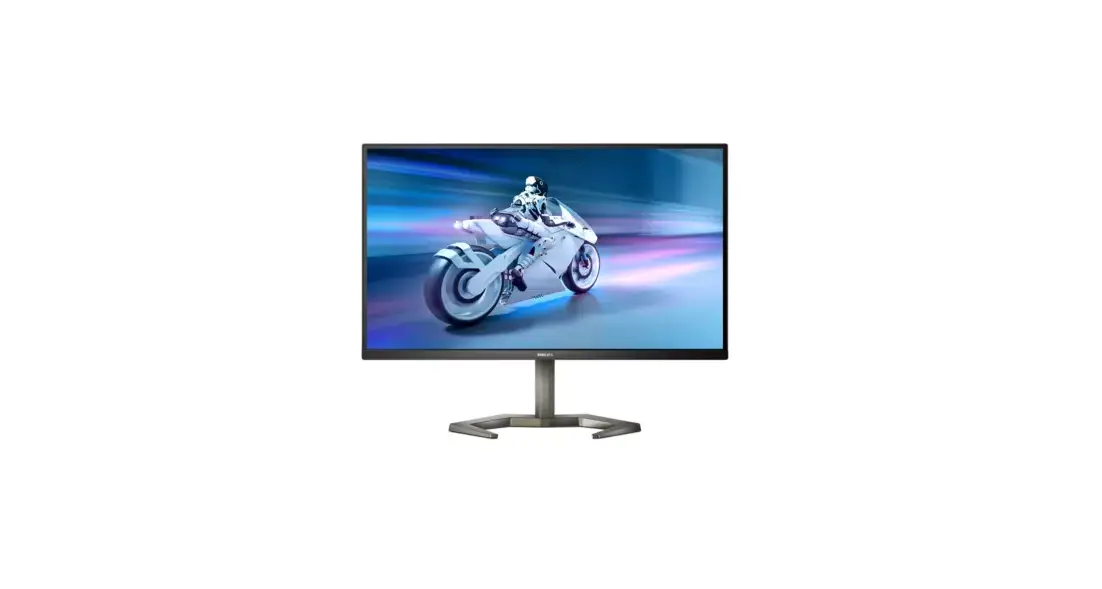
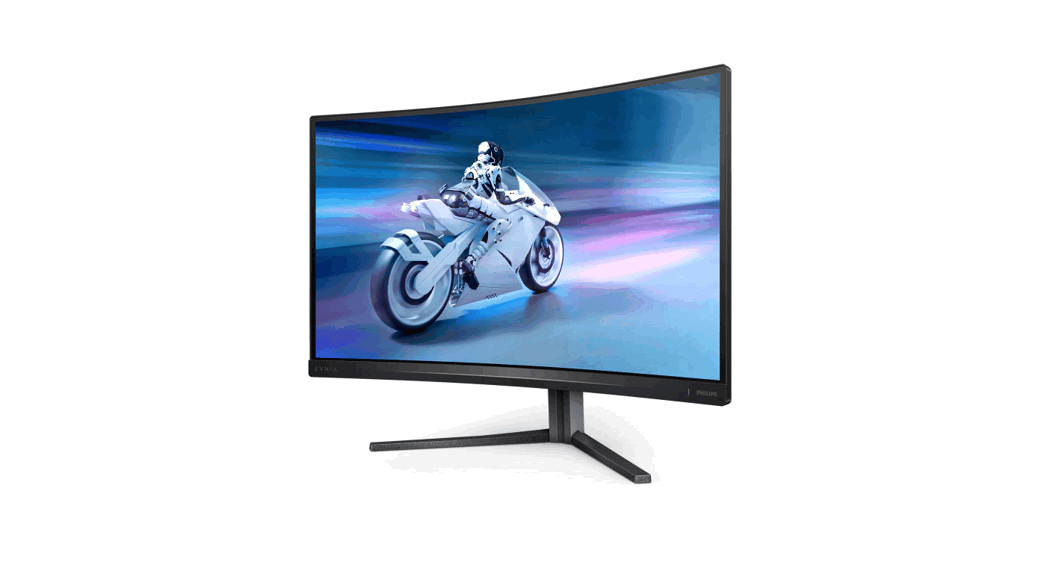
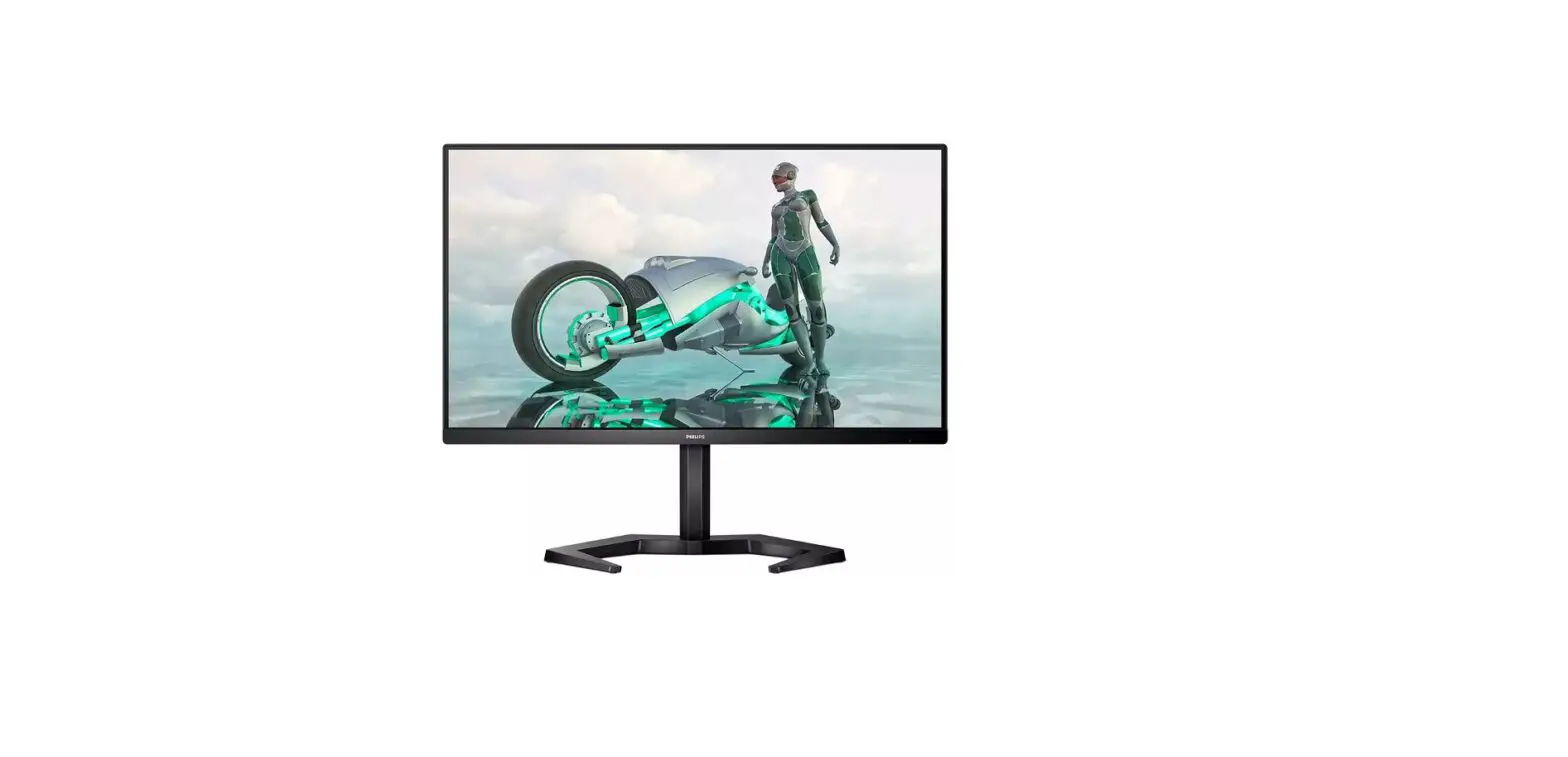
27M1C5500V 27 Inch Evnia 5000 Curved HD Gaming Monitor
Product Information:
The product model number is 27M1C5500V and 27M1C5500VL. The user
manual version is 27M1C5500Q1T. The product is manufactured and
sold under the responsibility of Top Victory Investments Ltd.
Philips and the Philips Shield Emblem are registered trademarks of
Koninklijke Philips N.V. and are used under license. The product
comes with energy labelling and is printed in China. The product
has different display designs according to different regions.
Product Usage Instructions:
- Place the monitor face down on a smooth surface to attach the
earphone-hang. - Connect the power cable to the monitor.
- Connect your computer or device to the monitor using either the
DP or HDMI cable (depending on your computer’s port
availability). - Turn on the monitor.
For more detailed information on using the product, refer to the
user manual. The user manual can be found on the Philips support
website at www.philips.com/support. If you have any further
questions or concerns, please visit the support website or contact
customer service for assistance.
4 27M1C5500V
20° -5°
+45° -45°
130mm
27M1C5500VL
20° -5°
Quick start
Register your product and get support at www.philips.com/support
FAQ
Software SmartControl
User Manual
Version: 27M1C5500Q1T
2022 © TOP Victory Investments Ltd. All rights reserved.
This product has been manufactured by and is sold under the responsibility of Top Victory Investments Ltd., and Top Victory Investments Ltd. is the warrantor in relation to this product. Philips and the Philips Shield Emblem are registered trademarks of Koninklijke Philips N.V. and are used under license.
Specications are subject to change without notice.
The terms HDMI, HDMI High-Denition Multimedia Interface, HDMI Trade Dress and the HDMI Logos are trademarks or registered trademarks of HDMI Licensing Administrator, Inc.
www.evnia.philips
Energy Labelling
27M1C5500VL
Printed in China
Q41G27M181368B
27M1C5500V 27M1C5500VL
Register your product and get support at www.philips.com/welcome
Contents
Quick start
27M1C5500V 27M1C5500VL Register your product and get support at www.philips.com/welcome
27M1C5500V
27M1C5500VL
*Earphone-Hang
Power
*DP
* HDMI
*Different according to region Display design may differ from that illustrated
1
2
2 1 3
Earphone-Hang
CAUTION: Place the monitor face down on a smooth surface. Pay attention not to scratch or damage the screen.
3
 Philips Customer Service Support - Home | Philips