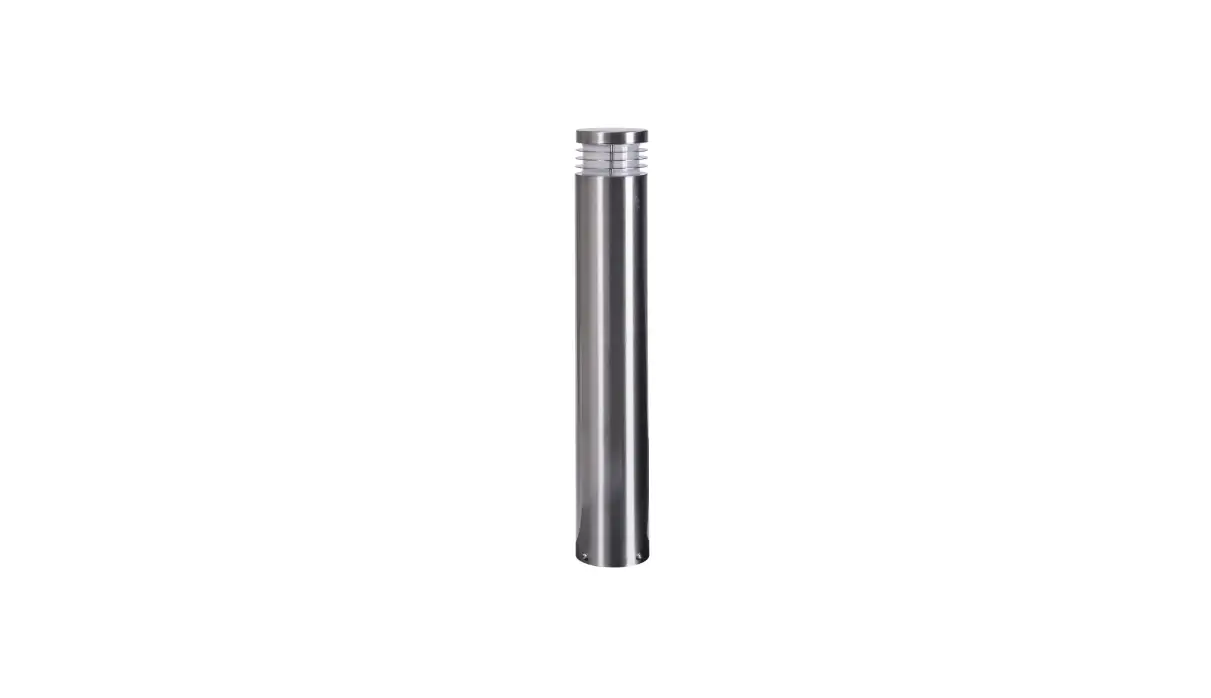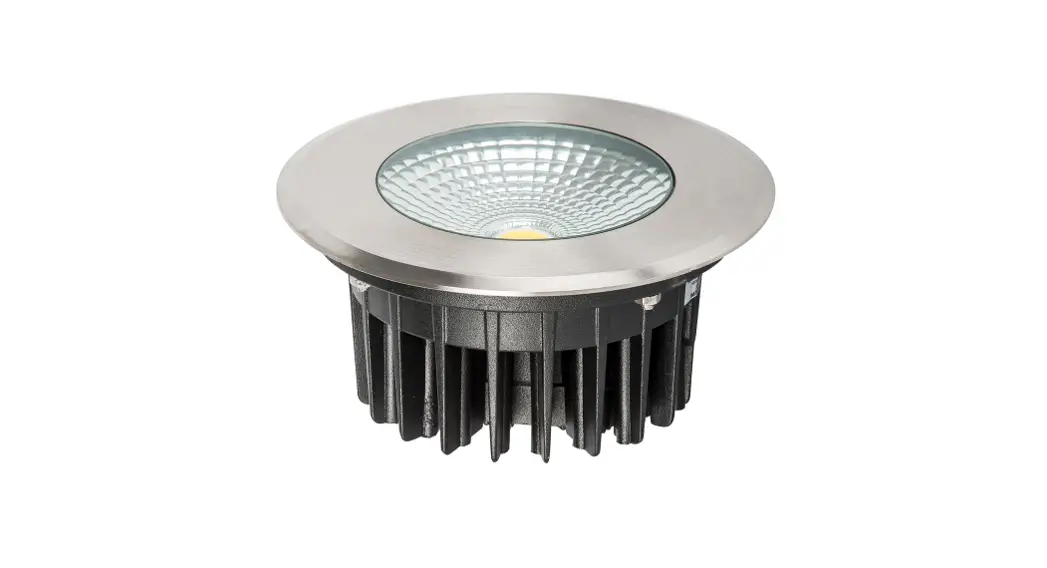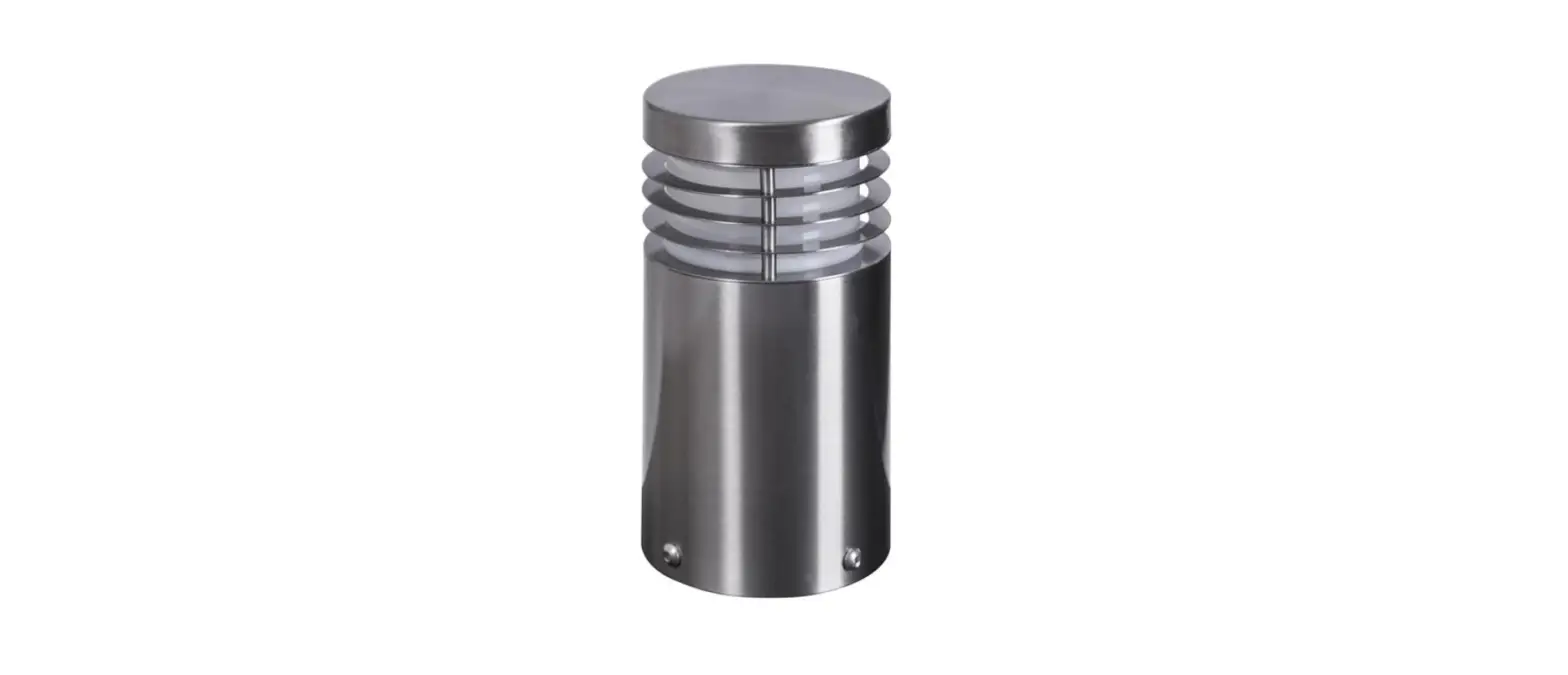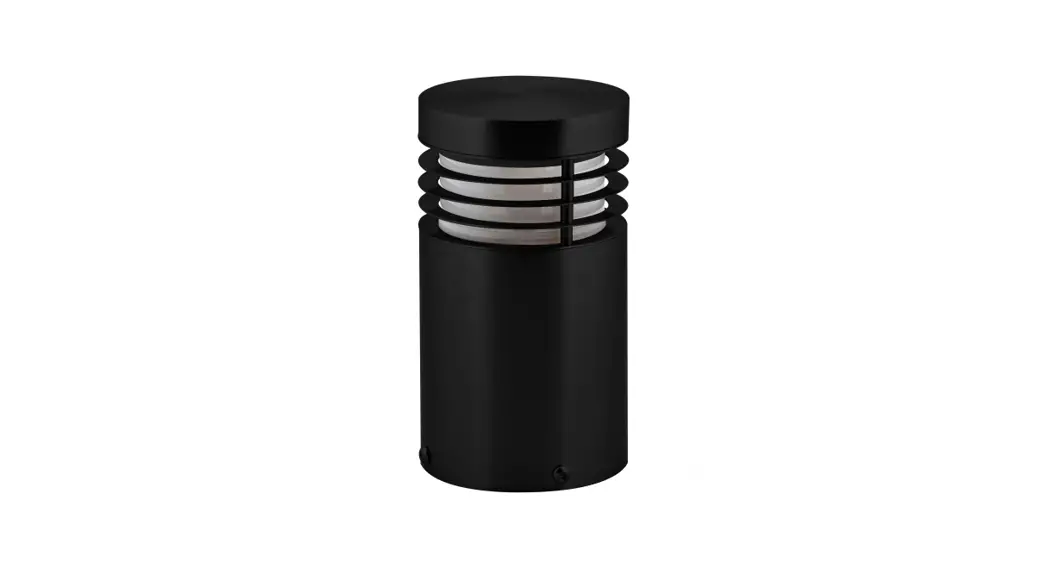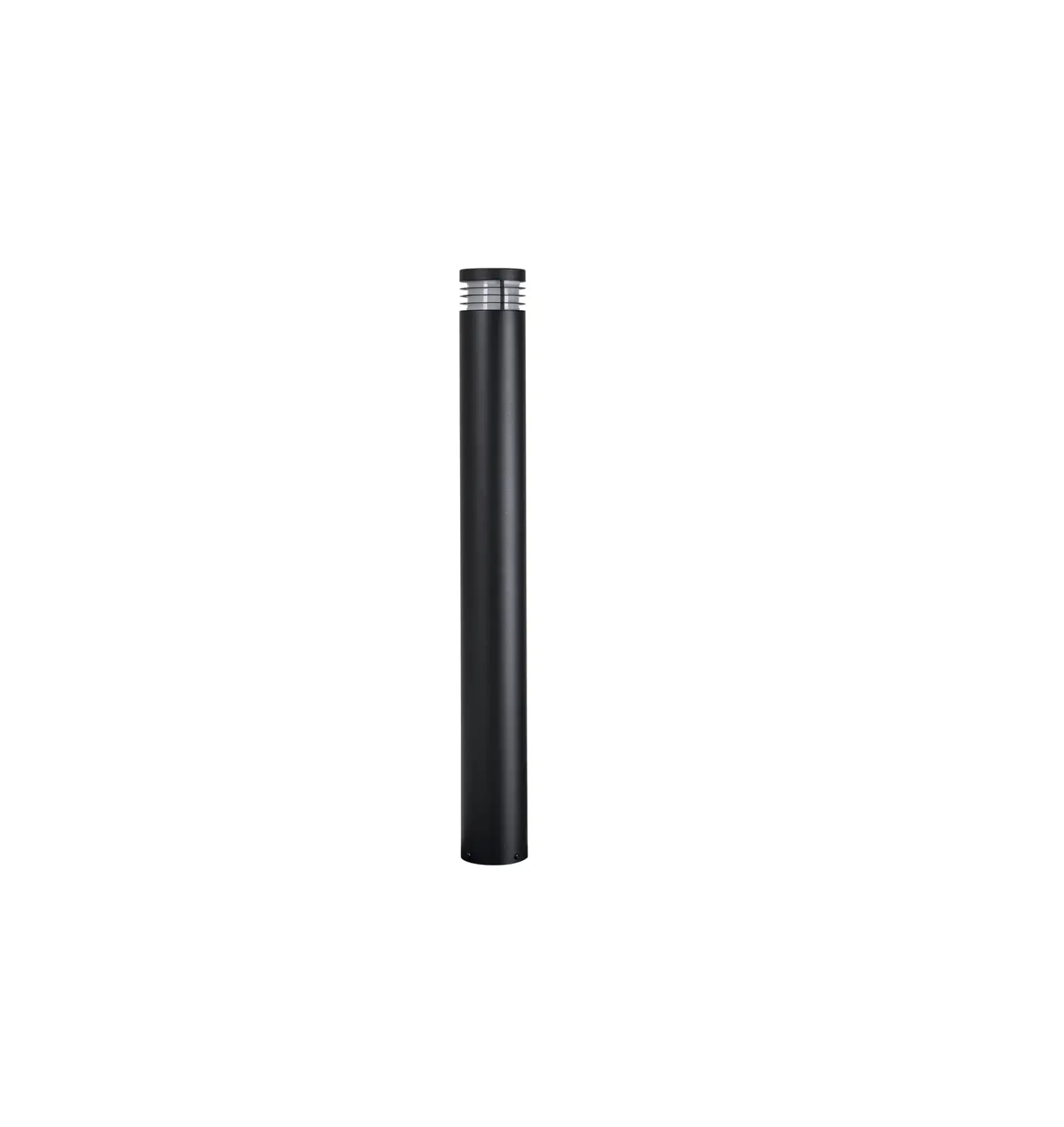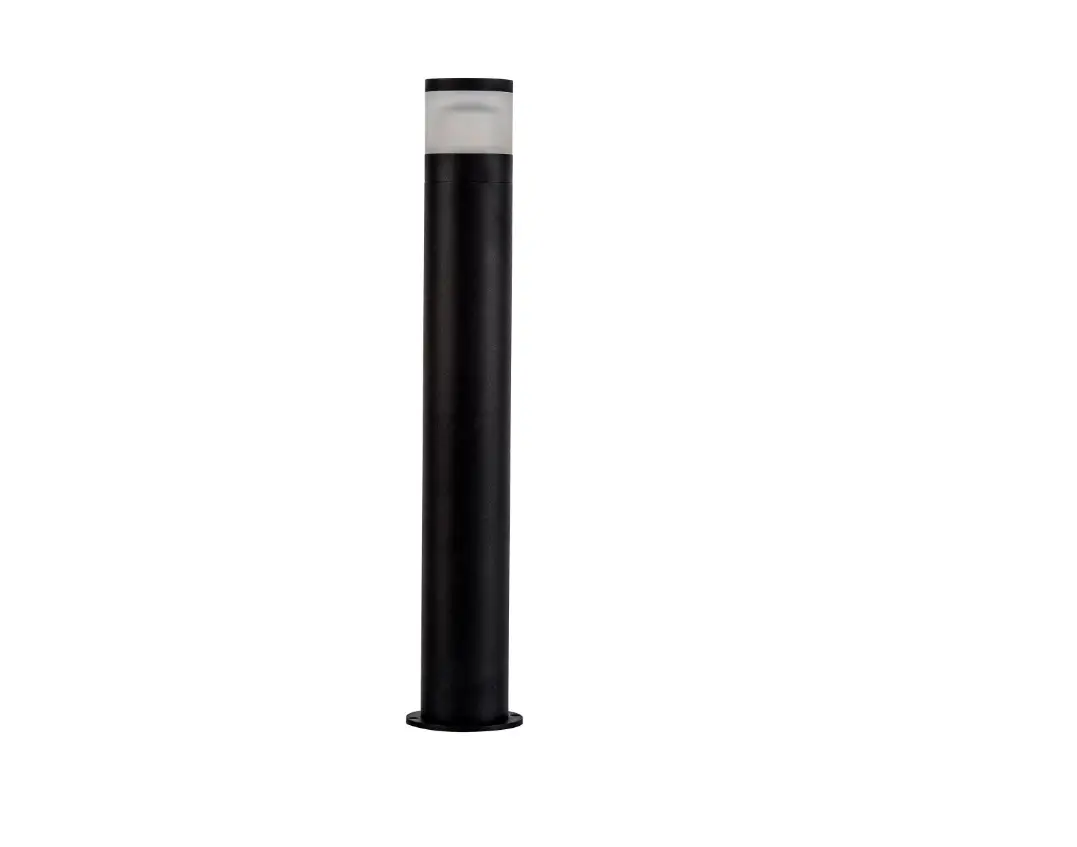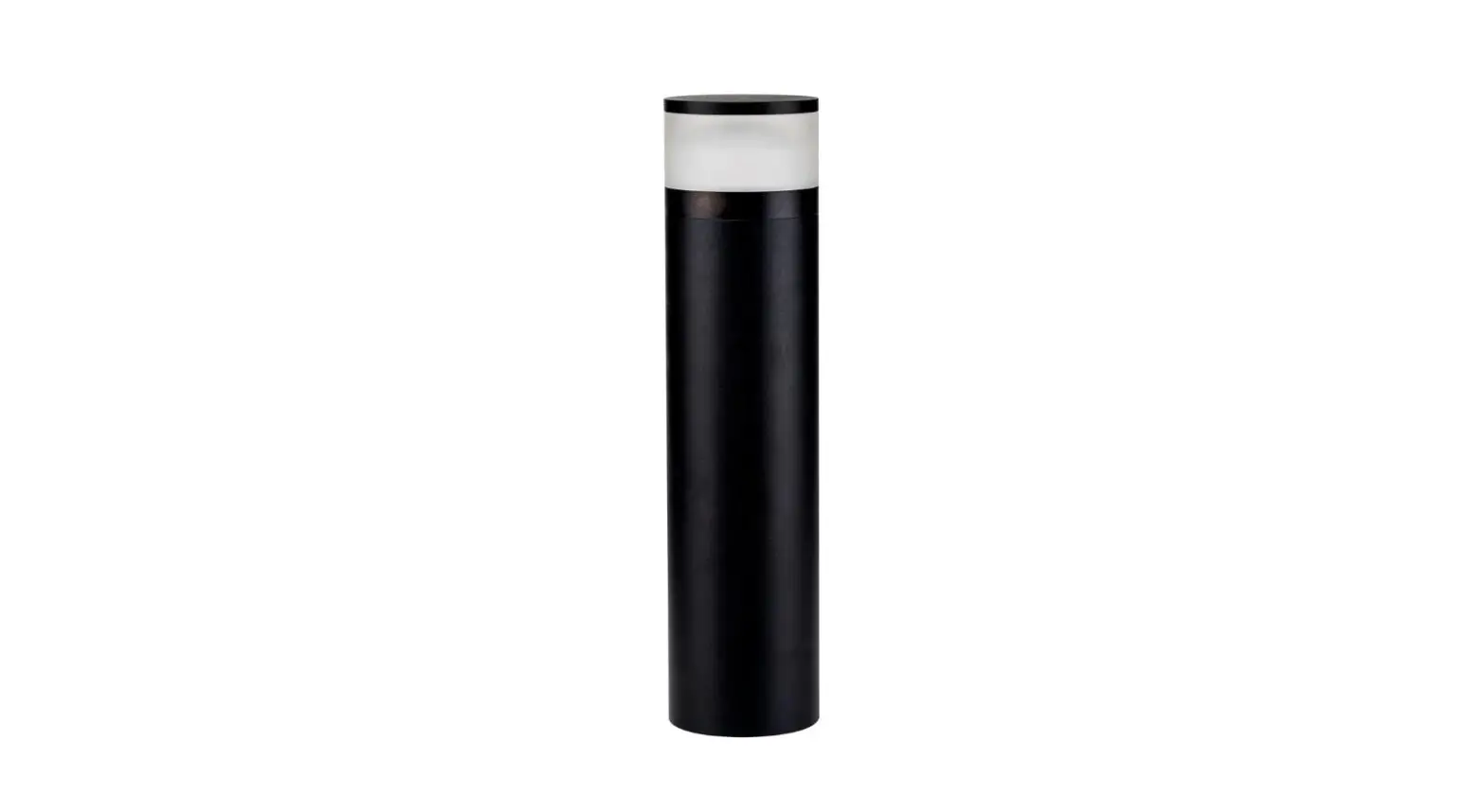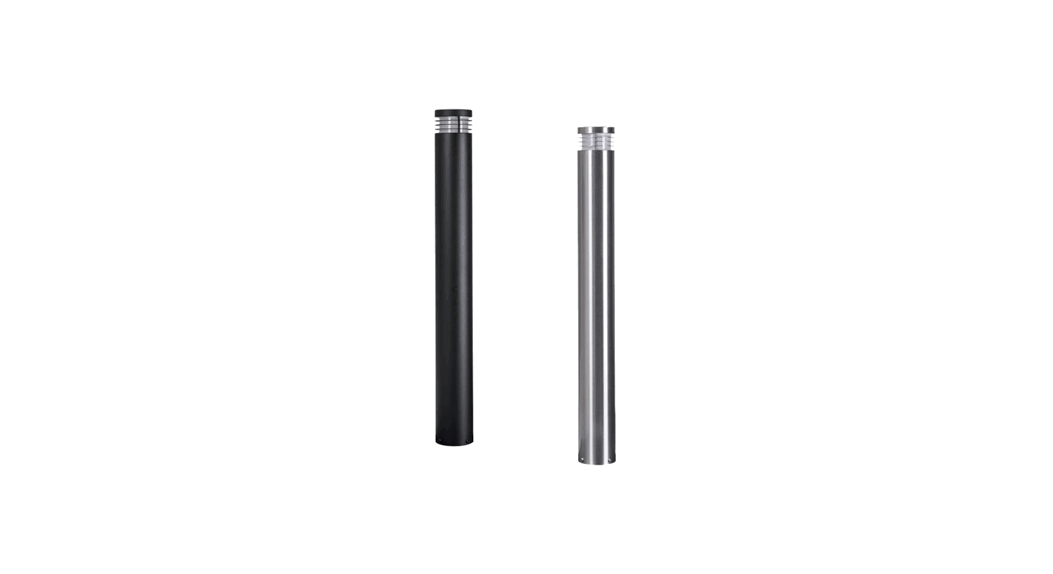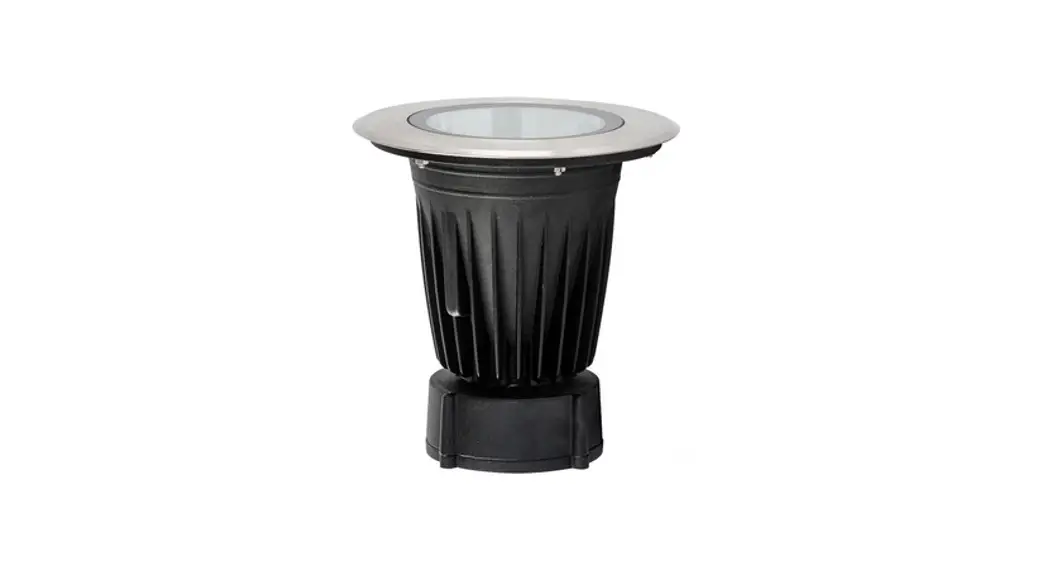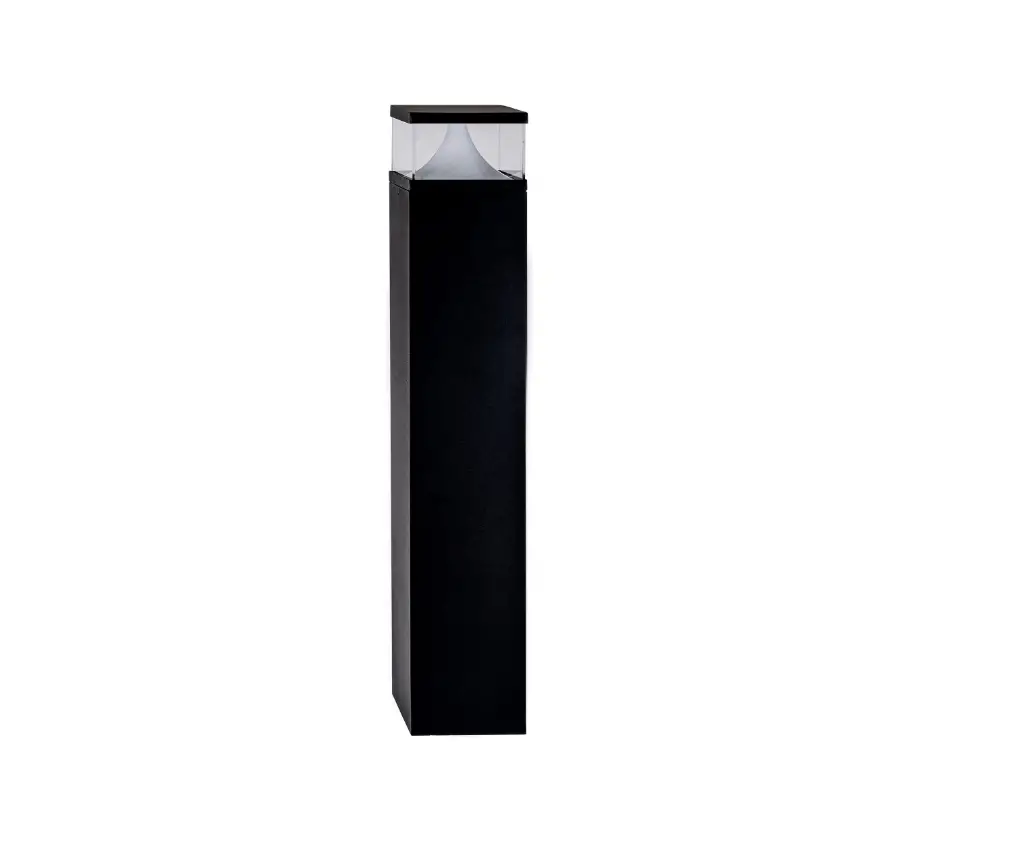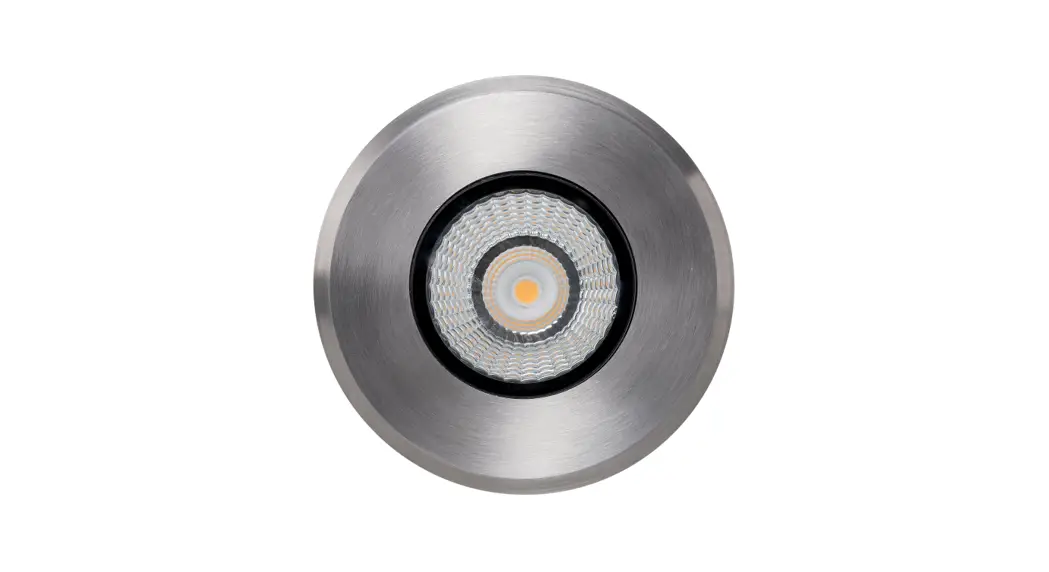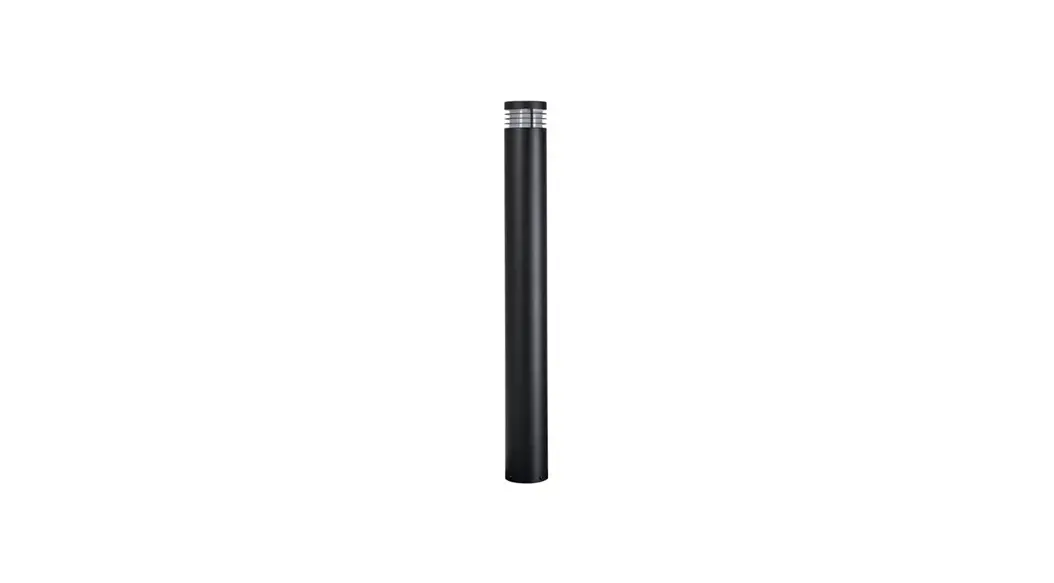
 HV1608T-SS316-12V
Stainless Steel TRI Colour LED Bollard Light
Instruction Manual
Product Specifications
| Model No. | HV1608T-SS316-12V | HV1608T-BLK-12V | HV1618T-SS316-12V | HV1618T-BLK-12V |
| Name | Maxi 900 | |||
| Material | 316 Stainless Steel | 316 Stainless Steel | 316 Stainless Steel | 316 Stainless Steel |
| Colour | Stainless Steel | Black | Stainless Steel | Black |
| IP Rating | IP54 | |||
| Input Voltage | 12V DC | |||
| Protection Class | 3 (Low Voltage) | |||
| Lamp Base | MR16 | |||
| Lamp Wattage | 1x 5w | |||
| Colour Temp | TRI Colour – 3000k, 4000k, 5500k | |||
| Lumens | 270lm, 285lm, 300lm | |||
| CRI | > 80 | |||
| Wiring | Parallel | |||
| Dimmable | No | |||
| Warranty | 3 Years Replacement* | |||
| HV1608 Dimensions | HV1618 Dimensions |
 |  |
Important Safety Issues:
- This product must be installed by a qualified electrician according to AS/NZS 3000.
- Ensure all electrical mains are disconnected before any installation.
- Modification of this product will void any warranty.
- Havit Lighting does not take responsibility for wrong installation, incorrect use, or use of installation material that does not belong to the system.
- All electrical connections must be watertight, If a watertight connection is not done, the Warranty will be voided.
- When installing low voltage fittings, Voltage to fitting must be within +or- 5% of voltage required and cannot be installed more than 25m from LED Driver, if not within this allowance warranty will be voided.
- All 316 stainless steel fittings must have regular cleaning maintenance to avoid any tea staining from forming on the fitting. (Warranty does not cover Tea Staining).
- When installing surface-mounted bollards, the base plate must be installed on a concrete or concrete pad, Fitting should not be installed underground level, all holes including cable entry must be silicone to prevent any water penetration into the fitting, and silicon must also be applied around fitting at ground level. Failure to do this will void the warranty
- All o-rings and seals must be in place correctly to maintain the warranty.
- These instructions may be updated at any time due to product improvements, Please visit the website for the most current installation instructions.
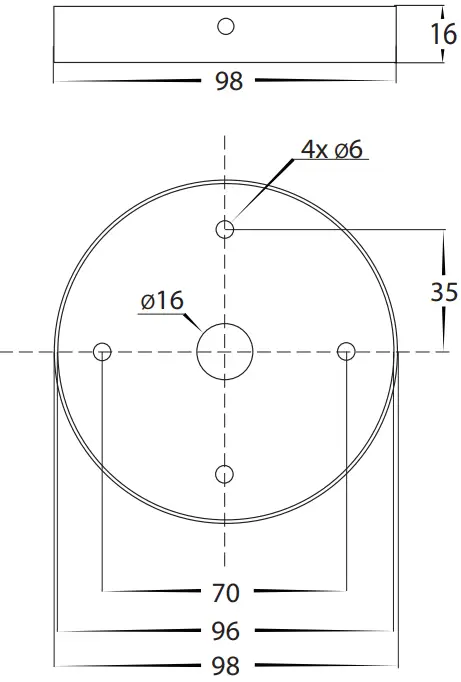
Mounting Base Dimensions
Steps for Installation:
- Make sure that the electrical circuit is free of voltage (master switch off).
- Remove 4x Allen screws from the side of the fitting and put them aside
- Install the baseplate in the desired location using appropriate screws for application. The screws supplied are mild steel which must be replaced with higher grade if there is any chance of them being affected- ed by water. The location of the baseplate must be installed on either a concrete or concrete base and cannot be installed underground level.
- Locate the IP-rated junction box within the fitting. Undo screws from the junction box and remove the cover.
- Insert cable through cable gland on junction box. If your cable is not circular you must fix the entry of your cable to maintain the IP rating. Failure to do so will void the warranty.
- Using an appropriate 12V DC LED driver – DO NOT CONNECT FITTING DIRECTLY TO 240V
- Connect live and neutral wires. If more than one fitting is installed, wiring must be done in parallel.
- Reattach cover to IP-rated junction box making sure screws are tight and seals are still in place.
- Silicon all cable entry holes and fixing points on the baseplate to avoid moisture penetration into the fitting.
- Place bollard onto the base plate and reattach 4x Allen screws set aside earlier
- The Colour temperature is set to 3000K. To change, remove the cover from the fitting by twisting anti-clockwise. for HV1605 models, remove the 2x nuts and washers and put them aside Remove the globe by also twisting anti-clockwise and select desired color temperature by moving the switch on side of the globe and then reinsert the globe.
- Reattach the cover by turning clockwise or for HV1605 Models, reattach the 2x nuts first, making sure the seals are still in place and the cover is tight to avoid any water penetration.
- All connections must be carried out carefully, inspect all contacts before switching back on the electric circuit.
Steps for Changing Globe:
- Remove cover from the fitting by twisting anti-clockwise. for HV1605 models, remove the 2x nuts and washers and put them aside Remove the globe by also twisting anti-clockwise.
- Re-insert the appropriate globe by twisting clockwise into the lamp holder (Make sure not to exceed max wattage, see product label for correct info)
- Reattach the cover by turning clockwise or for HV1605 Models, reattach the 2x nuts first, making sure the seals are still in place and the cover is tight to avoid any water penetration.
Must be installed by a licensed electrician
Contact Details:
143 Beauchamp Road
Matraville NSW 2036
Australia
Tel: 02 9381 8300
Fax: 02 9666 8881
Email: [email protected]
Web: www.havit.com.au
Warranty Terms & Conditions* https://havit.com.au/pages/warranty-terms-and-conditions https://havit.com.au/pages/warranty-terms-and-conditions | Additional Information https://havit.com.au/ https://havit.com.au/ |