Contents hide

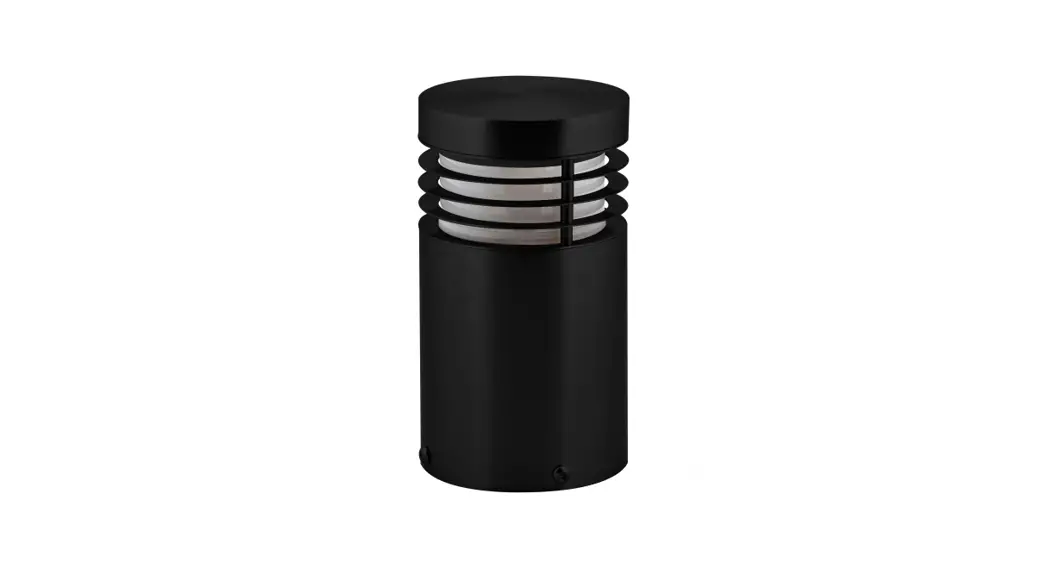
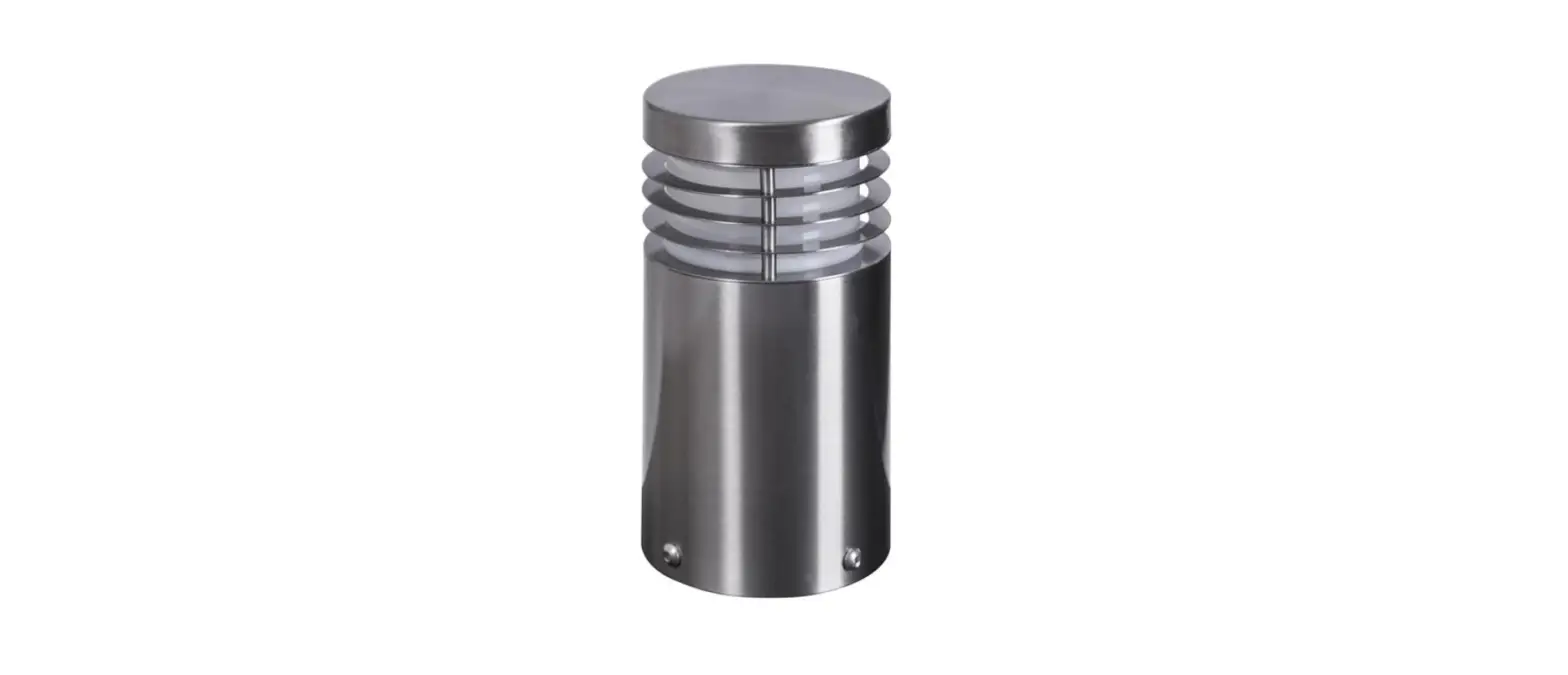
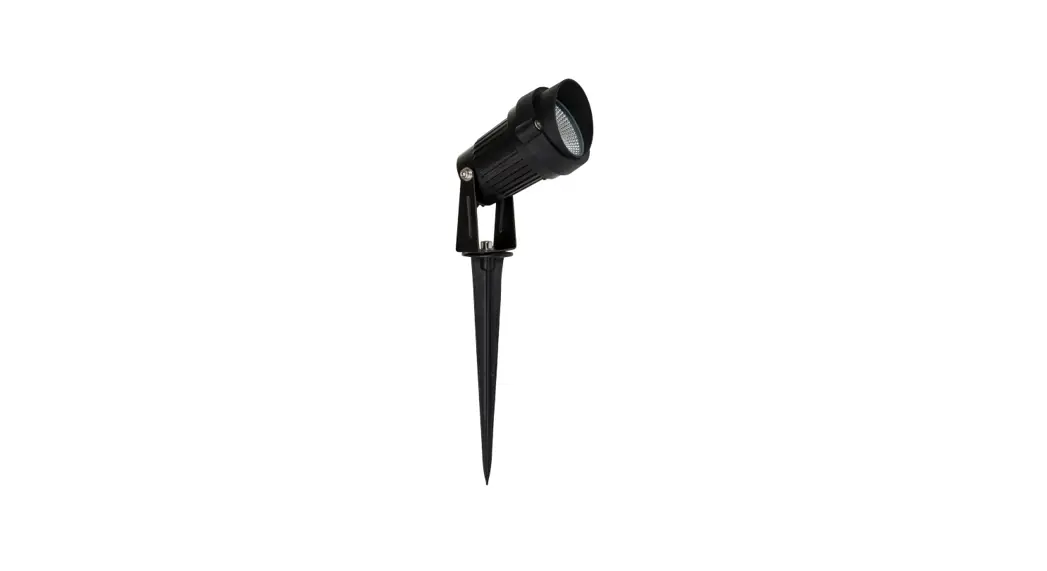
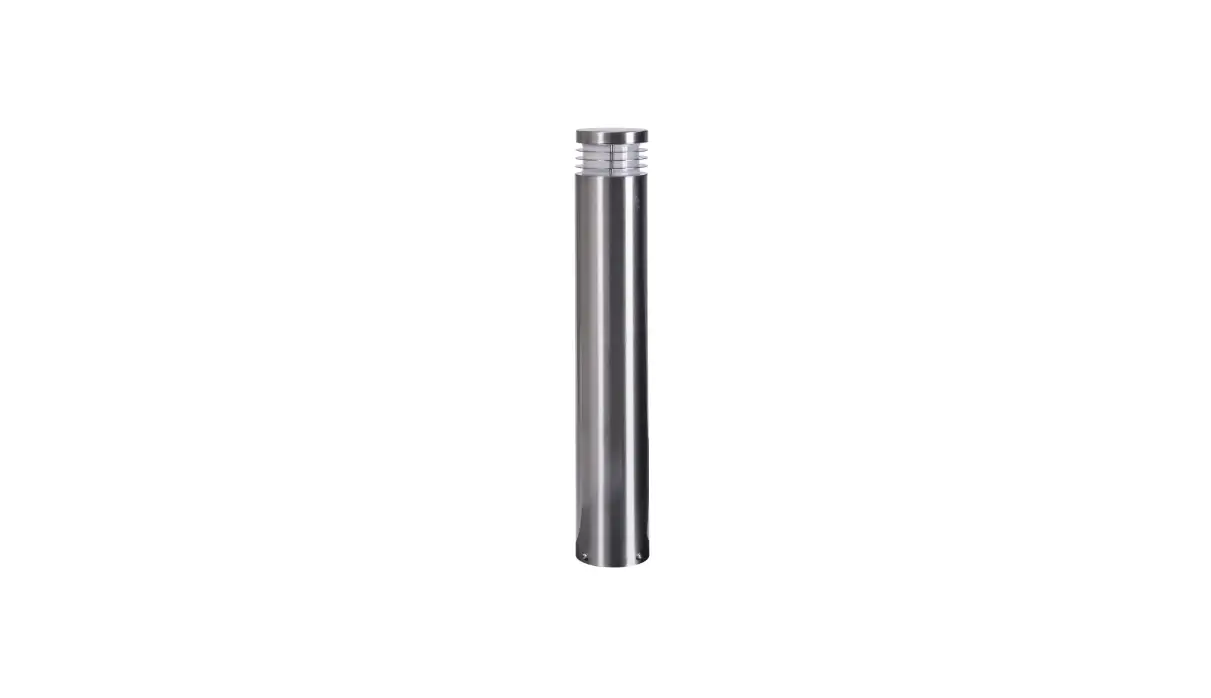
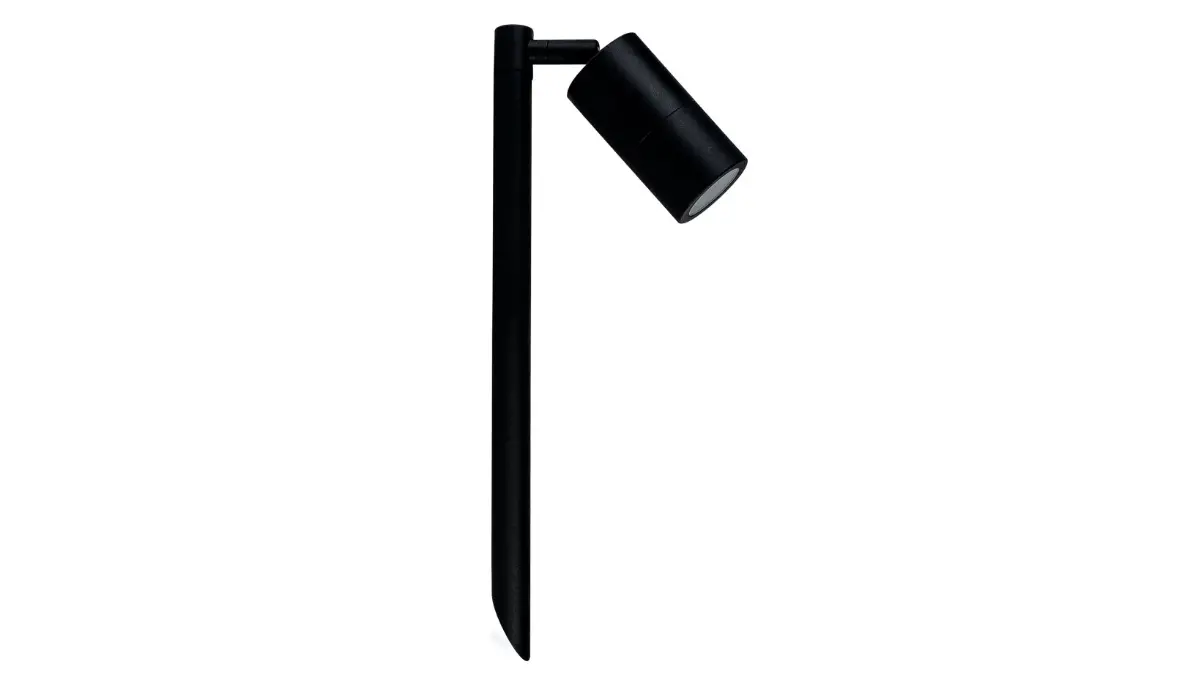
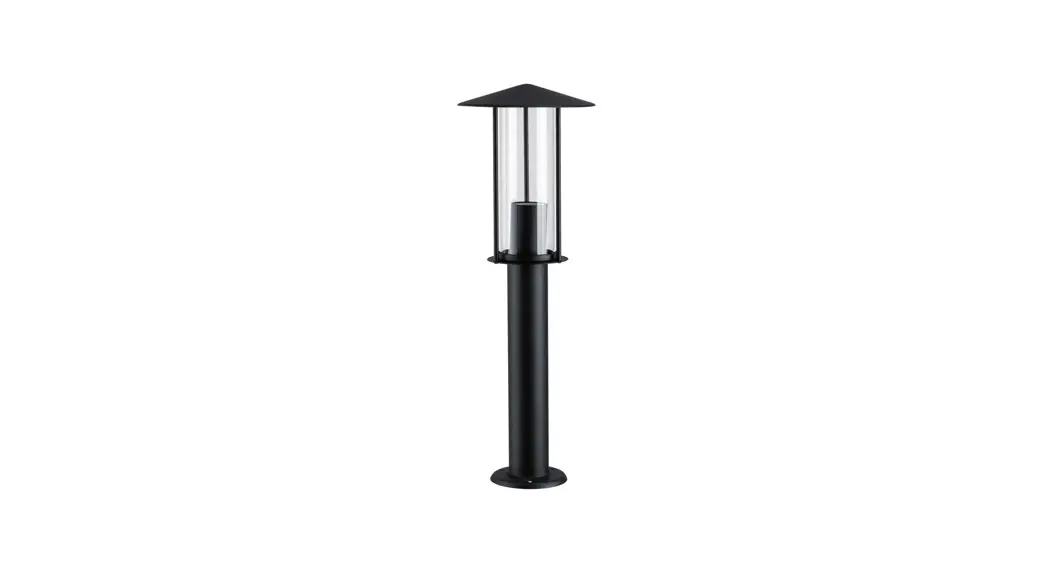
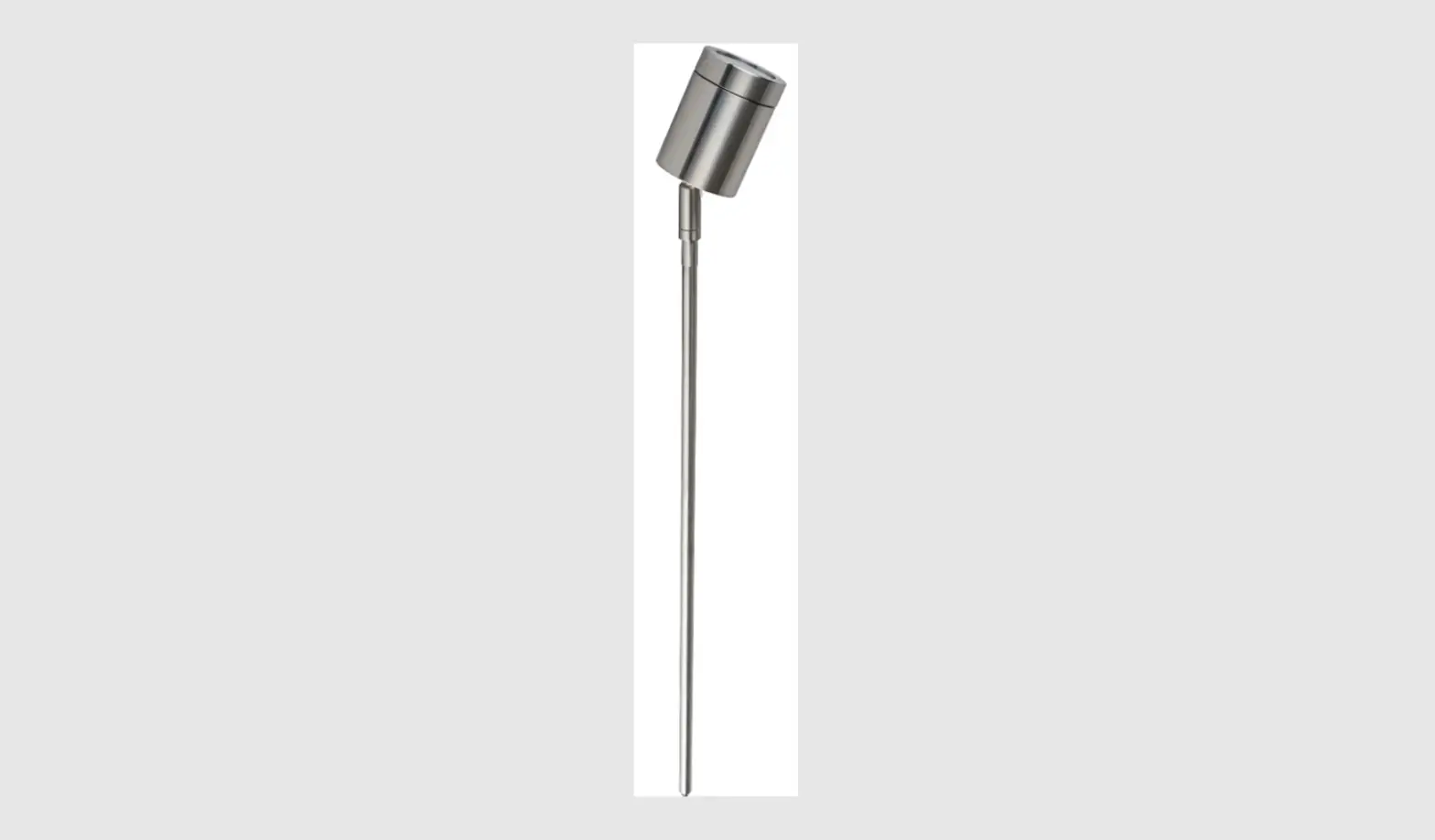
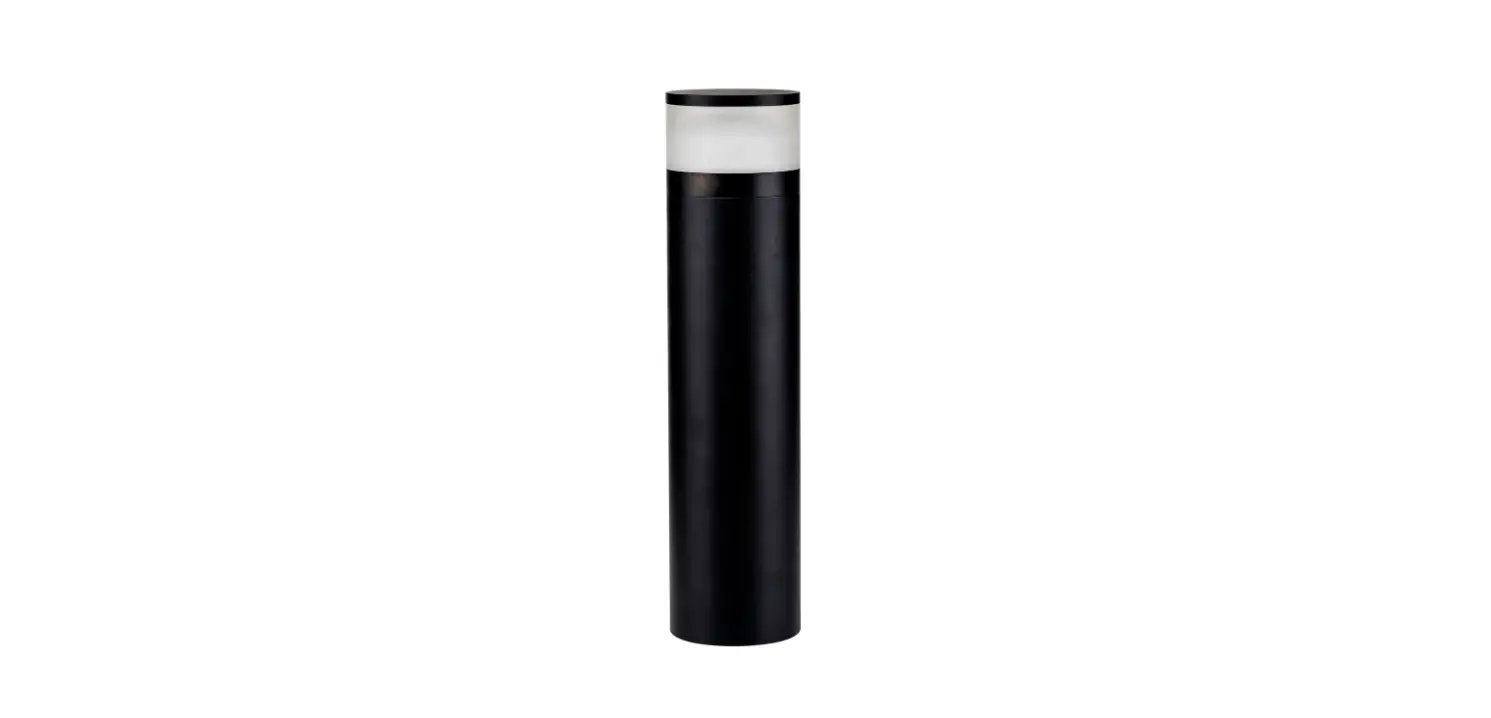
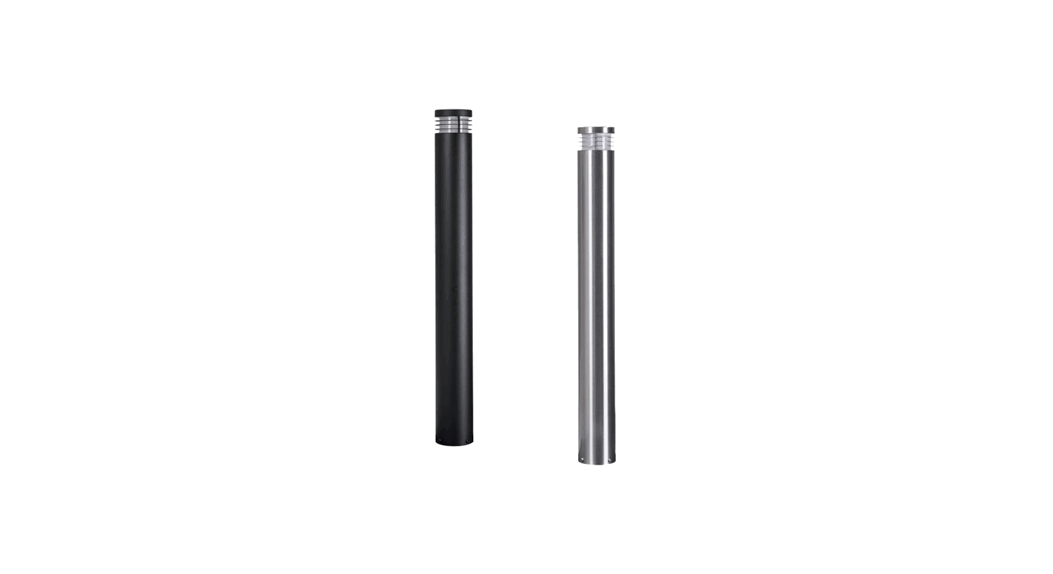
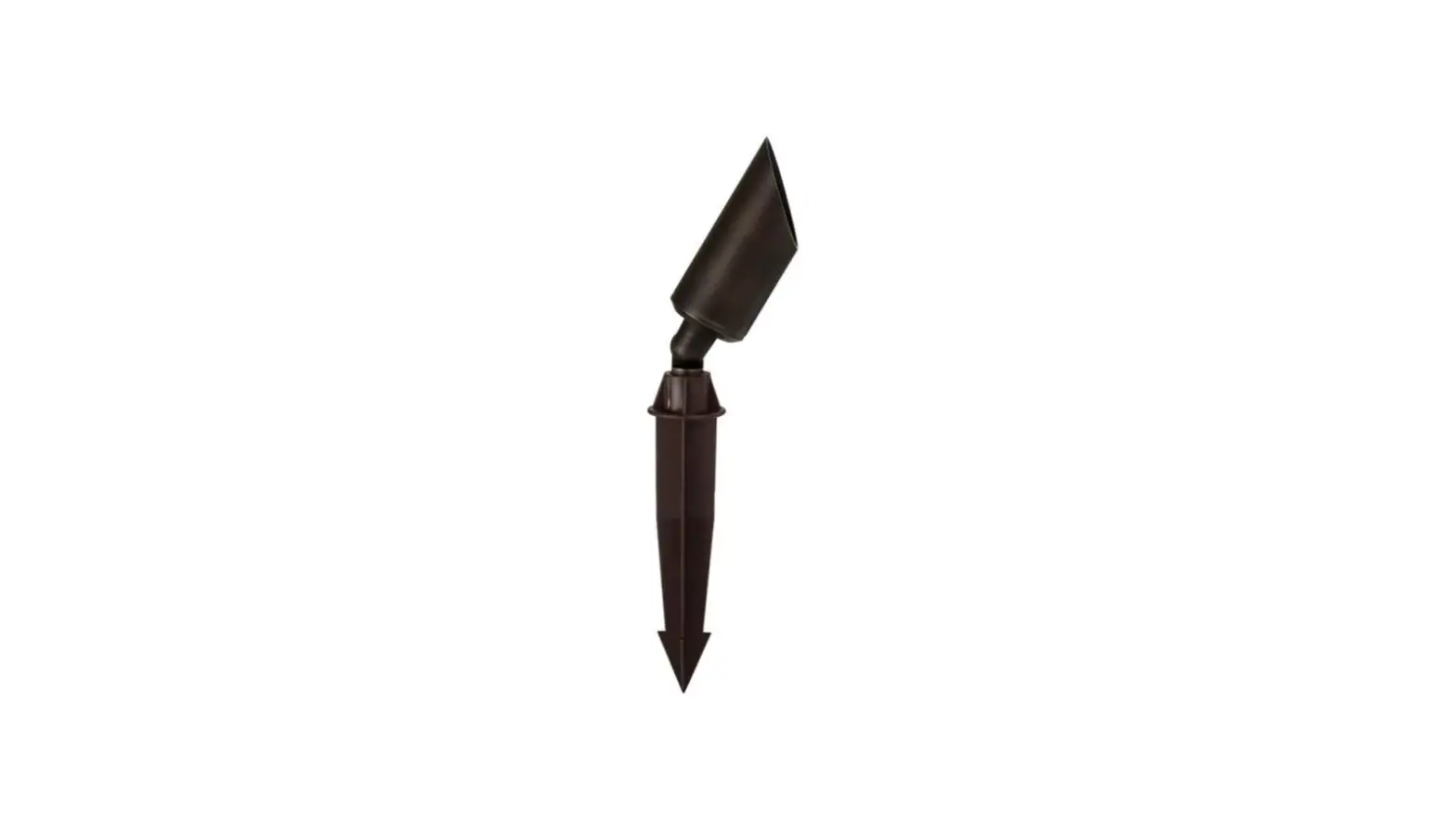
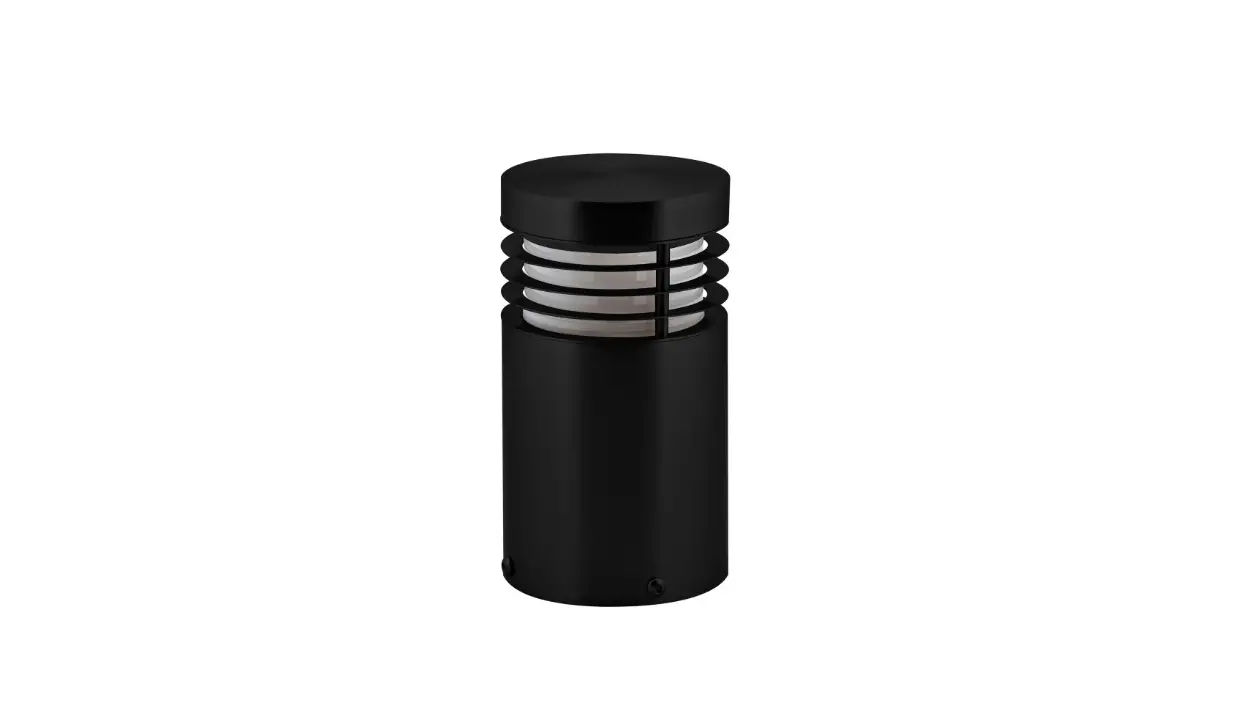
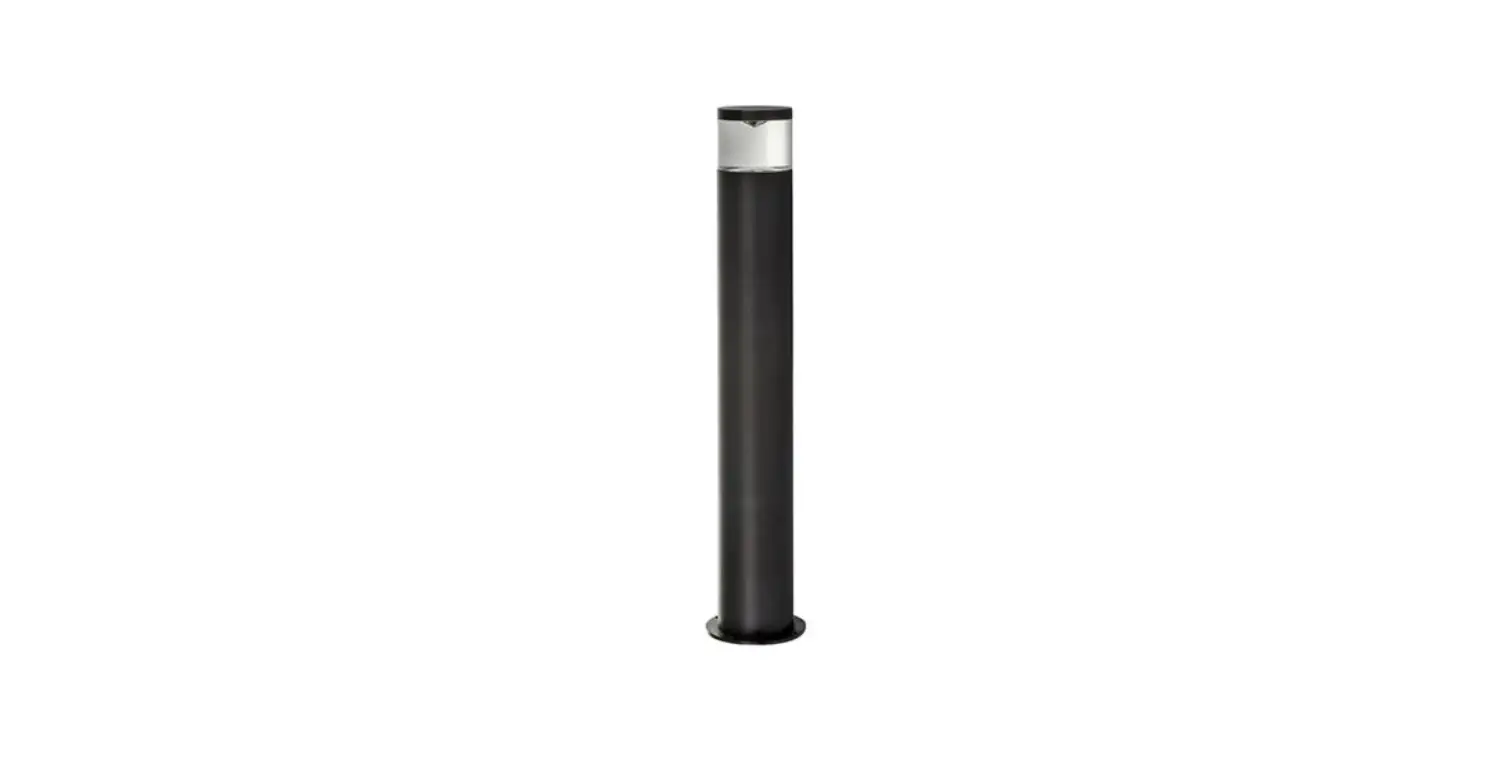
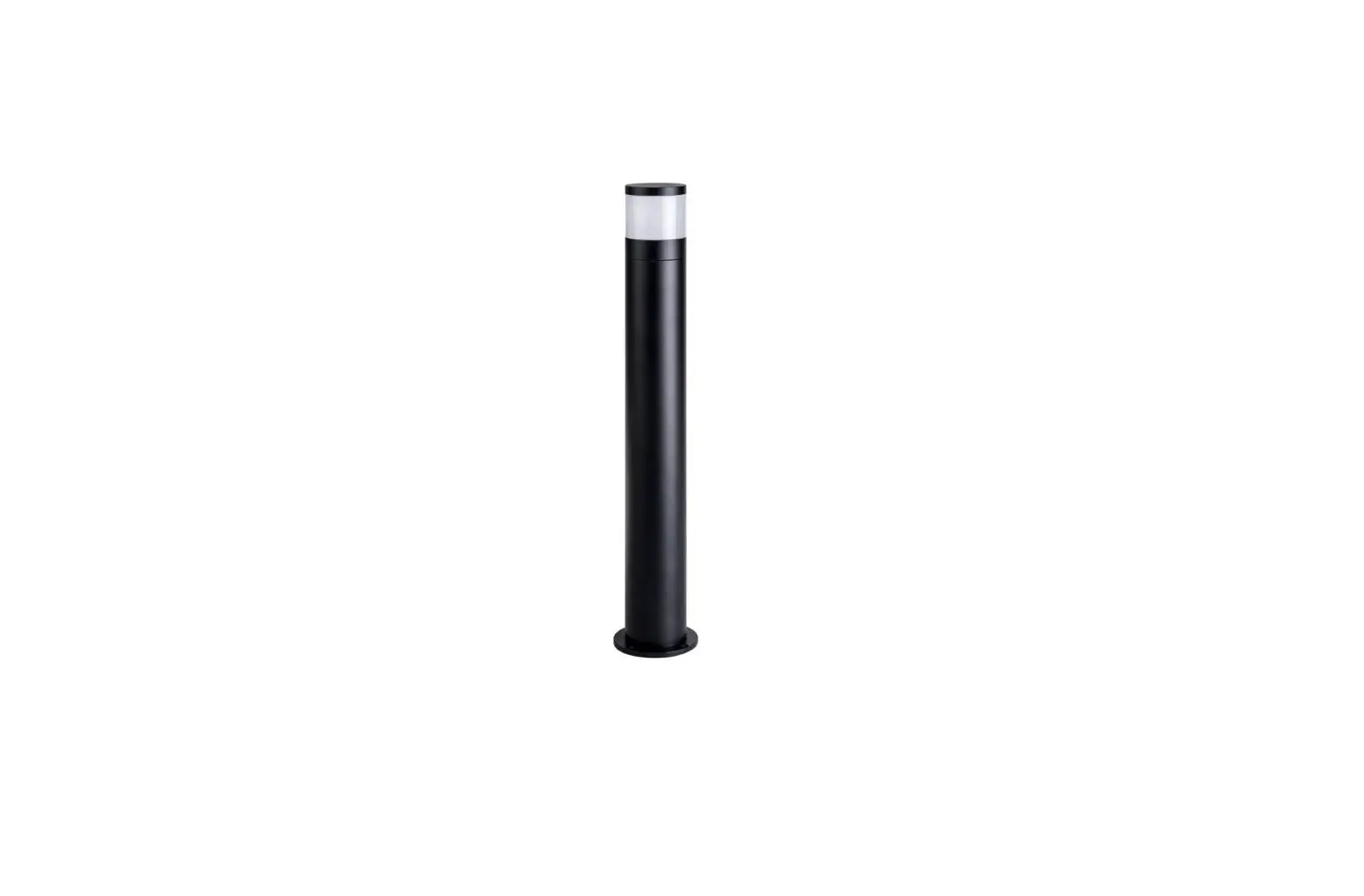
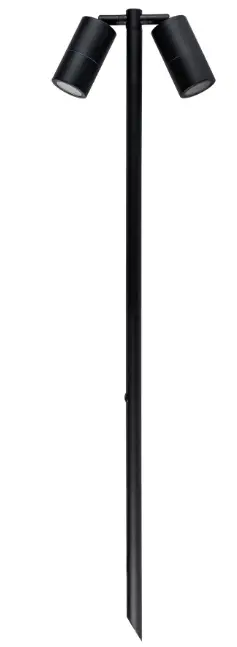
havit HV1425T Tivah Black TRI Colour Double Adjustable LED Bollard Spike Light
| Product Specifications | ||||||||
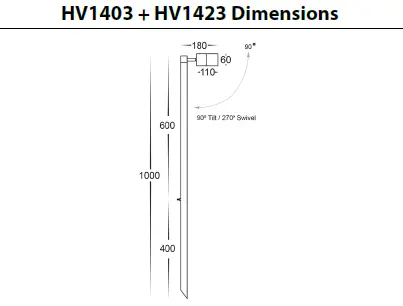
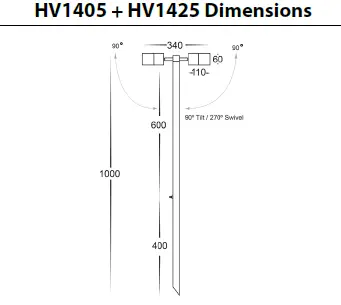
| Model No. | HV1403T-SS316 | HV1403T-CP | HV1403T-AB | HV1423T | HV1405T-SS316 | HV1405T-CP | HV1405T-AB | HV1425T |
| Name | Tivah | |||||||
| Material | 316 Stainless Steel | Solid Copper | Solid Brass | Aluminium | 316 Stainless Steel | Solid Copper | Solid Brass | Aluminium |
| Colour | Stainless Steel | Copper | Antique Brass | Black | Stainless Steel | Copper | Antique Brass | Black |
| IP Rating | IP65 | IP65 | ||||||
| Input Voltage | 12v DC | 12v DC | ||||||
| Lamp Base | MR16 | MR16 | ||||||
| Lamp Wattage | 1x 5w | 2x 5w | ||||||
| Colour Temp | TRI Colour – 3000k, 4000k, 5500k | TRI Colour – 3000k, 4000k, 5500k | ||||||
| Lumens | 270lm, 285lm, 300lm | 2x 270lm, 2x 285lm, 2x 300lm | ||||||
| CRI | > 80 | > 80 | ||||||
| Wiring | Parallel | Parallel | ||||||
| Dimmable | No | No | ||||||
| Warranty | 3 Years Replacement* | 3 Years Replacement* | ||||||
Important Safety Issues
- This product must be installed by a qualified electrician according to AS/NZS 3000.
- Ensure all electrical mains are disconnected before any installation.
- Do not exceed maximum wattage restrictions for globes: 12V MR16 = 20w
Havit Lighting recommend these fittings only be used with LED Globes. - Modification of this product will void any warranty.
- Havit Lighting does not take responsibility for wrong installation, incorrect use, or use of installation material that does not belong to the system.
- All electrical connections must be watertight, If a watertight connection is not done, Warranty will be voided.
- When installing low voltage fittings, Voltage to fitting must be within +or- 5% of voltage required and cannot be installed more than 25m from LED Driver, if not within this allowance warranty will be voided.
- Aluminium and 304SS fittings must not be installed within 2km of any salt water environments.
- When installing copper fittings, gloves must be worn to avoid any oils transferring to fitting.
- All 316 stainless steel fittings must have regular cleaning maintenance to avoid any tea staining from forming on fitting. (Warranty does not cover Tea Staining).
- All orings and seals must be in place correctly to maintain warranty.
- These instructions may be updated at any time due to product improvements, Please visit website for most current installation instructions.
Steps for Installation
- Make sure that the electrical circuit is free of voltage (master switch off )
- Place fitting in desired location
- Connect the cable –
- Use an appropriate 12v DC LED Driver – DO NOT CONNECT LIGHT FITTING DIRECT TO 240V
- Strip back cable on both fittings and cable run and twist the positive cable from fitting to positive on the cable run, then connect neutral from fitting to neutral on the cable run.
- Solder all joins using solder with either a heat gun or butane gas torch.
- Cover connections using an adhesive lined heat shrink or gel cap to make connection watertight. (failure to do this step will void warranty)
- Heat the heat shrink or crimp the gel cap making sure all connections are covered.
- Colour temperature is preset to 3000k, to change remove cover from fitting by twisting anti clockwise, Remove glass and set aside. Remove globe from fitting and move switch on side of globe to desired colour temperature.
- Reinsert globe by aligning pins of globe with holes of lamp holder and push down gently.
- Reinsert glass and reattach cover by turning clockwise making sure the seals are still in place and caps are tight to avoid any water penetration.
- Adjust fitting to desired position making sure to stop rotating when fitting cannot rotate anymore, If forced fitting will continue to rotate and cause internal cables to become entangled causing fitting to short. If this is done, warranty will be voided.
- All connections must be carried out carefully, inspect all contacts before switching back on the electric circuit.
Steps for Changing Globes
- Remove the cover by twisting anti-clockwise and set aside
- Remove globe by grabbing the outside of the globe and pulling.
- Reinsert the appropriate globe by inserting the 2 pins into the lamp holder and pushing down gently.
(Make sure not to exceed max wattage, see product label for correct info. - Reattach cover by turning clockwise making sure the seals are still in place and caps are tight to avoid any water penetration.
Must be installed by a licensed electrician
| Contact Details: | |
| 143 Beauchamp Road | Tel: 02 9381 8300 |
| Matraville NSW 2036 | Fax: 02 9666 8881 |
| Australia | Email: [email protected] |
| Web: www.havit.com.au | |
Warranty Terms & Conditions

Additional Information