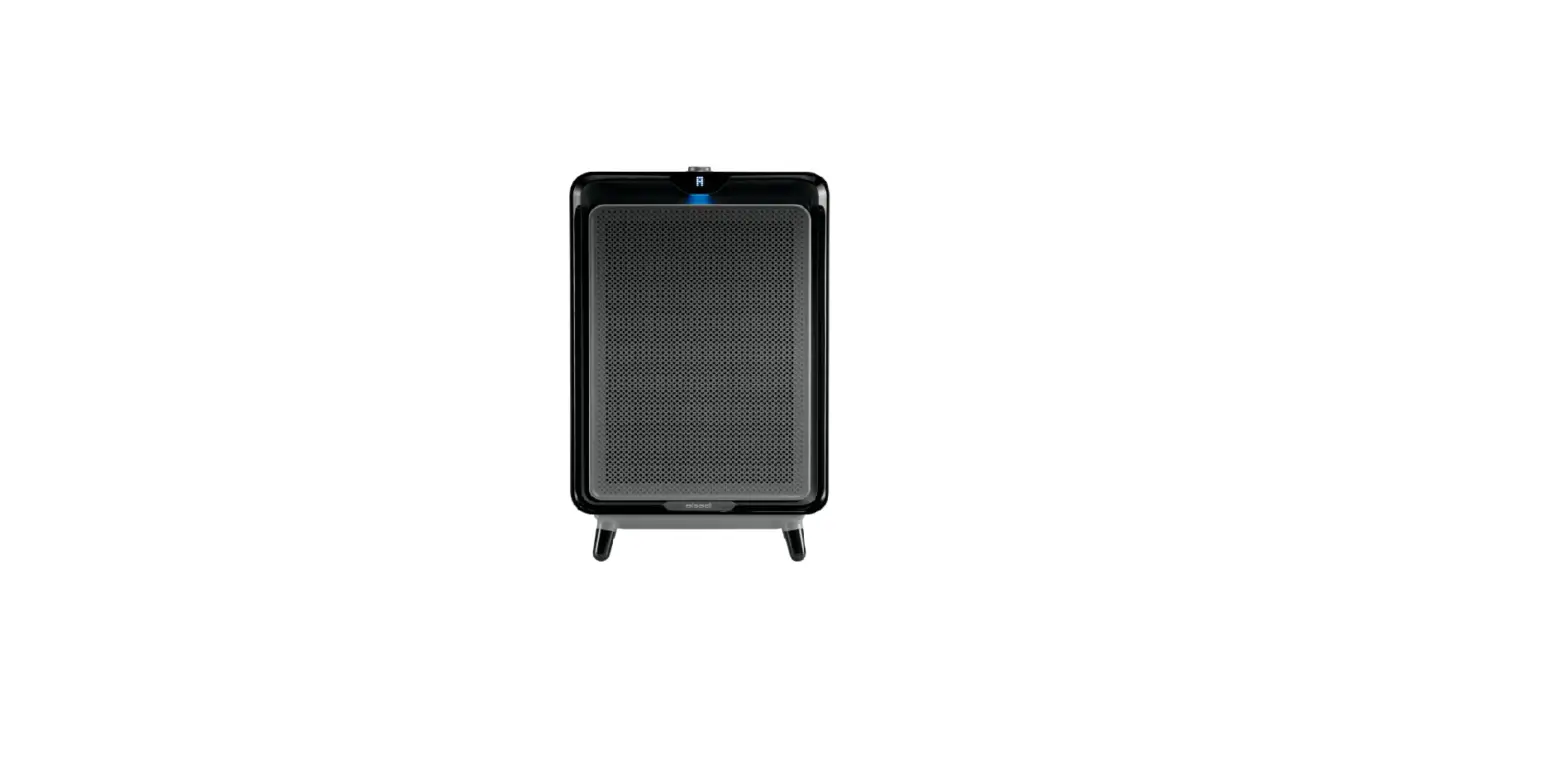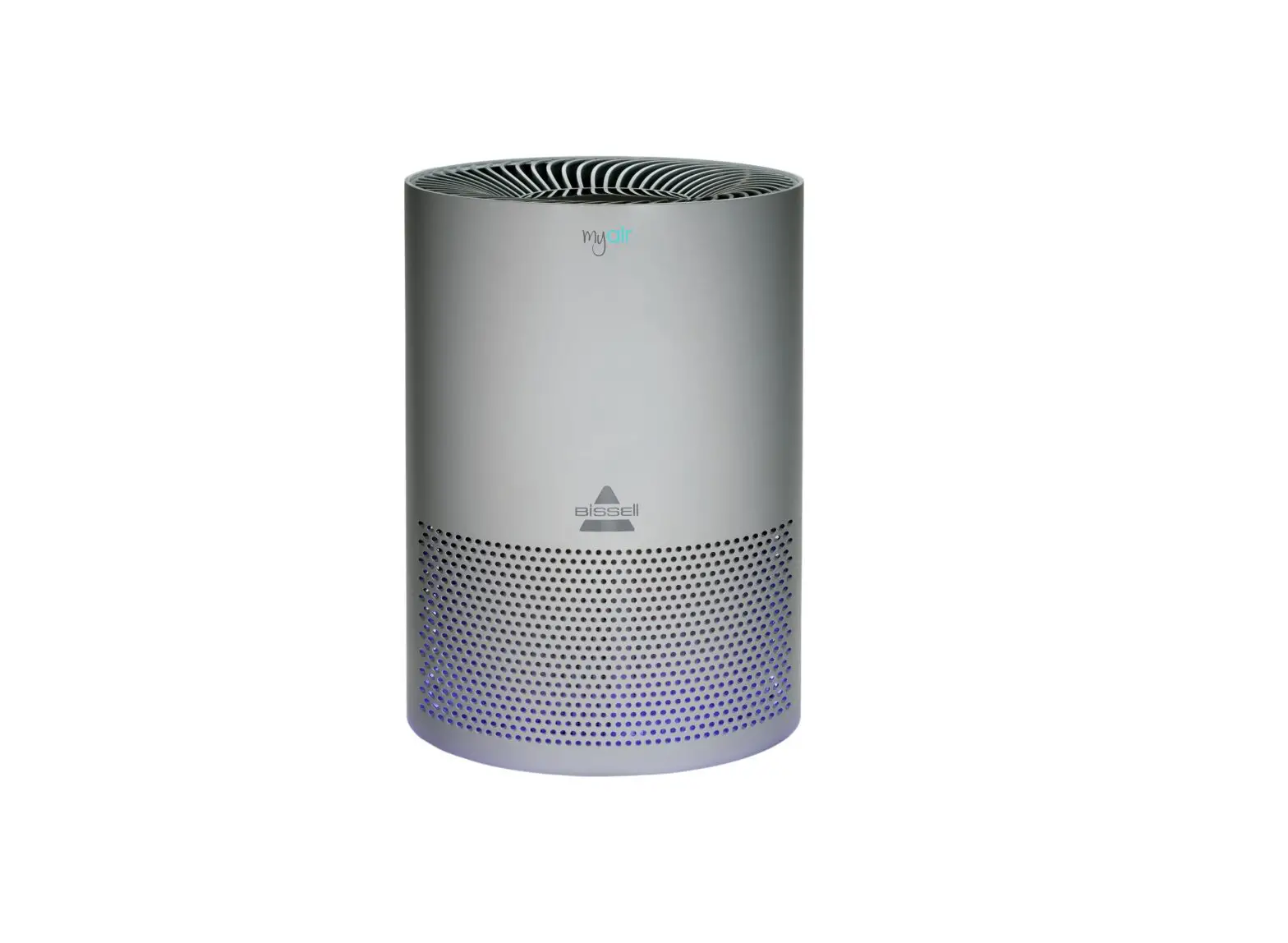
- The power button will always be illuminated when the machine is plugged in
- If only the power button is illuminated, the machine is turned off
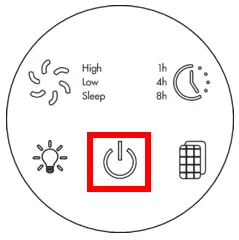
- Push power button to turn on – all lights will be lit up (defaults to Low when 1st turned on)
- Push Fan Speed button once to select High
- Place hand over the top of the machine, check for air flow
- If there is air flow, the machine is in night mode (Display lights are not visible)
- If there is no air flow (fan is not turning) but the lights are on
- Turn machine off and unplug
- Plug machine back in and turn on
- If all lights are on, no airflow (fan not turning) please Contact Us
- Place hand over the top of the machine, check for air flow
- Push Fan Speed button once to select High
- Unplug machine
- Run hand along entire length of power cord, it should be smooth
- Check plug for damage
- If either the cord (not smooth or exposed wires) or plug (prongs) are damaged, please Contact Us
- Check to see if outlet is working:
- Test this by plugging in a cell phone charger or small appliance
- If no power to outlet, test a different outlet in a separate room
- Reset circuit breaker if needed
If machine still does not have power, please Contact Us

![Bissell Myair Air Purifier [2780a] User Manual](https://static-data1.manualsee.com/1/img/302/17749/2020/12/Bissell-MyAir-Air-Purifier-2780A.jpg "Bissell Myair Air Purifier [2780a] User Manual")