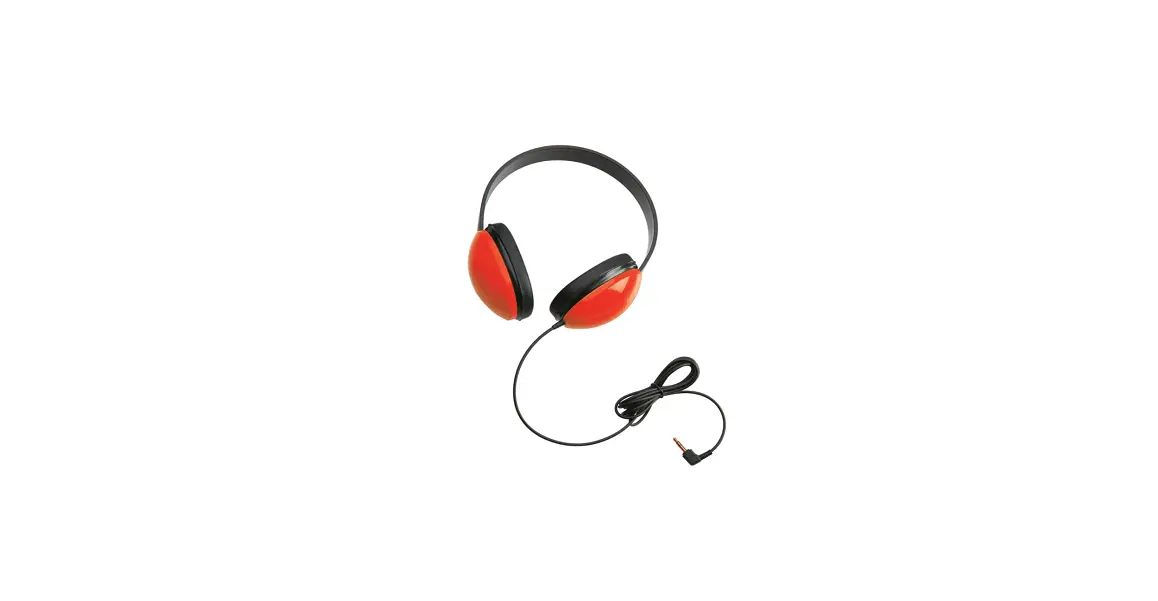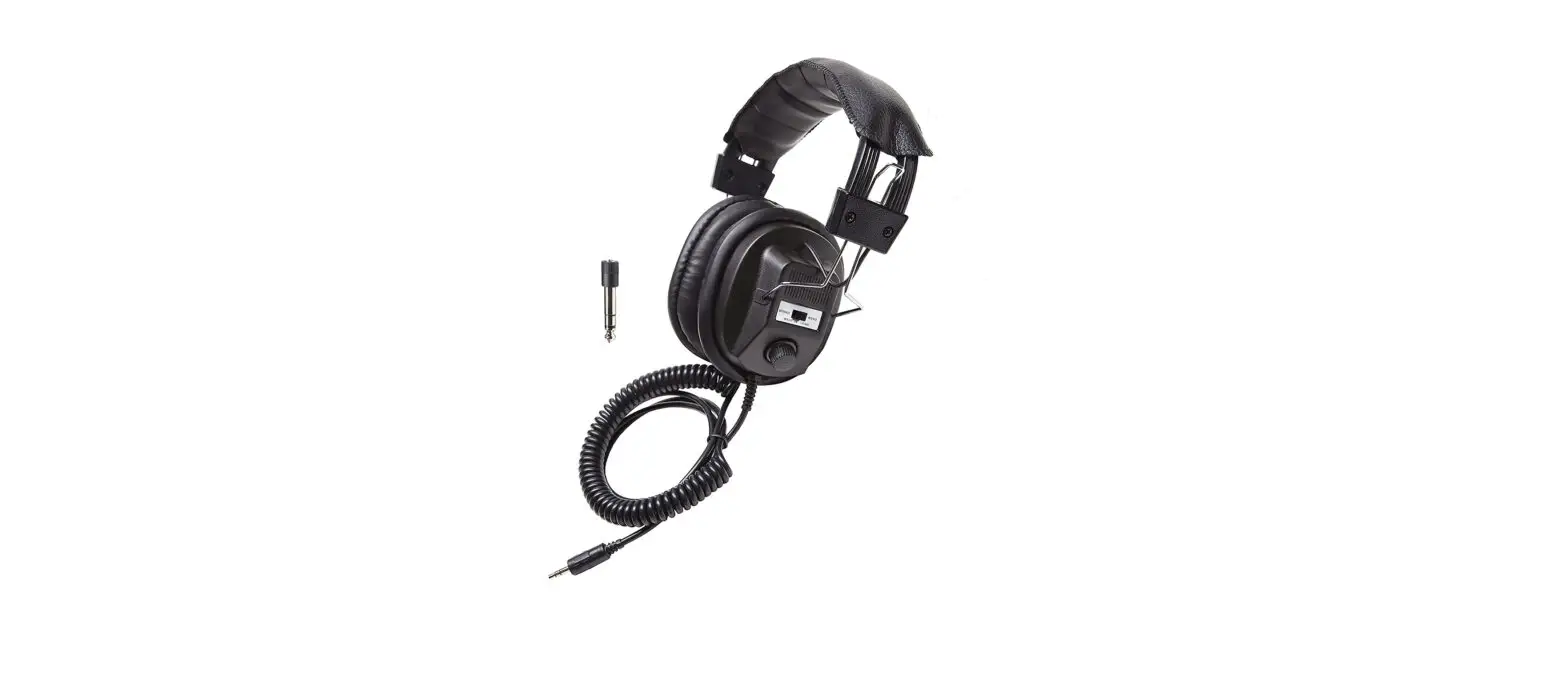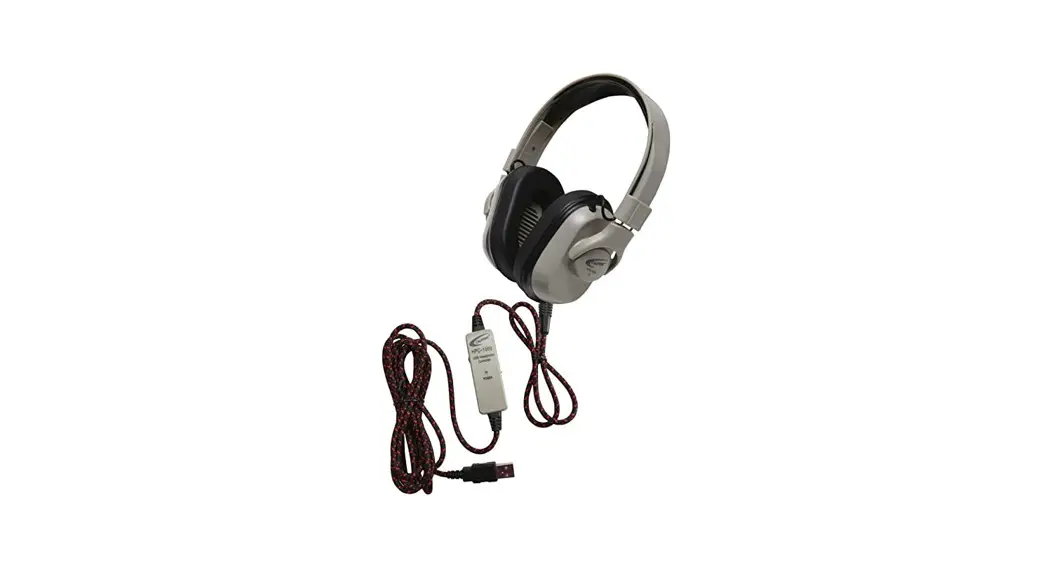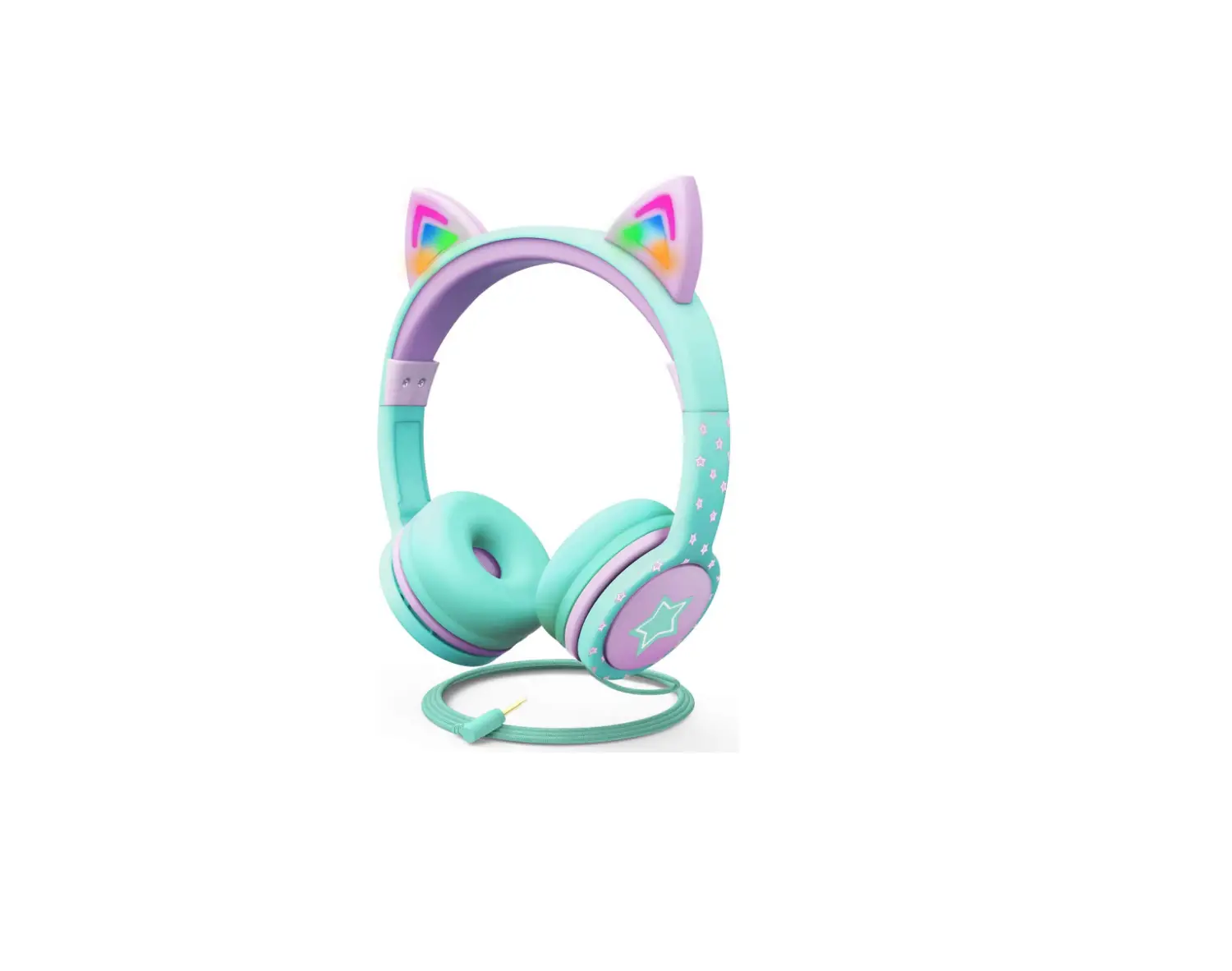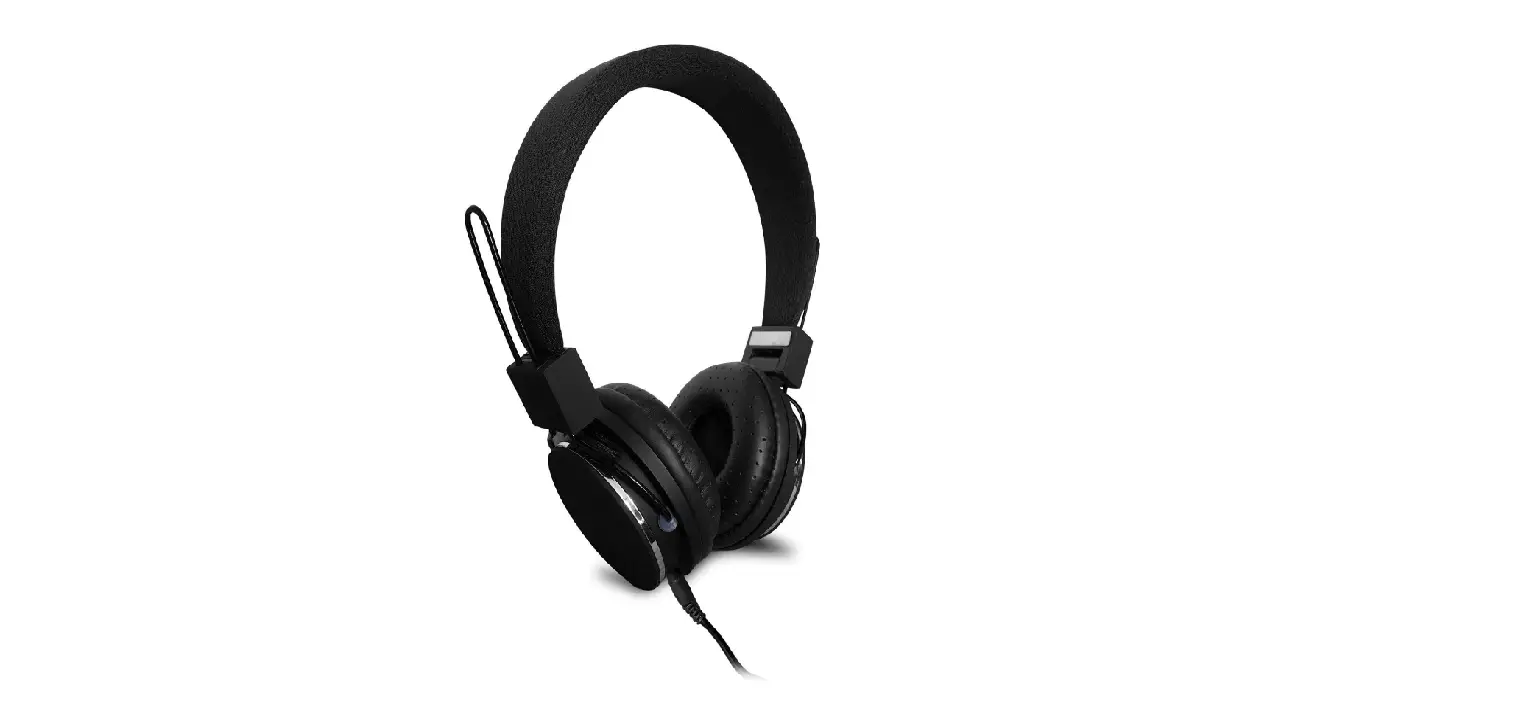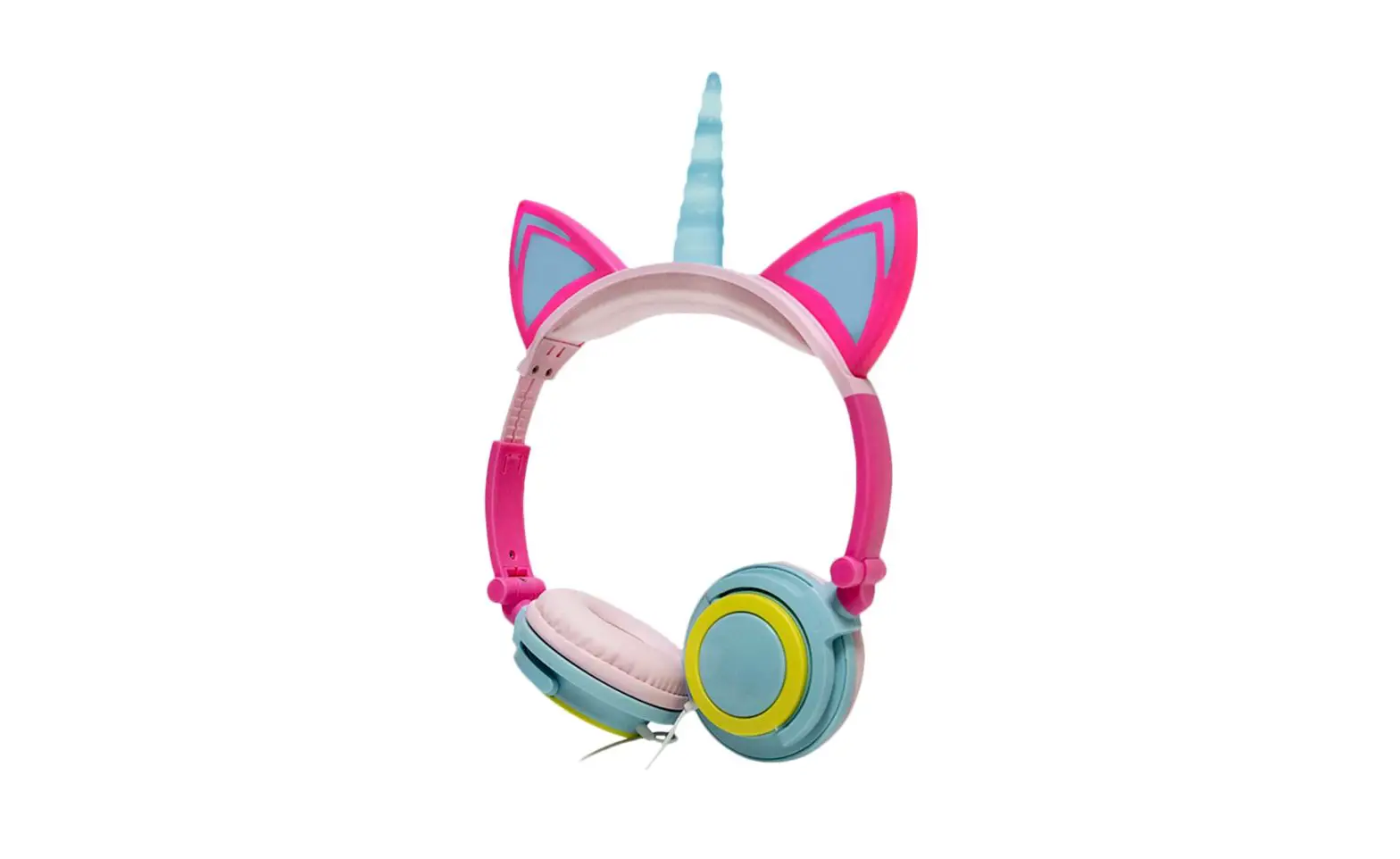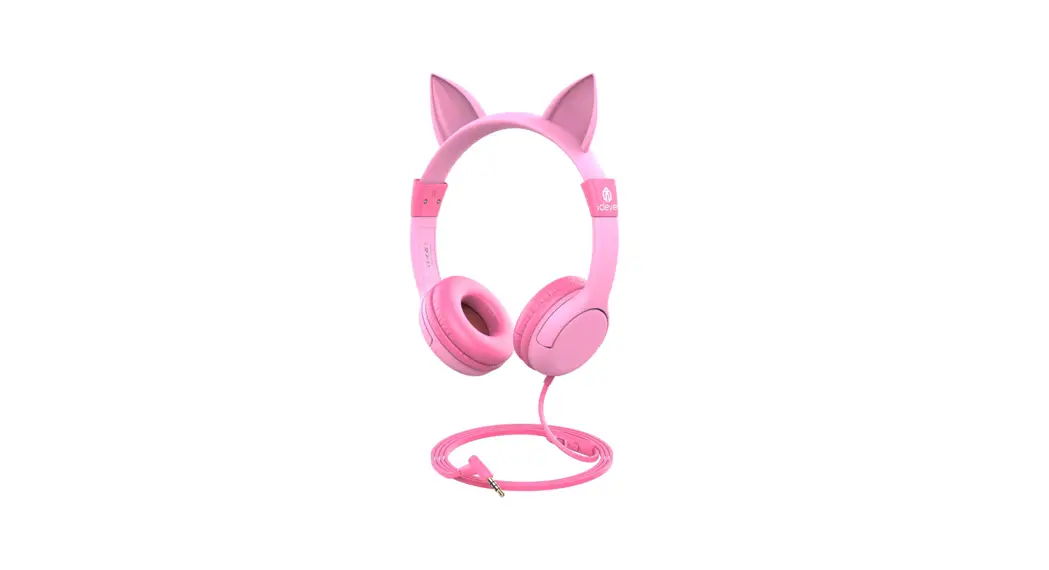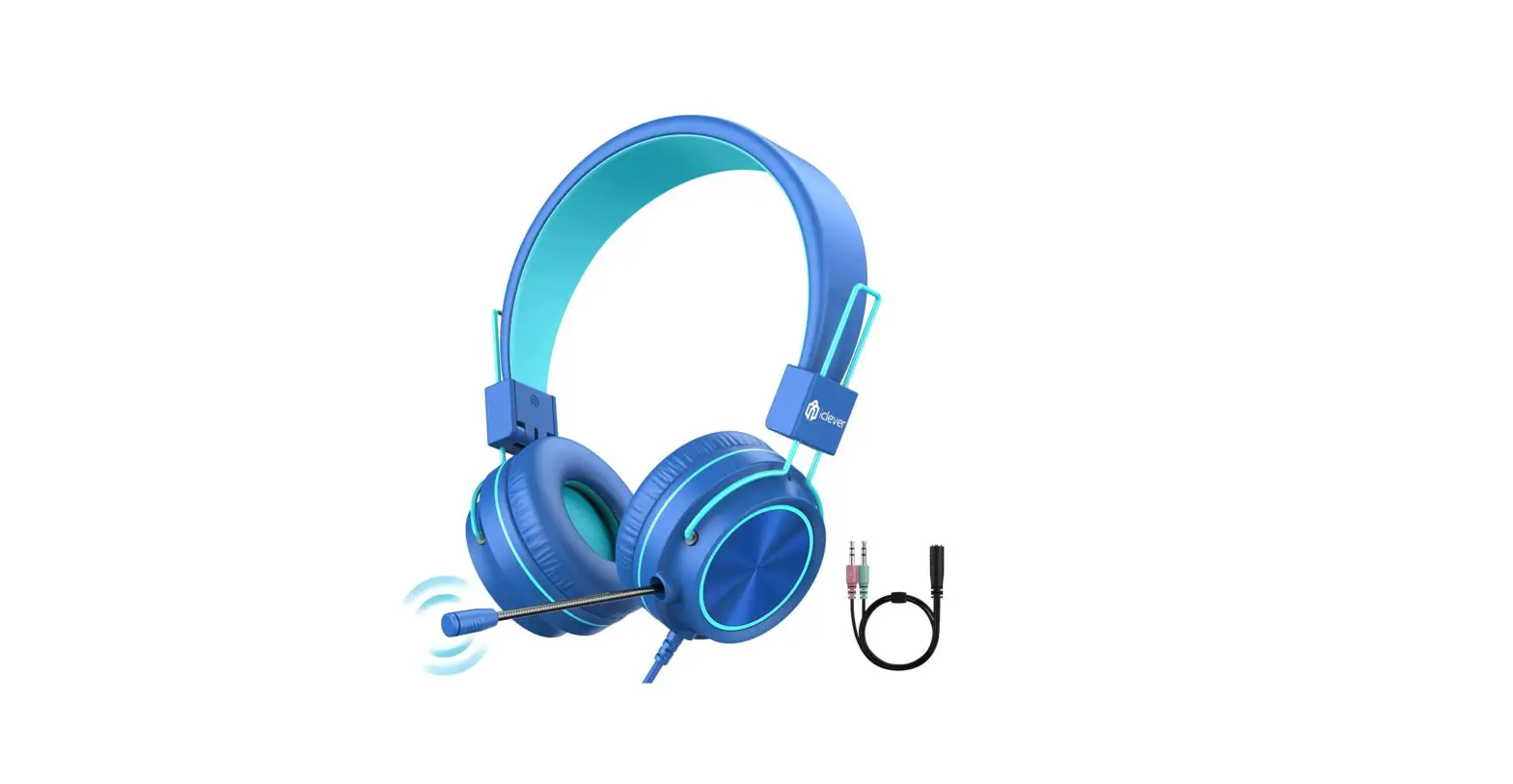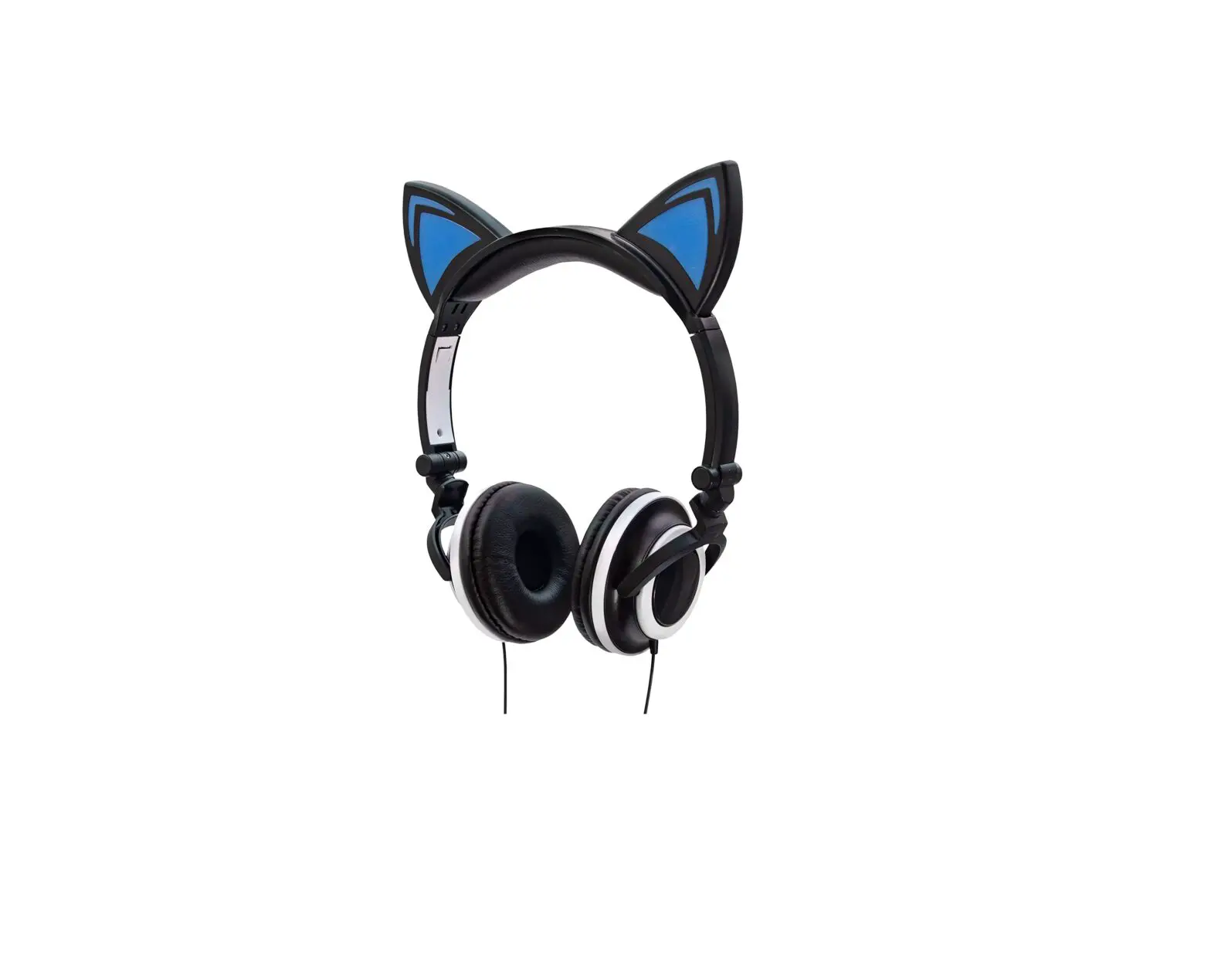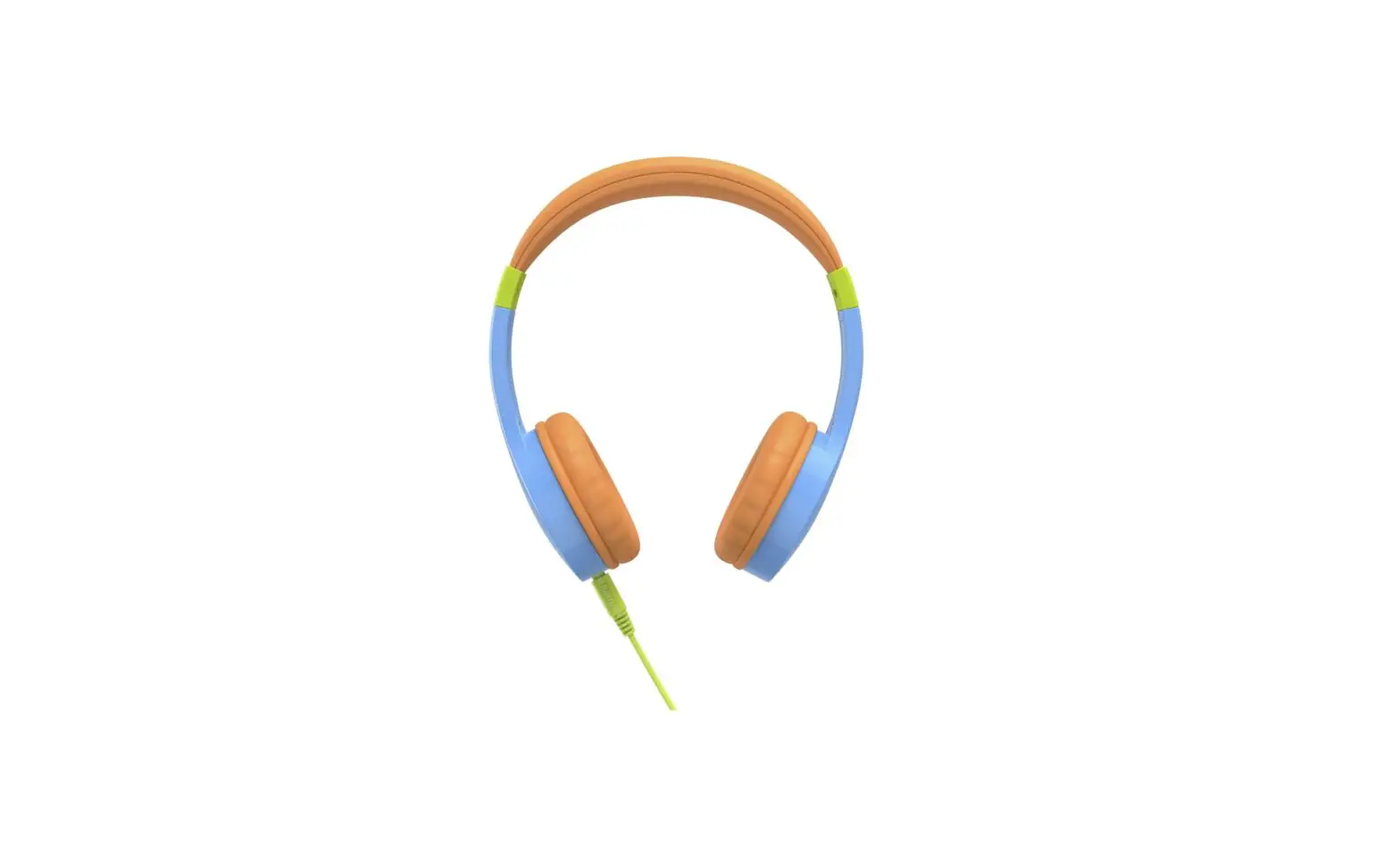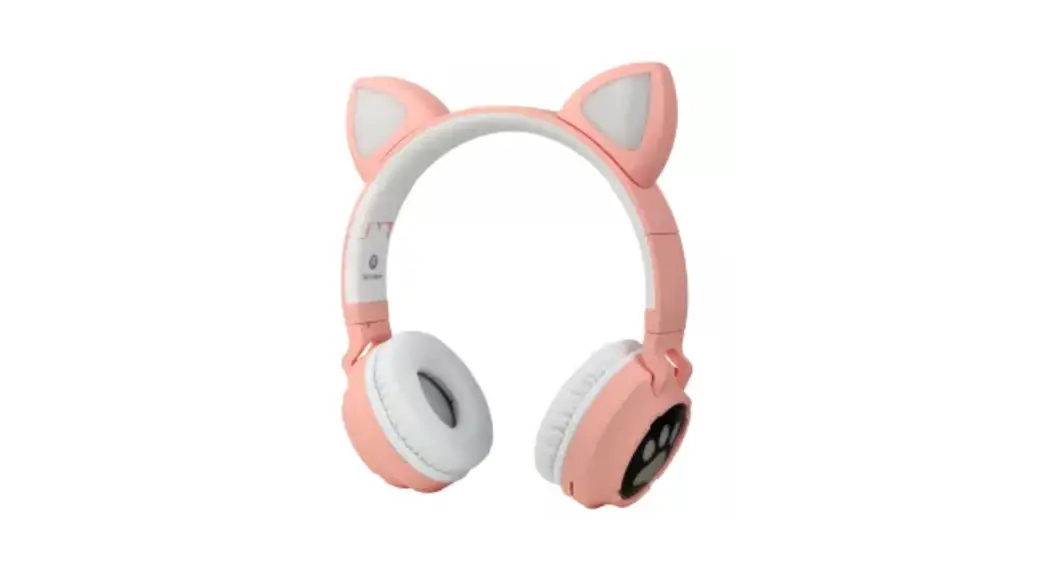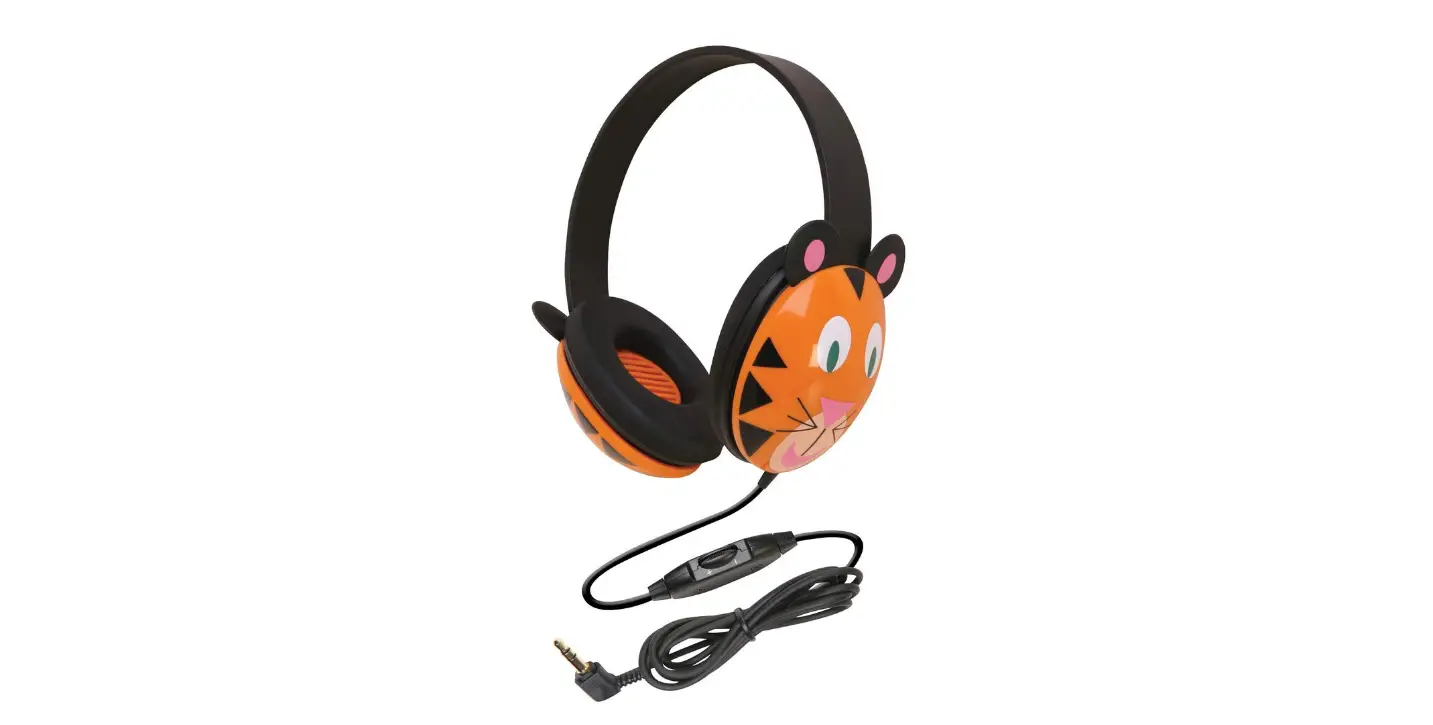

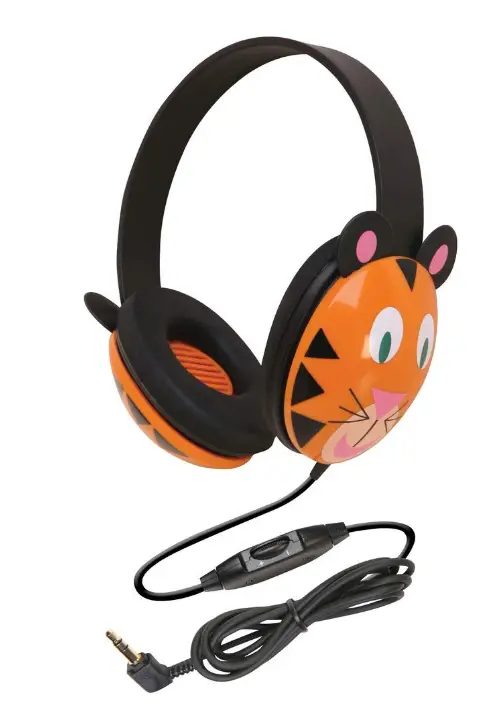
Califone 2810-TI Kids Stereo and PC Headphones, Tiger Design
Specifications
- SPEAKER
- CONE: 30mm Mylar
- MAGNET: Ferrite
- IMPEDANCE: 25 Ohms each side+/-15%
- FREQUENCY RESPONSE: 20· 20KHz
- SPL: 110 db.+/. 3db
- R/L OUTPUT DIFFERENCE: 3 db.
- RATING INPUT: Minimum20mw, maximum 30mw
- DISTORTION: 5%
- TRANSDUCERS: 40mm Mylar dome driver unit
- SENSITIVITY: 98dB ± 3dB at 1kHz
- PLUG: Right angle 3.5mm mini plug
- CORD: 6 feet, straight cord
- HEADBAND: Adjustable
- EARCUPS: Noise-reducing, ABS plastic for durability
- EAR CUSHIONS: Foam-filled leatherette
- WEIGHT: 9.6-ounce, shipping weight 1 lb.
Introduction
The adjustable headband on the Califone Listening First Kids Wired Headphone in Tiger Design provides comfort for prolonged use. The headphones are made for young kids and are perfect for use in Storytime and beginner computer lessons. Individual volume controls are available on the headphones, which also have ear cups that can be adjusted to block out background noise. To prevent unintentional pullout, the strain connection on headphones is reinforced. Long 6 ft. straight cord with right-angled 3.5 mm plug helps prevent inadvertent pull-outs. Ear cups of the headphones are made of durable ABS plastic, which resists breaking under heavy use. Headphones that work with Mac and Windows and have changeable leatherette ear cushions.
FEATURES
The adjustable headband on the Califone Listening First Kids Wired Headphone in Tiger Design provides comfort for prolonged use. The headphones are made for young kids and are perfect for use in Storytime and beginner computer lessons. Individual volume controls are available on the headphones, which also have ear cups that can be adjusted to block out background noise. To prevent unintentional pullout, the strain connection on headphones is reinforced. Long 6 ft. straight cord with right-angled 3.5 mm plug helps prevent inadvertent pull-outs. Ear cups of the headphones are made of durable ABS plastic, which resists breaking under heavy use. Headphones that work with Mac and Windows and have changeable leatherette ear cushions.
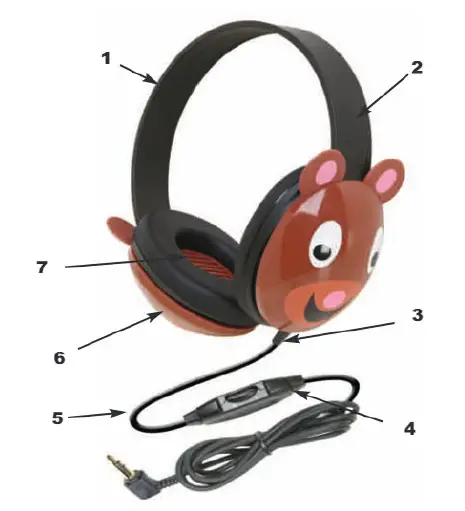
- Adjustable headband comfortable for extended wear
- Specifically sized for young children
- Permanently attached cord with reinforced “strain” relief connection which resists accidental pull out
- Volume control for individual preferences
- 6′ straight cord with right angle 3.5mm plug reduces accidental pull-out
- Ambient noise-reducing earcups keep students on task and lower outside noise so volume does not need to be as high, as recommended by audiologists for hearing safety
- Protective slotted baffles prevent accidental damage from prying fingers& foreign objects
- Rugged ABS plastic construction for high-use situations
- PC and Apple compatible
- One-year warranty for school use – unlike headphones purchased at consumer electronics stores whose warranties would be voided if used in schools.
This playful bear motif Listening First™ headphone is specifically built for young students with safety as its first concern. Rugged ABS plastic earcups withstand daily use with adjustable volume control for individual preferences. This stereo headphone is ideal for story-time, library and computer uses.
PROJECT INTERCEPT
Please contact us immediately if you experience any issues with your Listening First TM Headphones. Our “Project Intercept” customer service program will quickly repair or replace items under warranty. Simply contact us via phone or email at [email protected].
Visit our website at www.califone.com to learn more about the complete line of Califone audio enhancing and visual technology products including: Wired and Wireless public address systems and lecterns, wireless microphones, headphones & headsets, group listening centers, multimedia players, computer peripheral products and installed classroom infrared systems.
We are proud of helping teachers enhance student understanding and achievements since 1947, with your satisfaction as our first priority.
This Listening First headphone carries one year warranty with service support available through authorized dealers nationwide.
Frequently Asked Questions
Avoid using earphones or any other in-canal listening devices on infants and young children. Their ear health may be harmed by this. Choose between over-ear or on-ear headphones instead. Make sure the ear cups on whatever model you select fit your child’s ears.
For eight hours a day, keeping the noise at 70%, or 82 dB, has been deemed safe, but for youngsters, it is best to keep it much lower. Only 90 minutes at 80 percent volume, or 89 decibels, are considered safe.
Yes, it is entirely safe. Mobile headphones can be used with a computer. I use my Skull Candy earphones with my computer, my phone, and even my LED TV.
A child’s set of headphones shouldn’t, in our opinion, be any higher than 85 decibels (dB), even though Maxell and Sony sell sets for children that are 90dB. The maximum noise level that many auditory health organizations recommend is 85 db.
Make that Headphones are selected and connected for both playback and recording Default Devices in the dropdown menus at the top of Sounds Settings by right-clicking the Volume icon in the System Tray at the right end of the task bar.
A pretty frequent problem with Windows 10 PCs is the failure of the computer to recognize your headphones. If your headset uses USB, malfunctioning USB ports, a Bluetooth connection error, a corrupt or outdated driver, or a problem with the headphones themselves, could be to blame.
If your headset isn’t functioning, there can be a driver issue. Remove the drivers for the connected headset from Device Manager. To force Windows to reinstall them, restart the computer and attach the headset once more. It’s the time-tested “turn it off and on again” method, but it still works.
Consider the following remedies: Check to see if the mute button on your headset is turned off. Check to see if your computer and microphone are properly connected. Ensure that the system default recording device is your microphone or headset.
The World Health Organization (WHO) advises only 8 hours of headphone use at an intensity of 85 decibels (dB). However, the sound intensity of typical audio equipment ranges from 75 to 136 db. When listening to audio, most listeners typically keep the volume between 75 dB and 105 db.
If your child is exposed to excessively loud noises or loud noises for extended periods of time, their inner ears may suffer harm. Loss of hearing due to noise is gradual and painless. Once the hearing nerve is damaged, it cannot be repaired.