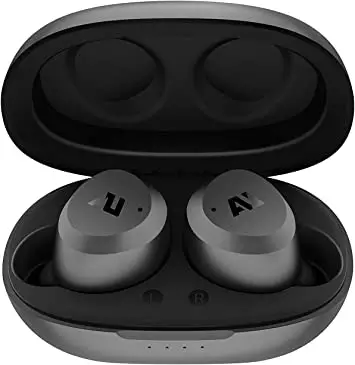
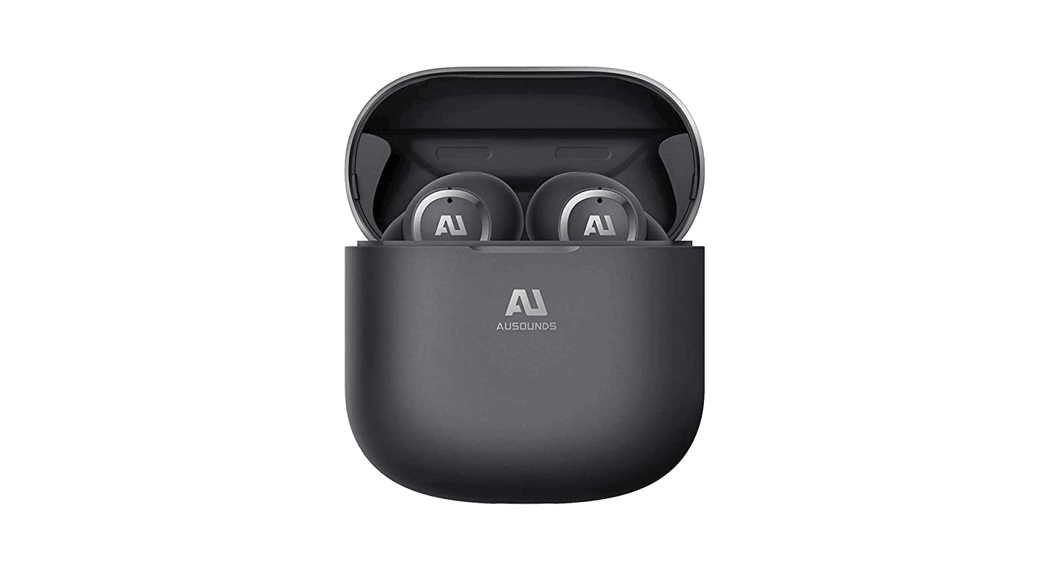
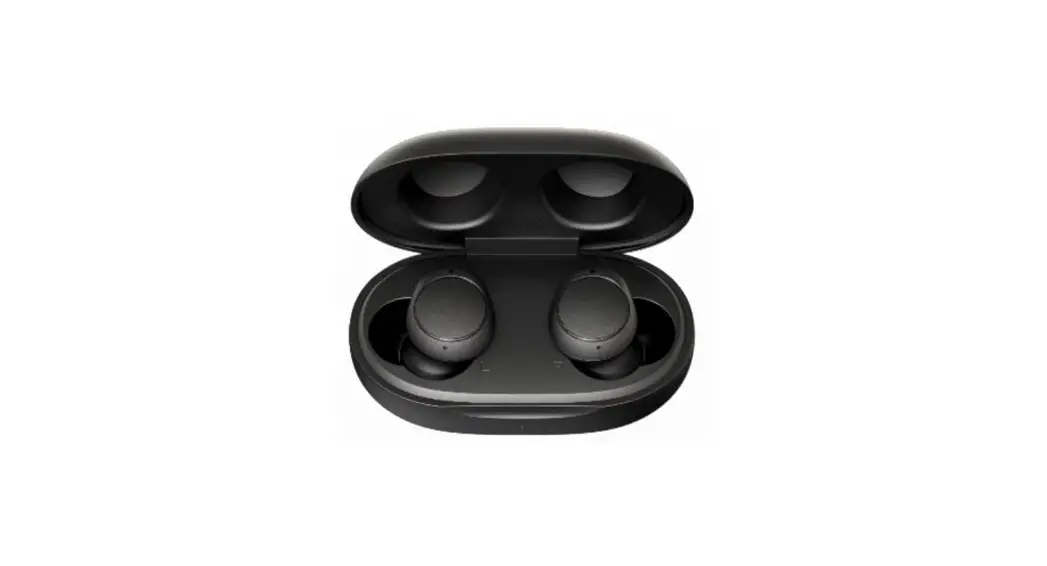
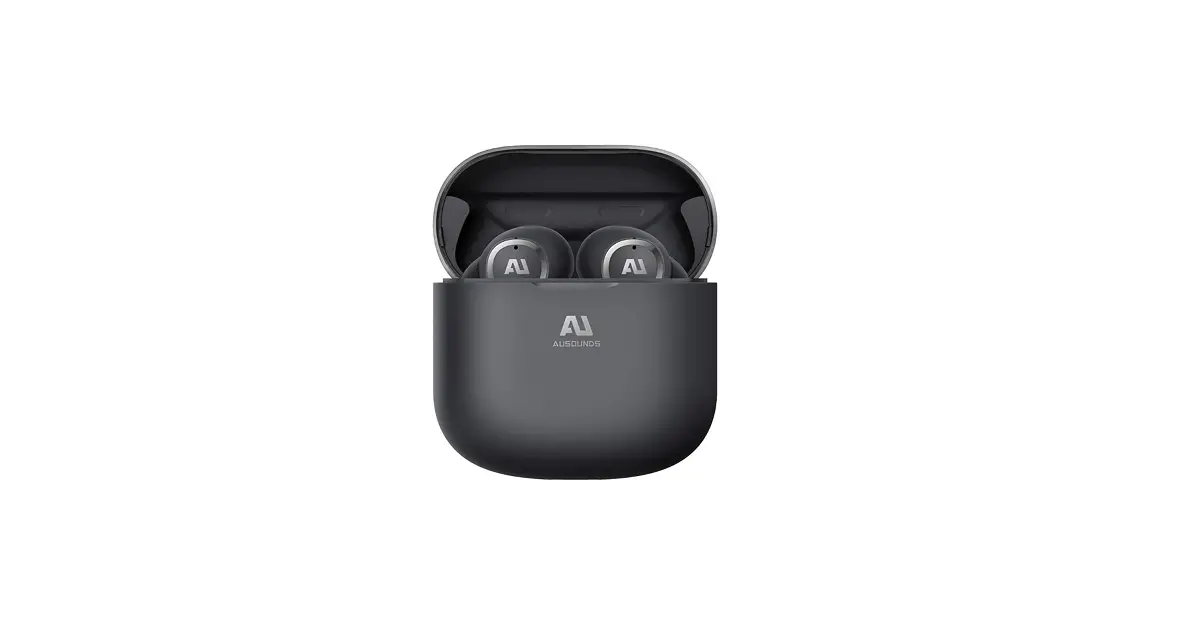
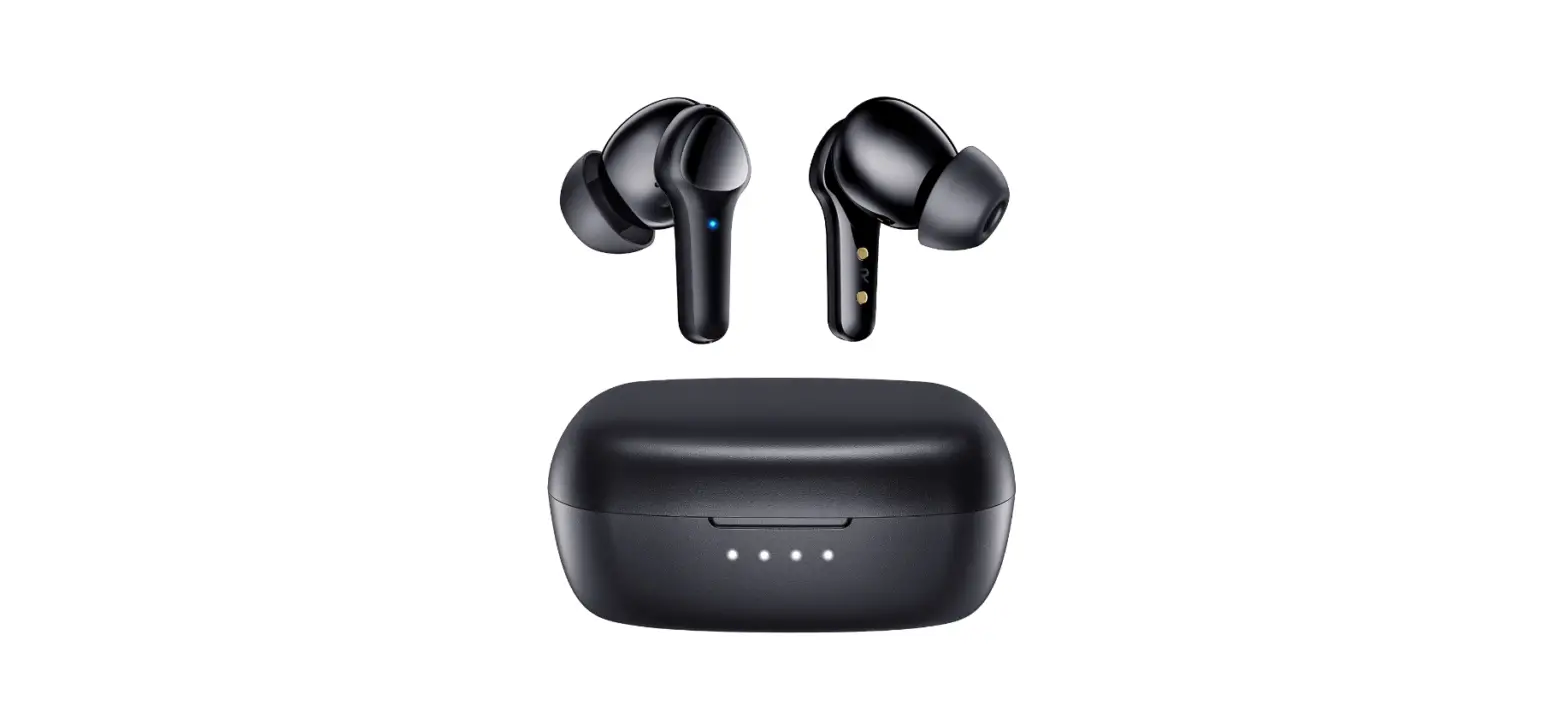
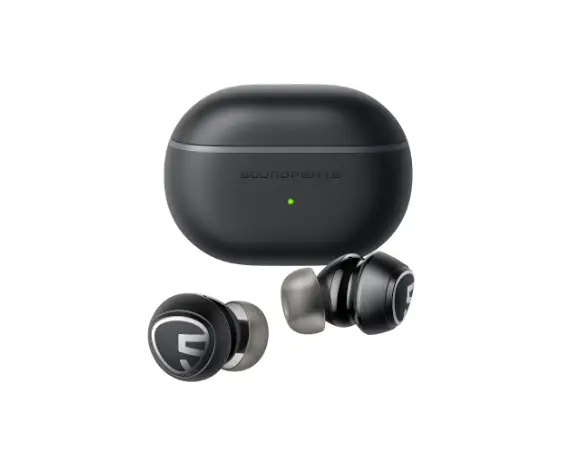
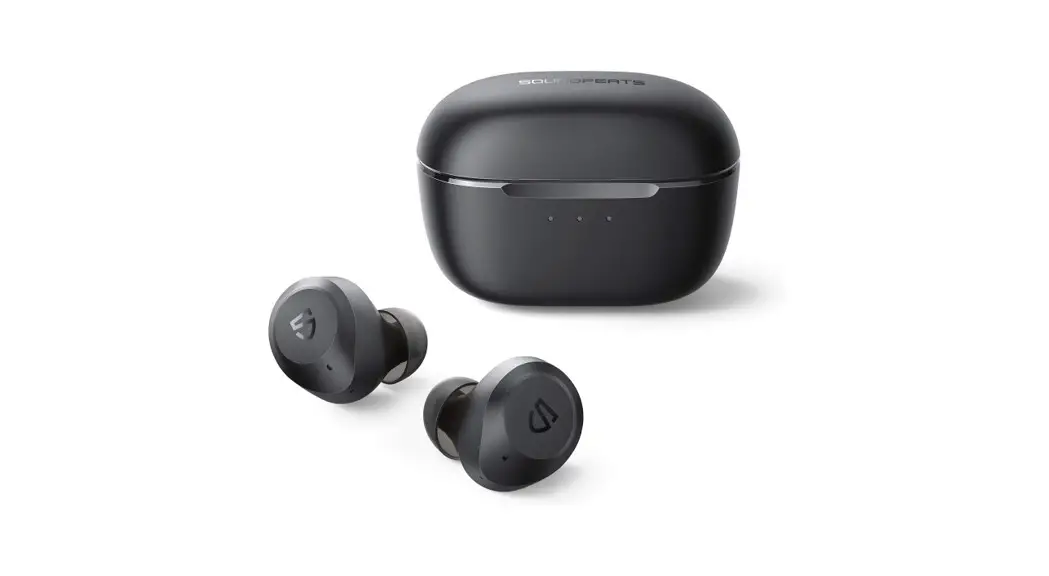
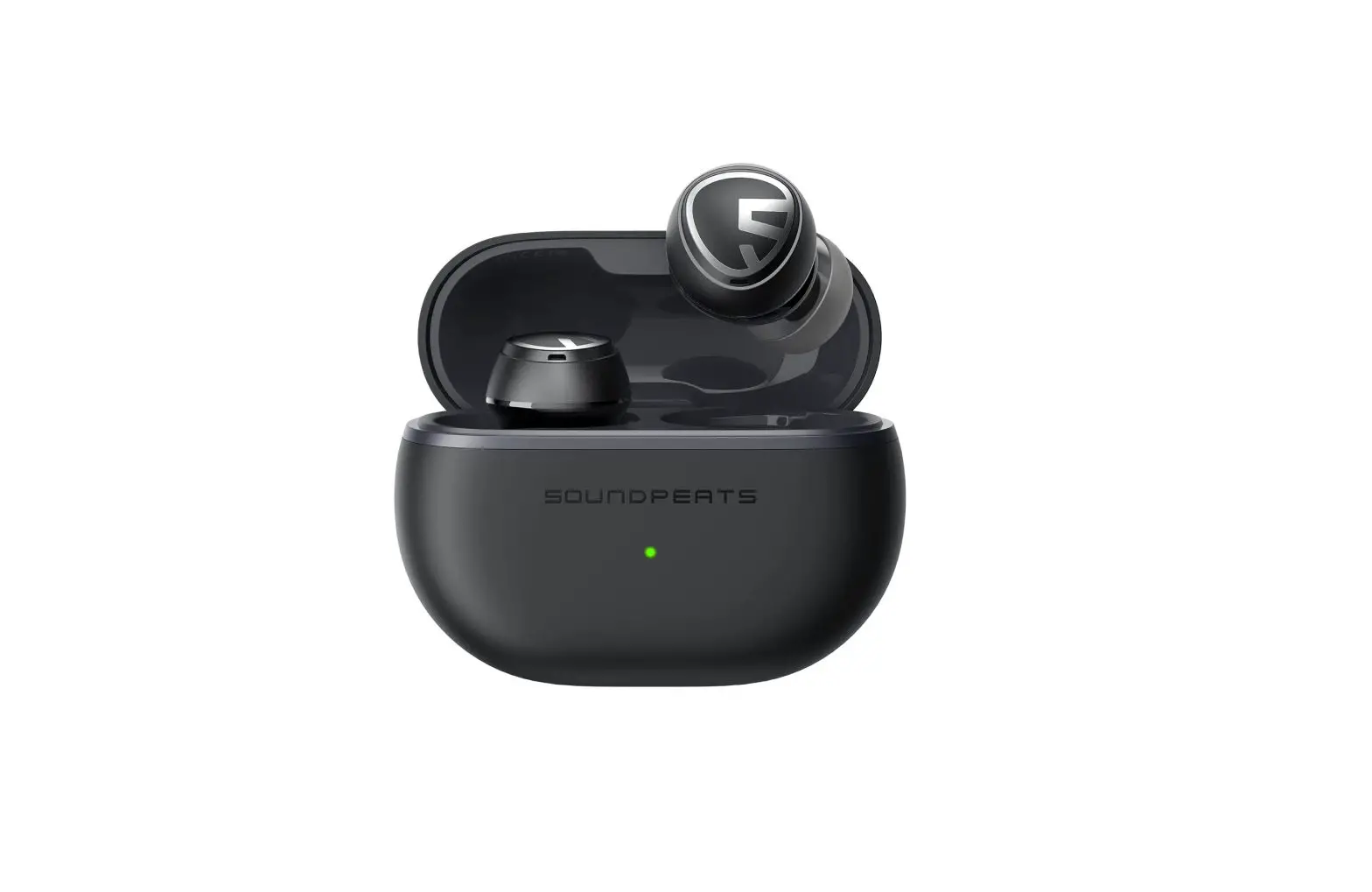
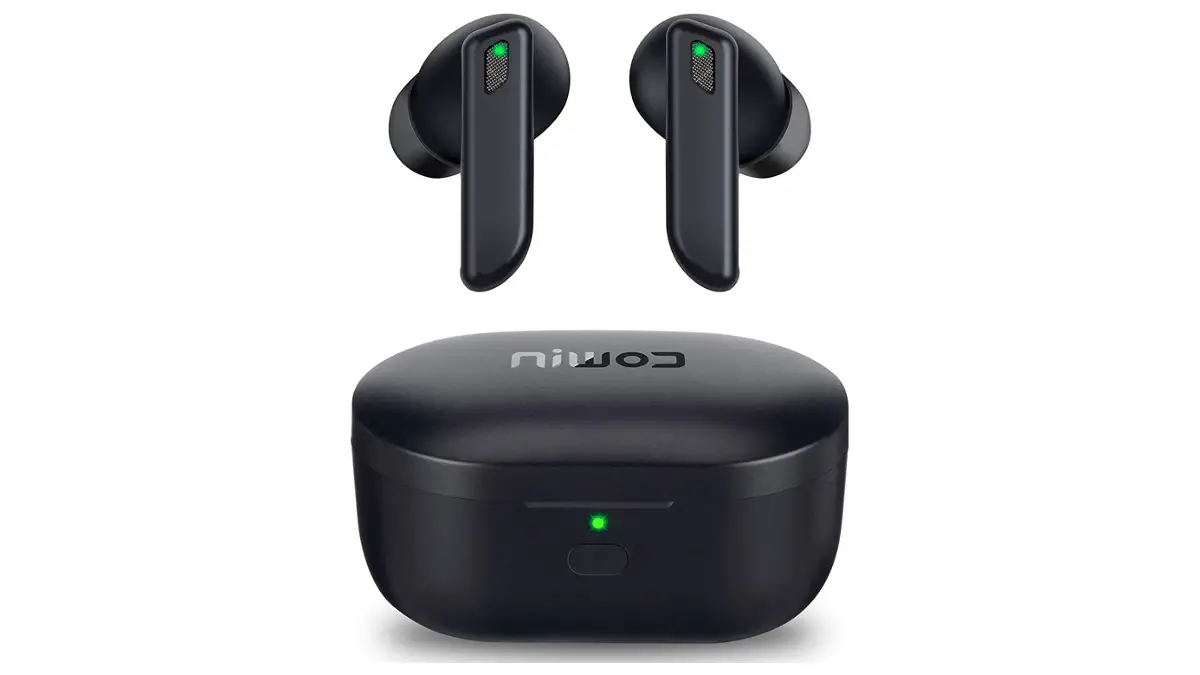
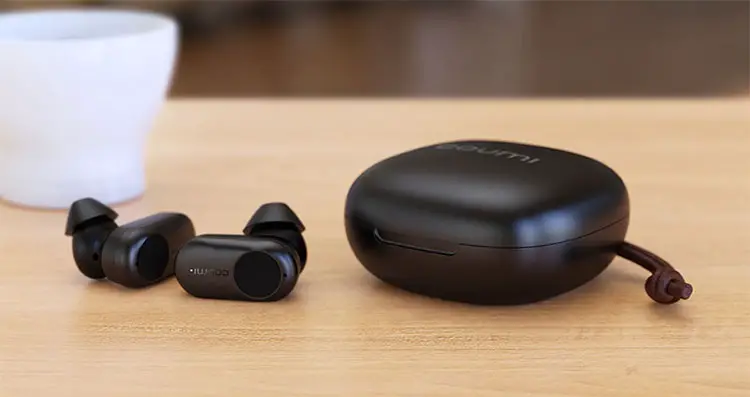
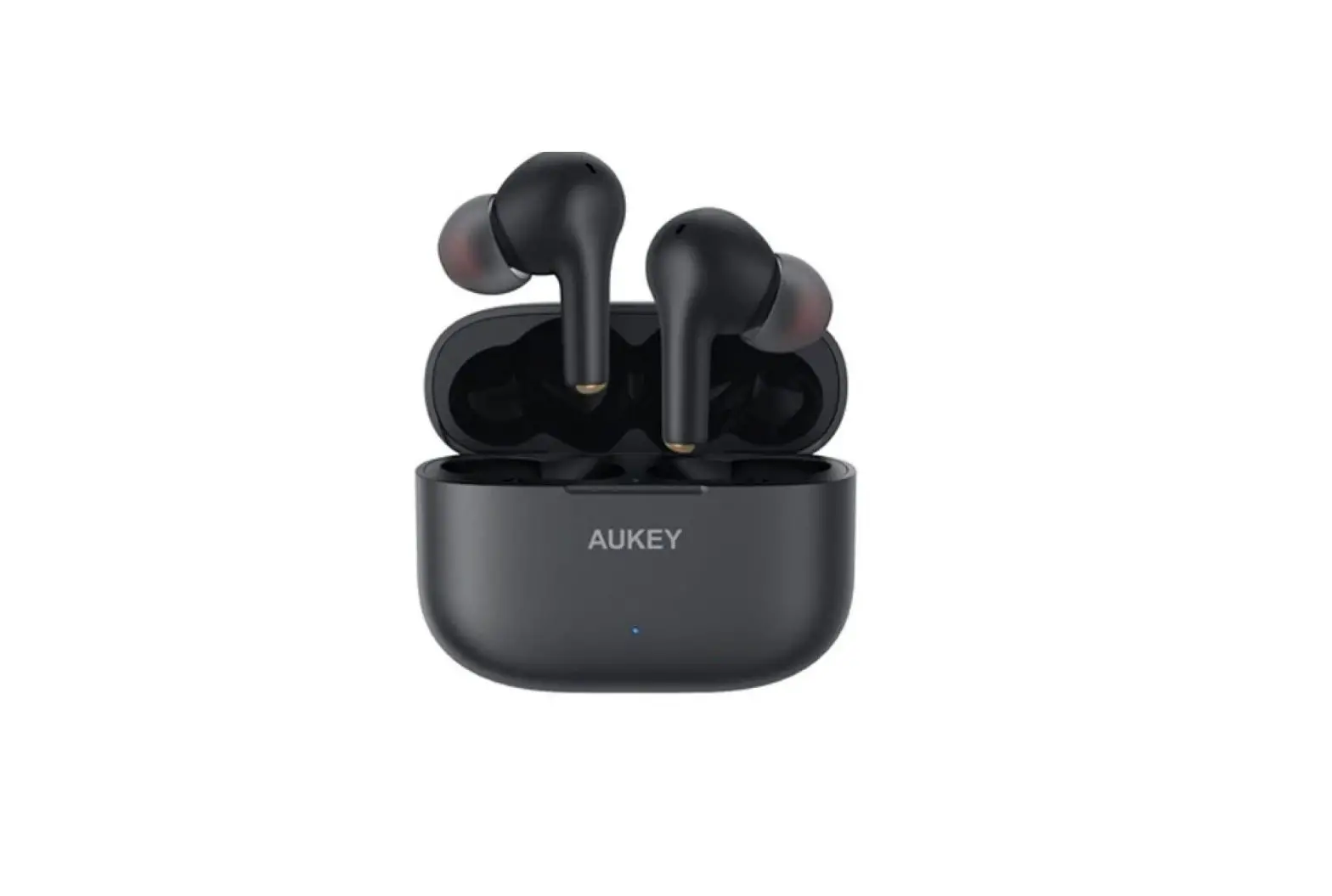
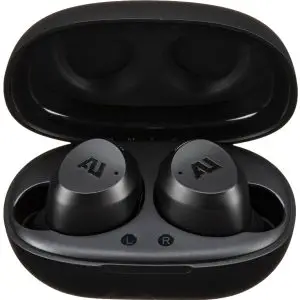
AU STREAM AUSHB101 Hybrid Active Noise Canceling Earbuds User Guide

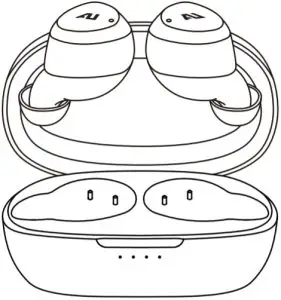
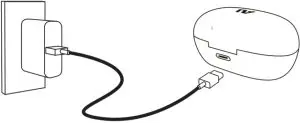
CHARGE EARBUDS FOR 1 HOUR BEFORE FIRST USE
FIND YOUR FIT
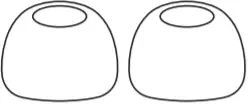
Choose the size of silicone ear tips that provides a secure and comfortable fit for the perfect audio seal.
- Large Size

- Medium Size
- Small Size
PAIRING
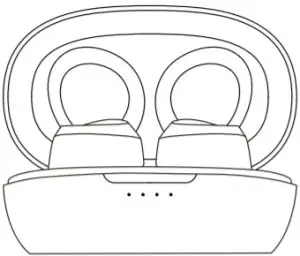
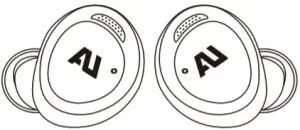
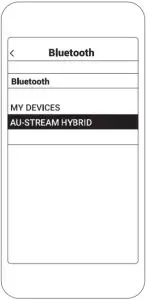
- Open the charging case and remove the earbuds. The earbuds 3. Select AU-STREAM HYBRID. will turn on automatically and they will enter pairing mode after 10 seconds.

The blue LED indicators on the earbuds will flash quickly while in pairing mode.
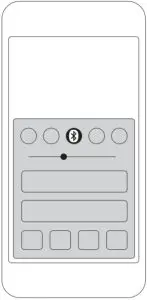
- Enable Bluetooth® on your device and enter Bluetooth pairing mode.

- Select AU-STREAM HYBRID.
Not pairing with your device?
Try restarting your device; then repeat pairing process.
CONTROLS
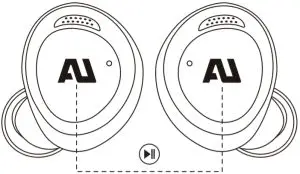
- On the left or right earbud Tap once to Play/Pause music

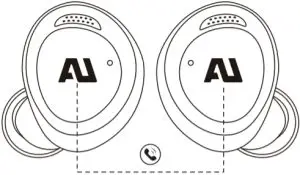
- Tap once to Answer Call

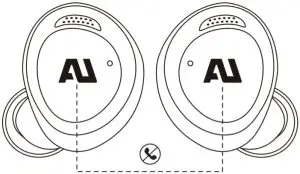
- Tap and hold for 2 seconds Decline call /End call
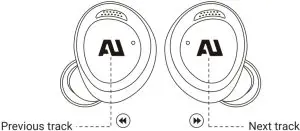
- Tap twice on left earbud and Tap twice on right earbud to Skipping tracks

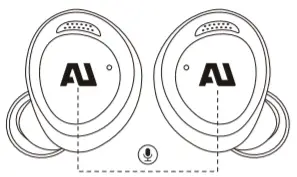
- Tap 3 times to Activate Siri or other voice assistants

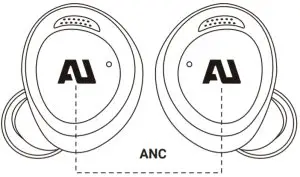
- Tap and hold for 3 seconds to ANC | Monitor mode toggle

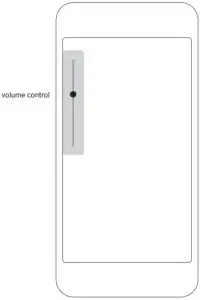
- Adjust music and call volume from your device only

Contact Us
 @Ausounds
 @Ausounds
 @Ausounds
Ausounds Intelligence, LLC.
15300 Ventura Blvd., Suite 214
Sherman Oaks, California 91403, USA
www.ausounds.com
Designed by Ausounds in California | Made in China
 Ausounds | Headphones, Earphones and Digital Audio Players with premium audio