Yi Zhao
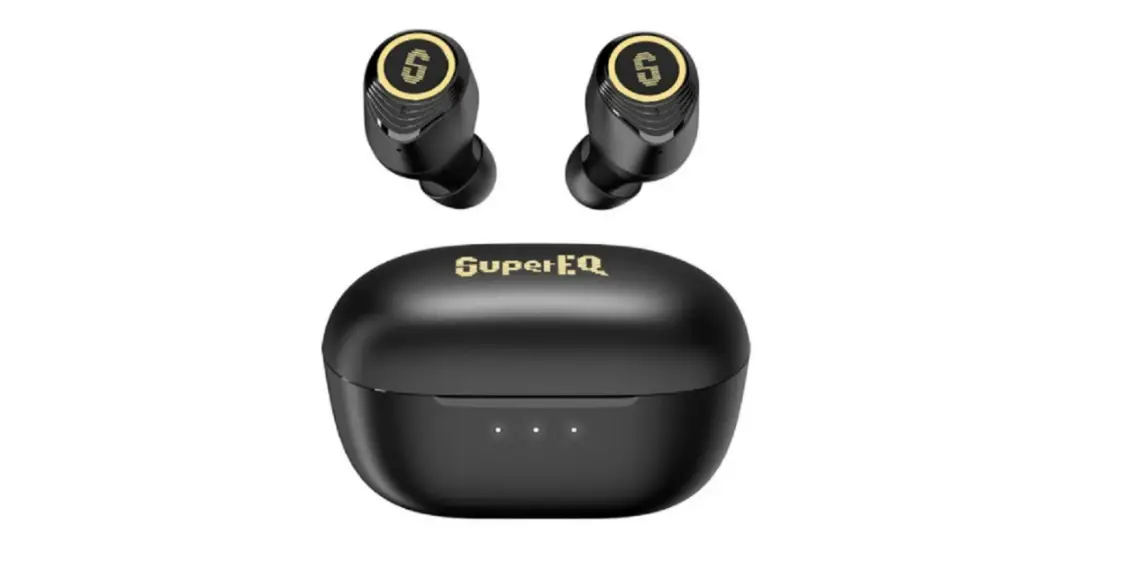
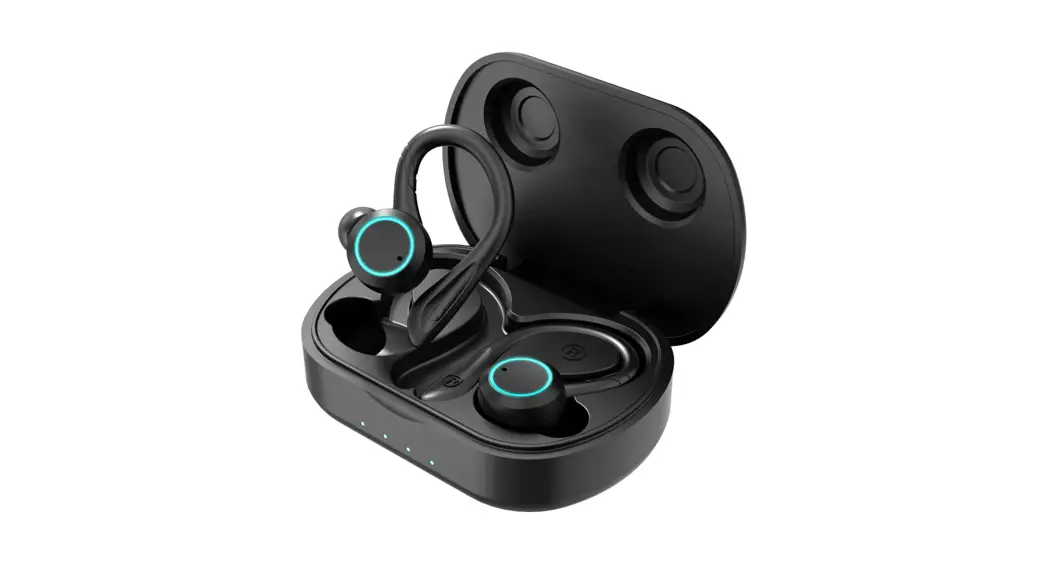
Q2 Pro Hybrid Active Noise Cancelling Earbuds
User Guide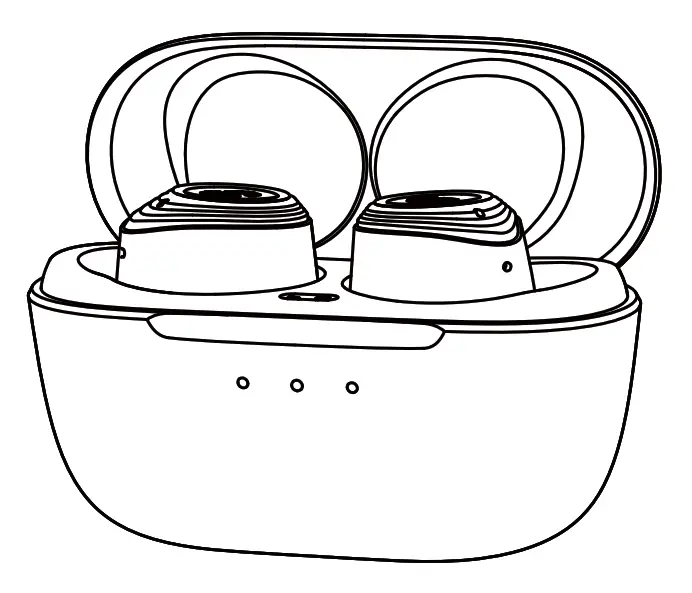 Hybrid Active Noise Cancelling Earbuds
True Wireless Earphones
 PRODUCT PARAMETERS
| Model name | SuperEQ Q2 Pro |
| Bluetooth version | 5. |
| Bluetooth range | 10m/33ft |
| Input | 5V |
| Over-voltage protection | YES |
| Speaker | 12mm Dynamic |
| Noise reduction | (FF+FB) x 2 |
| Acoustic code | SBC, AAC |
| Power display | IOS |
| Battery capacity | 55mAh x 2 (earbuds), 370mAh (charging case) |
| Playtime (varies by volume level and content) | 70% volume, ANC OFF: Up to 11 hours (Total 40 hours with the charging case) |
| 70% volume, ANC ON: Up to 8 hours (Total 30 hours with the charging case) |
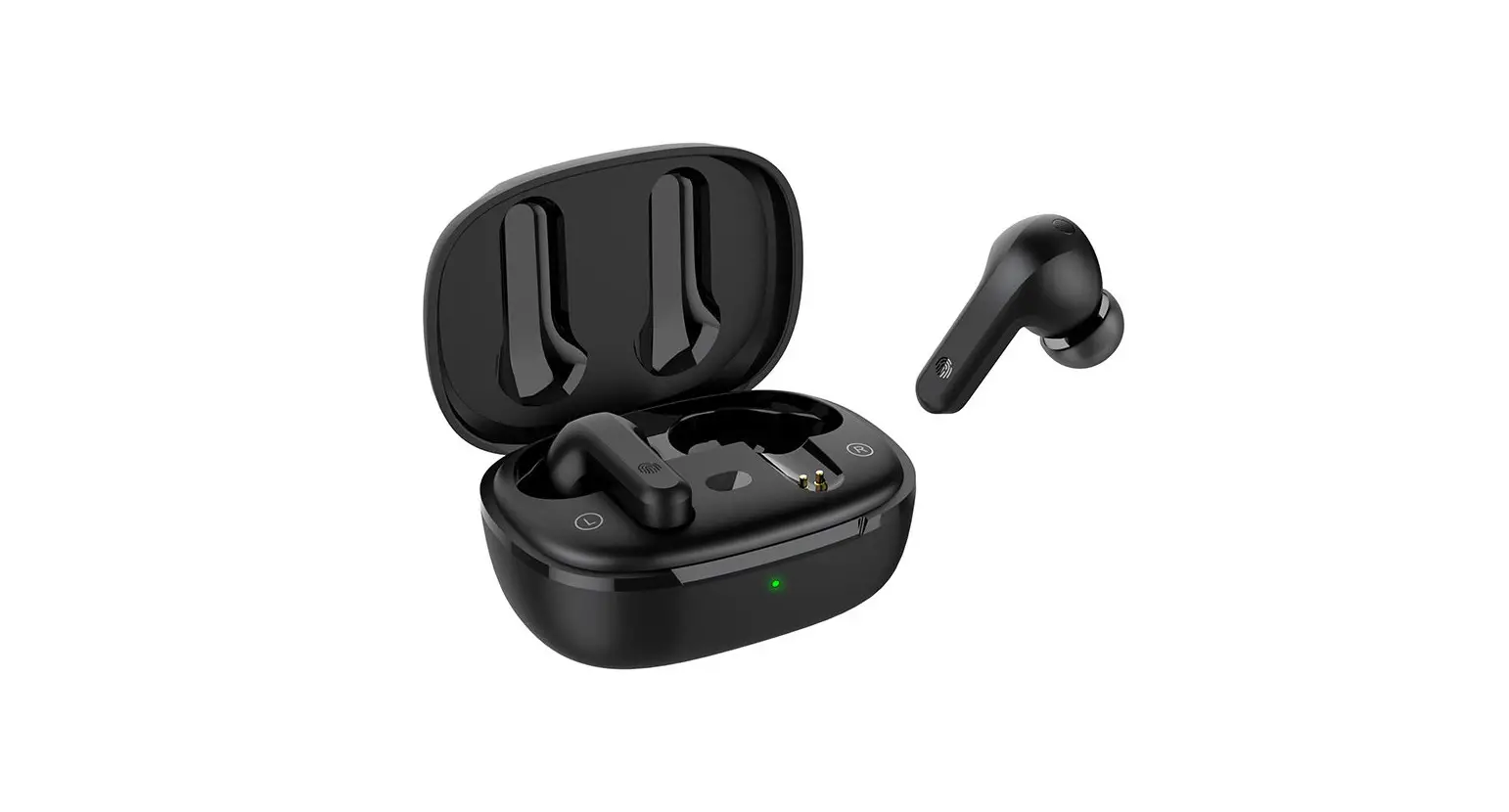
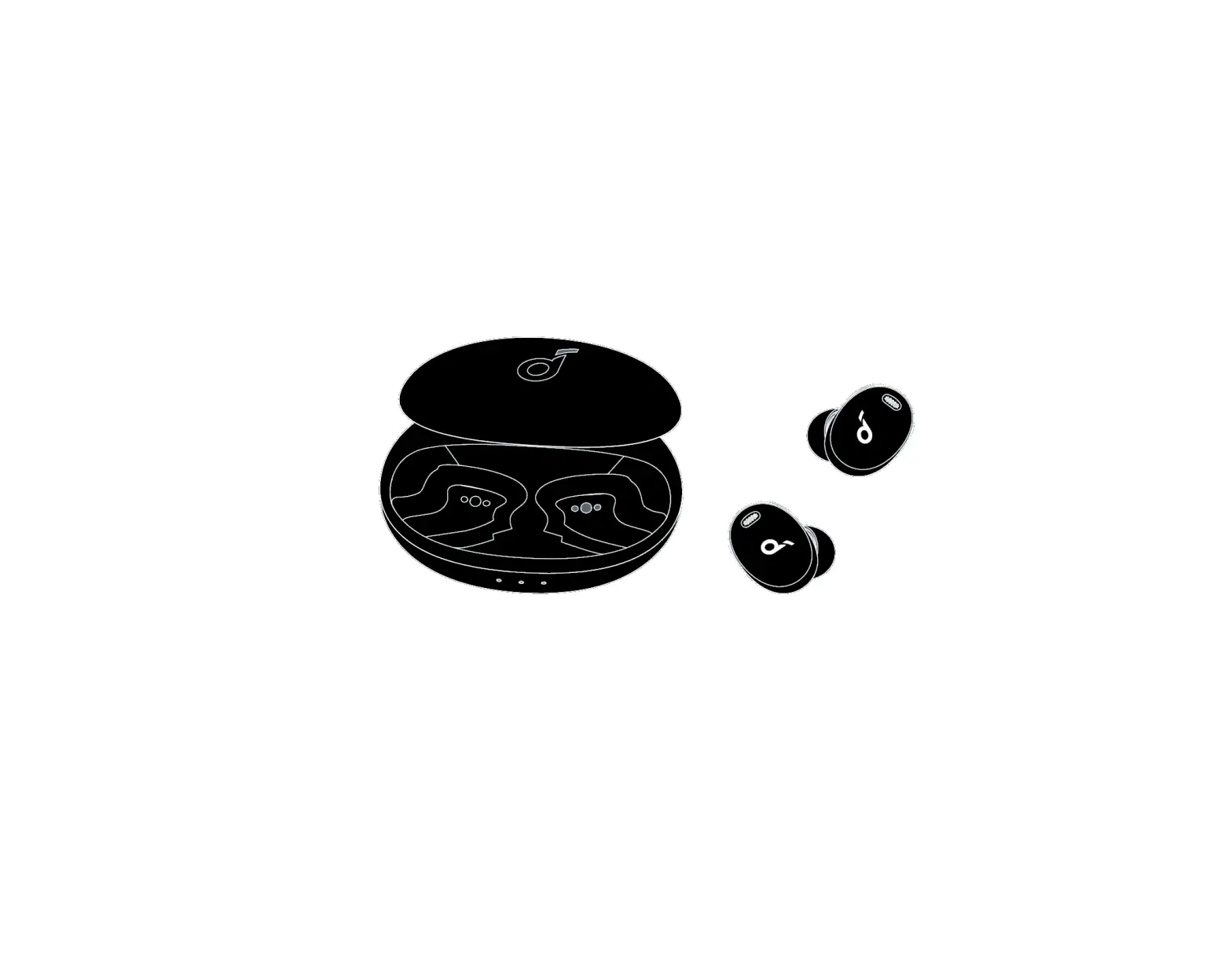
 PRODUCT DESCRIPTION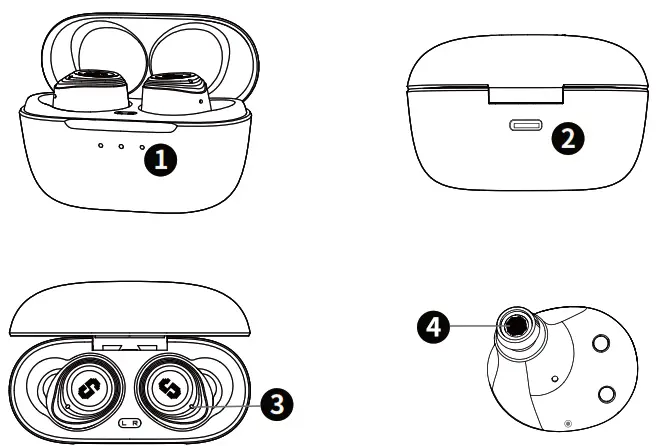
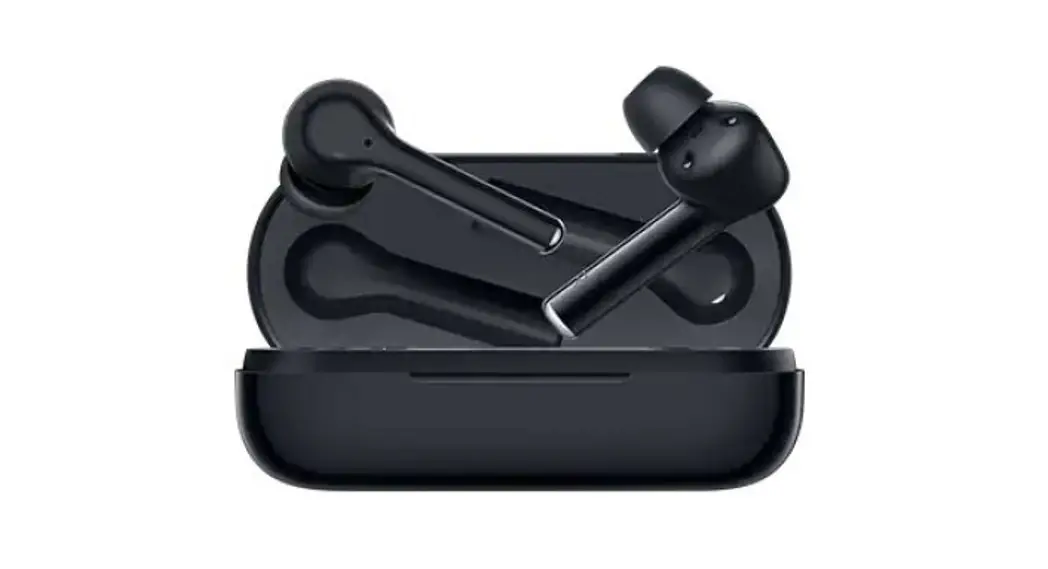
- Indicator light
- Type-C charging port
- Microphone
- Microphone
 CHARGING
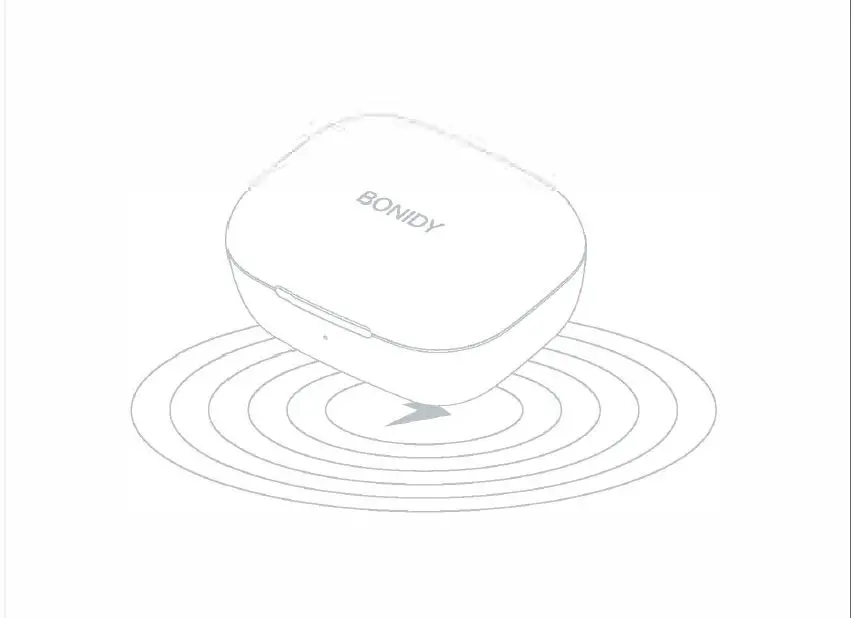
Fully charge both the earbuds and the charging case before the first use. The 3 LED indicators are lit when fully charged. Note: Please remove the insulating film on the earbuds when using it for the first time, otherwise it will not be able to charge.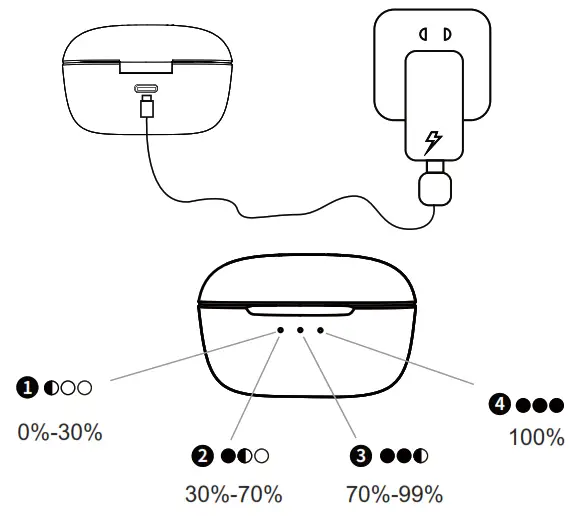
 WEARING
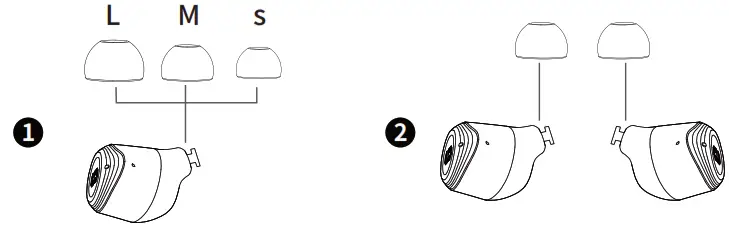
Choose the ear tips that fit your ears best
Install the ear tips on the earbuds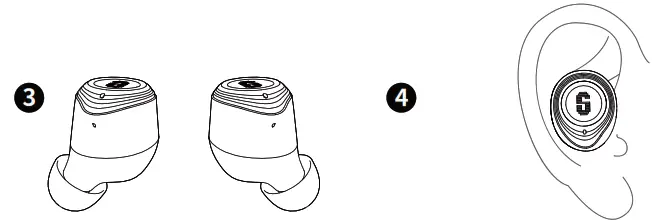 Install the ear tips
Insert the earbuds into the inner canal of your ears and turn gently until you find the most comfortable and secure position 4
 LED DISPLAY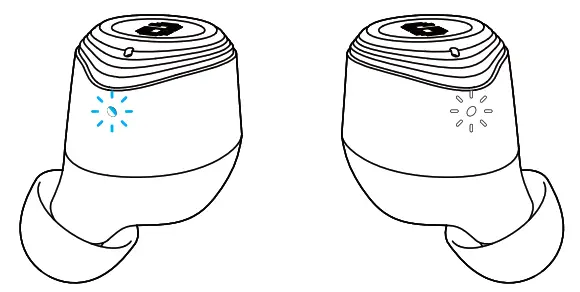
1. The two earbuds have been paired with each other (normal): the main earbud flashes alternately blue and white and the second earbud flashes white every 5 seconds.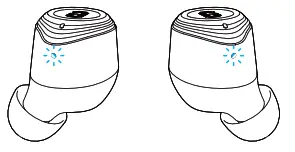 2. The two earbuds lose their pairing: The two earbuds flash alternately blue and white.
 POWERING ON/OFF
ON Open the charging case, the earbuds will automatically power on.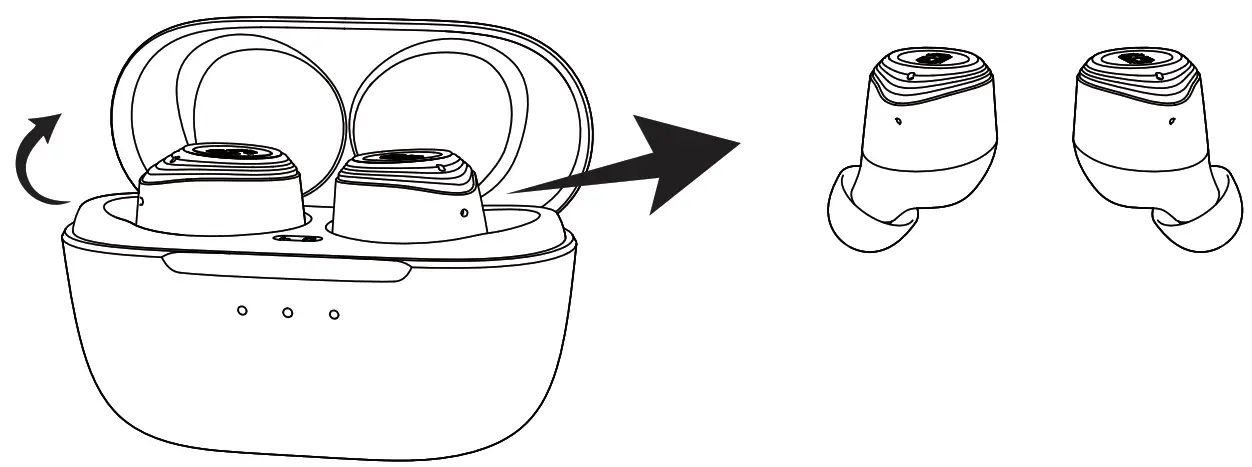
To power off, and close it. place the earbuds in the charging case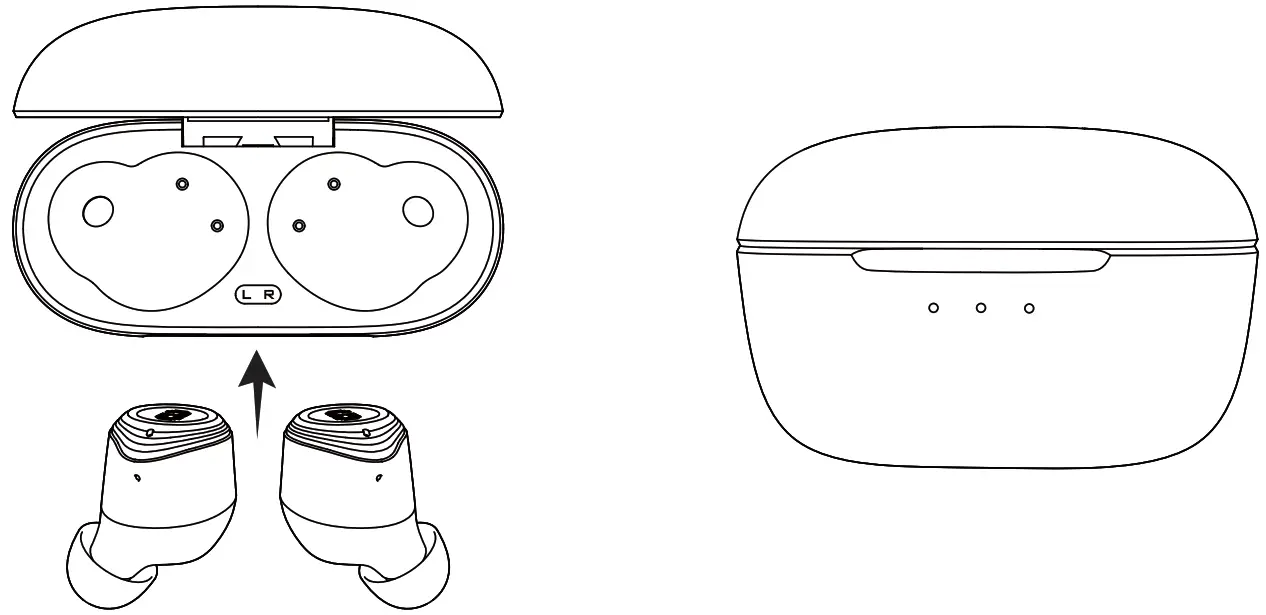
 BLUETOOTH PAIRING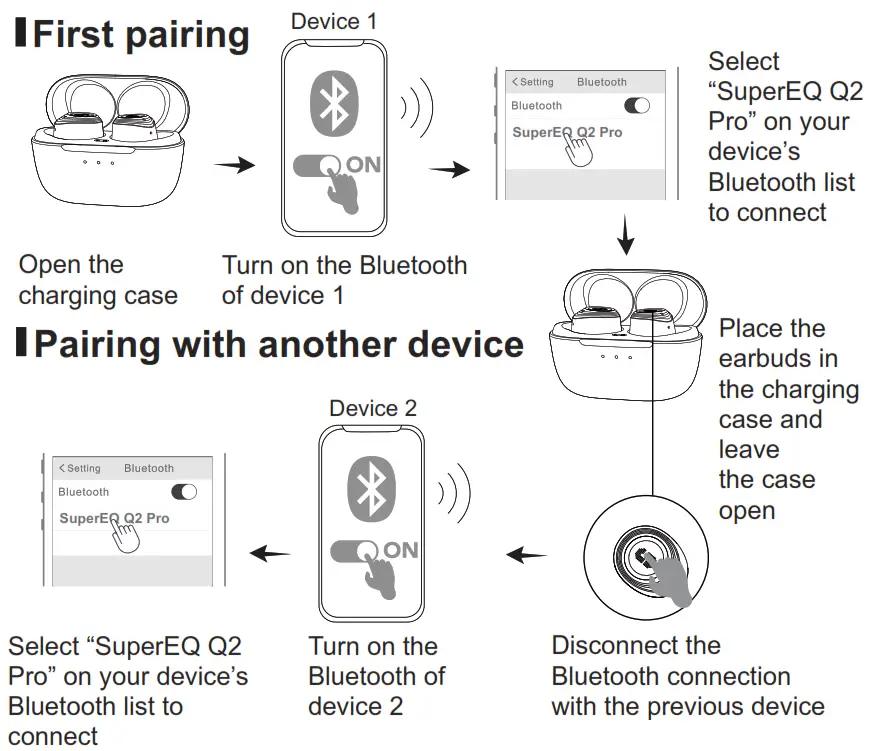
CONTROLS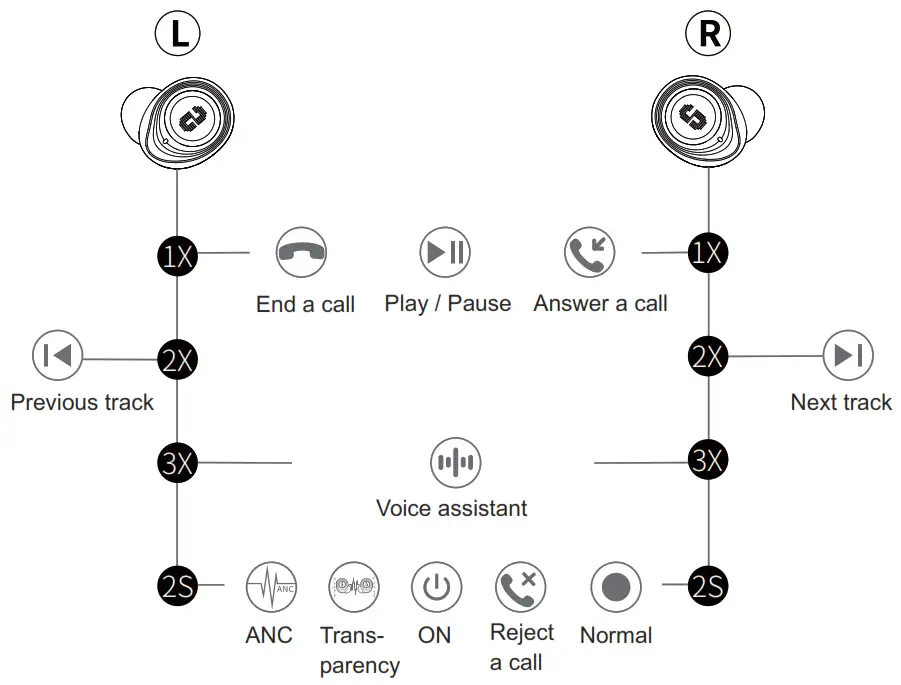
CONTROLS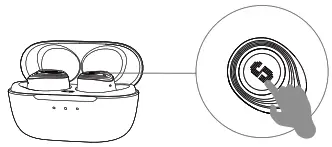
 Normal/Transparency/ANC ON………………………………… Long Press(L/R)
 Voice assistant Voice assistant | Press 3 times(L/R) |
| Play / Pause | Press once (L/R) |
| Previous track | Press twice (L) |
| Next track | Press twice (R) |
 | |
| Answer a call | Press once (L/R) |
| End a call | Press once (L/R) |
| Reject a call | Long Press(L/R) |
CONTROLS
 Normal ModeIt’s the normal mode when you turn on the earbuds at the first time, and it will turn off if you do not connect it to any Bluetooth device in 3 minutes.
 ANC Mode
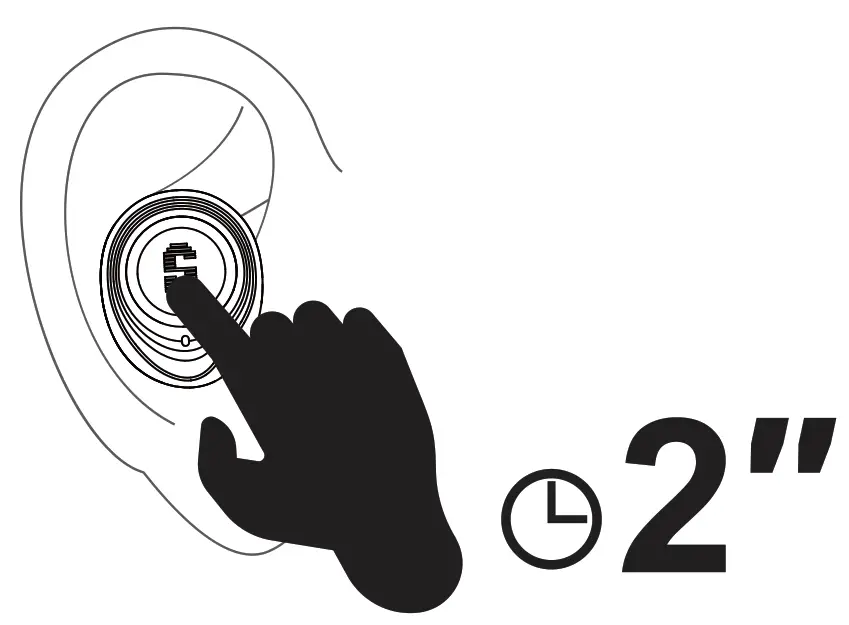 Reduce the low-frequency ambient noises, press and hold(L/R) to start the ANC mode.
 Transparency Mode
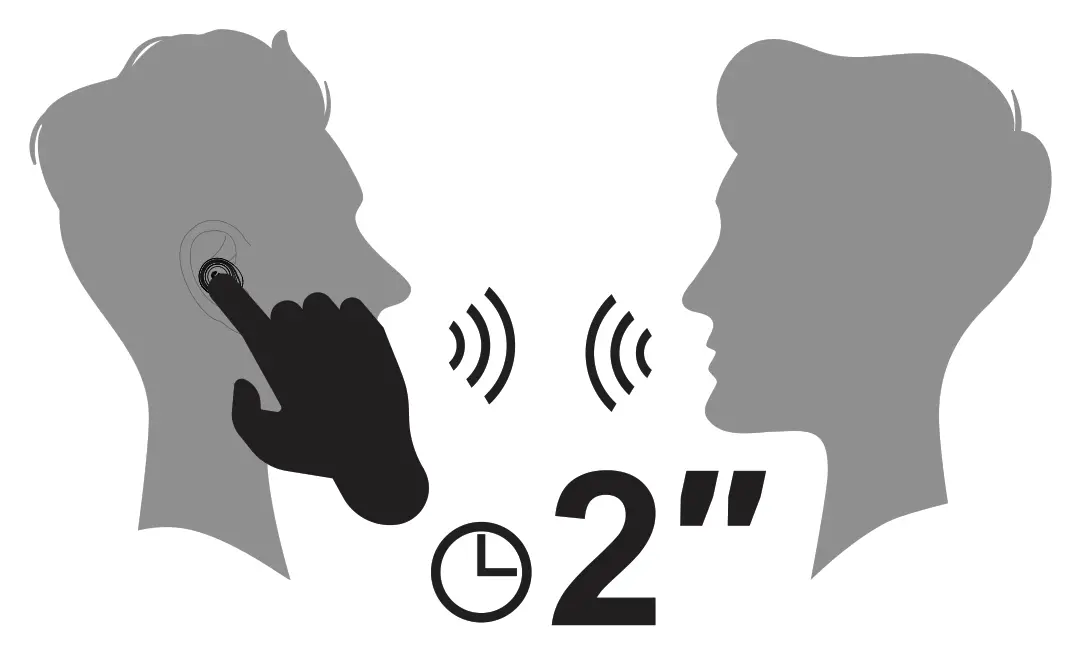 Chat with people without taking off your earbuds, press and hold (L/R) to start the Transparency mode.
 Voice Assistant
 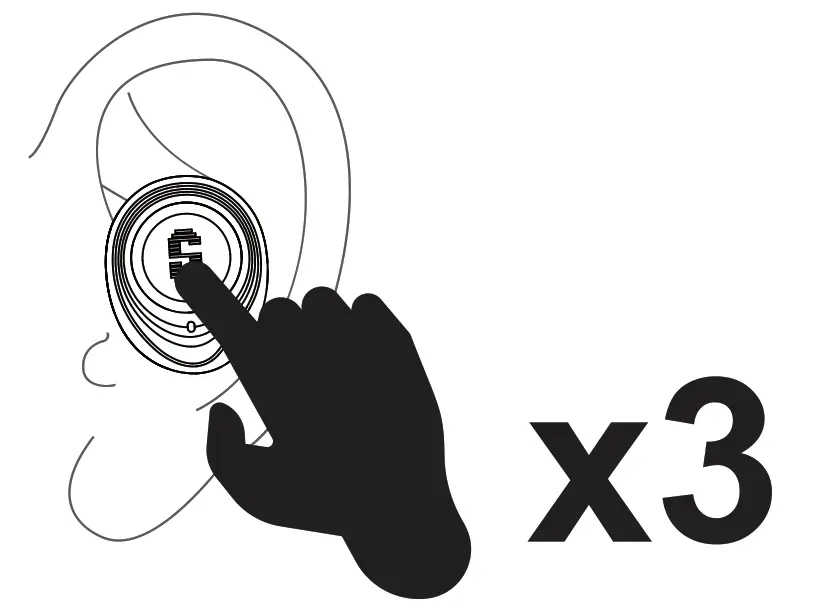 Press 3 times(L/R)to Activate Siri or other voice assistant software.
 IMPORTANT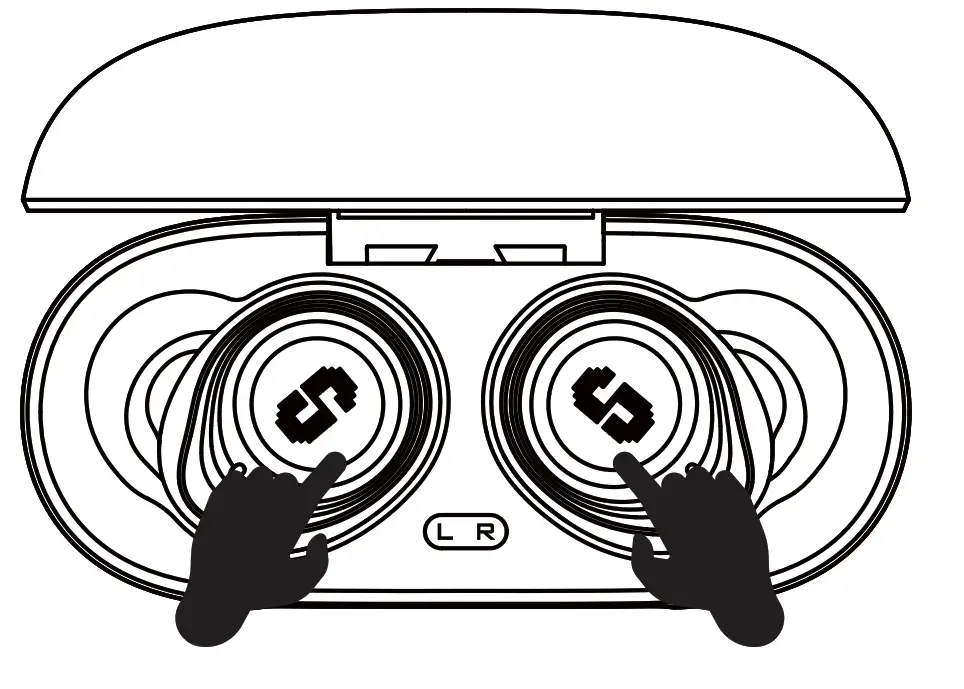
Please try to reset the SuperEQ Q2 Pro and restore the factory default if you face any difficulties:
Place both 2 earbuds into the charging case. Quickly tap 5 times in both ears at the same frequency. The blue LED flashes and resets successfully.
If the right and left earbuds disconnect with each other
Please click the left earbud three times to send the pairing instruction to the right earbud, and the pairing will be successful again.
FCC Warning
This device complies with part 15 of the FCC Rules. Operation is subject to the following two conditions:(1) This device may not cause harmful interference, and (2) this device must accept any interference received, including interference that may cause undesired operation. Any changes or modifications not expressly approved by the party responsible for compliance could void the user’s authority to operate the equipment. This equipment has been tested and found to comply with the limits for a Class B digital device, pursuant to part 15 of the FCC Rules. These limits are designed to provide reasonable protection against harmful interference in a residential installation. This equipment generates uses and can radiate radio frequency energy and, if not installed and used in accordance with the instructions, may cause harmful interference to radio communications. However, there is no guarantee that interference will not occur in a particular installation. If this equipment does cause harmful interference to radio or television reception, which can be determined by turning the equipment off and on, the user is encouraged to try to correct the interference by one or more of the following measures:
– Reorient or relocate the receiving antenna.
– Increase the separation between the equipment and receiver.
– Connect the equipment into an outlet on a circuit different from that to which the receiver is connected.
– Consult the dealer or an experienced radio/TV technician for help.
The device has been evaluated to meet general RF exposure requirements. The device can be used in portable exposure conditions without restriction.
FCC ID:2A25A-Q2P52