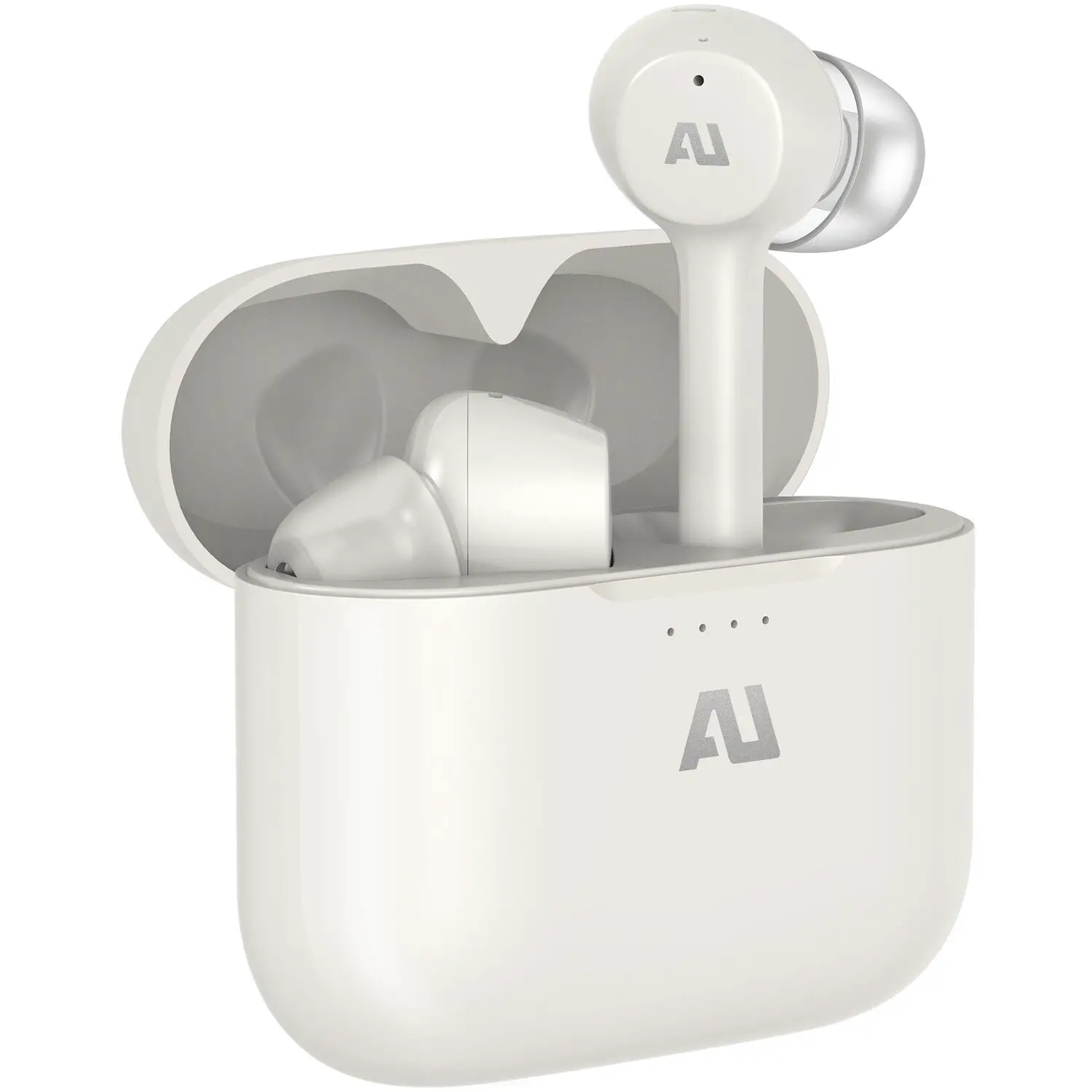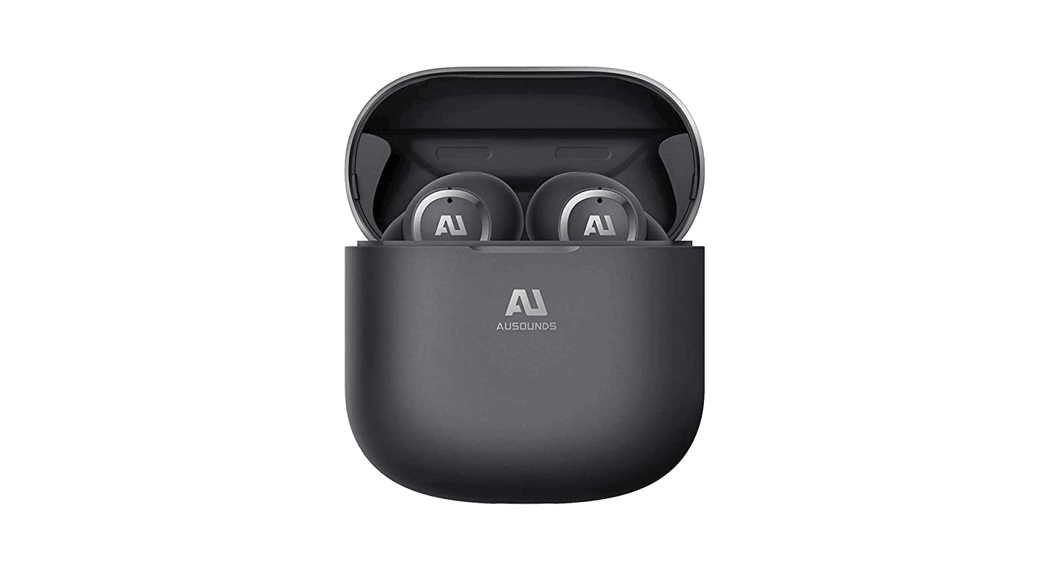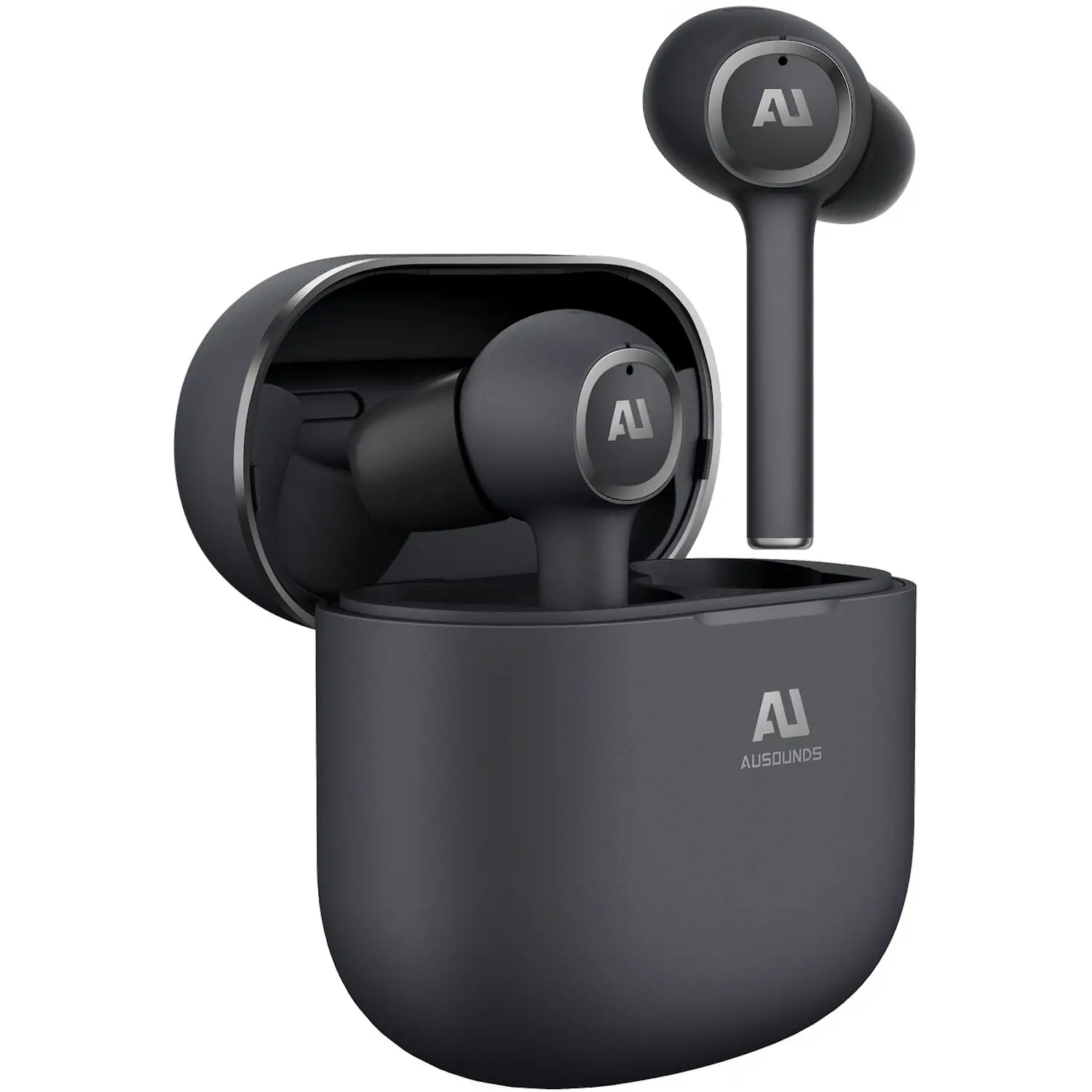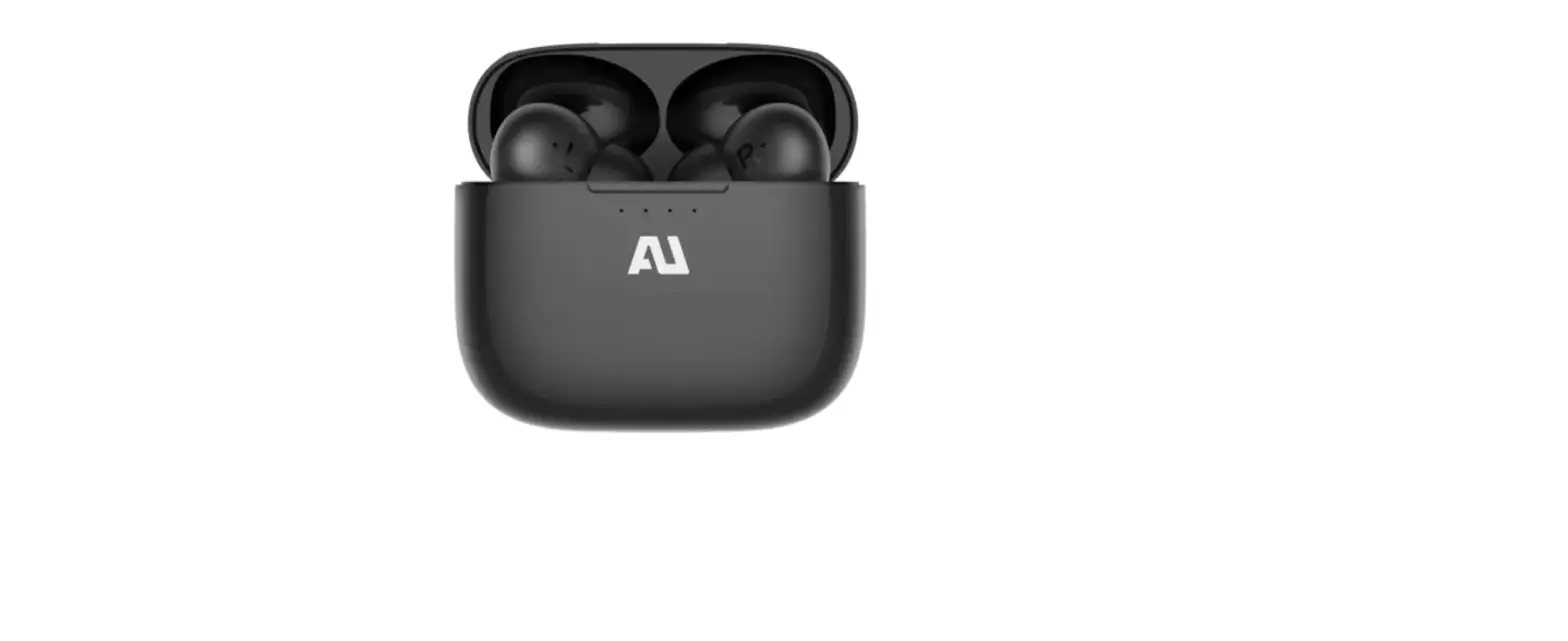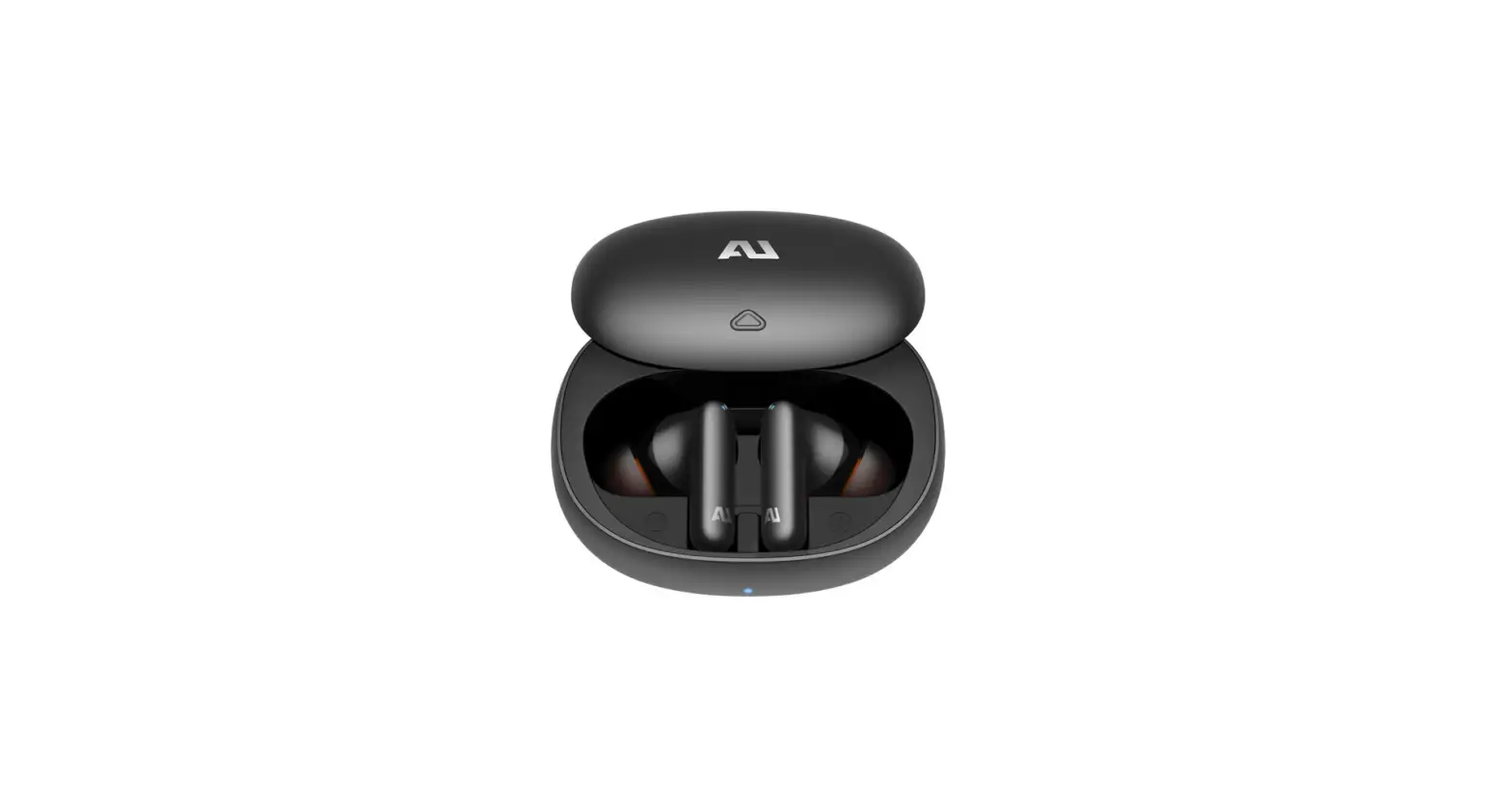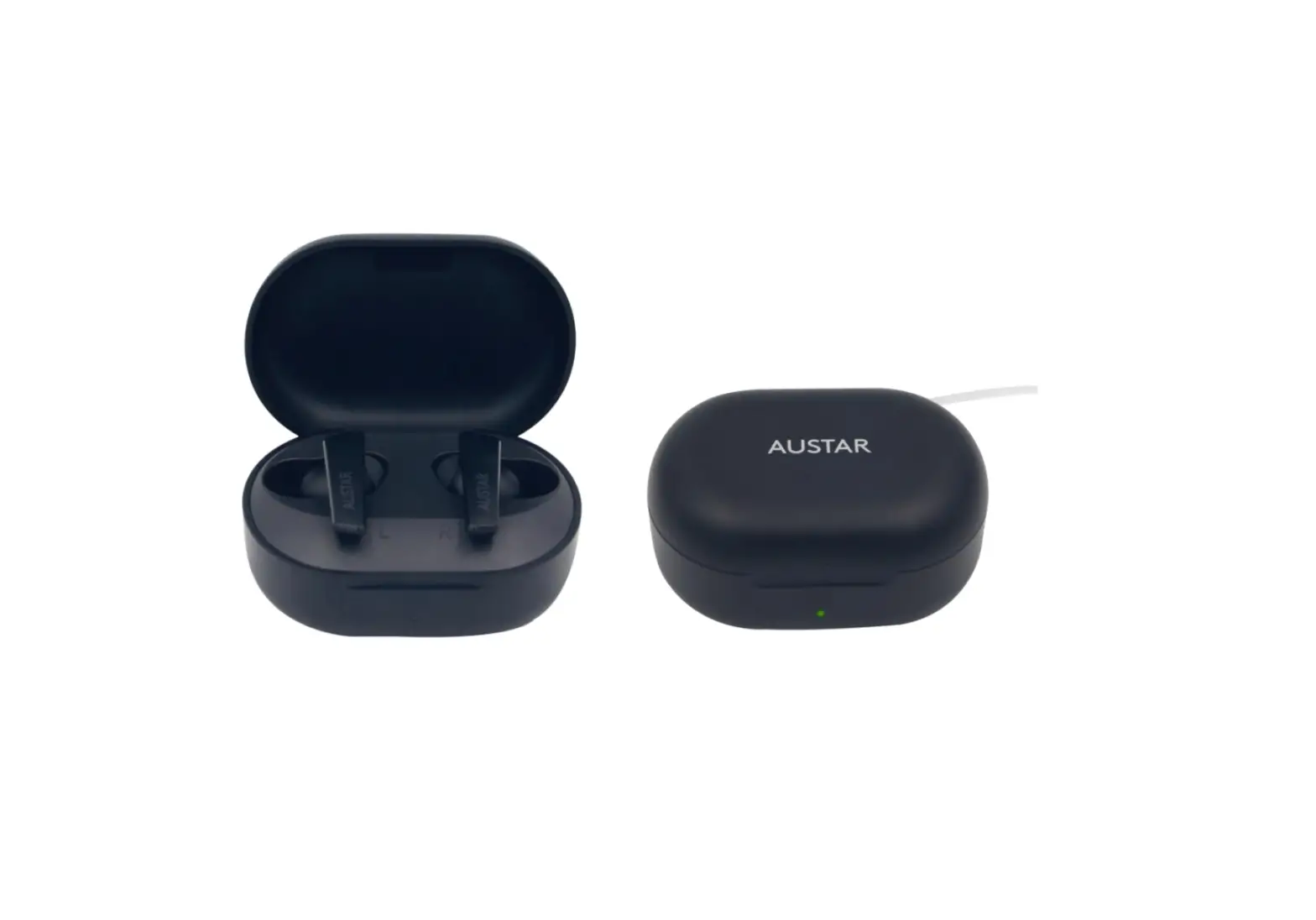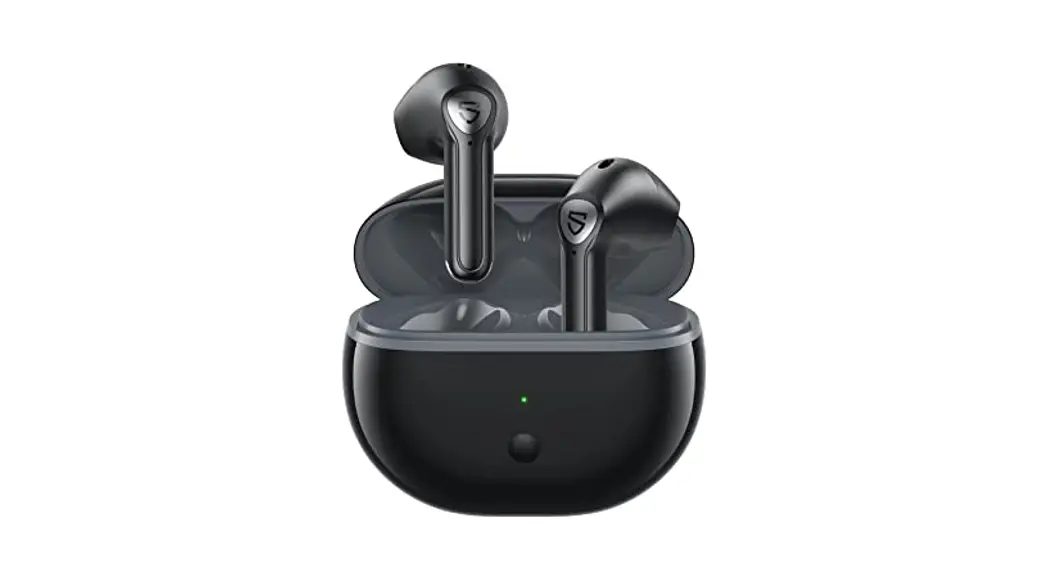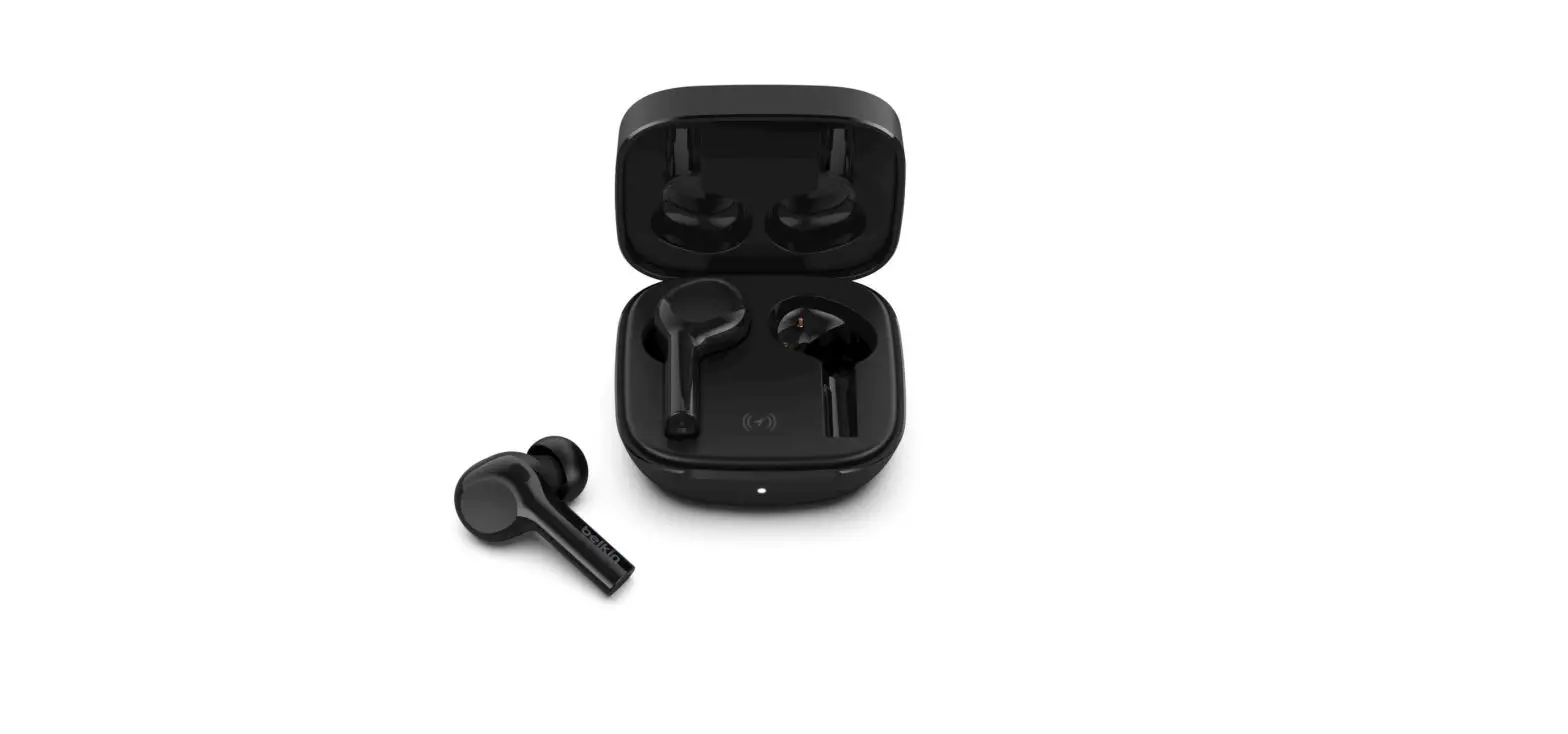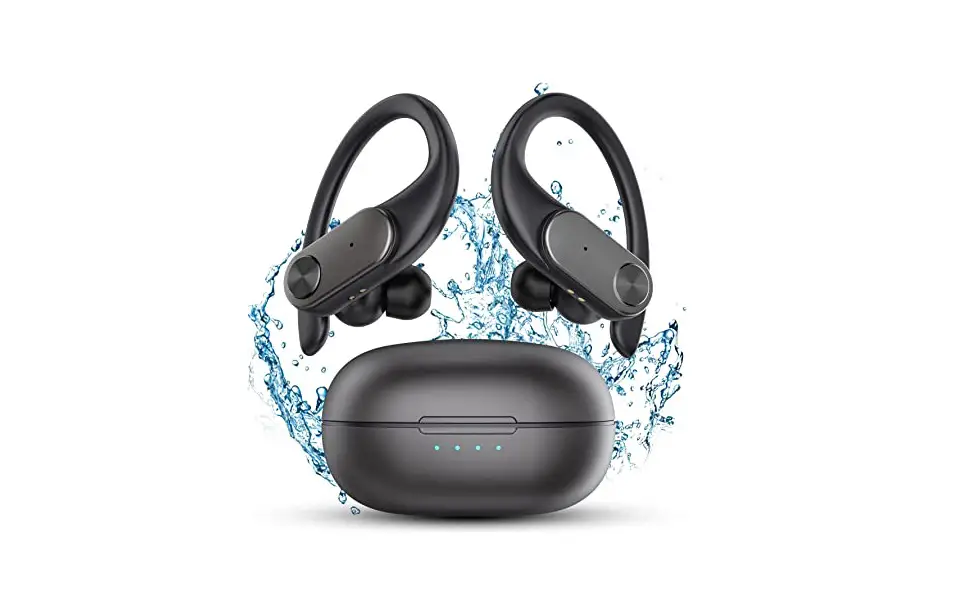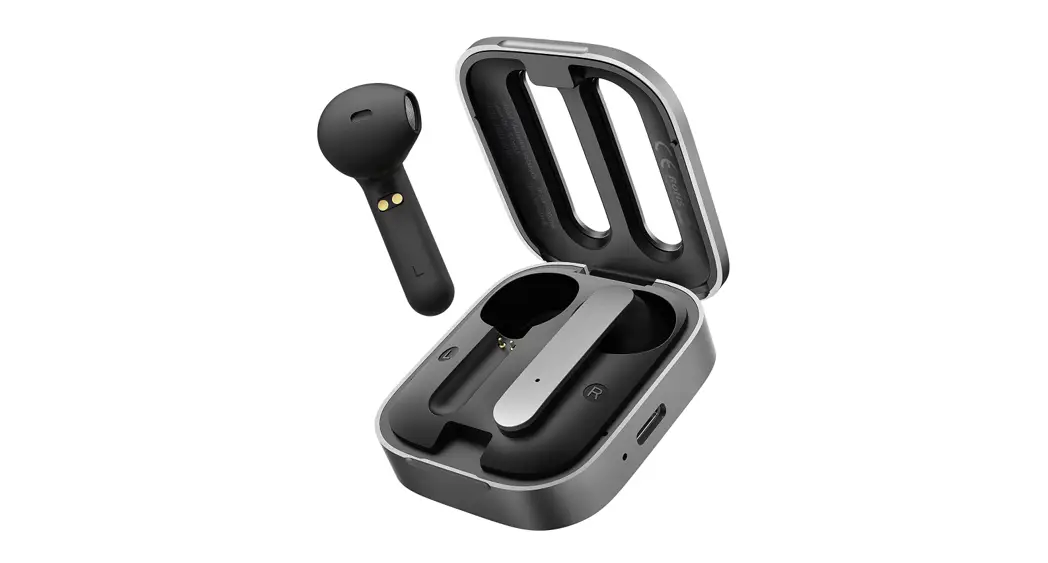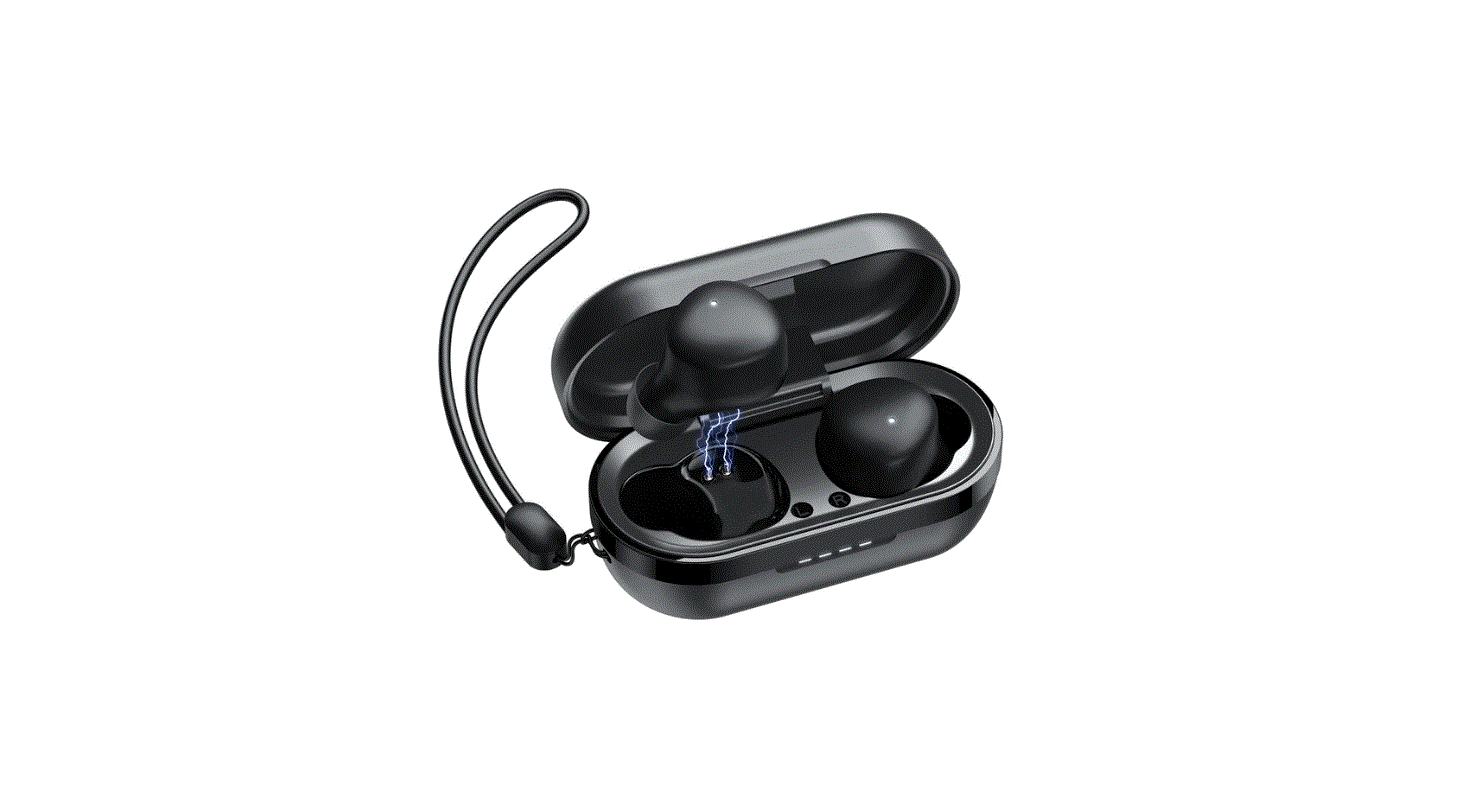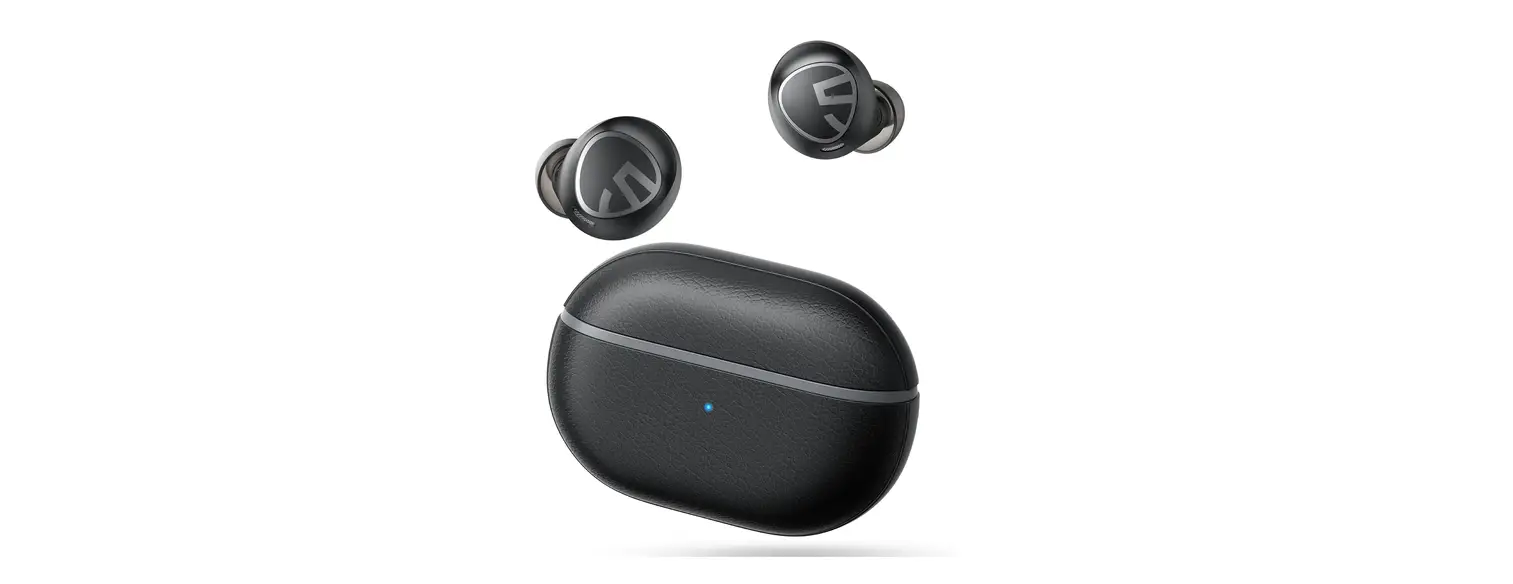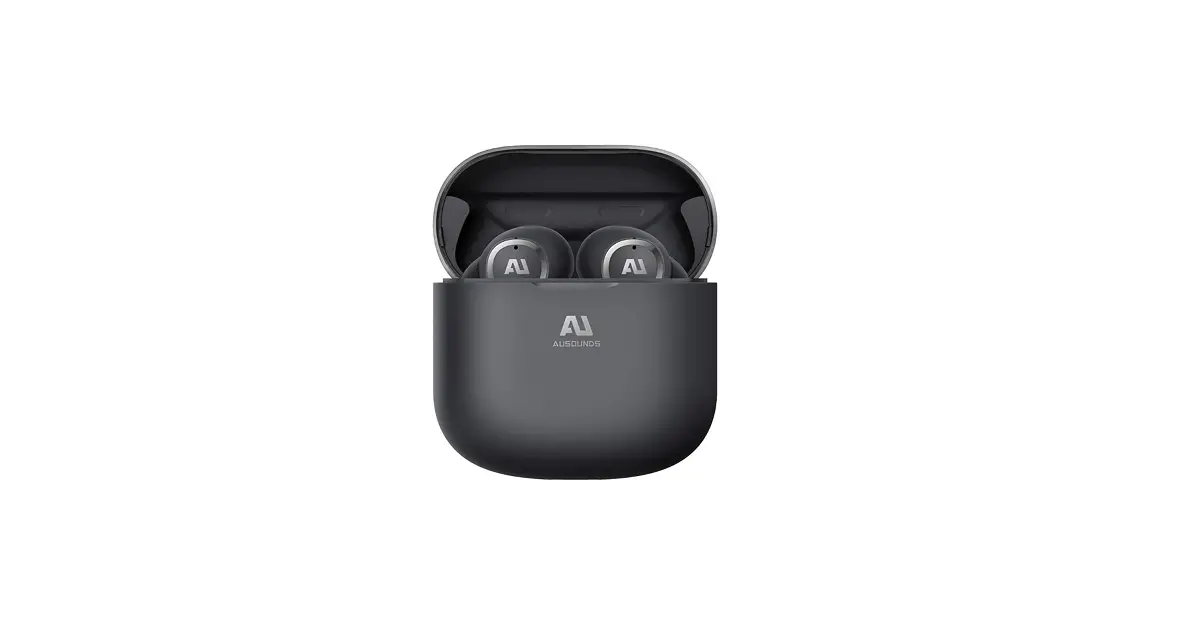
 Ausounds AUSANC102 AU-Stream Wireless Earbuds
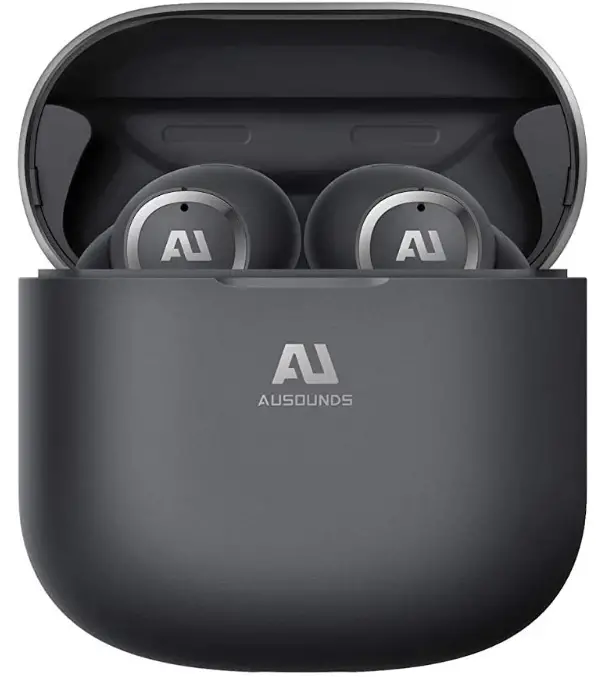
What’s In the Box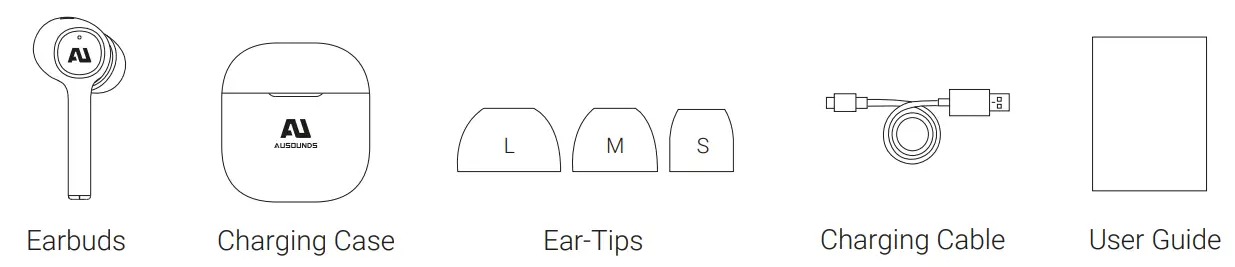
AU Stream
The AU-Stream is the light version of our renowned AU-Stream ANC earbud. Designed with the same guiding principles of premium audio, technology and comfort. The AU-Stream has been engineered with many of the same leading-edge technologies minus the noise-cancellation feature and is ideal for audio enthusiasts and a perfect choice for music creators’ everyday use.
Similar to the ANC version the audio signature was designed for balance and clarity. The AU Titanium driver gives it a more realistic audio playback because of its three-layer 13MM Titanium film, giving this true wireless earbud a frequency range of 20Hz – 20KHz. This earbud is engineered to give you premium audio at an accessible price with the durability and comfort to listen to your music all day, everywhere.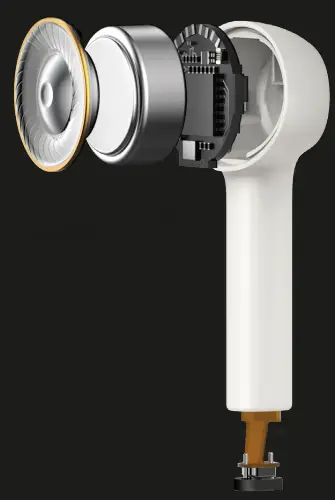
High-Performance AU Titanium Driver
A 13MM AU Titanium composite film speaker with a frequency range of 20Hz – 20KHz, and tuned to perfection for everyday use. This driver was engineered to give the ultimate sound in a mobile lightweight housing.
Bluetooth 5.0 with smart pairing
You no longer have to connect. Just open your case and remove your earbuds and that’s it. With new Bluetooth 5.0 your AU-Stream will automatically connect to your device as long as you are within 32 feet of it.
Supports AI voice assistant
AU Stream comes equipped with AI voice assistant technology. With three simple taps on your AU Stream earbuds, you will activate the premium microphones allowing you to access this highly convenient function.
Rapid Wireless Charging Case
Our rapid wireless charging case is quick and easy to use. It takes today’s wireless technology and creates a feature that is a must have for mobile convenience. On the go became that much easier. This case will charge your AU-Stream on any Qi certified wireless charging port.
Waterproof IPX5
IPX5 Waterproof rating in our headphones can resist a sustained, low-pressure water jet spray. This is not only good for unwanted drops in water, but this is the best rating against sweat, so you keep a sustained music quality and performance when you’re using these for your morning hike.
Total Battery Life 17.5 Hours
With five hours of talk and music playback and a pocket-sized case with an additional fifteen hours of charge, you will never have to worry about charging your earbuds again.
Dual Microphone for crystal clear calls
Conference calls and long-distance collaborations need the best voice quality. We spared no expense on this feature, adding dual mics to ensure you cancel ambient noise but hear the caller clearer than ever.
Master dual switch
The master dual switch technology automatically switches to and prioritizes your active earbud. AU Stream detects which earbud is in your ear or still charging in the travel case and switches audio playthrough and microphone reception to the active unit, while deactivating the dormant unit.
CHARGING THE EARBUDS AND CHARGING CASE BEFORE USE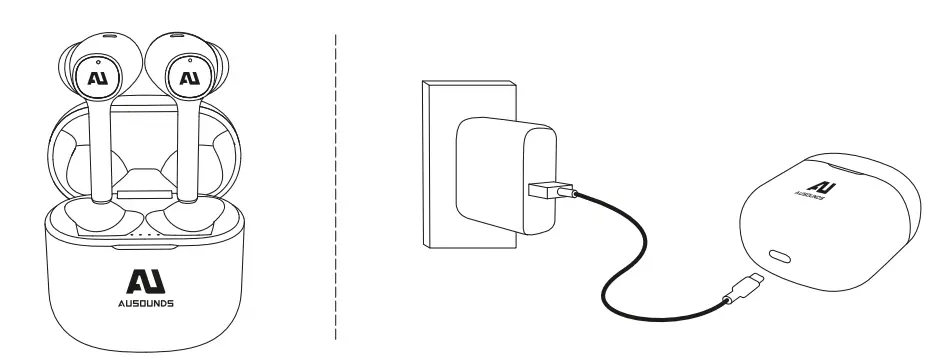
FIND YOUR FIT
Choose the size of the silicone ear tips that provide a secure and comfortable fit for the perfect audio seal.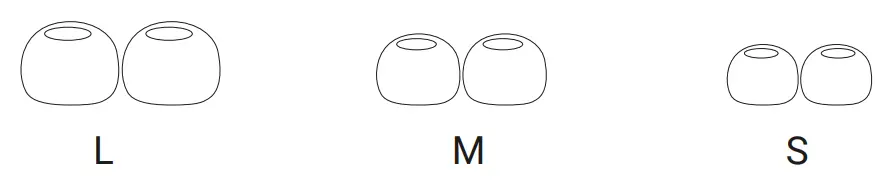
PAIRING
- Open the battery cover and the headset will automatically turn on. Press and hold the base button 2 seconds to enter the Bluetooth pairing status.
- To pair, keep earbuds in case
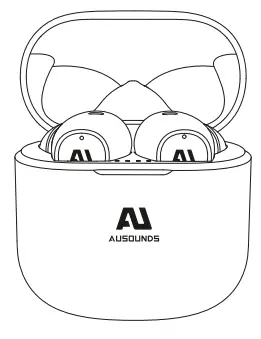
- The first and fourth indicators of the charging case flash quickly
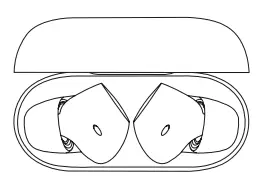
Turn on Bluetooth® on your device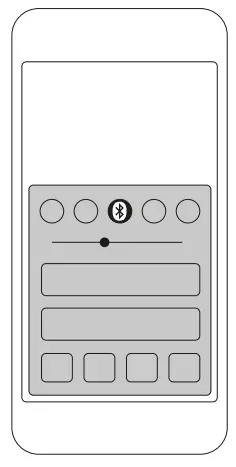
Select AU-Stream ANC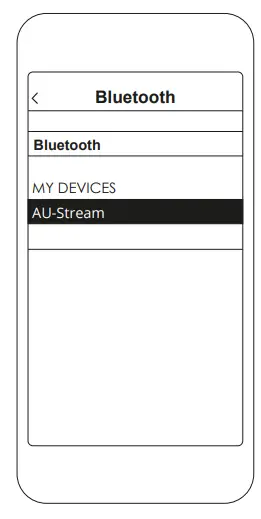
Not pairing with your device?
Try restarting your device; then repeat the pairing process.
CONTROLS
On the Left or Right Earbud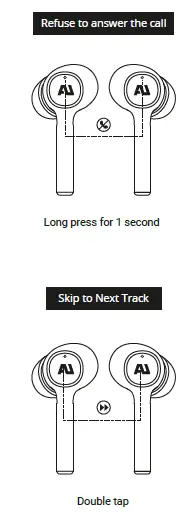
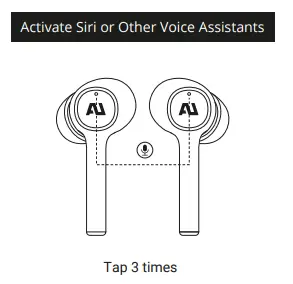
PRODUCT DETAILS
When using for the first time, please charge at least 10 minutes first.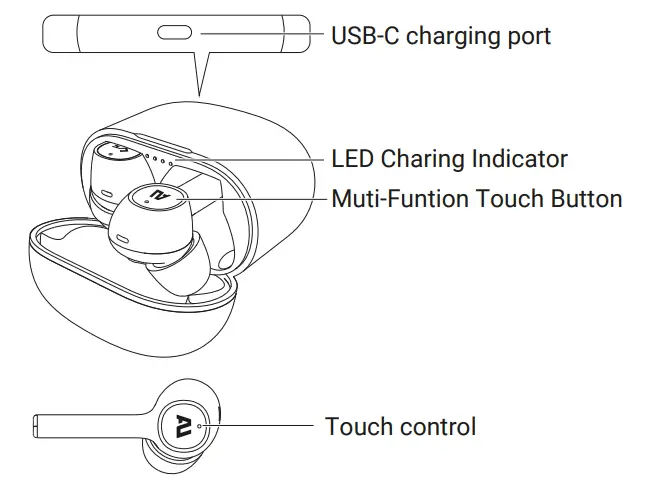
LISTENING COMFORT
Select the right size ear tip
Please choose the ear tip size for a comfortable fit and audio seal for the ultimate audio playback. Lightly pull the ear tip, remove it from the earbuds, and install a new suitable ear tip.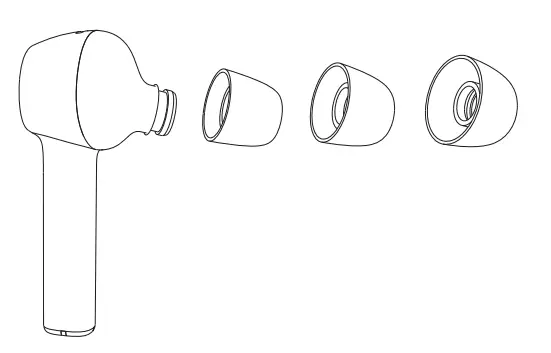
Wearing earbuds
Lightly insert the earbuds into the ear and adjust it to a comfortable angle by rotating the earbuds (R is the right ear and L is the left ear)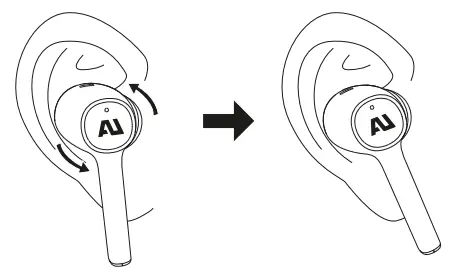
BLUETOOTH FEATURES
Automatic remote connection
When the ear buds and your mobile phone are disconnected, due to distance, just return the correct distance and the ear buds will automatically connect to your mobile phone and return to the normal connection state. If it is disconnected for more than 30 minutes, tap the Bluetooth name in your phone to connect again. If it is disconnected for more than 2 hours, it will automatically shut down.
Automatically switch between left and right ear
Remove any one and put it into charging case ,the earbuds to switch to a single ear state of the earbuds.
Reset
Open the battery compartment cover, press and hold the base button 10 seconds, The indicator light flashes 3 times and the pairing record of Bluetooth and AU-Stream ANC earbuds inside of the case is cleared.
CHARGING
Earbuds charging and battery life
In Bluetooth mode only, a single play can last up to 6 hours and the total battery life can reach 17.5 hours with charging case.
Earbuds charging
Put the earbuds in the charging case and they will automatically shut down and enter the charging state.
Charging Case charging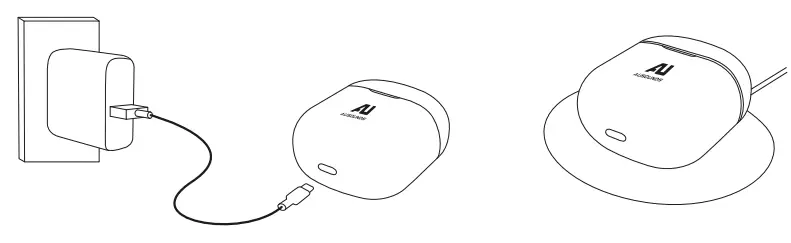
PLAYBACK CONTROLS
volume +- adjustment will be achieved by adjusting the volume of the phone.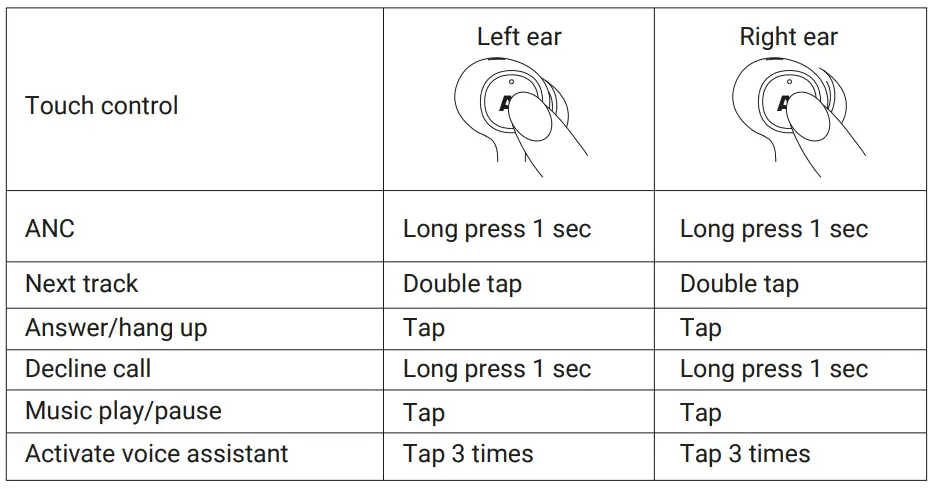
SPECIFICATIONS
- Bluetooth version BT 5.0
- Charging time5H
- Stand-alone battery life 6H
- Earbuds impedance 32Ω
- Rated output power 5mw
- Frequency Range 20Hz – 20KHz
- Denoising depth 25dB
- SPL 103 ± 3 dB@1KHz
- Microphone sensitivity -42dB@1KHz
- Battery capacity 55mAh – earbuds, 350mAH – charging case
- Bluetooth range 33 ft.
- Weight5g (Single earbuds)
- Waterproof level IPX5
- Charging voltage DC_5 V
FAQs
How do you pair Ausounds?
The level is distractingly loud at 01 (the highest is 30). It should be placed far enough away from you. The earbuds should be taken out of the charging case. 3. Choose AU-STREAM HYBRID. The earphones will come on automatically and enter pairing mode after 10 seconds. On your device, enable Bluetooth® and go to pairing mode.
How do I get both of my Ausounds earbuds to work?
Attempt a different set of headphones. Restart the apparatus. Look over the settings. Update the drivers and software. Make the headphone jack clean.
How do I work my Ausounds wireless earbuds?
Toggle the listed headphones. Pull down the phone’s top shade on an Android device, then long-press the Bluetooth icon. It will immediately take you to the Bluetooth menu, where you may enable it and then start looking for devices. To pair a pair of headphones, tap their name.
How do you hook up Ausounds AU stream hybrid?
Enter the Bluetooth settings on your device and choose AU-STREAM HB to link them. The earbuds will automatically connect to your device after the initial setup when they are taken out of the charging case.
How do I turn on Ausounds ANC mode?
Until you hear a chime, press and hold the force sensor on the AirPod’s stem. Press and hold the force sensor on one AirPod while wearing both AirPods to alternate between Active Noise Cancellation and Transparency mode.
Why is only 1 of my Ausounds earbuds working?
One earbud not working can be caused by a variety of problems. Some issues can be resolved easily, such as bluetooth pairing issues or devices that just require cleaning or resetting. Other problems, such a short circuit, frayed wire, or water-damaged devices, are more difficult to fix.
What happens if only one Ausounds earbud works?
Make the earphone cord straight. Attempt a different set of earbuds. Make the headphone jack clean. Restart the apparatus. Check the audio settings on the device. Examine the earphone cables for damage.
Why can I only hear out of one Ausounds earbud?
Make sure the audio source has stereo output capabilities if you can only hear audio coming from the left side of your headphones. A mono gadget only outputs sound on the left side. A device will typically be mono if it has an output jack marked “EARPHONE,” while a device with an output jack marked “HEADPHONE” will typically be stereo.
How do I know when my Ausounds earbuds are fully charged?
Examine the earphones’ battery indicator light to see how they are doing. When the earbuds are inserted, the case and earbuds will both charge at the same time. The case can be charged independently of the earbuds. Charged in red. Fully charged in green.
How do I know when my Ausounds true wireless earbuds are fully charged?
After 10 seconds, the earbud’s indicator becomes red, and it turns off when the device is turned off. Fully Powered When electricity is cut off to the charging case, the white indicator on the charging case turns off. You will receive a voice message if the earphones’ battery is low.
How do I know if my Ausounds earbuds noise-canceling is working?
Place both earbuds in the charging case, let them sit for a short while, and then take them out. Tap the touch sensor while wearing the headphones to activate noise cancellation.
Can Ausounds ANC be turned off?
Press the ANC button on the left earcup to turn ANC on or off. A voice announcement indicating the change will be heard.
How do you reset earbuds?
Put the charging case with the two earbuds inside. Hold the earphones close to your Android or iOS device with the case lid open. On your mobile, launch the Samsung Wearable or Samsung Galaxy Buds app. Locate and click “About Earbuds” by scrolling down. Select “Reset” from the menu.
Why does my left Ausounds earbud always stop working?
Your wireless earphones might only work on one side since the initial setup of the earbuds may not have gone smoothly. Other causes include a glitch (which necessitates a manual reset), the necessity to Bluetooth reconnect to your other device, and genuine hardware damage.
Why is my left Ausounds wireless earbud not turning on?
Try re-syncing the charging case and earbuds. Within 30 feet of the earbuds, turn off Bluetooth on all gadgets. For 5 seconds, place the earbuds in the charging case. Exit the case with the earbuds. The charging case and earphones should now interact normally.