
Vividia BD-8050 USB Digital Semi-Rigid Dual-Camera Borescope
Overview
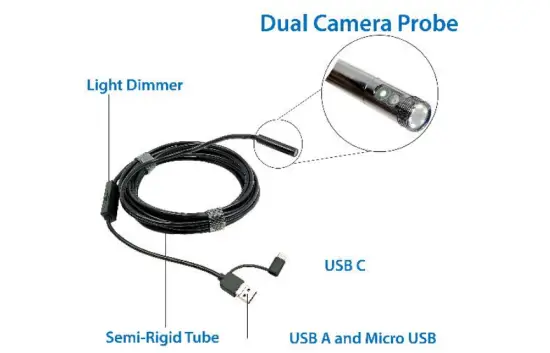
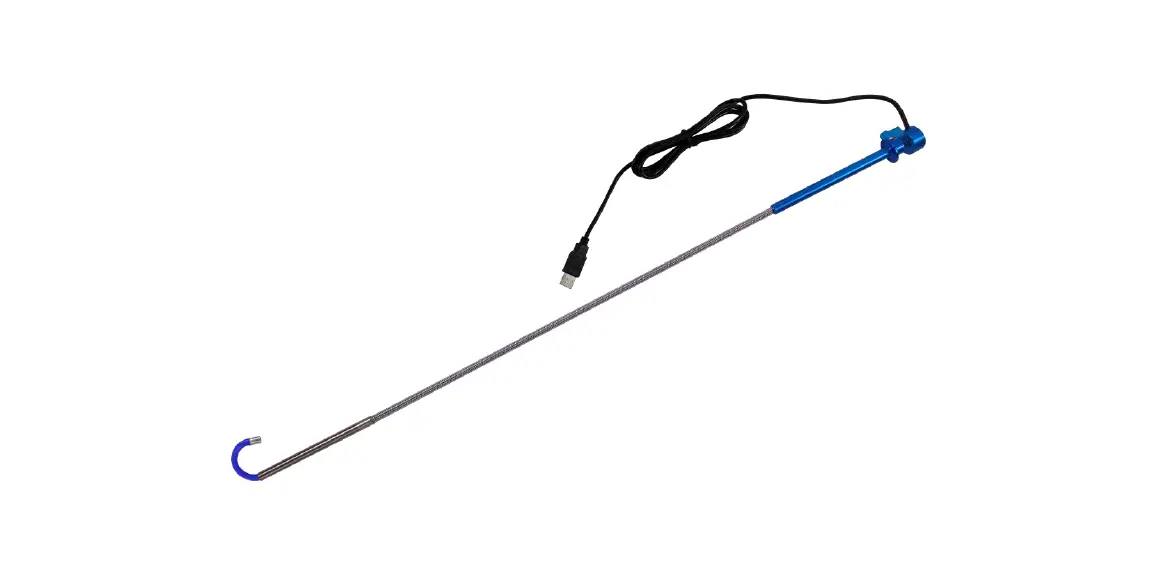
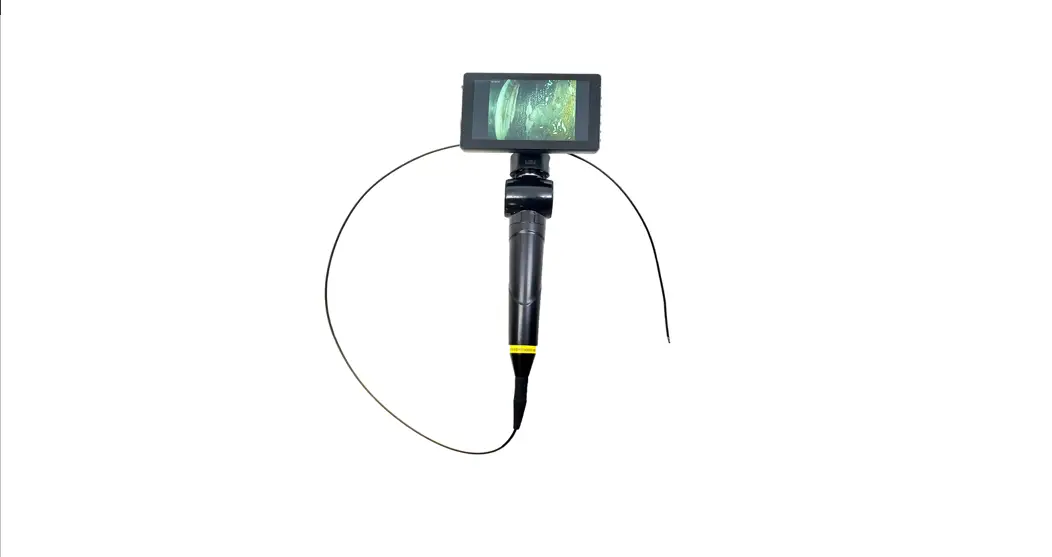
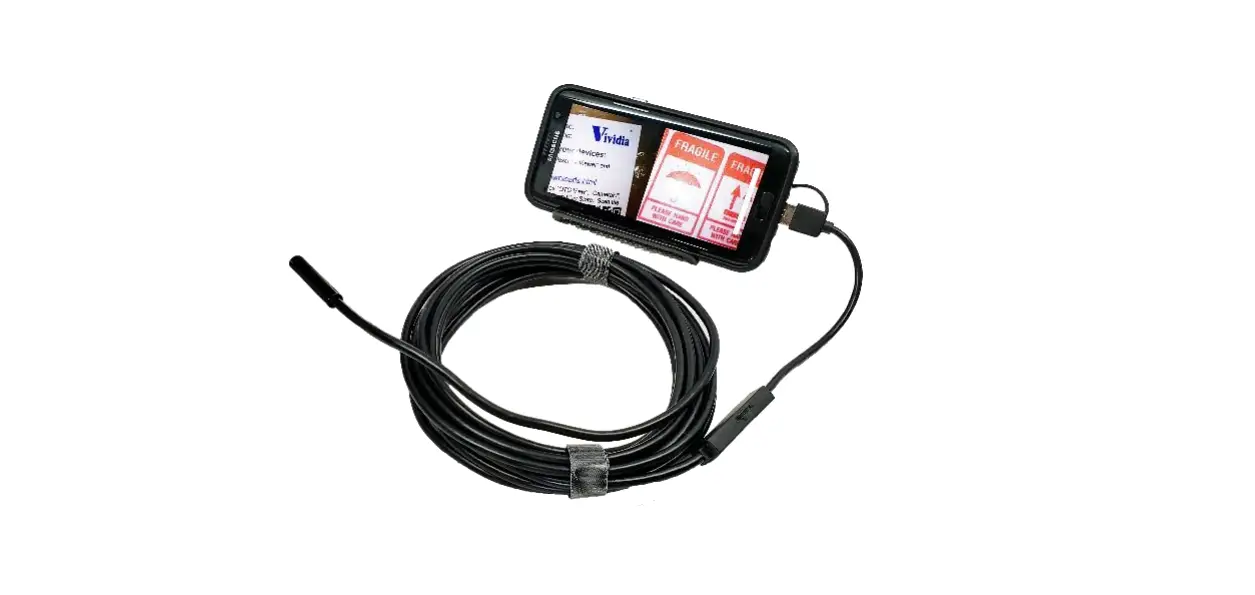
Vividia BD-8050 USB Borescope is semi-rigid borescope with an 8mm (0.32″) diameter probe head, 5-meter-long semi-rigid probe tube and USB output.
How to use Vividia BD-8050 on Windows PC, Mac PC and Android devices:
- On Windows 10 PC: You can use the Microsoft built-in software “Camera” on Windows 10 system.
- Connect Vividia BD-8050 to a USB port on Windows 10 PC
- Open “Camera” software
- Choose the right camera by “switching” cameras
- Switch the front and side cameras by selecting different photo quality. 1280×720 for front-view camera; 1280×712 for side-view camera, and 1280×480 for previewing both side-view and front-view camera simultaneously
- Use software to take pictures and record videos
- On Window 10/8/7/XP/Vista etc.
- Other USB camera software can be used, such as “camera.exe” from our website, AMCAP from online download, “oasis.exe” from online download.
- Switching between front-view camera and side-view camera by choosing different image resolutions: 1280×720 for front; 1280×712 for side; 1280×480 for both views.
- On Mac computers (Mac OS 10.12 and above): Download and install “Digital Viewer for Mac” online
- Connect the USB camera
- Open “Digital Viewer”
- In the device setup page, choose right camera, and choose different resolution to use either front-view camera or side-view camera or both.
- On selective Android devices (phone or tablet):
- There are many USB camera apps can be used. We suggest “Inskam” on Google Play Store
- Choose different camera resolution to switch front, side, or both views