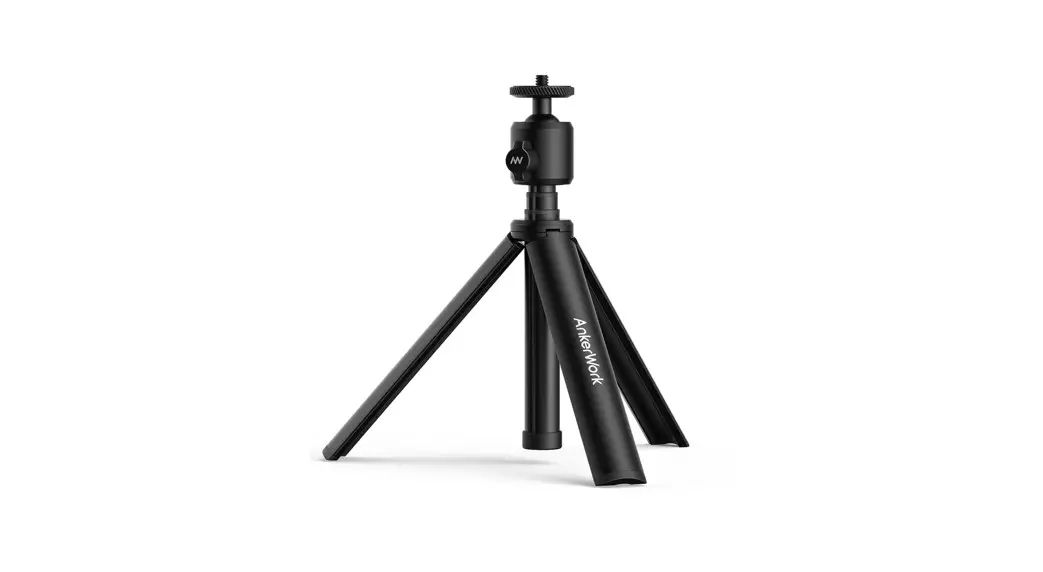

AnkerWork Mini Tripod
User Guide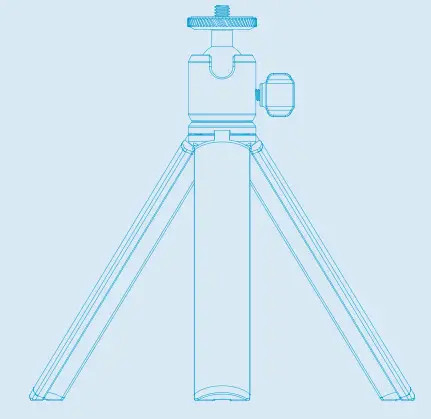
SUPPORT
For FAQs, detailed user manuals, and other information, please visit support.ankerwork.com.
USING YOUR TRIPOD
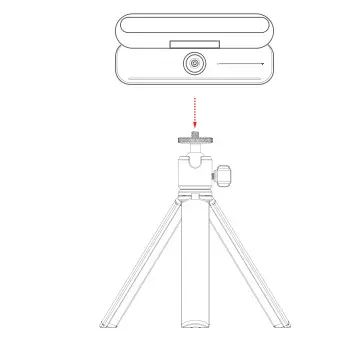
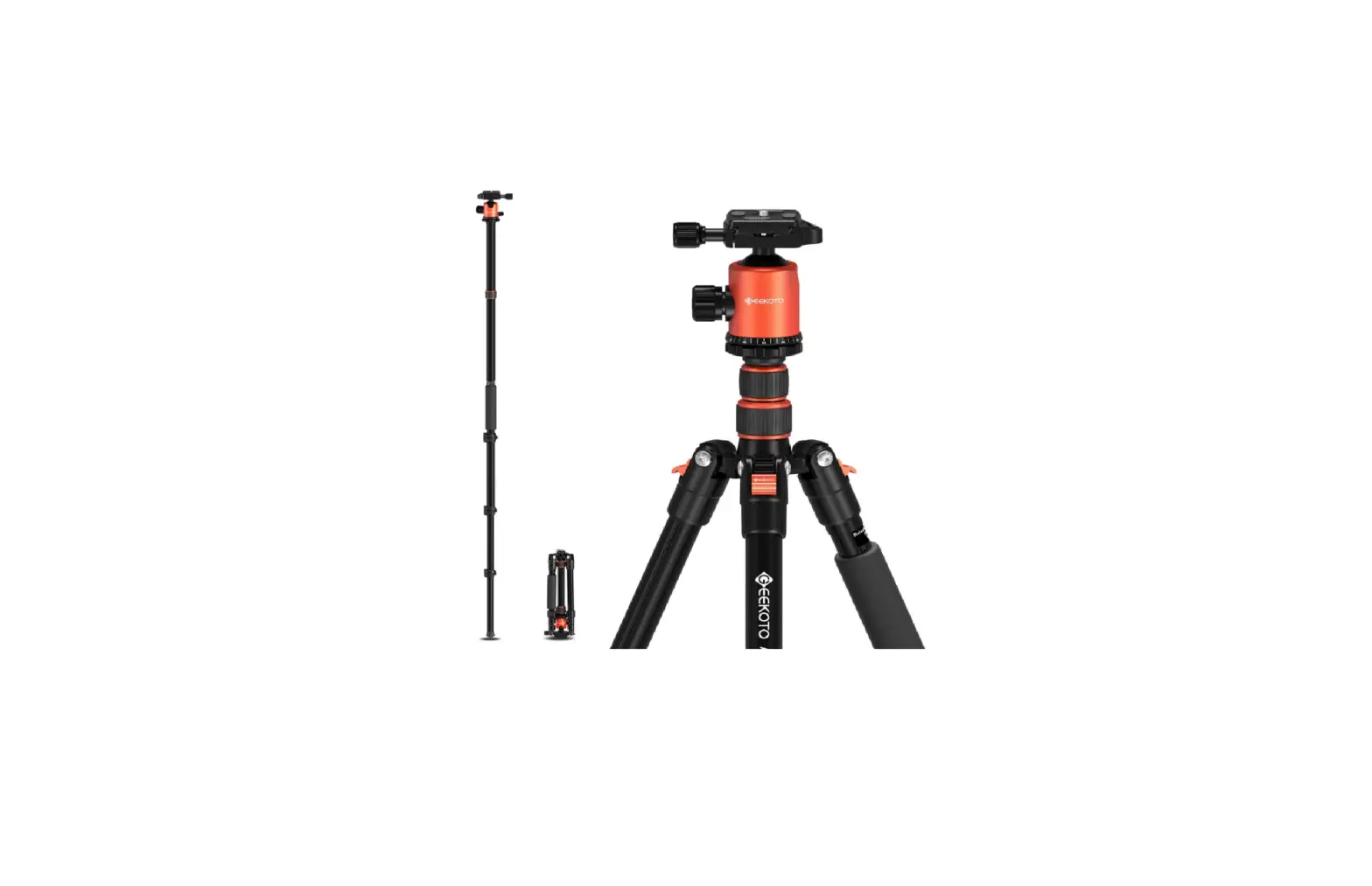
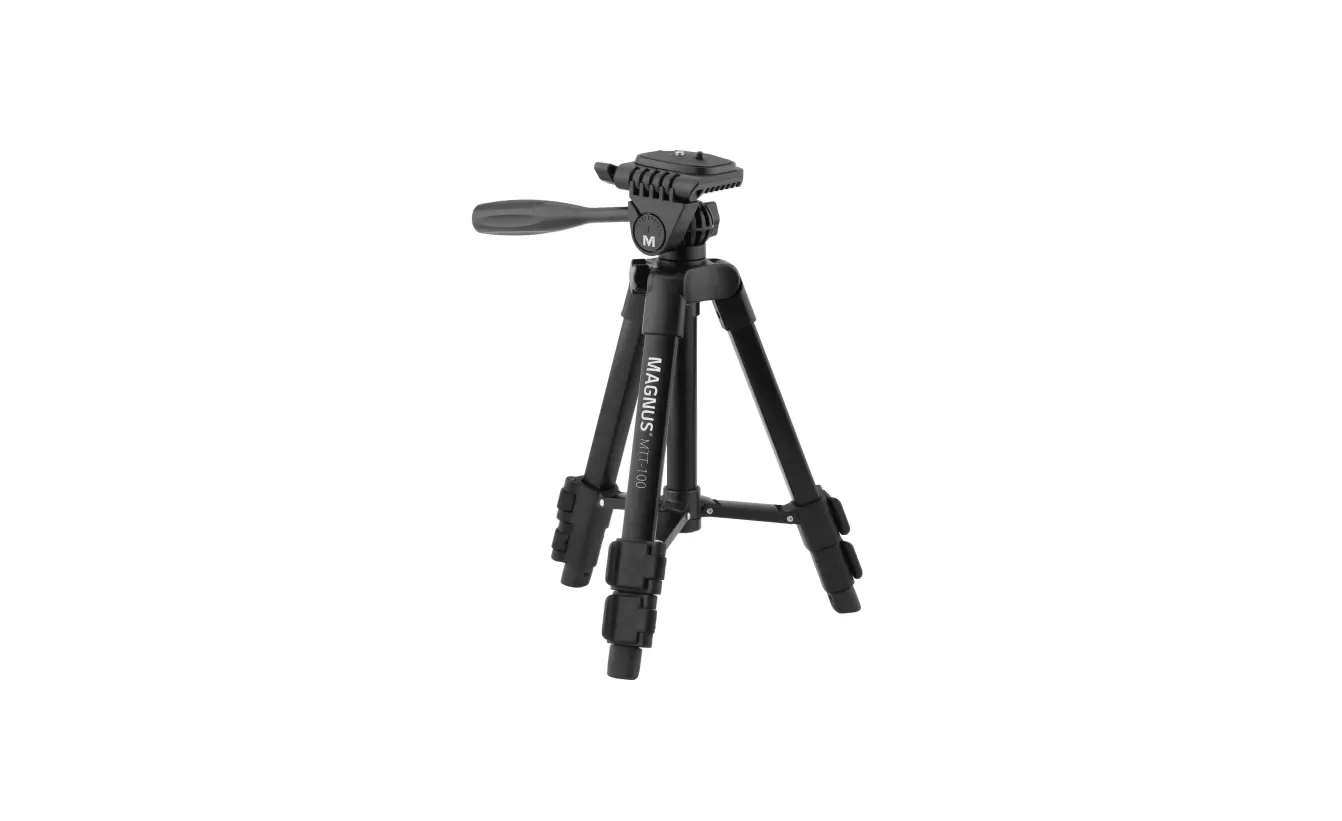
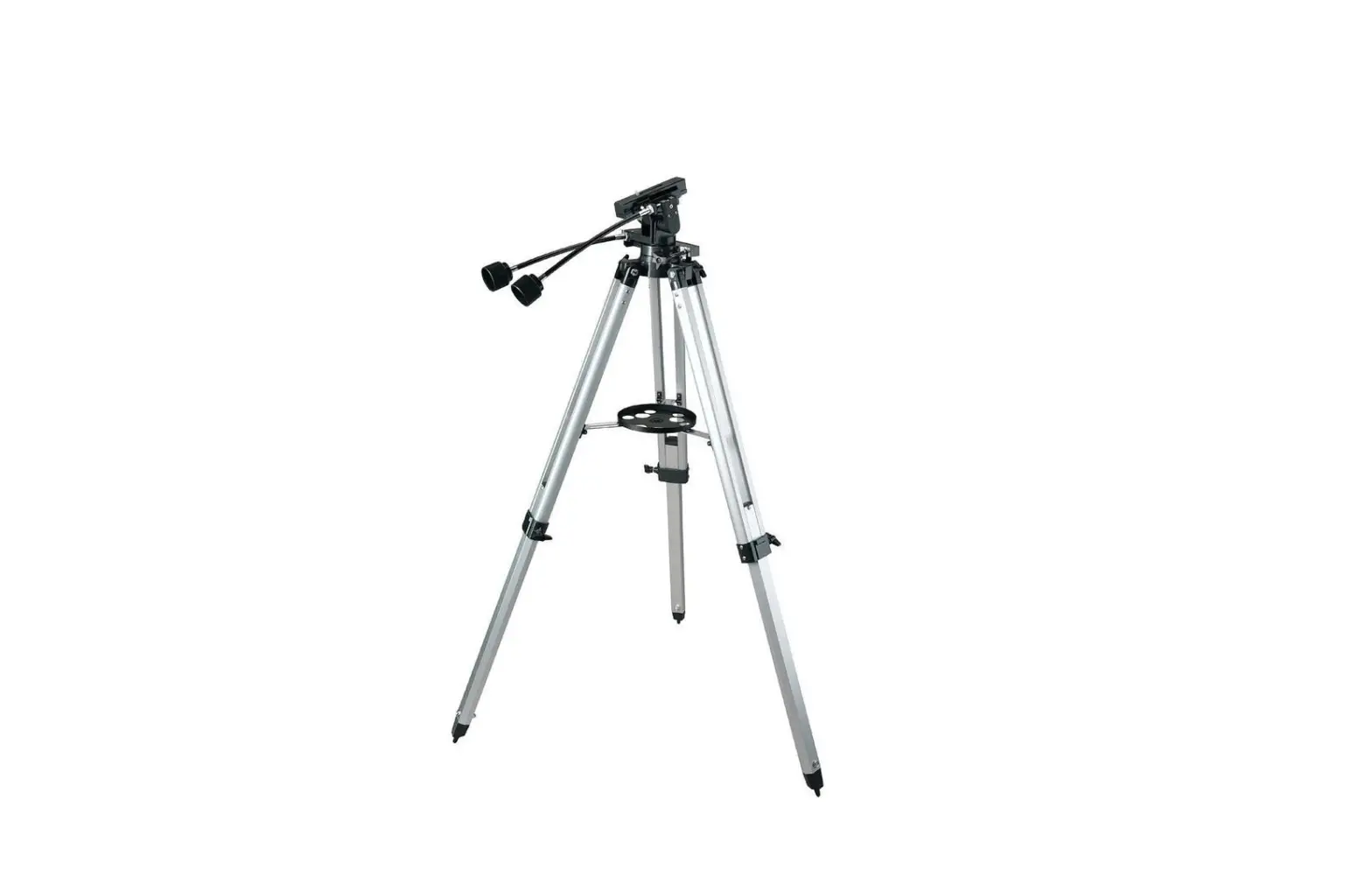
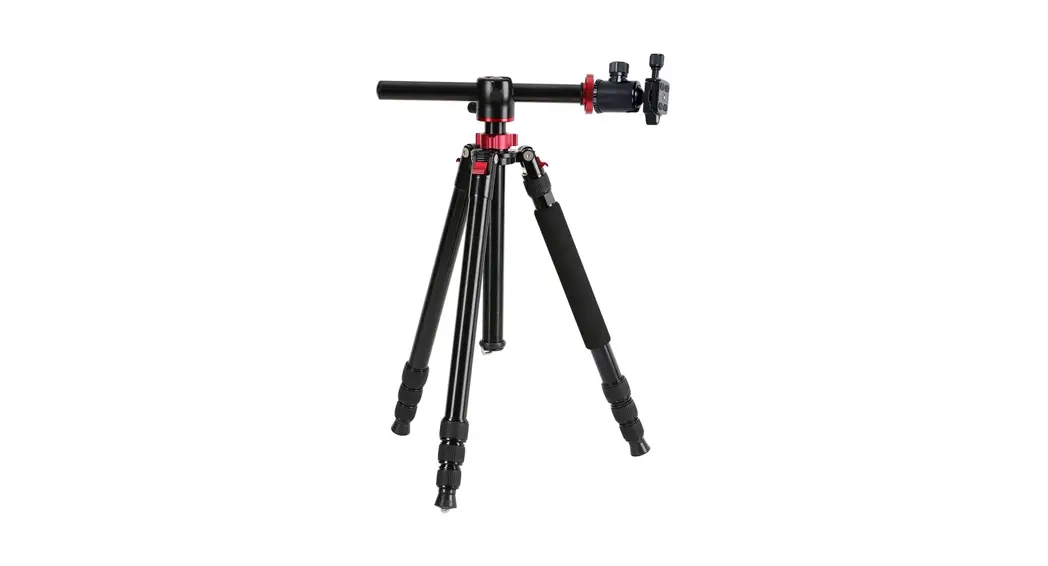
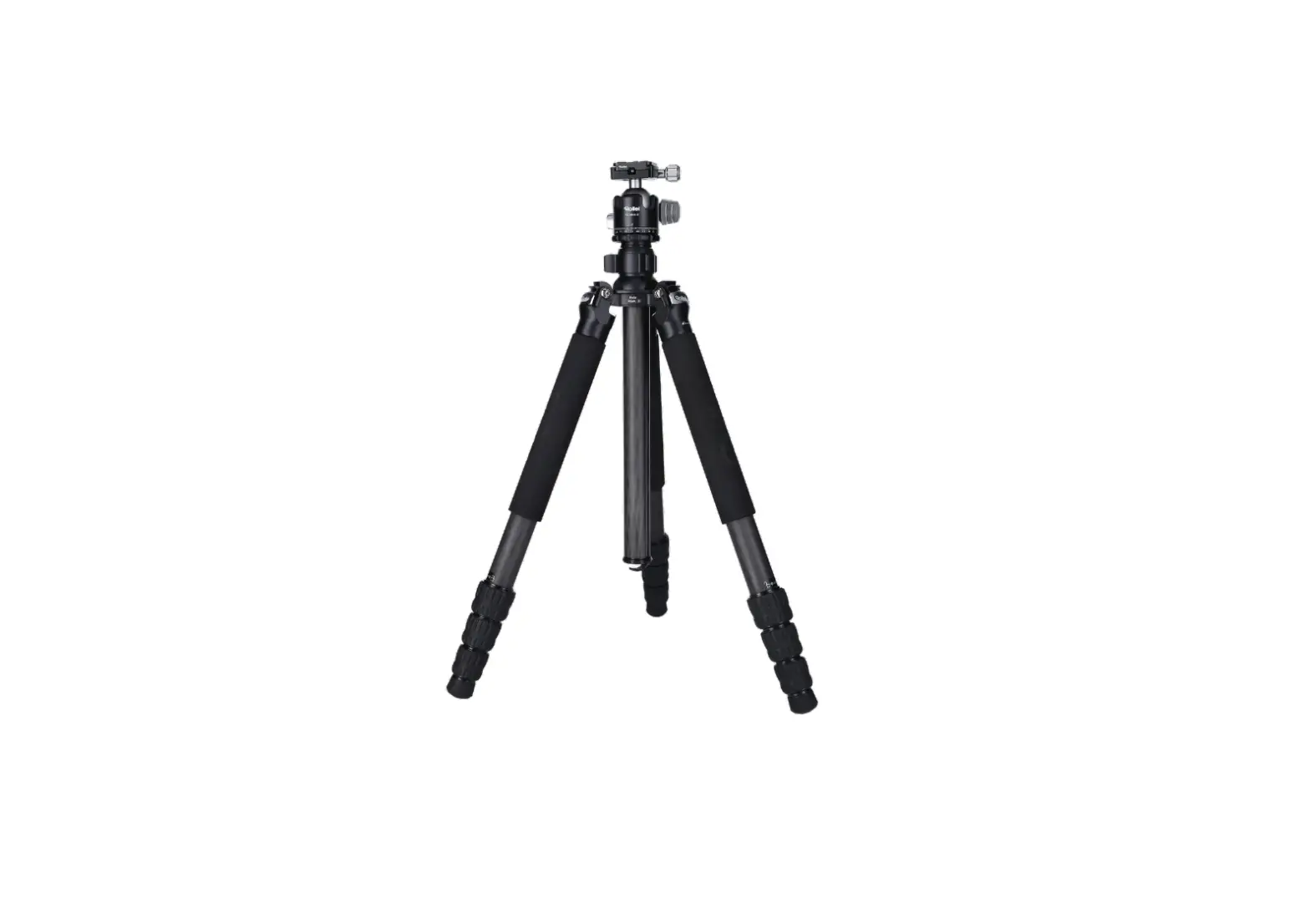
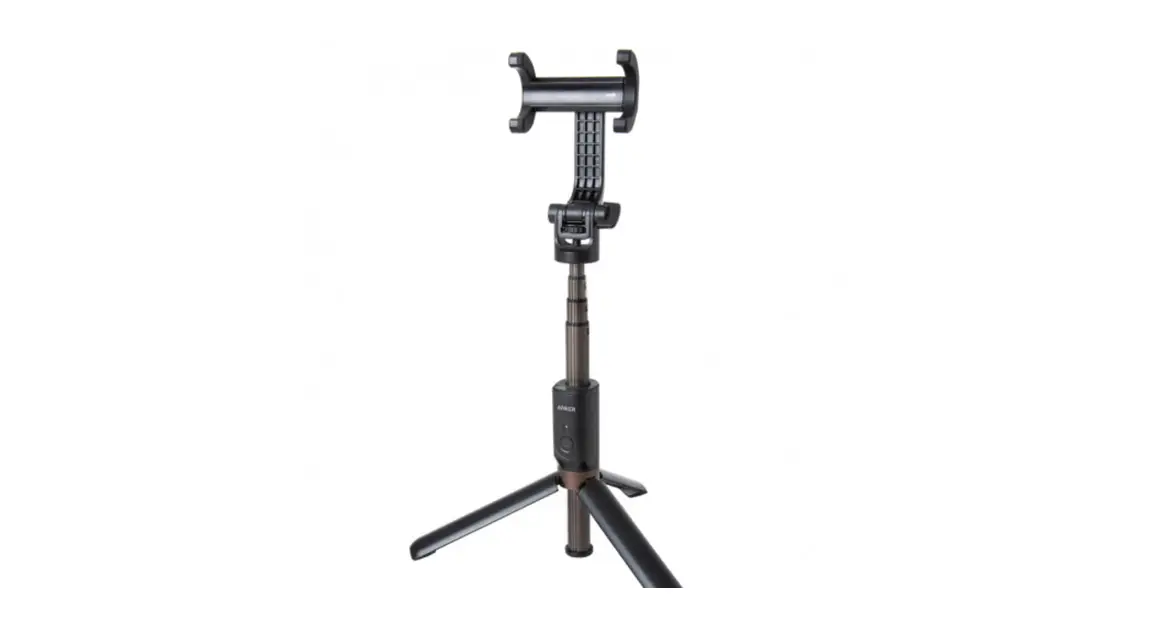
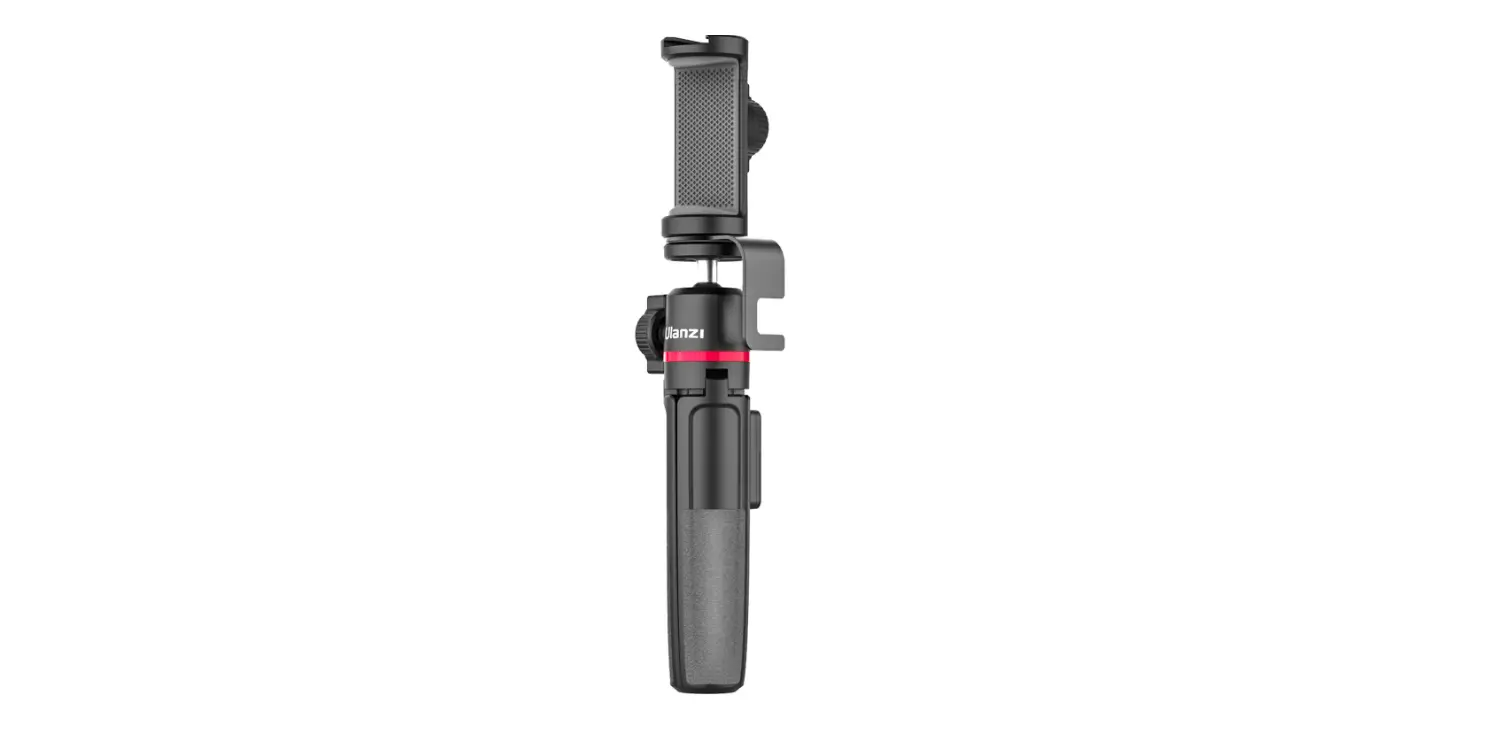
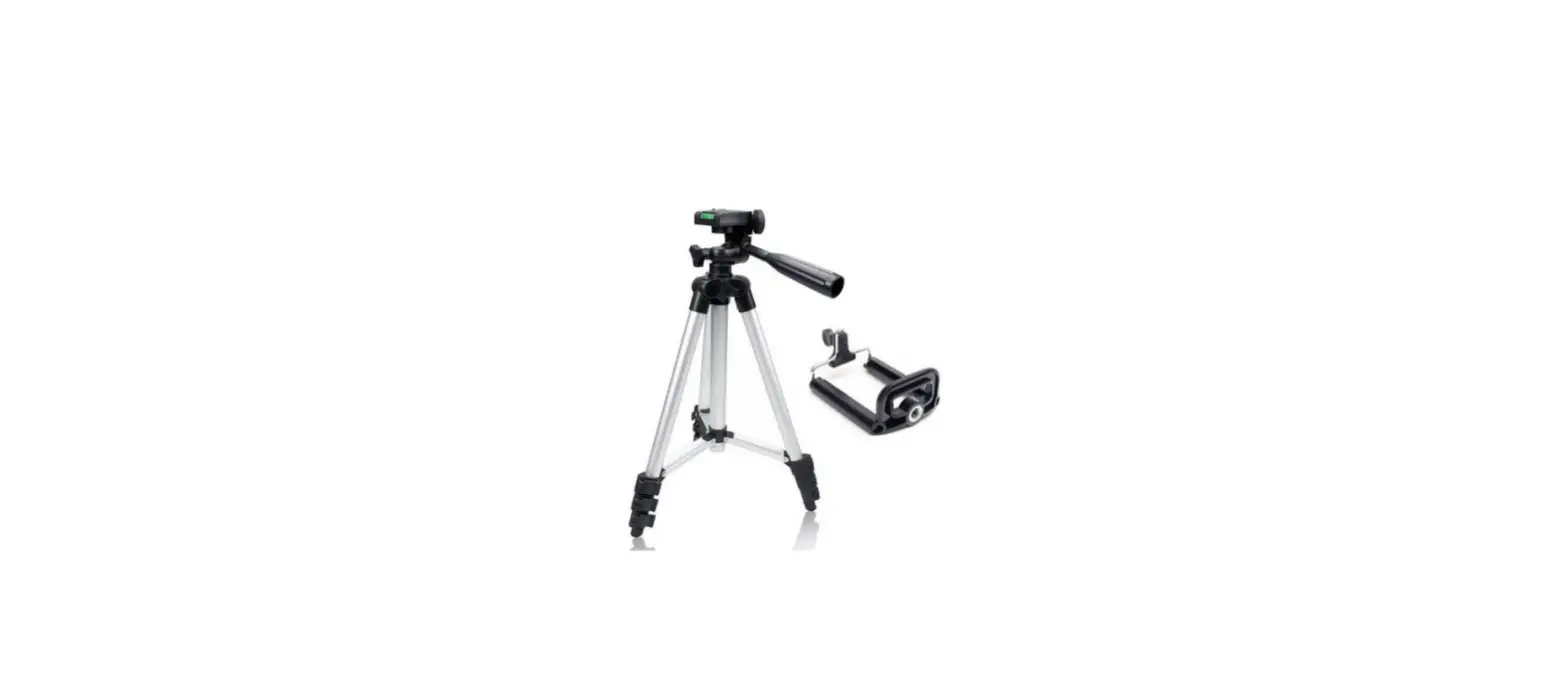
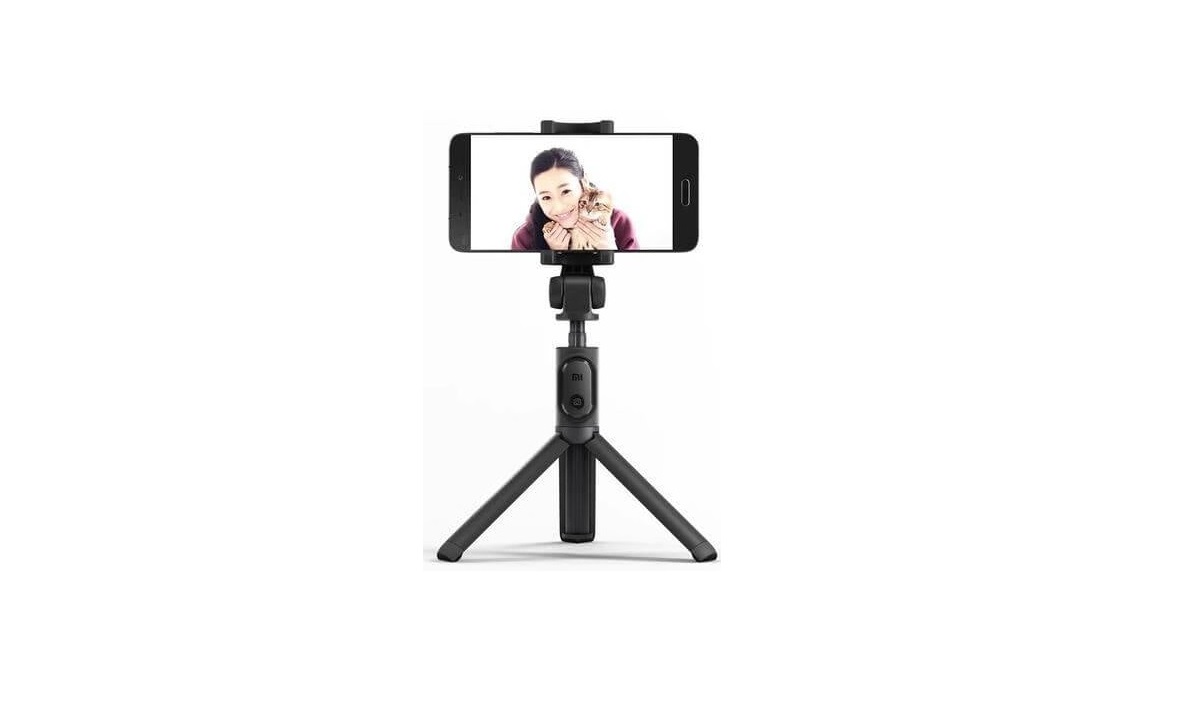
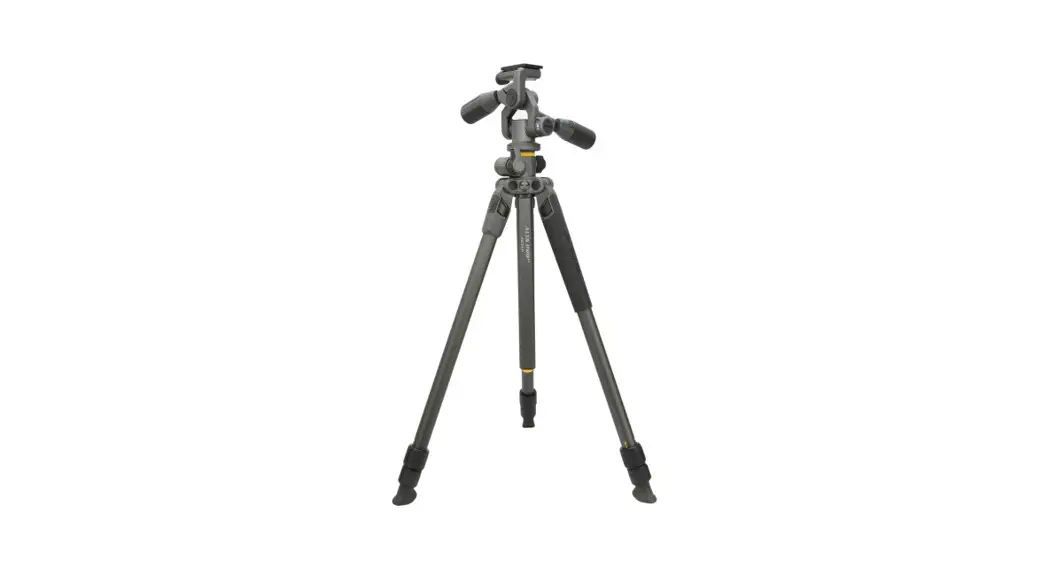
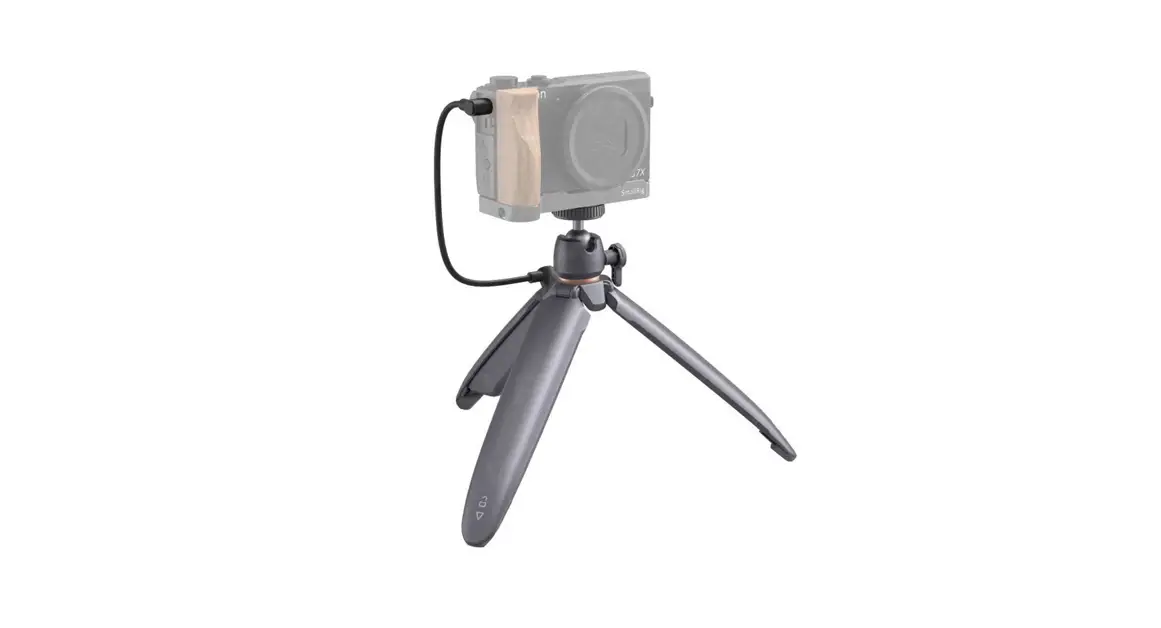
- Mount your camera on the tripod.

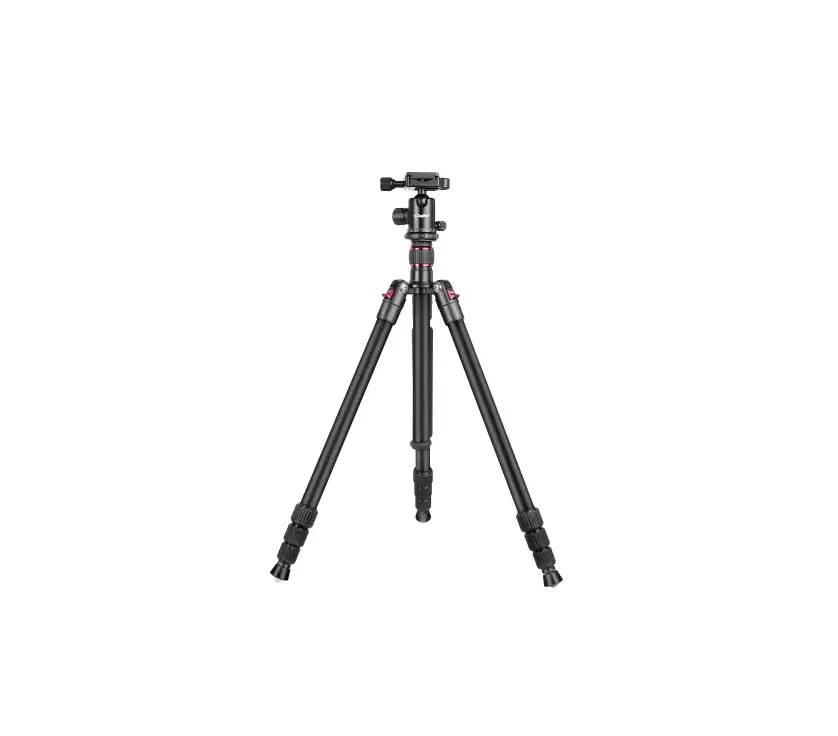
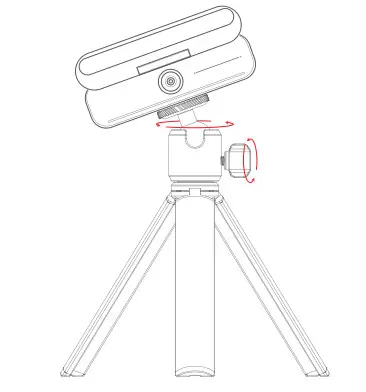
- Adjust the ballhead to your preferred position. You can loosen or tighten it by rotating the knob.

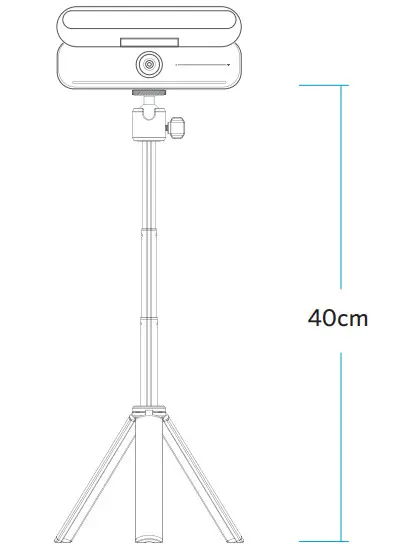
- Adjust the tripod to the height you want.
SPECIFICATIONS
| Weight | 155.8 g |
| Load | 1.5 kg |
| Height | 16.5 – 40 cm |
CUSTOMER SERVICE
Customer Service
18-month limited warranty
Lifetime technical support
Our warranty is additional to the legal rights consumers have buying this product. [email protected]
 +1 (800) 988 7973 (US) Mon-Fri 6:15AM-5:00PM (PST)
Anker Innovations Limited
Room 1318-19, Hollywood Plaza, 610 Nathan Road, Mongkok, Kowloon, Hong Kong Anker Technology (UK) Limited
GNR8, 49 Clarendon Road, Watford, Hertfordshire, WD17 1HP, United Kingdom
Anker Innovations Deutschland GmbH
Georg-Muche-Strasse 3, 80807 Munich, Germany
For FAQs and more information, please visit: [email protected]
 | ||
| @Anke Official @Anker_JP | @Anker Deutschland @Anker Japan @Anker | @anker_official @anker_JP |