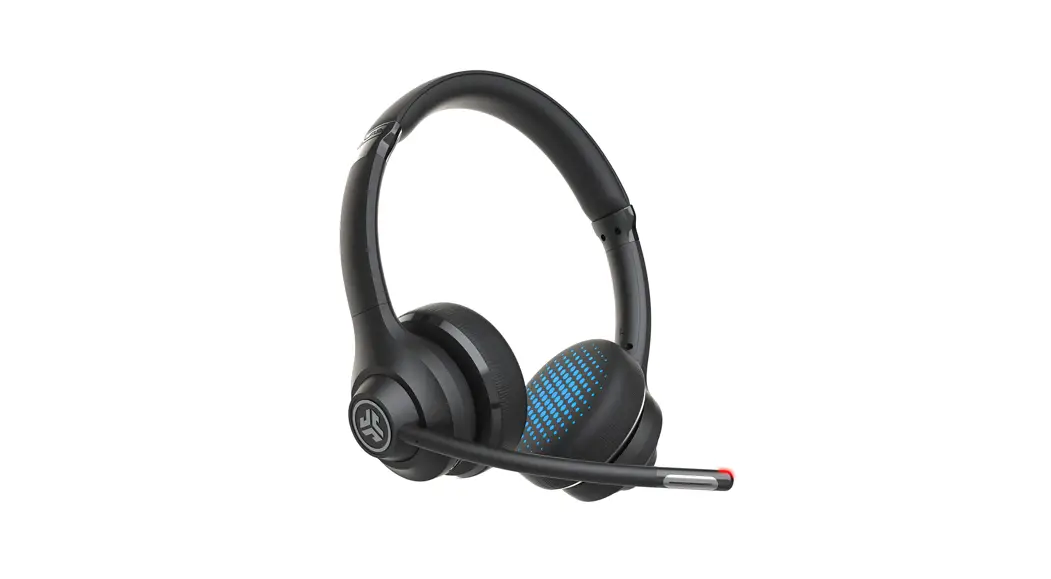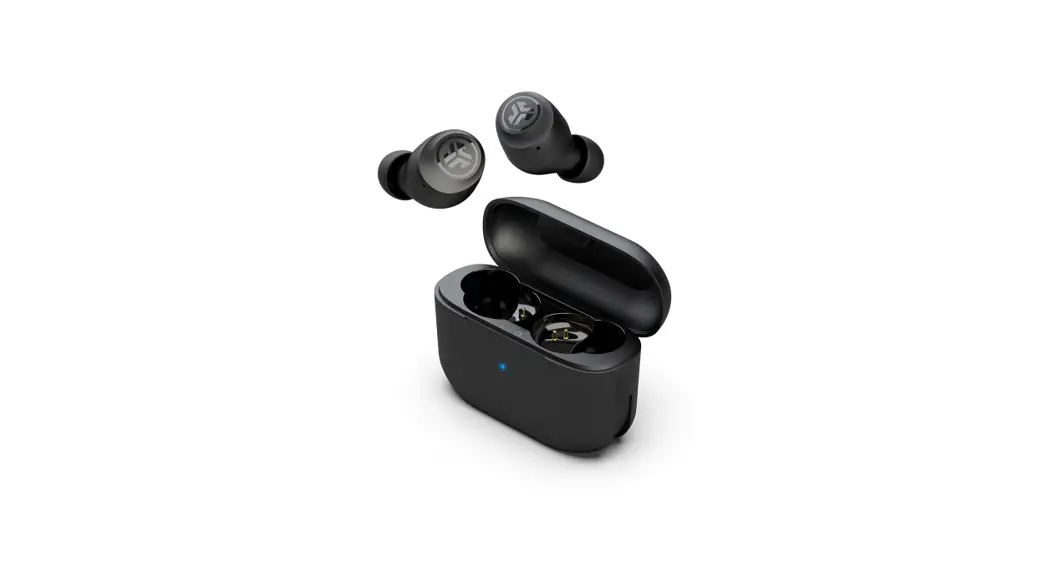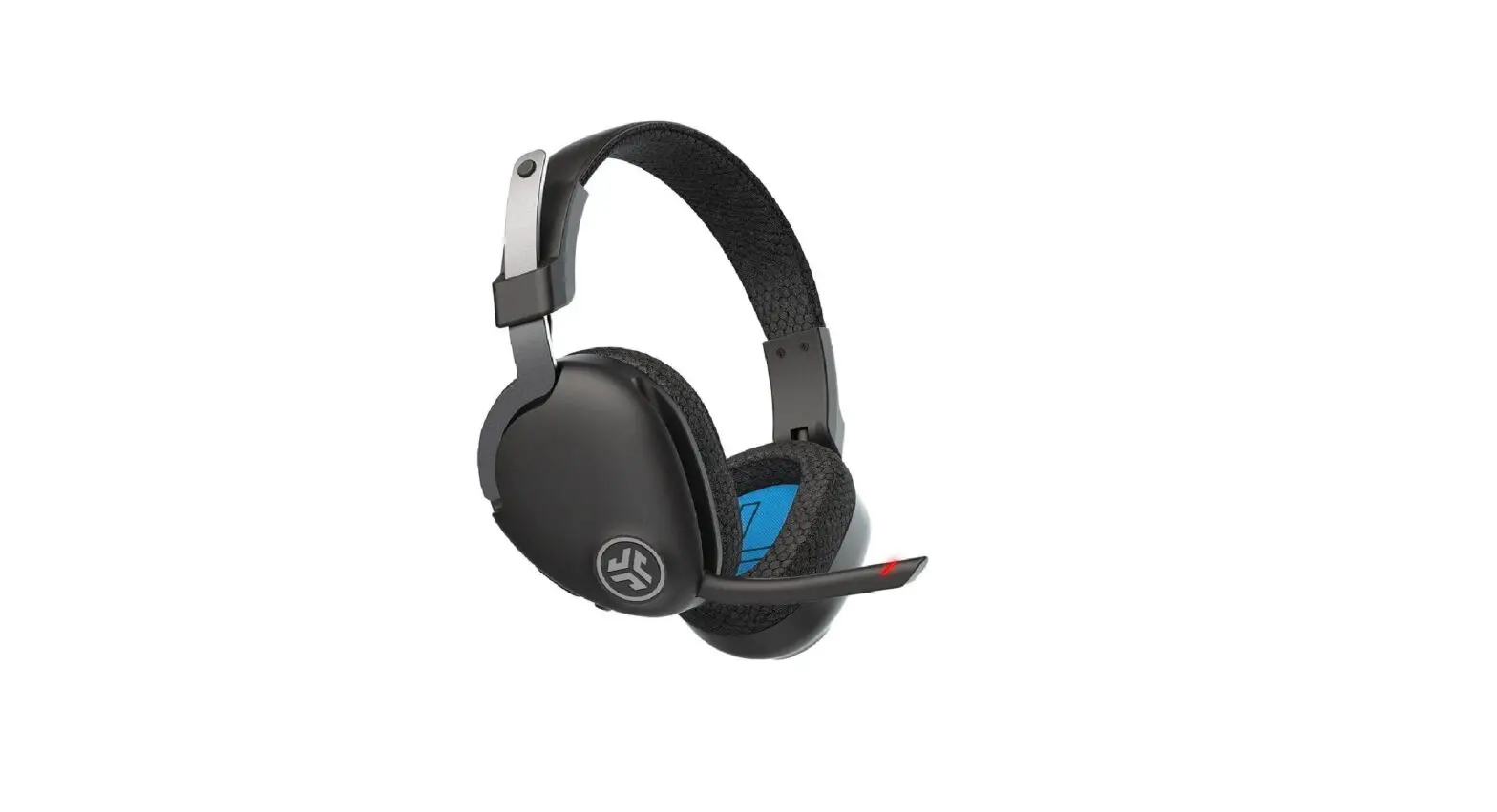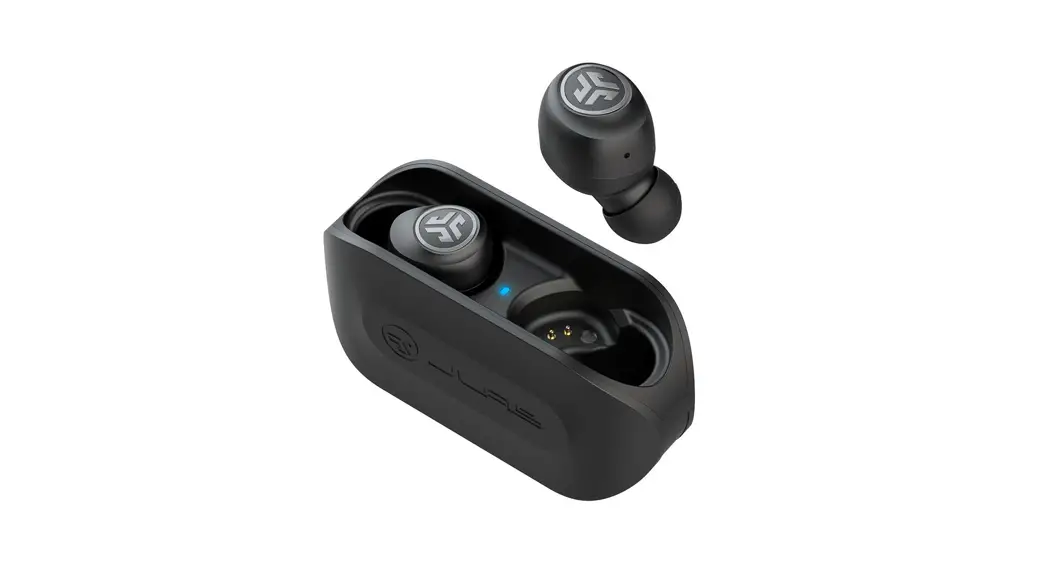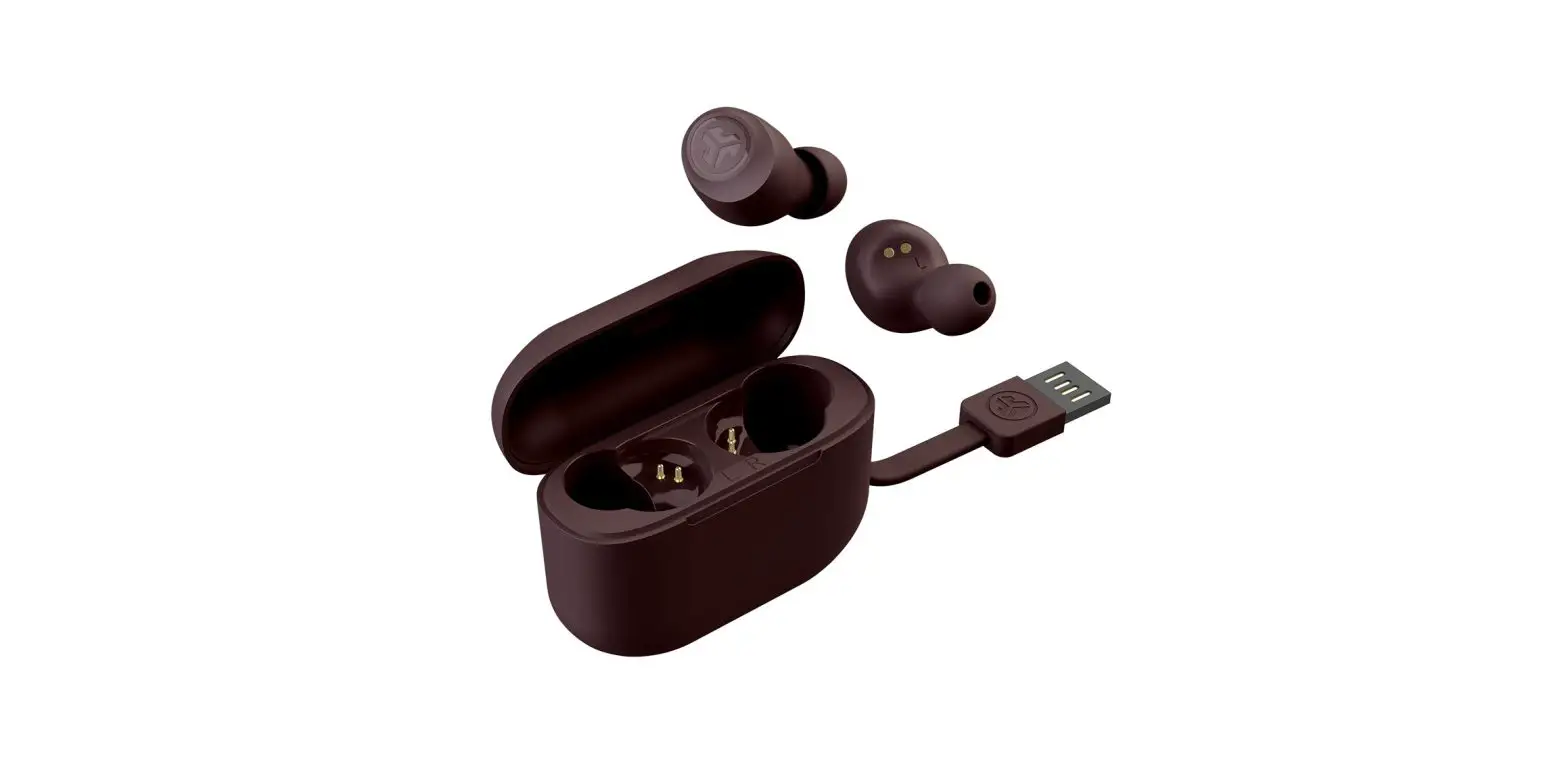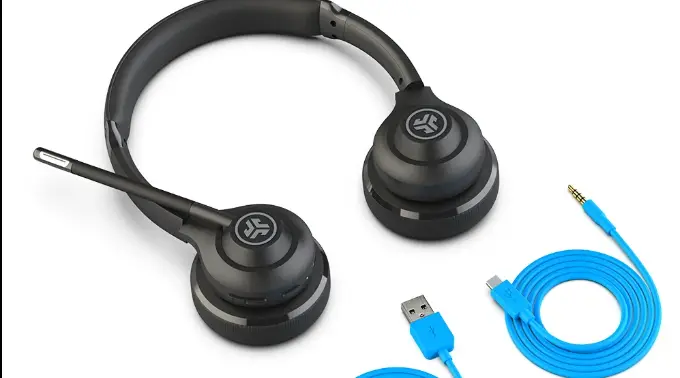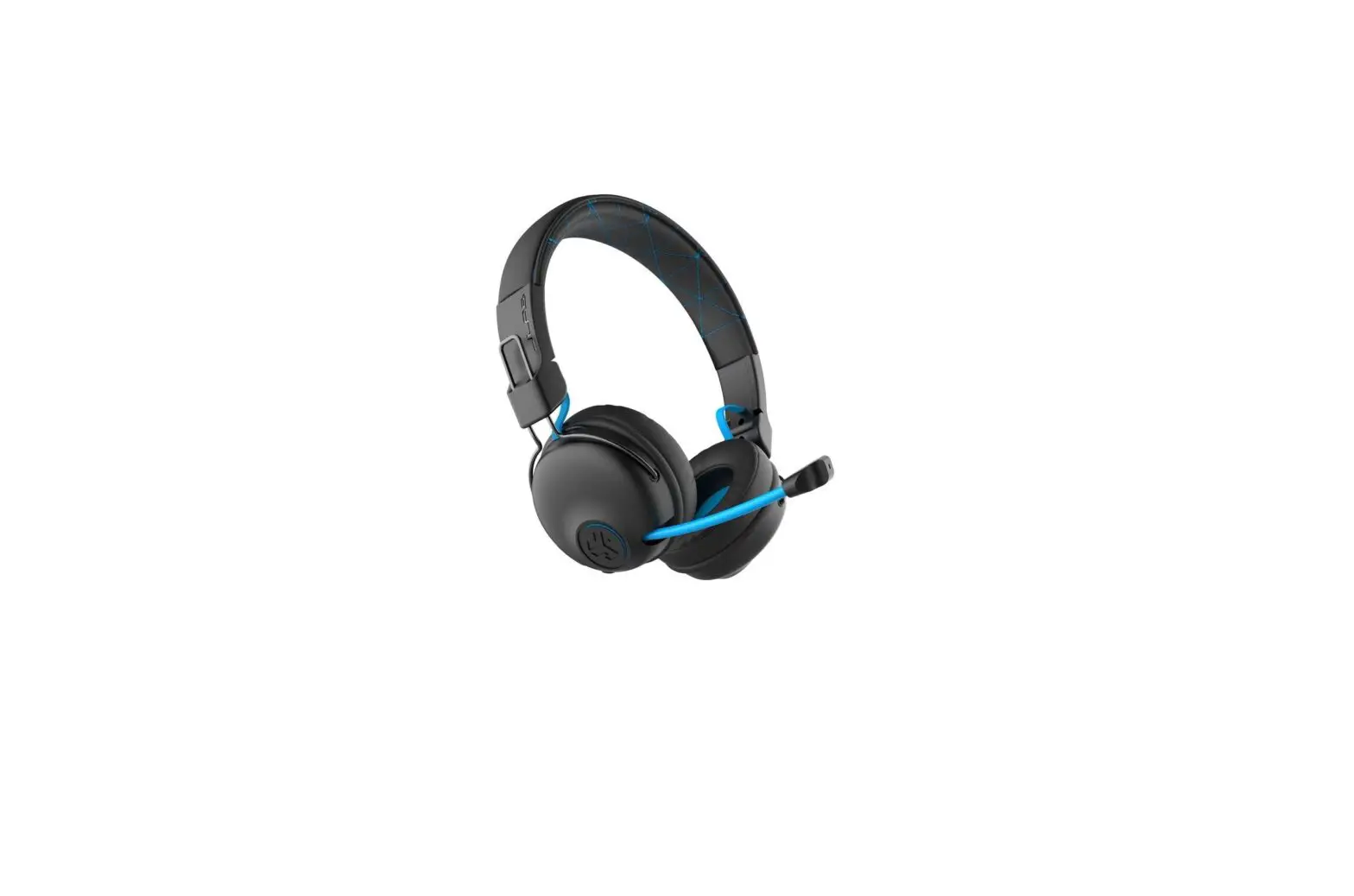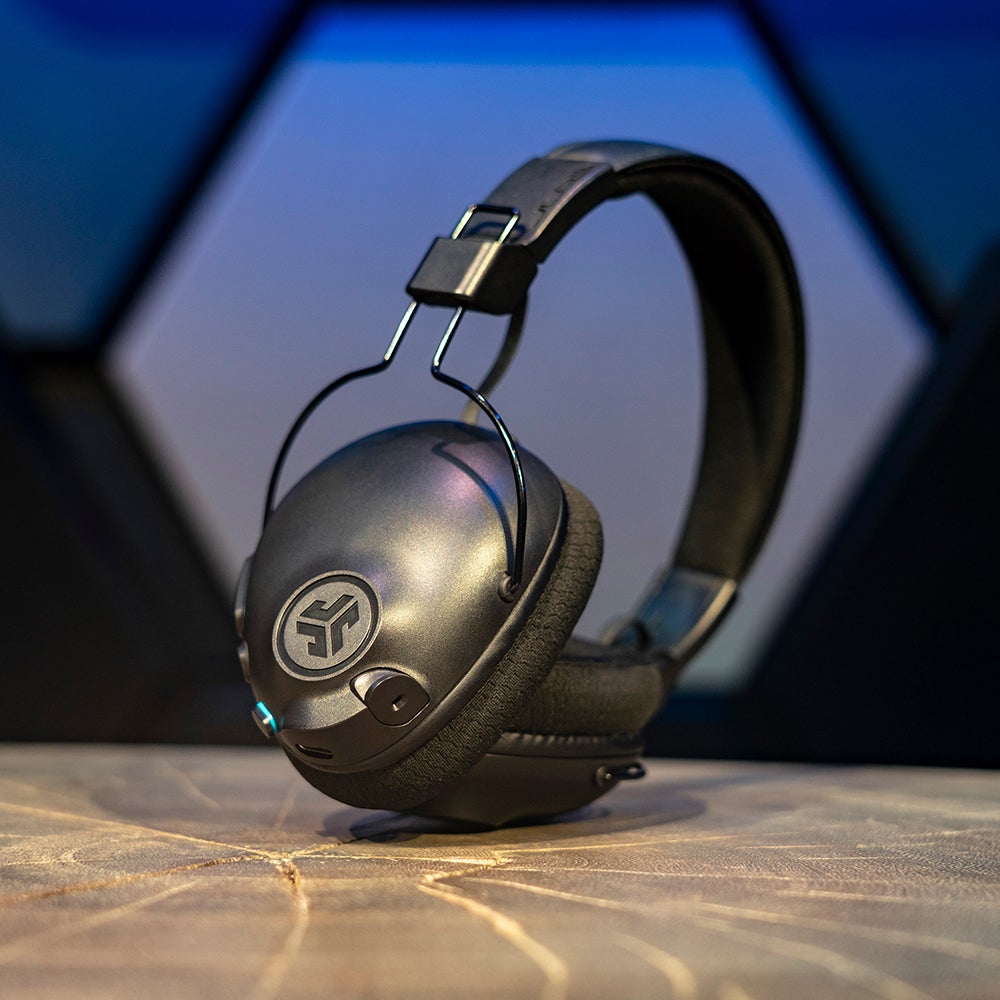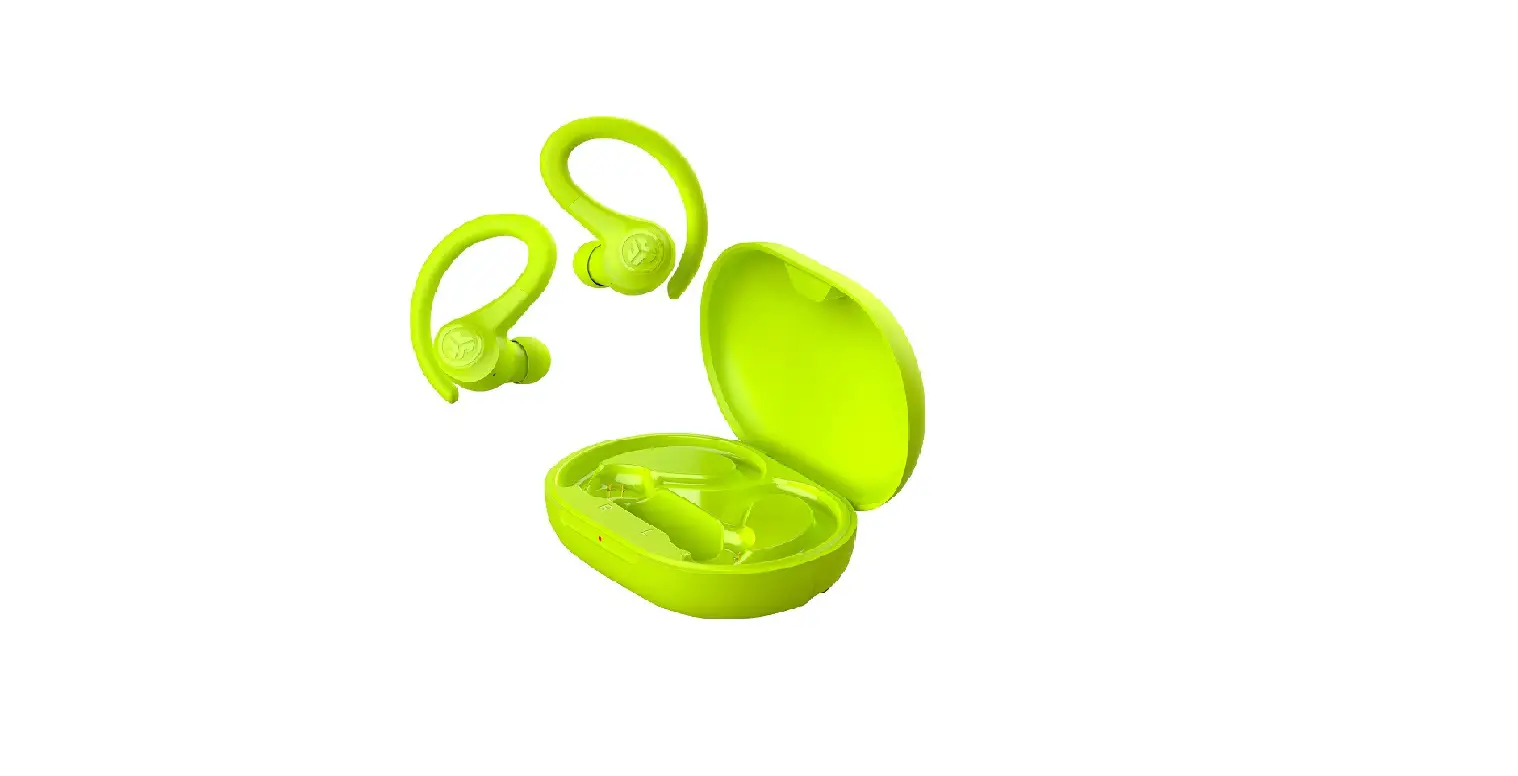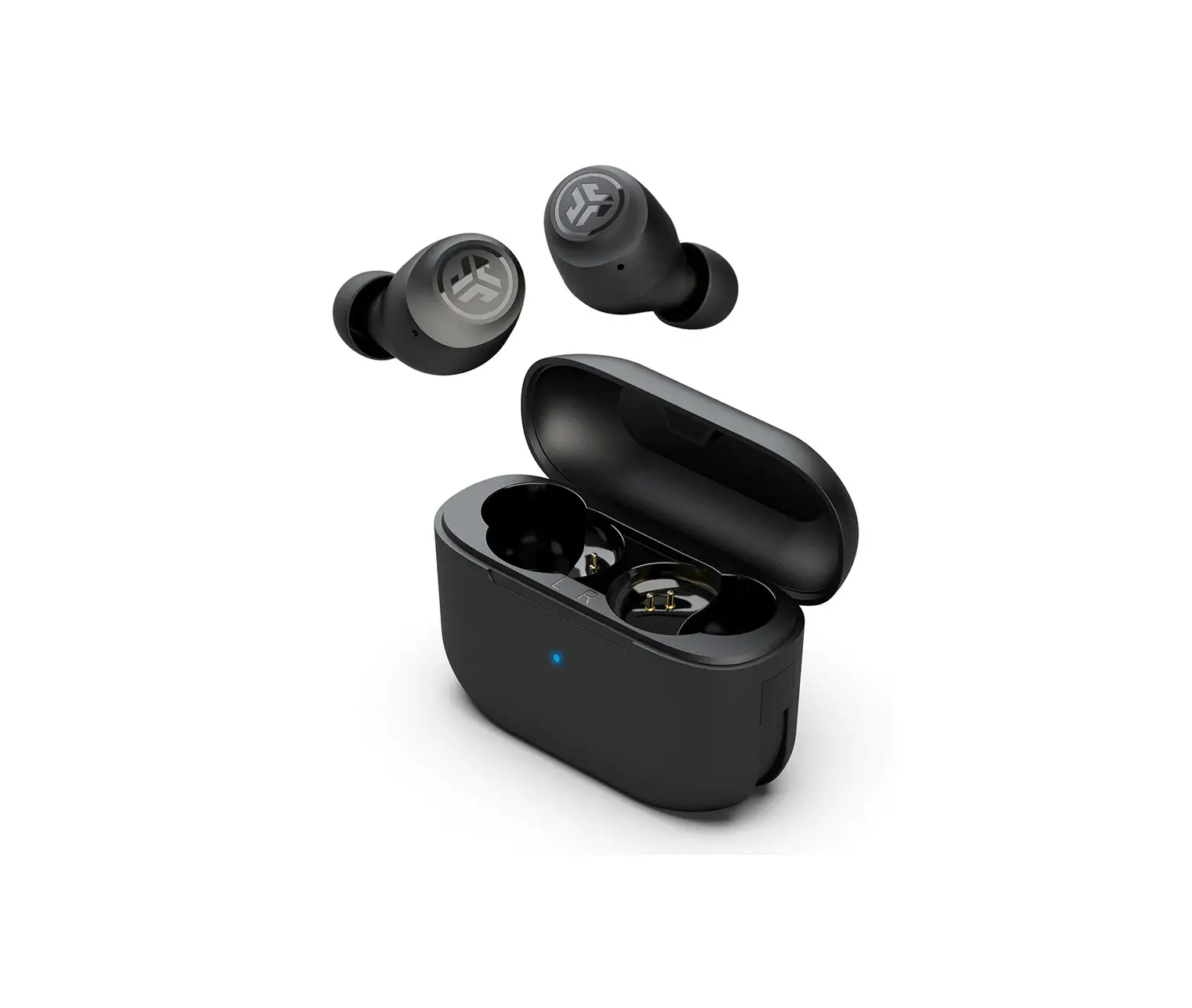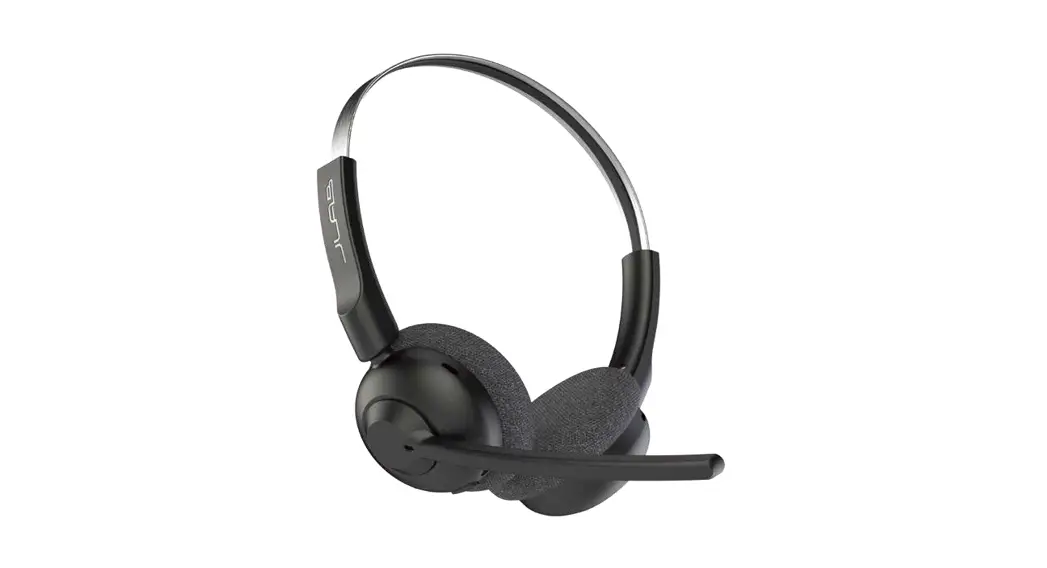

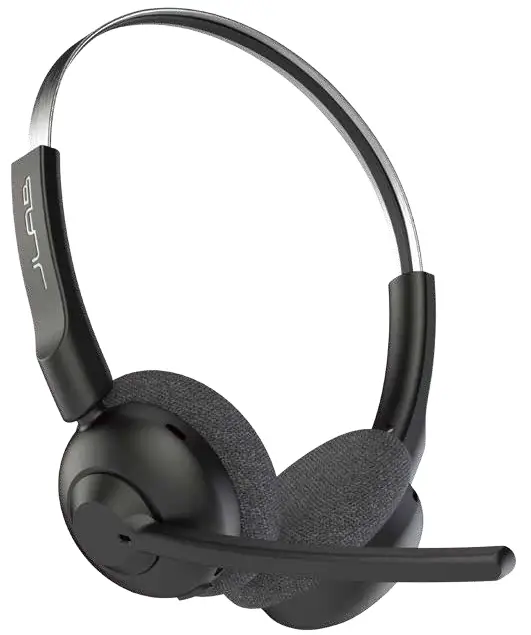
GO WORK POP
QUICK START GUIDE
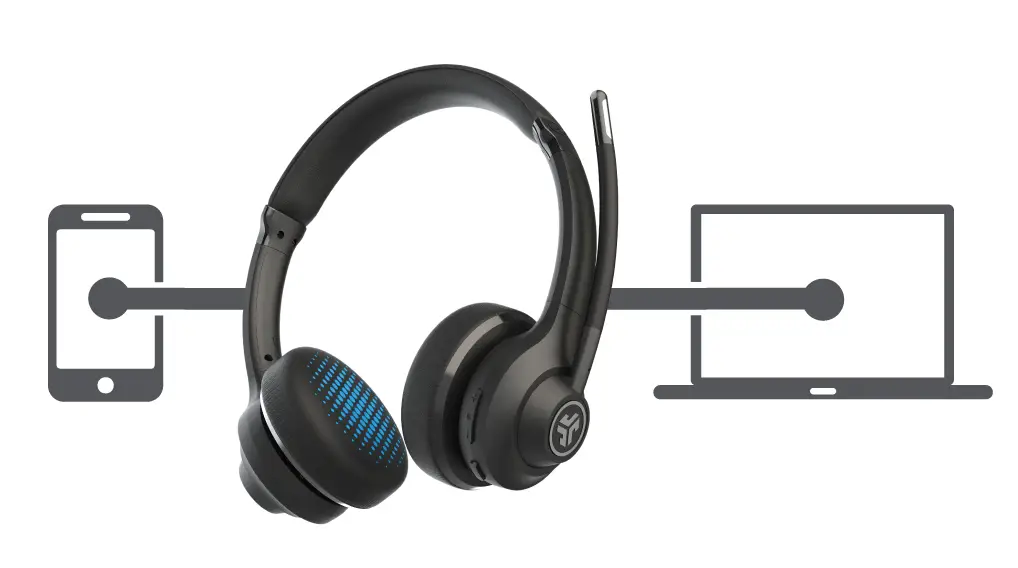
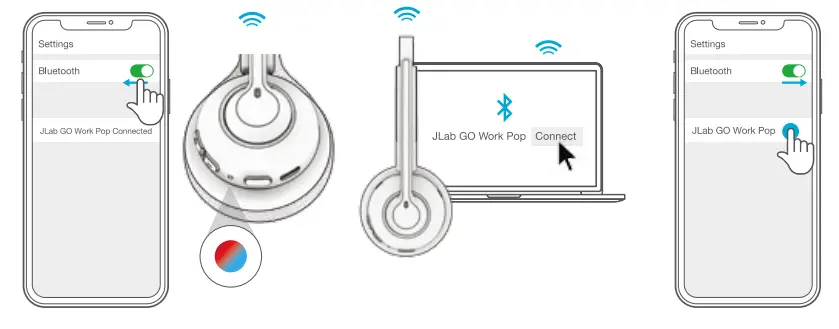
BLUETOOTH PAIRING
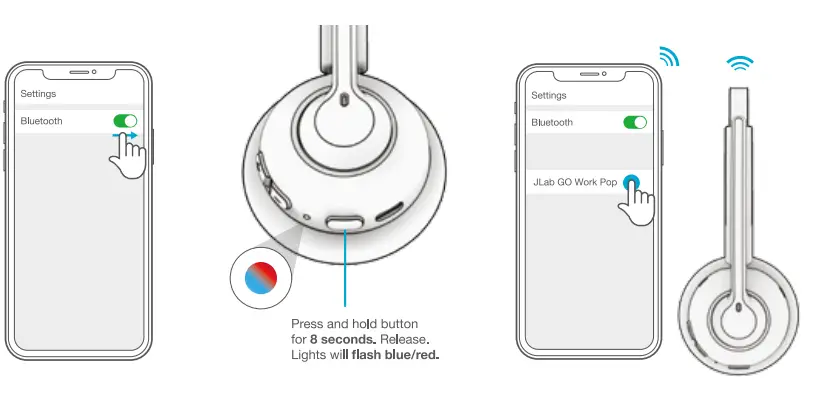 | ||
| 1 Turn on Bluetooth in your device settings. | 2 | 3 Select “JLab GO Work Pop in your device settings to connect. |
MULTIPOINT (CONNECT 2 DEVICES SIMULTANEOUSLY)
- Once FIRST device Is connected. turn off Bluetooth in device settings. GO Work Pop will auto enter Bluetooth Pairing.
- Enter your SECOND device Bluetooth settings and connect to GO Work Pop.

- Enter your FIRST device setting Turn on Bluetooth and reconnect to GO Work Pop.
For more into and troubleshooting on MULTIPOINT visit JLAB.COM/MULTIPOINT
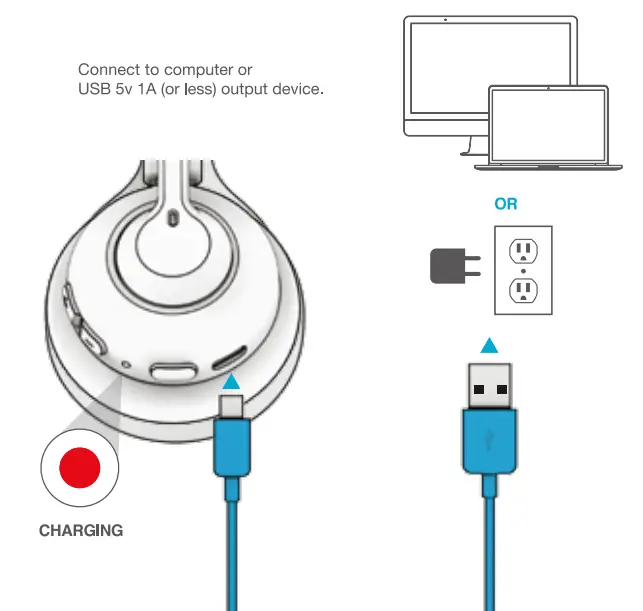
CHARGING
THE LAB
The Lab is where you’ll find real people, developing really great products, in a real place called San Diego.
PERSONAL TECH DONE BETTER
 Designed for You
We always pack in the most functionality and fun into every product at a truly accessible price. Lab Quality Sound
Choose from different settings and customize your sound style to match exactly what you’re doing. Surprisingly Awesome Value
We actually listen to what you want and we’re always looking for ways to make everything easier and better for you.
# yourkindoftech
tech all about you
 We have lots of different ways to show we care.
Product updates How-to tips FAQs & more
Go to unlock your
customer benefits including a free gift.
Gift for US only. No APO/FPO/DPO addresses.
Get 3 free months of Tidal with your purchase.
Visit. jlab.com/tidal Happy listening!

 Download the JLab Store app for sound tools, exclusive product alerts,
We’re obsessed with creating the best possible experience around owning our products. If you have any questions, concerns, or feedback, we’re here for you. Contact a real human on our U.S.-based customer support team:
Website: jlab.com/contact
Email: [email protected]
Phone U.S.: +1 (405) 445-7219
Phone U.K./EU: +44 (20) 8142 9361
(Check hours jlab.com/hours)
Visit to initiate a return or exchange.
LATEST AND GREATEST
Our team is constantly improving your product experience.
This model may have new features or controls which are not detailed in this guide.
For the latest version of the manual, scan the OR code below.


OFFICIAL AUDIO PARTNER OF MAJOR LEAGUE SOCCER
BETTER TOGETHER
JLab is proud to provide Major League Soccer athletes and
gamers with the best personal tech in the locker rooms, for
travel and pre-game focus. We’re introducing JLab’s real
innovation and surprisingly awesome value to the passionate,
authentic fans of MLS.
FCC ID: 2AHYV-GWKPOP IC: 21316-GWKPOP