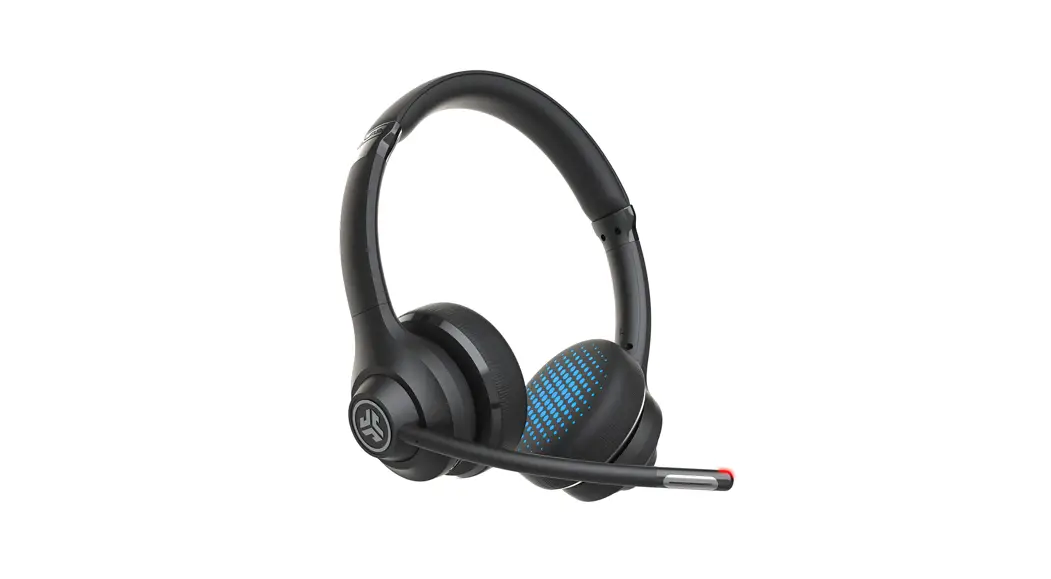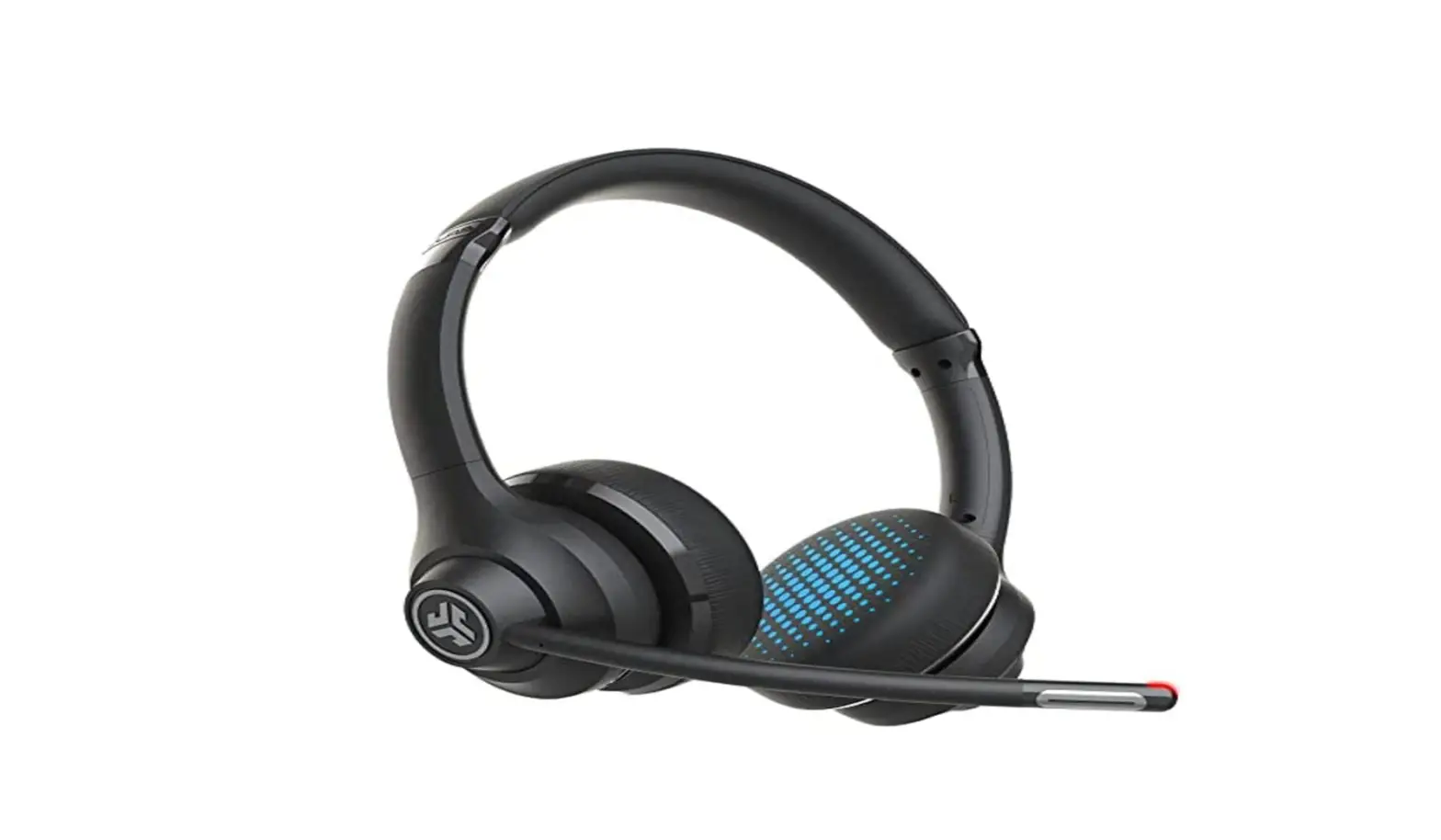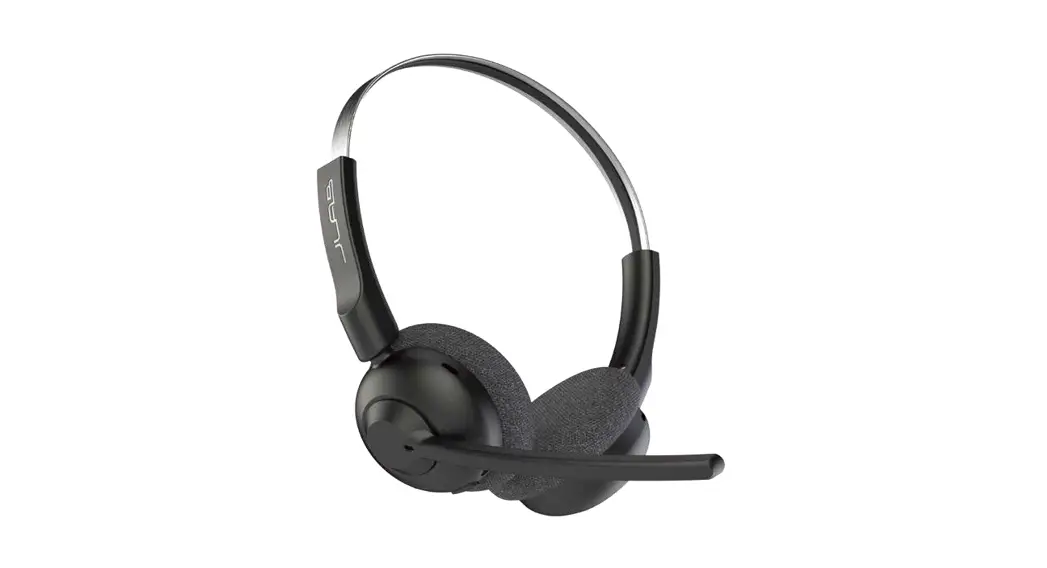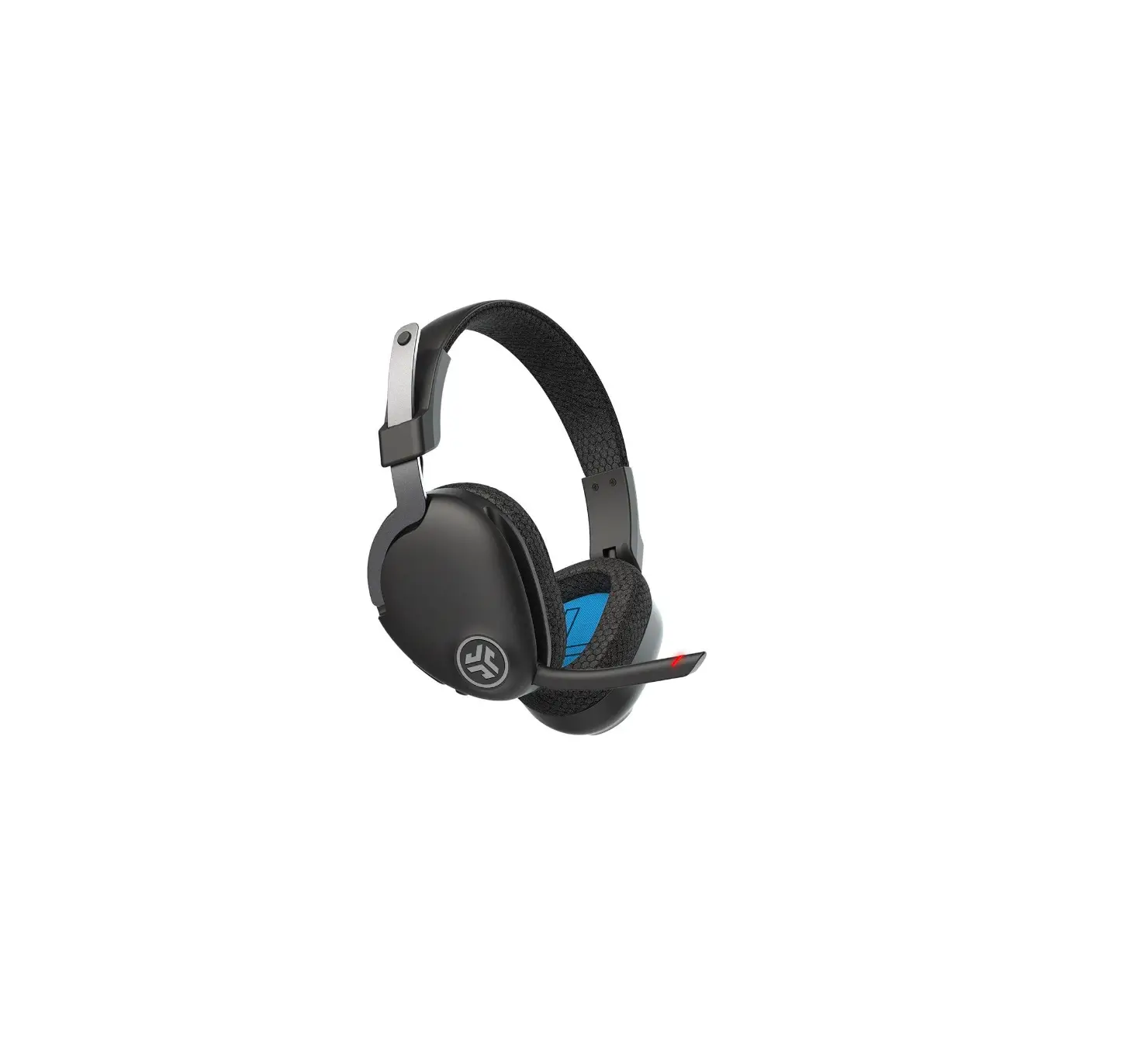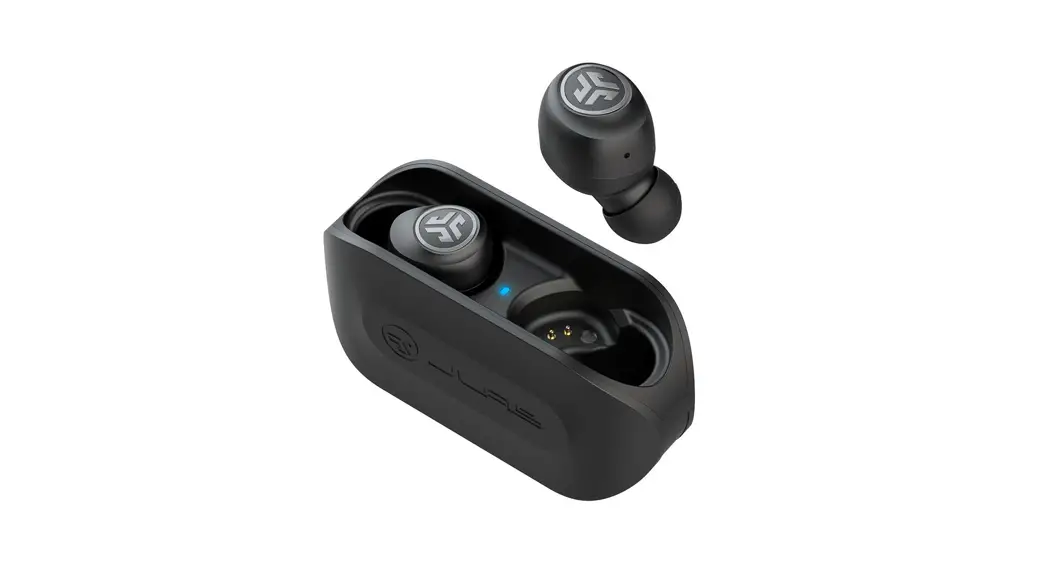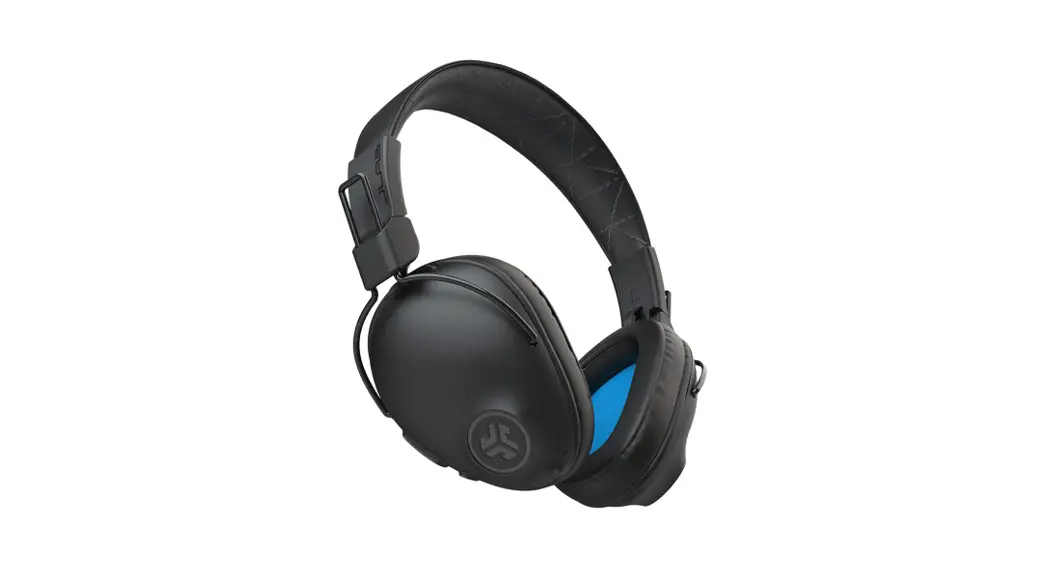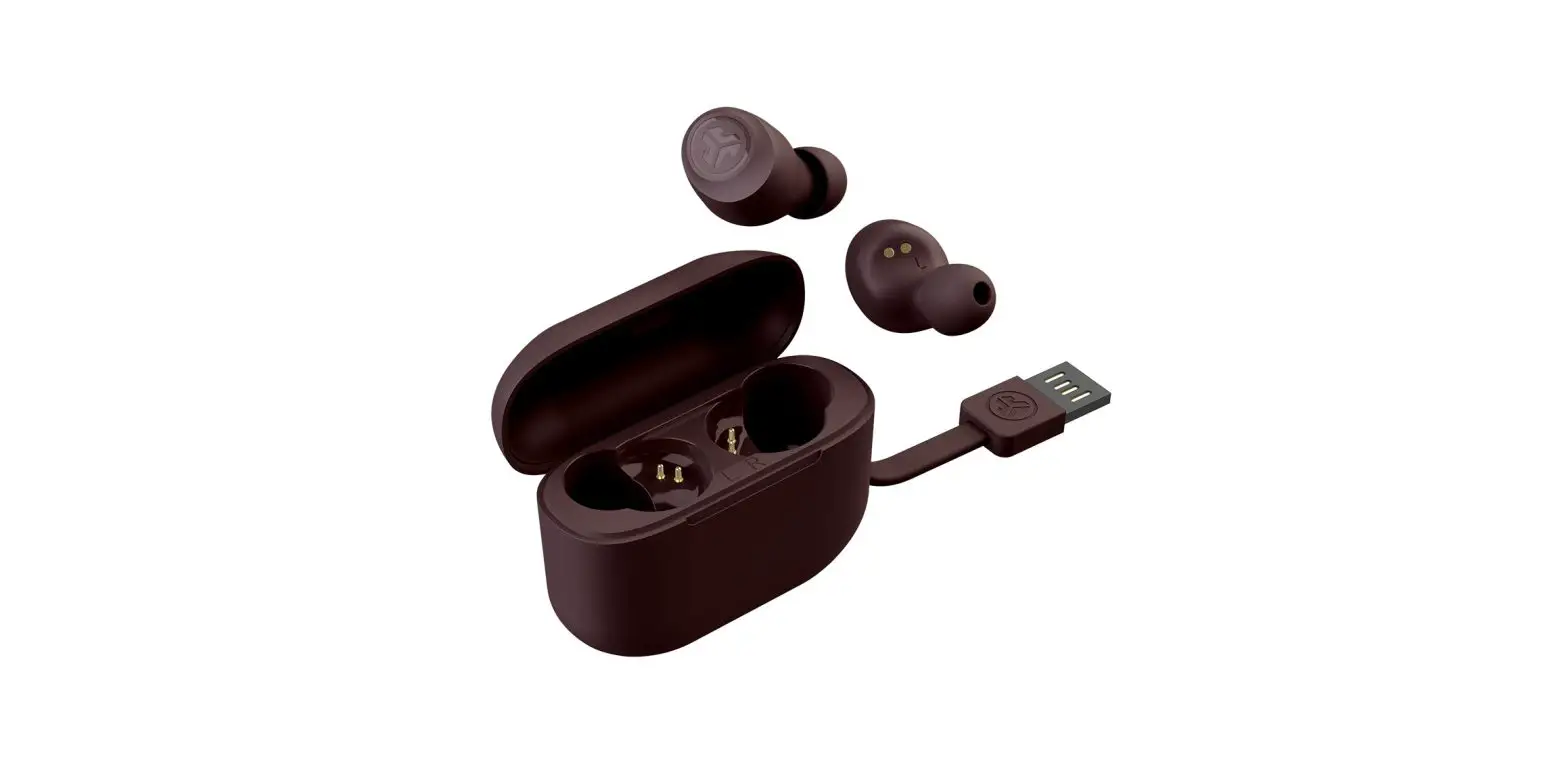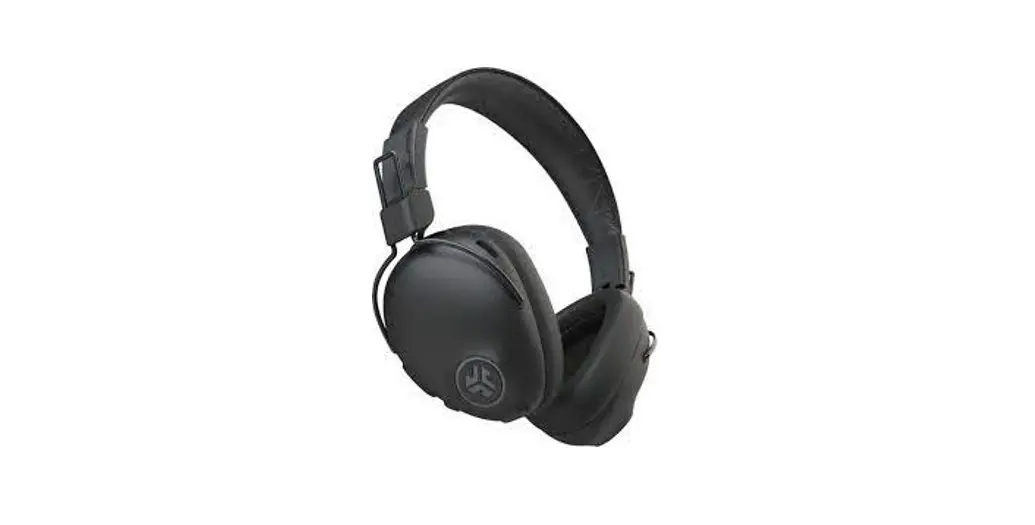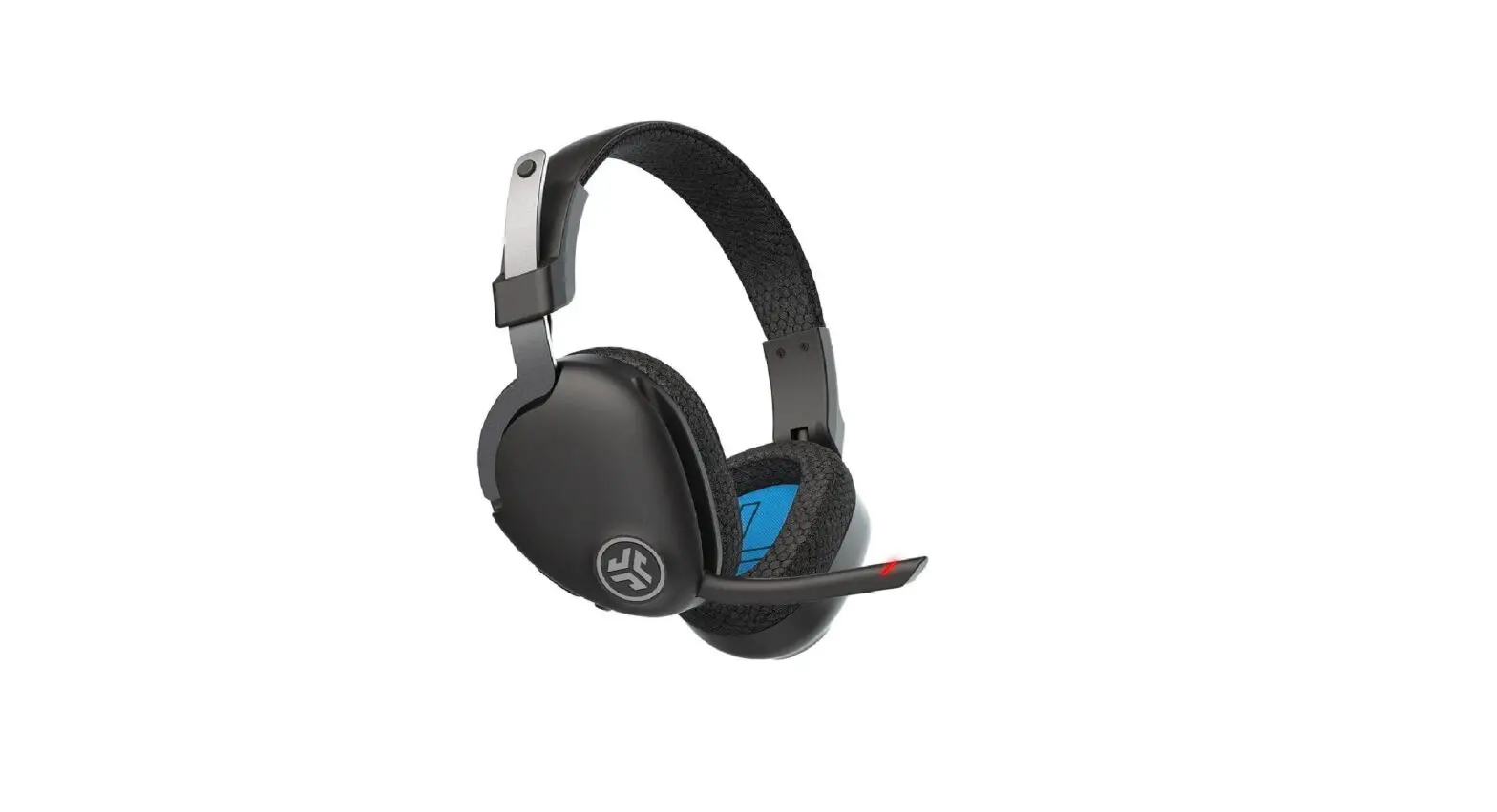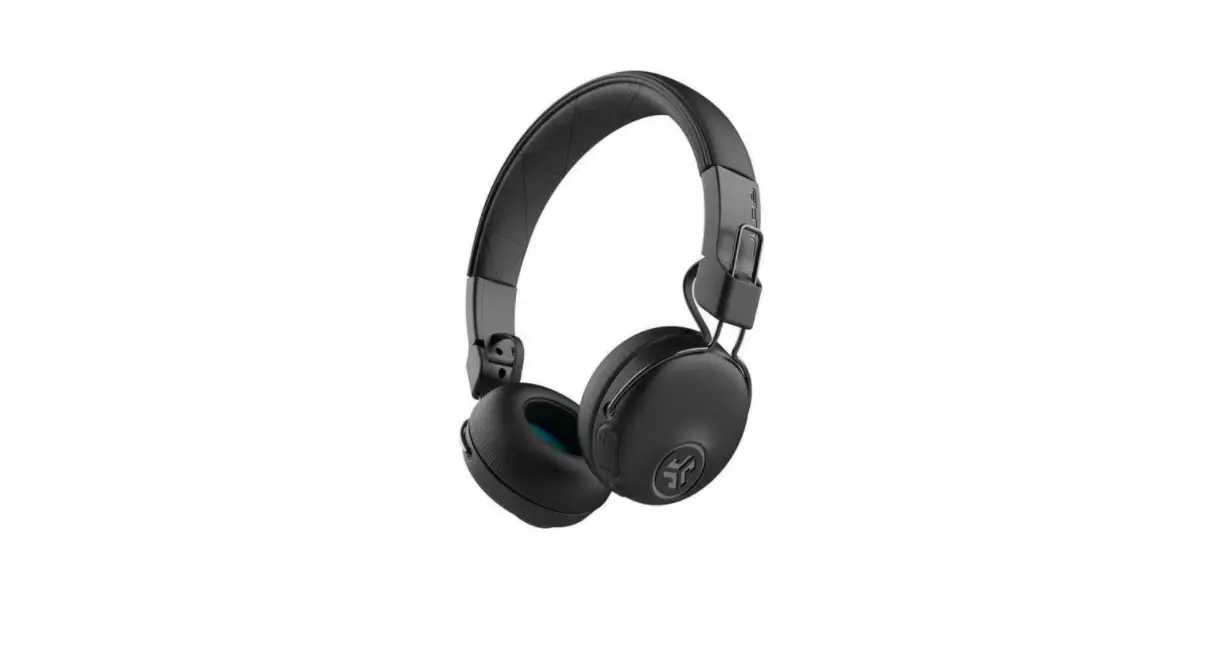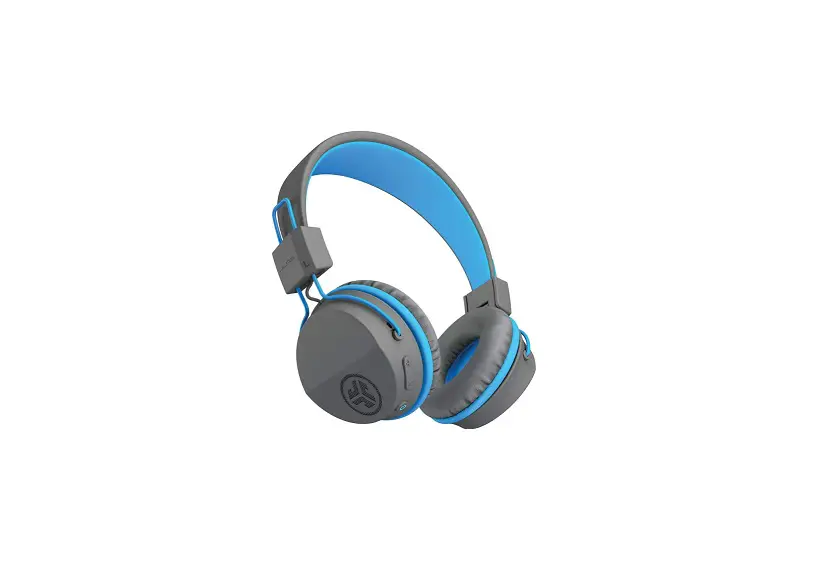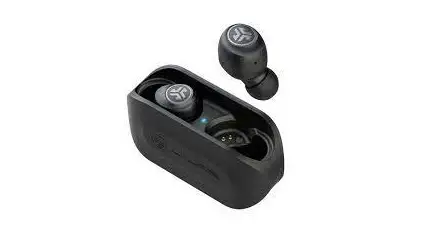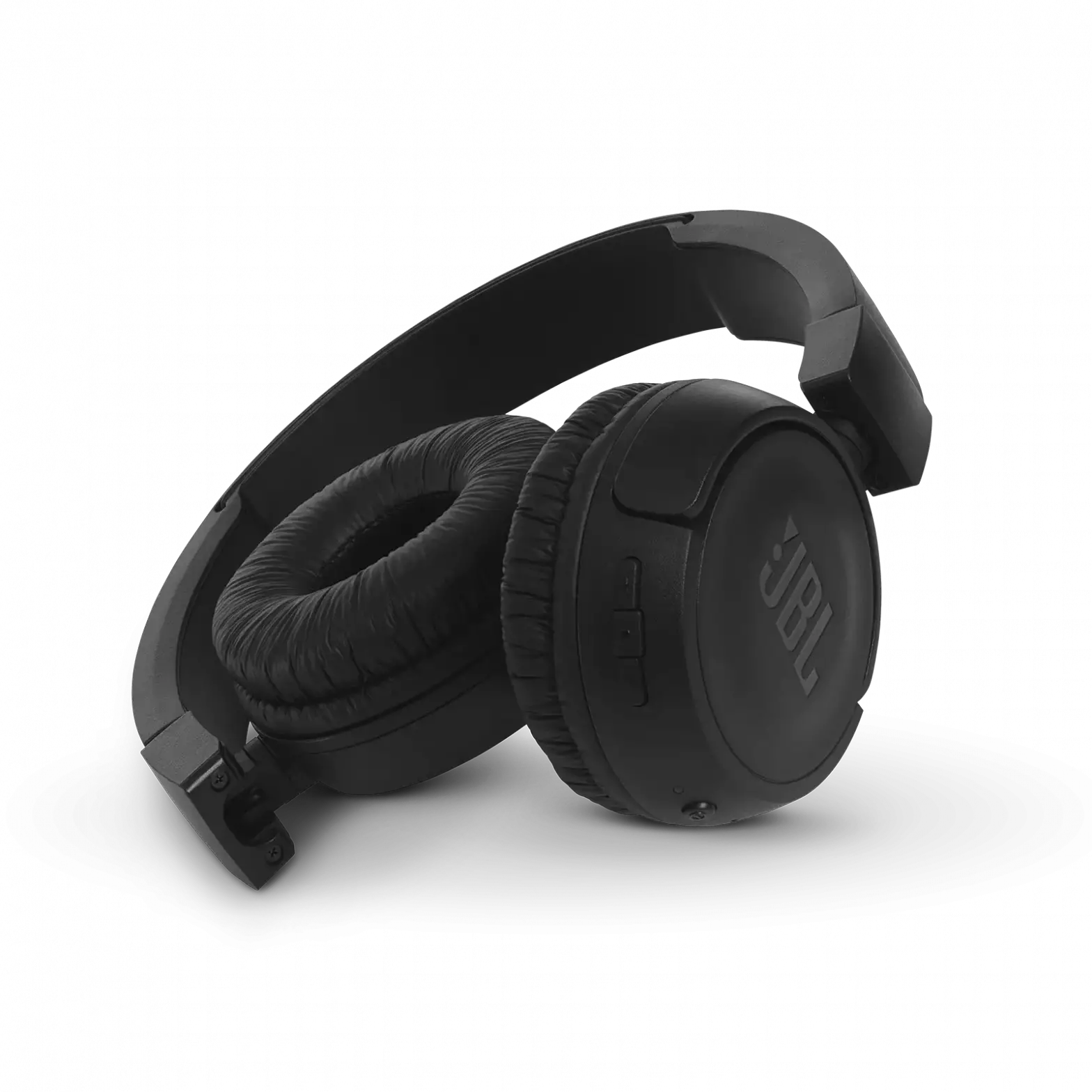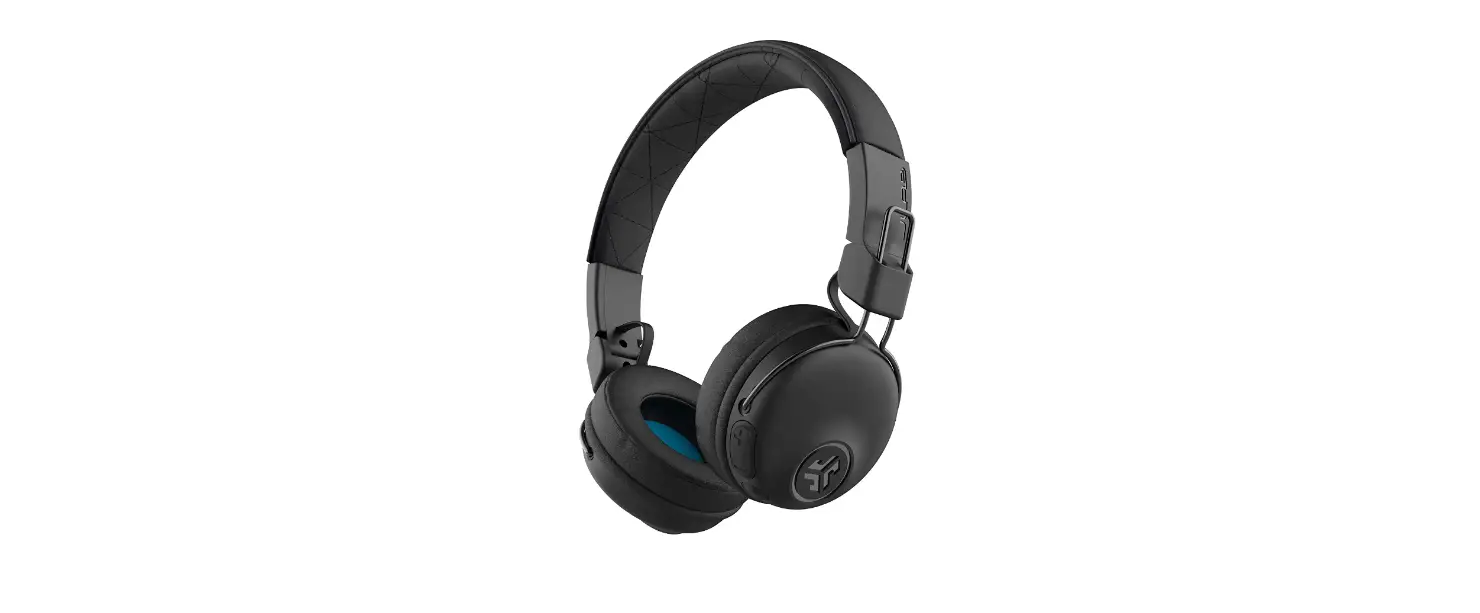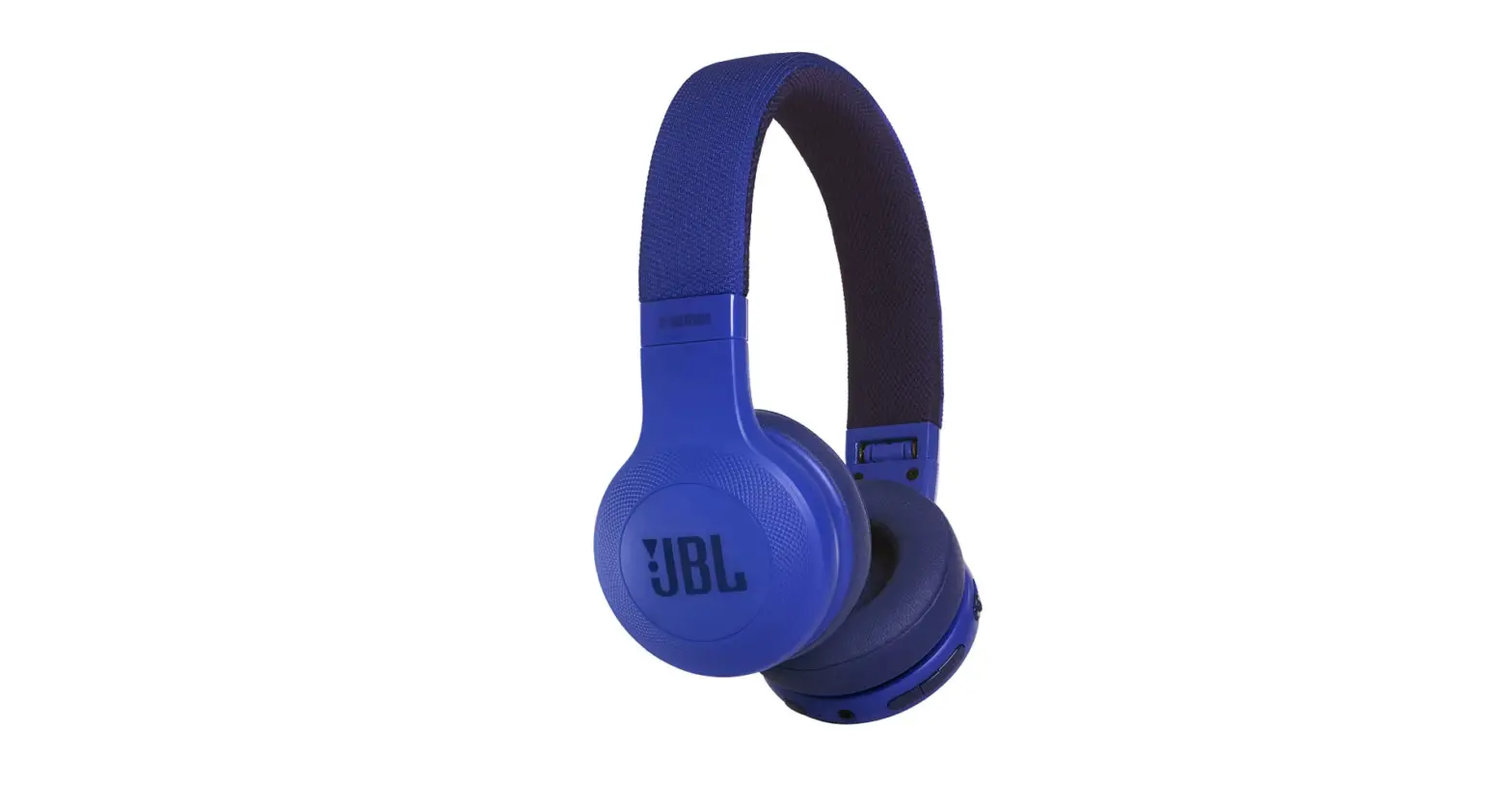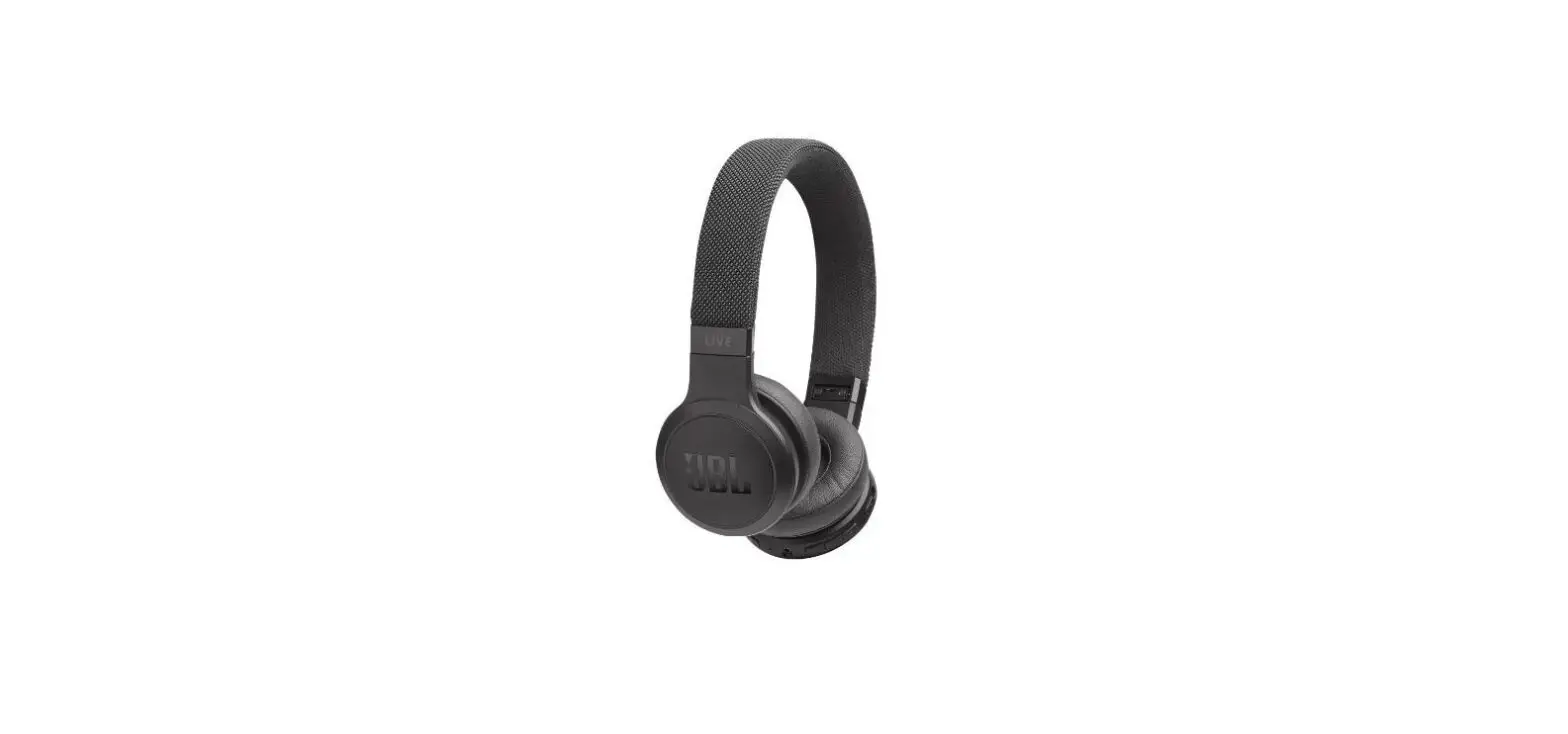

JLab Go Work Wireless On-Ear Headphones
SPECIFICATIONS
- Package Dimensions
8.39 x 6.61 x 2.87 inches - Item Weight
9.6 ounces - Batteries
1 Lithium Polymer batteries required. (included) - Best Sellers Rank
#31 in On-Ear Headphones - Department
Unisex-adult - Manufacturer
JLAB - Connectivity Technology
Wireless, Wired - Form Factor
On Ear - Headphones Jack
3.5mm Jack· - Charge Time:
2 Hours - Battery Life:
45+ Hours - Bluetooth Range:
30+ ft. - Microphone:
4015 MEMS - Version:
Bluetooth 5
JLab is America’s number 1 accessories and audio solution at affordable costs to improve how you GO through life. JLab Audio is a multi-award-winning manufacturer of Bluetooth earbuds, headphones, and speakers. Our objective, which began in 2005, is to improve how you GO through life by providing fantastic sound, imaginative design, and cutting-edge technology without the rockstar price tag. ible True Wireless brand and a leading personal audio provider. Our purpose, which began in 2005, is to provide high-quality, innovative headp
Product description
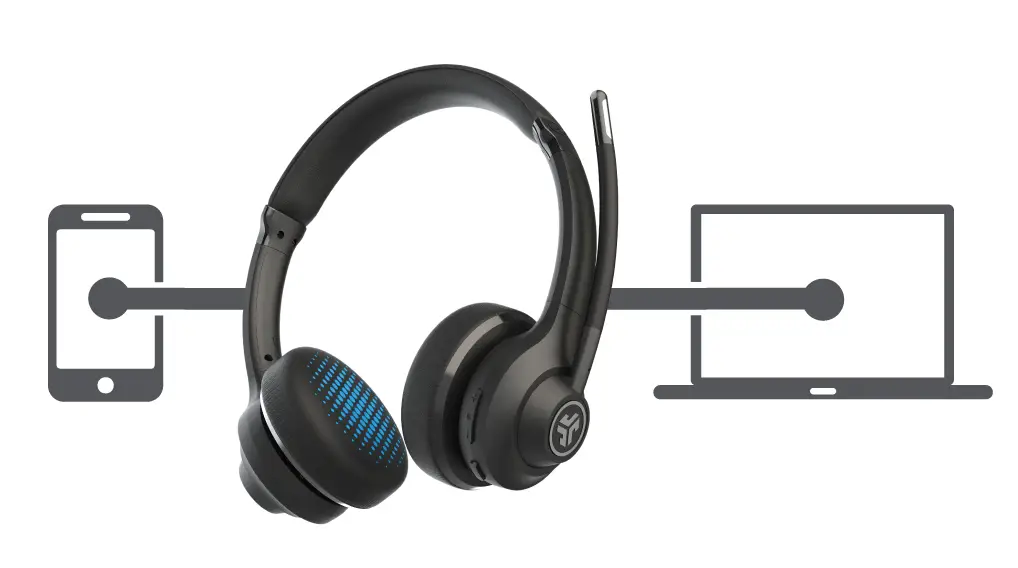
- Dual connectivity
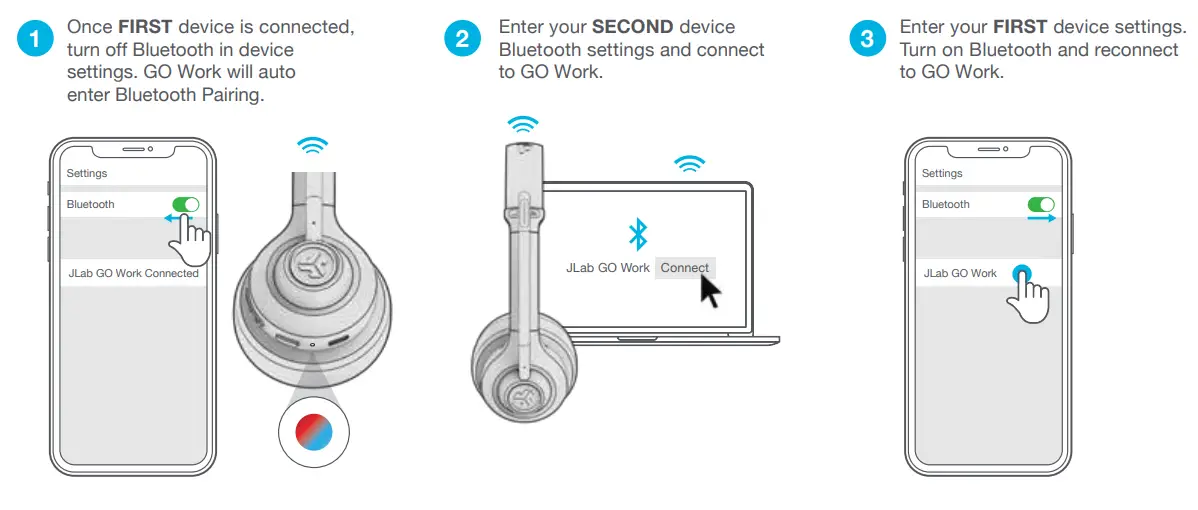
You can avail the feature of dual connectivity. You can either connect it wirelessly through Bluetooth or Or plug-in with the included USB-C to 3.5mm cable. Furthermore, Bluetooth multipoint technology allows you to connect to two devices at the same time. You may go from your phone to your laptop without changing any settings.
- Crystal clear calls
Additionally, Bluetooth multipoint technology allows you to connect to two devices simultaneously. You may transfer your settings from your phone to your laptop without changing anything.
Battery time
JLAB headphone provides you an astonishing battery life of about up to 45 hours in a single charge of 2 hours. It has the function of fast charging, which means that even five minutes of fast charging may offer you roughly ten hours of listening time.
TOTAL CONTROL
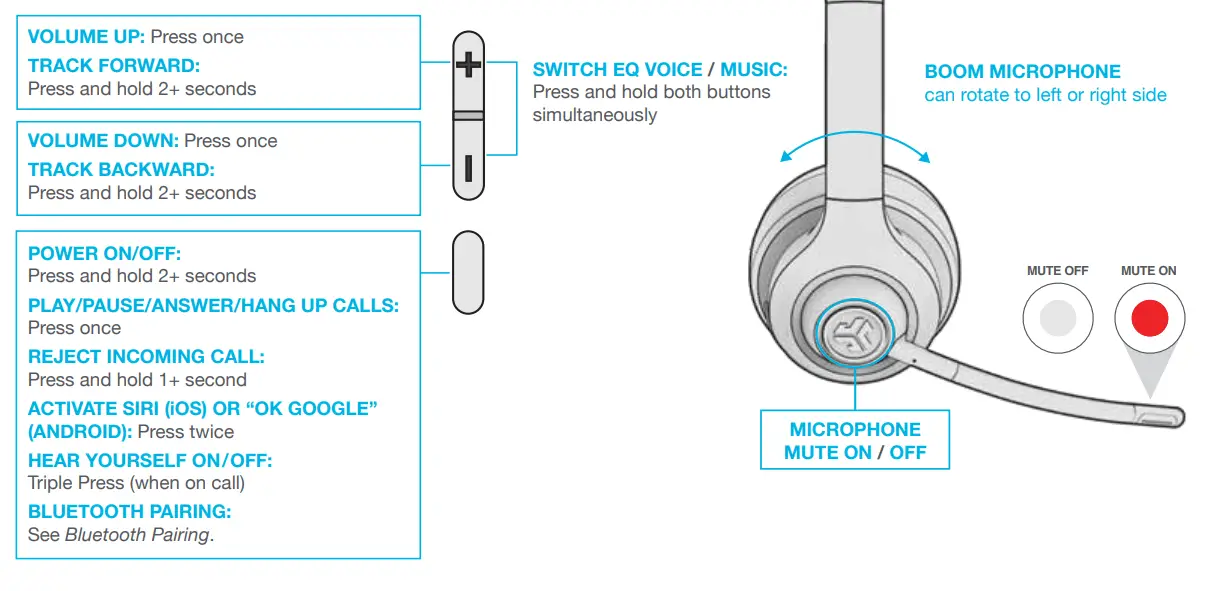
Now you can get your hands on total control to play/pause, mute, answer or reject with easy to use multifunctional buttons located on the headset
Stable fit/ comfort
These headphones dispense a stable fit with the great extent of comfort all in one. The earmuffs are soft enough to make them comfortable to wear
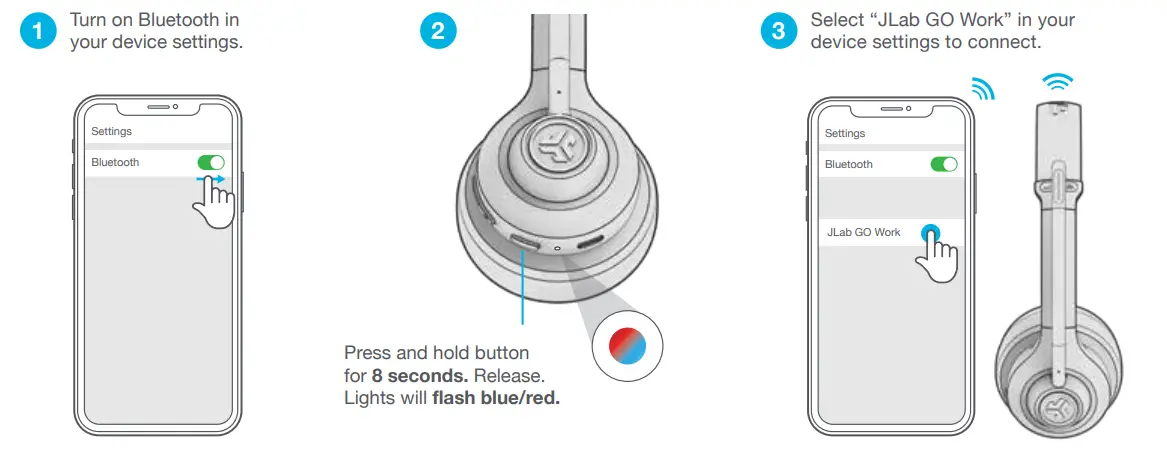
Bluetooth connectivity
Multipurpose use
Charging guide
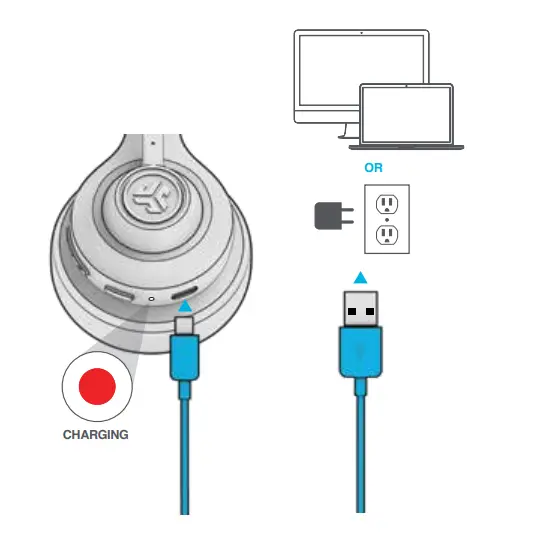
- Connect the USB 5v 1A (or less) output device to the PC.
Note that while GO Work is linked to Bluetooth, it can charge at the same time. - After charging, turn on the gadget and connect it to it.
Microphone jack
- With an AUX connection, the GO Work can be used as a corded headset.
- Note that the headset’s microphones will continue to use a little amount of battery.
Precautionary measures
- Keep the earphone shell free of moisture and liquids.
- Avoid extreme heat, cold and humidity.
- Do not drop or crush the headphones, pull the cable sharply, pull it with extreme force, or bend the cable at an acute angle.
- Wax can build up on the headphone shell and affect sound quality. Gently remove the wax using a cotton swab or other small tool to improve sound quality.
- If inconvenient or pain occurs, it temporarily reduces the volume and end of use.
- If you experienced inconvenience while using this product, please contact your doctor.
- We recommend that you handle your headphones like a beautiful pair of sunglasses and have them in a safe place if they are not used.
Verdict
Thinking about a work headset? Jlab headphone is a perfect choice for all you needs. The JLAB Go Work Wireless Headset offers a significant upgrade in quality over a basic headset without a significant price increase. However, it is a cost-effective solution. There are headsets that sound better, feel better, look better, and have more functions, but they all come at a price you don’t need to pay for a business meeting.
PROS
- Good sound quality
- Bluetooth connectivity
- Comfortable to wear
- Adjustable band
- Excellent battery life
- Sleek design
CONS
- Quite expensive
- JLab Wireless On-Ear Headphones
FREQUENTLY ASKED QUESTIONS
- Is JLab a good headphone brand?
The JLAB Go Work Wireless Headset offers a significant upgrade in quality over a basic headset without a significant price increase. However, it is a cost-effective solution. There are headsets that sound better, feel better, look better, and have more functions, but they all come at a price you don’t need to pay for a business meeting. - Does JLab headphones have good sound quality?
These headphones offer you premium sound quality with a crystal clear microphone for calling - Why do my JLab headphones keep cutting out?
Moisture on your headphones/headset (rain, sweat, etc.). Moisture on your phone, MP3 player, or another audio device (rain, perspiration, etc.). Clothing or covers (anything that covers your headphones/headset, phone, or audio device) Either the headphone or the phone/device has a low battery. - Why are my JLab headphones not working?
Restart both your audio product and your device. Turn off Bluetooth on the Bluetooth audio device and the device, and turn both back on. Follow the Bluetooth pairing procedure.