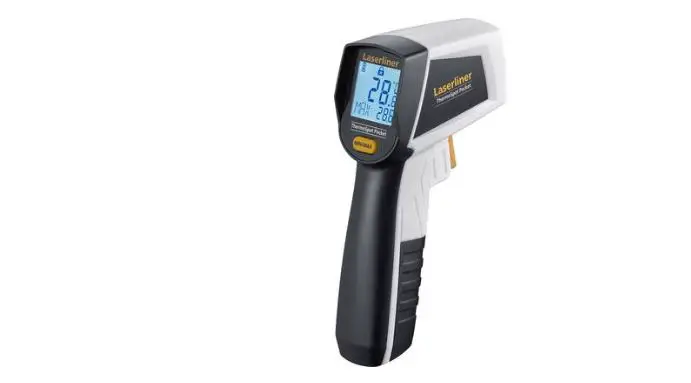
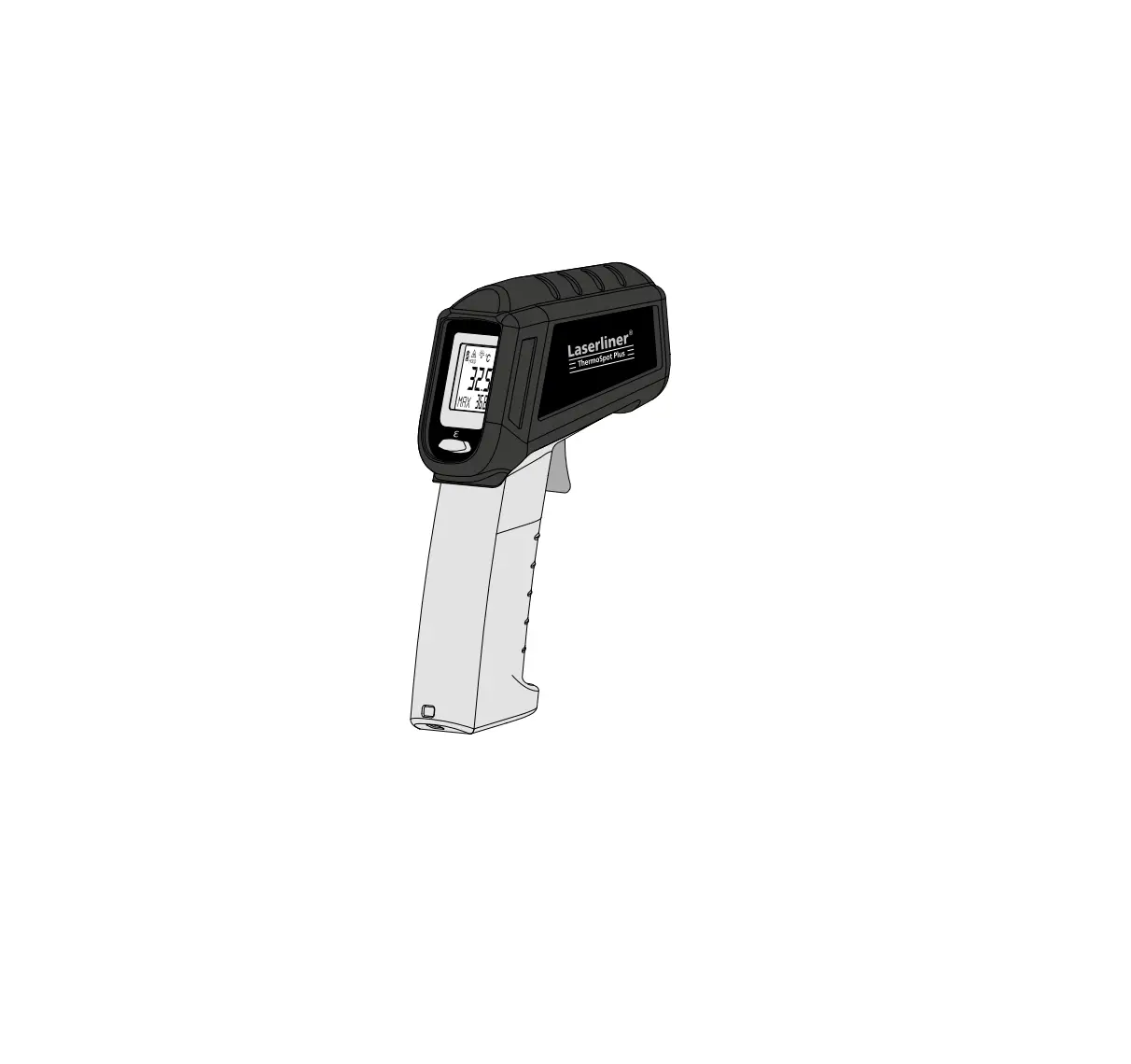
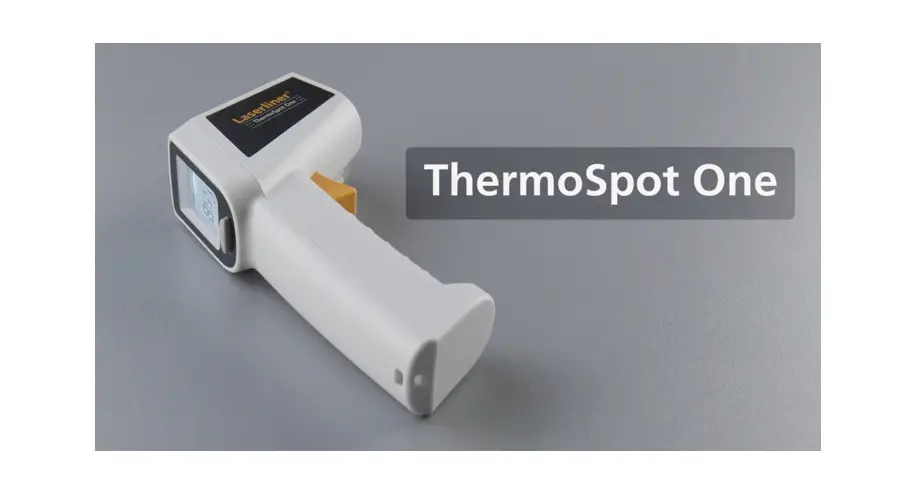
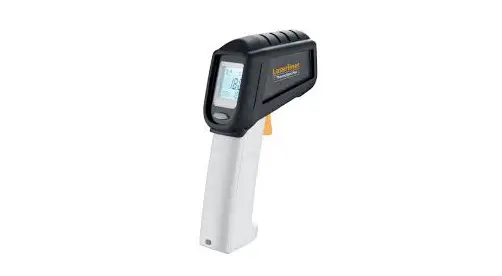
LaserLine 082.440A ThermoSpot Pocket IR Thermometer Display Instruction Manual
Function / Application
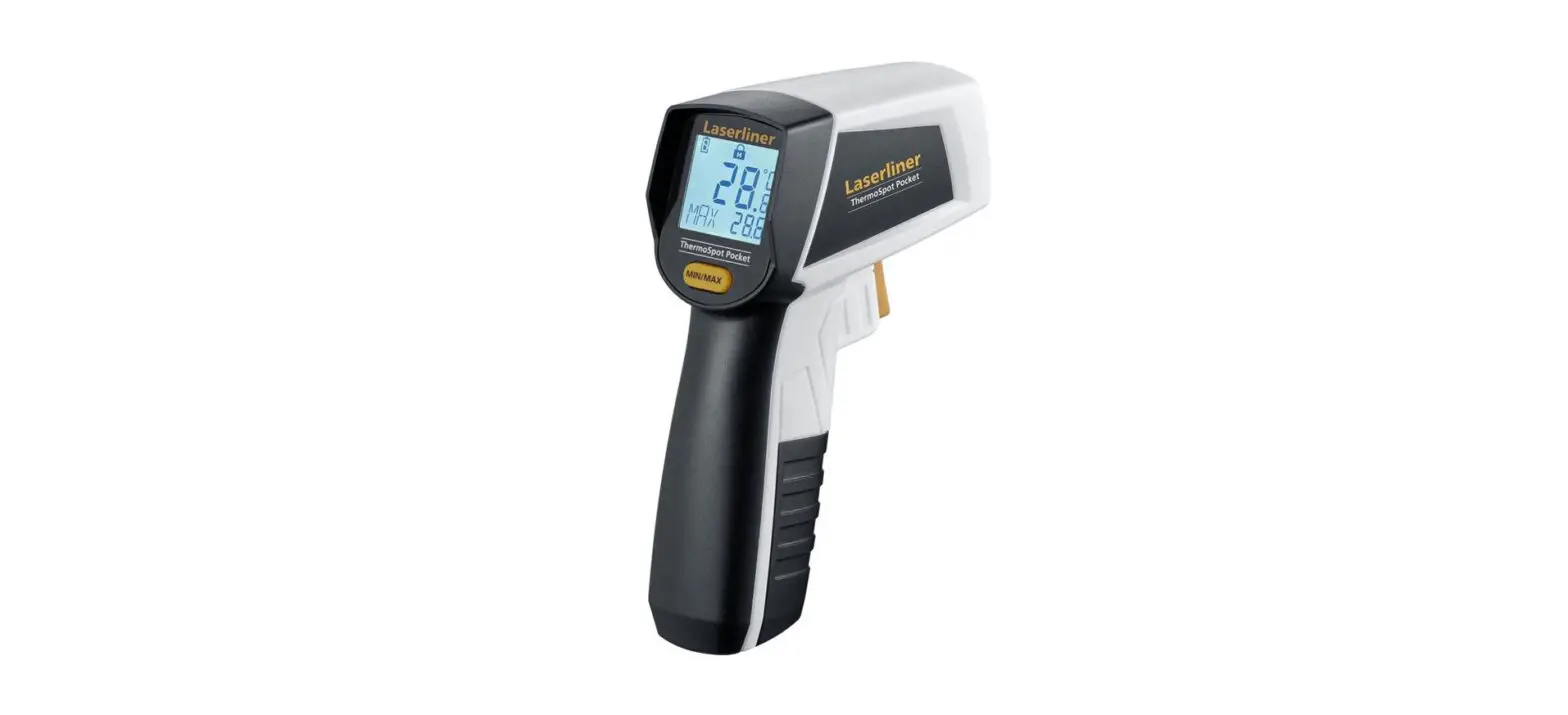
The ThermoSpot Pocket is a contactless infrared temperature measuring device with integrated laser. Non-contact temperature measurement of surfaces is realised by measuring and evaluating the amount of electromagnetic energy in the infrared wavelength range.
General safety instructions
- The device must only be used in accordance with its intended purpose and within the scope of the specifications.
- The measuring tools and accessories are not toys.
Keep out of reach of children. - Modifications or changes to the device are not permitted, this will otherwise invalidate the approval and safety specifications.
- Do not expose the device to mechanical stress, extreme temperatures, moisture or significant vibration.
- The device must no longer be used if one or more of its functions fail or the battery charge is weak.
- Please ensure compliance with the safety regulations set out by local and national authorities with regard to the correct and proper use of the device.
Safety instructions
Using class 2 lasers
 Laser radiation!
Do not stare into the beam!
Class 2 laser < 1 mW · 650 nm
EN 60825-1:2014/AC:2017
- Attention: Do not look into the direct or reflected beam.
- Do not point the laser beam towards persons.
- If a person‘s eyes are exposed to class 2 laser radiation, they should shut their eyes and immediately move away from the beam.
- Under no circumstances should optical instruments (magnifying glass, microscope, binoculars)
- Do not use the laser at eye level (1.40…1.90 m).
- Tampering with (making changes to) the laser device is not permitted
Dealing with electromagnetic radiation
- The measuring device complies with electromagnetic compatibility regulations and limit values in accordance with EMC-Directive 2014/30/EU.
- Local operating restrictions – for example, in hospitals, aircraft, petrol stations or in the vicinity of people with pacemakers – may apply. Electronic devices can potentially cause hazards or interference or be subject to hazards or interference.
- The measuring accuracy may be affected when working close to high voltages or high electromagnetic alternating fields.
Information on maintenance and care
Clean all components with a damp cloth and do not use cleaning agents, scouring agents and solvents. Remove the battery(ies) before storing for longer periods. Store the device in a clean and dry place.
Calibration
The meter needs to be calibrated and tested on a regular basis to ensure it produces accurate measurement results. We recommend carrying out calibration once a year.
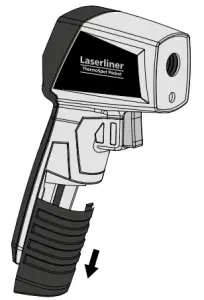
Inserting battery
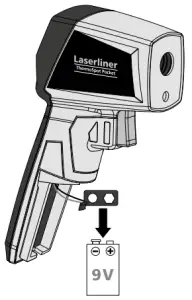
Open the battery compartment and insert battery according to the symbols. Be sure to pay attention to polarity.
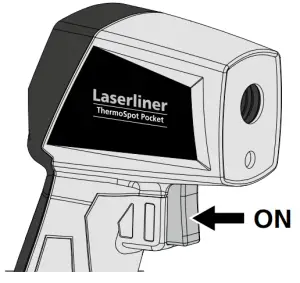
ON/OFF
The device switches off automatically after 30 seconds. Press the button again to switch the device back on.
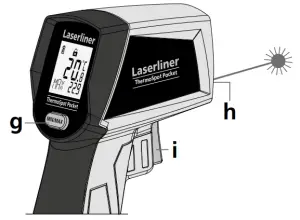
Product Overview
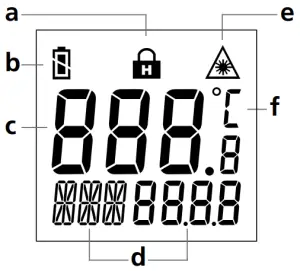
A. Hold function
B. Battery status
C. Measured value display
D. MIN or MAX value during the measurement
E. Laser beam switched on
F. Unit of measurement °C
G. MIN/MAX switching
H. Laser output
I. ON / Measure
Continuous measurement / Hold
For continuous measurement activate the laser (see figure) and keep the button pressed.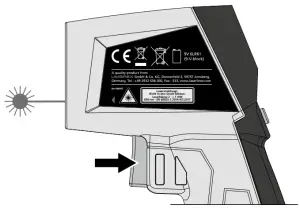
Release the button as soon as the target laser pinpoints the measurement location. The measured value is held.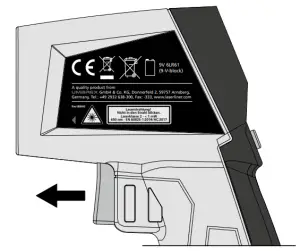
Measurement procedure notice
This infrared temperature instrument detects the temperature of various surfaces and materials. A built-in sensor head detects the material-specific infrared rays emitted by every object. The amount of these emissions is determined by the material‘s emission coefficient (0 … 1). This instrument is permanently set to an emission coefficient of 0.95, which is applicable to most organic materials as well as plastics, ceramics, wood, rubber and stone. Please ensure that the space between the instrument and surface to be measured is free of disturbances (steam, gas, contamination, glass).
Laser
The laser is a targeting aid to sight the location for the infrared measurement. Only the surface‘s temperature is measured. Set the optimum measuring distance for the measured spot (12:1) such that it is completely within the target object.
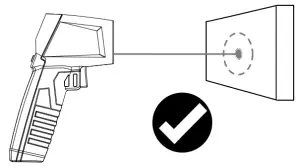
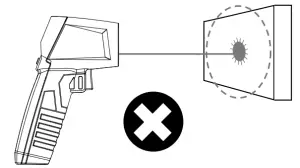
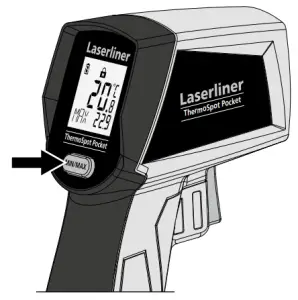
Min/Max display
The MIN or MAX value can be displayed during a continuous measurement. Press the MIN/MAX button to switch between the two values.
Technical data
| Measured variable | Infrared temperature |
| Functions | Min / Max / Hold |
| Measuring range infrared temperature | -40°C … 400°C |
| Accuracy infrared temperature | -s- 2°C + 0.1°C/degree (-40°C … 0°C) ± 2°C or ± 2% (0°C … 400°C), greater value applies |
| Laser wavelength | 650 nm |
| Laser class | 2 / < 1 mW (EN 60825-1:2014/AC:2017) |
| Emission coefficient | Fixed, 0.95 |
| Optic | 12:1 (12 m distance : 1 m measured spot) |
| Auto power off | after 30 seconds |
| Operating conditions | 0°C … 40°C, max. humidity 80% rH, no condensation, max. working altitude 2000 m above sea level |
| Storage conditions | -10°C … 60°C, max. humidity 80% rH, no condensation |
| Power supply | 1 x 9V 6LR61 (9-volt block) |
| Operating time | approx. 35 hours |
| Dimensions (W x H x D) | 95 x 132 x 37 mm |
| Weight | 144 g (incl. batteries) |
Technical revisions reserved. 19W41
 EU directives and disposal
This device complies with all necessary standards for the free movement of goods within the EU. This product is an electric device and must be collected separately for disposal according to the European Directive on waste electrical and electronic equipment. Further safety and supplementary notices at: http://laserliner.com/info?an=AJB


Umarex GmbH & Co. KG
Donnerfeld 2
59757 Arnsberg, Germany
Tel.: +49 2932 638-300, Fax: -333
www.laserliner.com