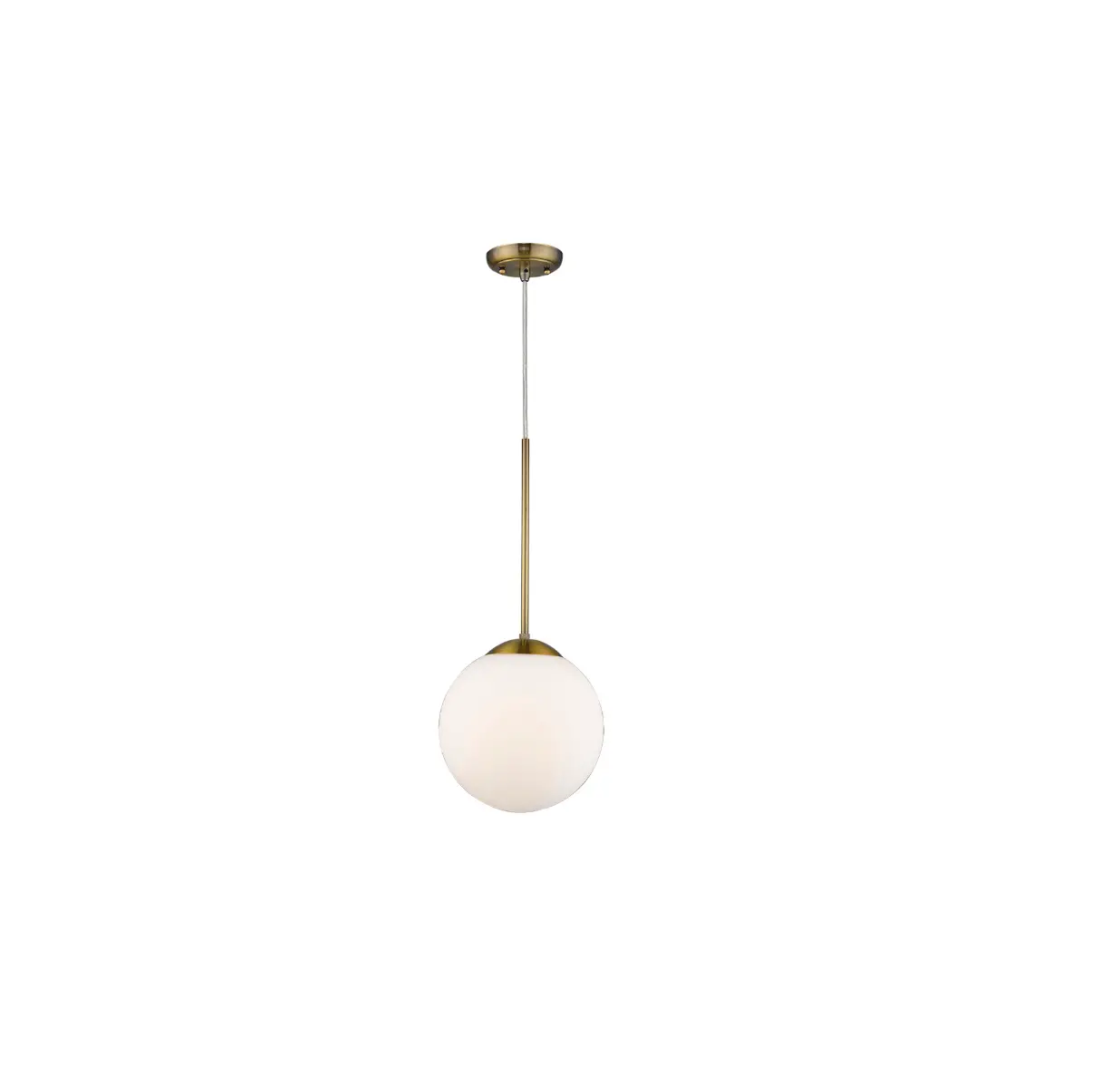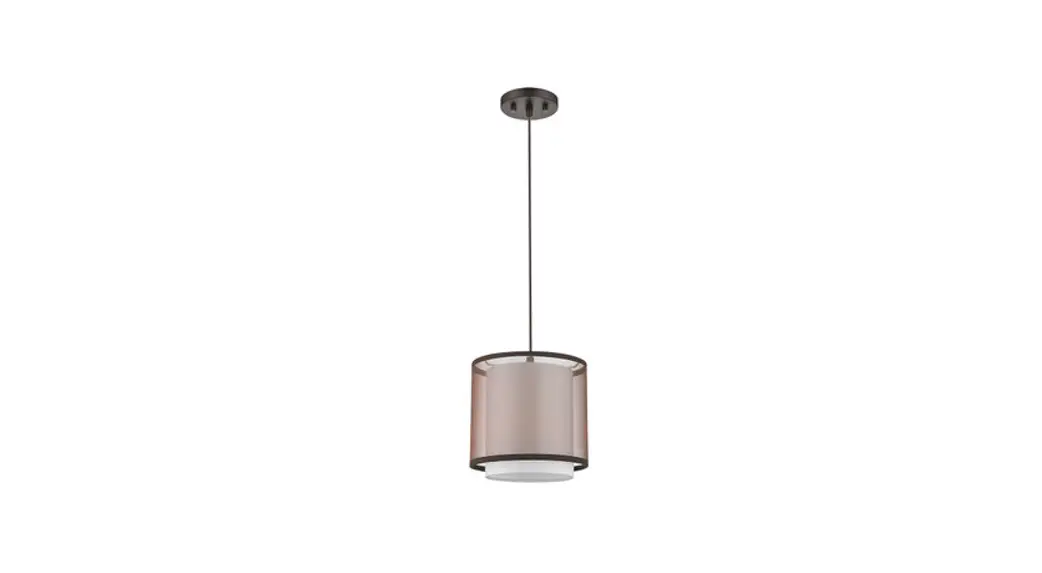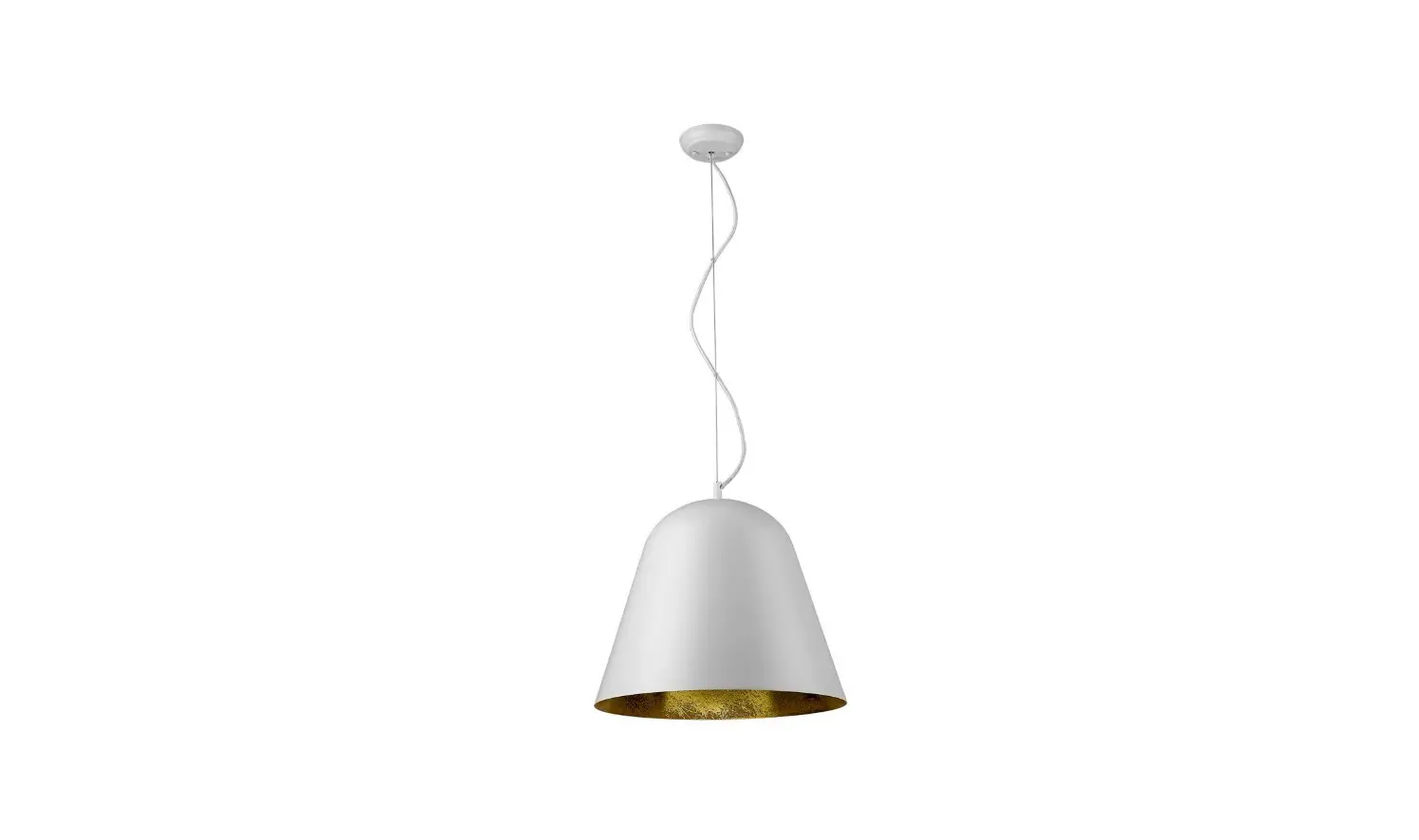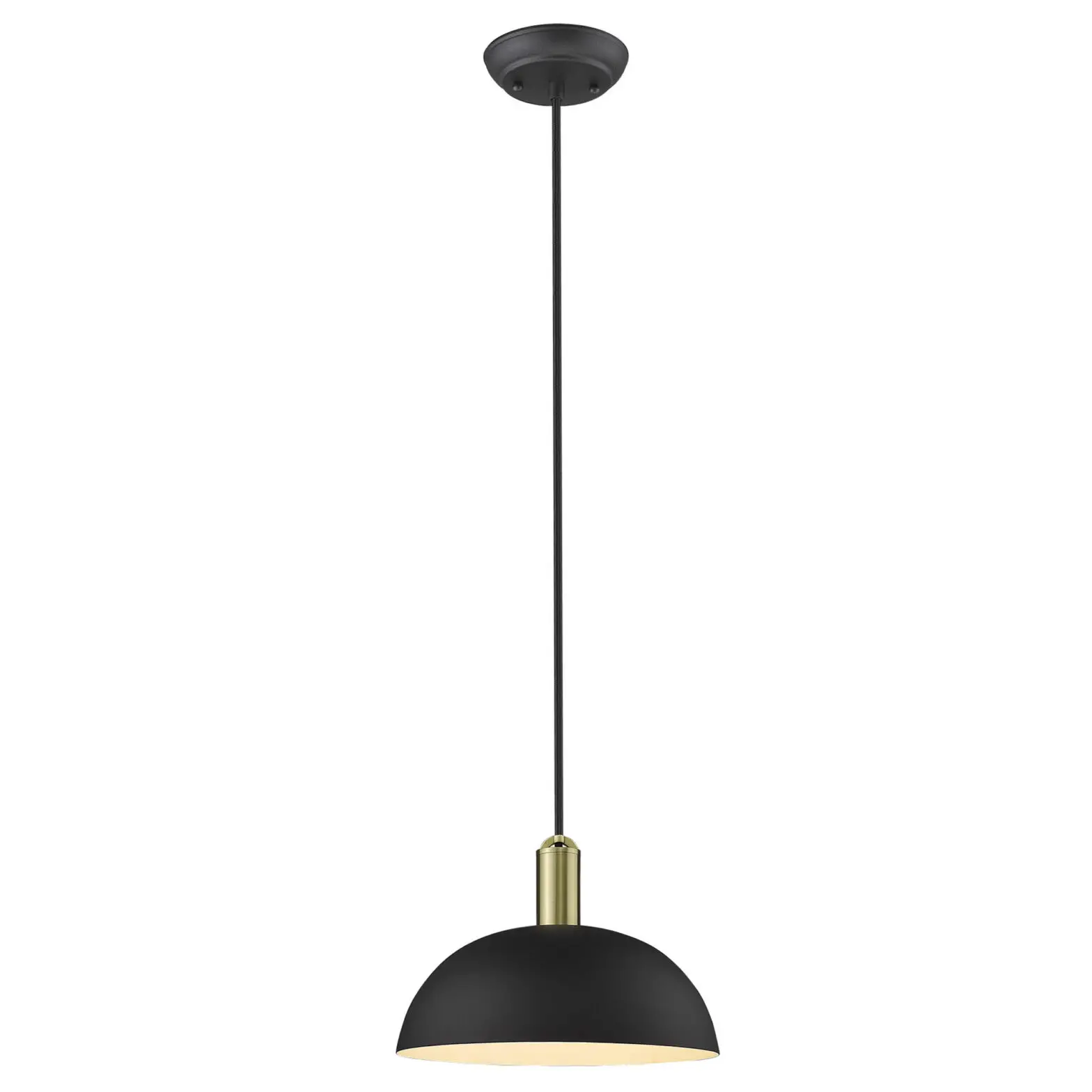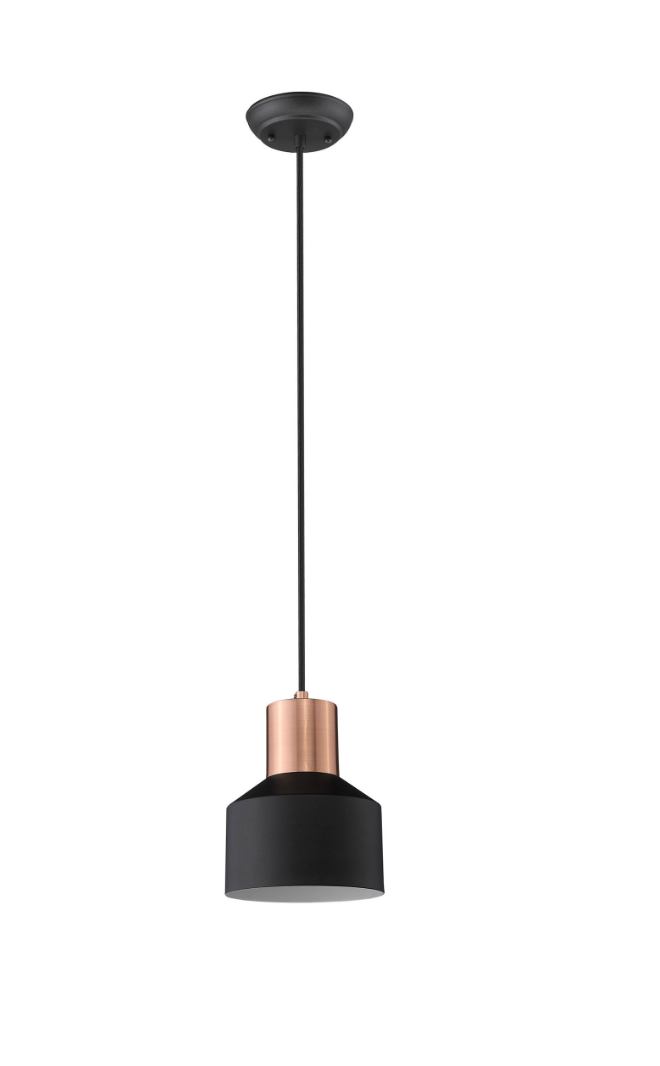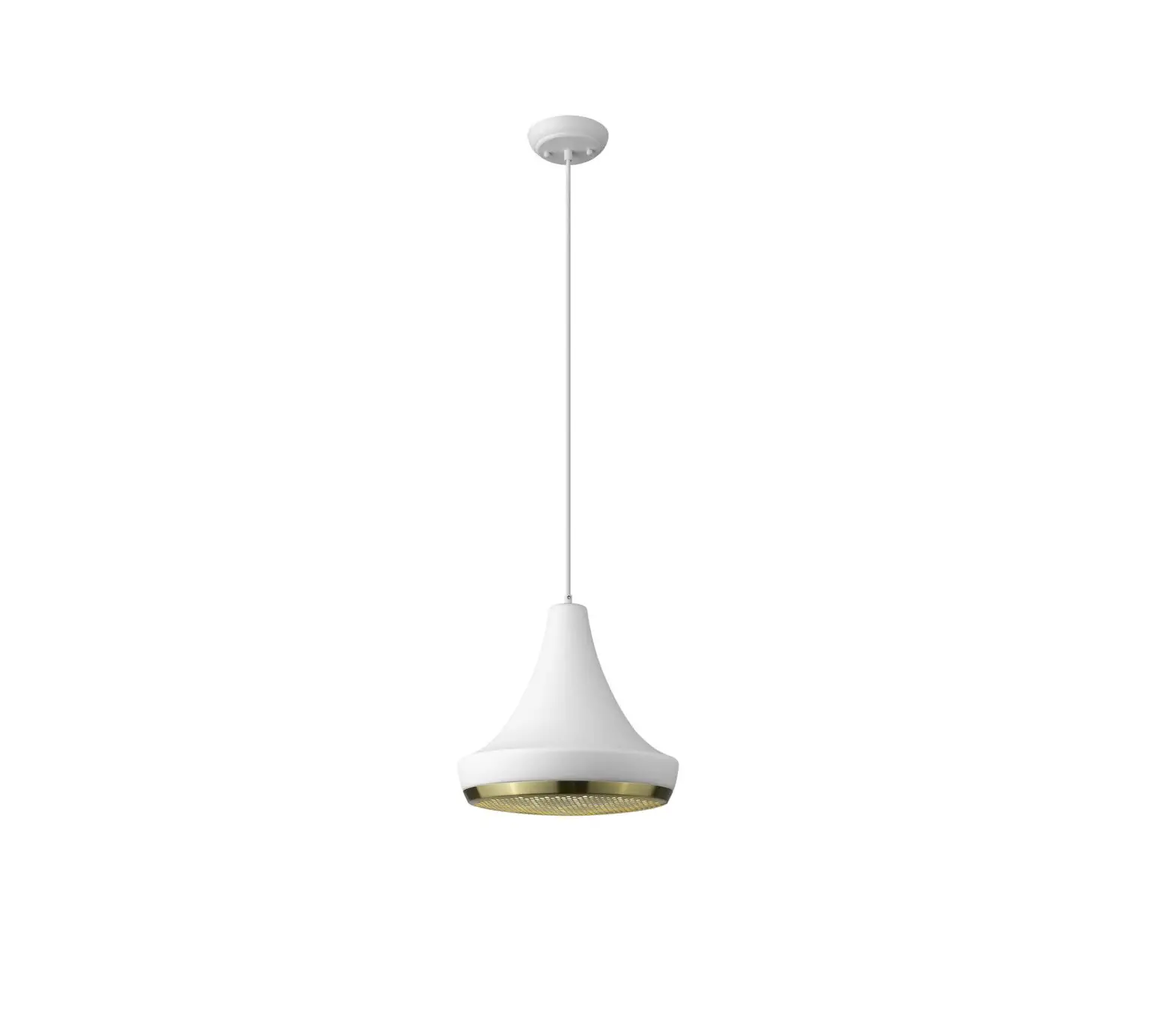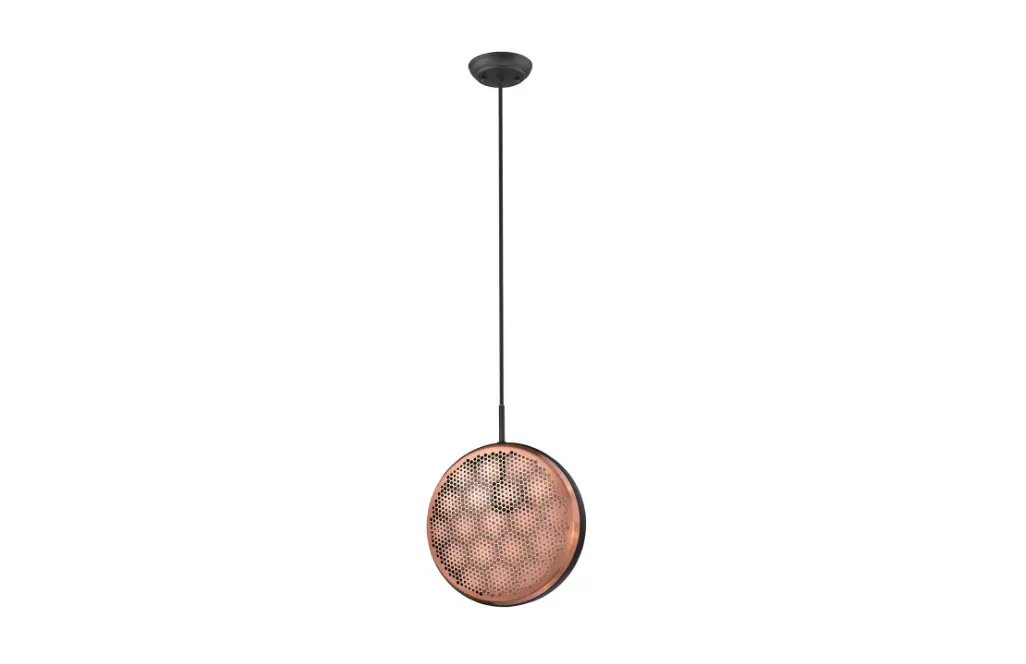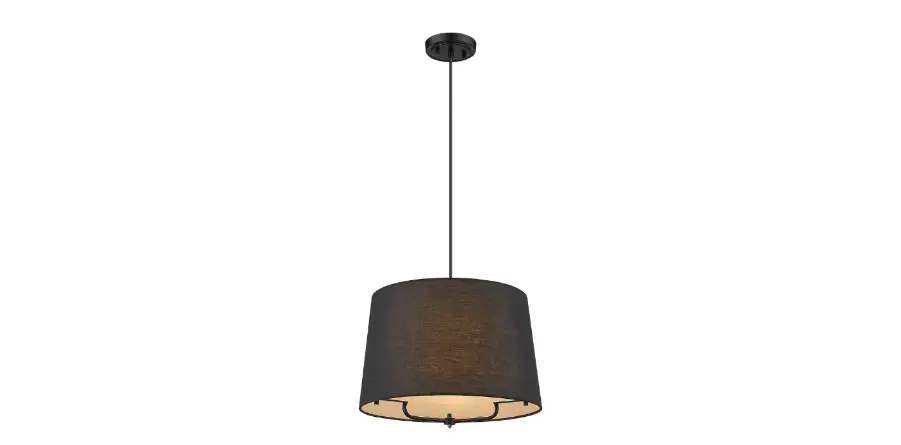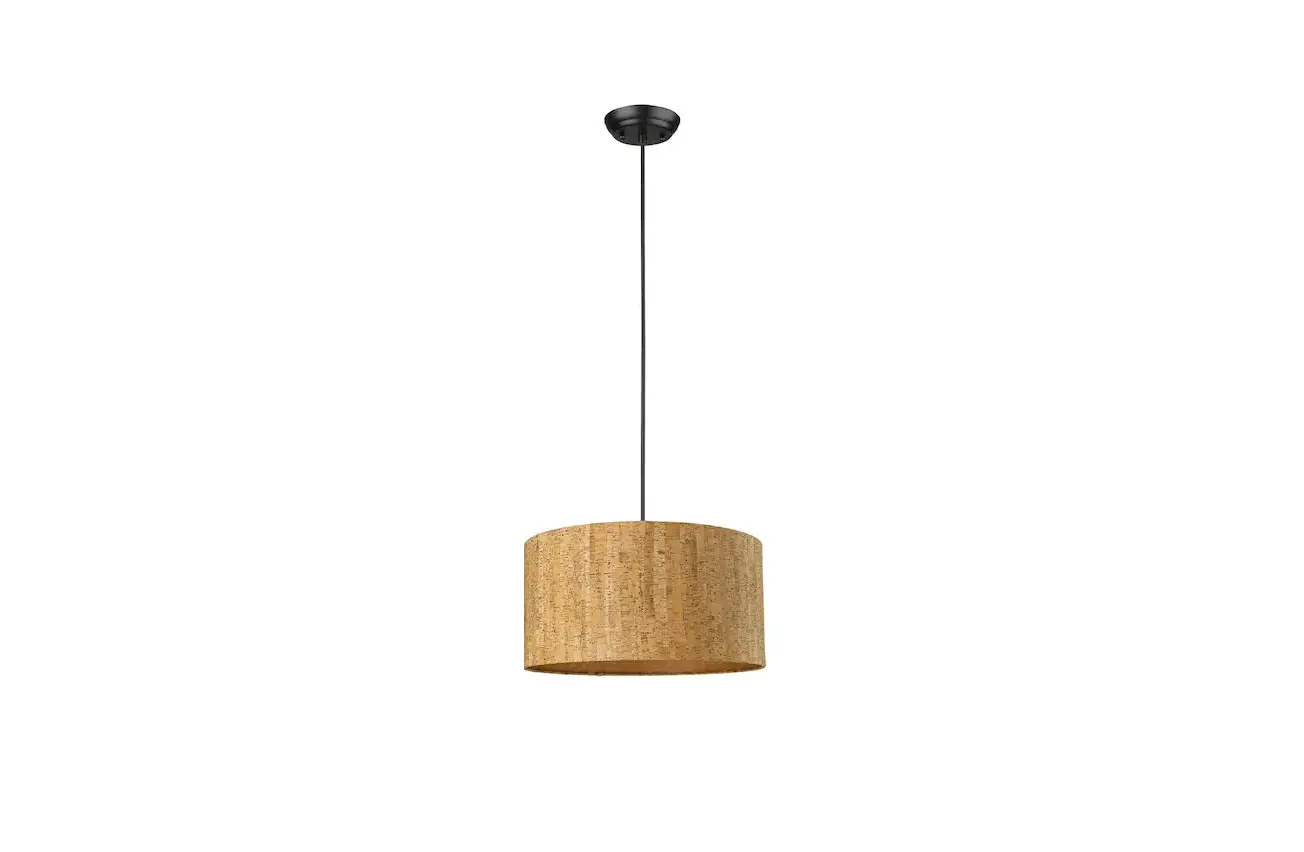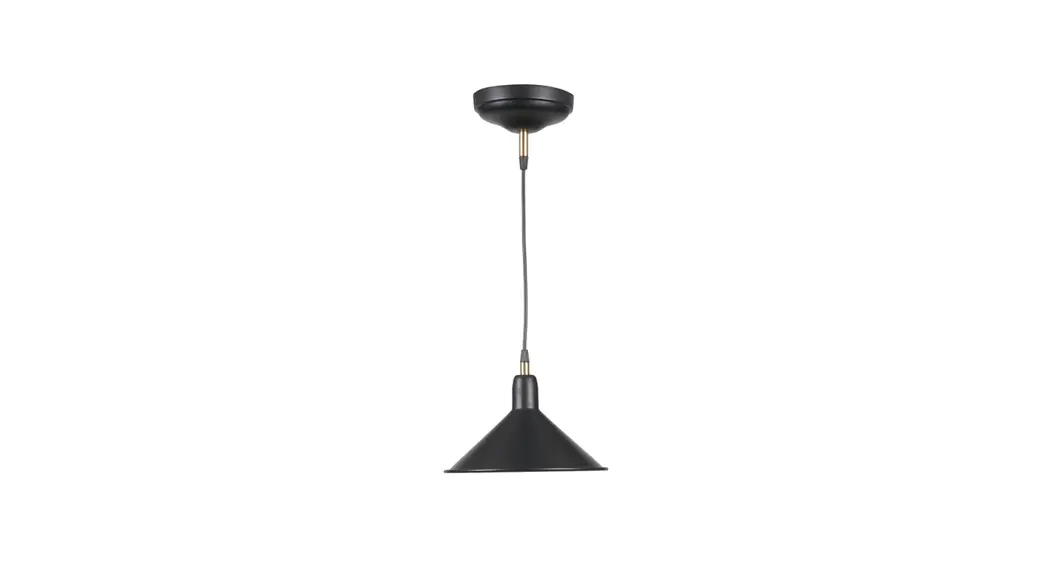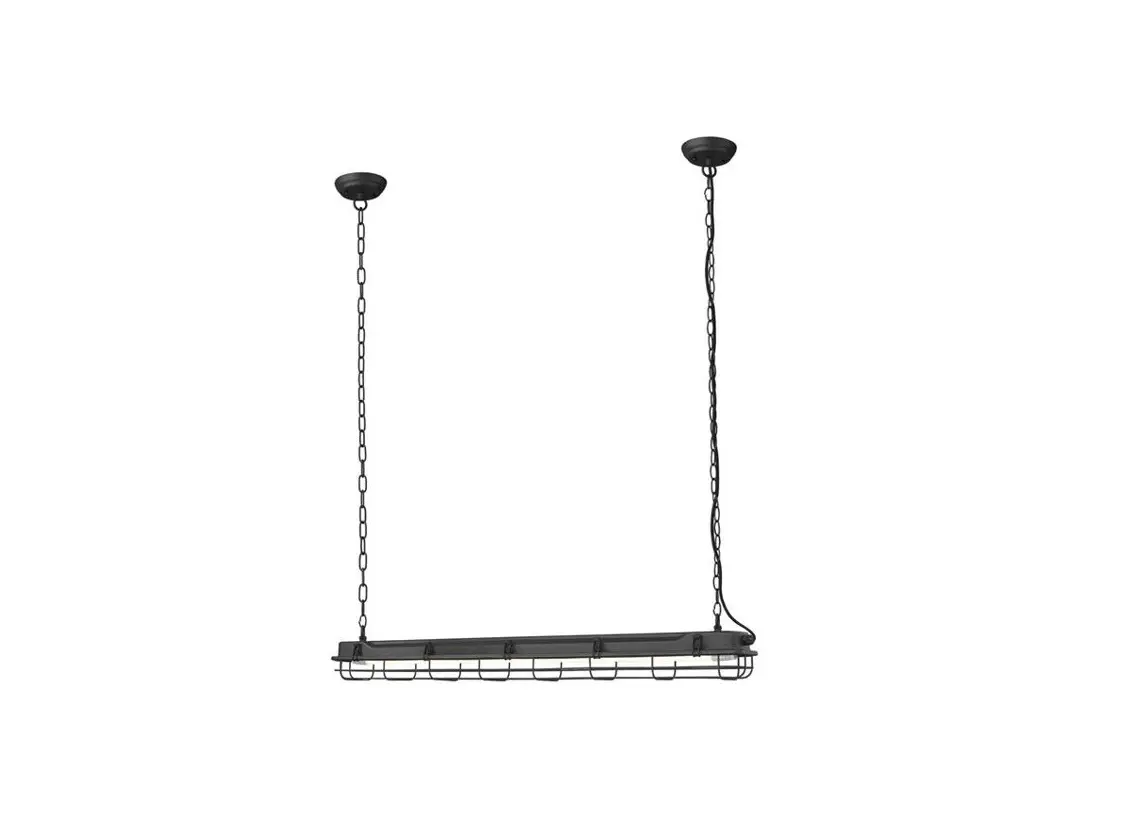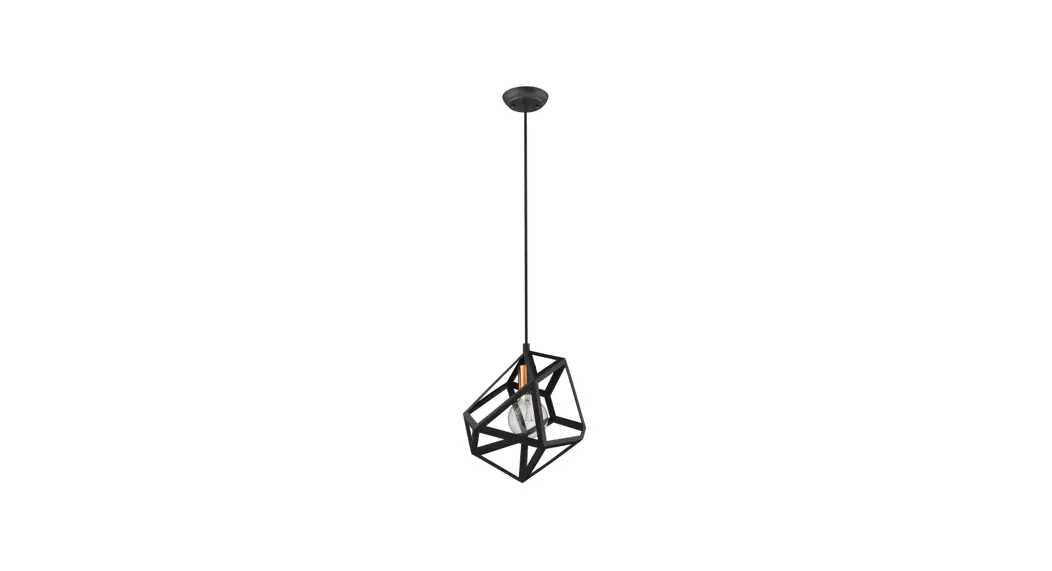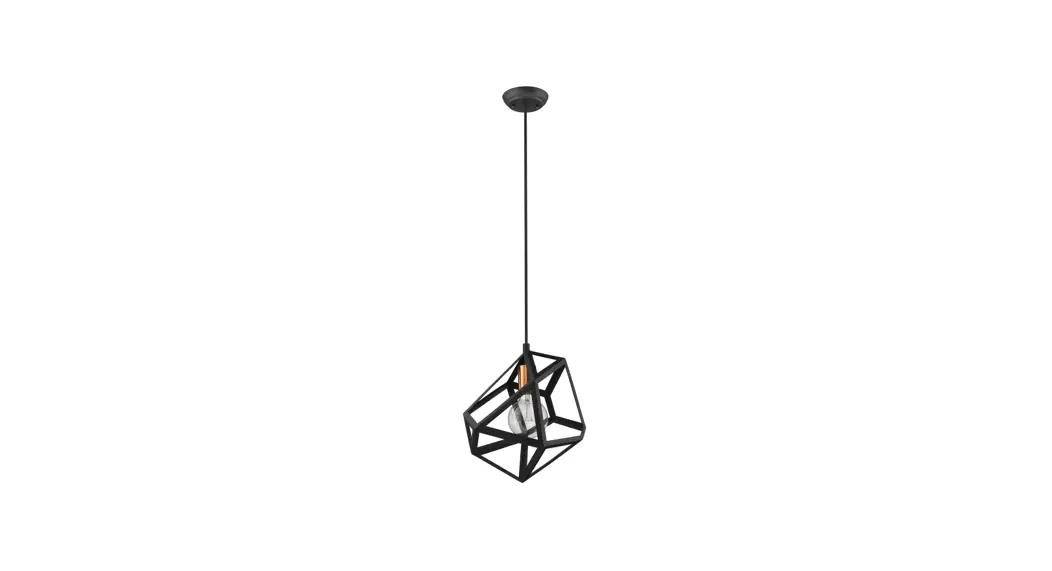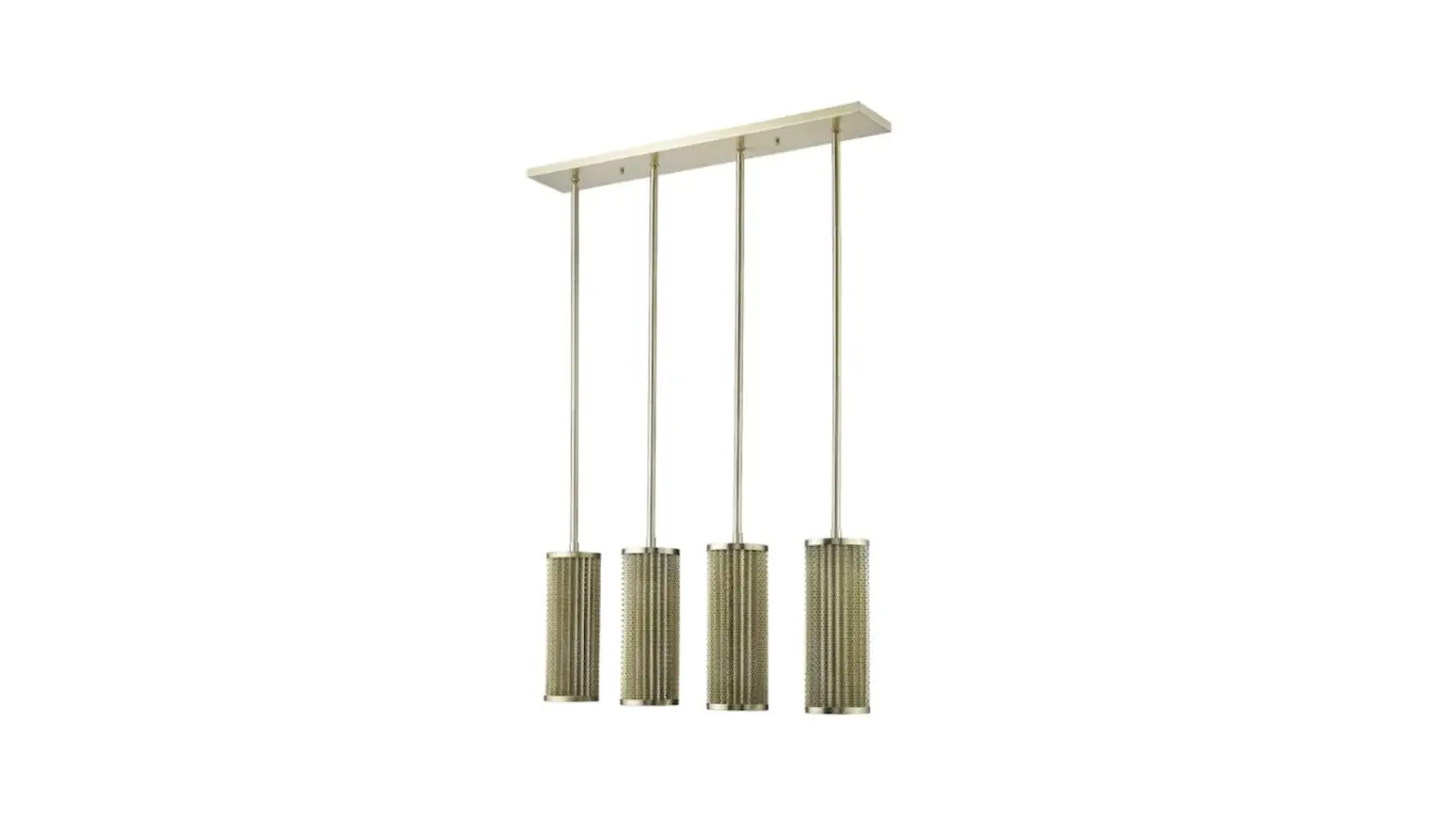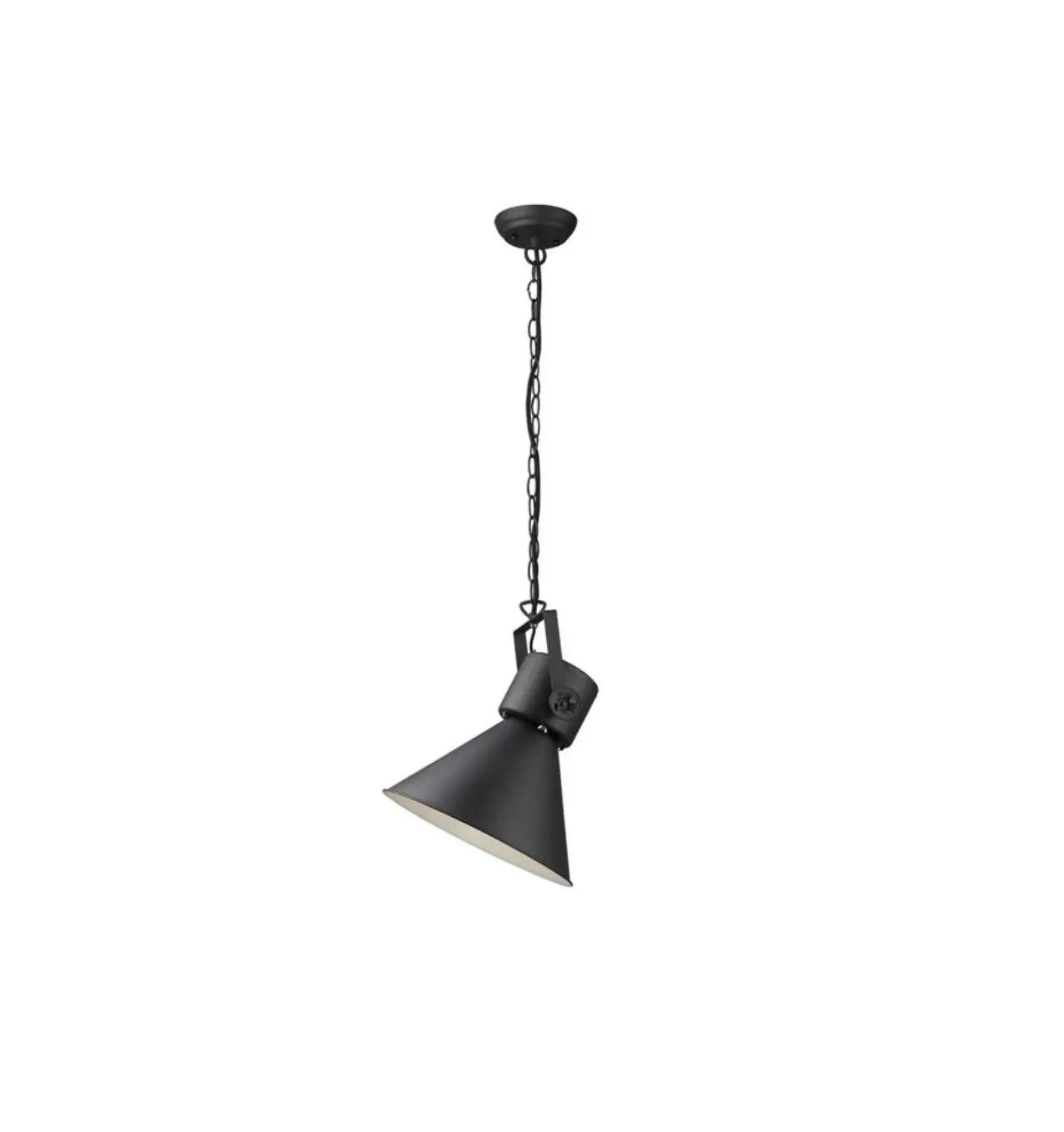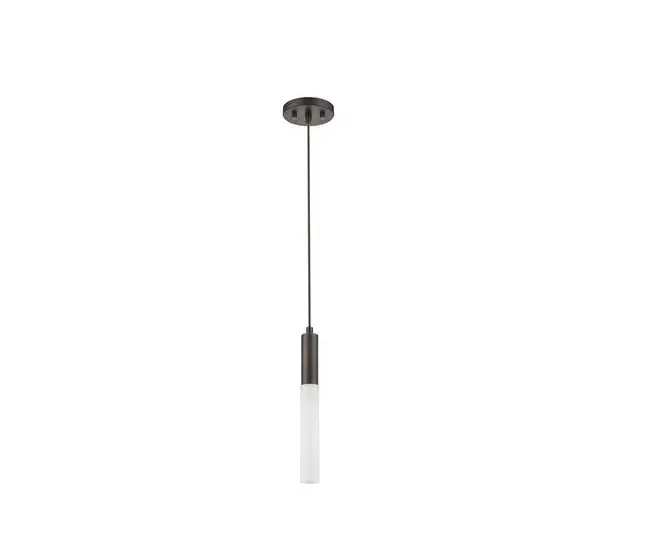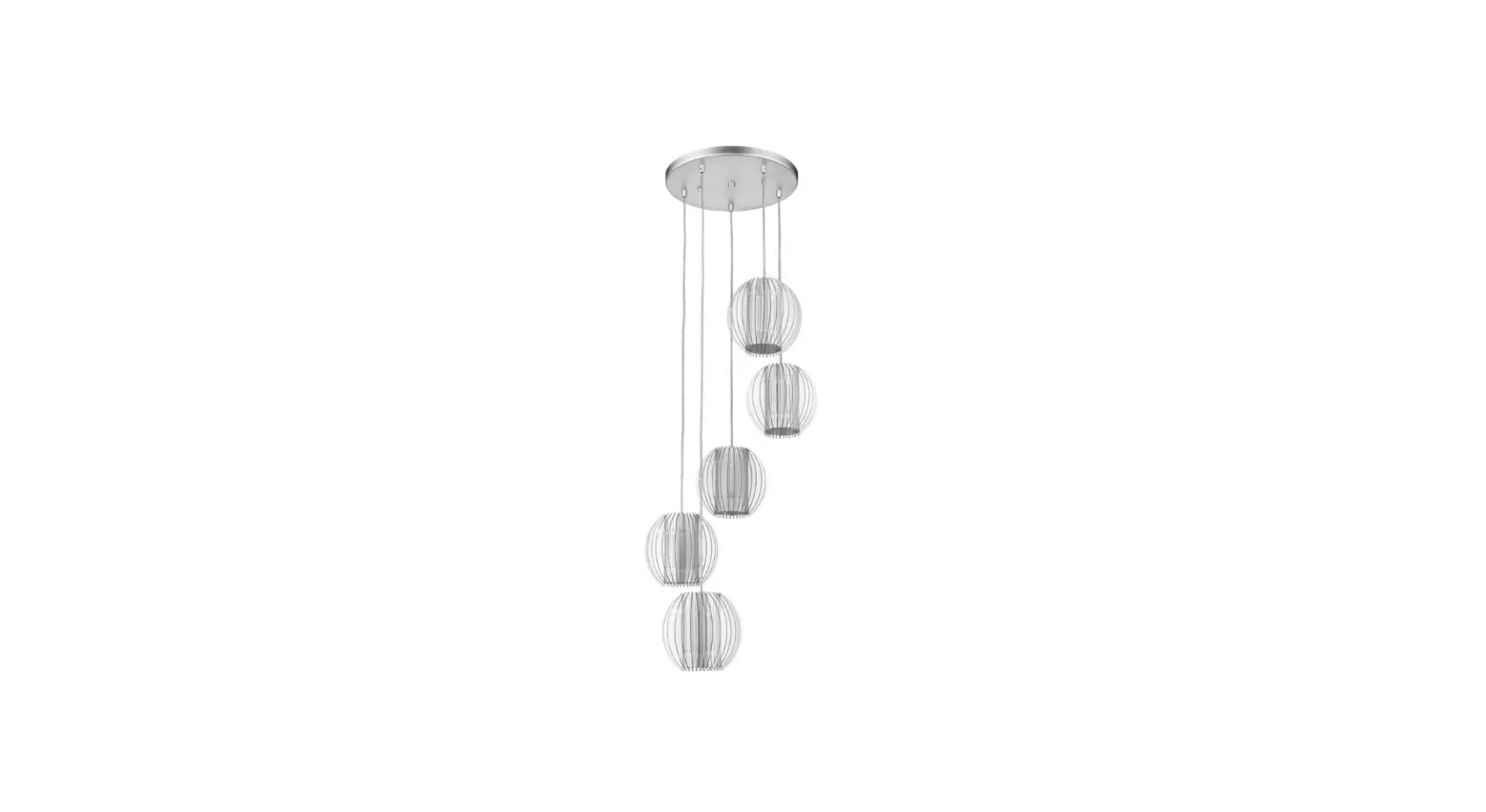

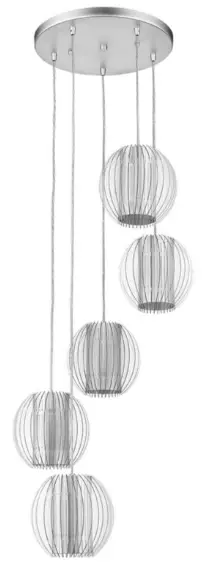
TREND TP6300-5 Phoenix 1 Light Pendant
Please read carefully and save these instructions, as you may need them at a later date.
CAUTION
WARNING:
Risk of Fire. Consult a qualified electrician to ensure the correct branch circuit conductor. Min 90ºC supply conductors.
Turn off the main power at the circuit breaker before installing the fixture, in order to prevent possible shock.
GENERAL
All electrical connections must be in accordance with local and National Electrical Code (N.E.C.) standards. If you are unfamiliar with proper electrical wiring connections obtain the services of a qualified electrician. Remove the fixture and the mounting package from the box and make sure that no parts are missing by referencing the illustrations on the installation instructions.
ASSEMBLY AND INSTALLATION
- Secure the mounting plate (8) with box screws(6) and wood screws (7) to the outlet box(1)
- Pull out the outlet wire and ground wire from the outlet box. Make wire connections with Wire Connectors (2)
- Black wire from light to Black wire (3) from the power source.
- White wire from light to White wire(4) from the power source.
- Loop the ground wire(5) to the mounting plate (8) with a ground screw(9).
- Attach the canopy(11) against the ceiling. Secure with the ball nut(12) and mounting screw(10).
- Insert the bulb (15) into the socket. Hang the acrylic discs (13) on the shade(14) one by one.
DO NOT USE BARE HANDS TO TOUCH THE BULB.
INSTALLATION IS NOW COMPLETE
PARTS AND ASSEMBLY
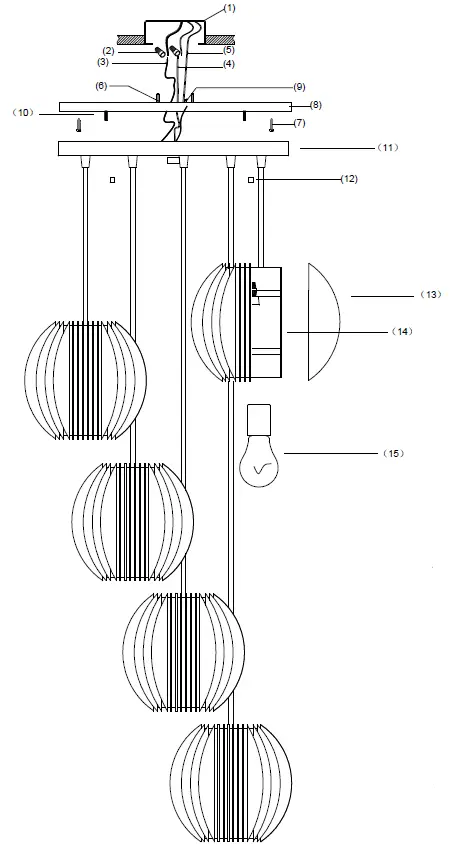
- OUTLEX BOX
- WIRE CONNECTOR
- BLACK WIRE
- WHITE WIRE
- GROUND WIRE
- BOX SCREW
- WOOD SCREW
- MOUNTING PLATE
- GROUND SCREW
- MOUNTING SCREW
- CANOPY
- BALL NUTS
- ACRYLIC DISCS
- SHADE
- BULB