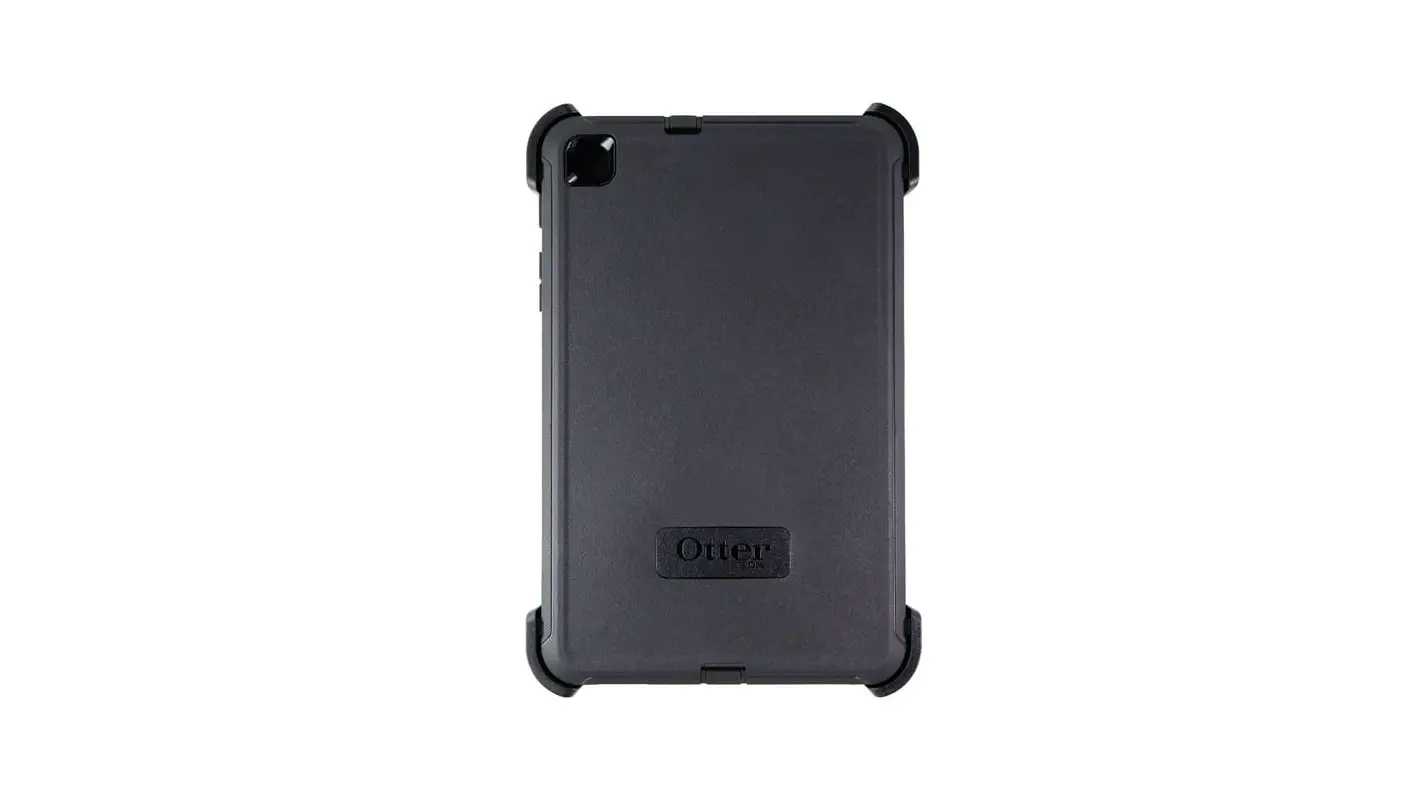
OtterBox Defender Series Tablet Instruction Manual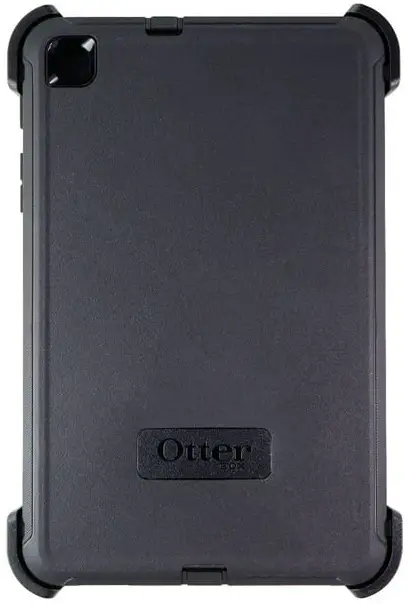
Installation Instructions
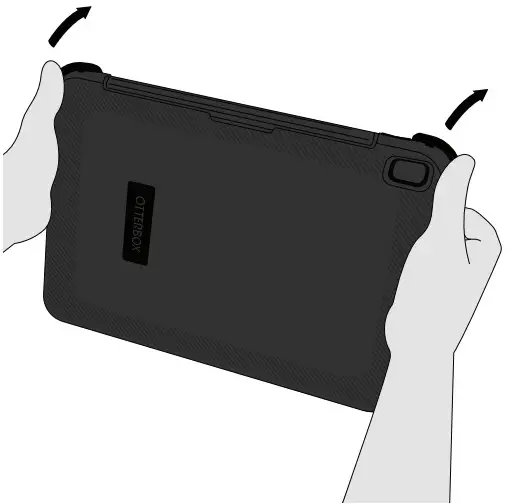
- Release corners and remove shield stand.

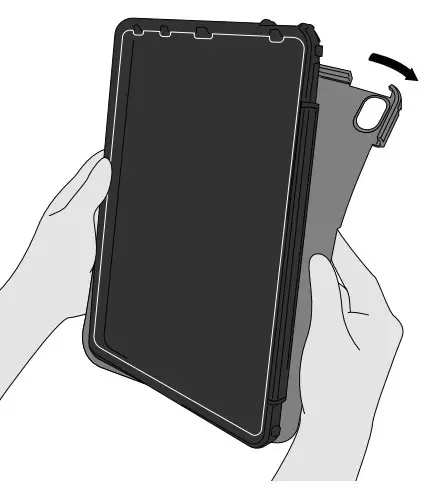
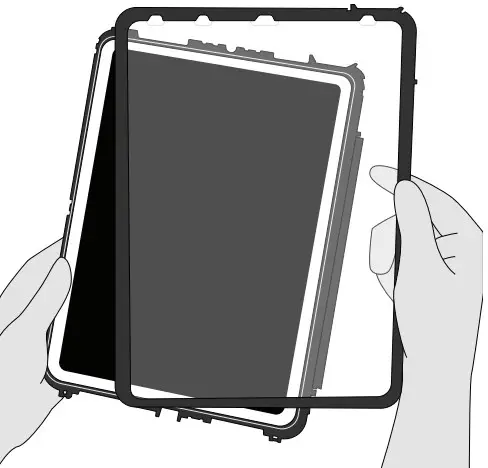
- Peel away and remove the outer slipcover.

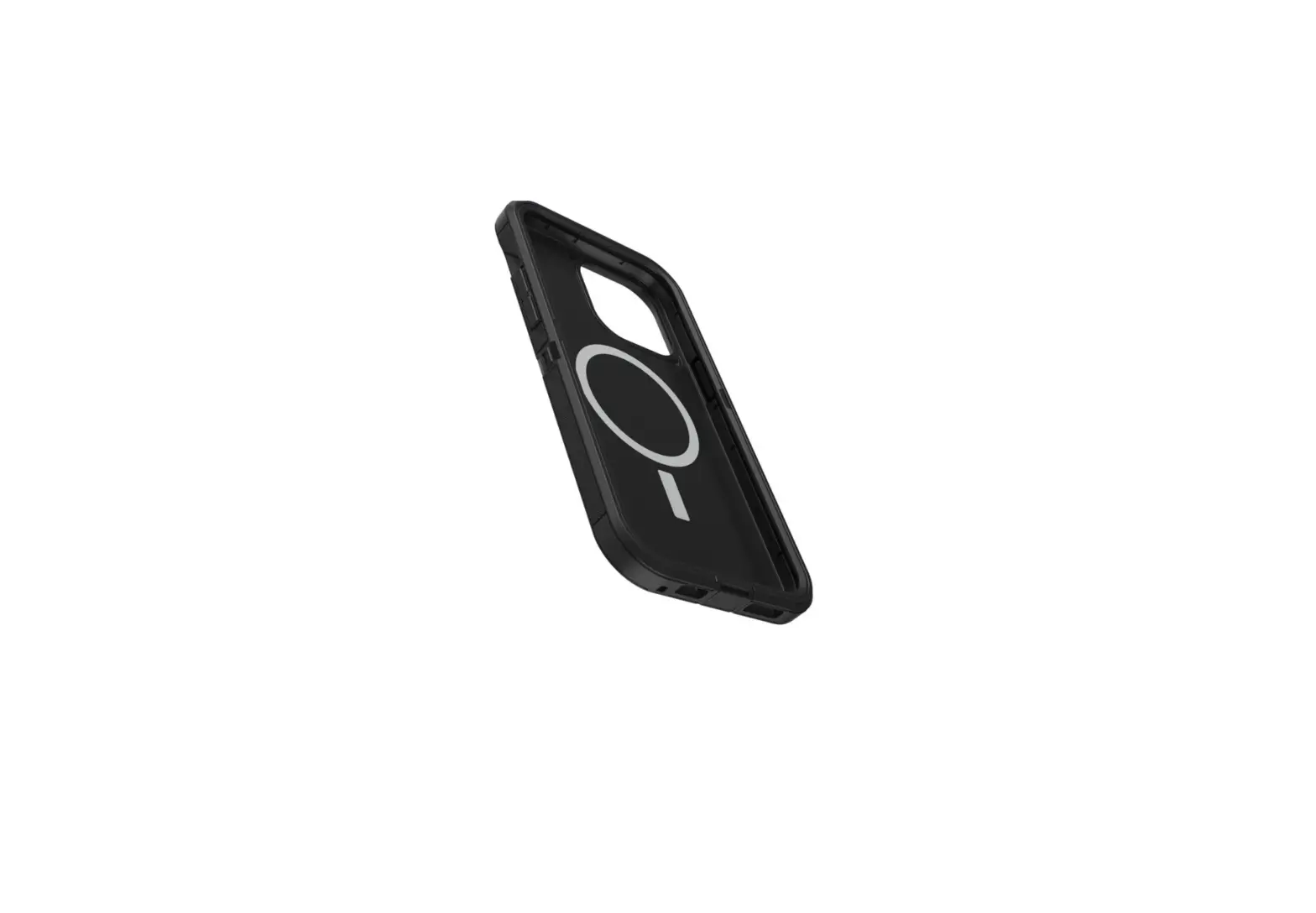
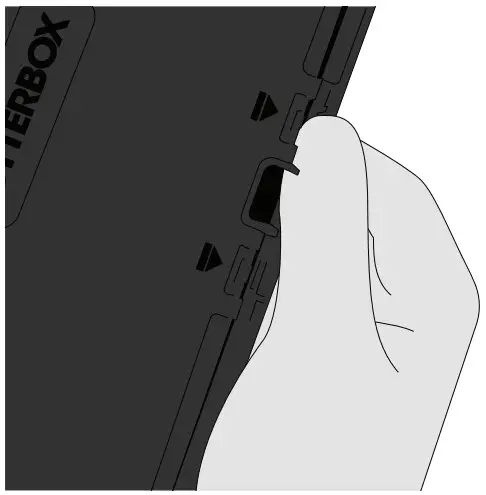
- Separate the shell by locating the indicated arrows and releasing each snap along all four sides.

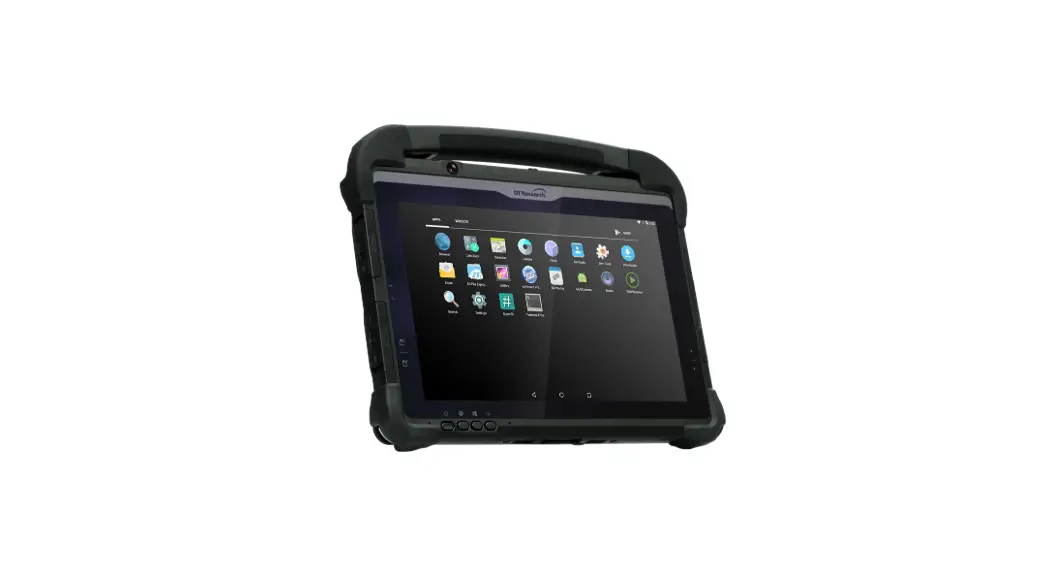
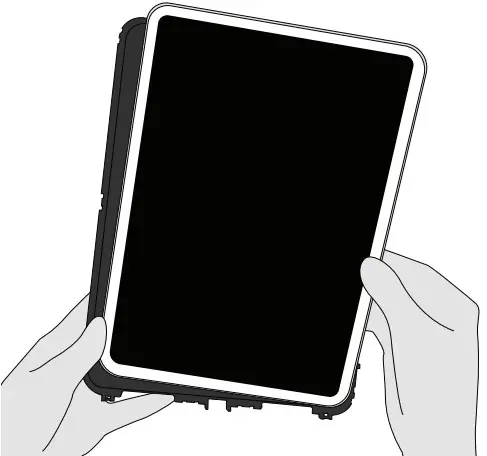
- Place the device into the bottom half of the shell.

- Place the shell top half on the device and snap the two pieces together along all edges.

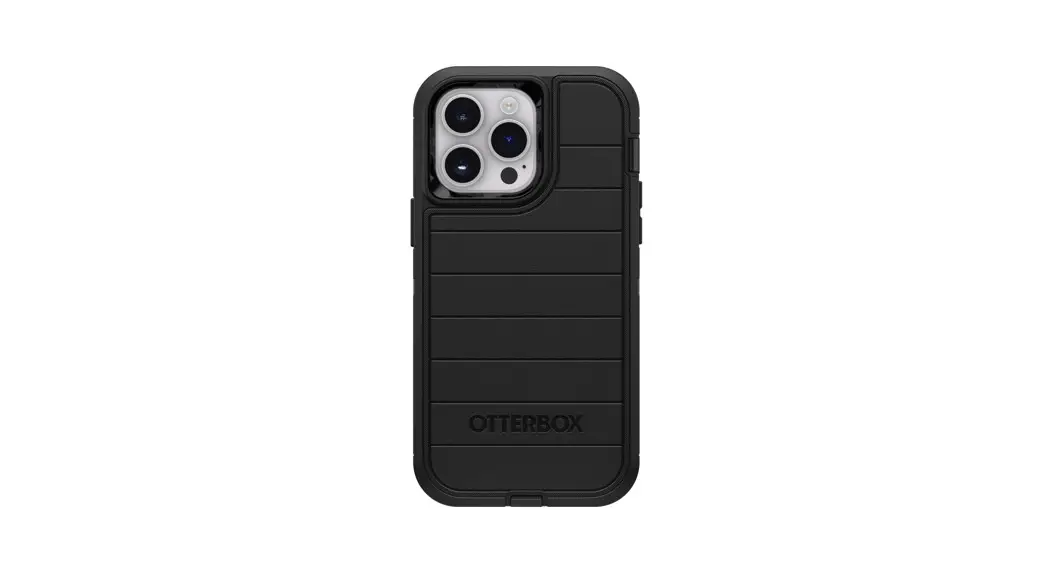
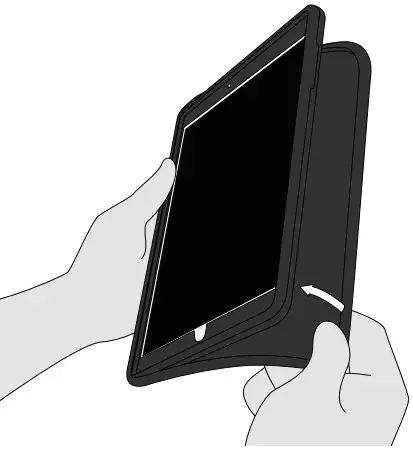
- Wrap the slipcover around the shell. Ensure silcone slipcover is nested in groove and notches on all sides for a tight, secure fit.

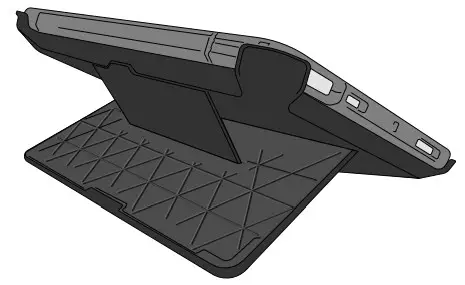
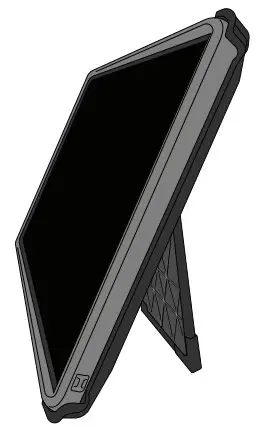
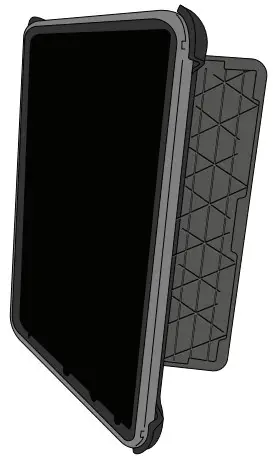
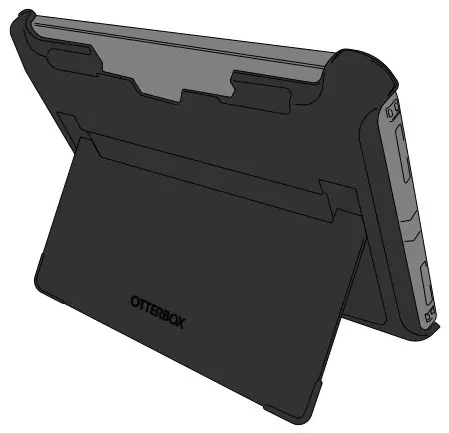
4 Working Positions
- Comfortable typing

- Media viewing.

- Portrait interaction

- Landscape streaming

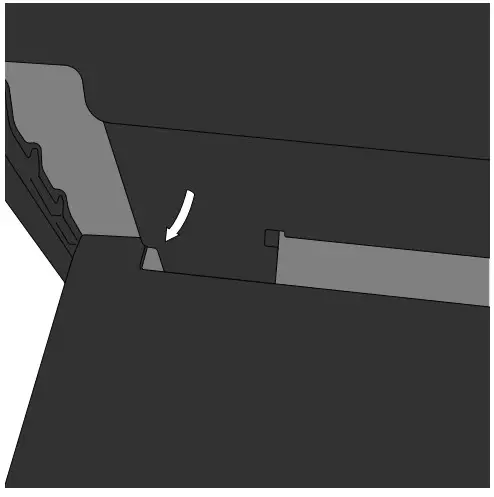
- To release stand, move stand notch to the lowest position and gently pull towards you, then slide up to close stand tightly against back of case.