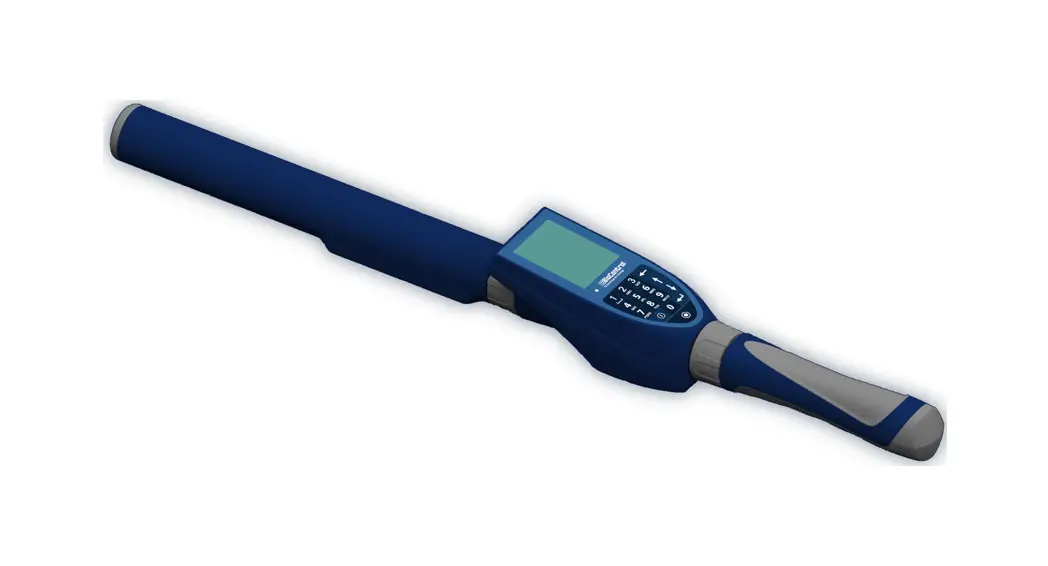
 HHR5000
by BioControl
For ISO11784 transponders and NFC option
User Manual
Version 1.8
General description
HHR5000 is a dual RFID reader.
Introduction
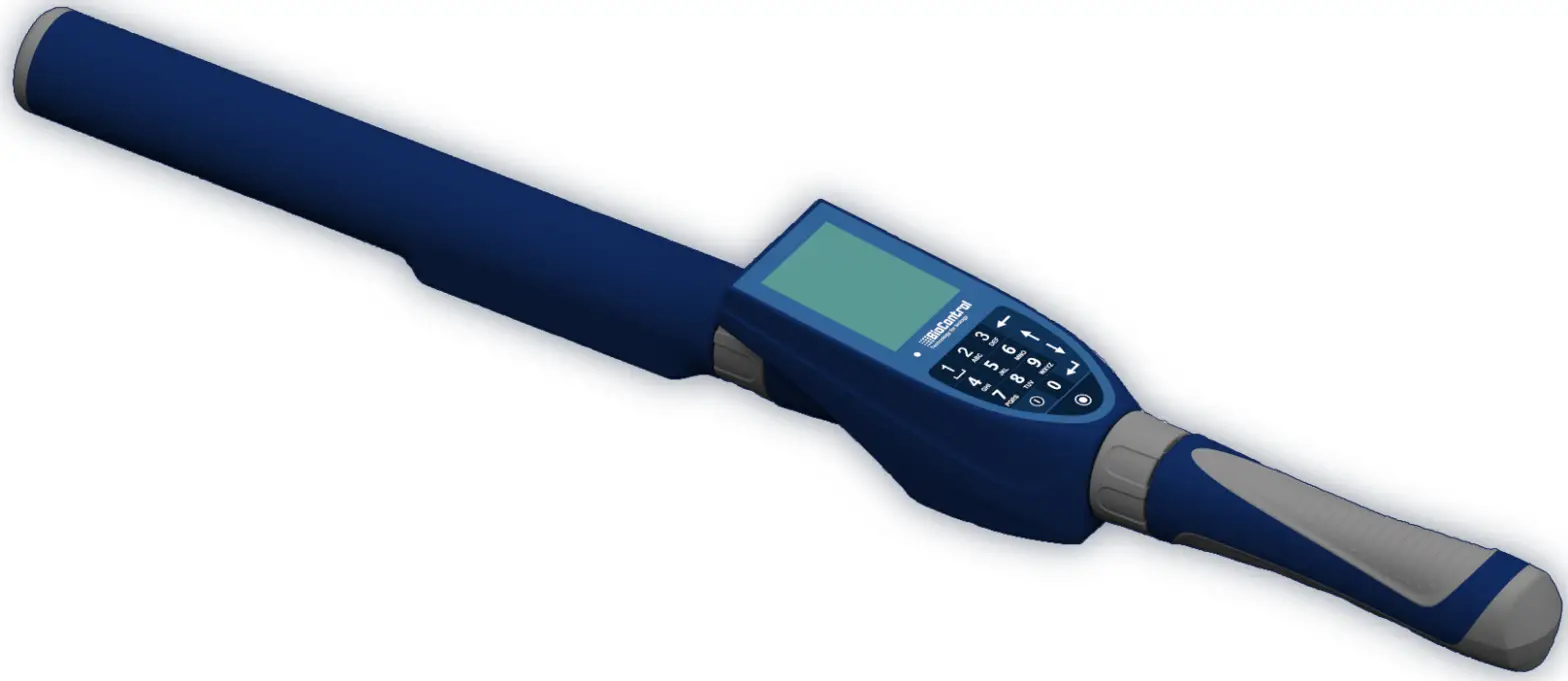
The I1HR 5000 is an easy-to-operate Handheld Reader for ISO 11784/11785 transponders. It is designed to be used under ‘real life’ conditions and combines great reading performance, and enhanced computer features with ease of operation.
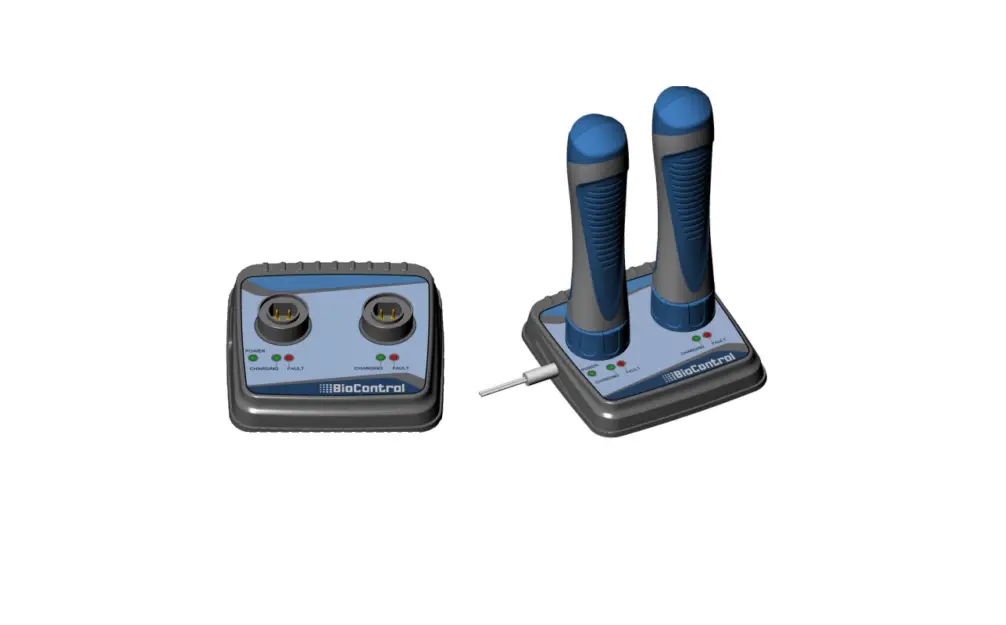
The HHR5000 is a modular unit that consists of
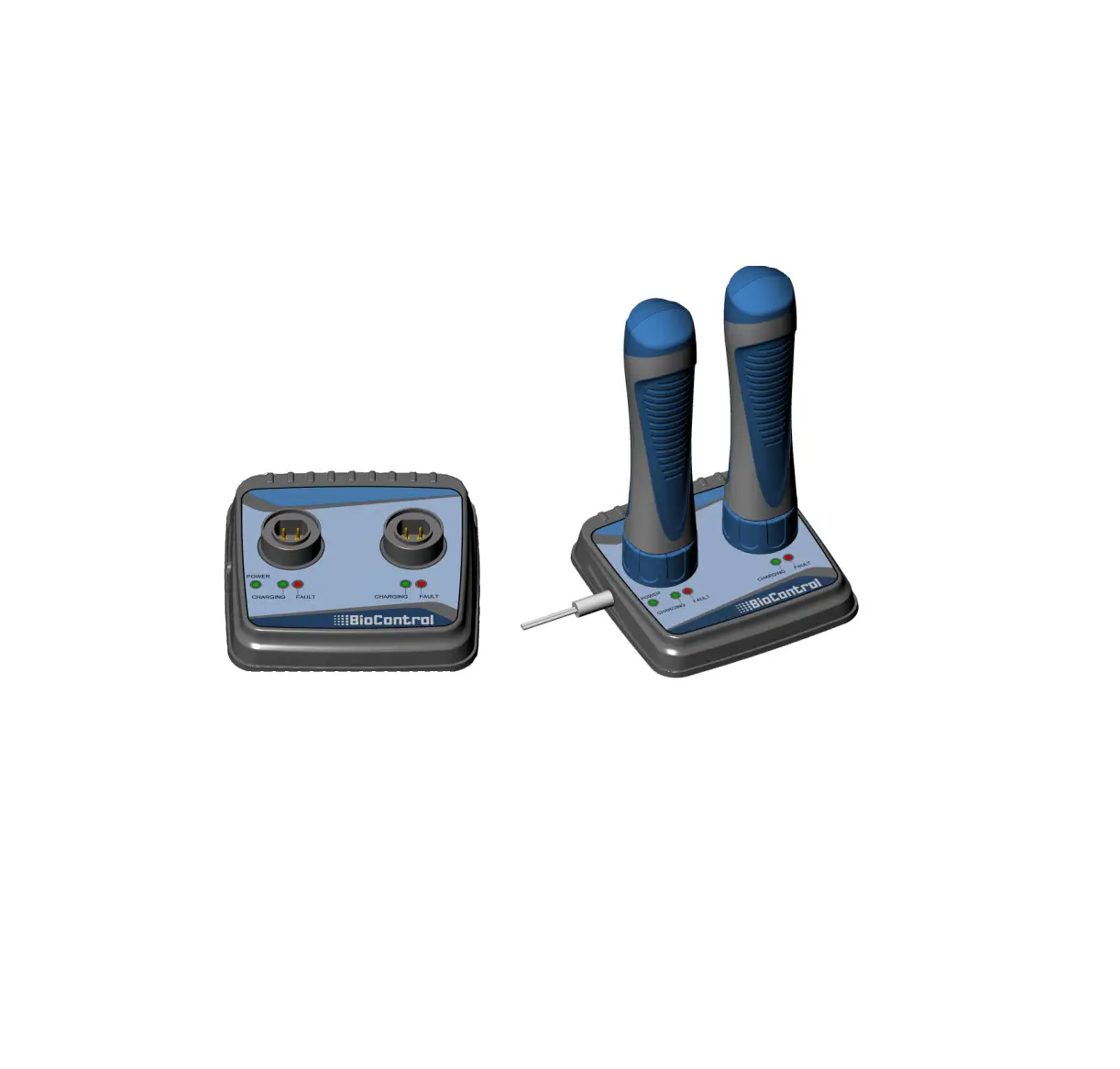
- Handgrip with LiIon battery
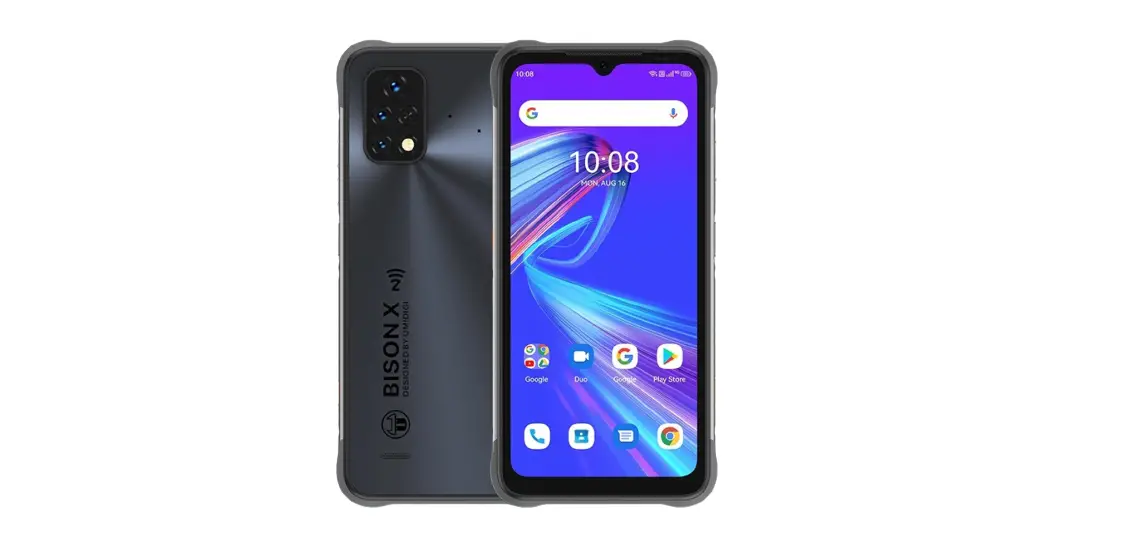
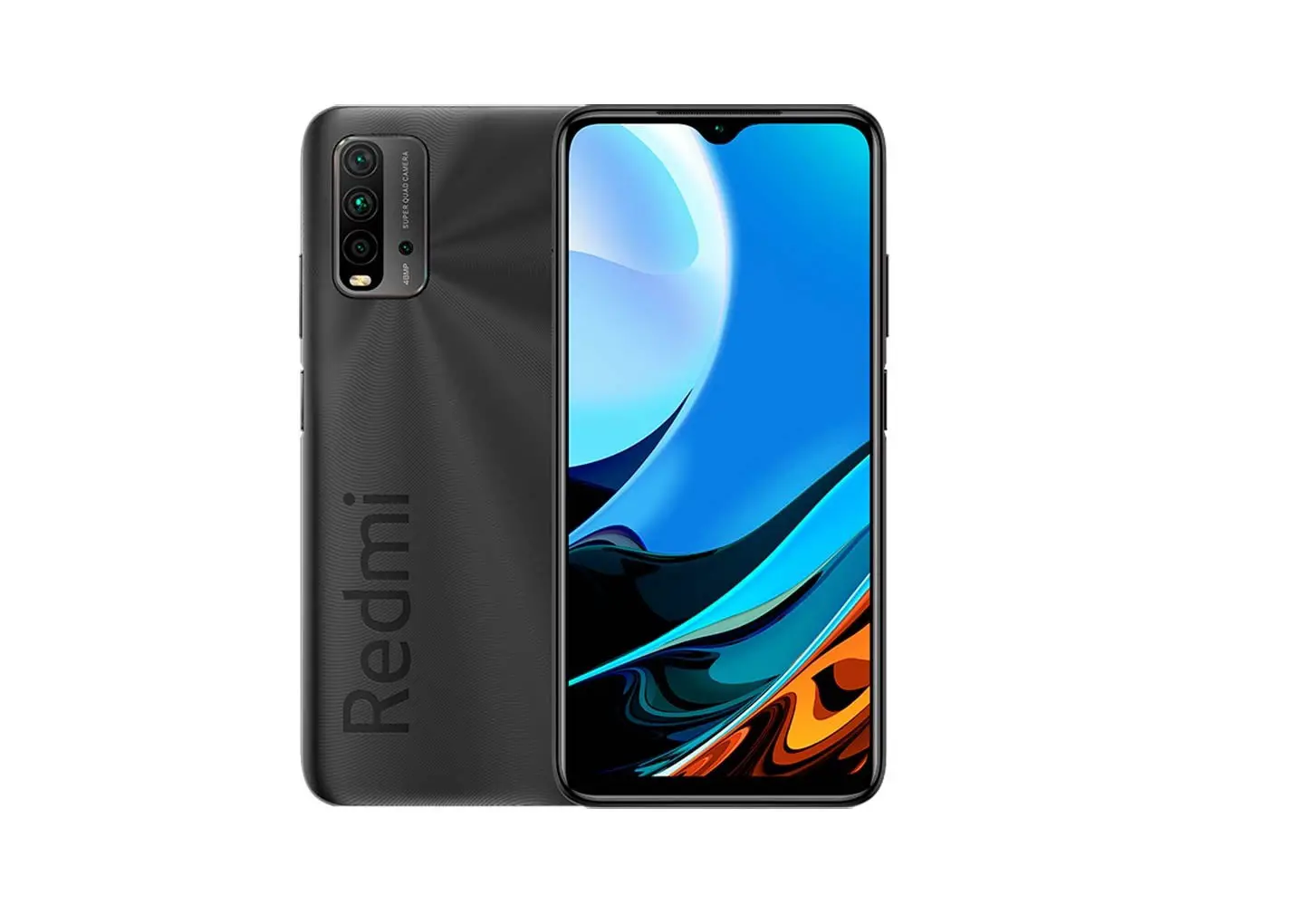
- Main unit with keyboard, touch LCD screen, or grips for smartphone attachment
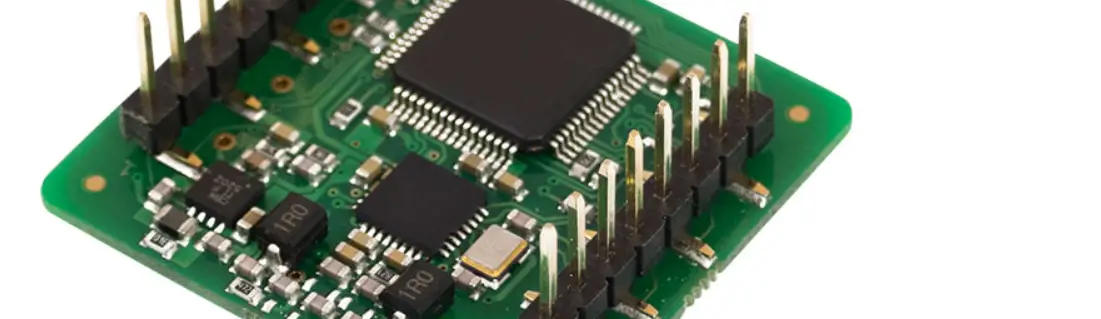
Both versions communicate with smartphones, tablets, or PC over BLE interface - Antenna with ISO Module that reads HDX, FDX, and B-Delaval transponder and NFC reader (optional)
HHR5000S( Art. no. 107375)
Layout
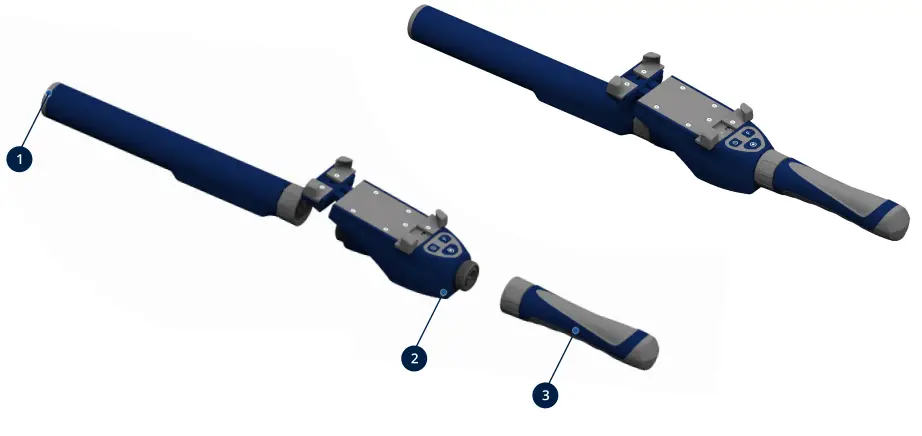
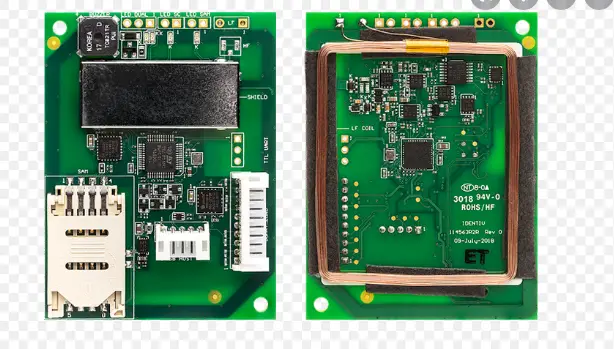
- RFID antenna module
- HHR5000S main module
- Battery handgrip
HHR5000SN( Art. no. 107337)
Layout
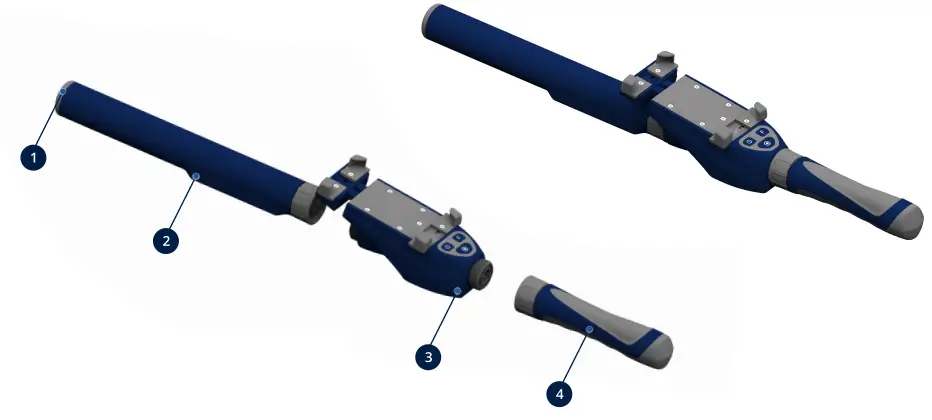
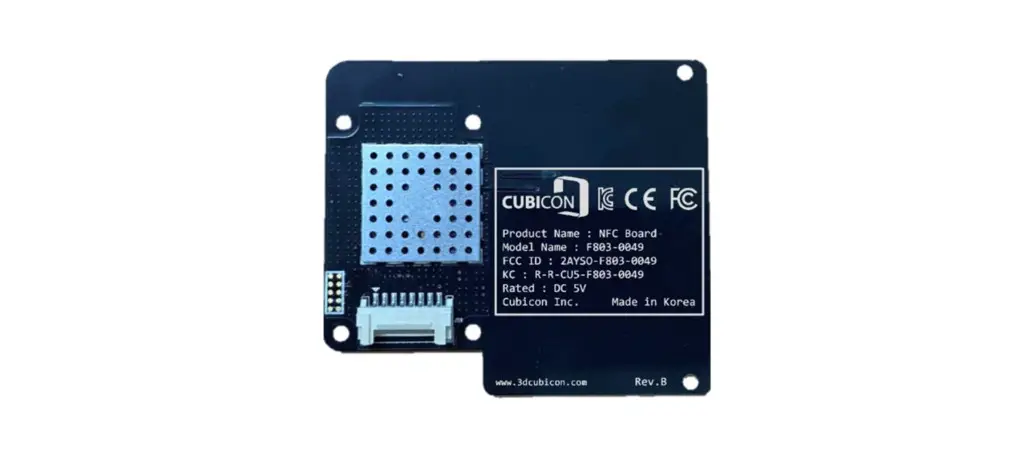
- RFID antenna module with NFC
- NFC antenna
- HHR5000S main module
- Battery handgrip
HHR5000S for Smartphone
keyboard navigation
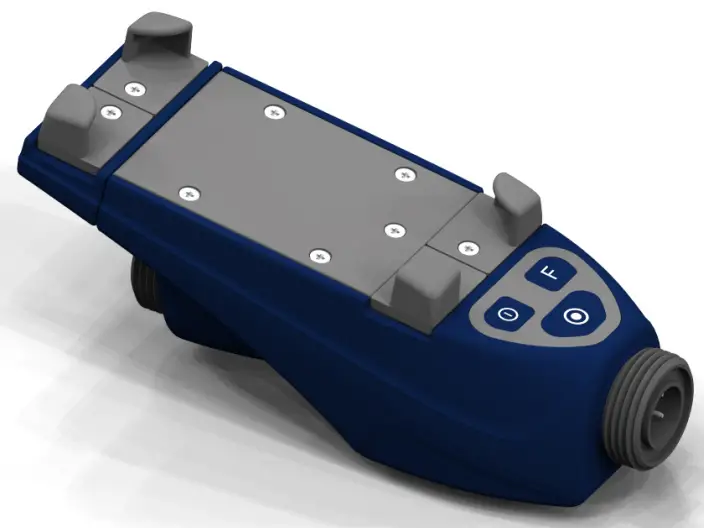
 | Turn the unit on and off |
 | Functional button |
 | Read Tags |
HHR5000L ( Art. no. 107311)
Layout
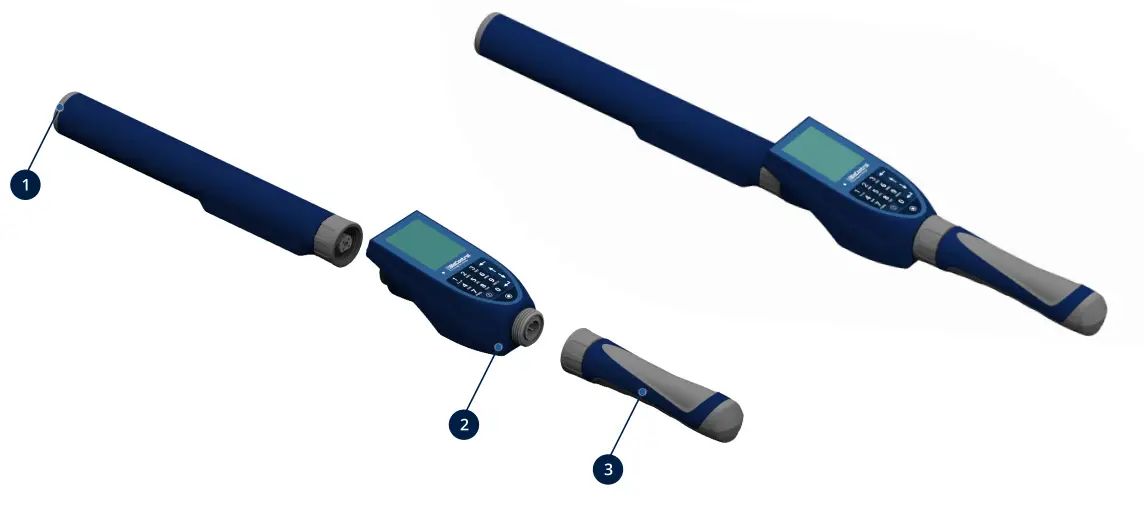
- RFID antenna module
- HHR5000L main module
- Battery handgrip
HHR5000LN (Art. no. 107374)
Layout
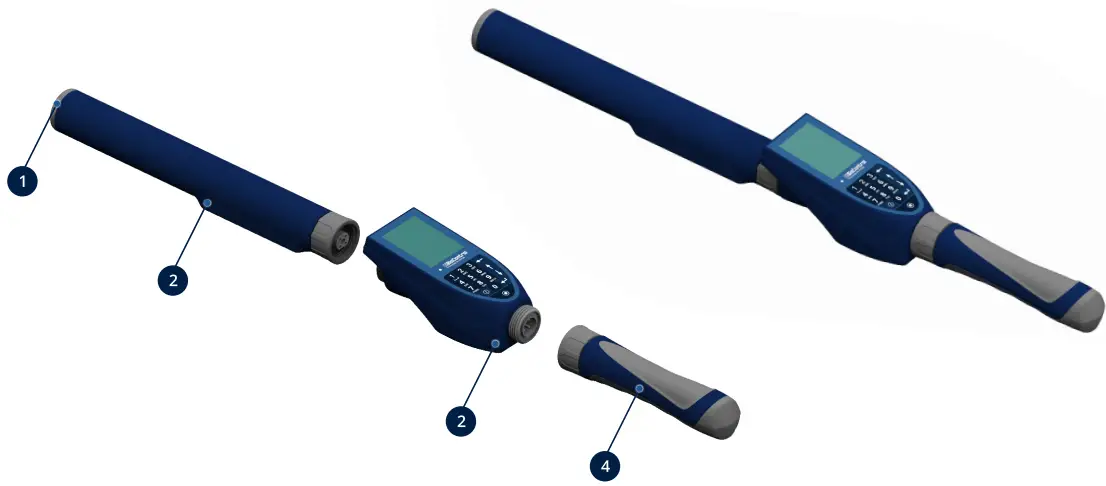
- RFID antenna module with NFC
- NFC antenna
- HHR5000L main module
- Battery handgrip
HHR5000L with LCD Display
Keyboard navigation
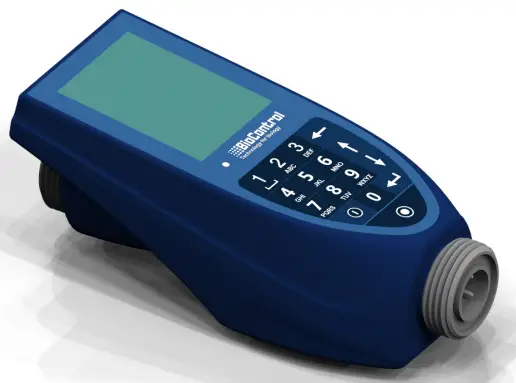
 | Switches the unit On and if held for more than 3 seconds, off. It is also used to move back to the main menu when reading tags. | ||
 | Escape, go to the previous menu |  | Select |
 | Previous Menu item/field |  | The number 1 and special functions of space, (.), (\) |
 | Next Menu item/field |  | Read Tags |
 http://www.biocontrol.no/hhr5000-manuals/
Scan this QR code to check out this user manual in other languages.
BioControl Norway A/S, Gautestadveien 75, N-1890 Rakkestad, Norway