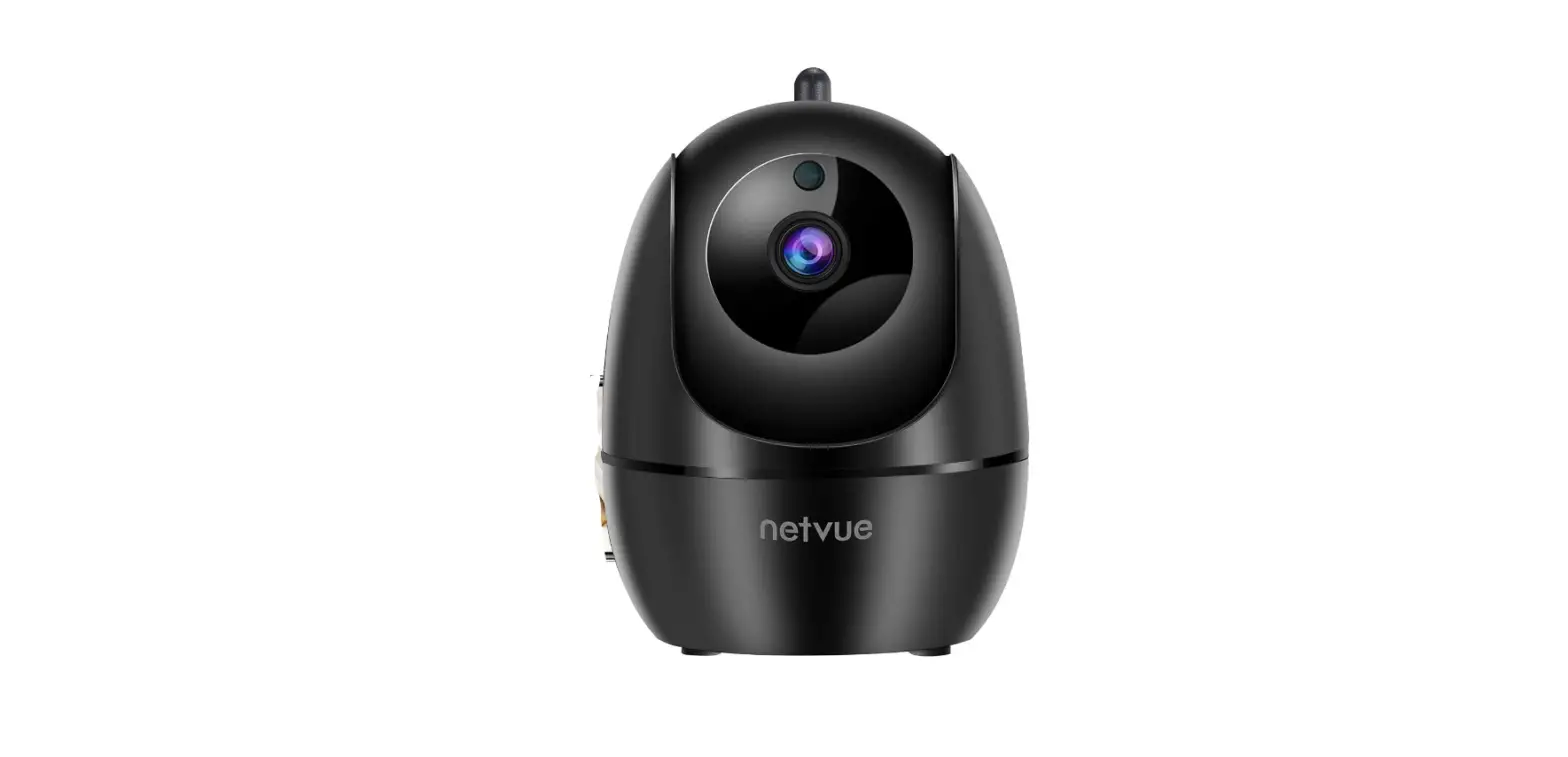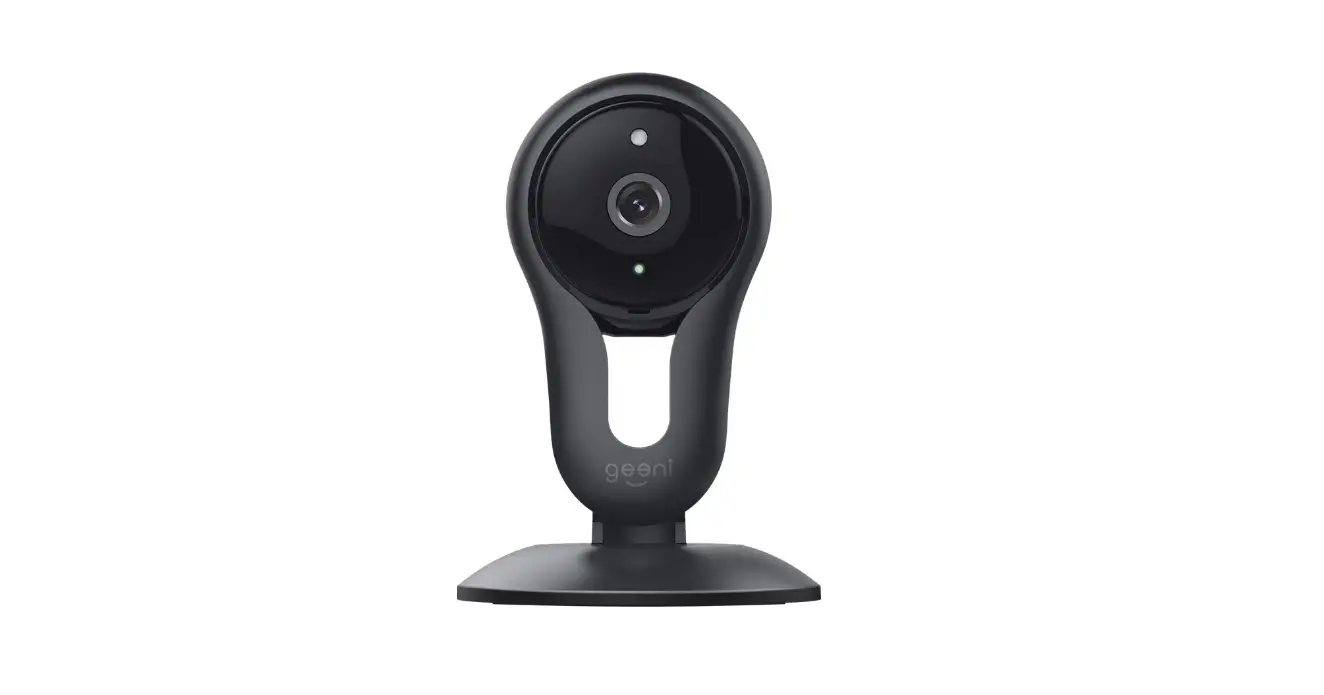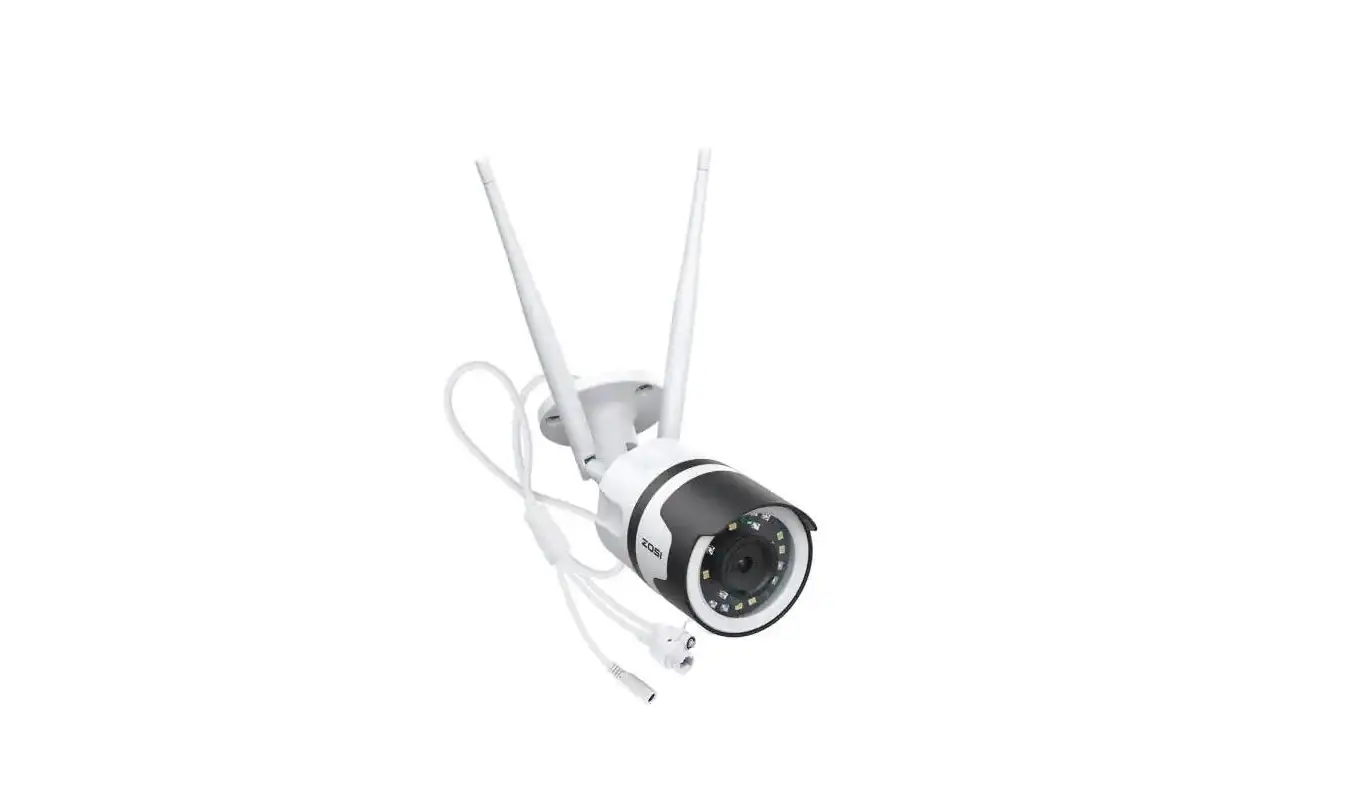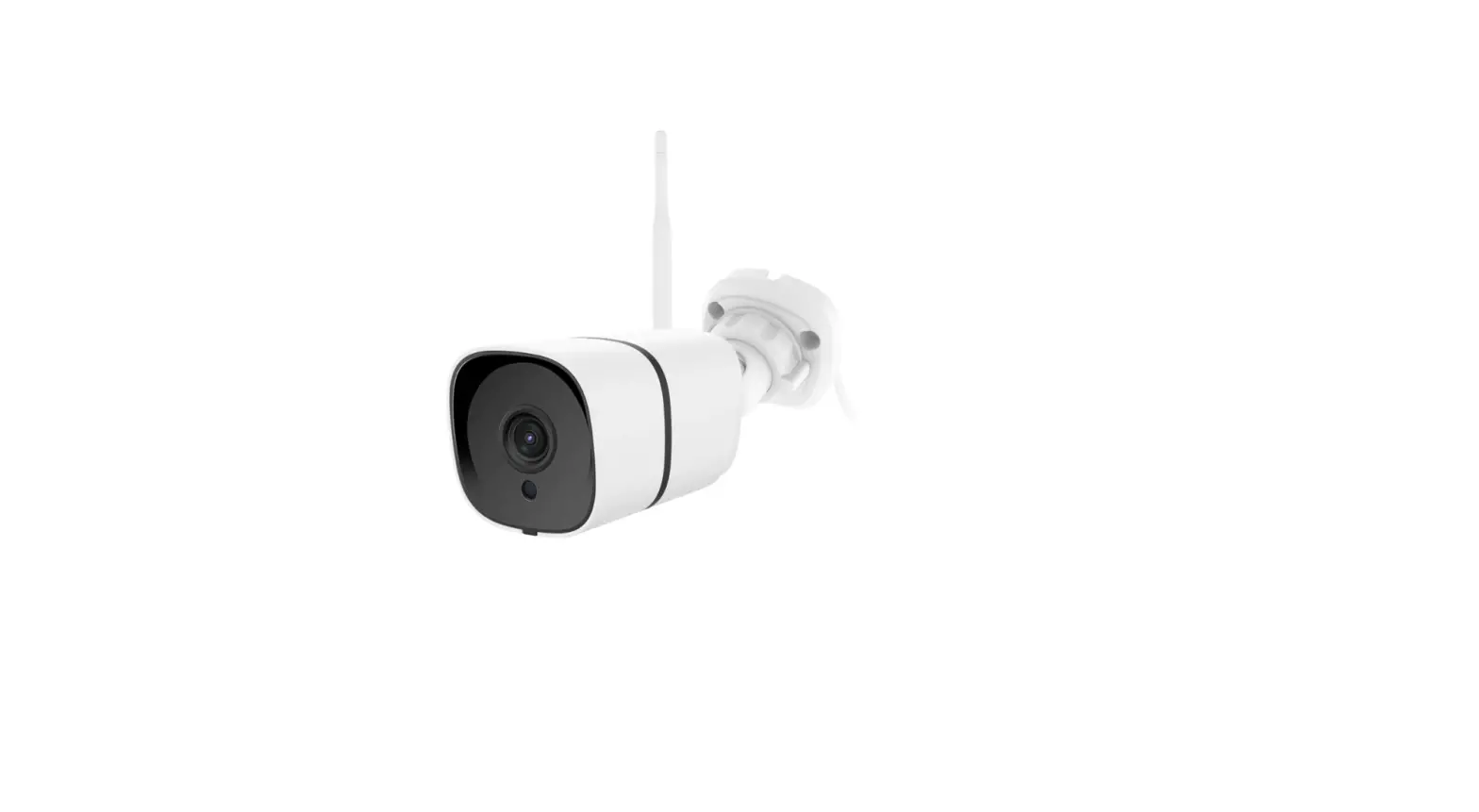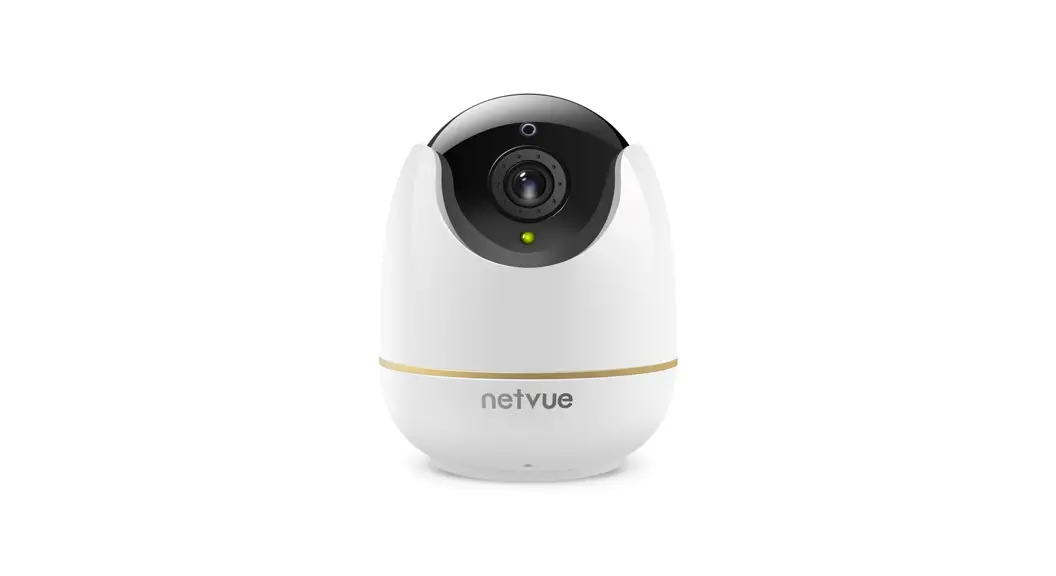

Orb Cam Quick Guide
Warning
This equipment has been tested and found to comply with the limits for a Class B digital device, pursuant to Part 15 of the FCC Rules. These limits are designed to provide reasonable protection against harmful interference when the equipment is operated in a commercial environment. This equipment generates uses and can radiate radio frequency energy and, if not installed and used in accordance with the instructions, may cause harmful interference to radio communications.
The antennas used for this transmitter must be installed to provide a separation distance of at least 20 cm from all persons and must not be co-located for operating in conjunction with any other antenna or transmitter.
FCC (USA) 15.9 prohibition against eavesdropping except for the operations of law enforcement officers conducted under lawful authority, no person shall use, either directly or indirectly, a device operated pursuant to the provision of this part for the purpose of overhearing or recording the private conversations of other unless such use is authorized by all of the parties engaging in the conversation.
FCC ID 2AO8RNI-3221
CE RED
This product can be used across EU member states.
What’s In The Box
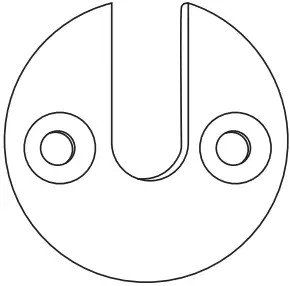 | Mounting Bracket |
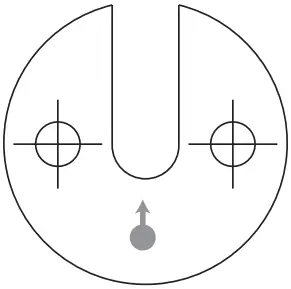 | Drilling Template |
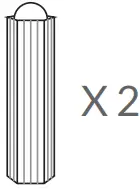 | Anchors |
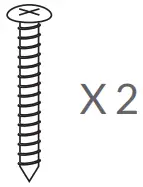 | Screws |
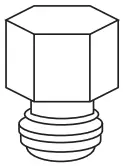 | Hex Bolt |
 | Quick Guide |
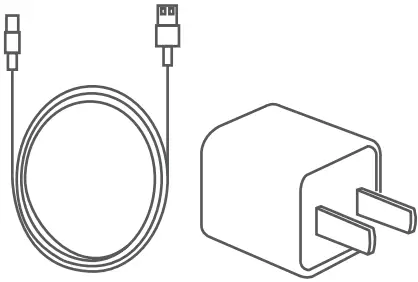 | Power Adapter |
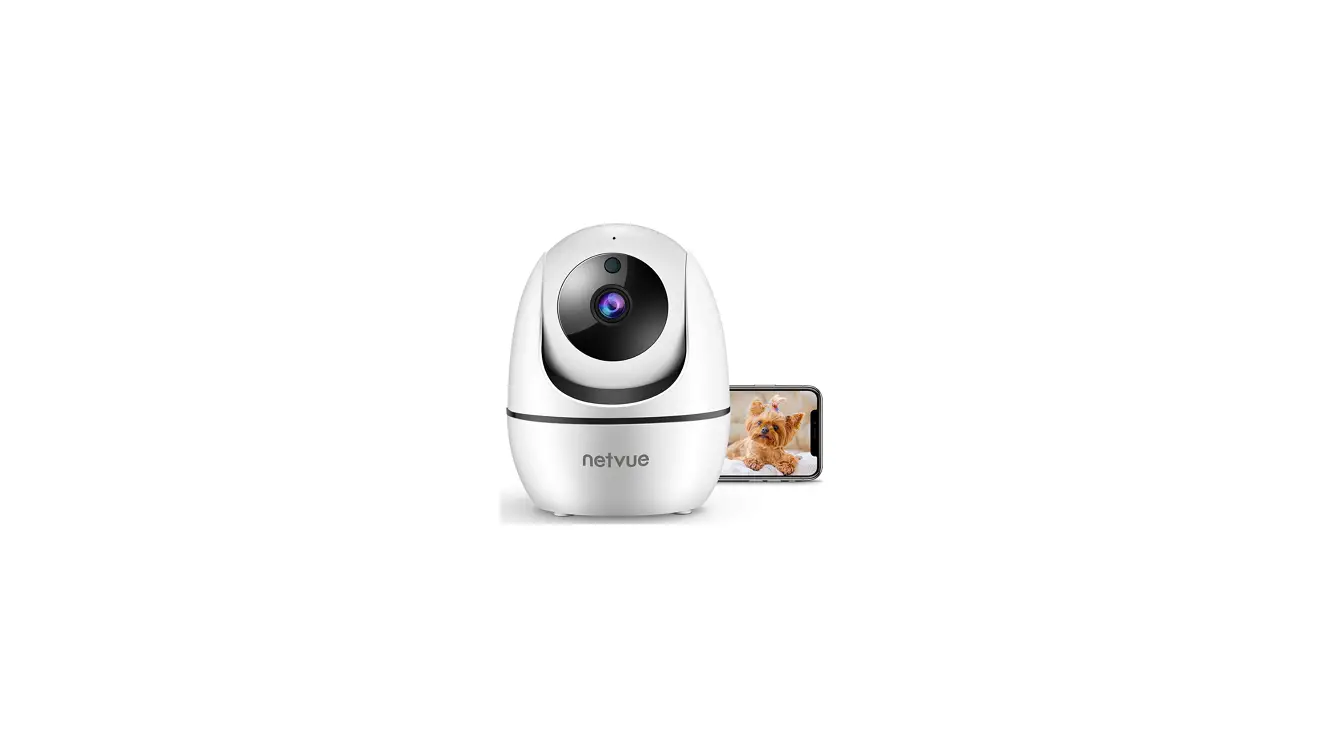
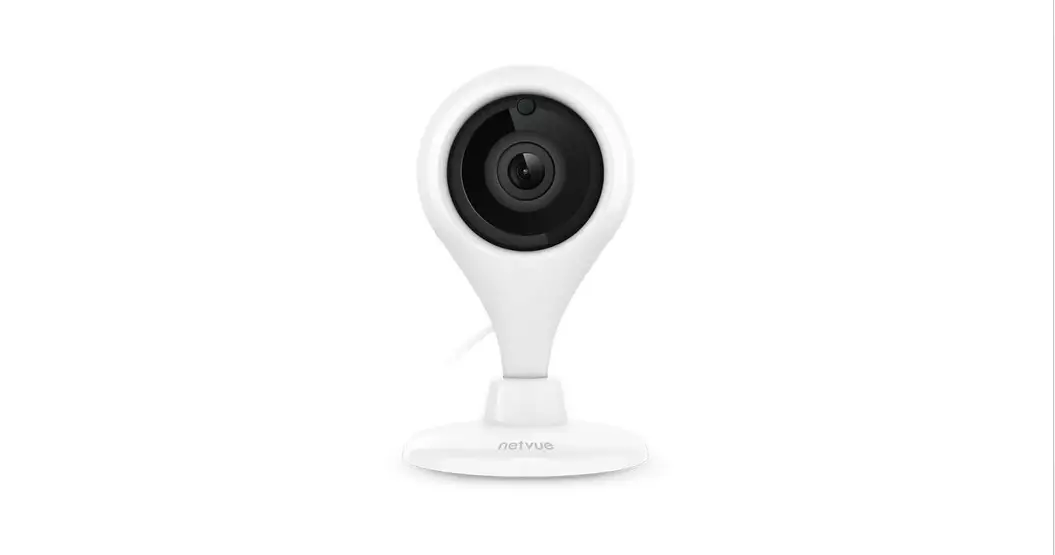
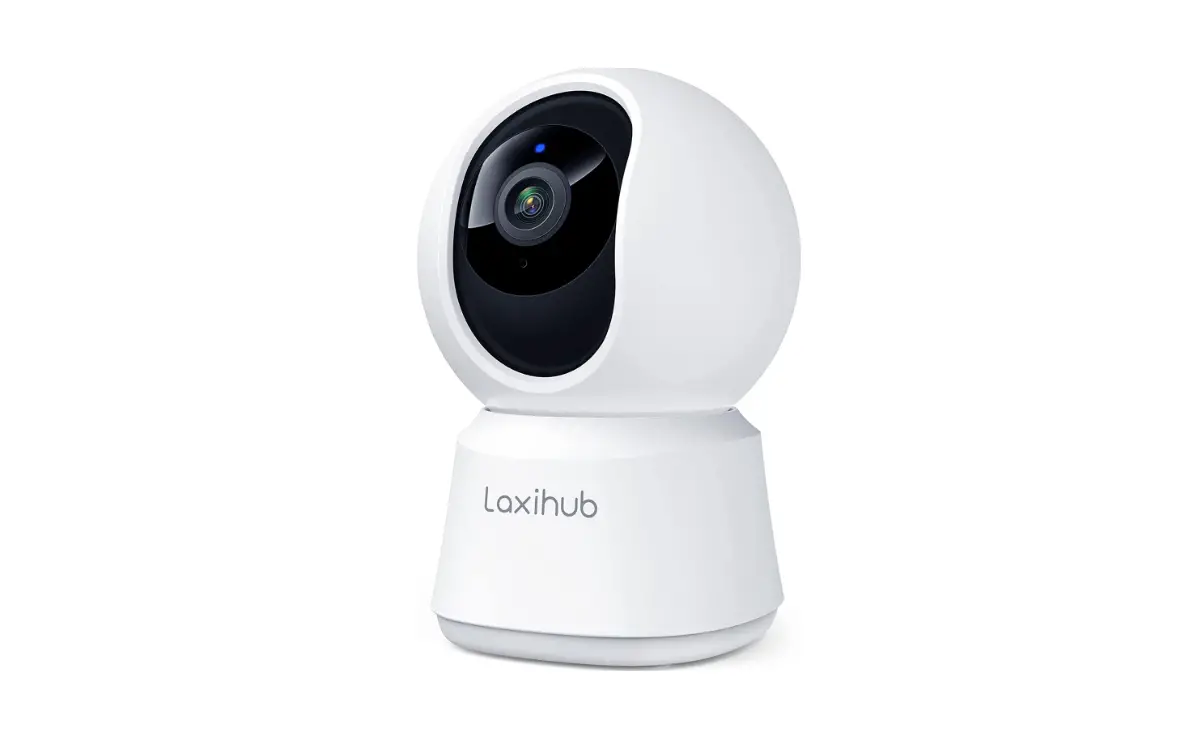
Orb Cam
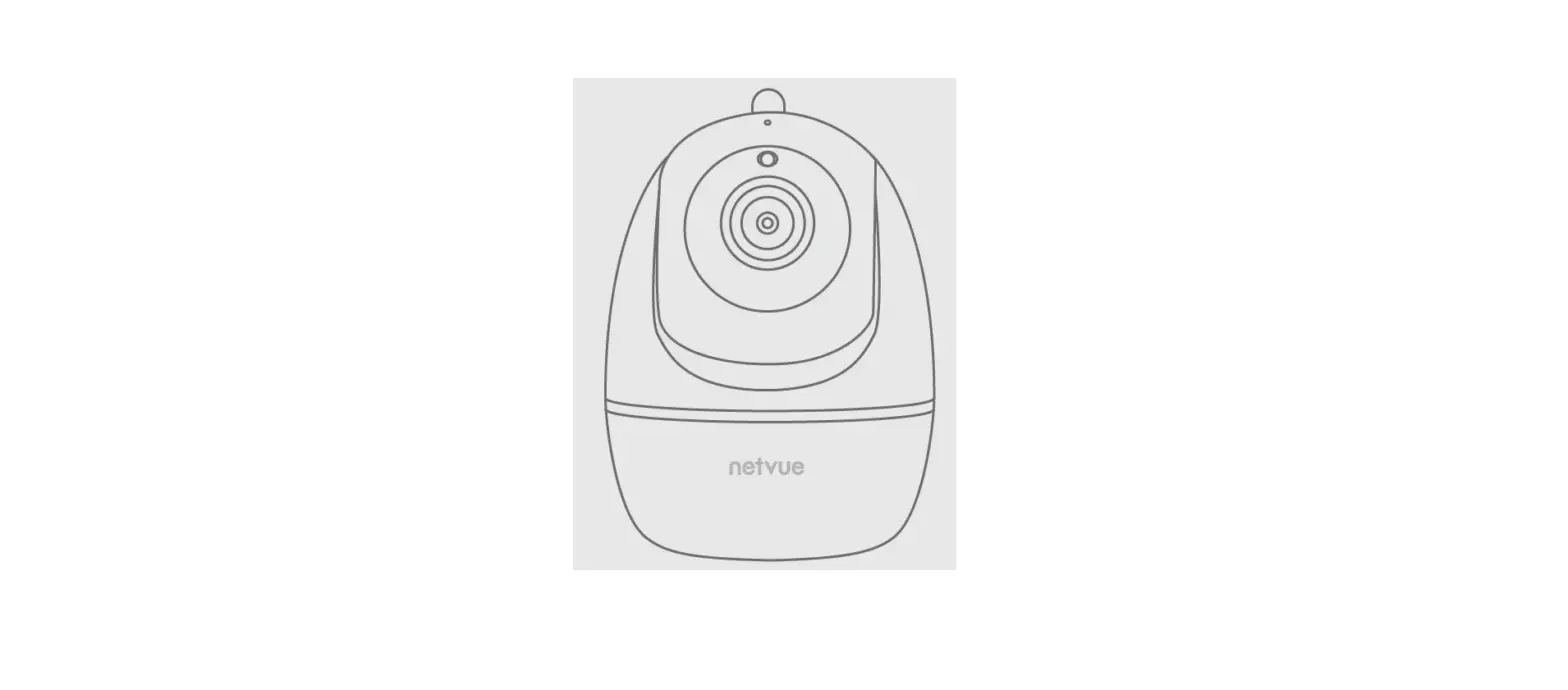
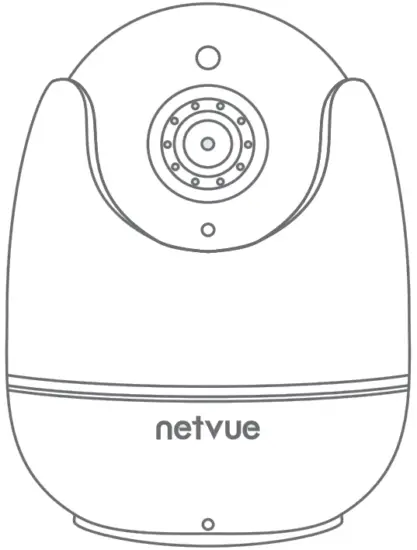
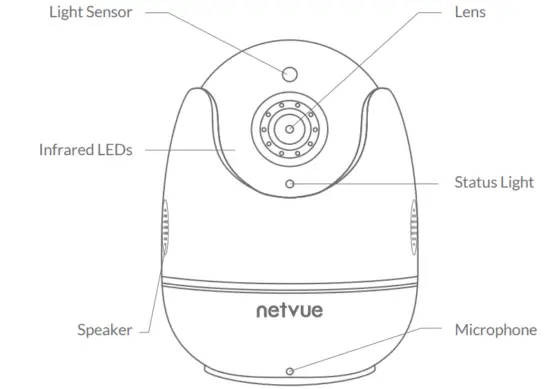
Camera Structure
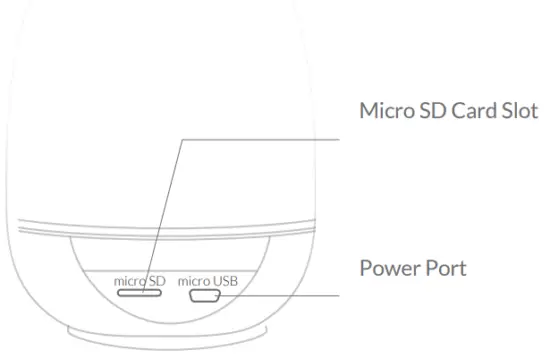
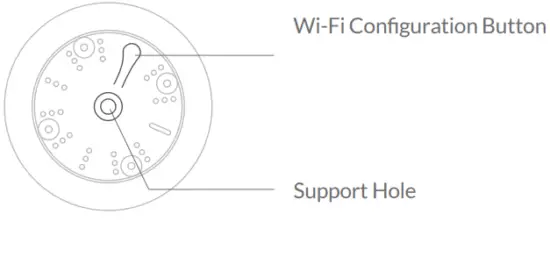
Read Before Installing
- Keep the Orb Cam and all accessories out of reach of children and pets.
- The camera comes with a power adapter. If you prefer to use other power adapters, please make sure they are certified and allow DC5V (≥1000mA) power supply voltage.
- The product can only be used at proper temperature and humidity:
Operating temperature: -10°C to 50°C (14°F to 122°F)
Operating humidity: 0-95% - Please do not expose the camera lens to direct sunlight.
Note:
- Netvue Orb Cam only works with 2.4GHz Wi-Fi.
- Strong lights may interfere with the ability to scan the QR code.
- Avoid placing the device behind furniture or near microwaves.
Try to keep it within range of your Wi-Fi signal.
Set Up With Netvue App
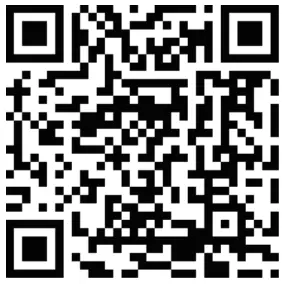

Download the Netvue App from App Store or Google Play. Follow the in-app instruction to complete the entire setup process.
Installation
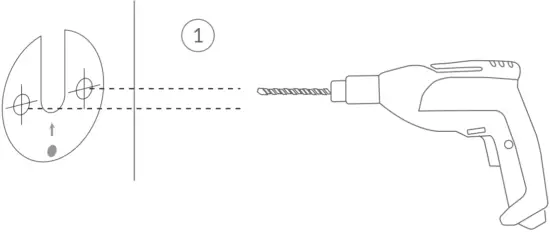
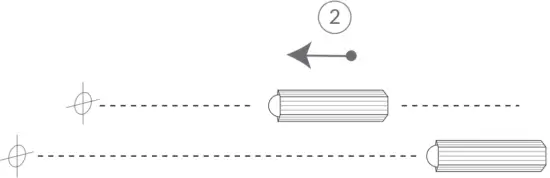
Step 1:
Use the provided drilling template to mark the position of holes on your wall. Use a drill bit (15/64″, 6mm) to drill two holes, and then install anchors to hold screws.
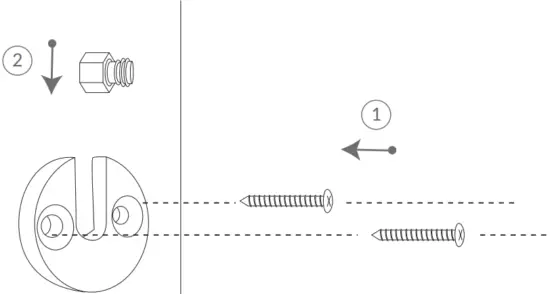
Step 2:
Install the Mounting Bracket with the Screws provided. And then place the Hex Bolt into the Mounting Bracket.
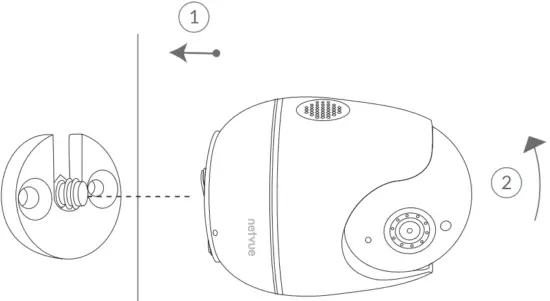
Step 3: Tighten the Orb Cam clockwise to the Hex Bolt.
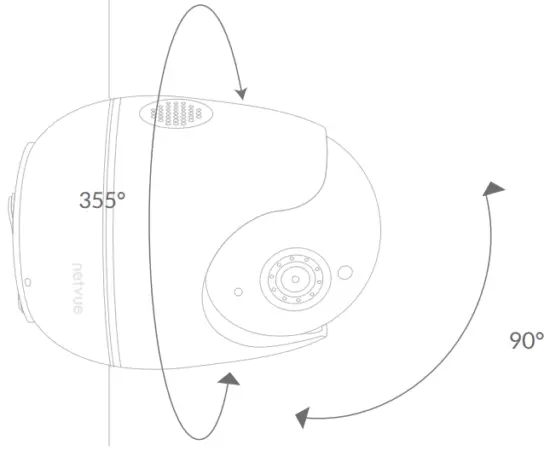
Step 4:
Now you can turn around your Orb Cam horizontally and vertically using Netvue App.
Status Light
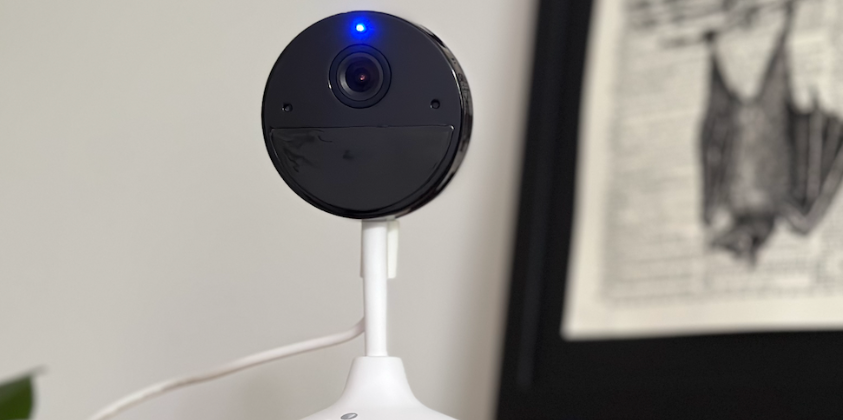
Netvue Orb Cam uses status light to communicate messages.
| Status Light | Description |
| Solid Green | Online |
| Rapidly Flashing Green | Wi-Fi Configuration Mode |
| None | Offline |
Netvue Protect Plan
Netvue Protect Plan provides optional advanced features for those with higher security needs, and each plan supports multiple devices.
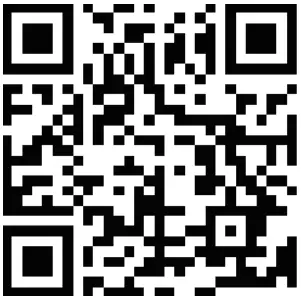 https://my.netvue.com/?utm_source=product_manual
my.netvue.com
Continuous Video Recording
Event Video Recording
Human Detection
…
Visit my.netvue.com to learn more.
Feel free to contact us for additional help
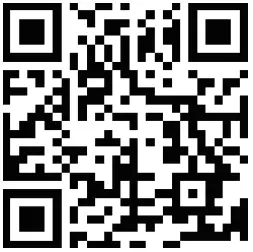
Netvue Web Client
https://my.netvue.com/?utm_source=product_manual [email protected]
 Netvue Forum
 in-App Chat
 @NetvueTech
 1(866)749-0567
netvue.com
240 W Whitter Blvd Ste A, La Habra, CA 90631
© NETVUE INC.
| Orb Cam | 7/9/2021 |
| 90mm*90mm |
 my.netvue.com
 Netvue Security Camera | Best Security Cameras and Bird Feeder Cameras – netvue