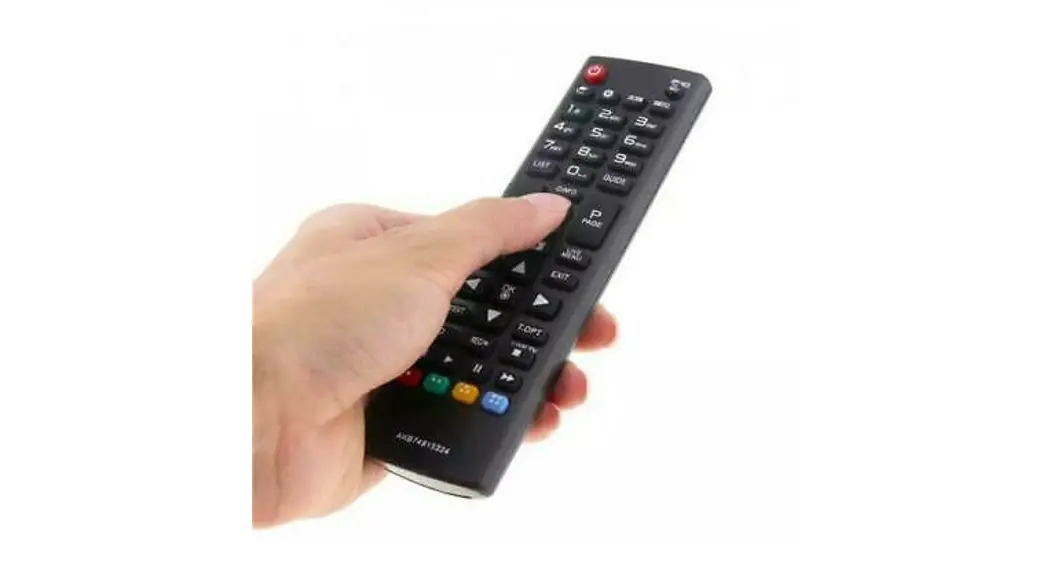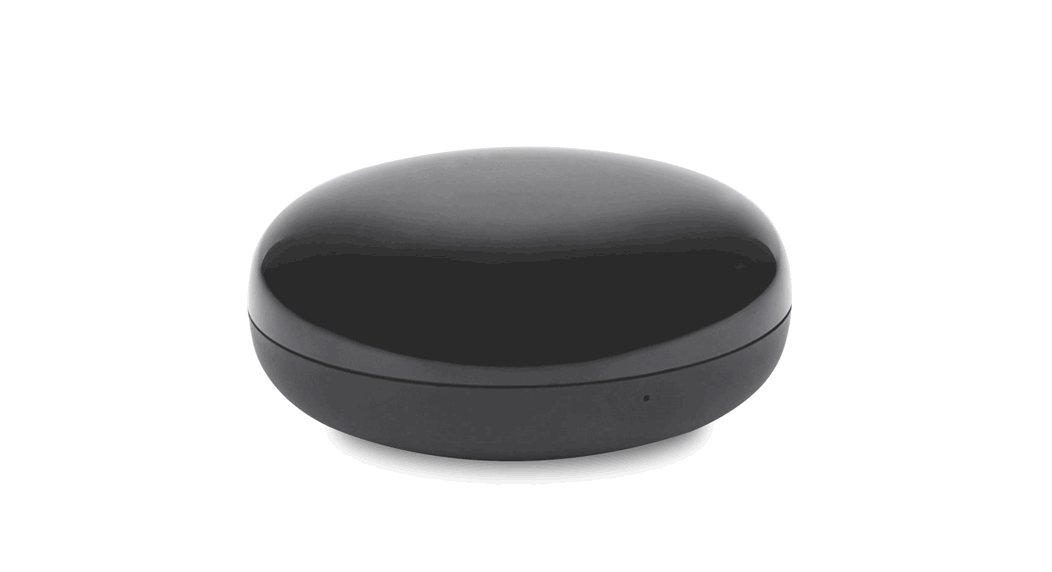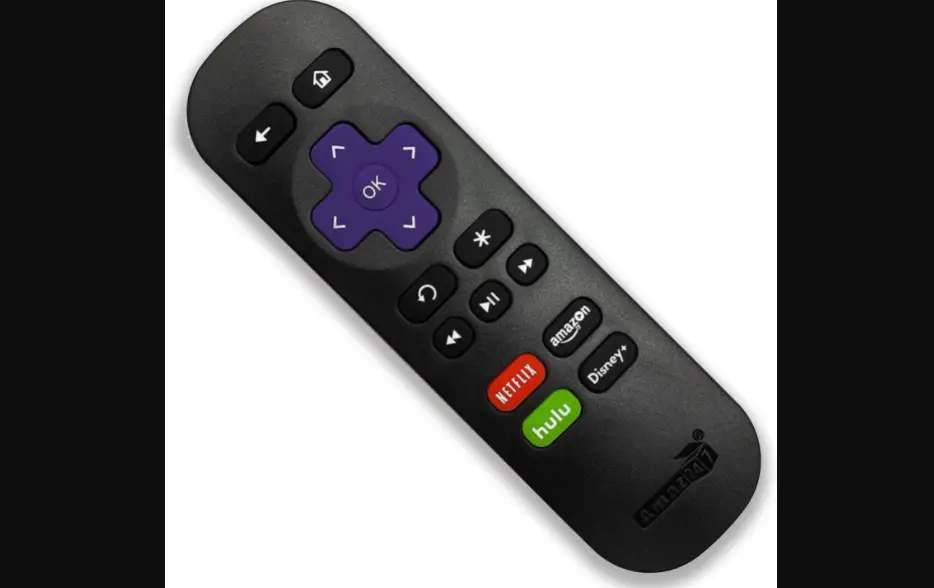

Amaz247 ARC80 Point Anywhere WiFi Remote Control
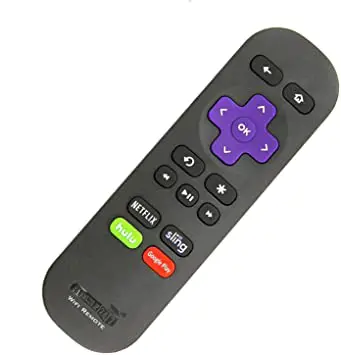
Thank you for choosing Amaz247 “Point-Anywhere” Wi-Fi remote (Model number: ARC80) for Roku Streaming Stick and Roku Box.
( + 100% return and fully refund if not satisfied! ]
This remote is compatible with:
- All Roku Streaming Stick®
- All Roku Streaming Stick®+
- Roku 2 4210, 4210X
- Roku 3 4200, 4200X, 4230X
- Roku 4 4400, 4400X
- Roku Premiere 3920X, 4620X
- Roku Premiere+ 3921X, 4630X
- ALL Roku Ultra models
- Roku Express 3900X, Roku Express +
The remote that will not work with Roku LT,HD and any earlier models
This remote connects over a wireless network and like its name states, you can point it anywhere. Unlike an IR remote, it does not need to be pointed directly at your Roku device in order for it to work. This allows you to install your Roku device in a
properly-ventilated cabinet with a door or behind your TV.
During initial setup, this “point-anywhere” remote establishes a connection with your Roku device through “pairing” process.
PAIRING STEPS:
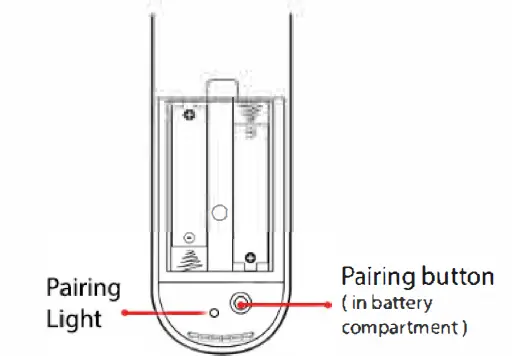
- Open the battery compartment and install new batteries, following the correct battery orientations
- Press and hold the pairing button until the green light flashing about three seconds, release pairing button

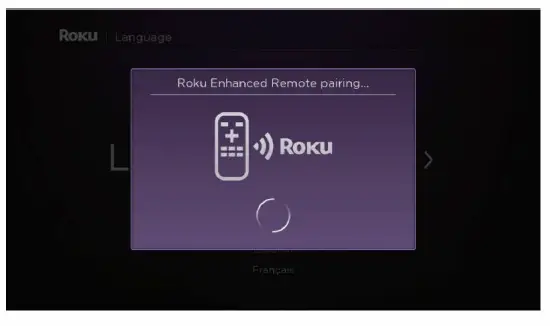
- You will see following message appearing on your TV screen

- After a moment, the pairing process completes and your remote is ready to control your Roku device