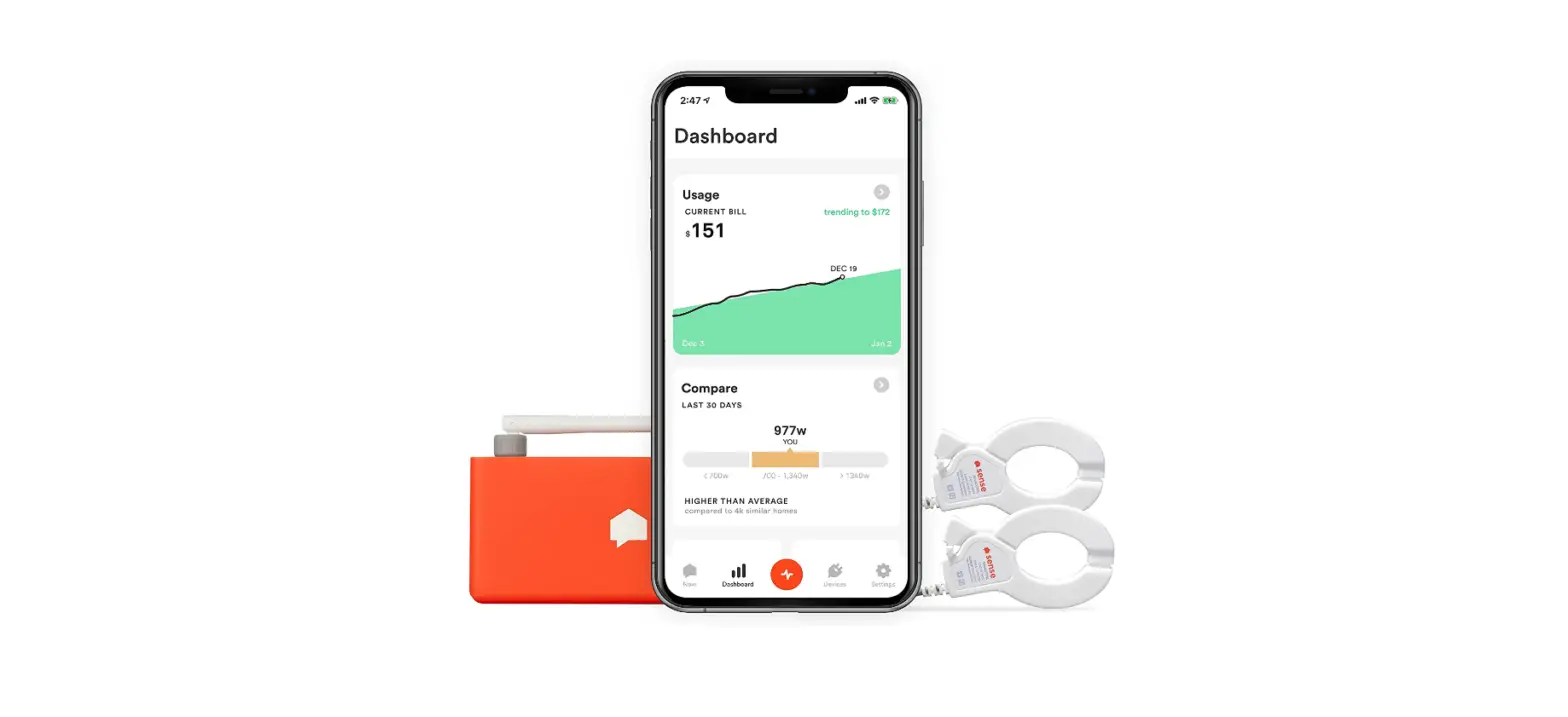

Sense 12000 Energy Monitor
Instructions
- Install the Sense monitor
- Install app at sense.com/app
- Tap “Get Started” in the app
- Use the app to complete setup
- Turn off power
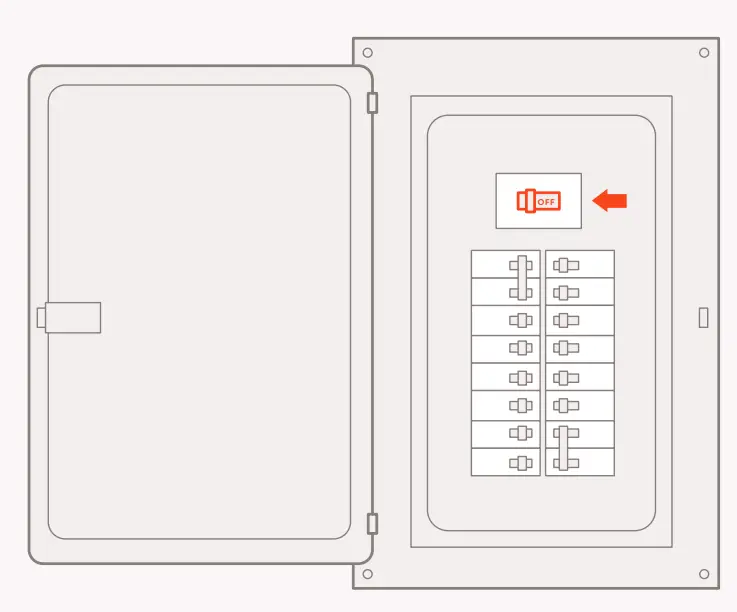
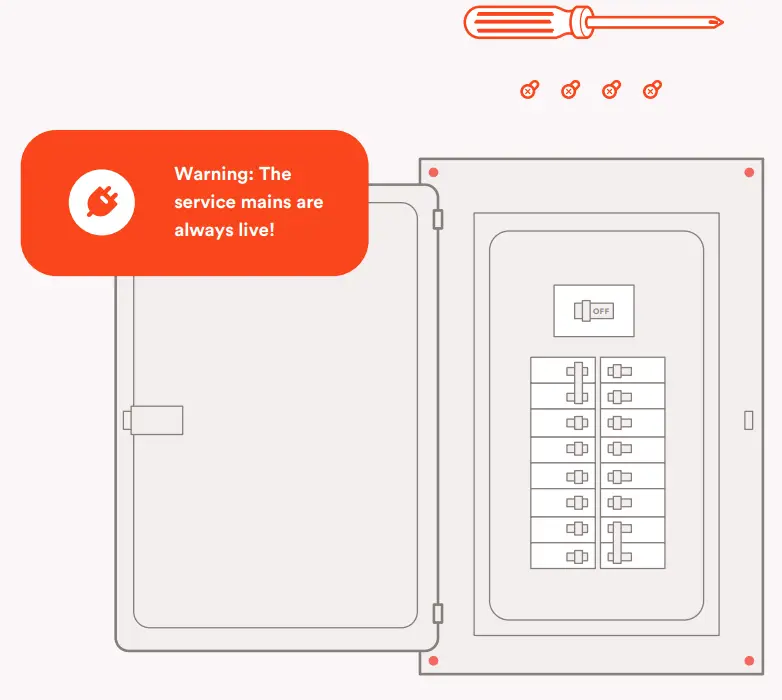
Open your electrical panel and turn off your main breaker. This helps protect you during installation. Don’t forget your flashlight!
If you have solar, turn off your inverter. Refer to the solar installation guide for setup instructions.

- Remove panel cover
Remove the screws securing the panel cover to access the circuit breakers.
- Find a spot for your Sense
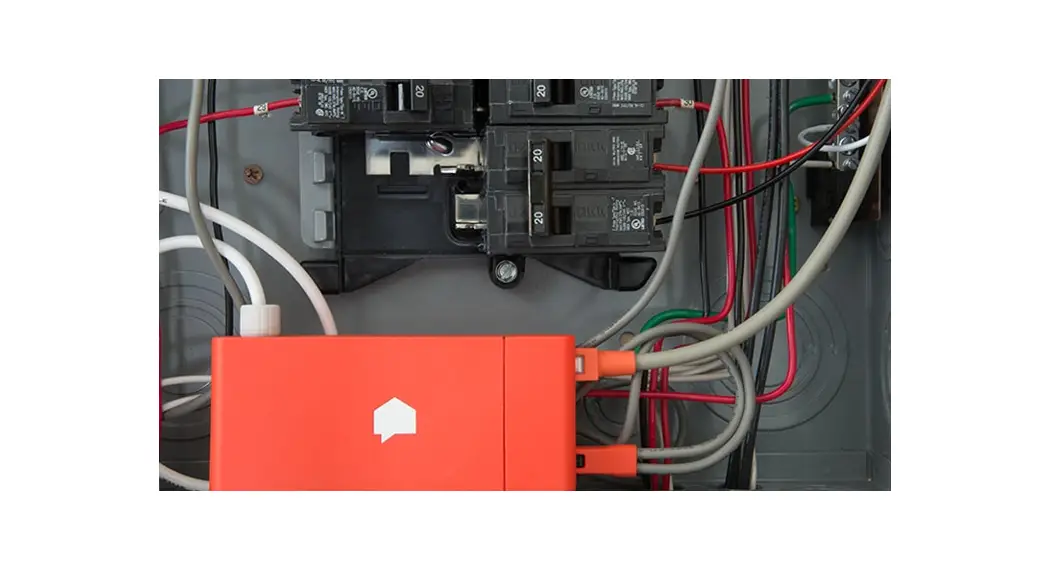
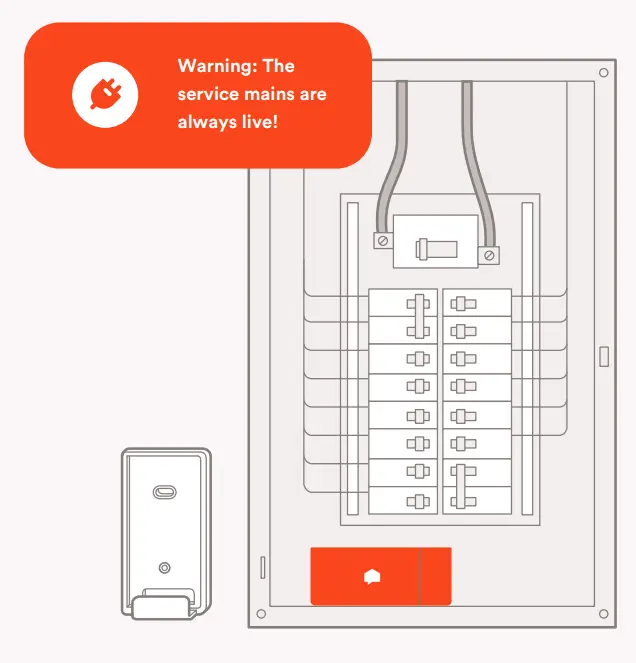
The Sense monitor is designed to FIt within your main panel. Find an open spot that works for you.
What if there is no room?
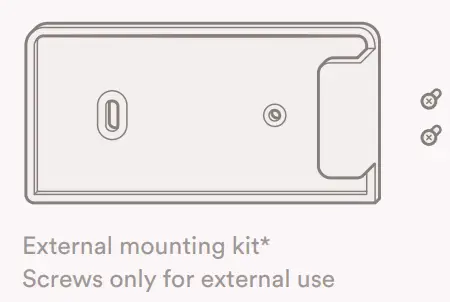
Use the mounting bracket provided. See more installation congurations at help.sense.com.
- Install the antenna
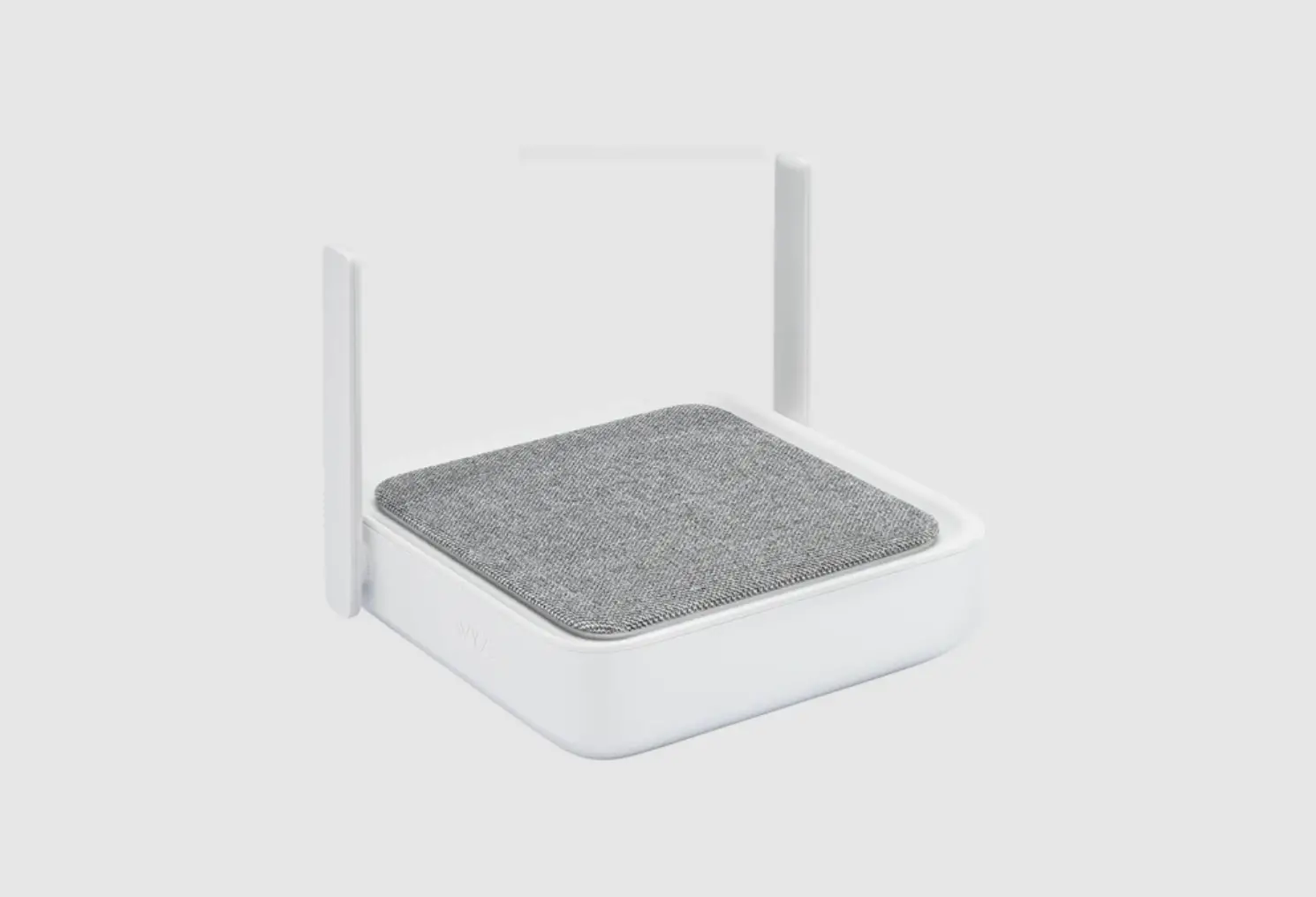
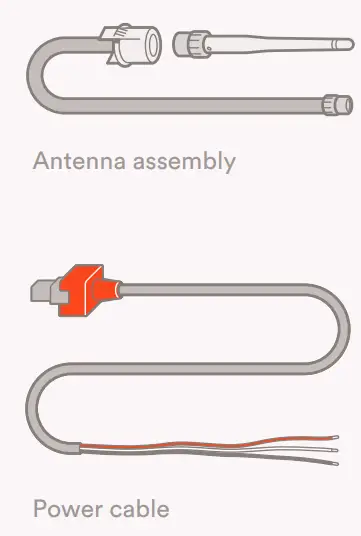
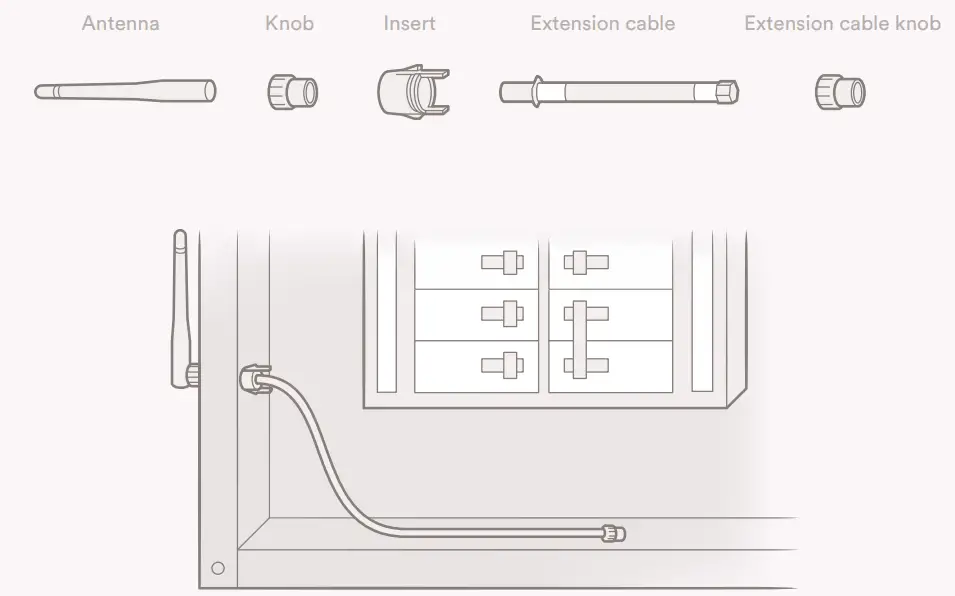
Using the back of a screwdriver, punch out the knockout cover in the electrical panel. Then, insert the antenna.
- Connect
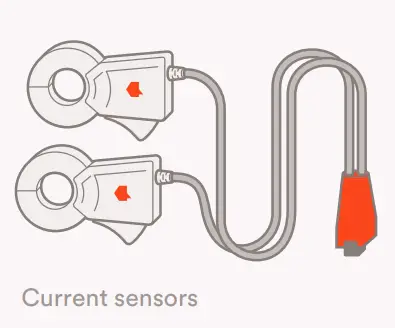
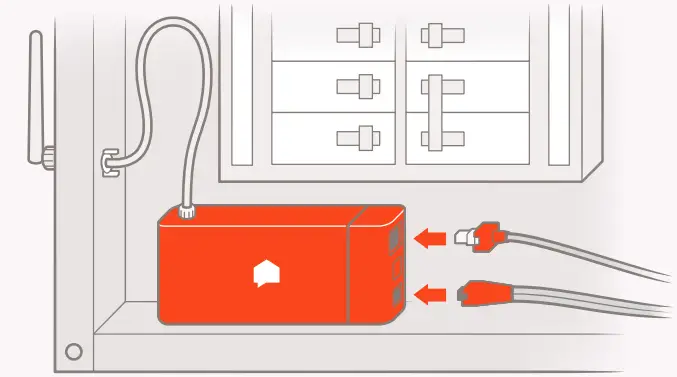
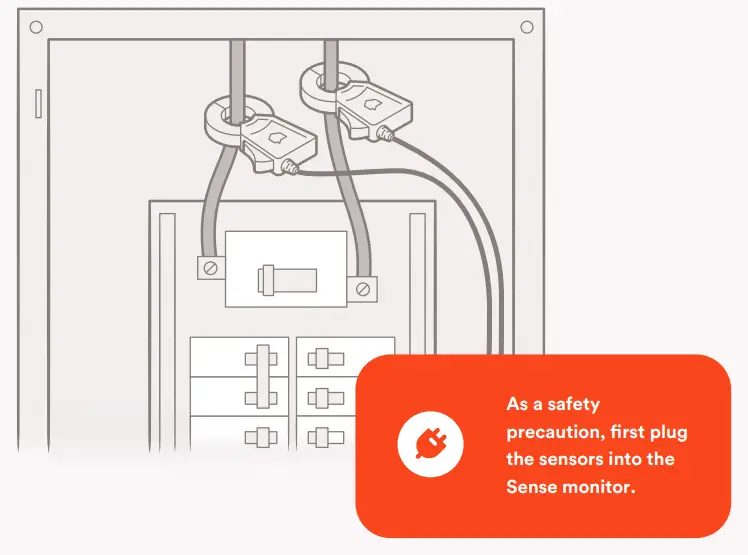
Connect the power cable, current sensors, and antenna to the Sense monitor. Be sure to insert the sensor into the outer port. The middle port is for solar sensors.
- Connect the current sensors
Clamp the sensors around the service mains so that both labels are facing the same direction. The direction of the sensors does not matter, as long as they are the same.
- Connect the power
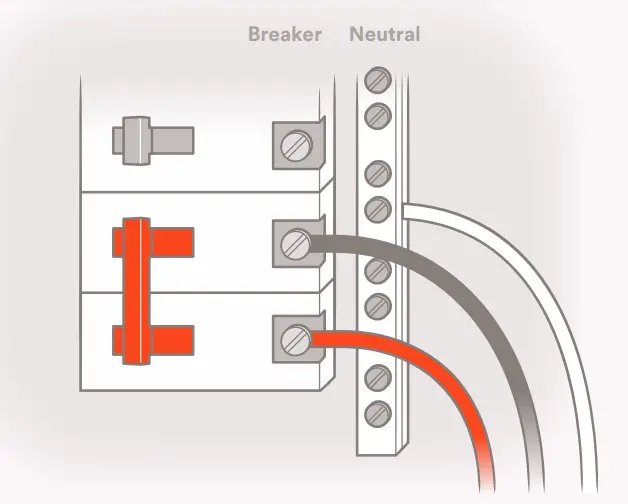
Connect the black wire and the red wire to an empty 240V breaker and the white wire to the neutral bus bar. Sense draws less than 0.1A, so you should use the smallest 240V breaker available for your panel.
Don’t have an empty breaker?
Connect to an existing or add a new 240V breaker. Do not use a tandem breaker, unless it is 240V. Learn more at help.sense.com.
- Close the panel
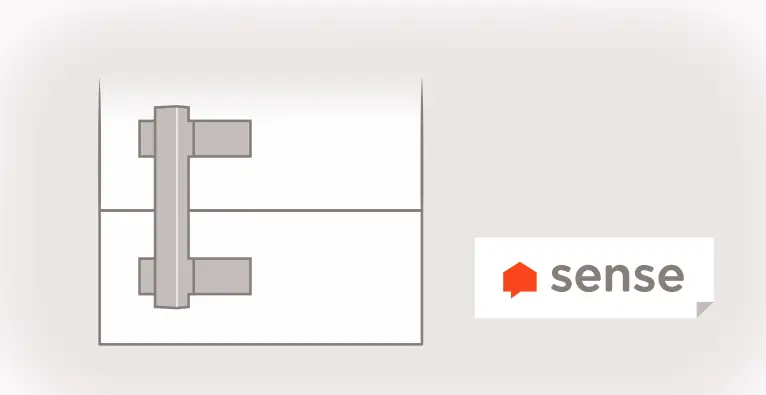
Replace the panel cover carefully to ensure that there is no pressure on the sensor clamps that would cause them to open. Label the Sense breakers with the sticker.
Doing electrical work?
Reattach each sensor to the same service main as before to avoid disrupting device detection. - Turn power on, wait for chime
Once the panel is closed, turn the main breaker back on, and listen for one of the sounds listed below. It will take about a minute before hearing a sound. Visit help.sense.com for sound samples and troubleshooting information. - Moving? Take Sense with you.
Using the app, reset your data. Follow all safety precautions. Turn oFF power to the main breaker. Disconnect the sensors from the service mains. Disconnect all cables from the monitor. Remove the antenna and disconnect the power cable.

Success Chime
The installation looks good!
Sense is ready for setup.
Repeating Beep
There is an installation problem.
Check cable connections.
No Sound
The Sense monitor cannot start.
Check power cable connections.
Use the app to complete setup
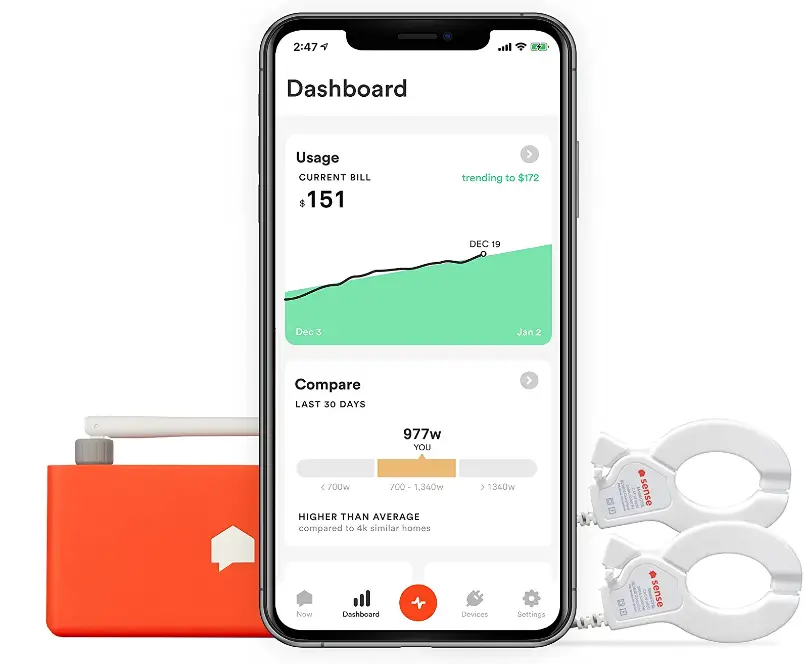
Install the Sense app by visiting sense.com/app. Click “Get Started” and follow the on-screen instructions. The app will guide you through the Wi-Fi setup and account creation process. 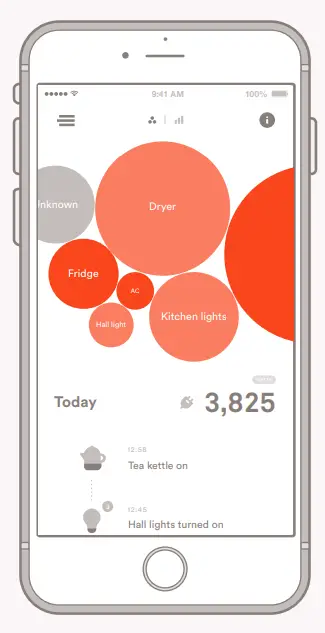
Caution: The Sense monitor should be installed by a qualified professional. Before installing, please read and review the safety warnings.
Technical Specifications
Sense is a home energy monitoring device.
It is used to measure the current and voltage on the service mains. It monitors two phases of 110/120VAC. If installed outside, it must be kept dry and within specified temperature ranges.
Current Sensor Specifications
CAT III 300V 200A max
- Cable length: 46” | Inside diameter: 0.95” May be used on uninsulated conductors
Monitor Specifications
- Compatibility: 120VAC (90v-130v)
- Power Use: < 5 Watts, 0.1 amps
- Wi-Fi: 2.4 GHz 802.11b/g/n
- Size: 137mm x 66mm x 32mm
- Weight: 200g
Climate Specifications
- RH <90%; IPx0 rating
- Temperature: 0-50ºC
- Elevation < 3,000m
FAQS
does it sum up power usage for a period of time, like every month?
Yes! Trends will show days, weeks, months, and year usage in kilowatts along with $$ spent. You can also break it down into each known device.
will it measure every circuit in the panel and individual appliances?
It does not measure individual circuits, per se. It attaches around your 220V service feed and measures total power consumed continuously. That said, the device watches for appliance and device “signatures” to identify when they come on or turn off. The product has only been on the market for a short while so it’s still learning signatures. This is a monumental task if you think about it with millions of electrical devices out there. You will never identify every little device in your house especially if is rarely used, but it will find the energy hogs which is really what you want to monitor any way. So, although I have been a user for less than 90 days, Sense has great potential over time.
Is it truly worth 300 bucks?
It is worth $300 to me because I’m an Engineer who lives in Arizona and have to feed an air conditioner with electricity for half the year. Because half my electric bill is dependent upon hourly usage totals, calculated each hour between 3 PM and 8 PM. The highest hourly total in a billing period times $16 makes every kW of Demand important. It may well save me more than $300 a year to be able to monitor my on peak usage. If you understand how your billing is done and what
affects the numbers, yes, it can be well worth it.
Most of these complaints are over a year old. Has progress (learning) happened since then?
Yes is the simple answer. It’s a bit more complex than just a simple yes. Sense has provided me with a measurable amount of data that has in turn allowed me to save a great deal of money. I was a really early adopter of the product – had it for a while before installing – once I did – it was like magic – I could see usage that was really wasteful – not all electrical components were recognized – but wow, what has been recognized is amazing. Those persons lodging complaints, IMHO, had misplaced expectations and lack of knowledge of electrical systems.
Side note – It was my goal to save a thousand dollars a year on an All-Electric, 3,000-square-foot house with lots of glass. I’ve done that by changing bulbs, timers, motion sensors, hvac – and at the same improved the overall comfort level of conditioning within the house.
How long until you see a ROI in a standard home? “
In my humble opinion, I don’t think there’s such a thing as standard because there are so many factors involved (local power costs, power cost tiers, people in your household, how many devices in your home, etc,). However I can say that personally, my ROI is projected to be quite fast.
I halved the cost of my power bill in one month. I found out my water heater was using 49.1% of my total power usage, so I set it to turn off in the middle of the night. This dropped me into a lower billing power, and now my power bill is half of what is used to be (~70 – 80$). So in a couple months the sense itself will be payed off.I’ve also noticed that non led lights can use 2 -4 times as much power as a regular bulb, so I will be switching those out.
As the sense is discovering more items, I’m identifying new ways to lower my bill.
It this compatible for Europe 240 volts single phase?
Currently, Sense is only available in the United States and Canada and needs a 240-volt to operate properly.
is there a web app?
Yes! We launched our web application in December. Now our customers can access their Sense energy data from any computer with our web browser, in addition to our iOS/Android apps.