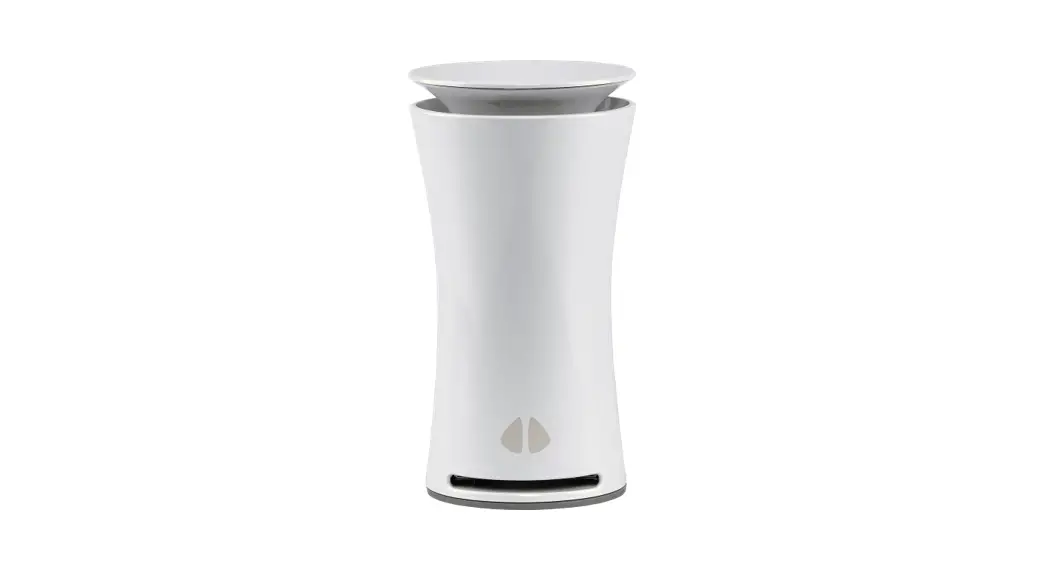
 uHoo UHO-OT-000001 Smart Air Monitor
 uHoo UHO-OT-000001 Smart Air Monitor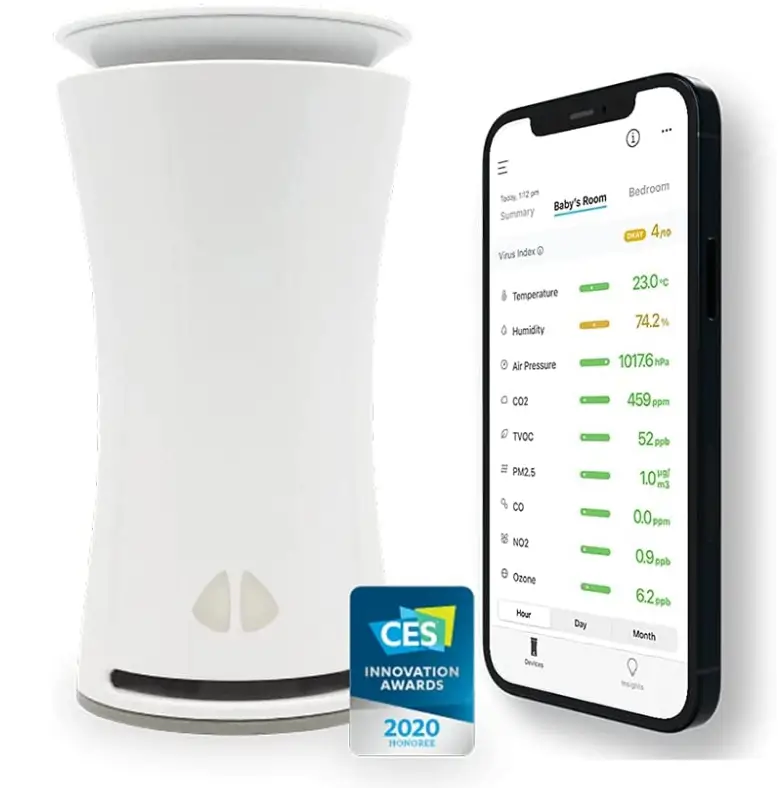
INTRODUCTION
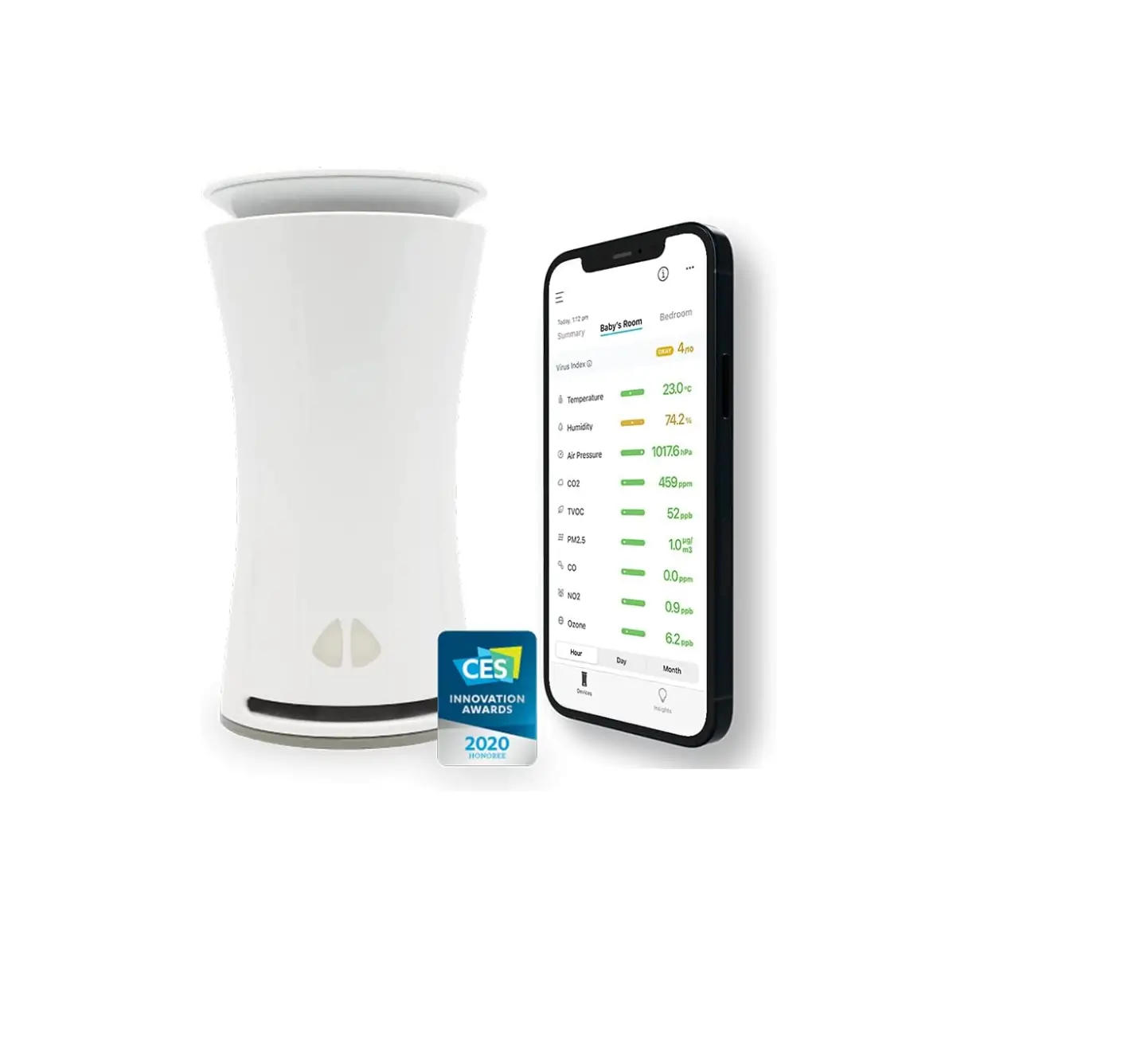
Only uHoo’s air quality monitor, which measures temperature, humidity, dust, pollutants, NO2, CO2, and more, offers a wholly thorough examination of the air quality in your location. Know how to effectively combat viruses indoors so that you can rest easy knowing your air is optimized for health and safety. Learn how to manage your indoor air quality by receiving alerts, advice, and insights. You can get all the information you require in a stunning user experience that is easy to use for the entire family. In order to provide a seamless and integrated approach to cleaner and healthier air, uHoo links and collaborates with other smart home devices. Get a full year of Premium membership to access improved features like advanced analytics, tailored insights, and more..
A SMART WAY TO A HEALTHY HOME AND A HEALTHY YOU
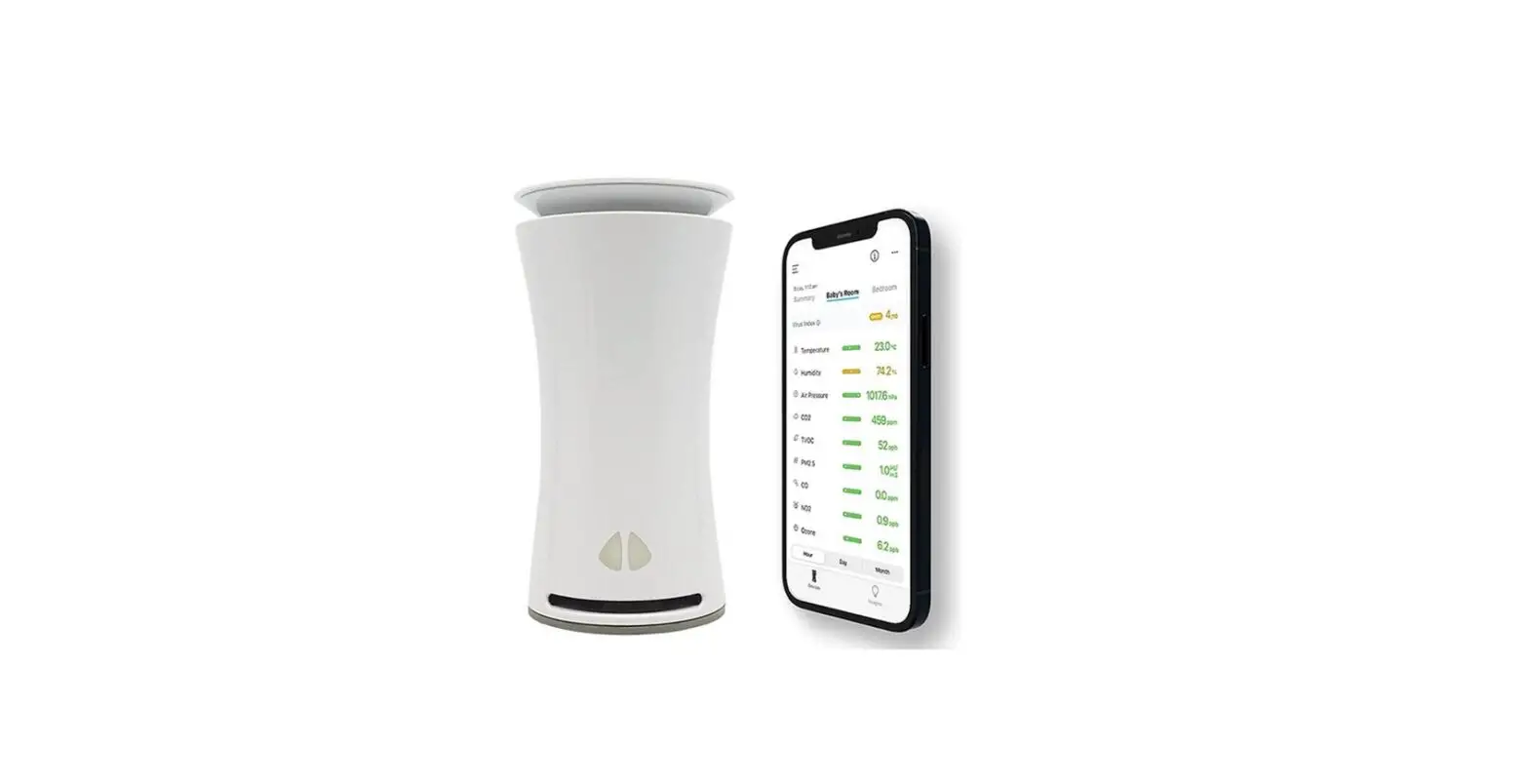
Monitor nine air quality factors that affect health and well-being, with real-time insights, virus index, and smart home integration. See the air you breathe and create the perfect environment for a healthier way of life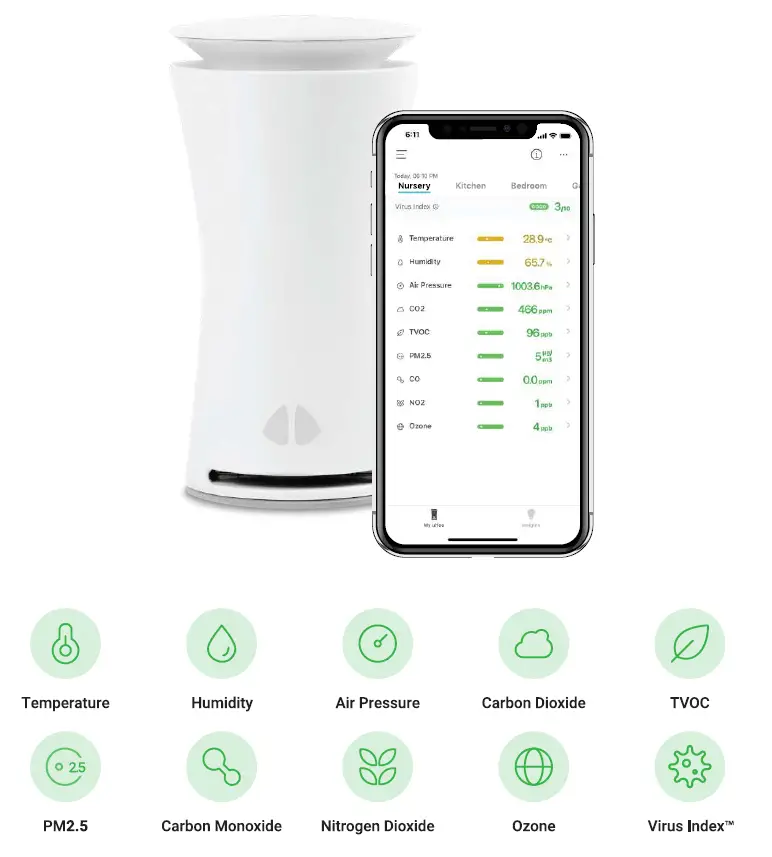
PRODUCT SPECIFICATIONS
- HEIGHT: 161mm or 6.3 inches
- DIAMETER: 85mm or 3.3 inches
- WEIGHT: 270g or 0.6Ibs
- SHIPPING SIZE: 25cm x 12.5cm x 8.2cm
- SHIPPING WEIGHT: 0.75 kg or 1.65 lbs.
- SECURITY: 128-bit AES end-to-end encryption
- BODY MATERIAL: ABS thermoplastic polymer
- PROCESSOR: 32-bit ARM-based
- BASE MATERIAL: Silicone rubber with stainless steel insert
- USER INTERFACES: Native iOS and Android apps
- OPERATING TEMPERATURE: -10°C to 50°C (14°F to 122°F)
- CERTIFICATIONS: FCC, CE, PSE, TELEC, NTC, KC, REACH, RoHS, KSA
- OPERATING HUMIDITY: 0% to 100% non-condensing
- POWER CONSUMPTION: 900mW (normal operation) and 1.5W (data transmission)
- MONITORING FREQUENCY: Real-time (minute by minute)
- STATUS INDICATOR: RGB LED
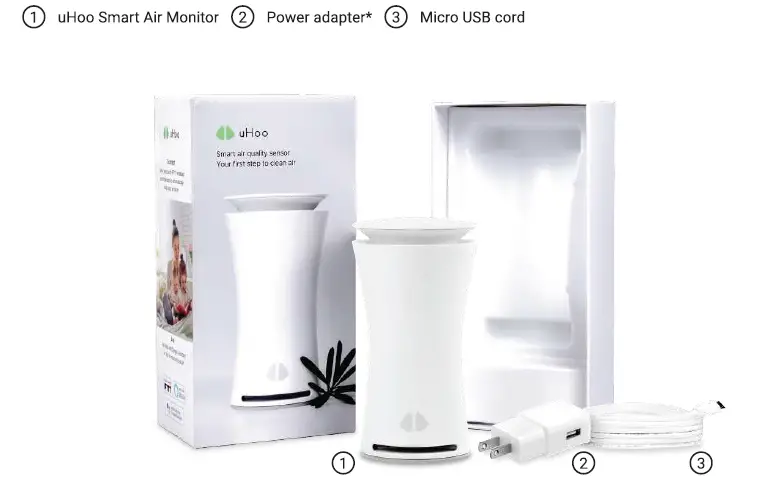
WHAT’S IN THE BOX
WHAT YOU’LL NEED
- A smartphone with i0S 11 (64-bit devices) or Android 4.4 and versions above
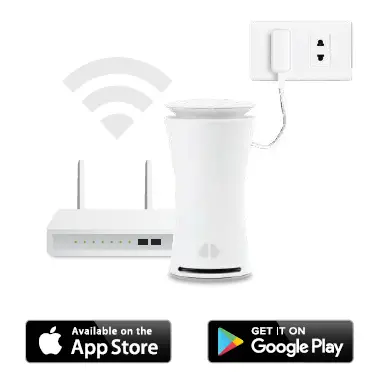
- Power outlet-the uHoo Smart Air Monitor needs to be plugged in at all times
- The latest version of the uHoo App (downloaded from the App Store or Google Play Store)
- Your own uHoo account (Just tap the “Sign Up” button on the uHoo App to create your account)
- Wi-Fi network (802.11 b/g/n@ 2.4GHz) with WPA/WPA2-personal security. The ports that uHoo uses are ports 80, 443 and 8466. Please ensure that your Wi-Fi router is configured to allow connection via these ports. (Note: Dedicated 5GHz network is not supported)

SETTING UP YOUR UHOO ACCOUNT
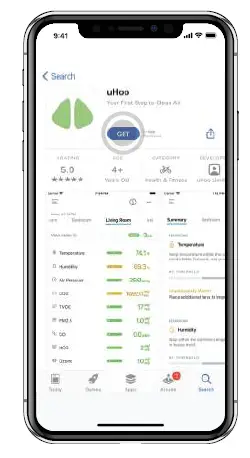
- Download the “uHoo” app from the app store or Google play store.

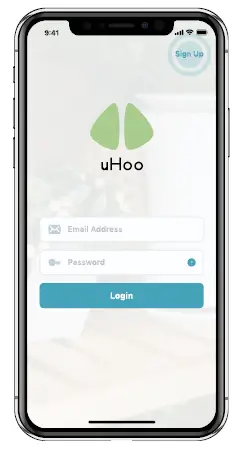
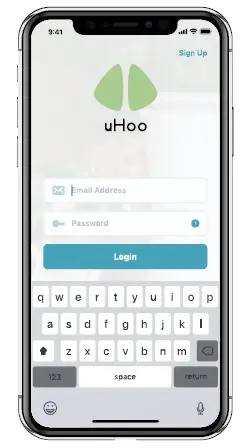
- Tap on “Sign Up” button.

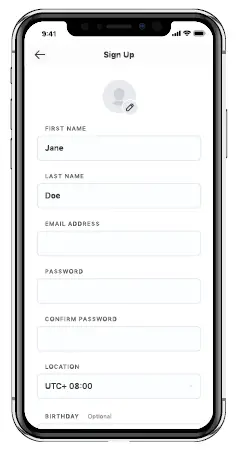
- Fill out the required information.

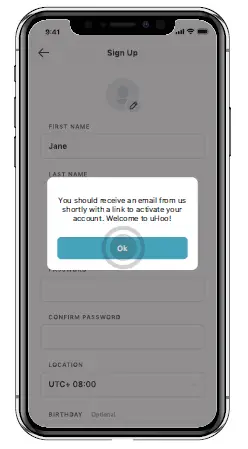
- You will receive an account activation email sent by [email protected] , please check your spam folder in case it goes there.

- Once you have verified your email address by clicking on the link in the email that you received, you would be able to log in to the uHoo app.
SETTING UP YOUR UHOO SMART AIR MONITOR
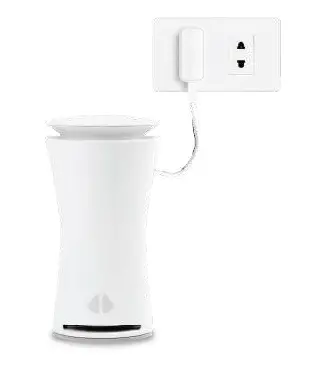
- Plug in your uHoo to a wall outlet and place it in the room that you’d like to monitor. For ideal locations where to place your uHoo Smart Air Monitor, please refer to section on “Important Notes – Where to Place your uHoo”

- Prior to connecting the uHoo to your Wi-Fi network, please make sure to turn off your VPN connection and mobile data as the VPN and mobile data connections will interfere with the setup process and cause it to fail. You would also need to switch on Location Permissions on your mobile device. Location permission is needed so the app can detect the user’s WiFi name and assist them in setting up the device. We do not gather any location data. This is needed primarily during the setup process. Once your uHoo app has connected to your network, you can switch off location permissions.

- Tap on the “Setup My First uHoo” on the uHoo app and the app will guide you through the setup process.
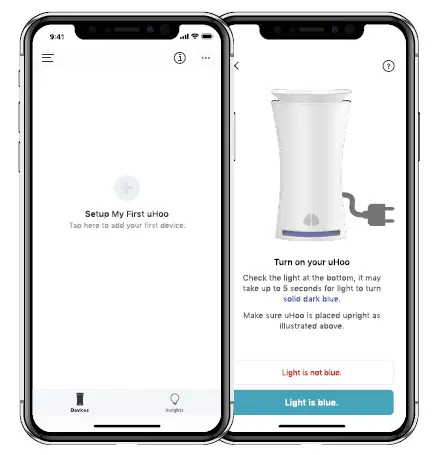
During the setup process, you will notice the lights on your uHoo Smart Air Monitor change. The various colors of the light show the state of your device. The definition of each light color is listed below.
SOLID BLUE – Setup mode and is waiting to be connected to a Wi-Fi network
BLINKING GREEN – Connecting to the Wi-Fi network stored in its memory
SOLID GREEN – Connected to the Wi-Fi network and waiting for the Wi-Fi network to give it access to connect to the internet
FLASHING LIGHT BLUE AND RED – Connected to the internet and trying to connect to the uHoo Cloud
FLASHING PURPLE – Downloading a firmware update and updating the firmware of your uHoo
LIGHT SWITCHED OFF – uHoo is connected and now sensing the air
IMPORTANT NOTES
PLACING YOUR UHOO SMART AIR MONITOR
uHoo can work anywhere indoors. However, there are some Dust practices to take note or to ensure that you get The most accurate readings.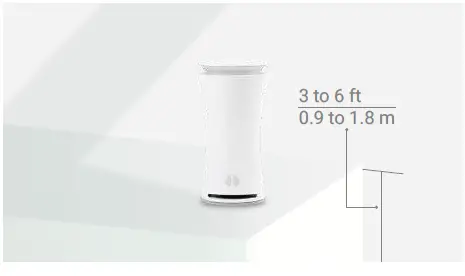
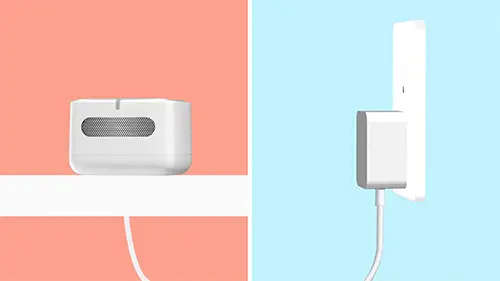
Place your uHoo on a table or shelf approximately 0.9 meters (~3 feet) to 1.8 meters (~6 feet) above the floor.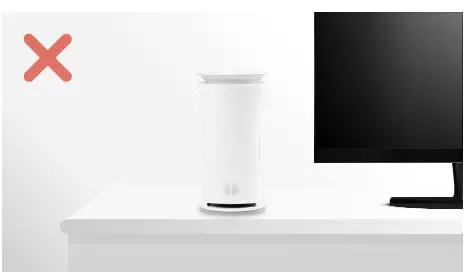
Avoid placing the uHoo near devices and appliances that influence the air such as air conditioners, fans, heaters, televisions, stoves, ovens, and desktop or laptop computers as these will potentially affect the readings. Don’t place your uHoo Smart Air Monitor beside an open window.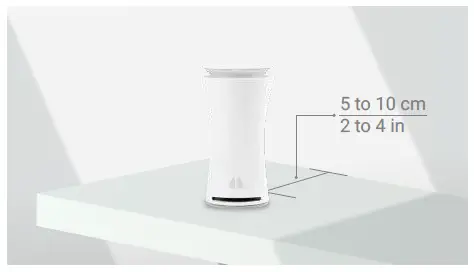
Keep your uHoo 5 to 10 centimeters (2 to 4 inches) away from any wall or structure.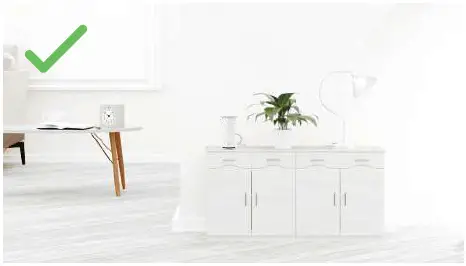
We recommend leaving your uHoo in the room where you spend most of your time in. This can be the bedroom, kid’s room, living room, or kitchen.
WARMUP AND AUTO-CALIBRATION
UHOO SENSORS NEED TIME TO WARM UP AFTER SETUP. THIS WARM-UP NEEDS TO BE CONDUCTED ONLY ONCE.
The carbon dioxide (CO2) sensor requires at least 48 hours of continuous and uninterrupted use for it to complete the warm up. The VOC, nitrogen dioxide (NO2) and ozone (03) sensors require at least 24 hours of continuous and uninterrupted use. If the warm-up is interrupted (device disconnected from your Wi-Fi network, device turned off), the warm-up will restart from the beginning and will need another 48 hours or 24 hours, depending on which sensor. During the warm-up period, the readings will fluctuate and you can ignore the data. Once the warm-up is completed, your readings will automatically adjust. YOUR UHOO SMART AIR MONITOR DEVICE NEEDS TO BE PLUGGED INTO A POWER SOURCE AND CONNECTED TO YOUR WI-FI NETWORK AT ALL TIMES. uHoo regularly calibrates its sensors to ensure its long-term performance. Powering off the device and moving it to a different location would interrupt the regular calibration cycle of the sensors and may affect the accuracy once you power it on. The device would need to go through a few calibration cycles to regain its accuracy after you power the device back on.
PERFORMANCE OF UHOO SENSORS: TESTED AND VALIDATED
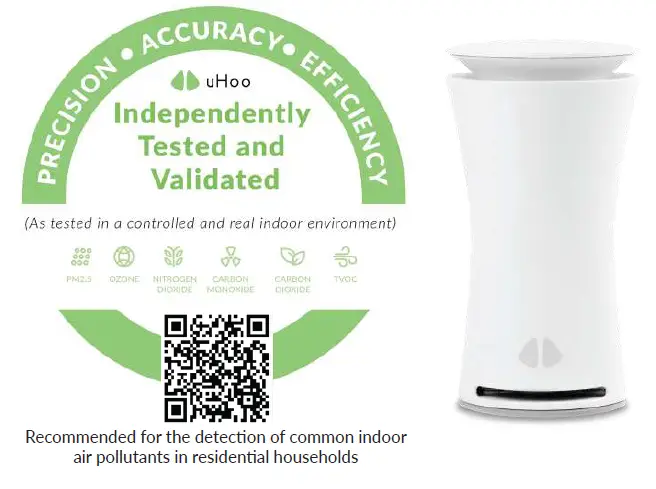
We commit to satisfy our customers by delivering high quality products and solutions. The uHoo Smart Air Monitor is consistently among the top choices for indoor air quality monitoring and has been independently reviewed and validated for performance, accuracy, and efficiency. Scan the QR code to learn more.
TROUBLESHOOTING

FAQs
How accurate are the sensors? the faq for this question (on your website) is also blank…
I had one for 1 year. After one year it broke down. I have another PM2.5 reader and told uHoo from the beginning that their PM2.5 sensor doesn’t give accurate readings. Go to http://www.aqmd.gov/aq-spec/evaluations/summary-pm and see for yourself.
Is the data accessible from the device or do you need to the servers in the cloud?
You would need an internet connection to access the data because the device communicates with the cloud and the app on your phone would communicate with the cloud.
do you have to reset the device every time you move it to different location like different room?
Nope, you don’t need to so long as the same WiFi network is available in that room. You only need to reset the device if you would like to connect it to a different WiFi network.
I recently bought a monitor and my indoor air quality is great, but my outdoor reading of nitrogen dioxide is 1000. Can you tell me your outdoor #?
I’m thinking your monitor is not working properly or you are misinterpreting it. The US EPA National Ambient Air Quality Standards list 53 ppb as the average 24-hour limit for nitrogen dioxide or NO2 in outdoor air.
Will it detect a natural gas leak?
yup, it can.
Does logging to Google sheets always record data from all 9 sensors every minute or is it only a subset of data? (I’m interested in logging all data).
yup, it will record all data from all 9 sensors every minute.
Is there anything less expensive than this that does measure vocs, ozone, and radon?
I did not find another that measures ozone. The uHoo does not measure radon.
Can someone please explain how this is an accurate device? research from aq-spec suggests it is highly inaccurate.
I can’t confirm the absolute values provided are indeed accurate. I can say that when metrics go up and down (change) I’d argue it’s relatively accurate in terms of measurement changes. On many of the alerts I can fairly systematically associate the warning with something that is going on in the house supporting the alert.
Can it detect sewer gas in small concentrations?
It detects two components of what sewer gas may contain. I’ve found your nose is the best indicator for that specific issue. NO2 is measured in PPB and CO2 is in PPM. The concern I have is that you want to measure in small concentrations. Both of these show measurements in my house with no sewer issue – you won’t be able to tell the difference.
Can the app connect to multiple sensor devices to monitor multiple rooms? Or can one account support multiple devices?
Yup! It can. Every uHoo account can register up to 10 devices so you can monitor multiple rooms using one account.
Has anyone used this to detect secondhand cigarette smoke seeping in from neighboring apartments?
I haven’t but this can detect carbon monoxide and nitrogen dioxide which I assume would spike in the case of secondhand smoke.
Does this device work with (send signals to) smart outlets or Alexa? I want my air purifiers to turn on when the air quality is low.
Yup, you can control your air purifier using uHoo via IFTTT. uHoo also integrates with Alexa so you can ask Alexa what your air quality is.
Does the uhoo have 9 discrete sensors? my uncle is a severe lifelong asthmatic & i am looking for the most verbose information possible.
I would say it’s rather accurate it would be helpful to see what could be contributing to his asthma pathology.
Is uHoo Premium essential? What still works if you don’t keep paying $120 a year?
Nope, it’s not essential. It’s an optional add-on for additional features that you can enable in the app. You can access it for free for 12 months for the first device that you purchase. You can continue using the product even without uHoo Premium.
How do you know if you get a hit on cigarette, marijuana & vaping smoke?
Has a sensor that measures TVOC (Total Volatile Organic Compounds) in the air.
VIDEO