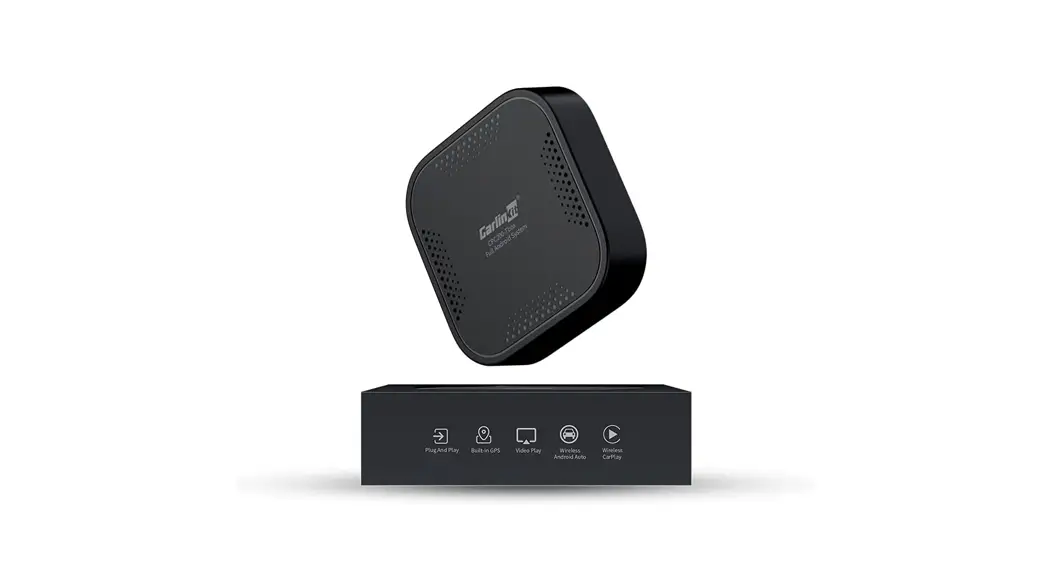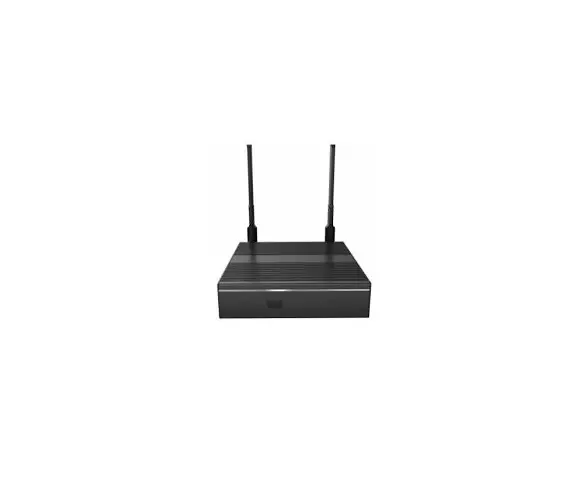
 NO-100 Android OTT STB
User Manual
Notice
Notice
Read this manual carefully and make sure you understand the provided instructions. For your safety, check what the result of each action will be.
Warnings
To reduce the risk of electric shock. do not remove the cover(or back) No User-serviceable parts are inside. Refer servicing to qualified service personnel. Throughout the whole manual. pay special attention to the following marks that indicate hazardous situations.
 Warnings: Indicates a hazardous situation. if not avoided, could result in serious injury.
 Caution: Indicates a situation that, if not avoided, could damage the equipment or apparatus.
 Note: Indicates additional information to the user to make the user aware of possible problems and information of any importance to help the user to understand, use and maintain the installation.
 When this crossed-out wheeled bin symbol is attached to a product it means that the product is consistent with European Directive 2002/96/EC. Please inform yourself about the local separate collection system for electrical and electronic products.
 The logo informs that the receiver is consistent with terms and conditions of Directive 2004/108/EC concerning observance by the Member States of provisions regulating electromagnetic compatibility. and to the terms and conditions of Directives 2006/95/EC concerning observance by the Member States of provisions regulating low voltage electricity and safety with relation to the handling and operation of electrical equipment.
This product has been designed, tested, and manufactured according to the European CE Directive 2014/53/EC.
FCC Compliance Notice
This equipment has been tested and found to comply with the limits for a Class B digital device, pursuant to part 15 of the FCC Rules. These limits are designed to provide reasonable protection against harmful interference in a residential installation. This equipment generates, uses and can radiate radio frequency energy and, if not installed and used in accordance with the instructions, may cause harmful interference to radio communications. However, there is no guarantee that interference will not occur in a particular installation. If this equipment does cause harmful interference to radio or television reception, which can be determined by turning the equipment off and on, the user is encouraged to try to correct the interference by one or more of the following measures:
- Reorient or relocate the receiving antenna.
- Increase the separation between the equipment and receiver.
- Connect the equipment into an outlet on a circuit different from that to which the receiver is connected.
- Consult the dealer or an experienced radio/TV technician for help.
This device complies with part 15 of FCC rules. Operation is subject to the following two conditions:
- This device may not cause harmful interference.
- This device must accept any interference received, including interference that may cause undesired operation.
RF Exposure Information
This equipment complies with radiation exposure limits set forth for an uncontrolled environment. This transmitter must not be co-located or operating in conjunction with any other antenna or transmitter. This equipment should be installed and operated with a minimum distance of 20cm.
Safety Instructions and Precautions
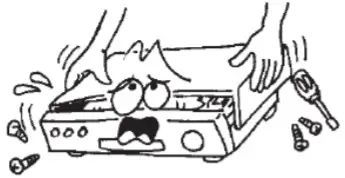 | To avoid electric-shock hazards, do not open the housing. refer servicing to qualified personnel only. |
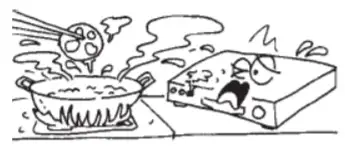 | Do not expose the receiver to direct sunlight. Keep it away from the heat source. |
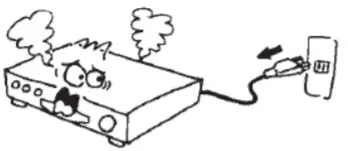 | When the abnormal phenomenon occurs you should cut off the power supply immediately |
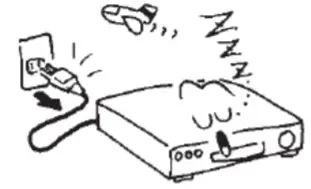 | Switch the receiver off whenever it remains out of service for an extended period. |
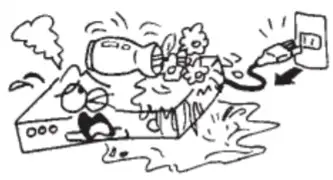 | Keep the receiver away from flower vases. tubs, sinks, etc., in order to avoid damaging the equipment. |
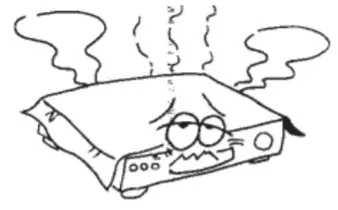 | Do not block ventilation holes of the receiver so air can circulate freely. |
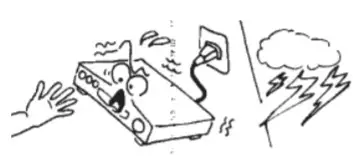 | Do not touch the receiver during thunder. since that might create electric-shock hazards. It is recommended to cut off the power supply. |
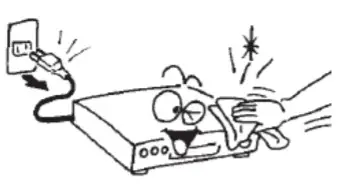 | Do not touch the receiver during thunder. since that might create electric-shock hazards. It is recommended to cut off the power supply. |
Accessories / Components
Accessories
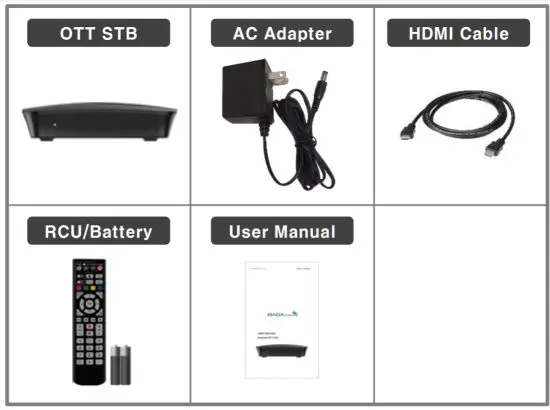
HDMI cable (Type A, high-speed HDMITM cable, 4K@60Hz output support), Related equipment such as S/PDIF optical cables are available in the market.Precautions for installation: After connecting the cable, connect the product to power. If the power is turned on during connection damage to this product may occur. Battery precautions
If the battery installed in the remote control has reached the end of its lifespan, replace it with a new one immediately.
Leaving the dead batteries unattended may cause leakage and cause the remote control to malfunction.
(Especially if you use cheap and poor quality batteries, leakage may occur. Do not use it as it can be severe.)
Description of the OTT / Installation
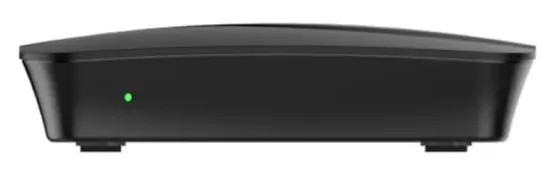
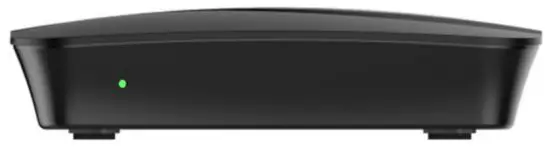
Front View
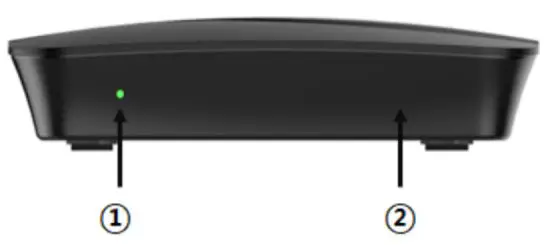
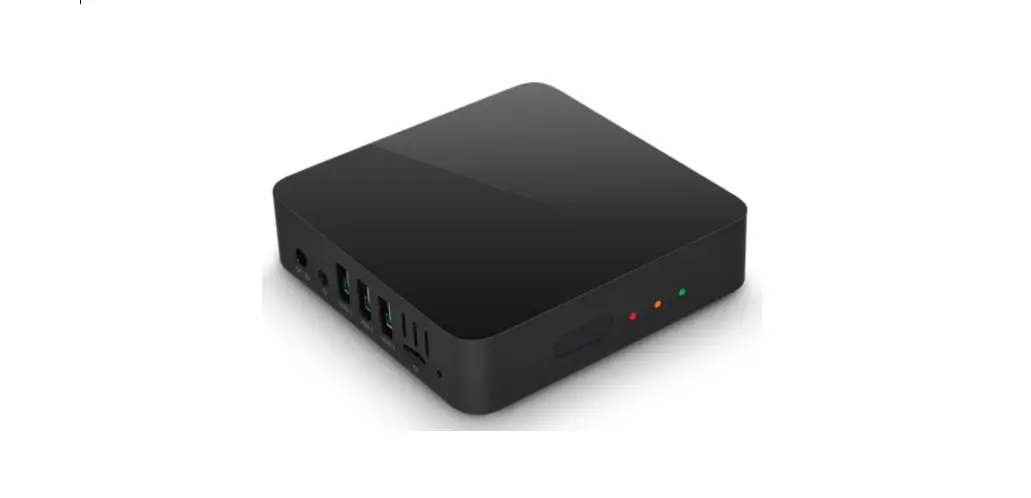
- Power LED: Standby mode: Red / Operation mode: Green
- IR Sensor
Rear View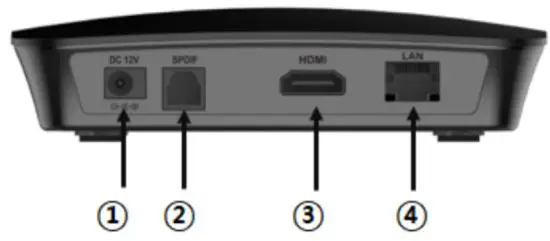
- DC 12V: Connect the adaptor DC Jack(DC power in).
- S/PDIF: Connect to AV Amp. (S/PDIF Optical)
- HDMI OUT: Connect to TV HDMI input.
- LAN: Connect to Router’s LAN port.
Description of the OTT / Installation
Side View
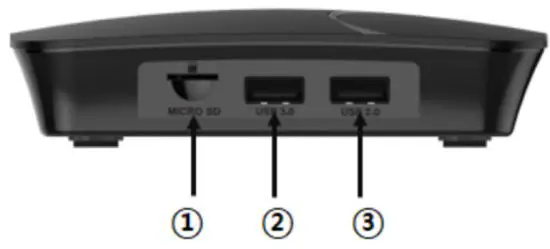
- Micro SD: Insert Micro SD storage for TV-record or Multimedia.
- USB 3.0: Connect to USB devices. (USB 3.0 & others)
- USB 2.0: Connect to USB devices. (USB 2.0 & others) )
* Insert USB storage for TV-record or Multimedia.
Installation: 1. HDMI
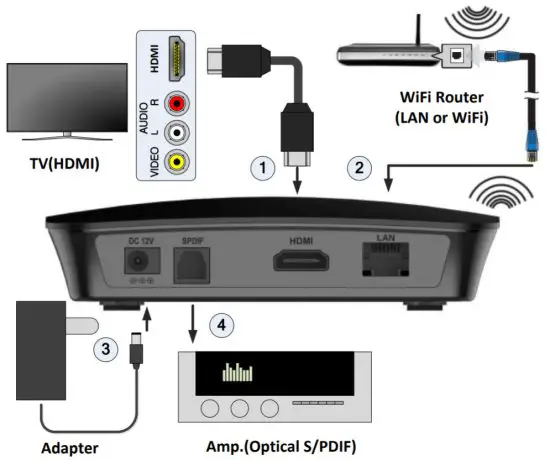 Connect the HDMI output terminal of the receiver to the HDMI input terminal of the TV using an HDMI cable (Type A, high-speed HDMI® cable, 4K@60Hz output supported).
For details on how to connect to the HDMI input terminal and how to use it, refer to the TV instruction manual.
Installation: 2. Network Cable & WiFi
How to connect a network cable for high-speed Internet service. Connect the receiver’s Internet terminal to the WiFi Router(or home gateway)’s LAN (or ETHERNET) terminal.
Installation : 3. DC Cable (Power)
Connect the adaptor DC jack to the receiver’s DC 12V port.
Installation: 4. S/PDIF
Connect to devices that support S/PDIF (Optical) interface, such as audio amplifiers and AV receivers. S/PDIF cables can be purchased from the market and used.
Troubleshooting
| Symptom | Cause Check | Action |
| When the HDMI screen does not appear | Is the power plug unplugged? •Are the N and receiver connected correctly? •Is the N input selection properly selected? •Is the screen not displayed even if the connection is correct? | •Insert the power plug into the outlet correctly. – Connect the N and receiver correctly. •Press the N/External input button on the N to select the input correctly. (HDMI input) – Turn the AC power off and on again. |
| When there is no sound | •’Isn t it set to mute? •Is the audio device connected to the HDMI output or optical output cable set to receive the output signal of this unit? •Is the HDMI output or optical output connector connected? •Is there no sound even if all connections are normal? | •Press the mute button to cancel. •Select the correct input mode for the audio device or N connected to the HDMI output or optical output connector. Insert the HDMI output or optical output connector correctly. – the AC power off Turns and on again. |
| initial menu screen does not appear. | •Does normal initial the screen does not appear when the receiver’s power is turned off and then on? | •Turn the AC power off and on again. •Contact customer service. |
| There is no software upgrade. | •Is the internet cable-connected? Are the Wi-Fi settings and the router connection normal? | •Turn off the power and try again, or contact customer service. |
| The remote control does not work. | •Are the batteries installed correctly? • Are the batteries too old? | •Insert the batteries according to the polarity. •Replace new batteries. |
| When the power does not come on | – Is the power plug unplugged? •Is the power temporarily out of power? | •Insert the power plug into the outlet correctly. – Operate light or household electrical appliances. |
Product Specifications
| CPU | ARM Cortex ASS, Quad-Core 64bit |
| CPU Cores | RTD1319PB (15K DMIPS, REALTEK) |
| GPU | High-performance Multicore mailG31-MP2 |
| Storage | 8GB eMMC 5.1 |
| SDRAM | 2GB DDR4 SDRAM |
| IR (RCU) | 38KHz Data Receiving, NEC |
| HDMI | HDMI 2.0aTX with HDCP 2.2, 4K 10bit UHD @60Hz up 4096×2160 |
| Ethernet | R145 10/100M Fast Ethernet interface |
| Wi-Fi | IEEE 802. 11b/g/n, 2.4GHz Single band |
| USB | lx USB 3.0 port, lx USB 2.0 port |
| Ports | HDMI 2.0, USB 2.0, USB 3.0, S/PDIF(Optical/lEC-6095B), LAN10/100Mbit, Micro SD (up to 128GB), DC 12V |
| Software (OS) | Android 10 (AOSP) |
| Video Format | 4.3, 16:9, Letter Box. Pan & Scan |
| Video Support | 10bit, Up to 3840×2160@60fps, HDR10 support |
| Audio Mode | Stereo/Mono/Left/Right/Exchange |
| Audio Decoding | MPEGI8411, MP3, MC-LC HE-AAC V1/2 |
| Input Voltage | DC 12V/1A |
| Power Consumption | Max 12W |
| Power Consumption in St and by | < 0.5W |
| Storage Temperature | -10-60°C |
| Operating temperature | -0-45°C |
| Humidity | <95% |
| Dimensions (W x D x H) | 126 x 122 x 32mm |
| Net Weight | 0,28 kg |
Memo

The terms HDMI and HDMI High-Definition Multimedia Interface, and the HDMI logo are trademarks or registered trademarks of HDMI Licensing LLC in the United States and other countries.
www.badasystem.co.kr
Rev.1.1