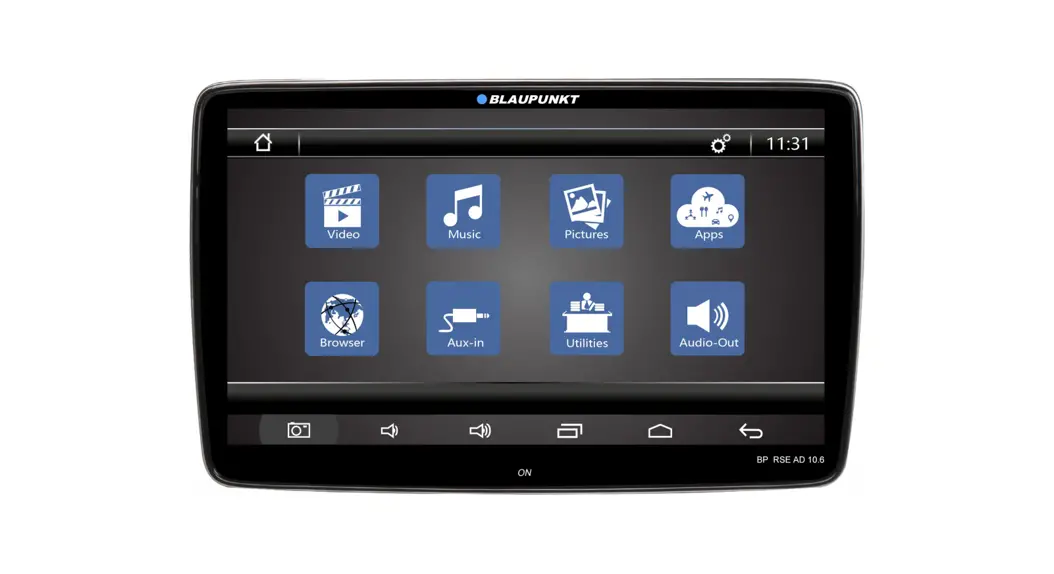
OPEL ASTRA K Android System
Product Information
The hazard warning button is a component of the product that is
designed to be connected to the original plug of the product.
Product Usage Instructions
1. Locate the hazard warning button on the product.
2. Ensure that the product is turned off before attempting to
connect the hazard warning button.
3. Take the original plug of the product and insert it into the
corresponding port on the hazard warning button.
4. Ensure that the connection is secure and that there are no
loose connections.
5. Once the hazard warning button is connected, turn on the
product and test the functionality of the hazard warning
button.
6. If the hazard warning button is not functioning properly,
disconnect it from the original plug and recheck the
connection.
7. If the problem persists, contact customer support for further
assistance.
HAZARD WARNING BUTTON CONNECT TO ORIGINAL PLUG
1 – CONNECT TO POWER PLUGS IN HGC 2 – CONNECT TO POWER PLUGS IN HGC 3 – RADIO ANTENNA CONNECT TO ORIGINAL RADIO PLUG 4 – SPEAKER FOR WARNING SOUNDS / PDC 5 Connect to TAFFIO Radio Power 6 – RADIO ANTENNA CONNECT TO Radio 7 Connect to Steering wheel control 8 – CAMERA IN 9 – AUDIO RCA PLUGS CONECT TO RCA PLUGS IN SLOT B