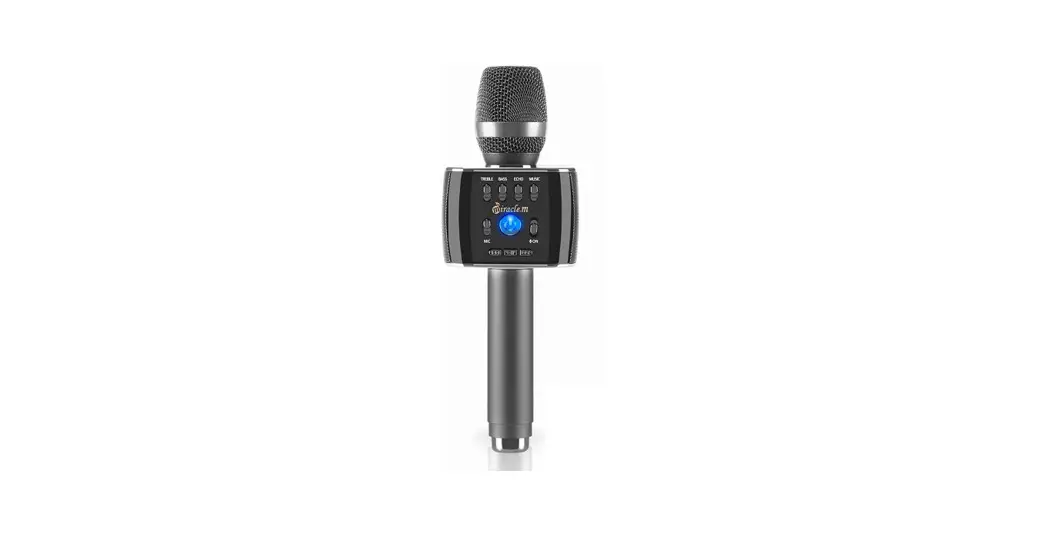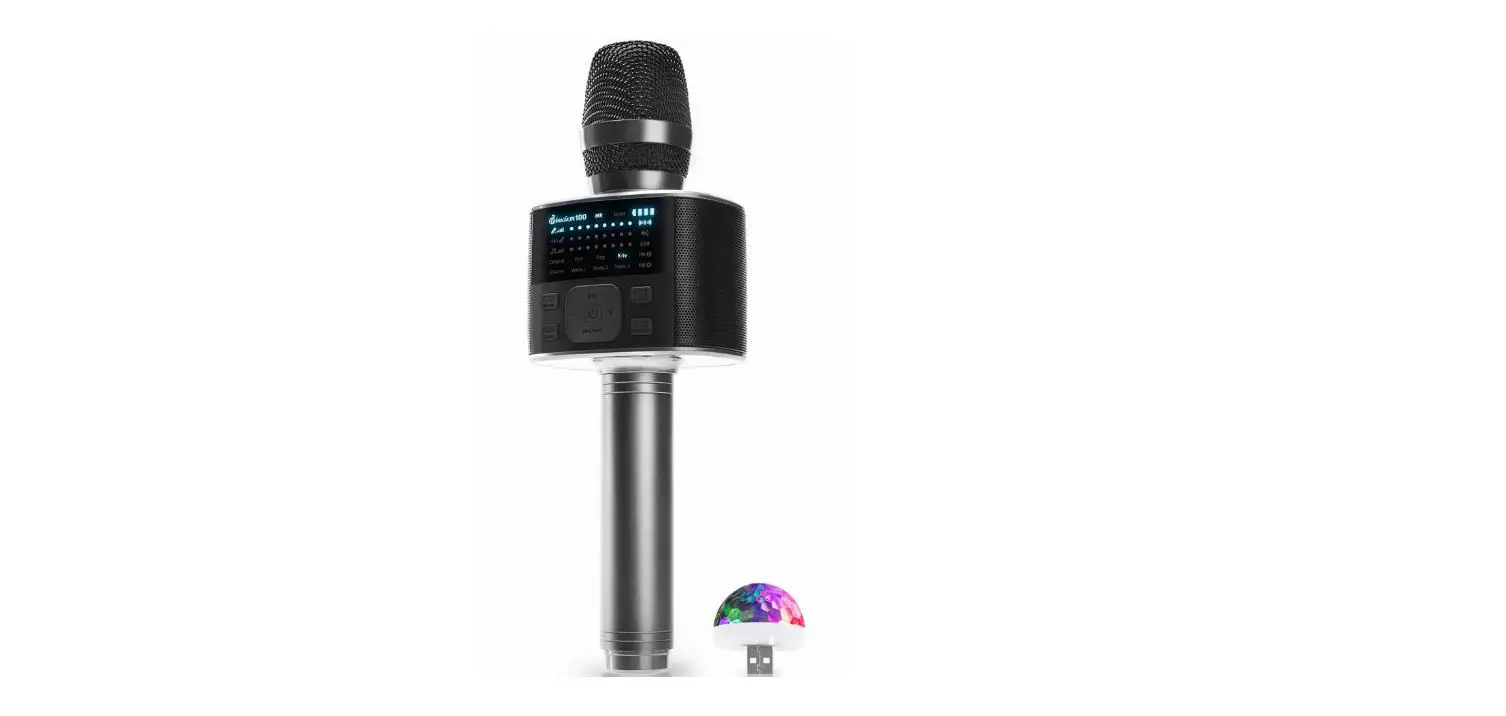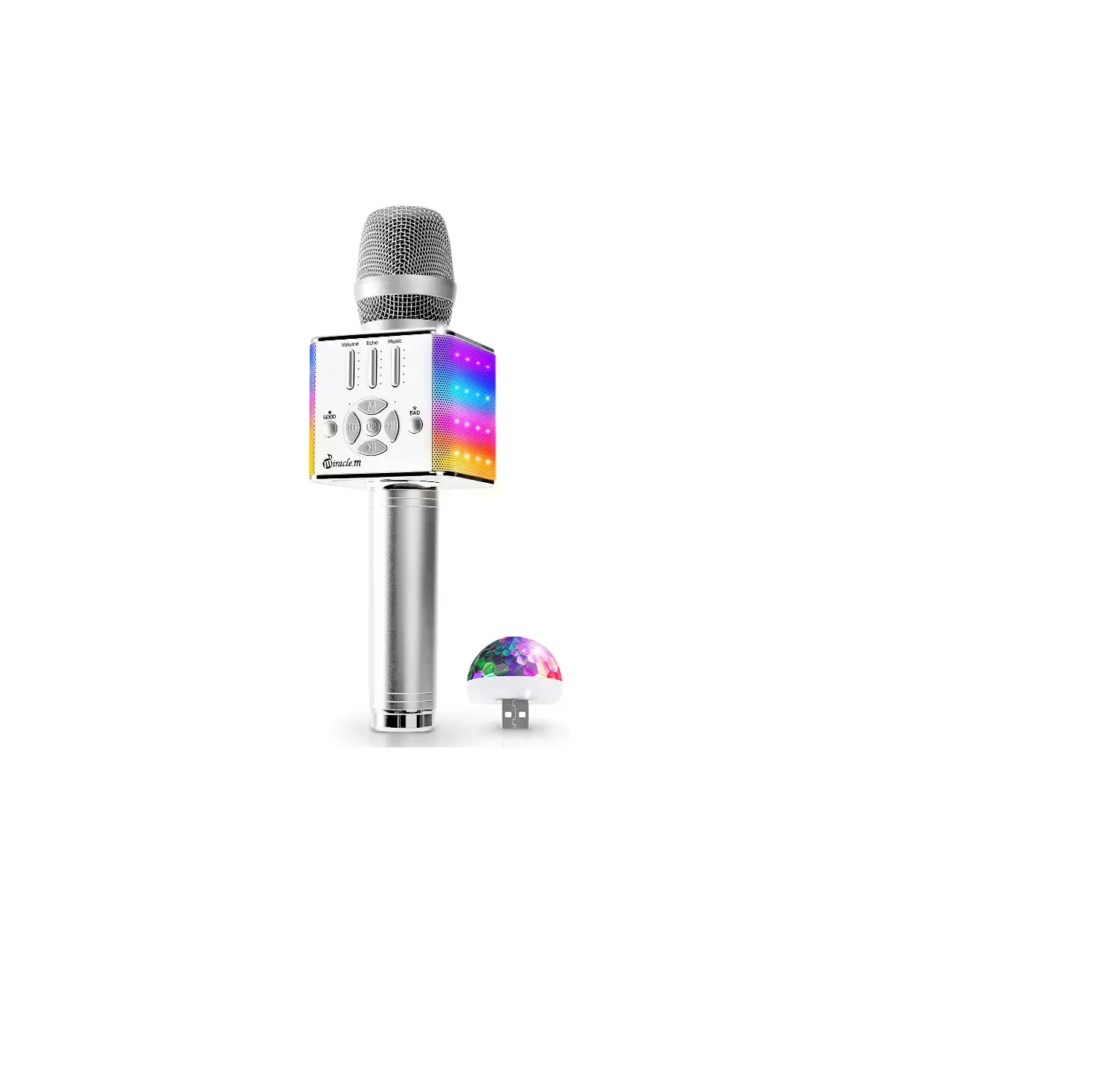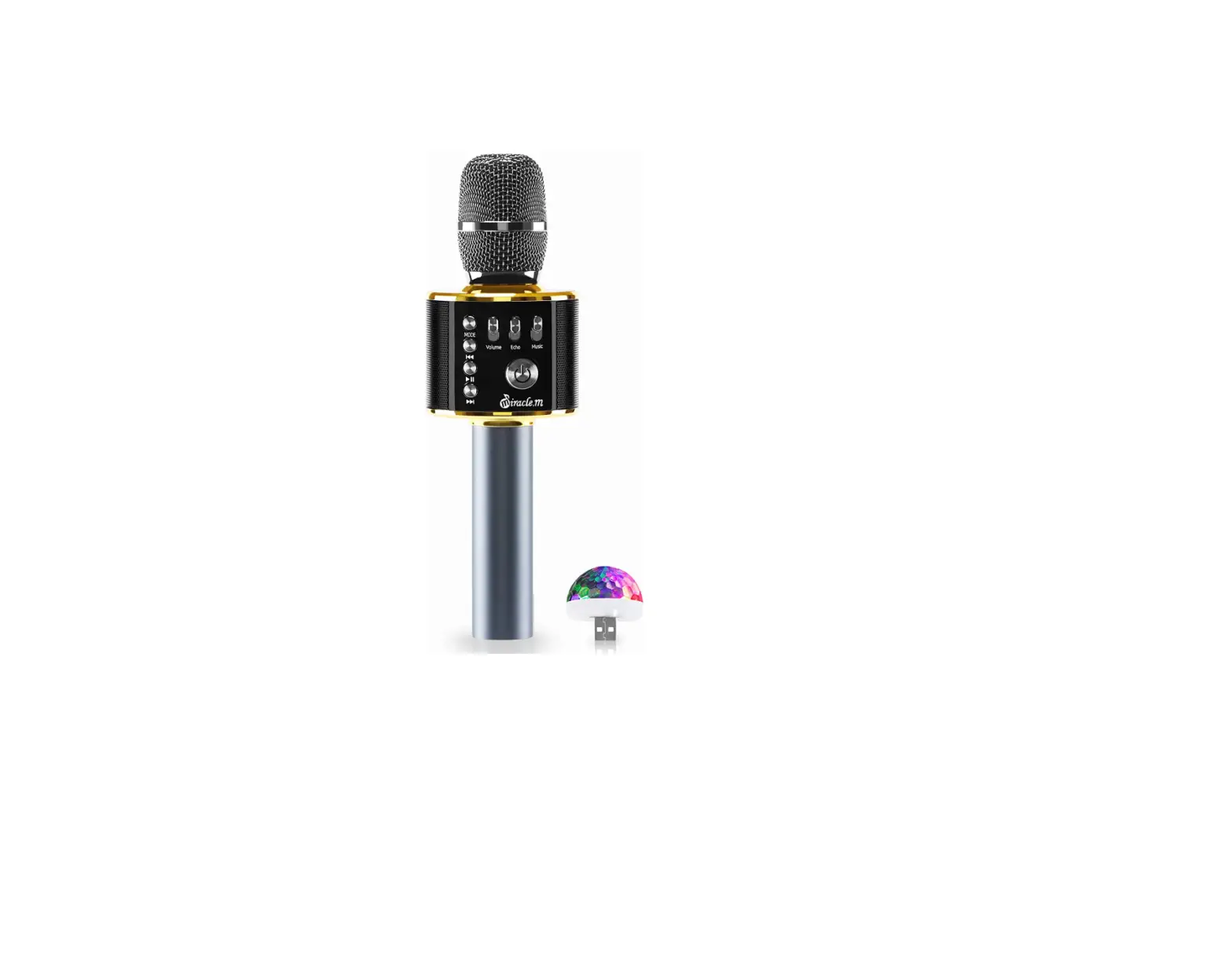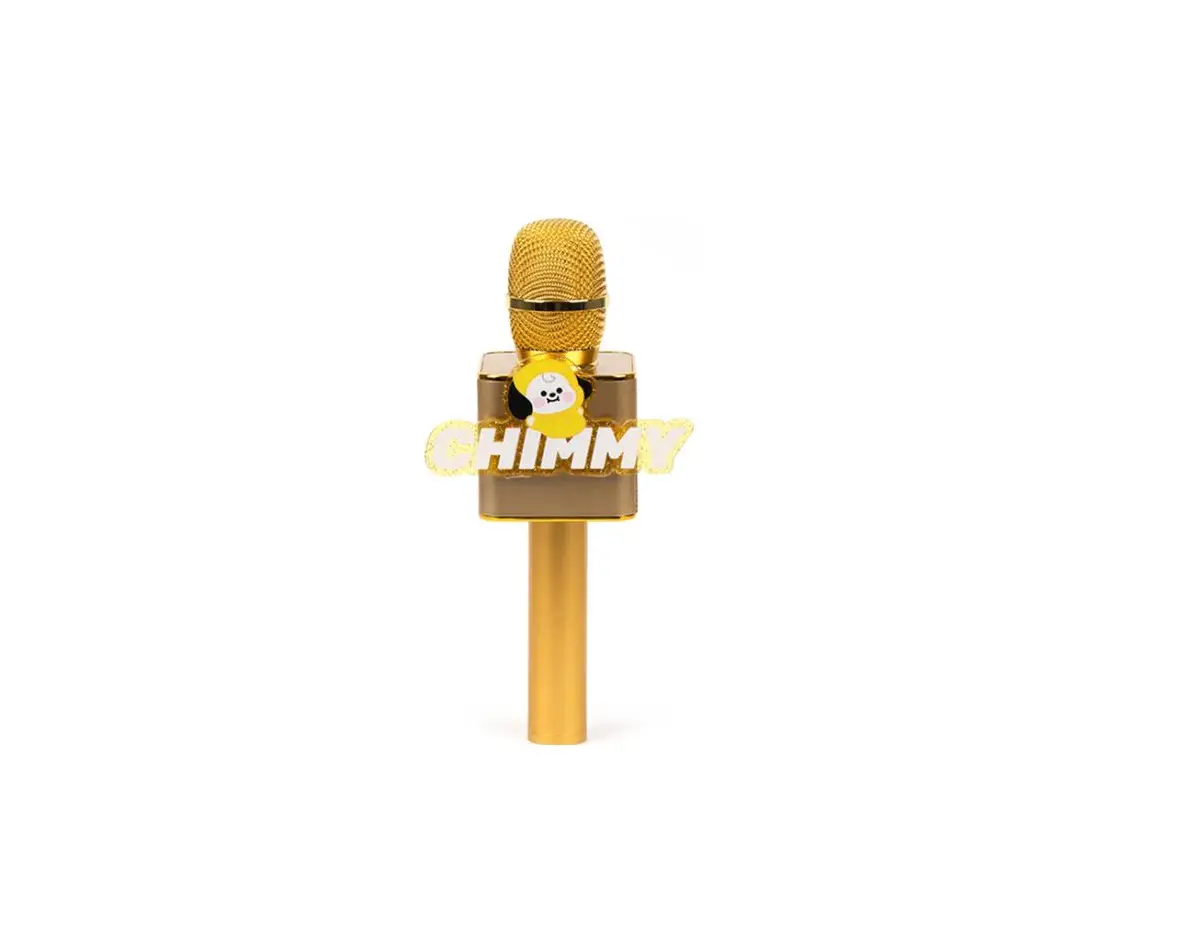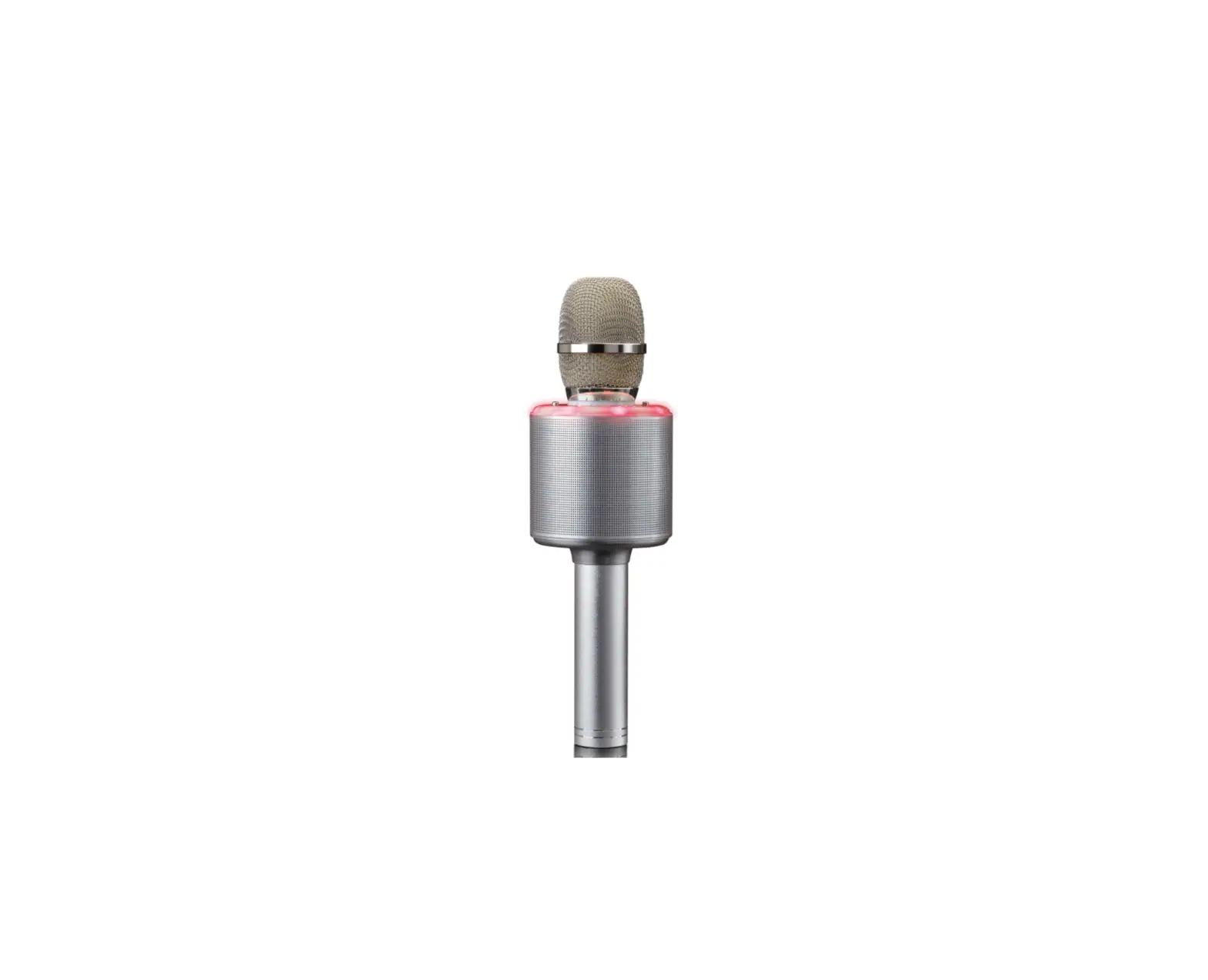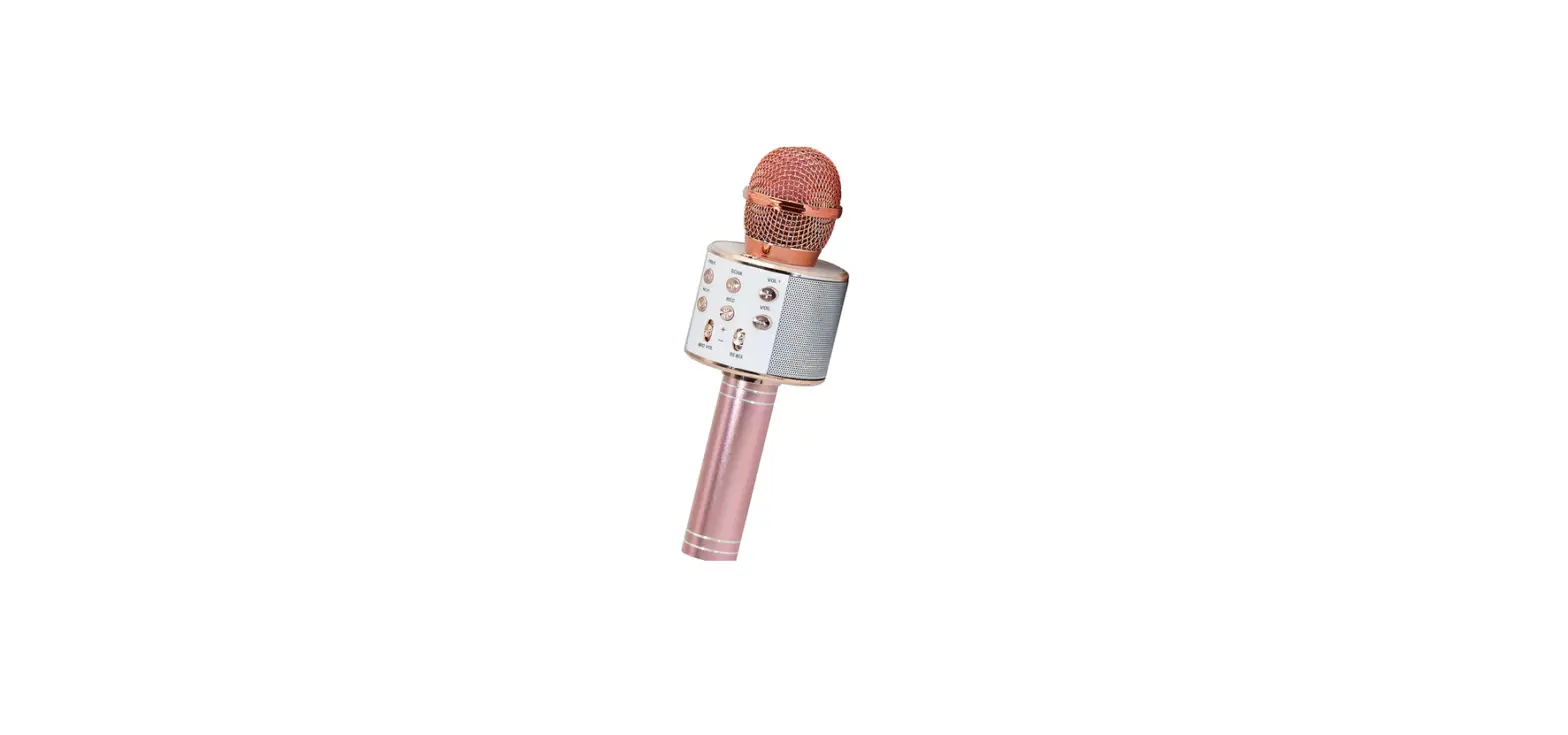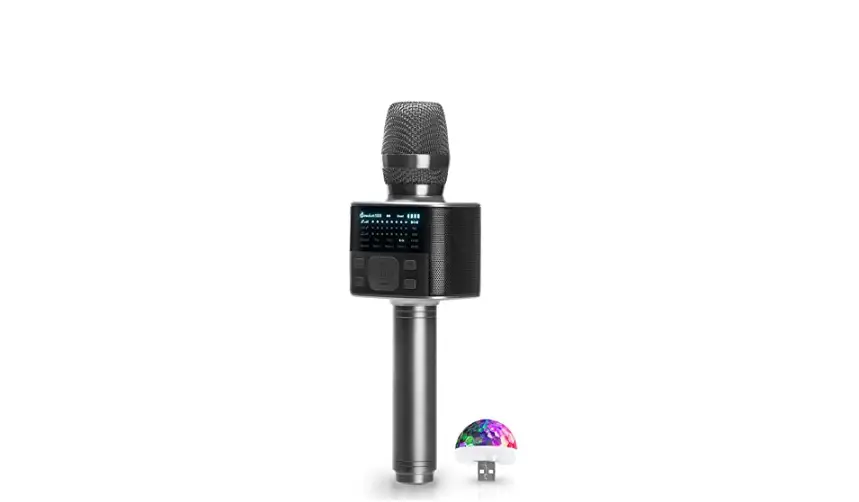

Miracle m M100 Bluetooth Dynamic Microphone and HiFi Speaker
USER GUIDE
Please read this manual carefully and follow directions. Please keep this manual for future use.
www.doorskorea.com
+82-2-1566-4520
Directions
For more detailed directions see enclosed instructions.
- Turn ON : Press Power button 2-3 seconds, then MIC will turn on with LED light on.
- Bluetooth Pairing: You can pair using Bluetooth.
(Please check the description on the right) - Play Music: You can play music through a Smartphone APP.
- Volume Control: You can control Volume and Echo on demand.
- Lyrics Elimination Mode: This mode significantly lowers recorded singer’s voice.
- Duet Mode: Connect two mics together so you can sing with others.
- Turn ON / OFF: Press POWER button 2-3 seconds.
- Press SOUND EFFECT : button quickly and you will hear the applaud sound and press again for 2-3 sec for fanfare sound.
- Sound Modification : 5 kinds of Echo effects / 3 kinds of Voice Modifications.
- FM Connection : In case you want to connect MIC by FM, Press this button and tune the frequency as shown on MIC.
- Recharge cable antenna : Recharge cable can also be used as an antenna when you use FM connection.
- App : You can use any Smartphone APP to use this product.
- AUX OUT : Expand your sound by using AUX out port.
Recharge
Note : The MIC will automatically turn off when the battery charge is low .
A. The included battery [in the package] is not fully charged. You may use the device after it is fully charged.
B. Microphone must be turned off when charging.
C. Plug the micro USB port cable into the MIC Port, and another port into a USB charger receptacle.
D. Full charge usually take 1~4 hours.
E.A fully charged Battery can be used for 1~4 hours.
Note : The MIC will automatically turn off when the battery charge is low .
- Please note that charging times can vary depending on outside circumstance or battery condition.
- You can check the battery status on your M100 MIC.
Sound Effect:
Pick 5 kinds Echo effects from the Echo Menu, also you can pick 3 kinds of interesting voice modification as shown below.

Before Bluetooth Pairing
- Distance between MIC and Smartphone should be 6 ft.(2M) for effective pairing.
- If pairing fails, turn your MIC off and try it again.
Important conditions below :
- Check your Smartphone connection with other Bluetooth devices.
- Do not use this device in prohited areas. (hospital, air plane)
- Partitions, walls or other obstacles can cause interference or malfunction.
Bluetooth Pairing
By pressing POWER button for 3 sec, the MIC will automatically search for bluetooth CONNECTION

- Press M100 POWER button 3 sec, MIC will turn on with confirmation sound.
(When you turn on the MIC, it will automatically reconnect with former bluetooth device) - Choose M100 MIC on your Smartphone Bluetooth device list.
- Confirmation sound when Bluetooth connected.
Caution
- When feedback occurs, please reduce the volume of the ECHO feature on the microphone.
- When using the Bluetooth function, the connection distance of the device should not exceed 10m.
- Do not lick products, and do not use them in wet or humid places. If the product is dropped from on high, it may cause product damage or malfunction.
- Stay away from Excessive heat and hot air, this may cause explosion of battery, degrades performance or decreased longevity.
- Do not keep the product inside a hot car, there is a possibility of explosion.
- When charging, the proper temperature is between -10°C and 40°C.
★For best results use a USB memory of 8GB or less.
Lyric Elimination Mode
What is Lyric Elimination mode?
This mode significantly lowers reorded singer’s voice.
How to use Lyric Elimination Mode
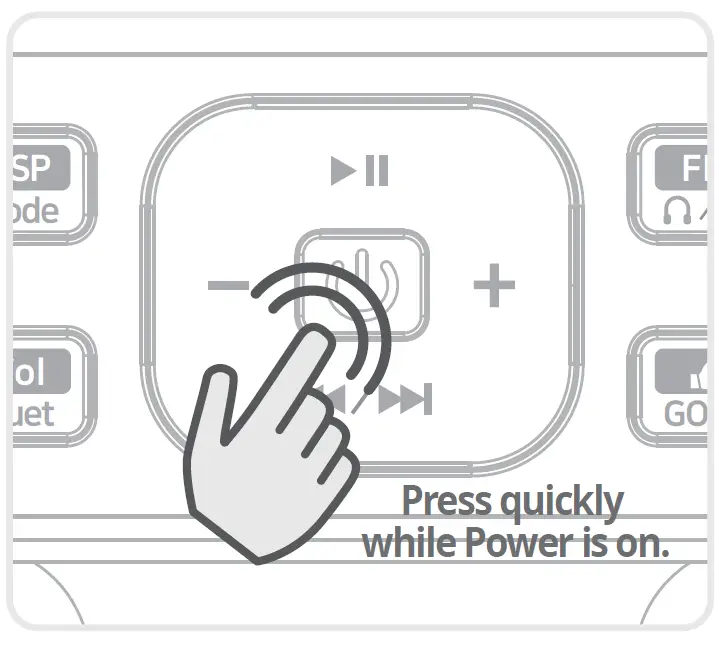
- Pair your MIC and Smartphone then play music you liike.
- Press quickly POWER button, then Lyric Elimination Mode starts.
- Press POWER button quickly then Lyric Elimination Mode will be turned off.
This feature needs bluetooth paired MIC with your Smartphone.
You do not need an additional APP
when using Lyric Elimination Mode.
Lyrics Elimination Mode cannot completely remove the recorded singers’ voice, it will vary depending on the condition of the MP3 file.
Cable connection Info
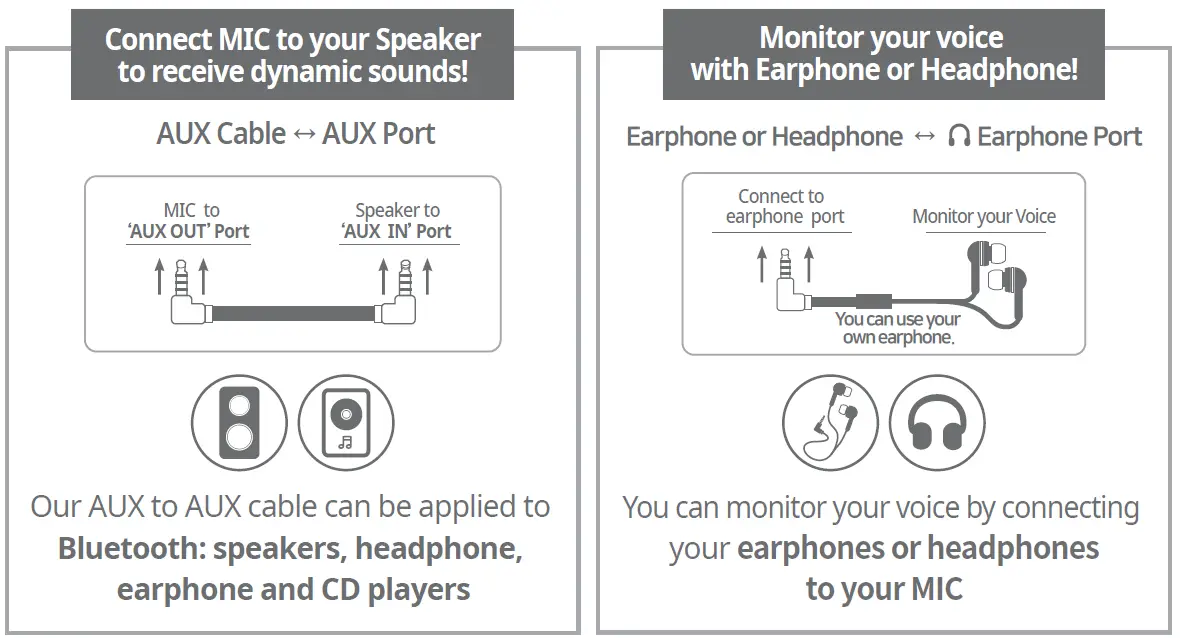
Connect MIC to your Speaker to receive dynamic sounds!
Duet Mode
What is Duet Mode?
Connect two MICs together so you can sing with others.
How to use Duet Mode
- Turn on both MICs.
- Connect your Smartphone to one of your MIC. (Connected MIC with Smartphone is your MAIN MIC)
- Press DUET MODE button on your main MIC. ( Press 2-3 sec)
- Main MIC will search pairabe MIC and will be connected with sound.
- Duet Mode LED light will be on.
FM Connection
FM Connection
Connect MIC to your radio by using FM frequency.
How to use
- Turn on M-100.
- Tune your FM Radio to FM (88.1MHz) or FM (108.0MHz)
- On the control panel Push FM to channel FM or FM
- You can turn ON/OFF your MIC Speaker by pressing.
- YOU MUST Plug an AUX Cable into the AUX OUT on the M-100.
Cable should be about 2M or 6 feet long [works as an antenna]. - FM Radio start and ending frequencies very from country to country.Check your FM Raido’s frequencies before purchasing this M-100 unit.
Audience Sound Effect
You can use some interesting reaction sounds by pressing Audience Sound Effect.
How to use
- Press SOUND EFFECT button quickly and you will hear the applaud sound and
press again for 2-3 sec for fanfare sound. - When you press SOUND EFECT button while playing music, you will only hear the
Sound Effect.
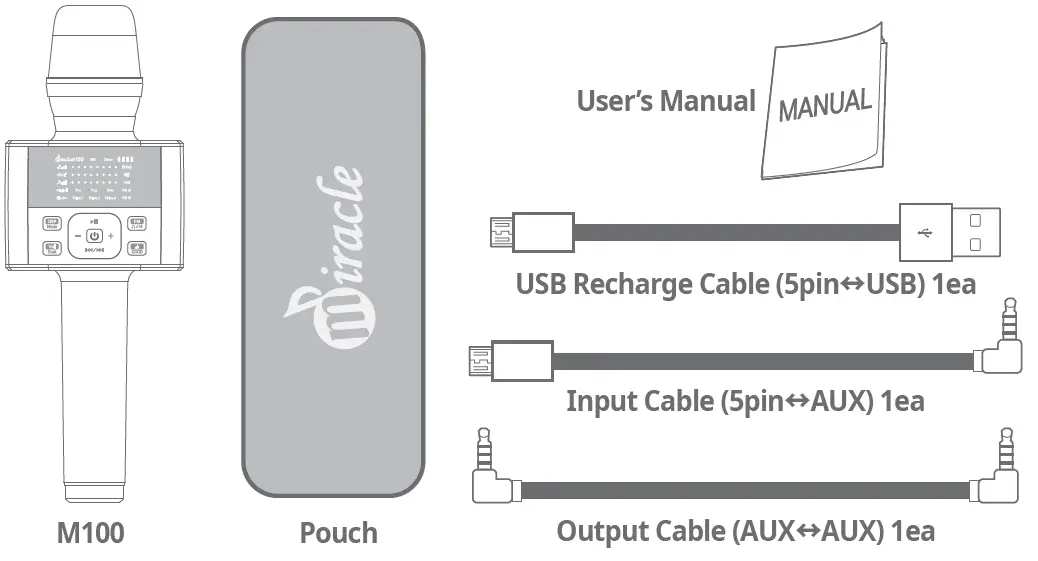
Composition
Specification
| Model | Miracle M100 |
| Color | White / Black |
| Category | Small musical instrument |
| FCC | 2AXWO-MIRACLEM-M100 |
| KC | R-R-DOr-Miracle-M100 |
| R 022-210006 | |
| PSE | TCT200117B022 |
| IC ID | 27207-MIRACLEM100 |
| Manufaturer | Doors China |
| Coutry Orgin | Made in China |
| Bluetooth Ver | Bluetooth V5.0 |
| Output Receapntion | 10W (5W×2) |
| DUisst rgec/e | 10M |
| Recha ge hr | 1~4 hr / 1~4 hr |
| Material | Aluminium Alloy |
| Frequency VBoalttery | 40HZ-16KHZ |
| ume | 2600mAh |
| Size | (W)100 x (D)75 x (H)275mm |
| Weight | About 485g |
| Distributer | (주)도어스코리아 |
M100 MIC
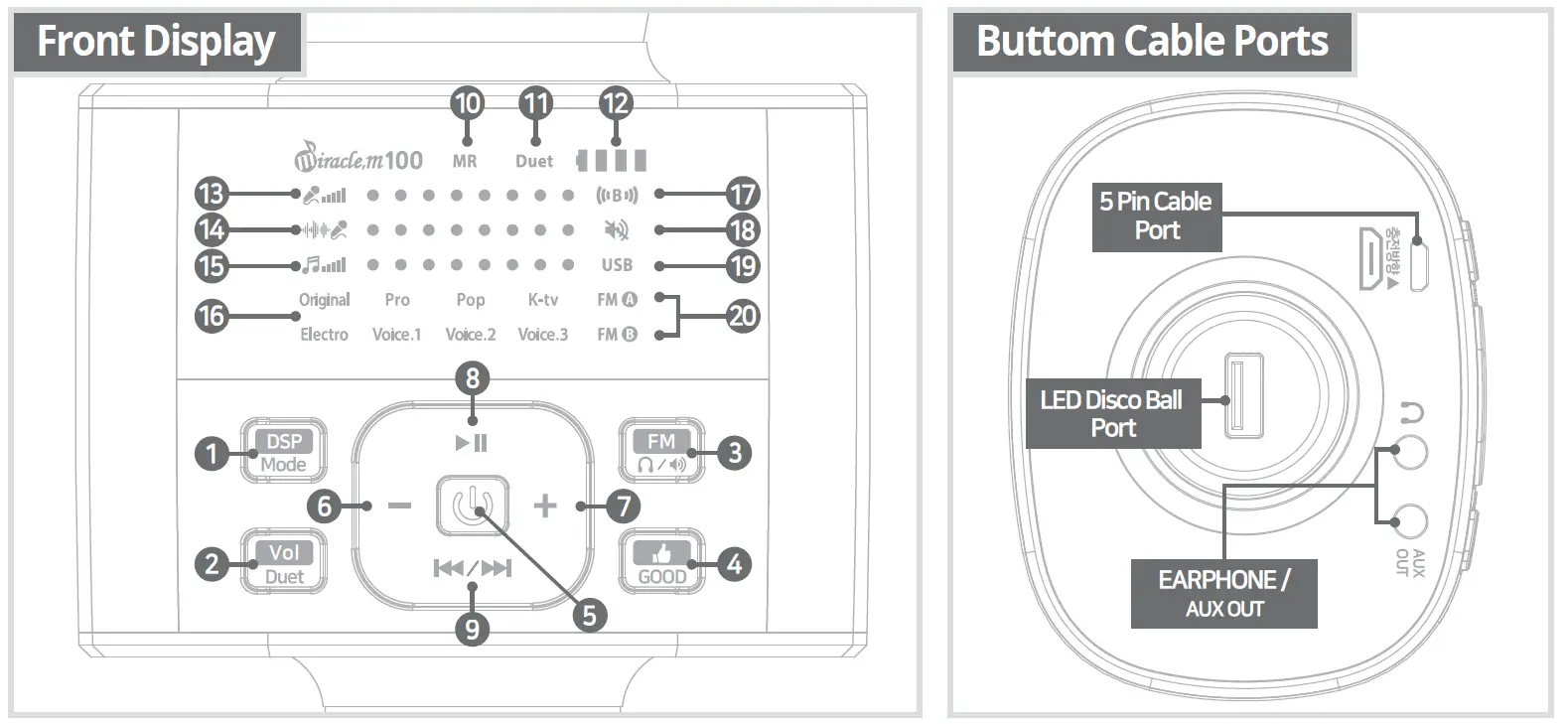
- SOUND/MODE
Sound Modification. Press 2-3 sec: Mode modification (USB↔Bluetooth). - VOLUME/DUET
MIC, ECHO, MUSIC Volume Modification. Press 2-3 sec : Duet Mode. - FM/MUTE
MIC to FM Connection ON/OFF & Frequency Modification.
(FM : 87.5MHz or 88.1MHz / FM : 108.0MHz or 107.9MHz)
It depends on the region you are using.
Press 2-3 Sec : MIC Speaker Mute – FM Speaker only. - Sound Effect
Press quickly : Applaud sound.
Press 2-3 sec : Fanfare sound. - Power
Press 2-3 sec : Power ON/OFF.
Press quickly : Lyric Elimination Mode. - Volume Down
- Volume Up
- Play / Pause
- Preious/NextX
Press 2-3 sec : Previous Song
Press quickly : Next Song.
LED Display Information
(LED display and Feature Information - Lyric Elimination Mode
- Duet Mode
- Battery Status
- MIC Volume
- Echo Volume
- Music Volume
- Sound Effect (5 Echo Sounds,3 Voice modifications)
- Bluetooth Mode
- Mute
- USB
- FM Connetion Frequency
What is Mode modification?
Access MP3 Player :
- Connect MIC USB to MP3 deivce’s USB.
- Activate Bluetooth and press Mode Modification. to swith between Blue tooth and USB.
What is Lyric Elimination Mode?
This mode significantly lowers reorded singer’s voice.
AUX Feature Information
To connect to external speakers\/headphones.
- Plug speaker/headphone plug to AUX output.
- When you press MUTE only MIC speaker mutes.
FAQ
| STATUS | REASONS | SOLUTIONS |
| Microphone not working | Can’t be turned on or the voice volume can’t be adjusted. | Change the MIC, press POWER button 2-3 seconds and adjust the volume. |
| No Reverberation | Unable to turn up Echo volume. | Switch to Echo Volume and press VOL+ |
| Presence of noise | Environmental noise mobile phone signal interference. | Adjust the distance between Microphone and Cellphone |
| Poor Recording | Phone does not match. Phone chip processing ability that is too weak. | Restart the Smartphone to try again or try another Smartphone. |
| When Playing music, staccato appears | Too Distant to Bluetooth connection or obstructions between phone and device. | Move closer to SmartPhone, keep away from obstructions. |
| Weak accompaniment sound | Low phone volume or bad-quality music. | Turn up phone volume or download high-quality music. |
| Bluetooth cannot be paired | Distant Bluetooth connection or already paired with another phone. | Get closer to Smartphone or reconnect with other Smartphone. |