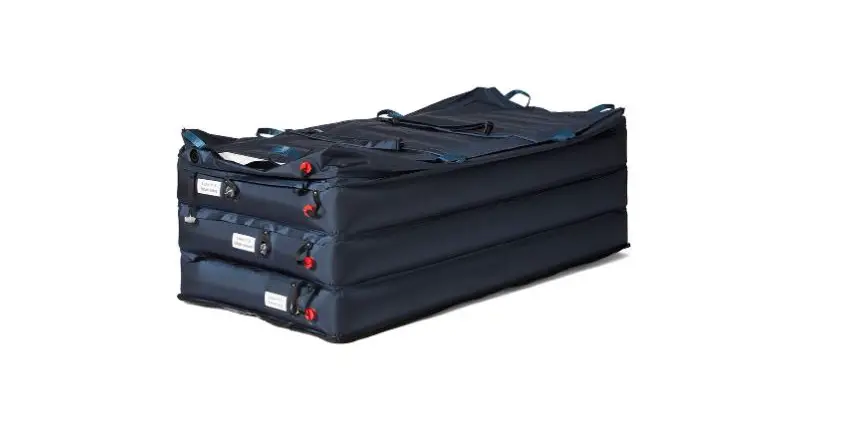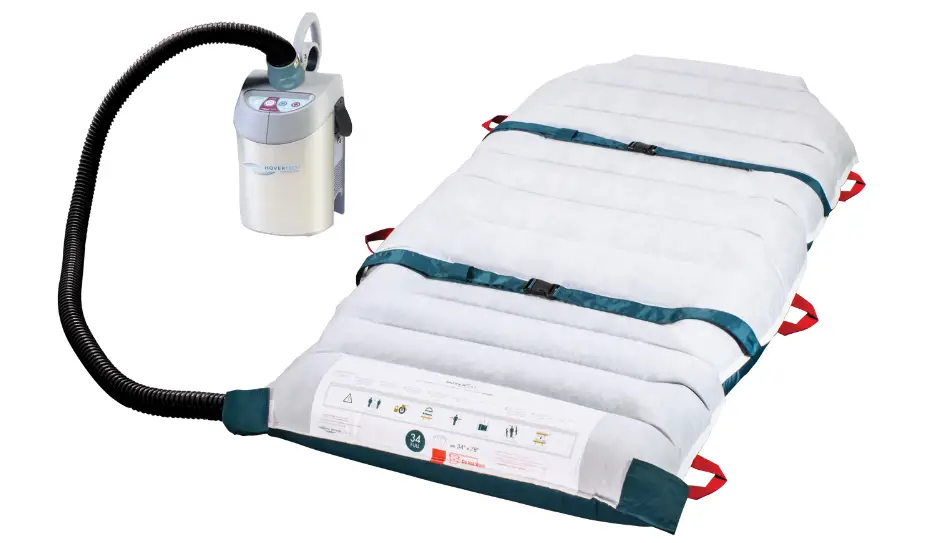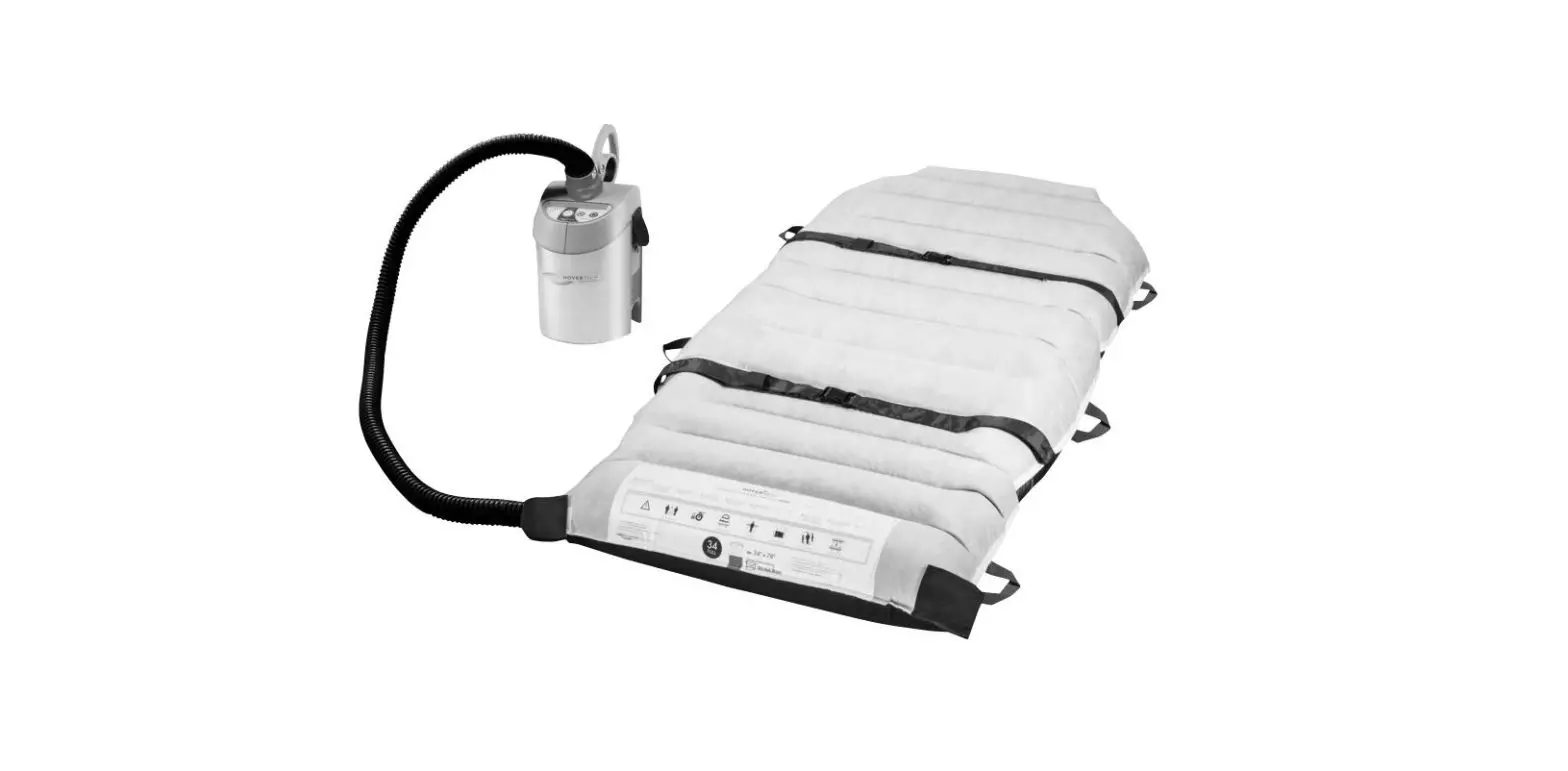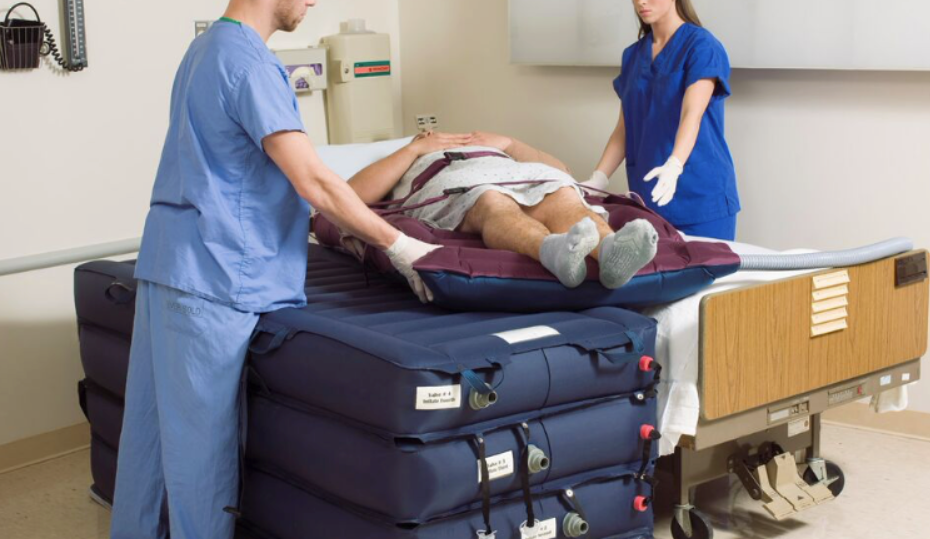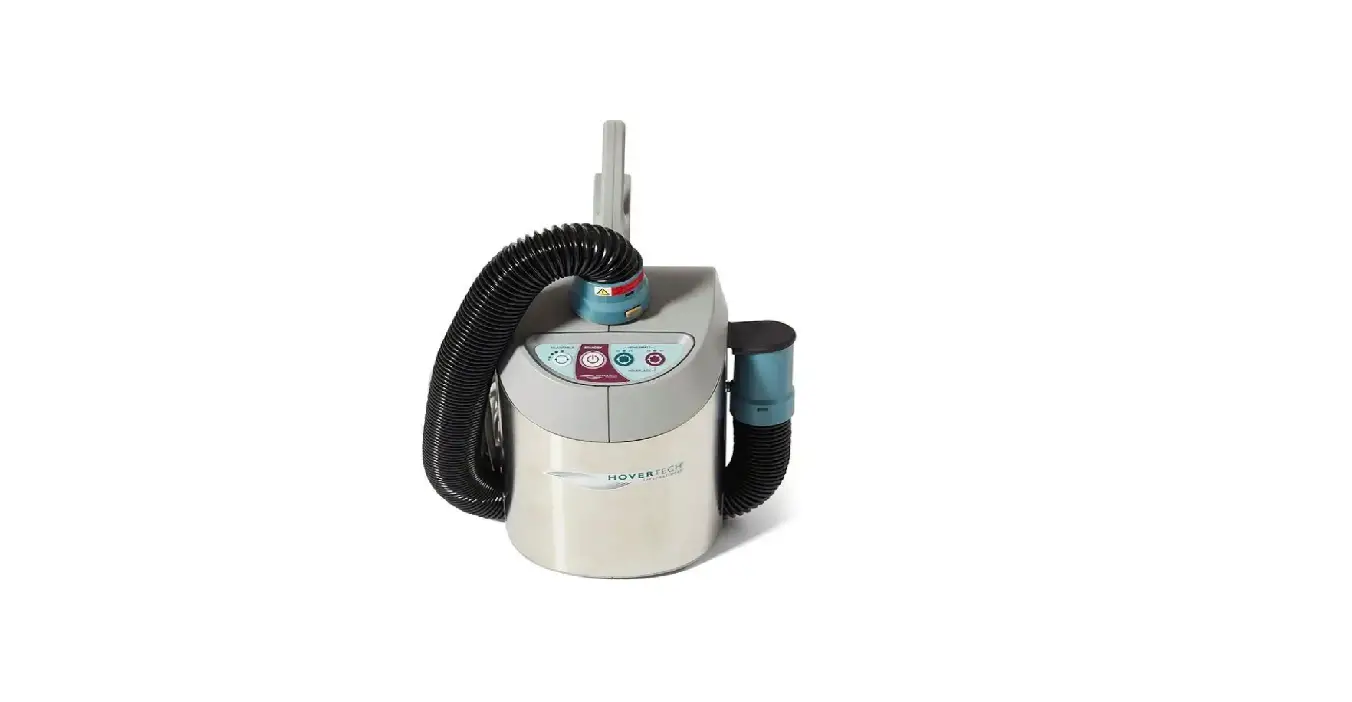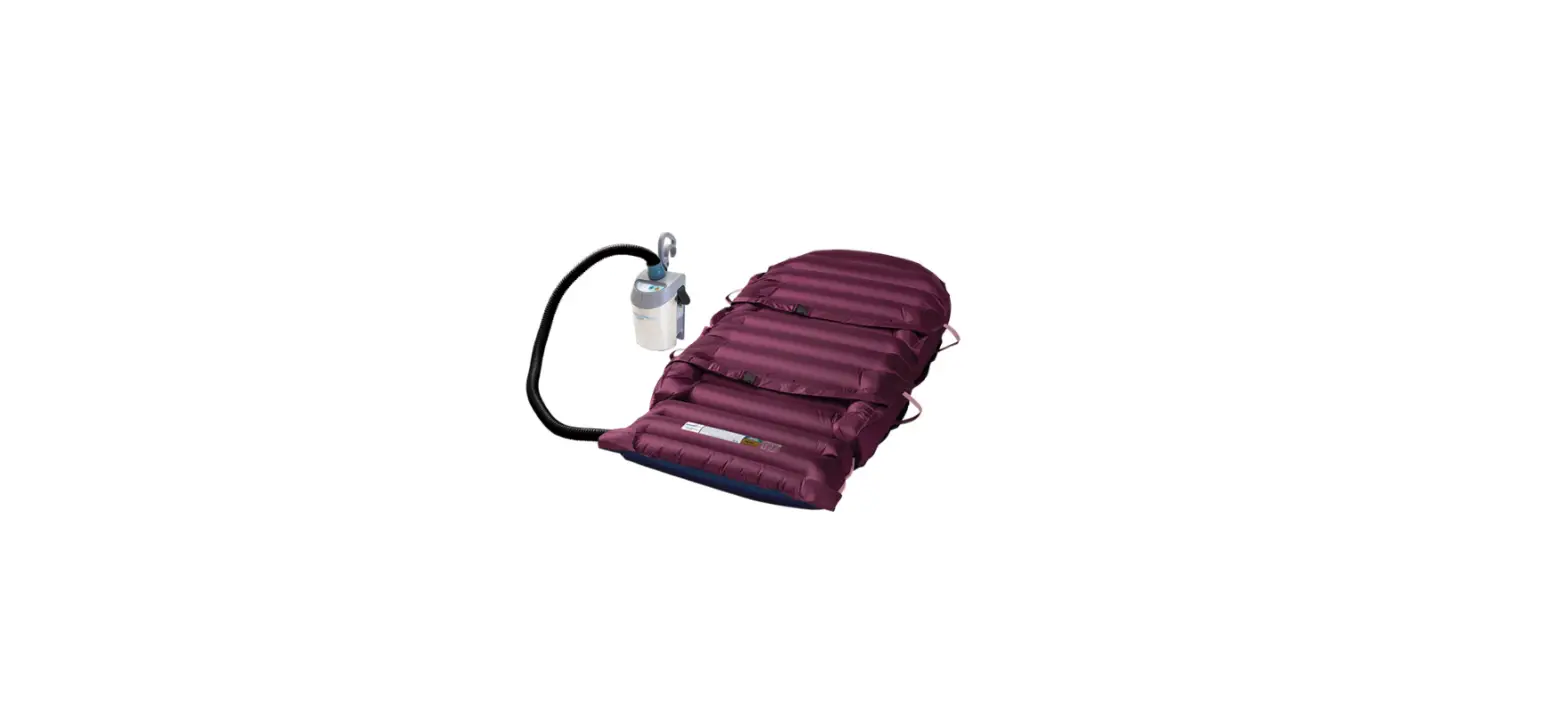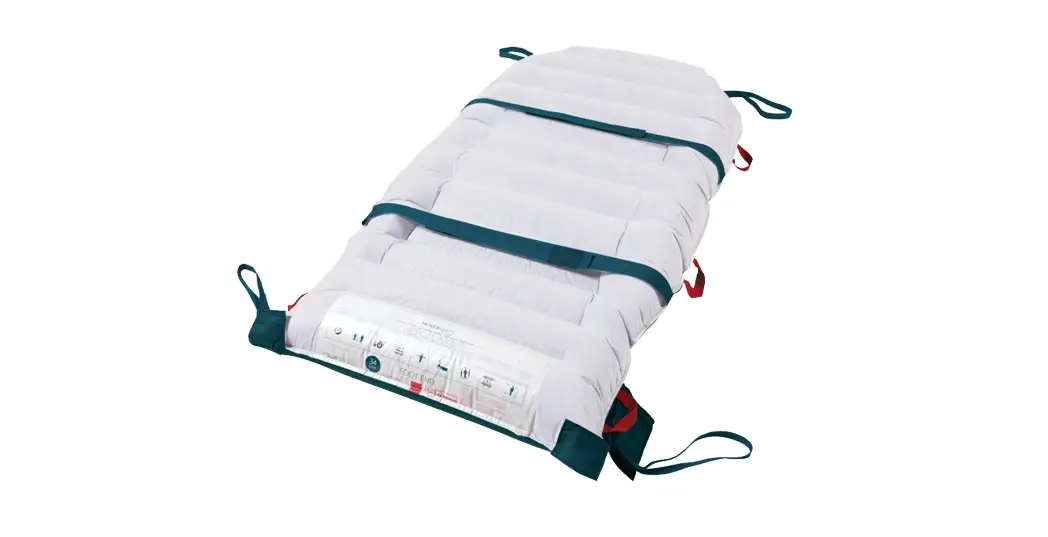
 Ht-Air Patient Transport System Air Supply
User Manual
NO USER-SERVICEABLE PARTS.
Only qualified service personnel shall perform repairs on the HoverTech International Air Supply.
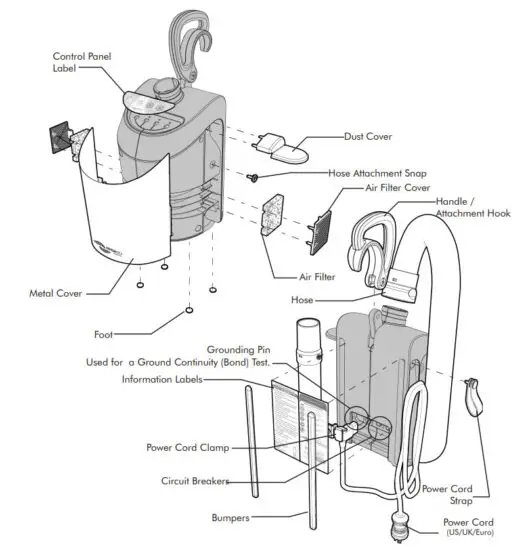
Part Identification
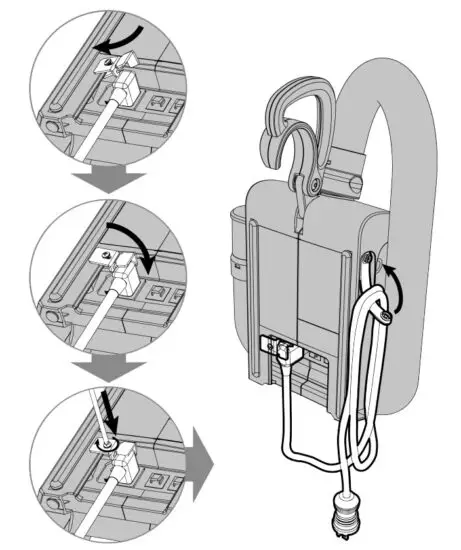
Power Cord/Clamp Replacement
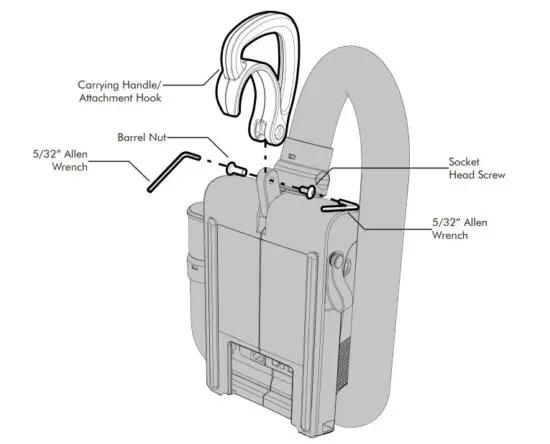
Handle Replacement
- Remove the damaged handle by unscrewing the socket head screw from the barrel nut using two 5/32” Allen wrenches as shown.
- Attach the new handle by reversing the process. When tightening the screw be sure that the handle can rotate easily. The screw is treated with a thread lock to secure it in place.

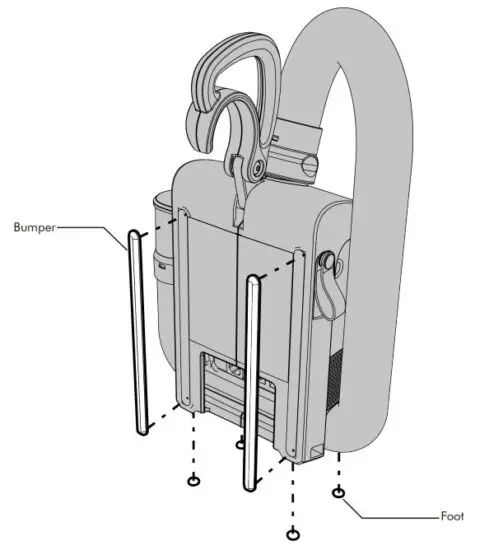
Feet or Bumper Replacement
- The feet and bumpers are held in place by a self-adhesive backing. Use a small, flat-bladed screwdriver to pry up an edge and gently remove the foot or bumper.
- Clean the surface thoroughly to remove any excess adhesive that may have been left behind. Apply the new part by removing the backing material and position as shown.
Press firmly to ensure adhesion.
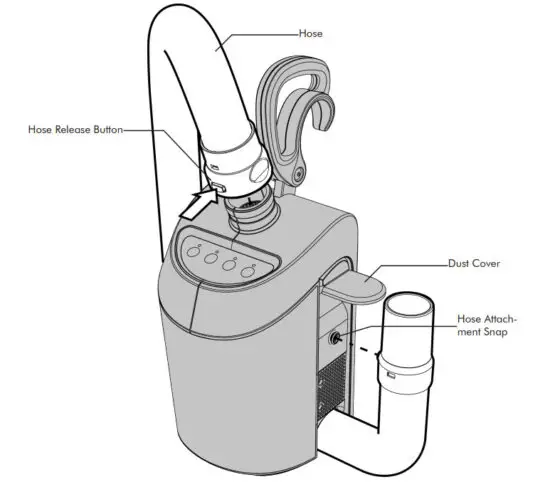
Hose Removal
- Remove the damaged hose by lifting the dust cover slightly and unsnapping the hose from the side of the unit as shown.
- Push the release button at the top of the unit to remove the hose.
- Attach the new hose by reversing the process.

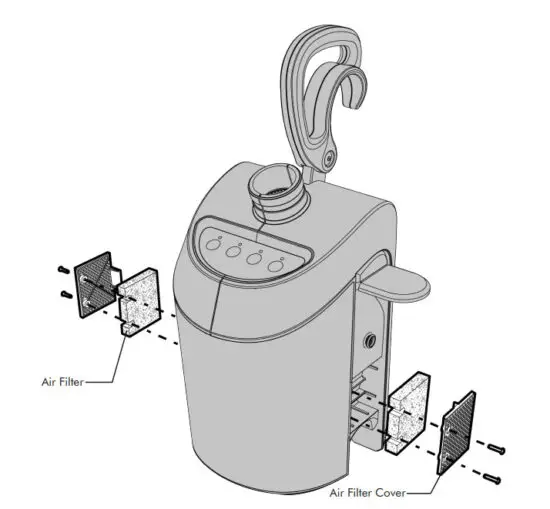
Air Filter and Air Filter Cover Replacement
To Remove Air Filter Covers
- Disconnect hose from unit.
- Remove the two Phillips head screws on each side to detach the air filter covers.
- Re-attach the new air filter covers and screws.
To Remove Air Filters
- Follow the steps shown above to remove air filter covers.
- Remove air filters and replace them.
- Re-attach the air filter covers and screws.

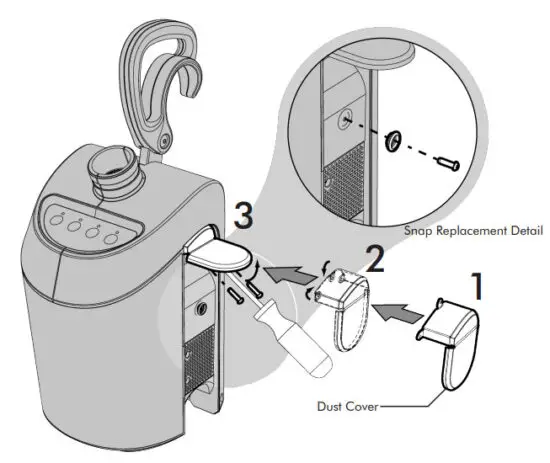
Dust Cover/Hose Attachment Snap Replacement
To Remove Dust Cover
- Disconnect hose from unit.
- Lift the cover “flap” to remove the 3 Phillips head screws that attach the dust cover.
- To replace the dust cover, fold in the three flexible tabs. Then insert the screws one at a time starting with the top middle followed by the sides.
To Remove Hose Attachment Snap
- Disconnect hose from unit.
- Remove the Phillips head screw and snap.

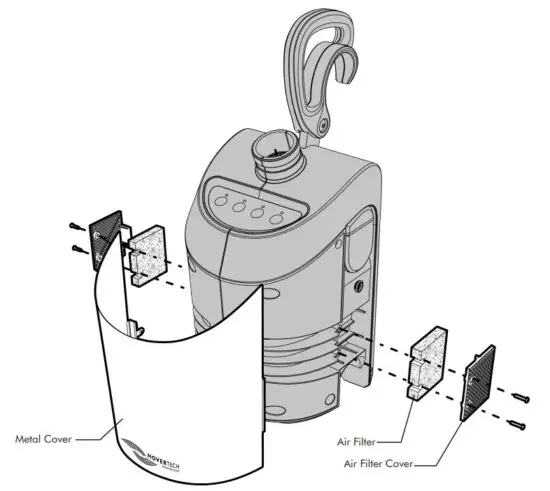
Metal Cover Replacement
- Disconnect hose from unit.
- Remove the two Phillips head screws on each side to detach the air filter covers.
Remove the air filters. - Gently pull the damaged cover apart to allow clearance to remove it.
- Carefully re-insert the new metal cover.
Reassemble the two filters and filter covers. - Secure everything in place by reinserting four screws.

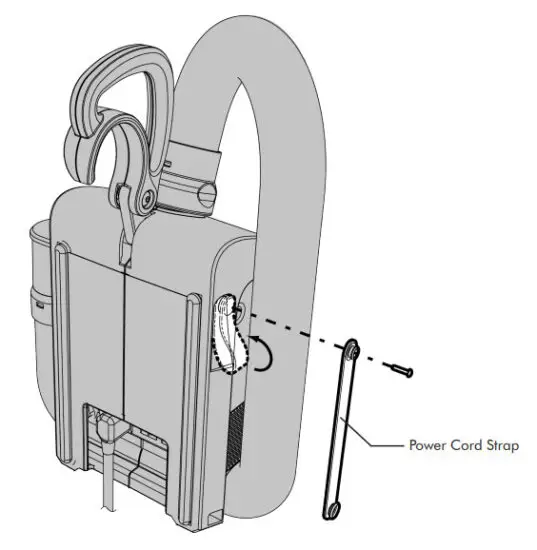
Cord Strap Replacement
- Unsnap the strap and remove the power cord.
- Detach the damaged cord strap by removing the screw as shown.
- Reattach the strap by positioning in place and securing it with the screw provided.

HoverTech Symbols

SPARE PARTS
| HoverTech Part Number | Description |
| HTA-AF | Air Filters (sold in pairs) |
| HTA-AFC | Air Filter Cover with screws (sold in pairs) |
| HTA-B/F | Bumpers and Feet (sold as a kit) |
| HTA-DC | Dust Cover w/ screws (kit) |
| HTA-H/AH | Handle/Attachment Hook |
| HTA-HAS | Hose Attachment Snap |
| HTA-Hose | Hose Assembly |
| HTA-MC | Metal Cover w/ screws |
| HTA-PCord | Power Cord |
| HTA-PCS | Power Cord Strap with screw |
 HoverTech International
4482 Innovation Way
Allentown, PA 18109
www.HoverMatt.com
[email protected]
These products comply with the standards applicable for
Class 1 products in the
Medical Device Regulation
(EU) 2017/745 on medical devices. CEpartner4U , ESDOORNLAAN 13,
3951DB MAARN, THE NETHERLANDS.
www.cepartner4u.com
In case of an adverse event in relation to the device, incidents should be reported to our authorized representative,
CEPartner4u. CEPartner4u will forward information to the manufacturer. Etac AB
Färögatan 33
164 51 Kista, Sweden
www.etac.com