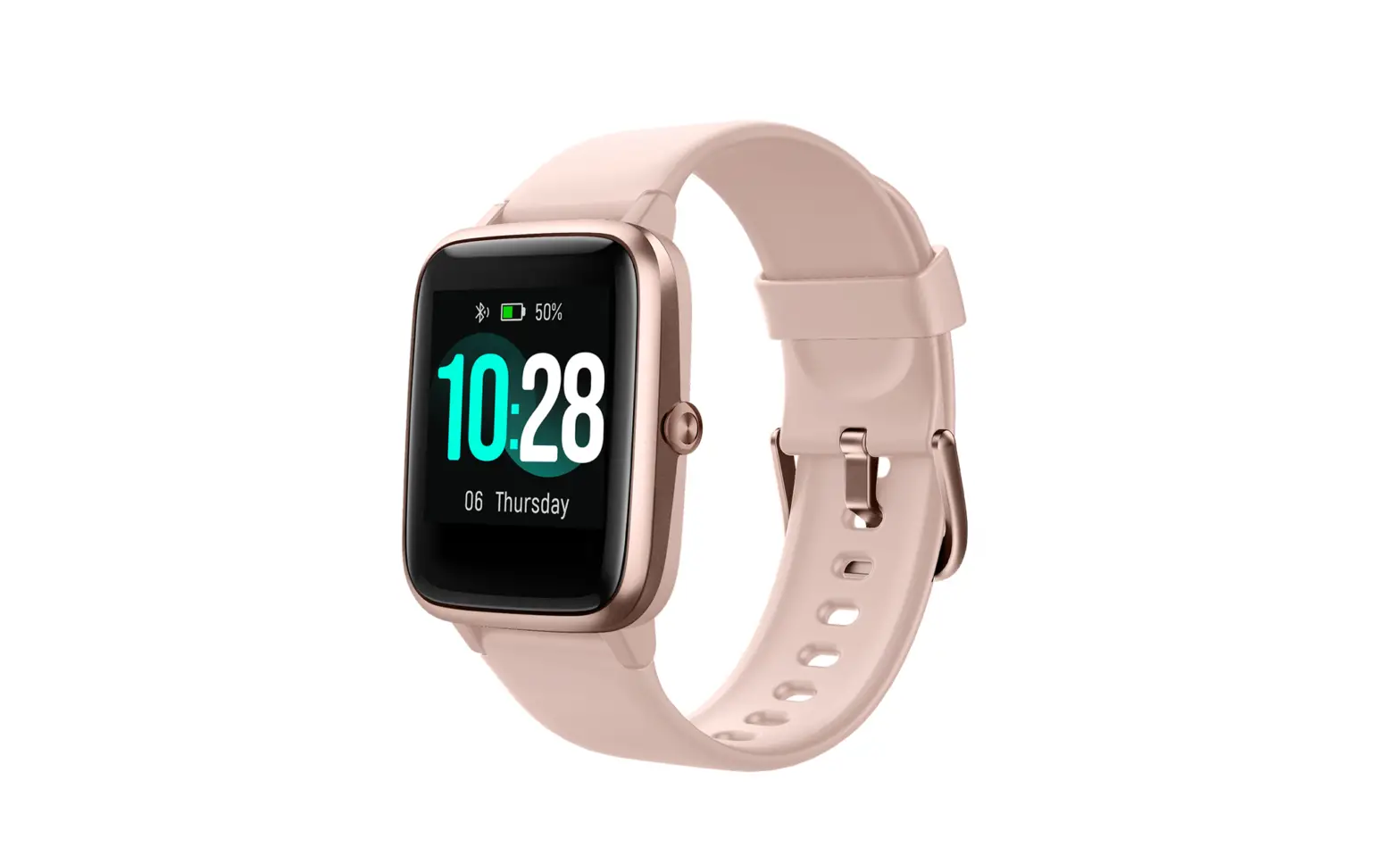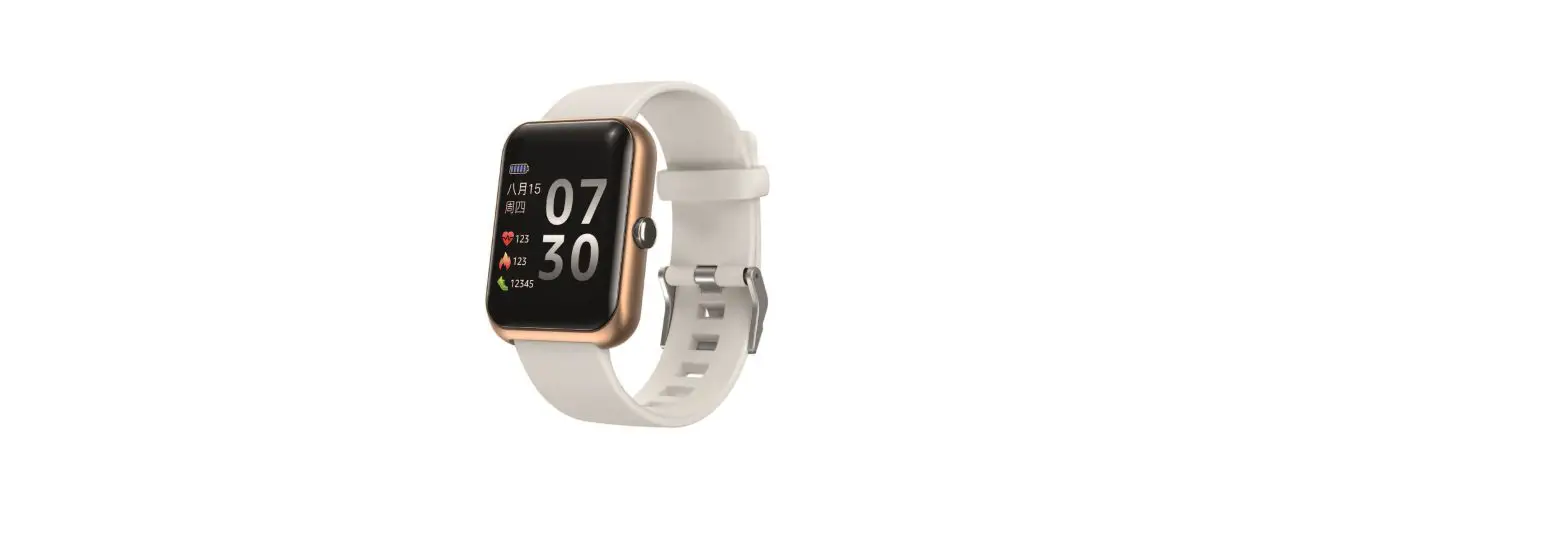
 BonusBuys Smartwatch S20
 BonusBuys Smartwatch S20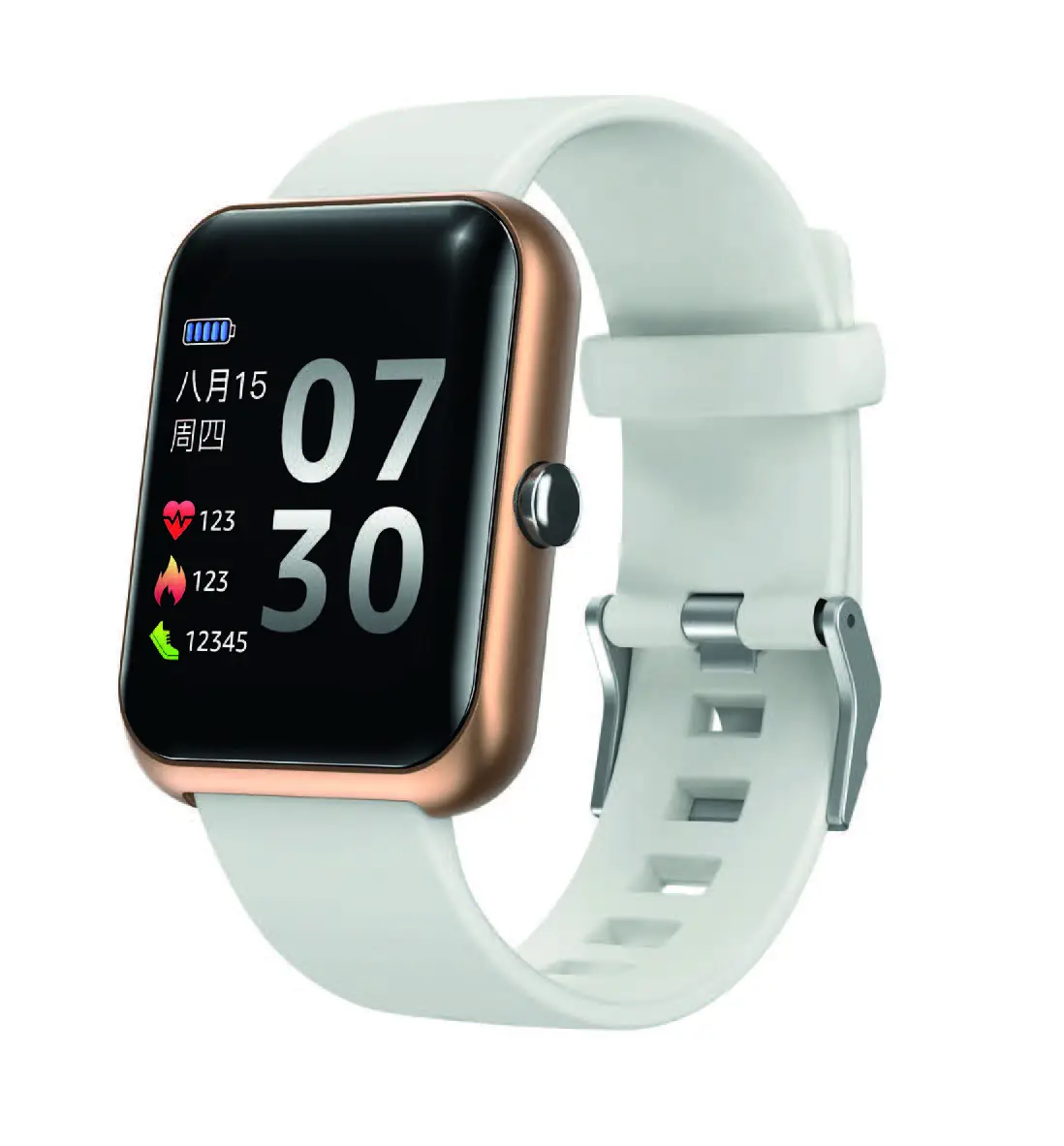
Caution: The results provided are affected by movement and the physical environment. They should not be used for medical purposes. @BonusBuys 2021
Setting Up
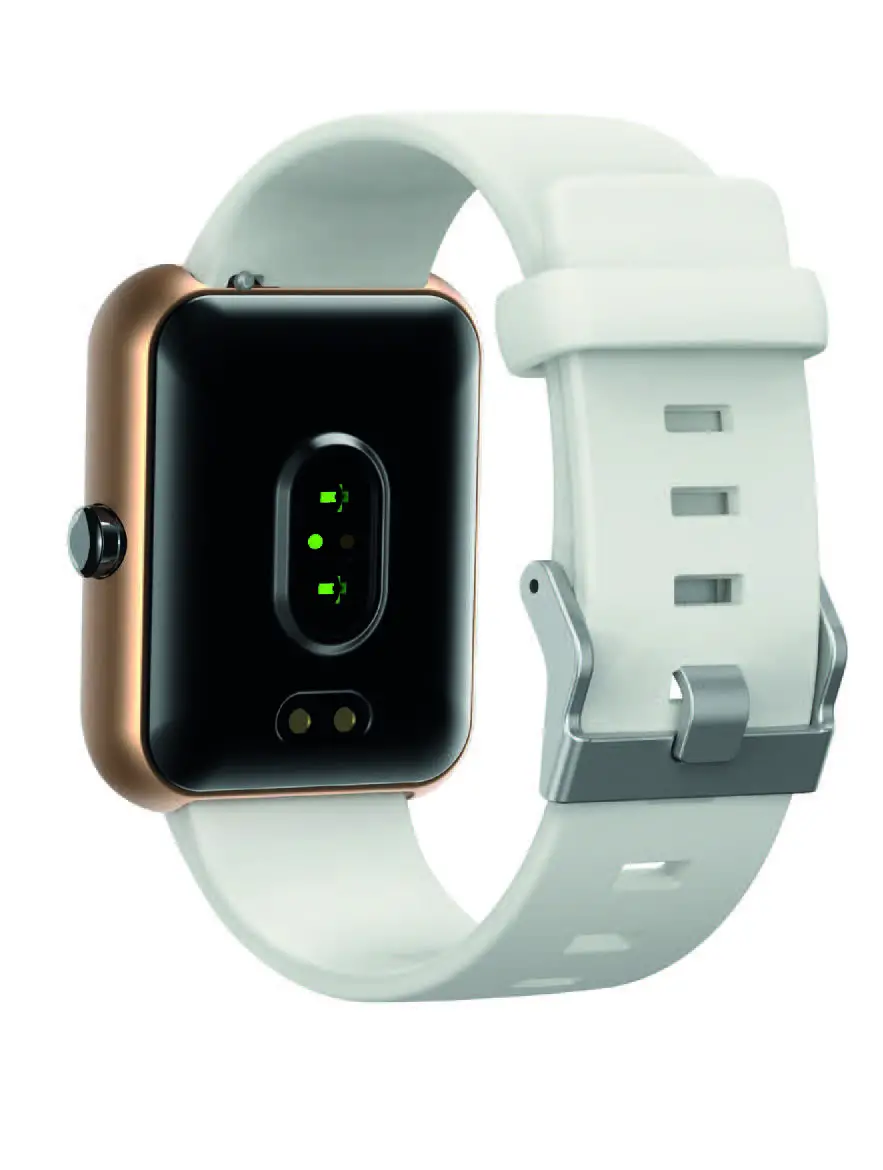
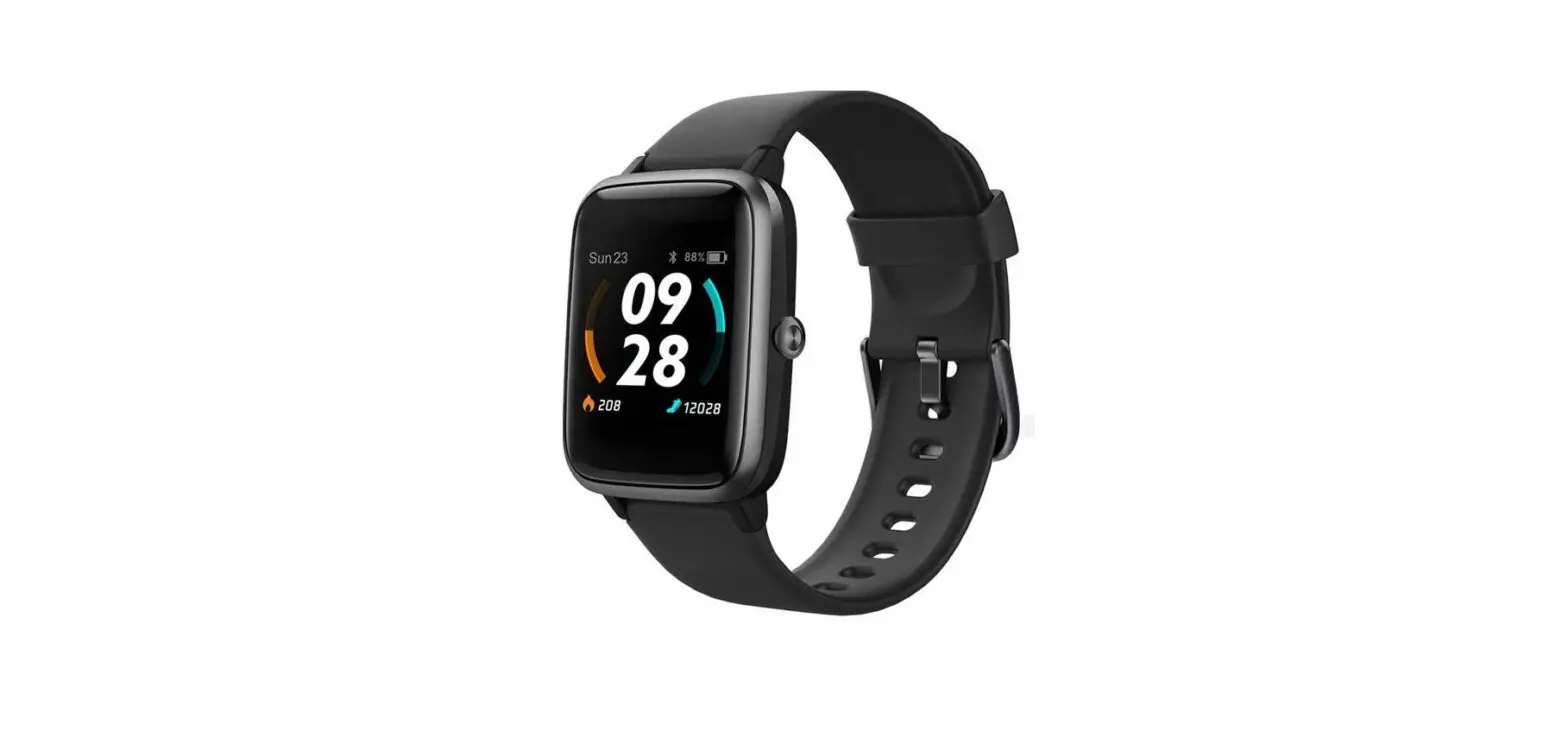
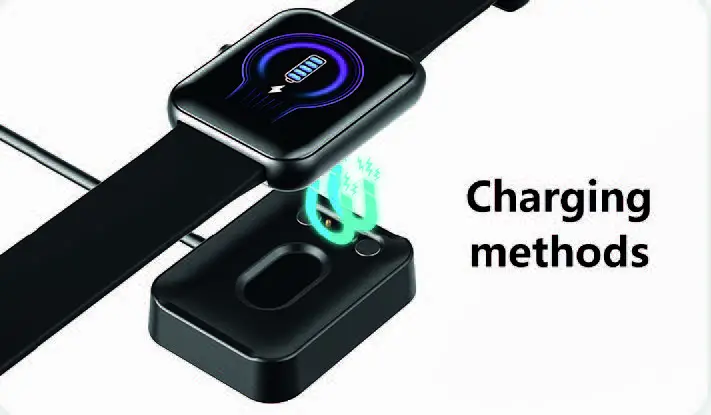
Before you start ensure that the watch is fully charged. In the box you will find a USB charger with a charging plate. Plug the USB end into a USB Plug and position the watch over the charging plate so the connectors fit in place. You will see a charging symbol on the watch face and you can check the state of charge by pressing the button on the side of the watch. When fully charged remove from the charging plate. Your watch should last a full week on one charge.
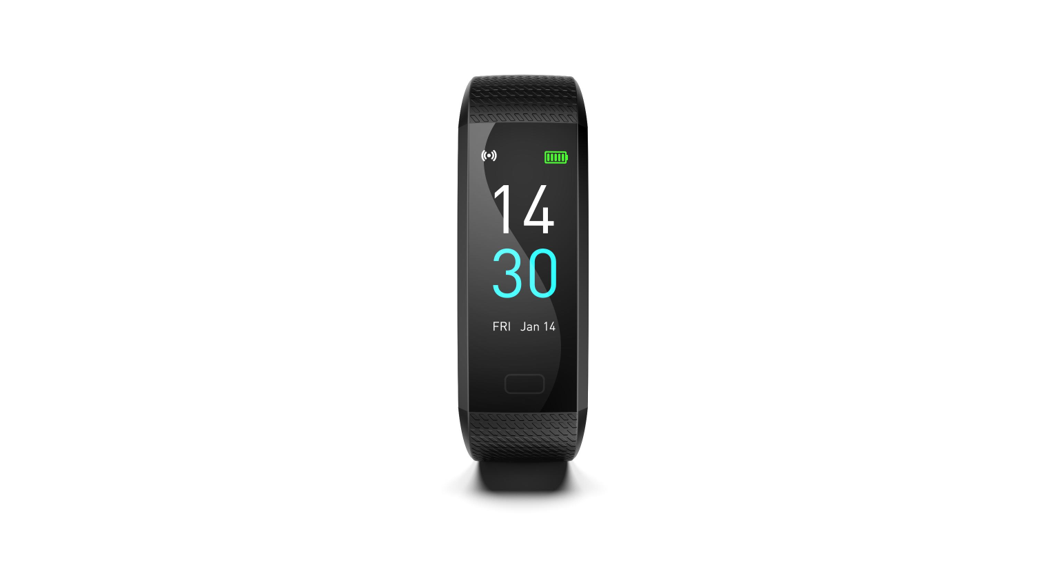
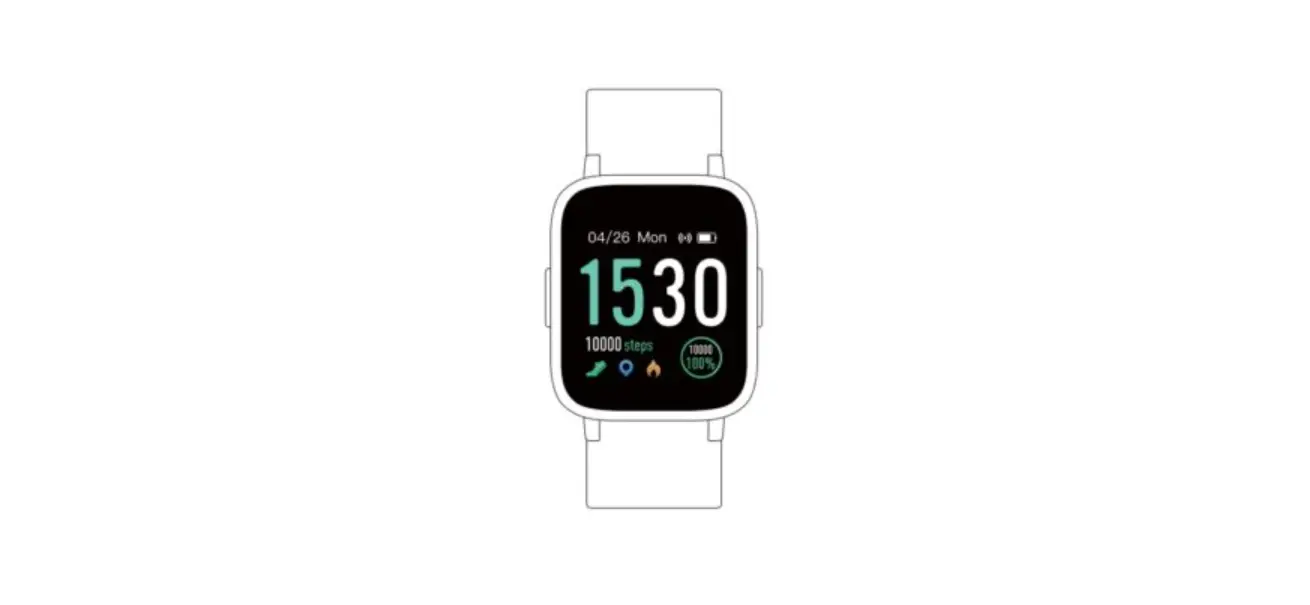
The watch is now ready to use and to switch it on just tap the face. By swiping up the screen will change to show you the number of steps and the distance travelled. Swiping up again will show the amount of Kcal used and your heartbeat.
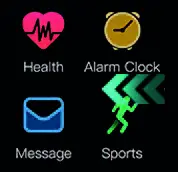
From the main face swipe left and you will see this menu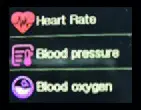
Pressing the Heart Symbol will display the menu for Blood Pressure and Blood Oxygen
To perform a measurement simply tap and the measurement will start and will display on the screen. Swipe left to get back to this menu and left again to get back to the main menu.
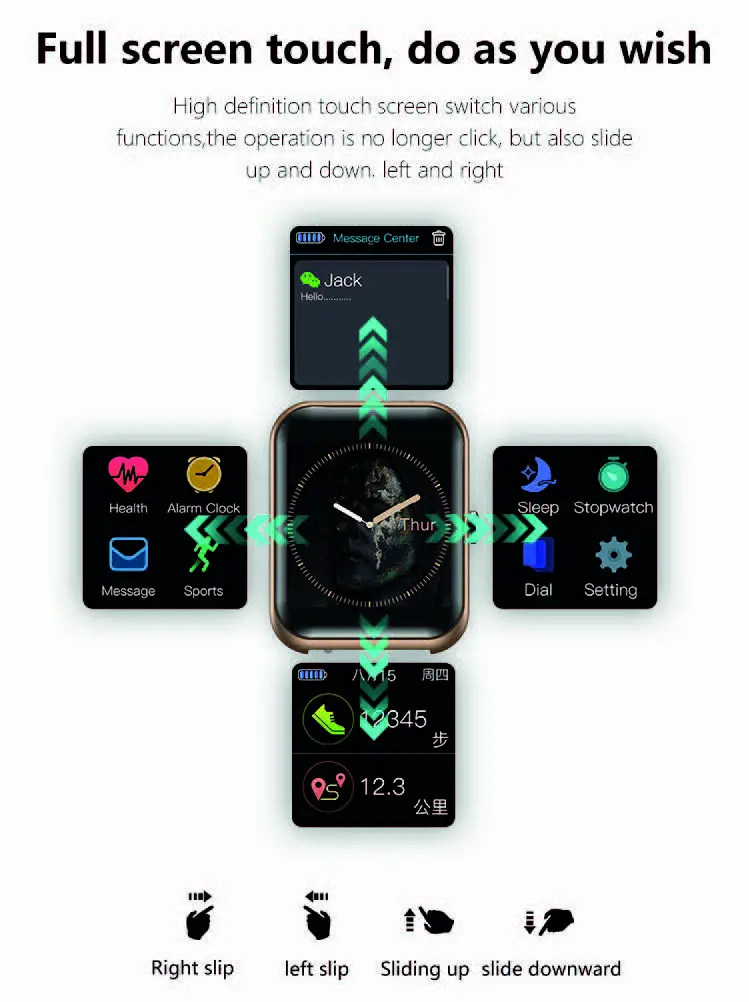
For setting an alarm and receiving messages you need your watch to be connected to a Smart Phone via Bluetooth. Instructions for this follow this section.
Sports Mode
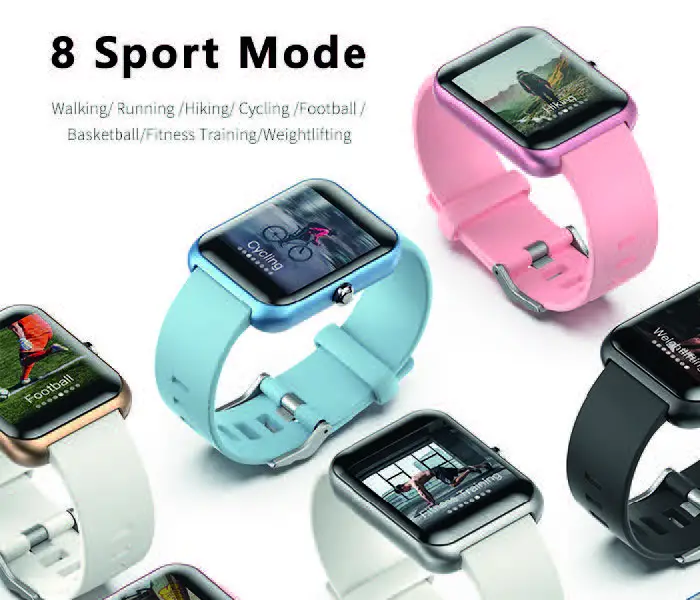
If you want to do a specific workout press the Sports Icon and you can choose from 8 different exercises
Sleep Mode
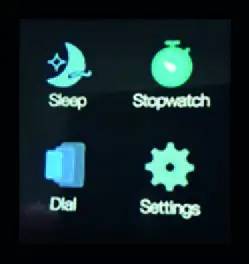
Swiping along we come to a third menu. If you wear the watch at night then your sleep will be recorded and the results can be accessed by pressing the SLEEP button.
Change the watch face
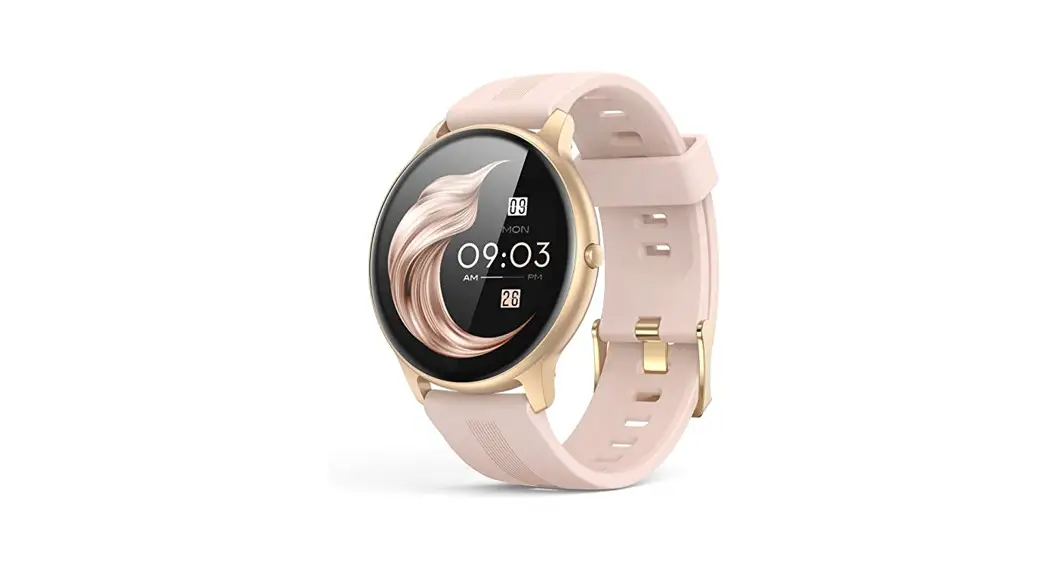
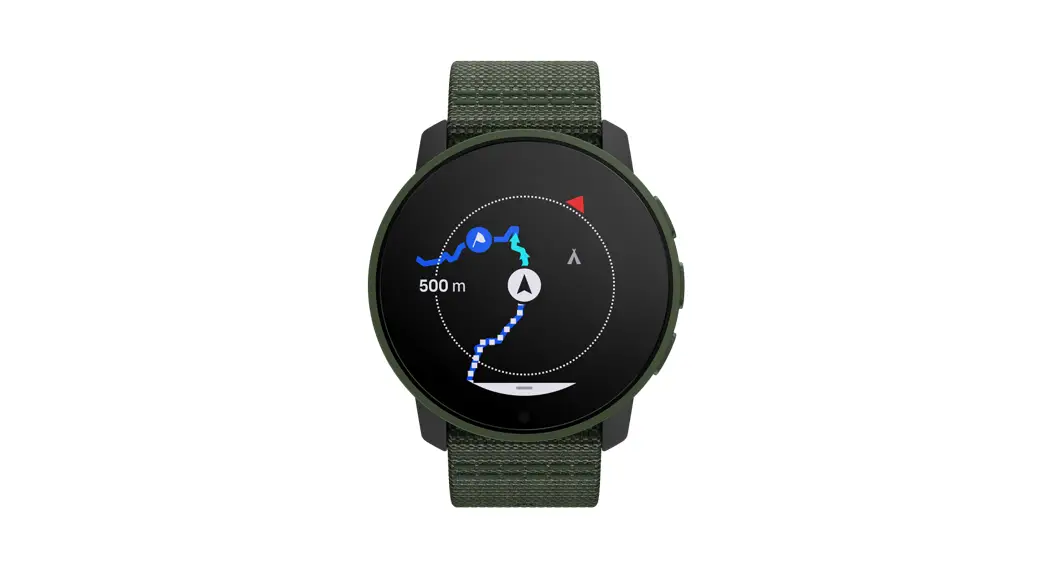
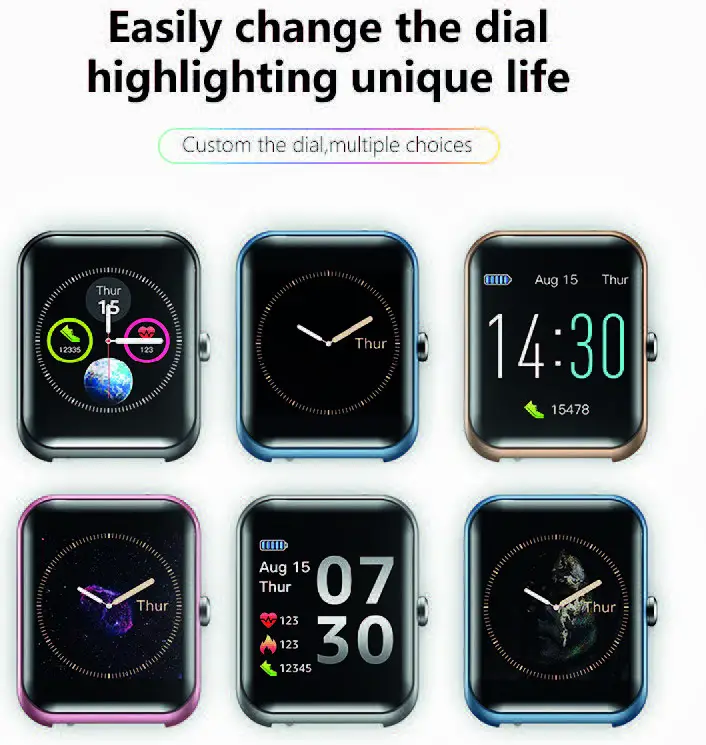
To change the watch face you can press Dial and select from 4 different faces.
Stopwatch Function & Adjusting Brightness
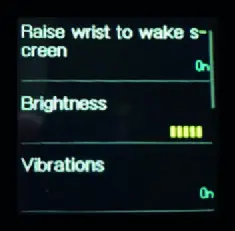
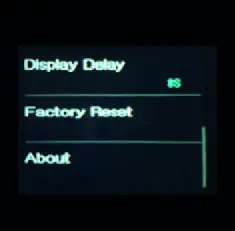
There is a Stop Watch function and a Settings function. In settings you can adjust the brightness of your watch and whether you wish it to vibrate when you receive notifications. By swiping up you can alter the screen display time and Factory Reset.
Connecting to Bluetooth
If you would like enhanced functionality then you can connect to a smart phone using Bluetooth and our own dedicated APP.
Connecting to the Runmfit App
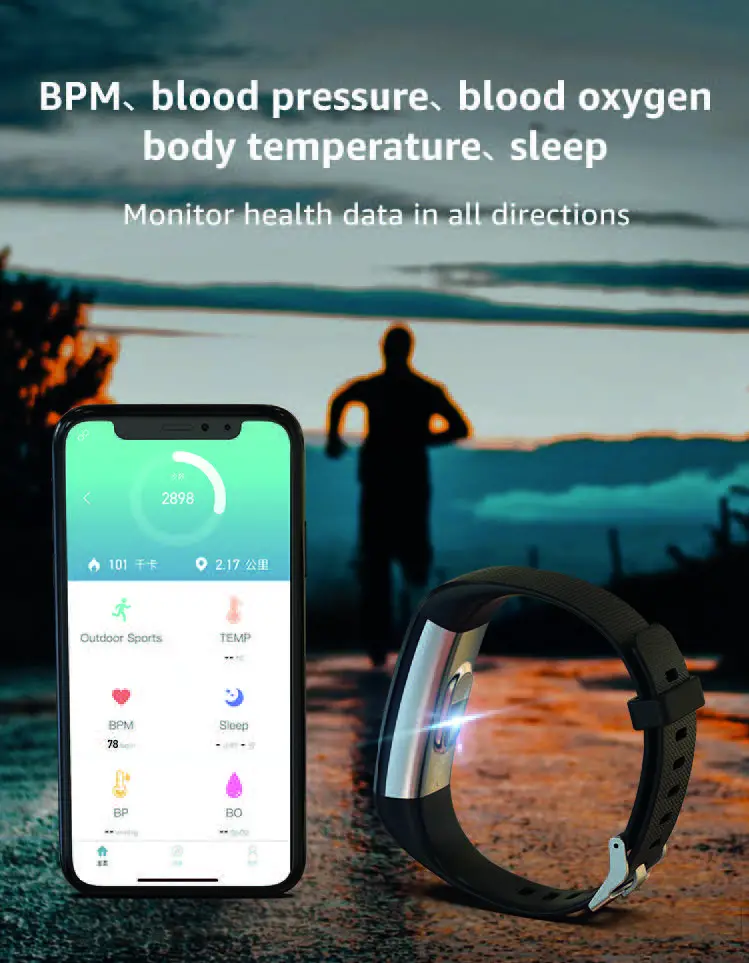
When you connect to the Runmifit App you will be able to see all your activity today and historically so you can monitor your health.
Notifications & Alerts
You can also set alarms on the App that will vibrate on your watch to remind you to take medicines, and also to set up reminders for exercise.
In addition you can set up notifications so that when you receive a call, text or other messages
this notification will appear on your watch.
HOW to connect your watch to your Smart Phone
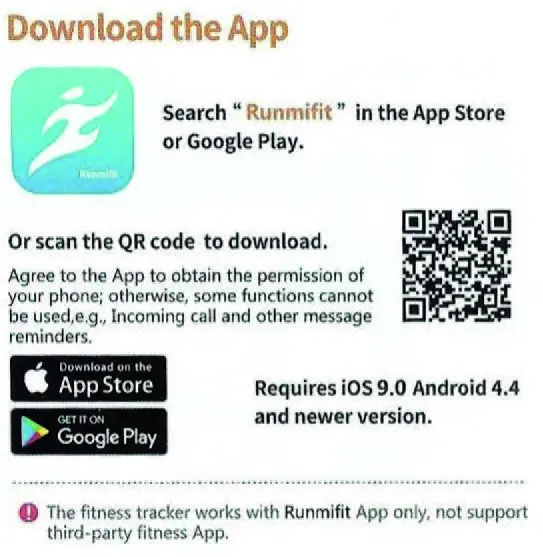
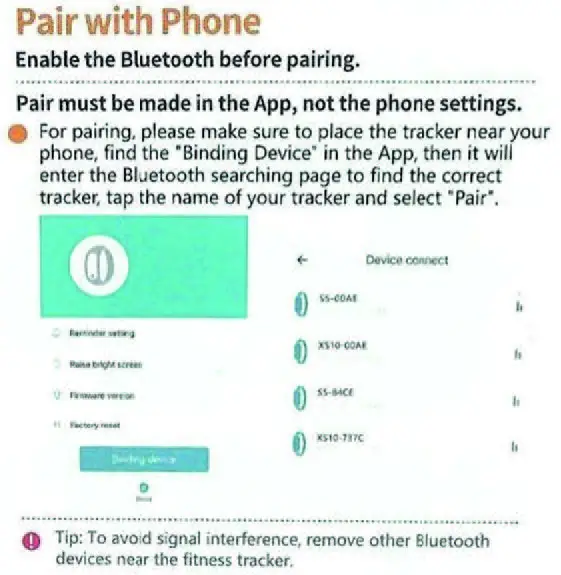
- First you will need to download the Runmifit app from either Google Play store or the App Store.
- Make sure that the Bluetooth on your phone is switched on. Look for this symbol settings and make sure it is switched to the “ON” position.
- Open the APP and click ADD DEVICE
- Select the model of your watch which will start with S20, and placing the watch (which needs to be on) near to the phone click on your device and the watch information will now appear on the APP.
- That’s it! You are now connected.
Using the APP
The app will run in the background and will synchronise with your watch when it is close by.
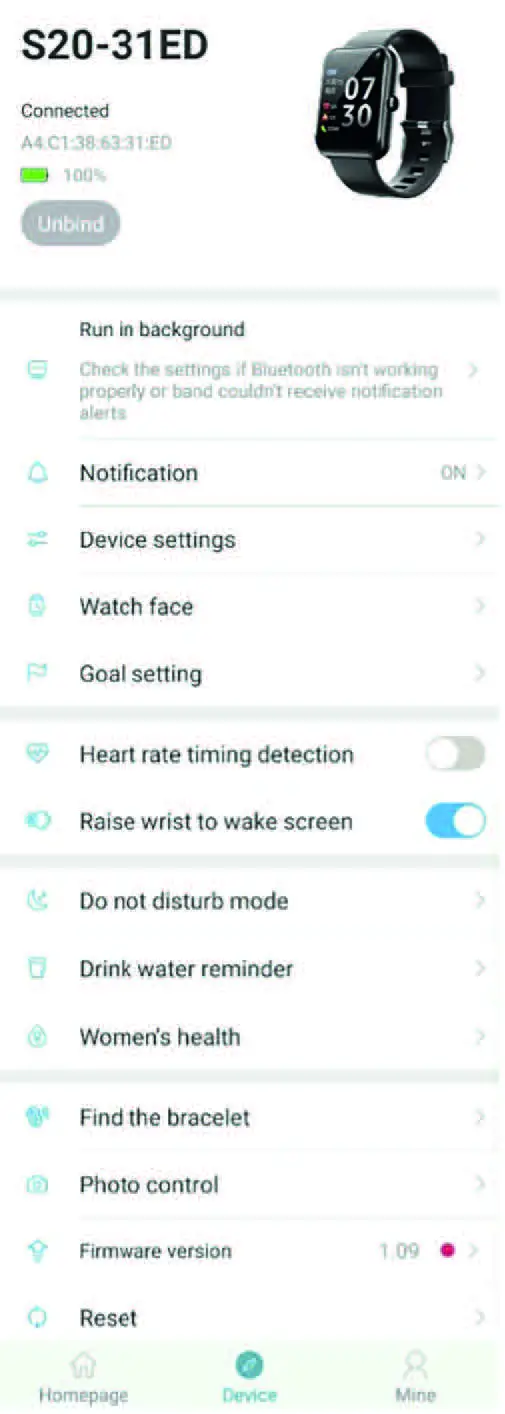
If you press on Device you will enter a menu where you are able to access another screen.
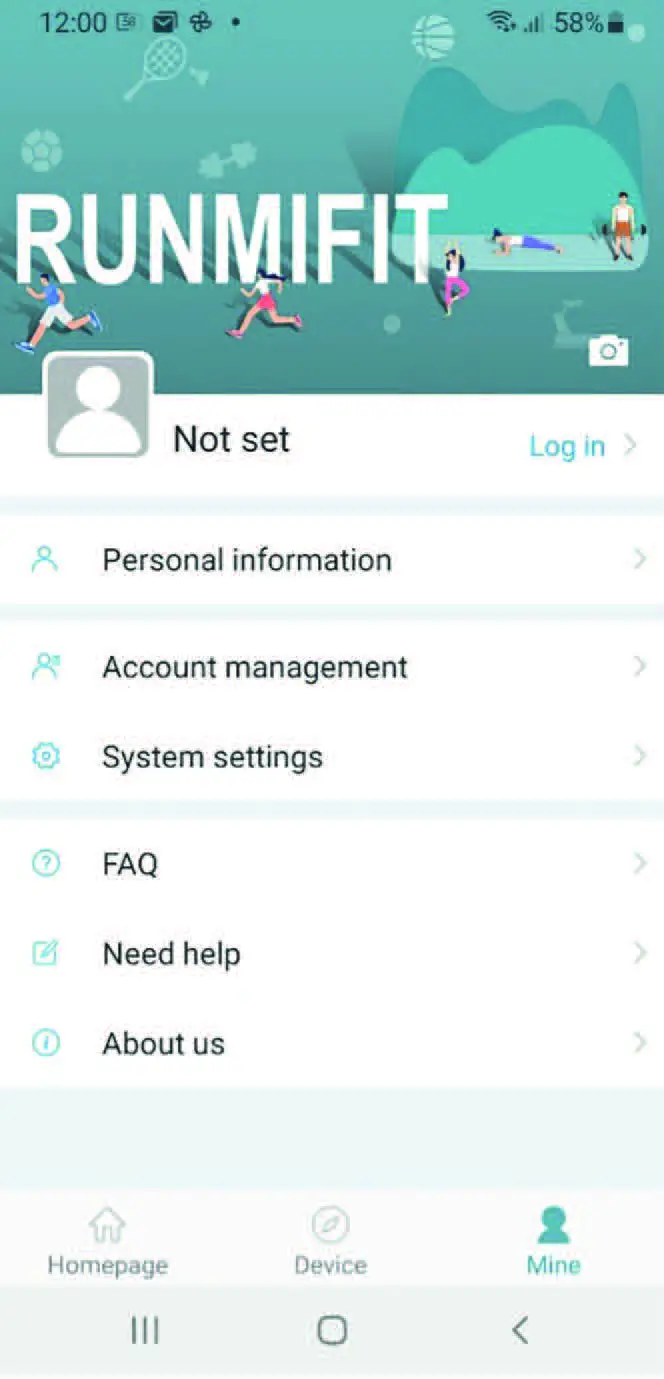
Under the Mine setting you can add Personal data, delete your data and log in so that your data can be stored on the cloud.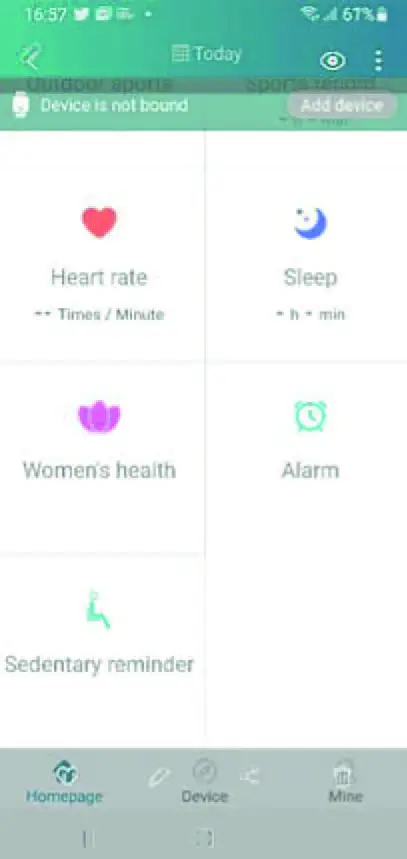
APP Features
- Notifications – set which notifications you want to receive on your watch such as Phone and SMS
- Device settings – here you can set alarms and exercise reminders
- Watch face – her you can change how the watch looks
- Goal Setting – set the number of steps you want to walk daily
- Sports Mode- select from a host of activities to accurately measure your workout and show where you have been exercising
- Heart Rate timing detection
- Raise wrist to turn the screen on
- Do not disturb mode – ensure that notifications do not disturb you by setting the times that you do not wish to receive them
- Drink water reminder
- Find your watch
- Enable you to take photos on your camera by pressing your watch

Change or Replace your strap
You can replace the strap at any time by moving the pin. The strap will then come away from the body and can be replaced by reversing this action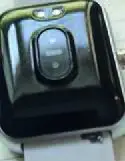
Enjoy watch