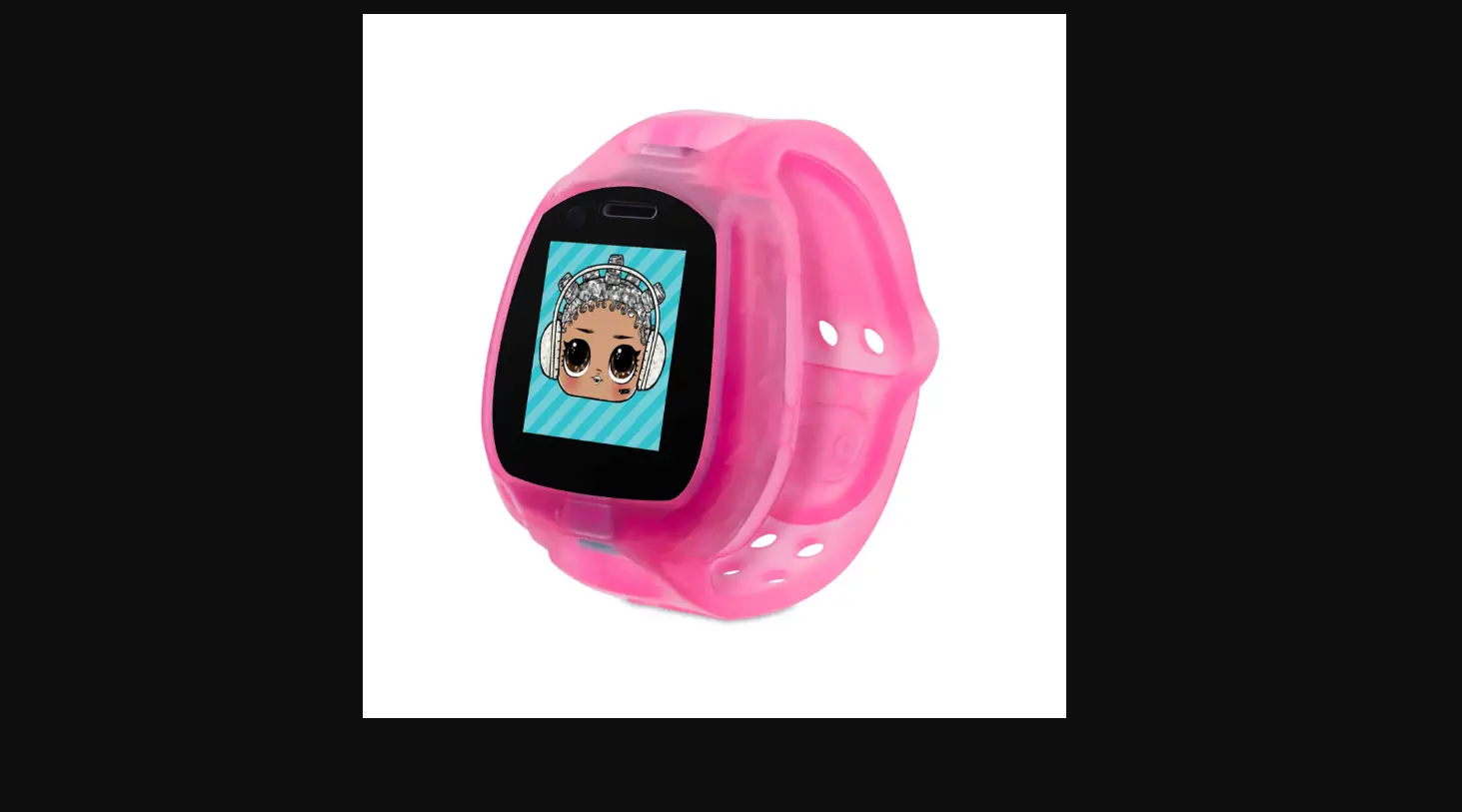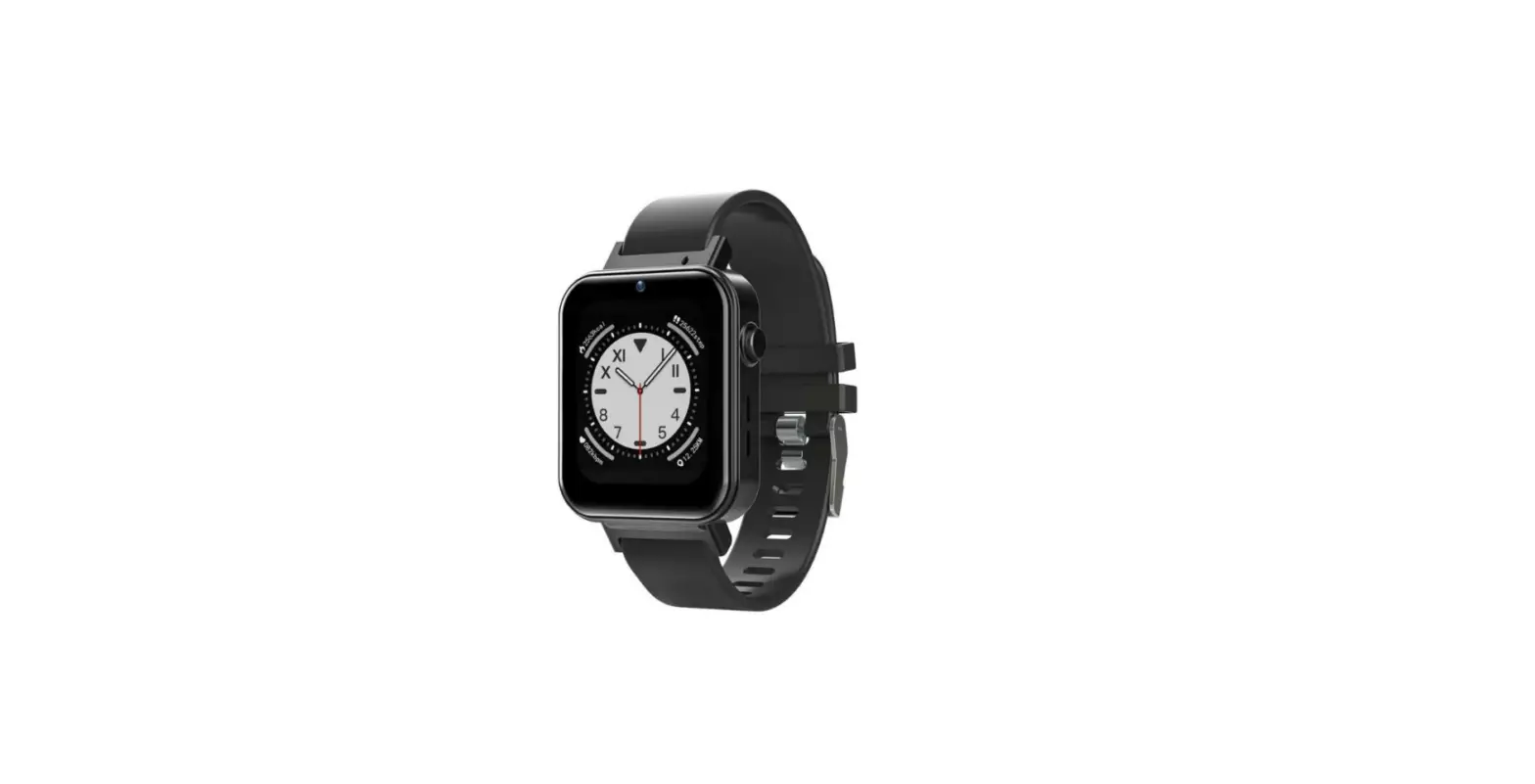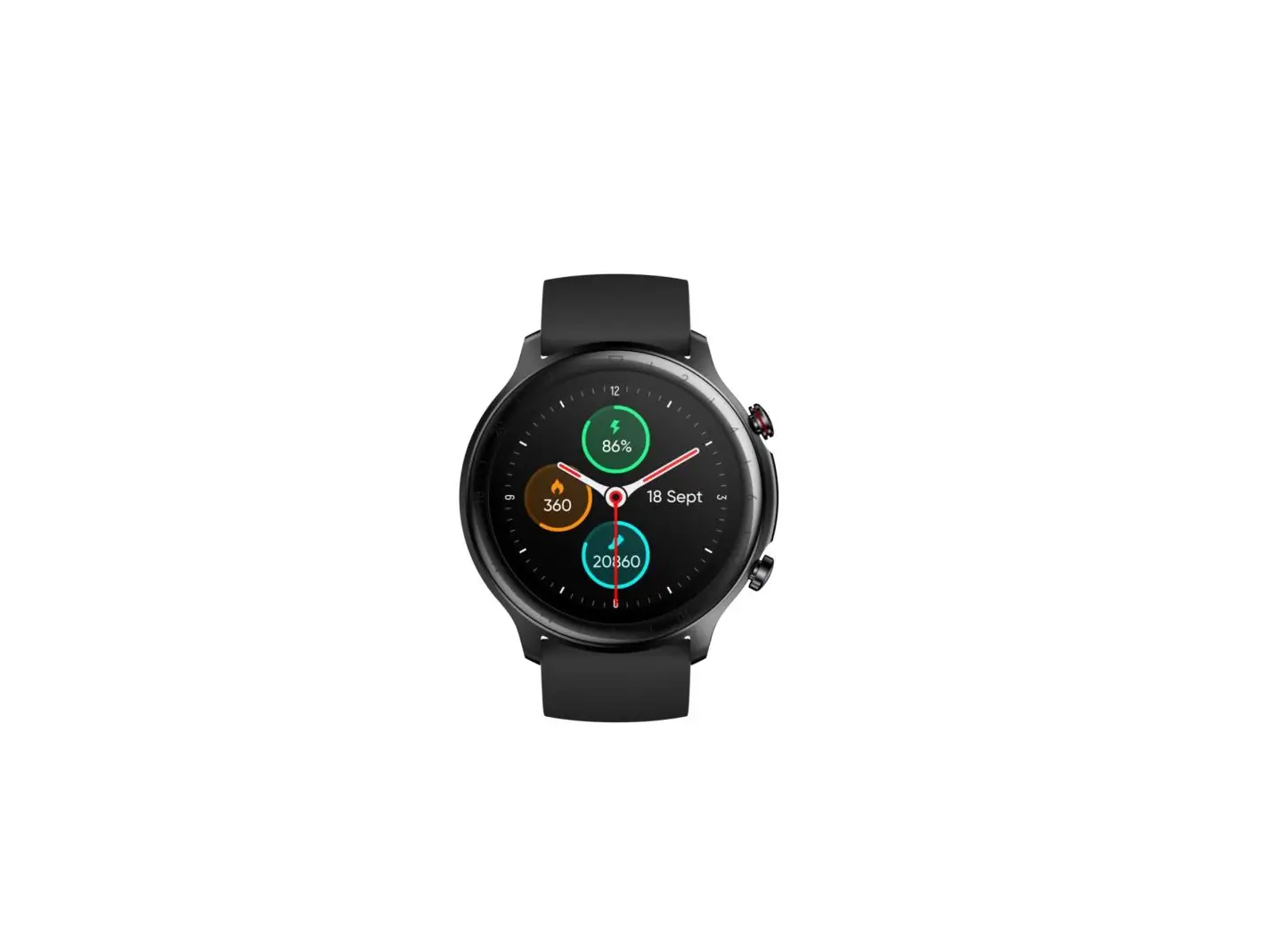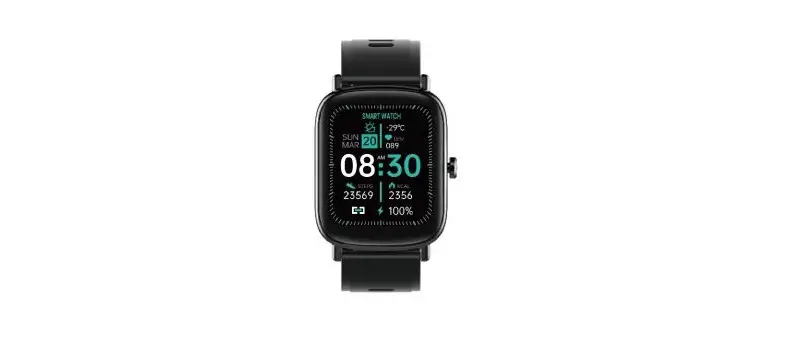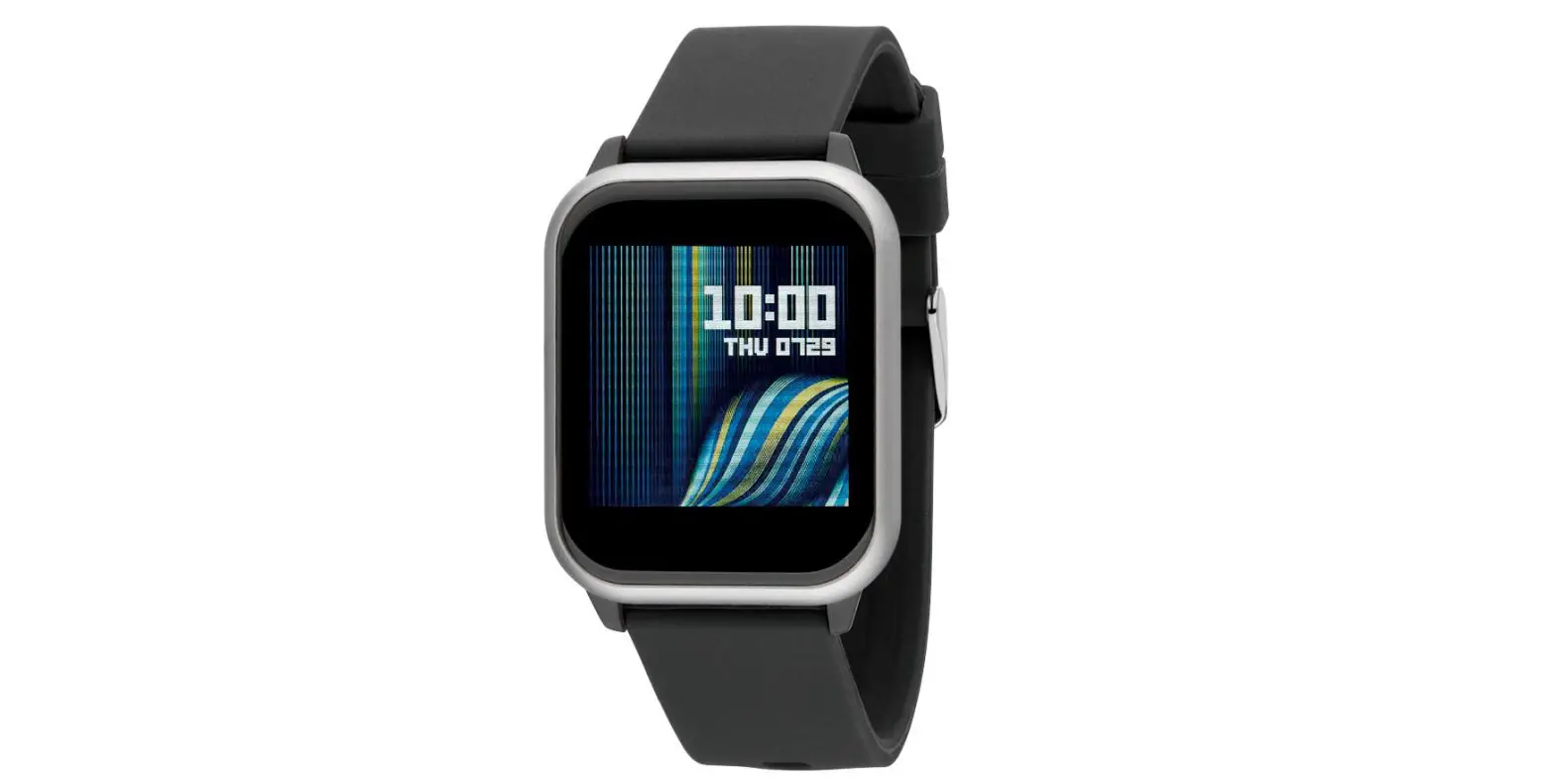

CHARGING YOUR WATCH
We recommend plugging the USB charger into your computer to charge your watch.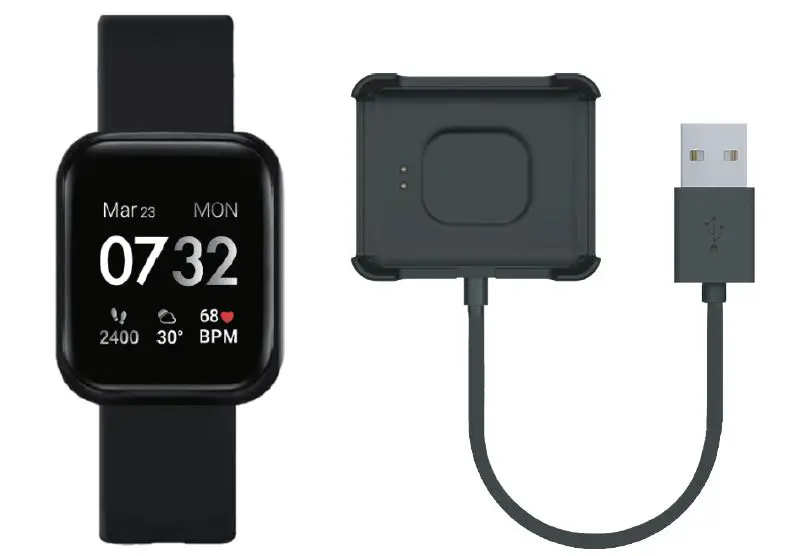
Align the metal pins on the charger to the back of the watch. Snap the charger into place.
HOW TO TURN ON/OFF
Power on: Tap and hold the screen for 3 seconds.
Power off: Swipe down from the main clockface to reveal your notification panel. Tap on the settings icon and scroll down to the Power Off icon. Tap on the power off icon to bring up power off confirmation screen and tap on the blue check mark to power off your device.
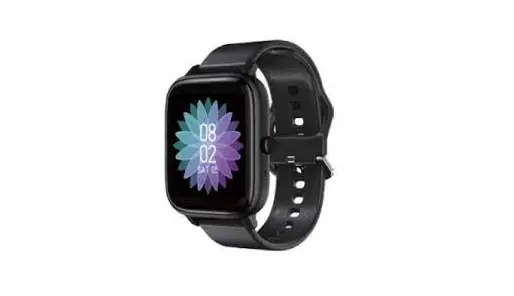
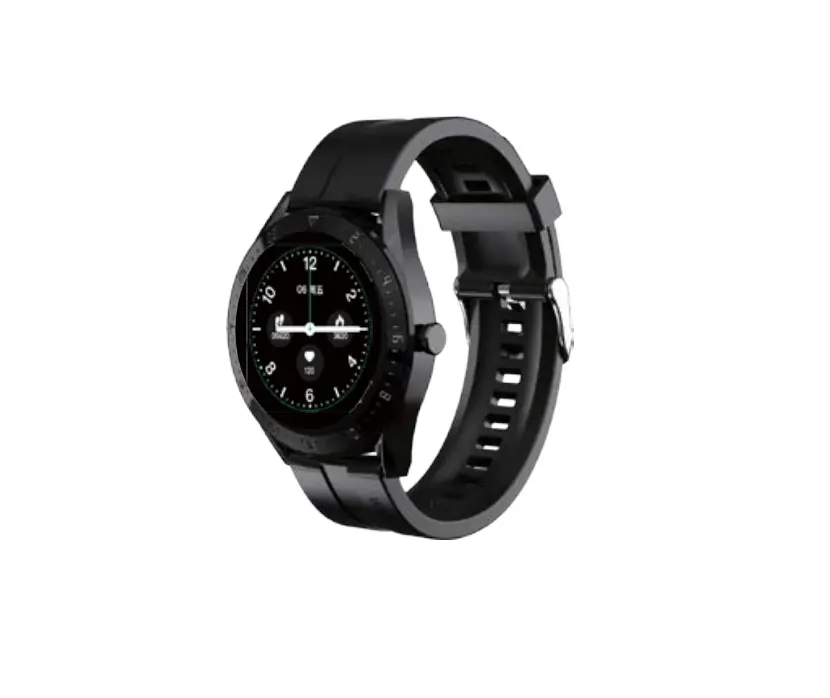
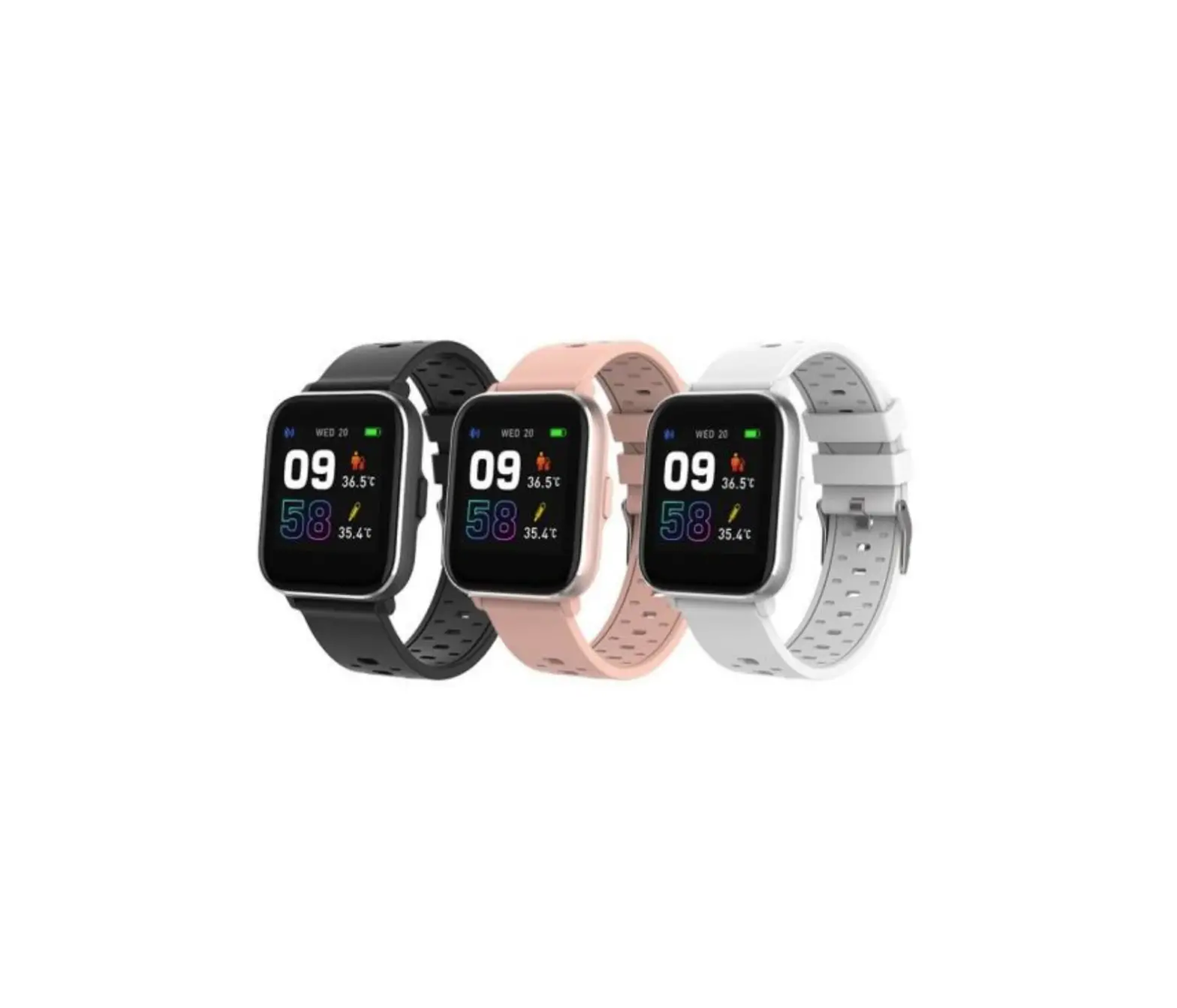
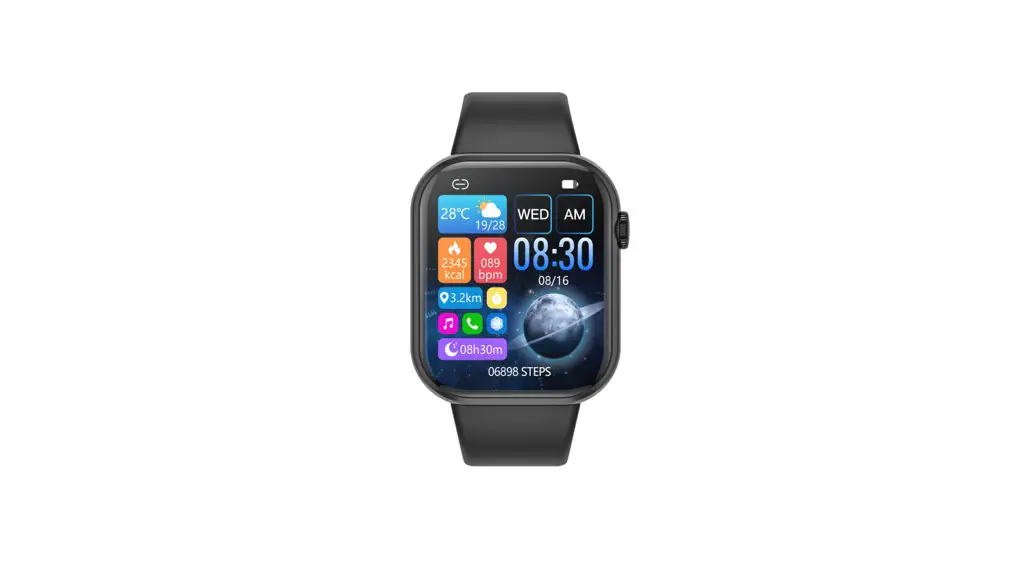
ENJOYING YOUR P7SO SMARTWATCH
Swipe from right to left on the screen to navigate through the features of your watch. Simply tap the screen to activate a feature.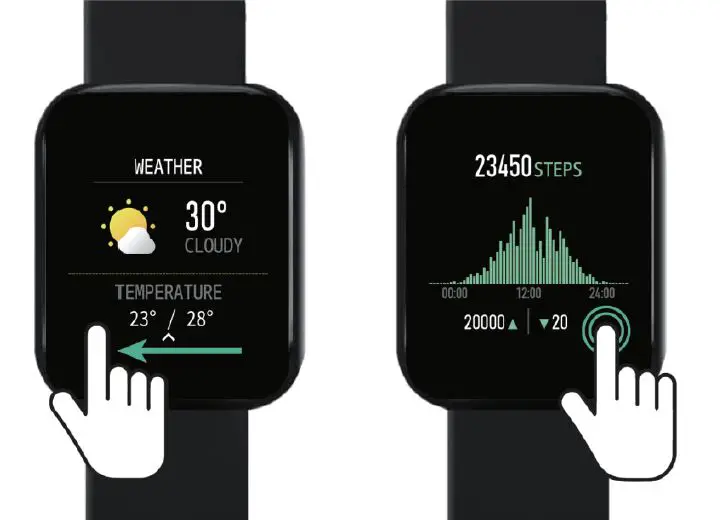
Scan the QR Code to download the smartwatch app. Follow instructions in the app to begin connecting your smartwatch.
SYSTEM REQUIREMENTS
(Android 9.0 and up) (iOS 13.0 and up) Make sure your phone’s Bluetooth is turned on and enabled.