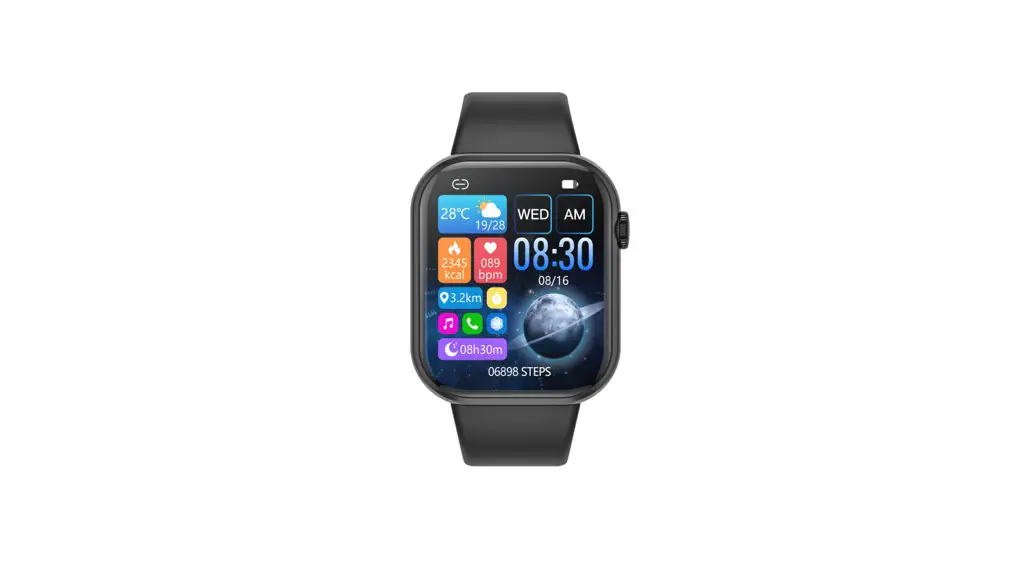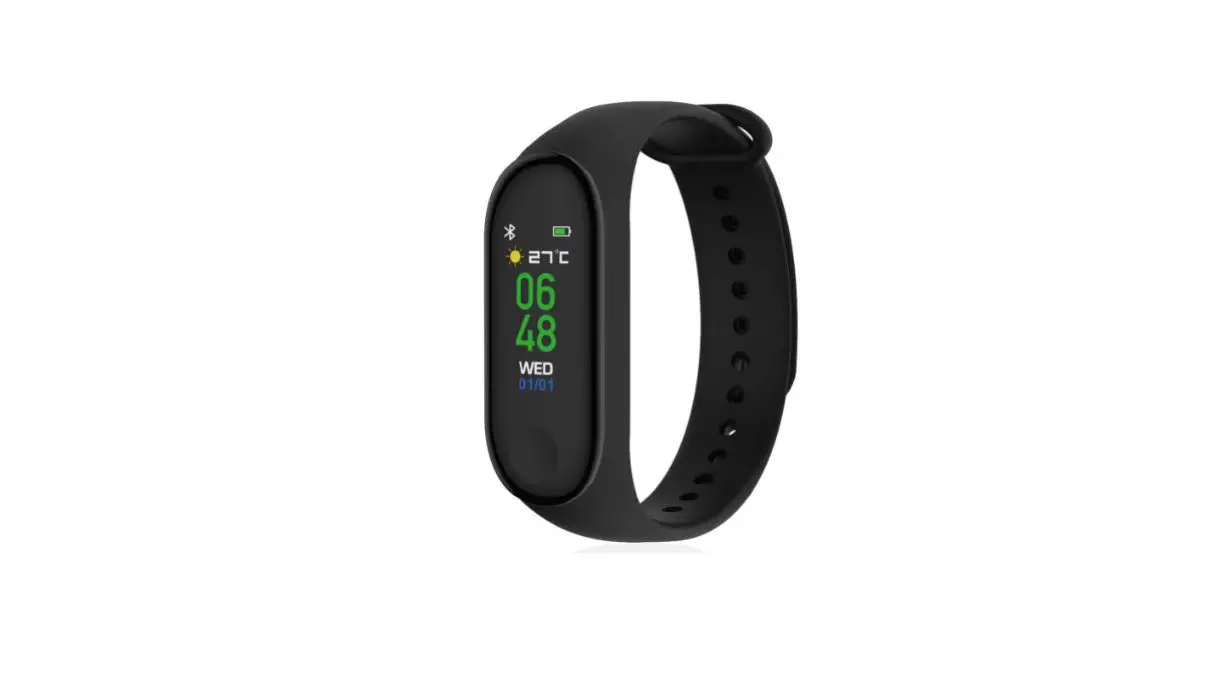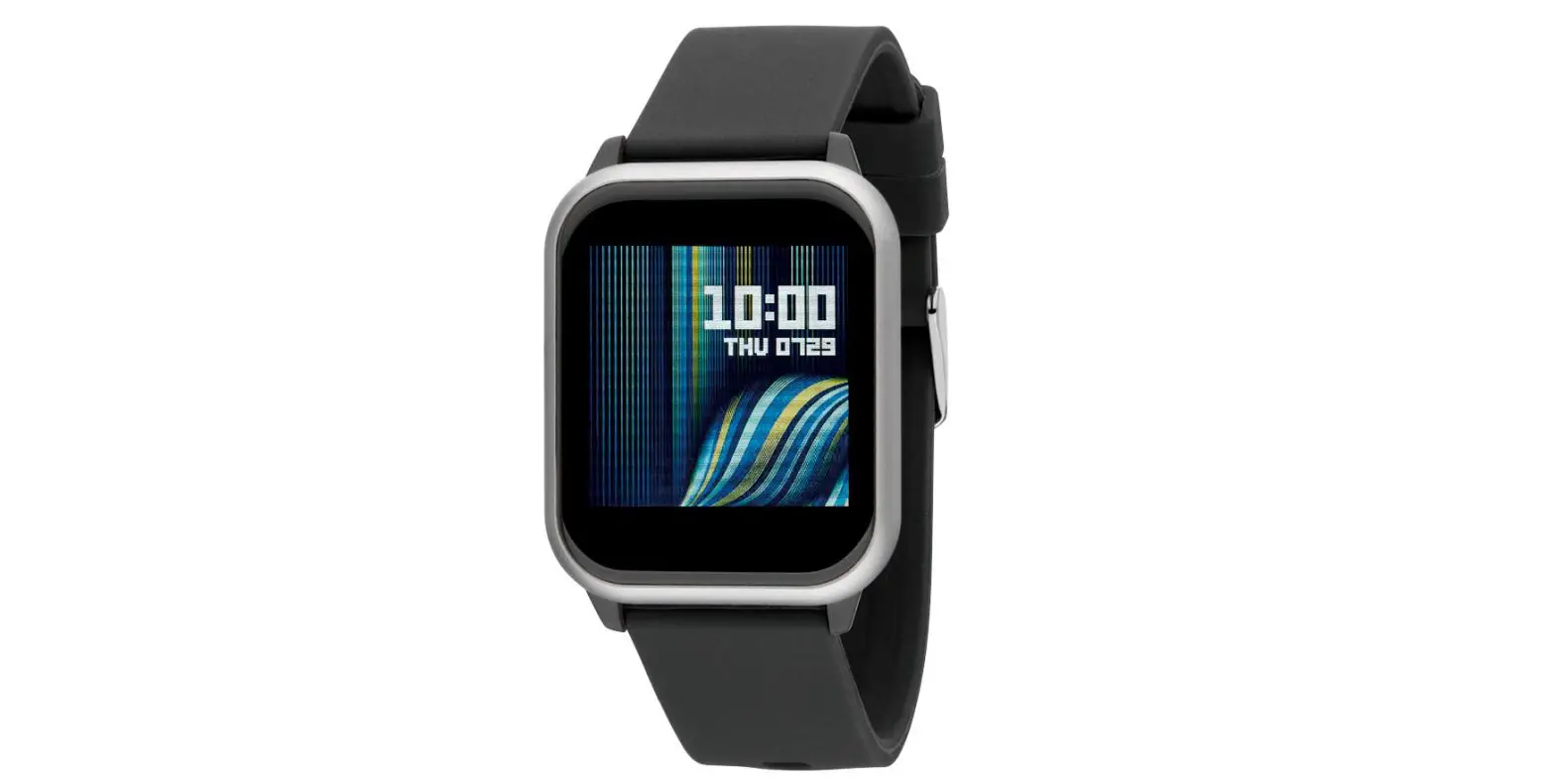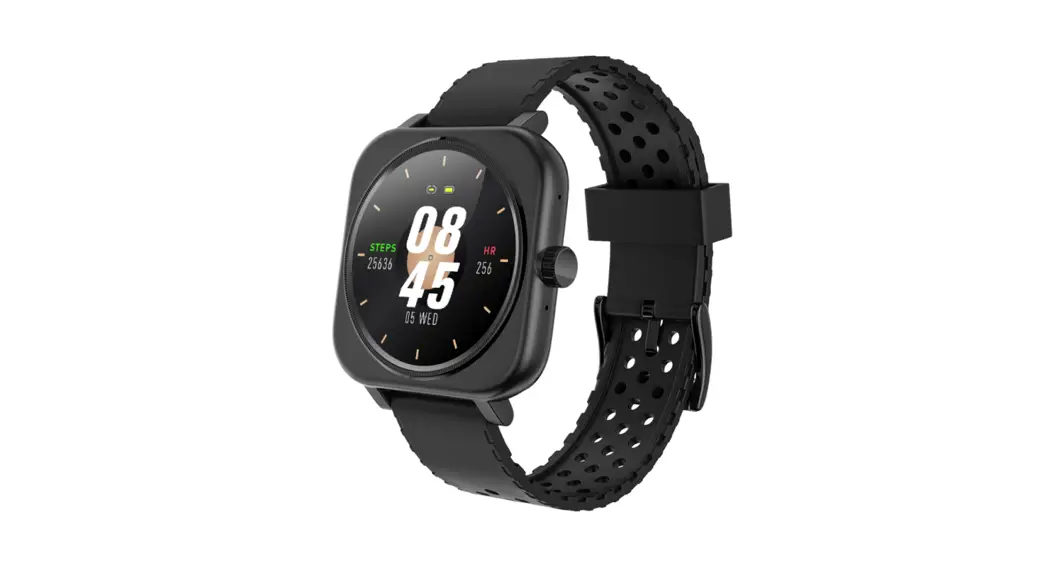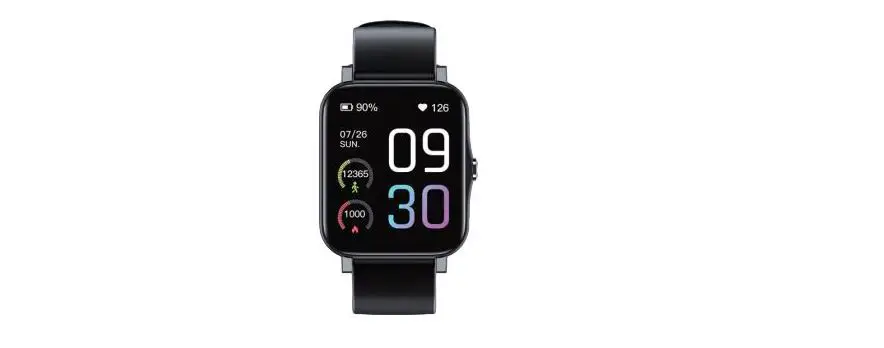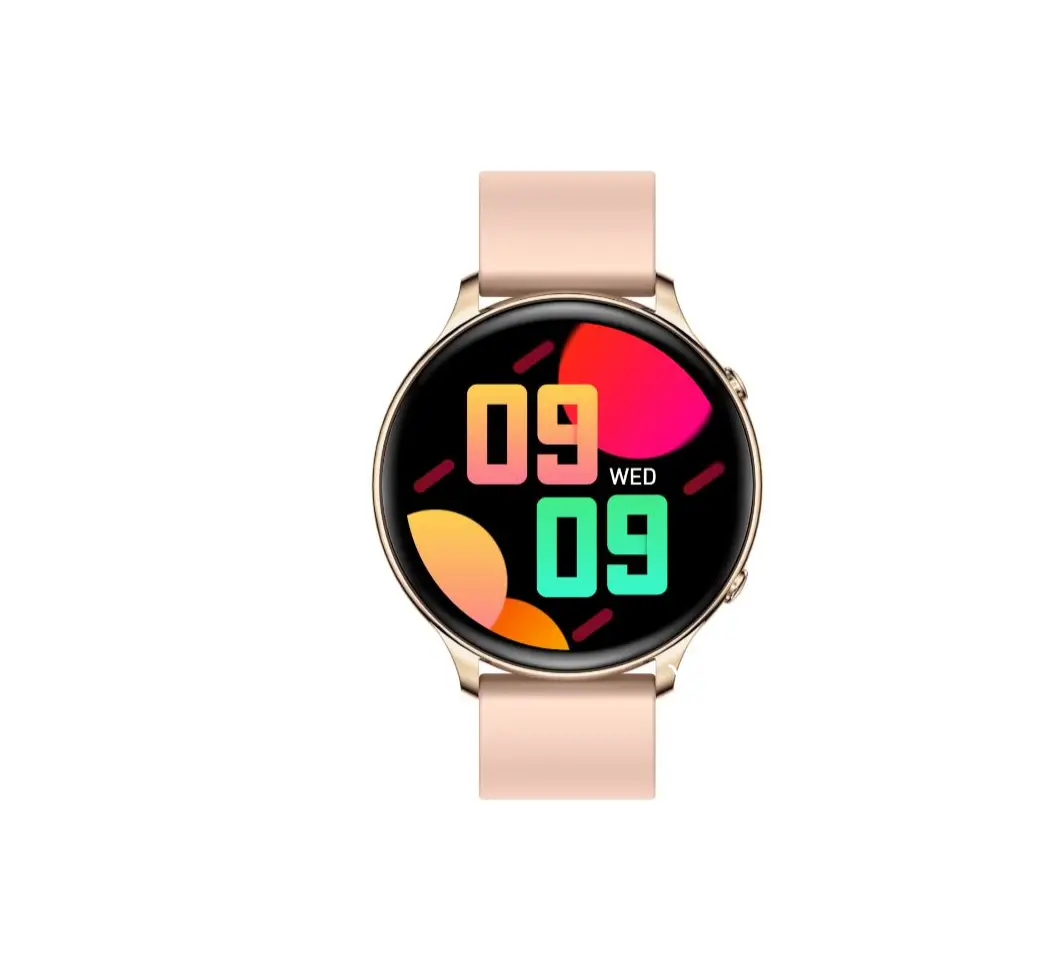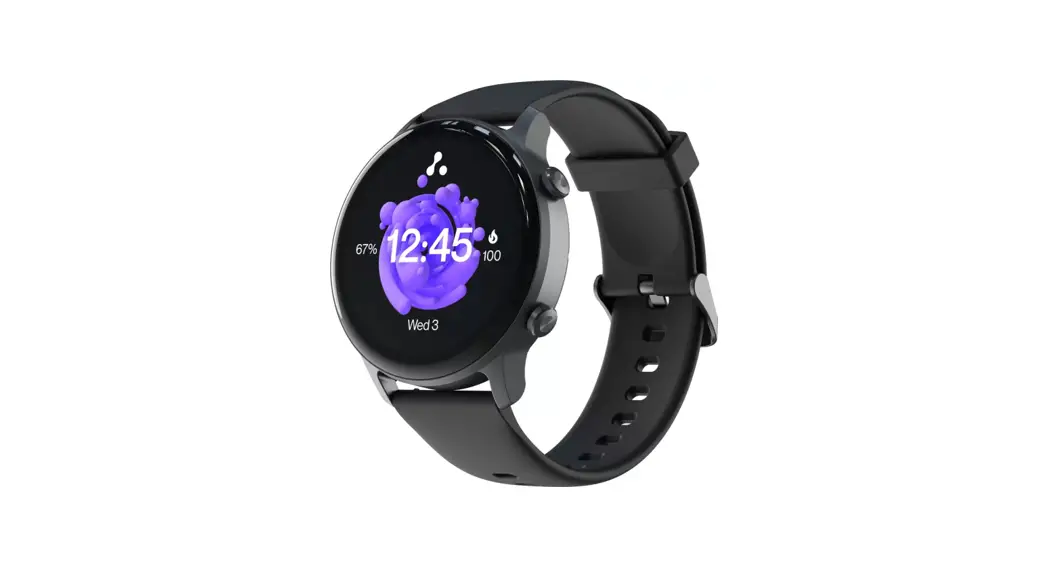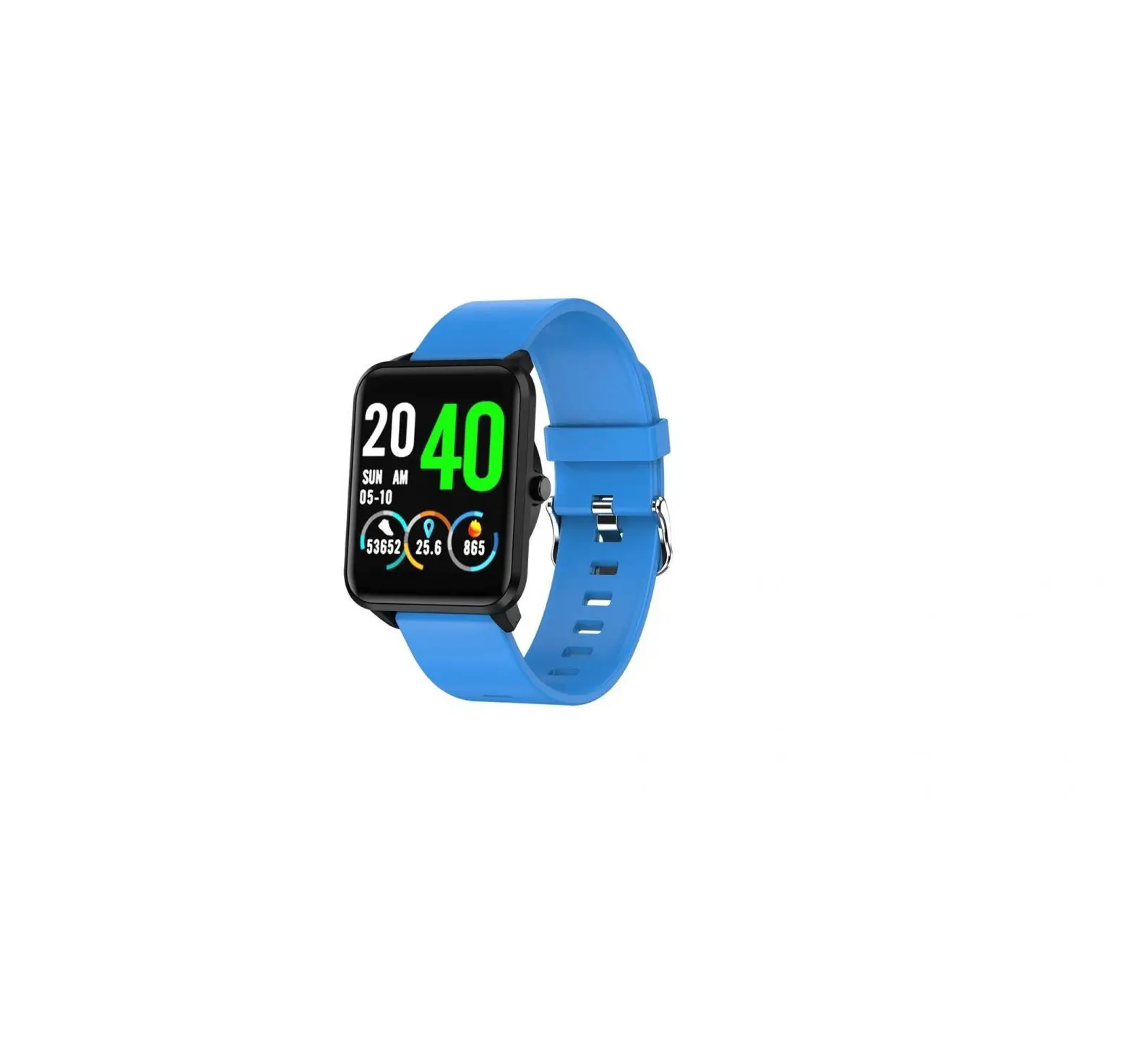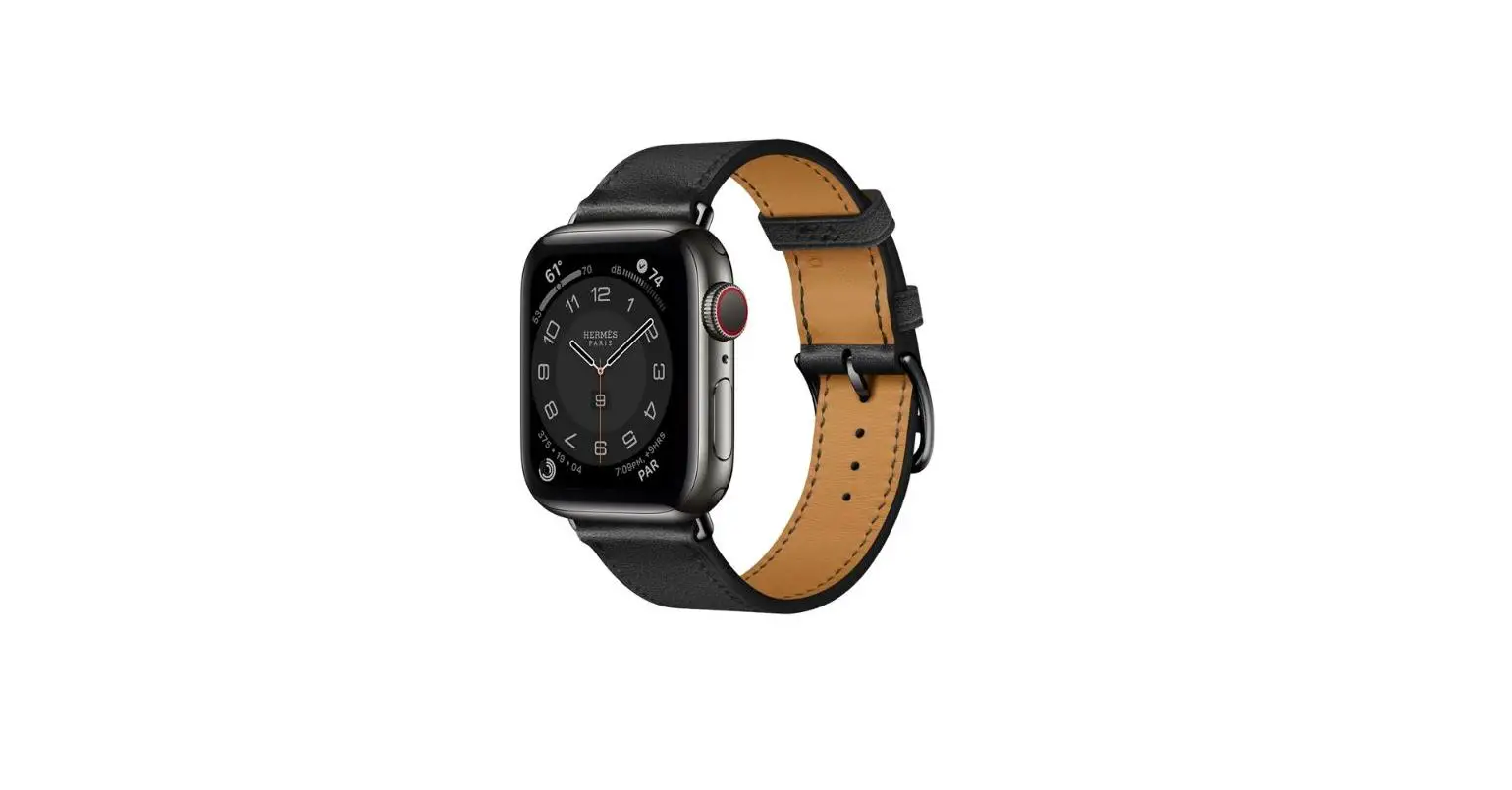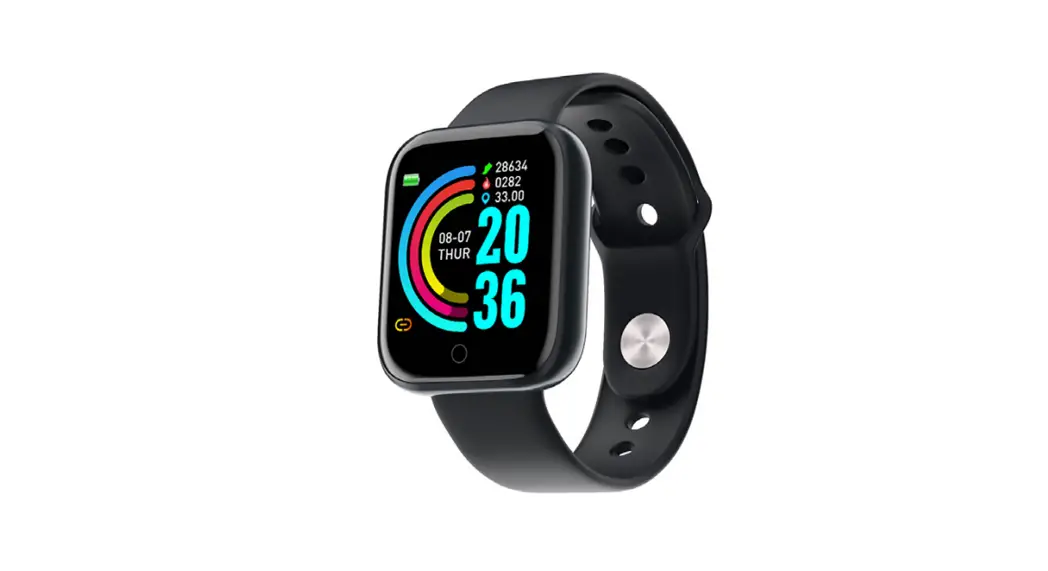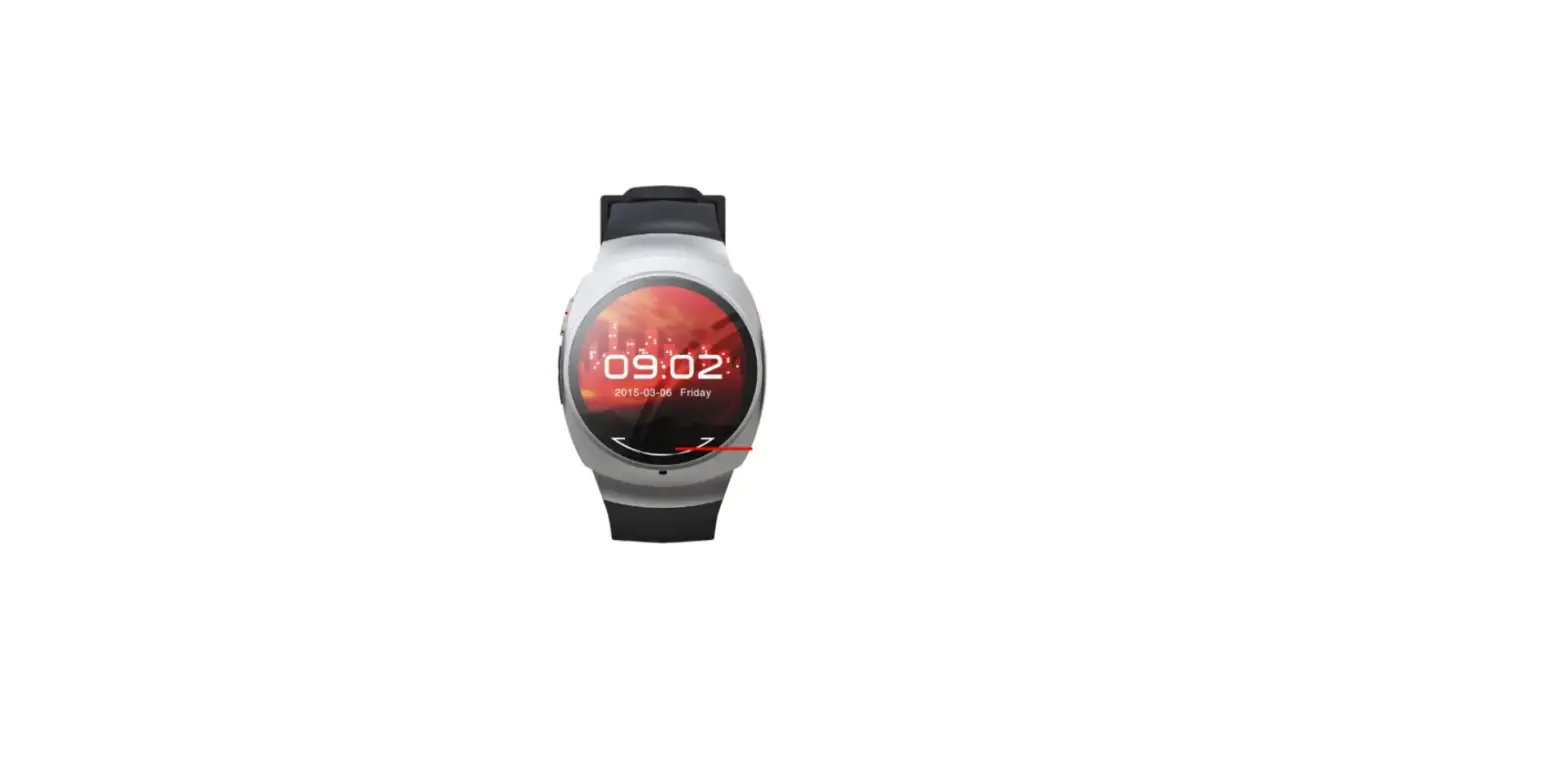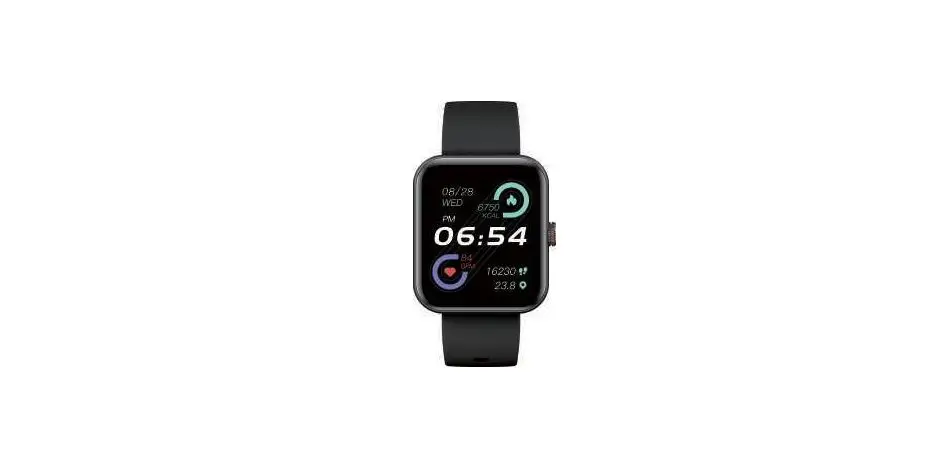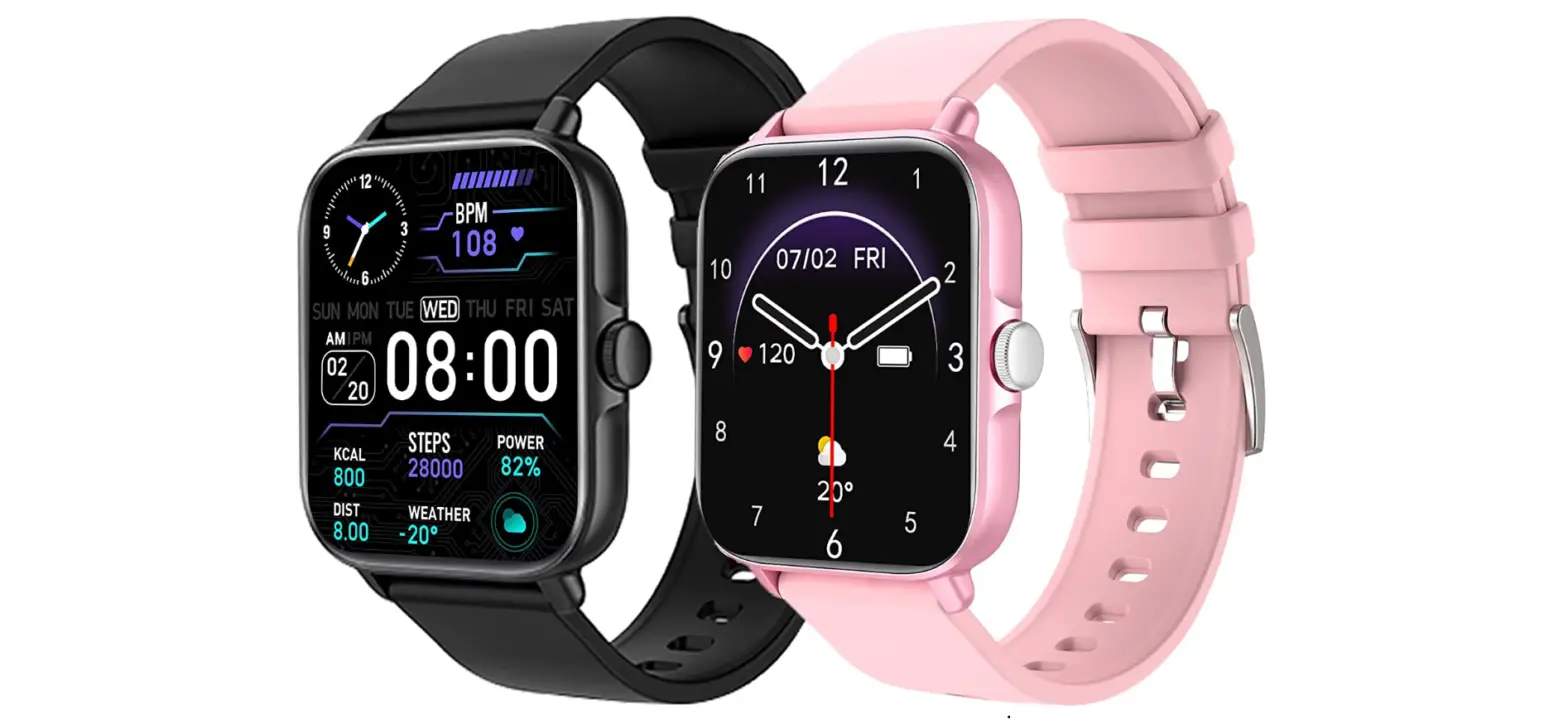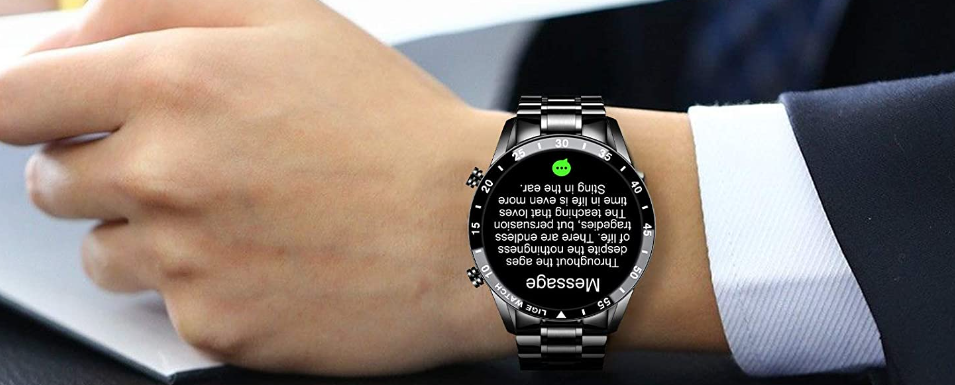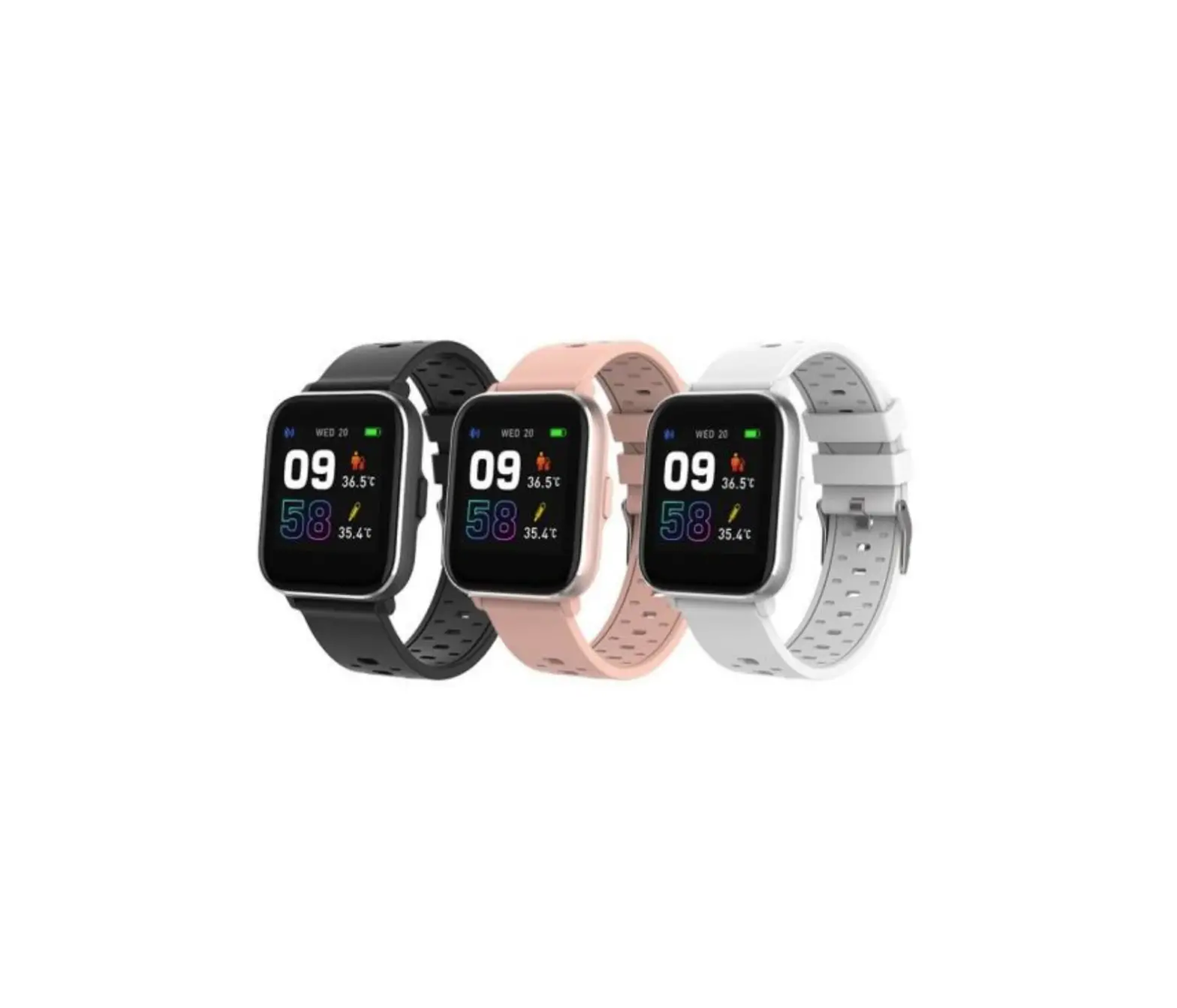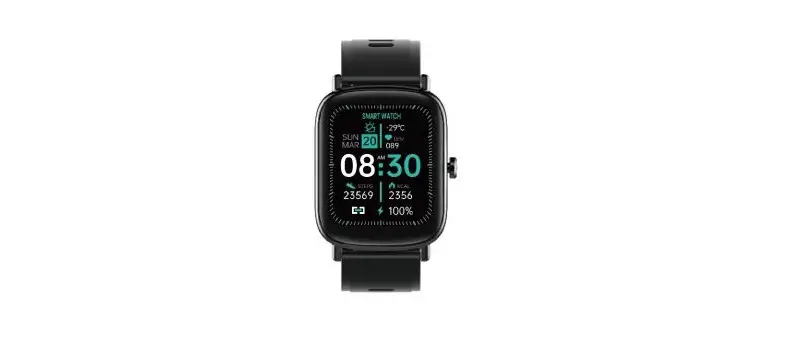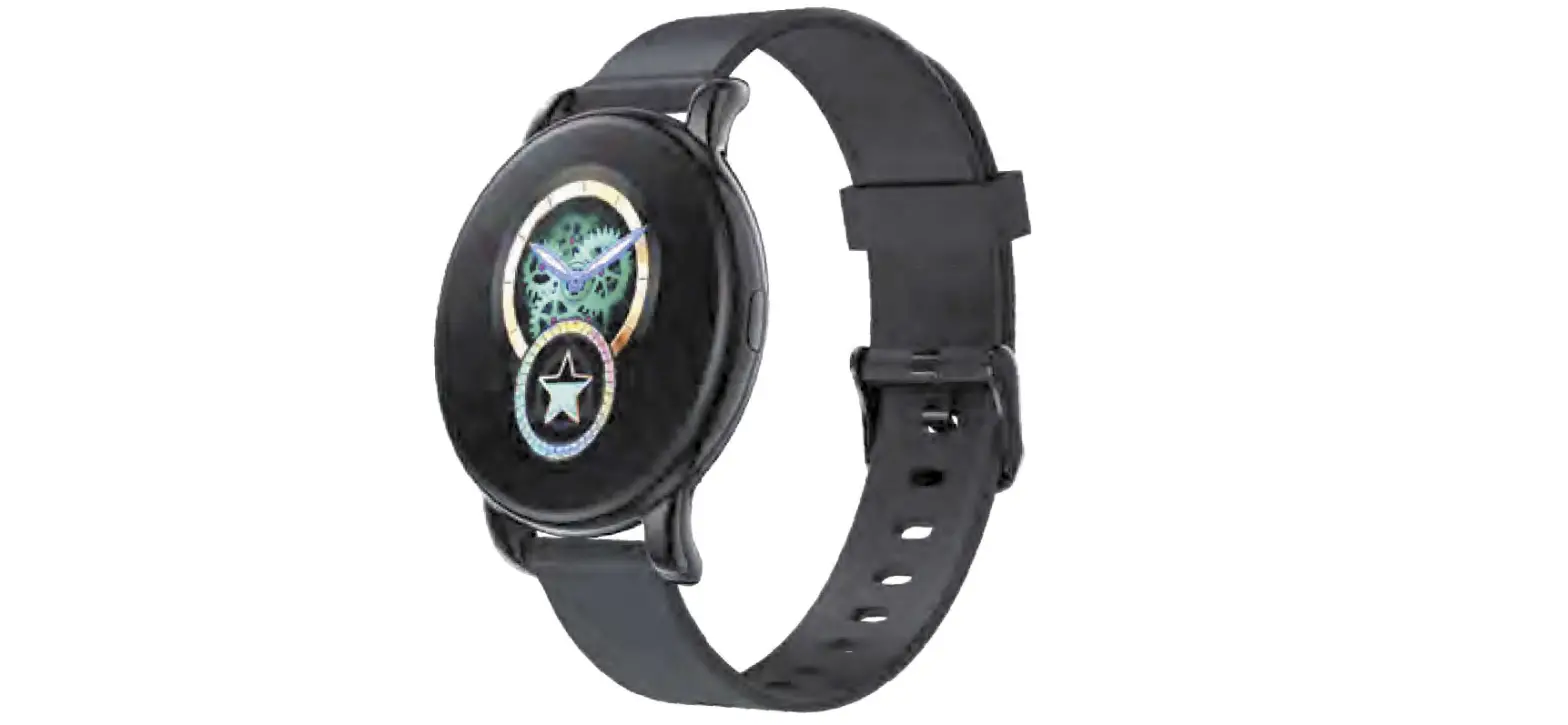

BERACE B37 Smartwatch
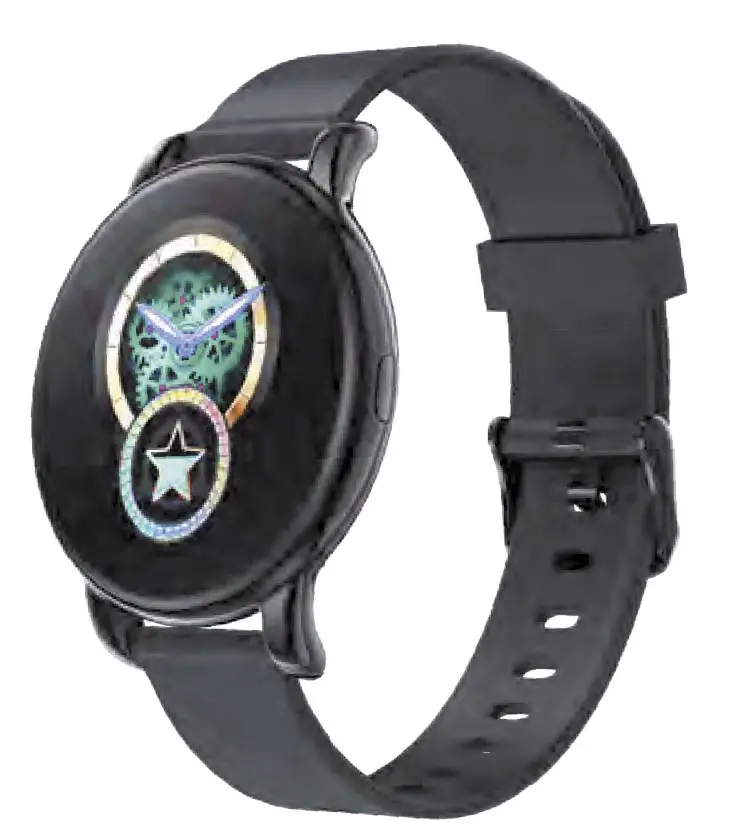
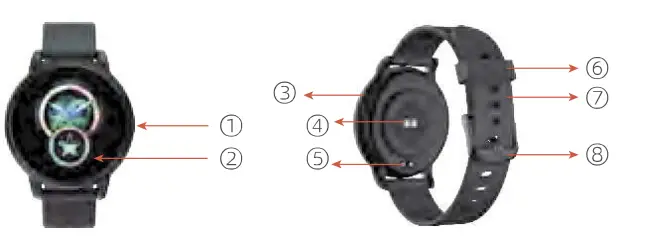
Functional Description
Operation Method(in the APP link-state, real-time synchronization)
- Turn on: long press key 35, show the main interface.
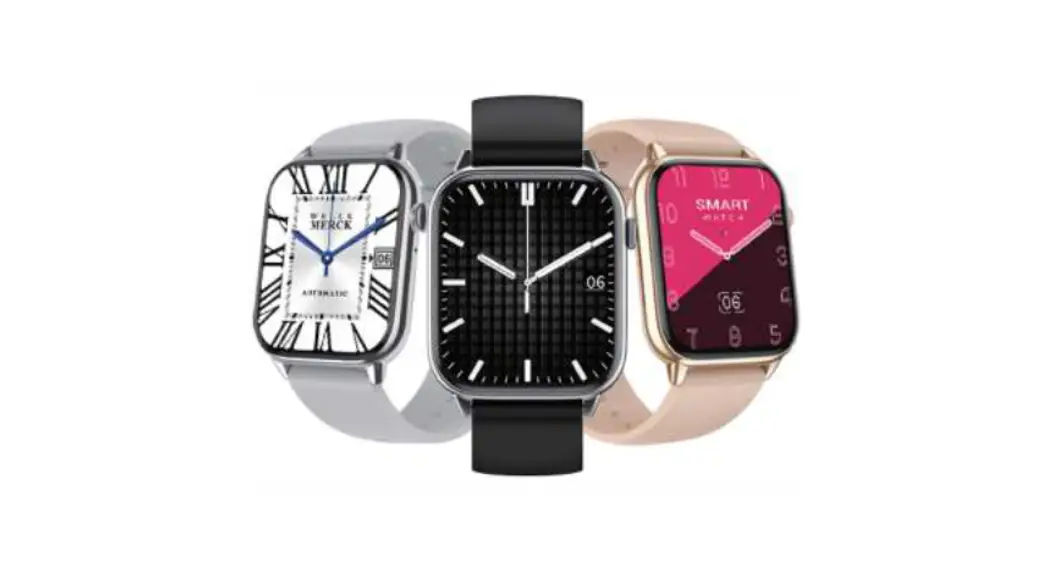
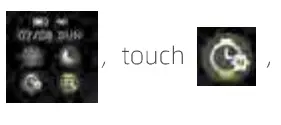
- UI switch: slide into and keep. , touch [4t], long-press key 35, choose like UI

- step test: in the APP link-state, real-time synchronization.

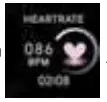
- heart rate test: slide into. , in the APP link-state, real-time synchronization.

- sleep test: slide into, in the APP link-state, real-time synchronization.

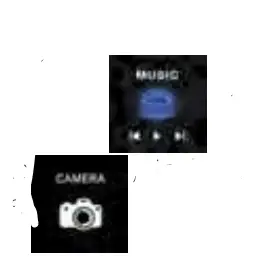
- music control: slide into playback of music on mobile, in the APP link-state, real-time control, and phone,
- photos: slide into, in the APP link-state, real-time control, and playback phone,

- sports mode Title B sports: walking, running, play badminton, climbing, play basketball, rid slide into sports, follow refer to:


- , BT CALL and Information push in the APP link-state, Open the APP phone message push function,

- Remind: Sedentary warn, Drinking, meeting, taking medicine, alarm clock, search phone in the APP link-state, Open the APP phone message push function.







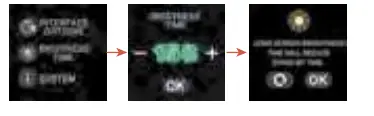
Setting:
- Restart
- Reset

- Turn off
- About

- Brightness control



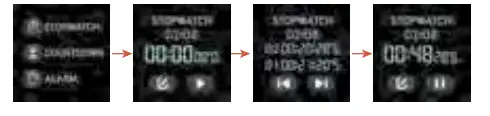
Other functional: follow the steps, in the APP link state.
- alarm clock

- stopwatch

- count down
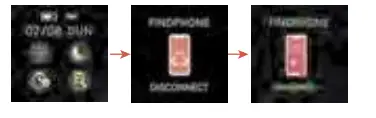
- search phone

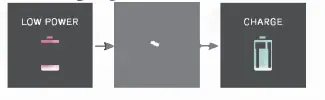
- Charging

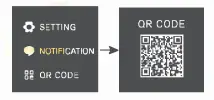
- QR code


Specification
| Project | Discription | Project | Discription |
| MCU | Realtek8762CK | Running current | 15-30µA |
| Ba!t1=ltll Sp1=1:ificatc□ | 180mAH | Standby current | 7-9µA |
| TFT | 1.28 TFT | Waterproof level | IP67 |
| Charge time | 2H | Touch type | Touch full |
Notice
- For the first use, charge after the battery is used up.
- Before connecting to the APP, open the APP authorization of the mobile phone system.
- When the signal is not disturbed, the Bluetooth of the mobile phone is turned on.
- This is waterproof for life, not suitable for swimming and other sports.
- Prevent high temperatures above 30°.
APP code {Android or 105) ,scan please. 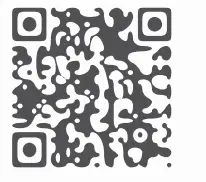
FCC Statement:
This device complies with Part 15 of the FCC rules. Operation is subject to the following two conditions: 1) this device may not cause harmful interference, and 2) this device must accept any interference received, including interference that may cause undesired operation. This equipment has been tested and found to comply with the limits for a Class B digital device, pursuant to Part 15 of the FCC rules. These limits are designed to provide reasonable protection against harmful interference in a residential installation. This equipment generates, uses, and can radiate radio frequency energy and if not installed and used in accordance with the instructions, may cause harmful interference to radio communications. However, there is no guarantee that interference will not occur in a particular installation. If this equipment does cause harmful interference to radio or television reception, which can be determined by turning the equipment off and on, the user is encouraged to try correct the interference by one or more of the following measures:
- Reorient the receiving antenna.
- Increase the separation between the equipment and receiver.
- Connect the equipment into an outlet on a circuit different from that to which the receiver is connected.
- Consult the dealer or an experienced radio/TV technician for help.
- Changes or modifications not expressly approved by the party responsible for compliance could void your authority to operate the equipment.