
Instruction Guide
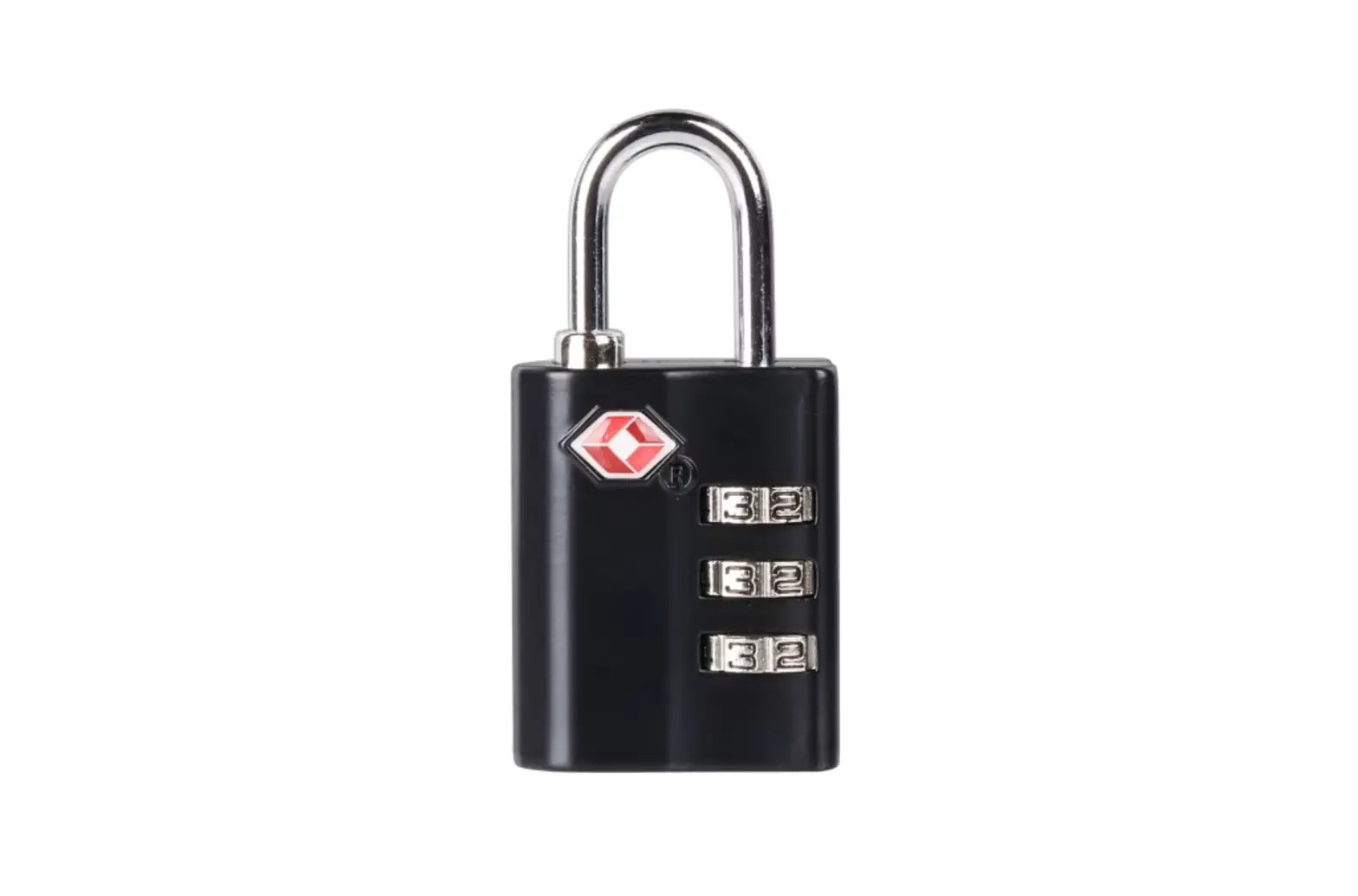
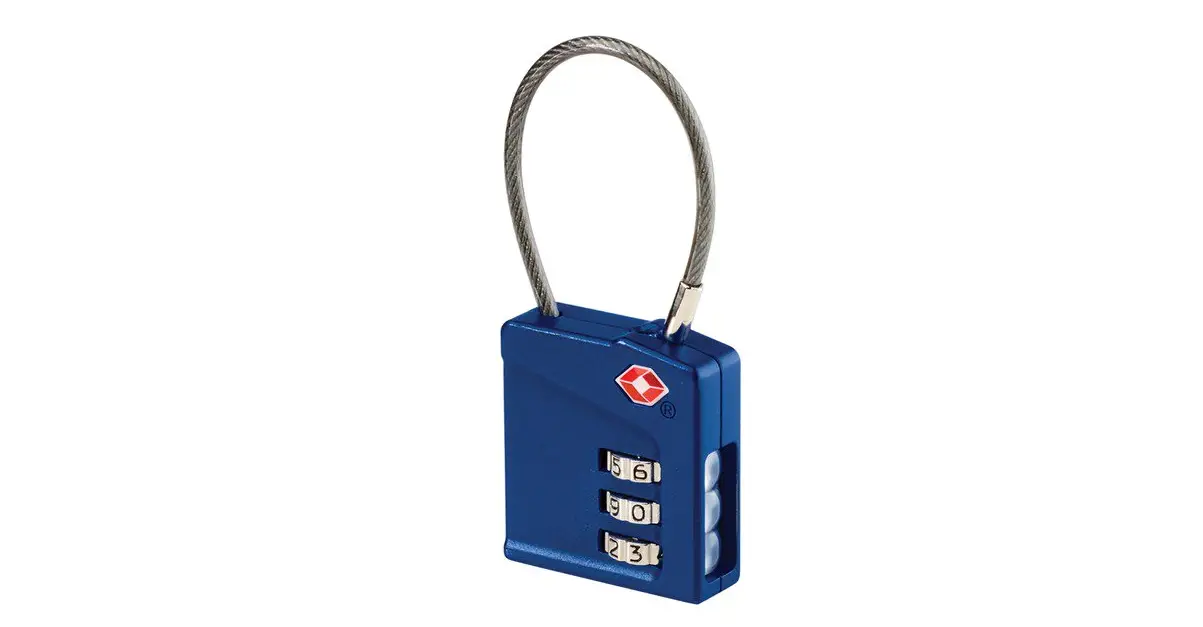
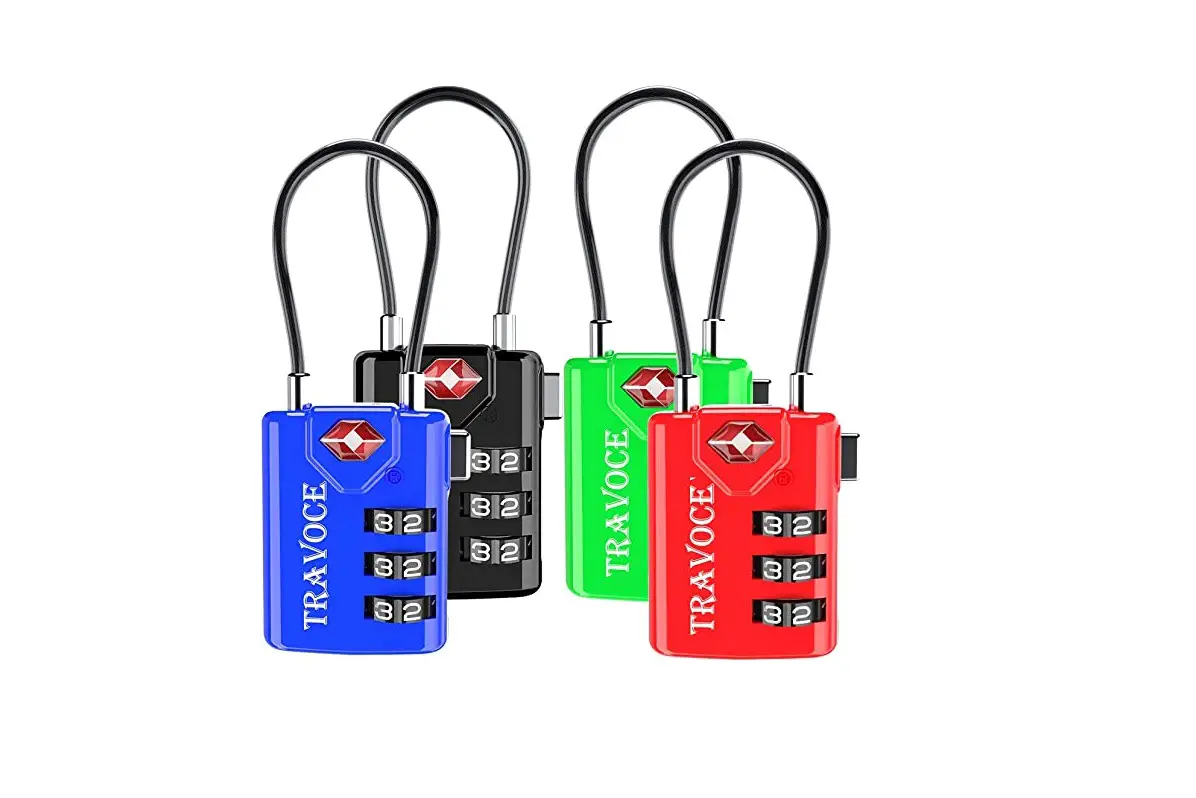
Inspection Status™ Combination Lock
Models
TS390TSRES/TSN90TSES

OPERATING INSTRUCTIONS
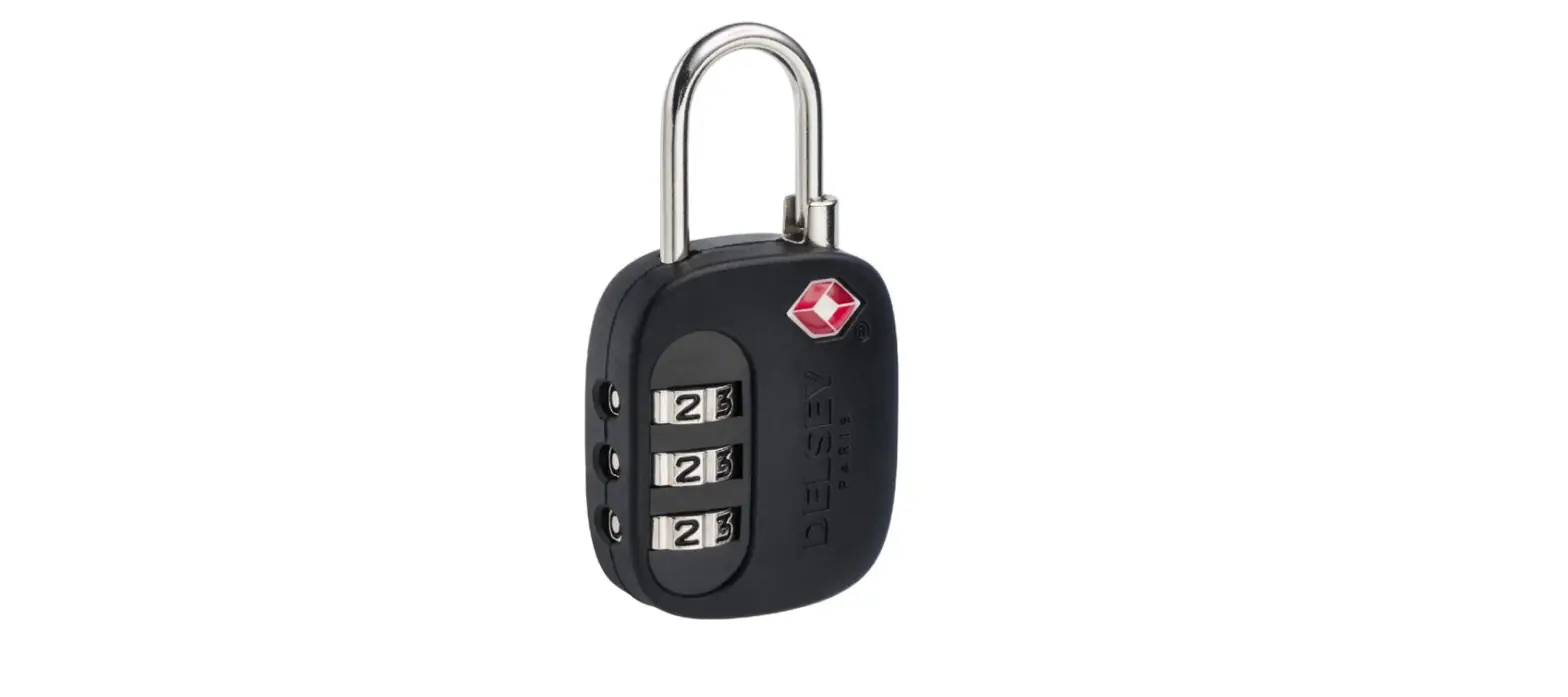
Step 1: Turn the dials and align the numbers 0-0-0 inside the side windows.
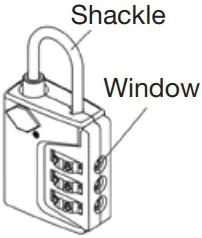
Step 2: Pull up the shackle and turn 90° counterclockwise to align the nub on the shackle with the notch on the lock body.
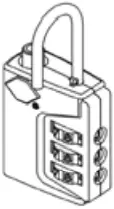
Step 3: Firmly press and hold the shackle all the way down while turning the shackle 90° counter-clockwise further.
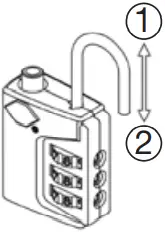
Step 4: Turn the dials to your own personal combination. Return the shackle to original position and your combination is now set.
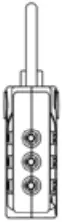
To reset the combination turn dials to the existing combination, then repeat steps 2, 3, and 4.
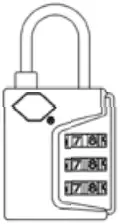
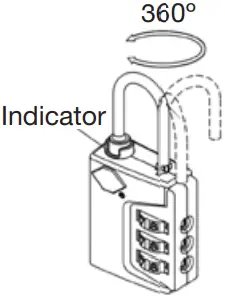
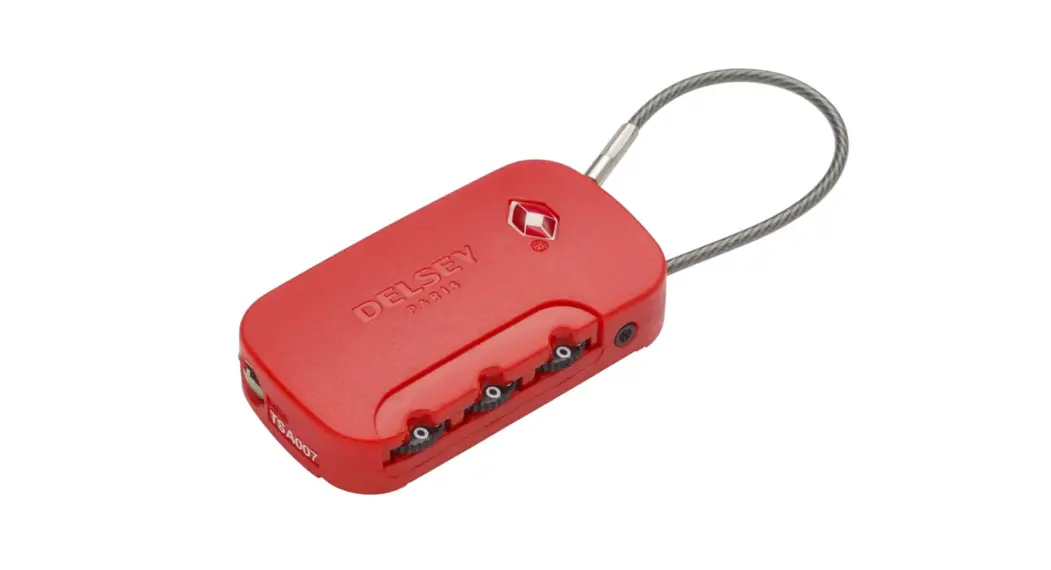
To reset collar: The red inspection status feature will show when TSA screeners open the lock using their secure tools or if your lock has been tampered with.
To return the red collar to its original hidden position, simply turn the dials to your combination, pull up the shackle and turn it 360° counterclockwise until you hear the sound of a click, or insert a small pin-like device (paperclip, pen point, etc.) into the small hole that is located on the side of the lock housing, on the opposite end of the dials.
STORAGE
When not using your device, store it in a safe, dry place out of reach of children.
15IP016279 IB-13924B