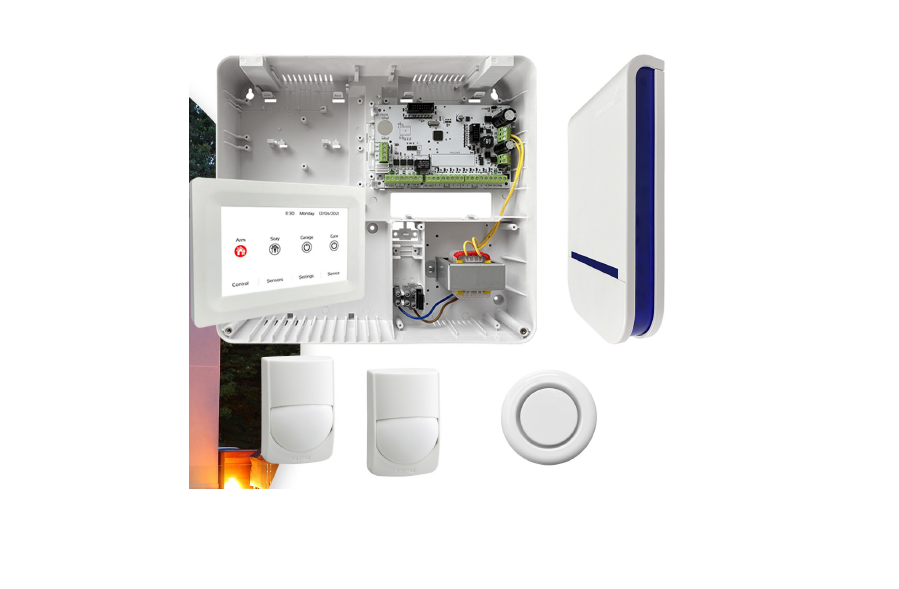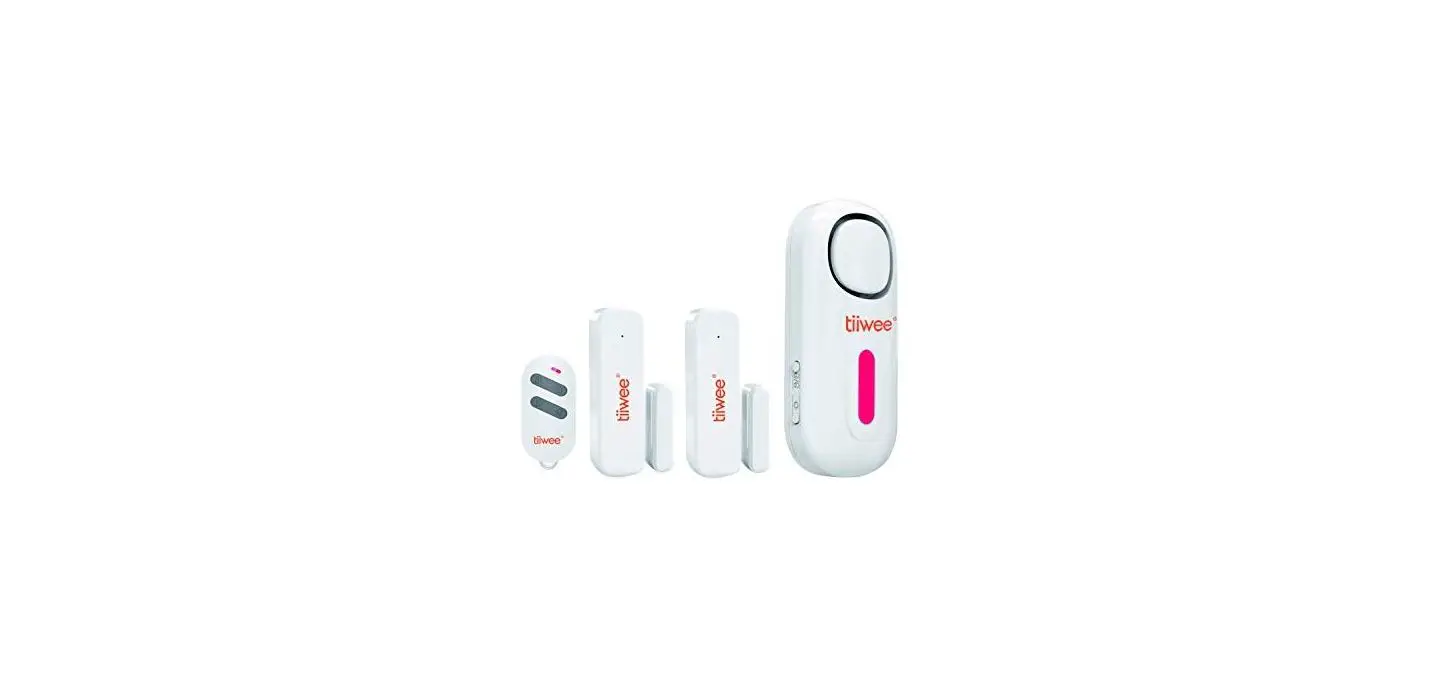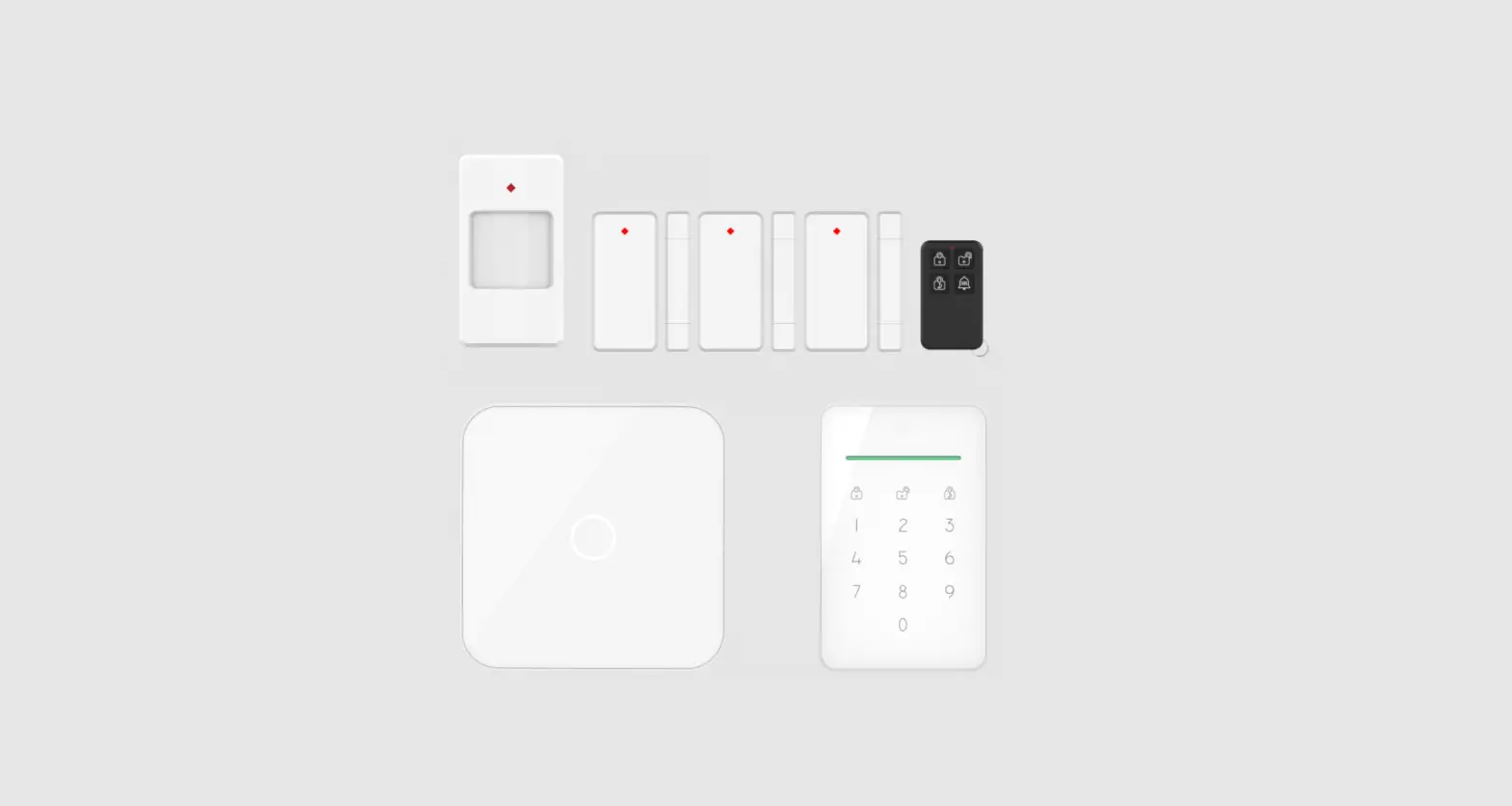

elro AS90S HOME ALARM SYSTEM 
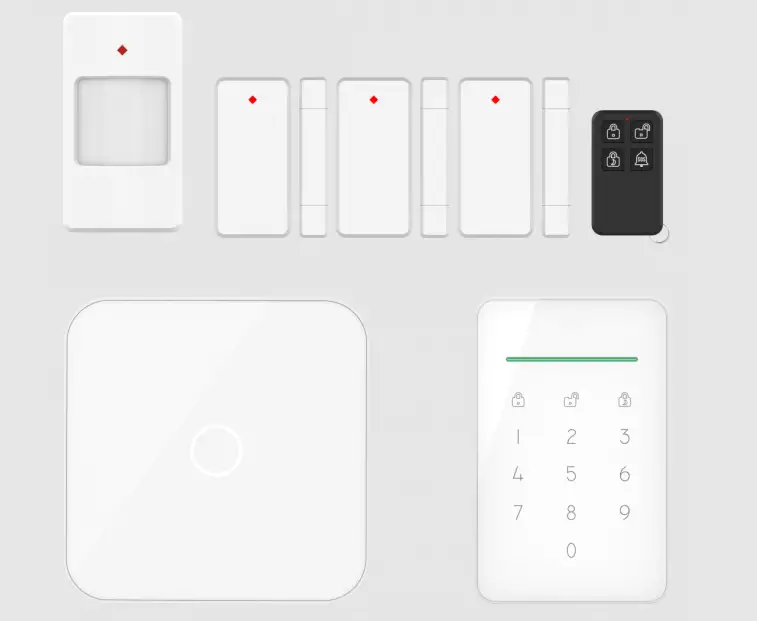
ALARM SYSTEM
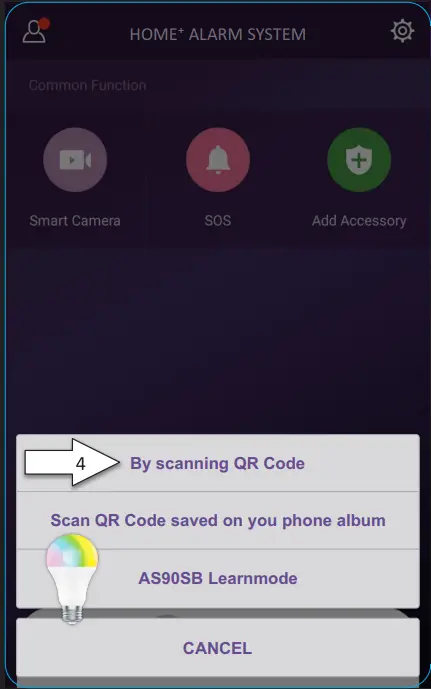
By scanning QR Code
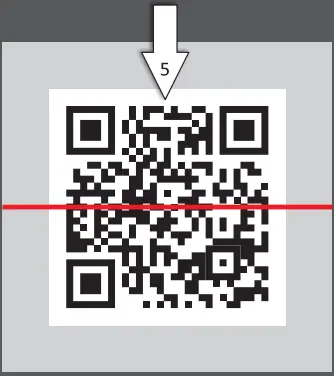
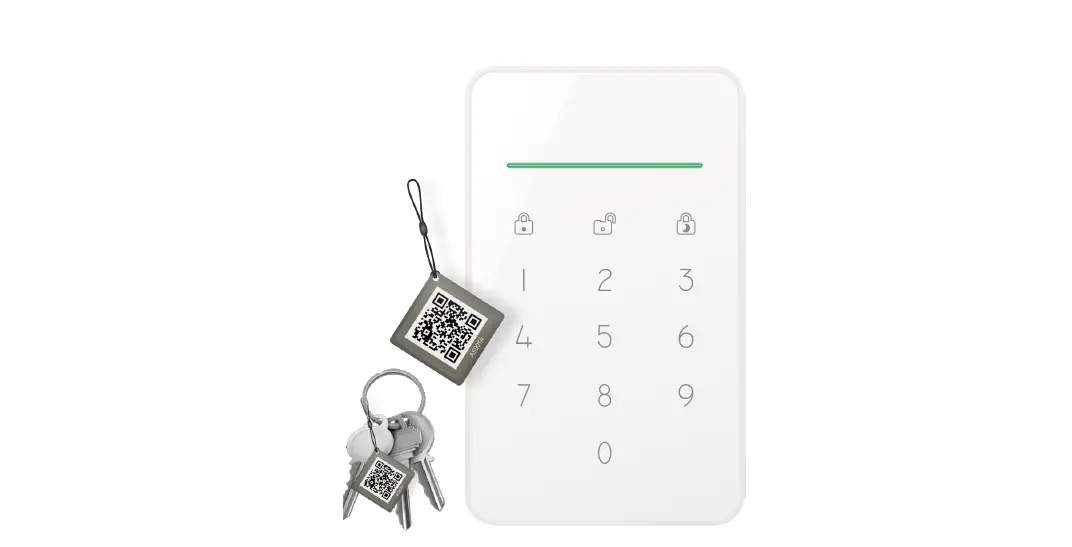
- Scan the QR code located on the back of the product.
- This is an example, do not scan this code!
ACCESSORIES
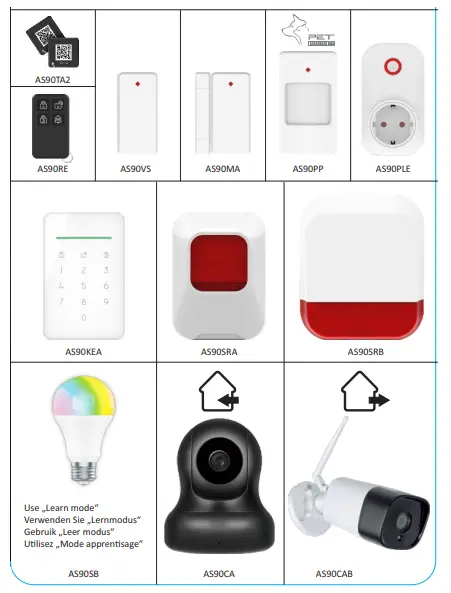
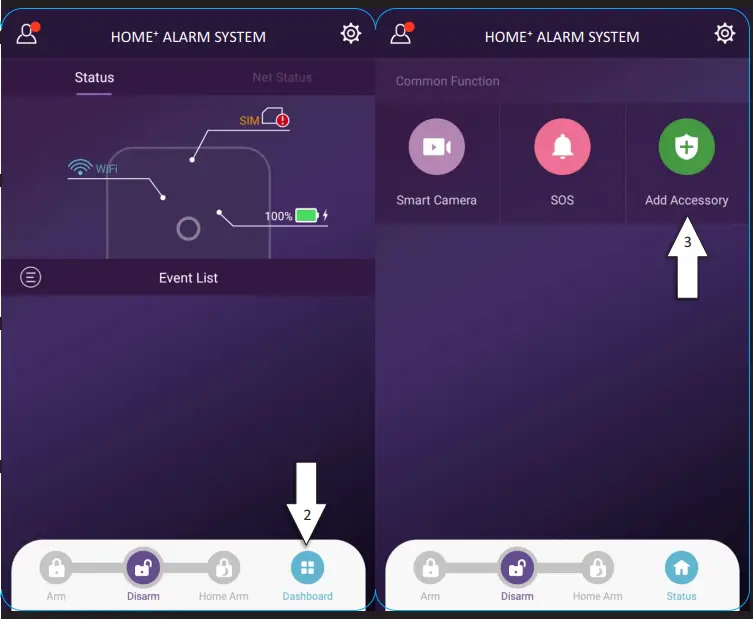
- Open the ELRO Home+ app.
- Click on ‘Dashboard’.
- Click on ‘Add Accessory’.
- Select ‘By scanning QR Code’ or learn mode for AS90SB.
- Scan the QR code located on the back of the product.

 Welkom bij ELRO | Voor een comfortabele en veilige leefomgeving ELRO