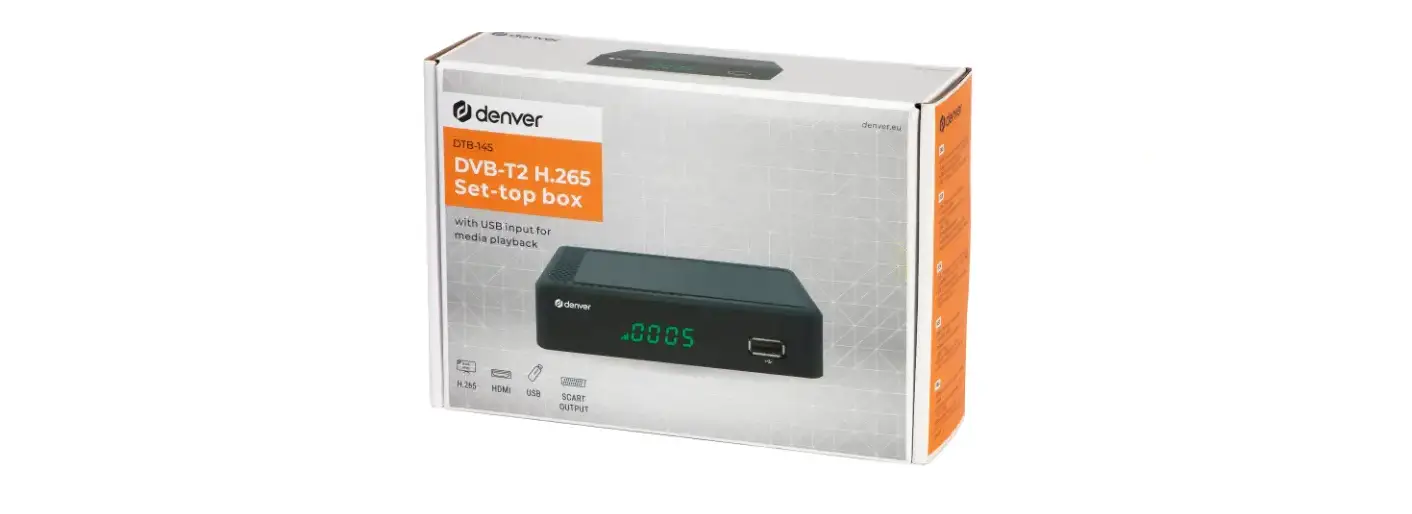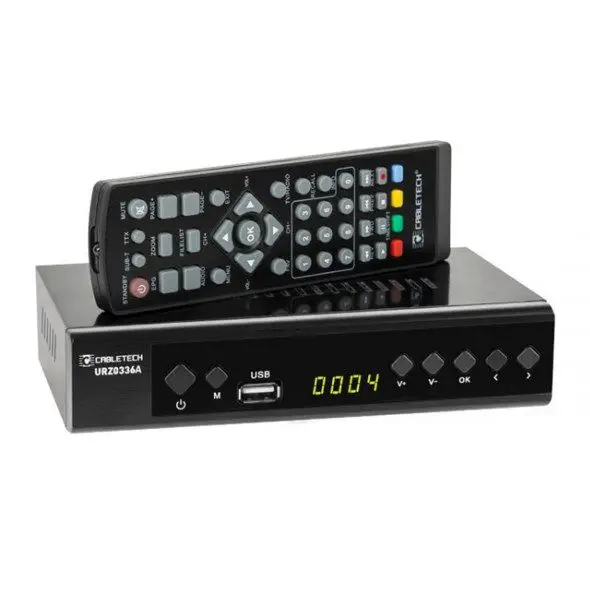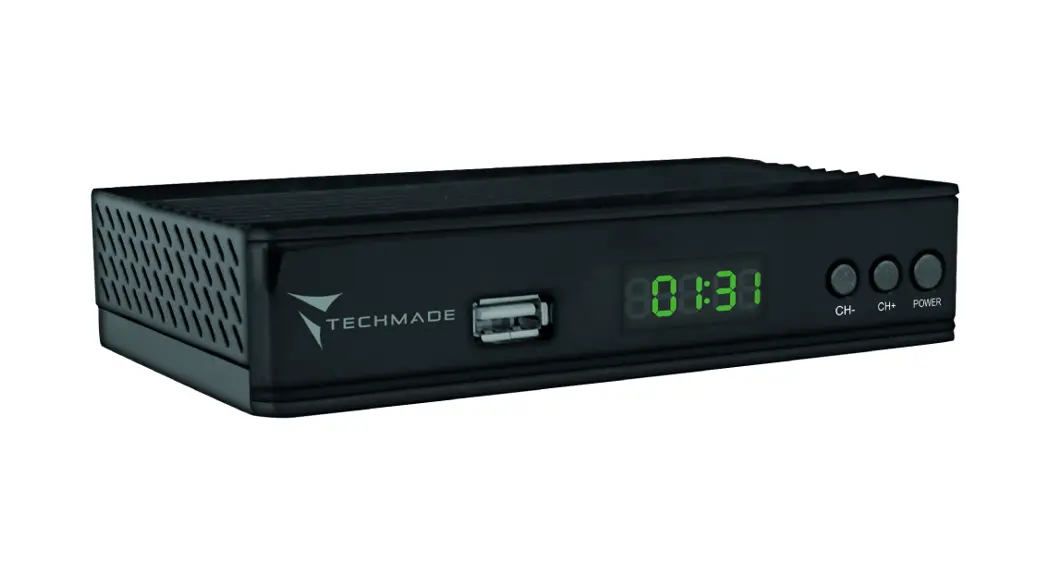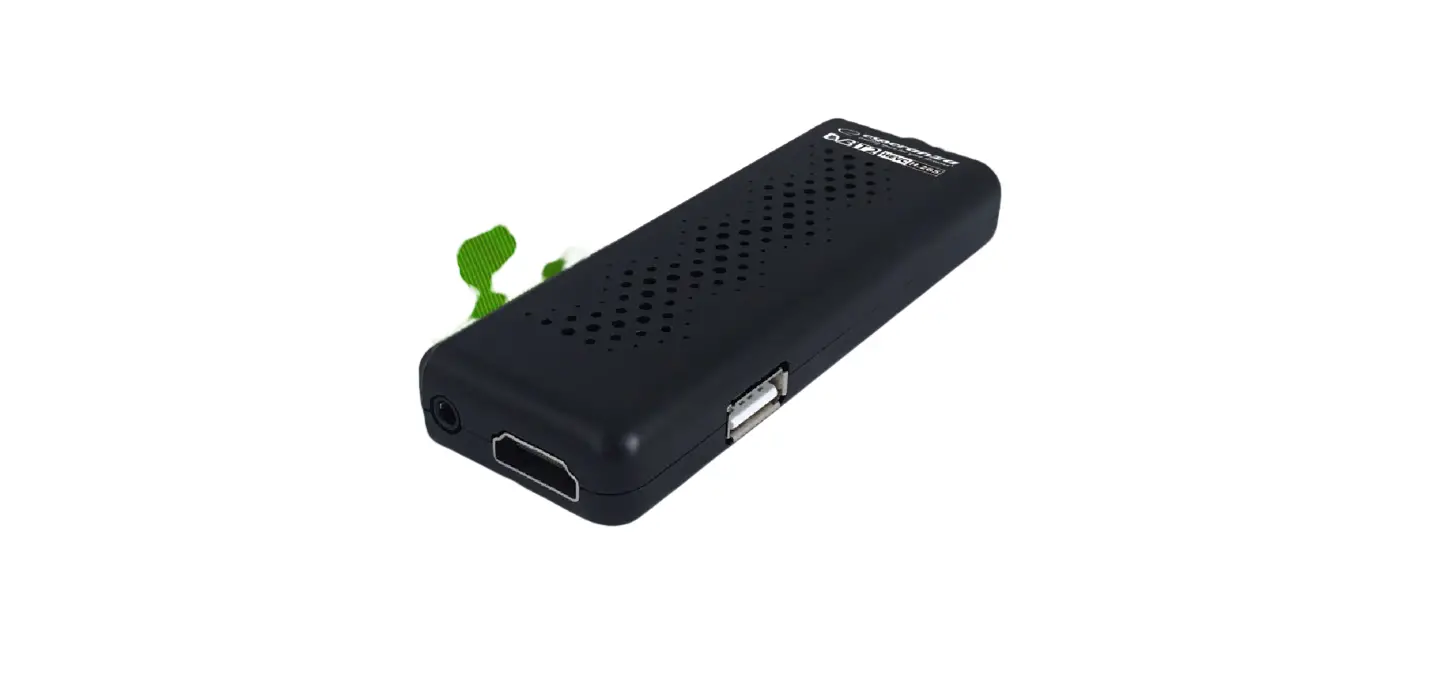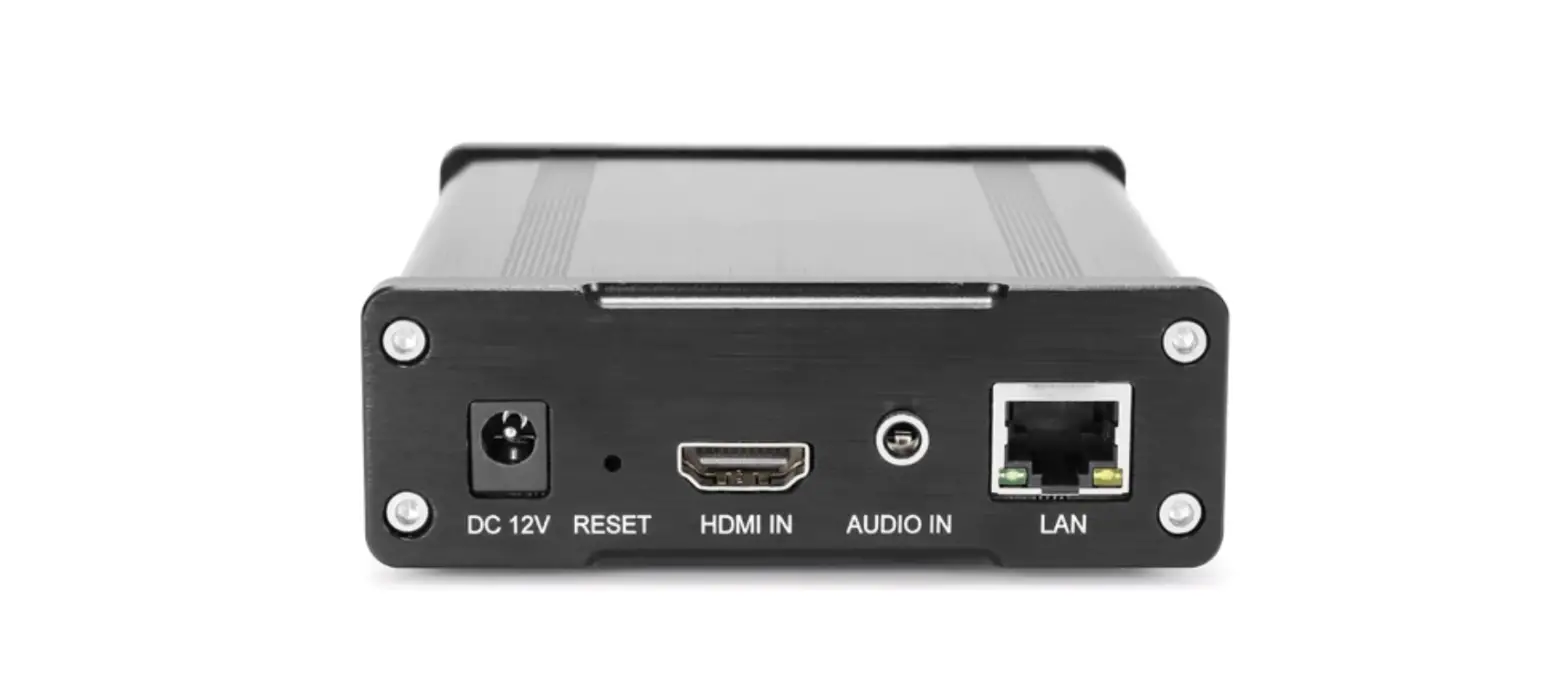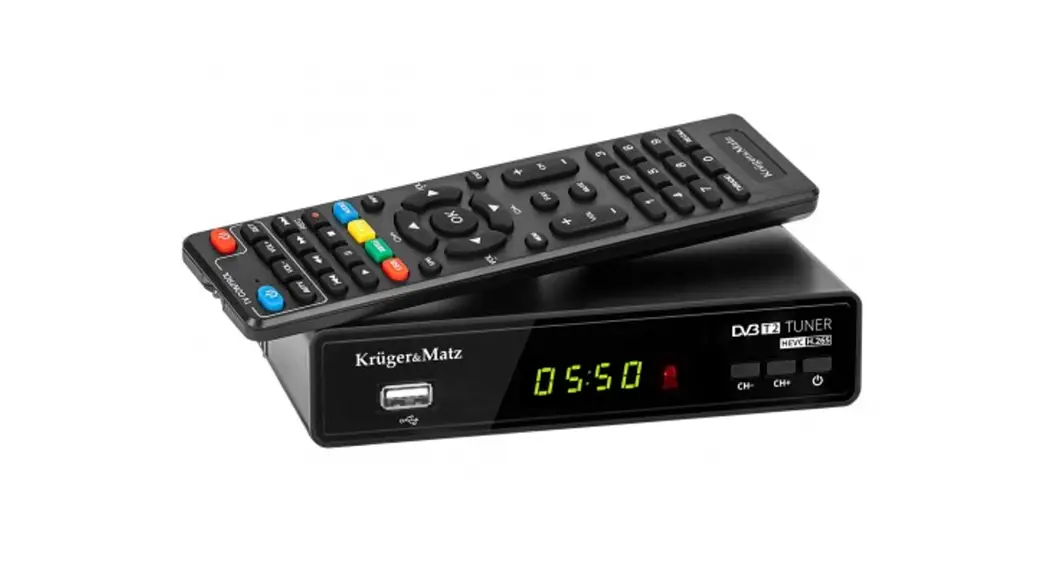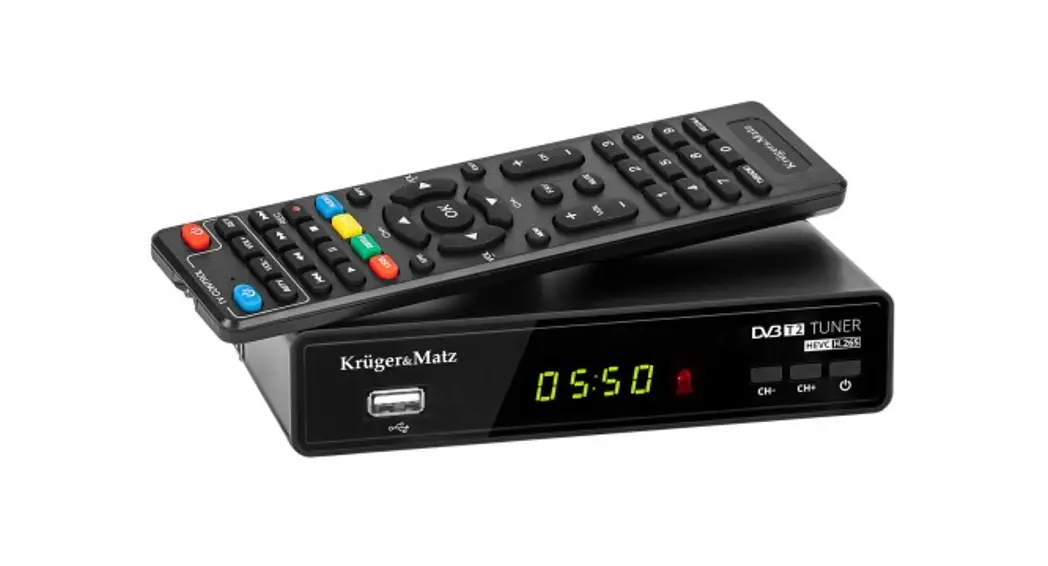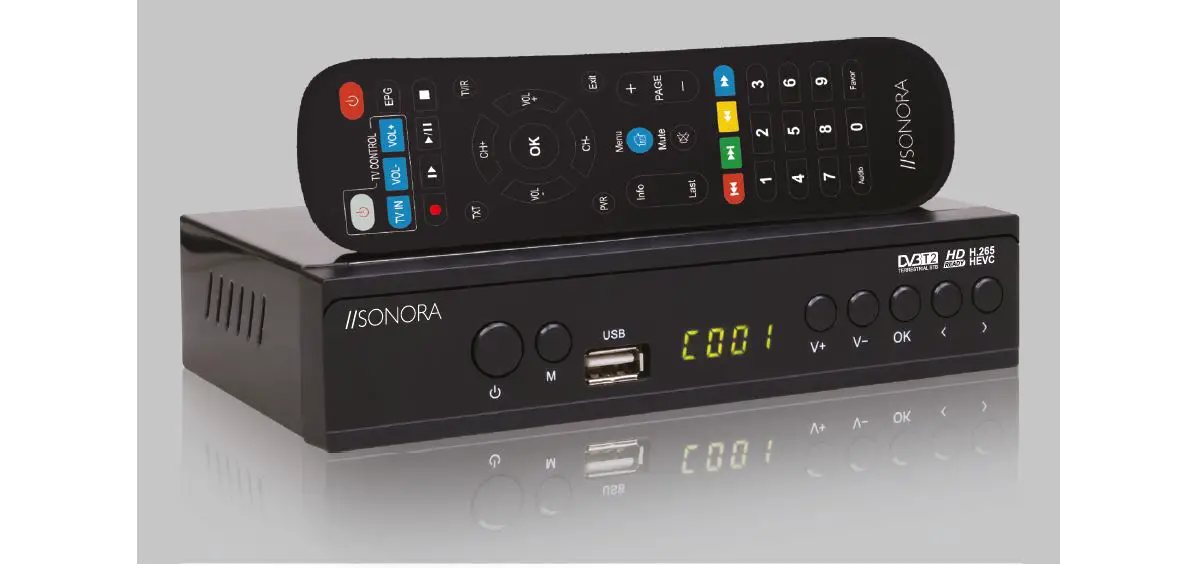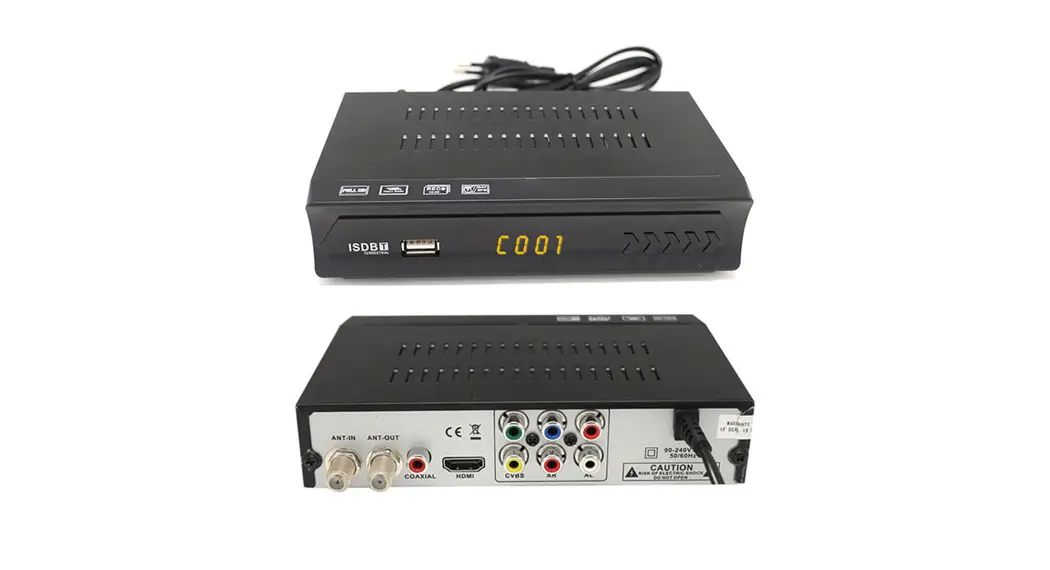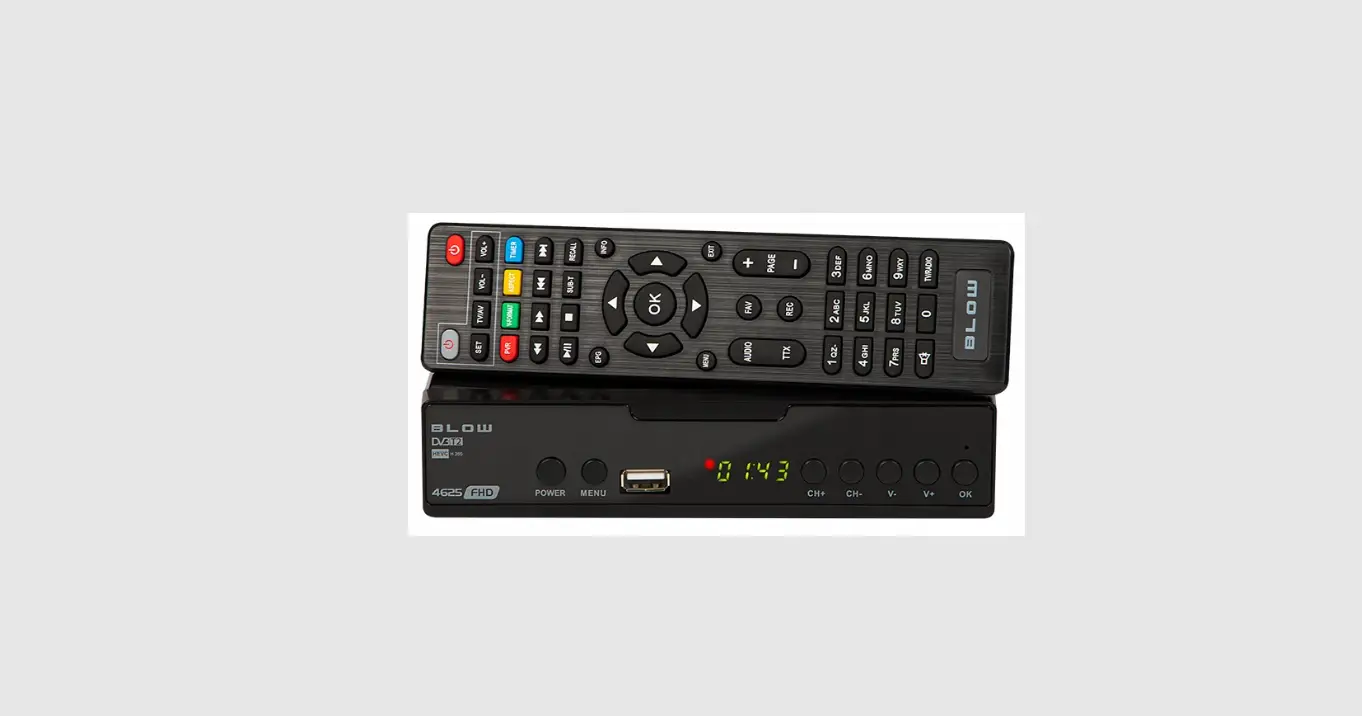

GESUNWE DVB-T2 H.265 HEVC Tuner Decorder
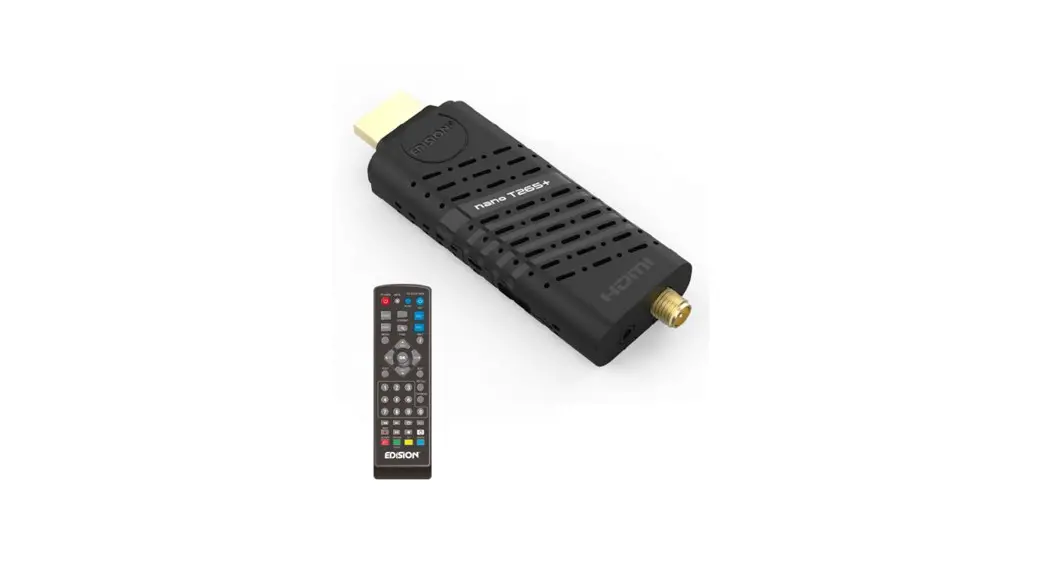
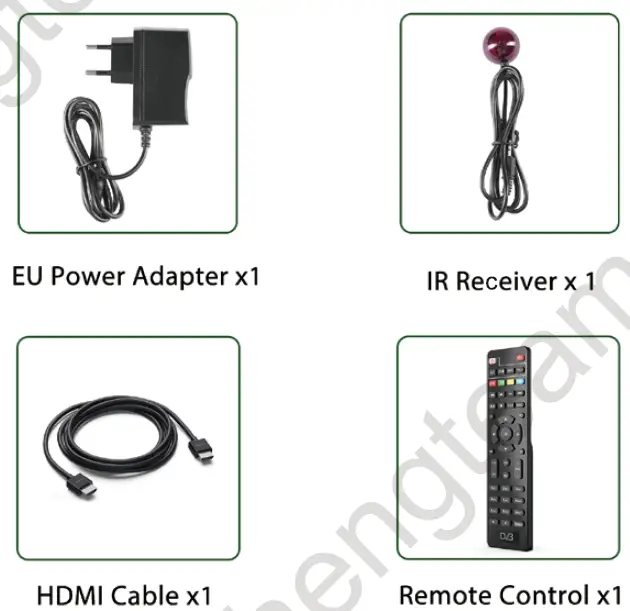
Packing list
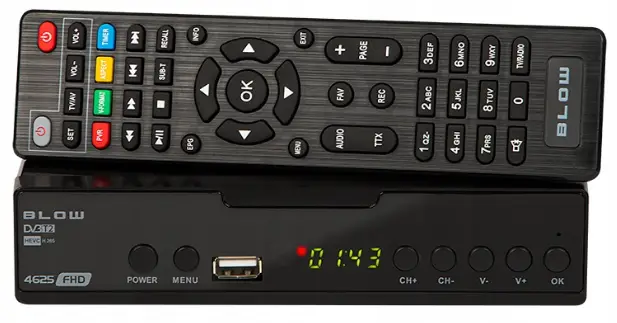
Accessories Included

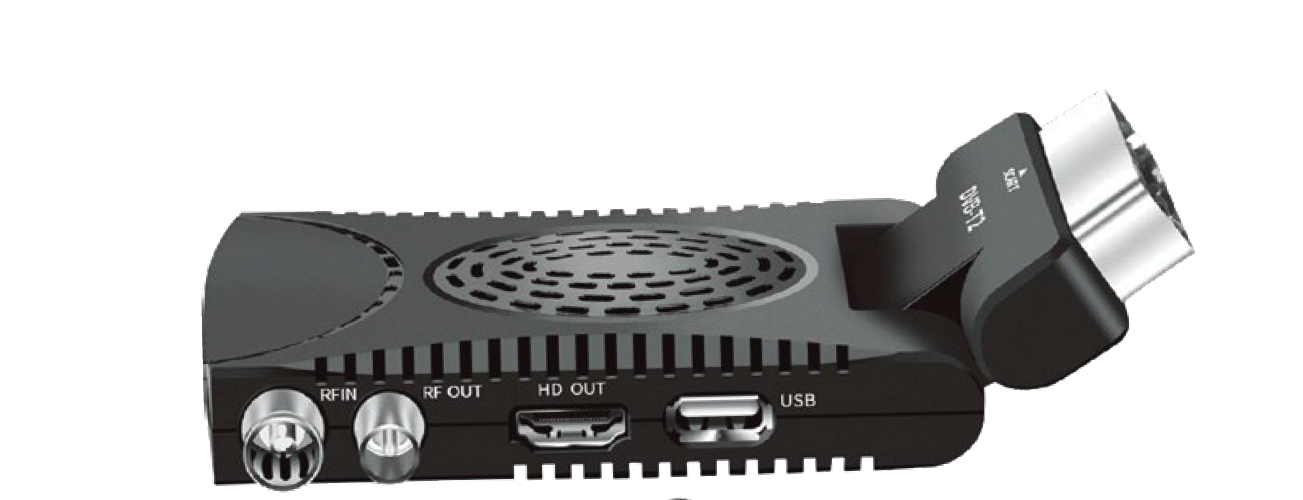
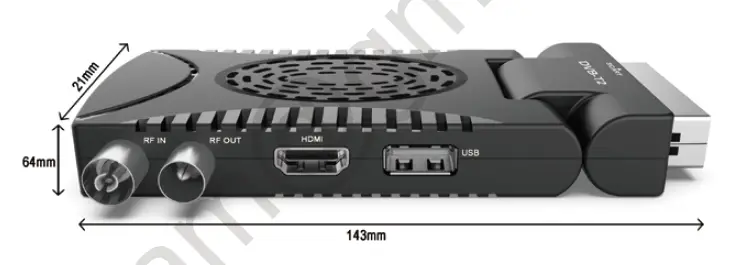
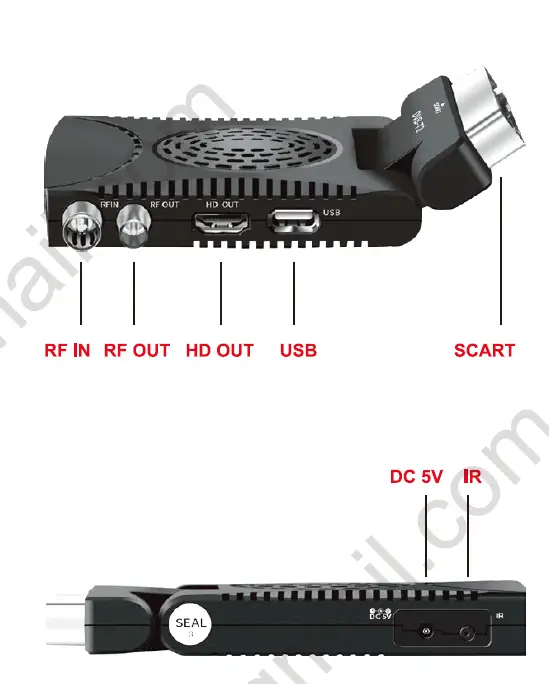
Functional Port
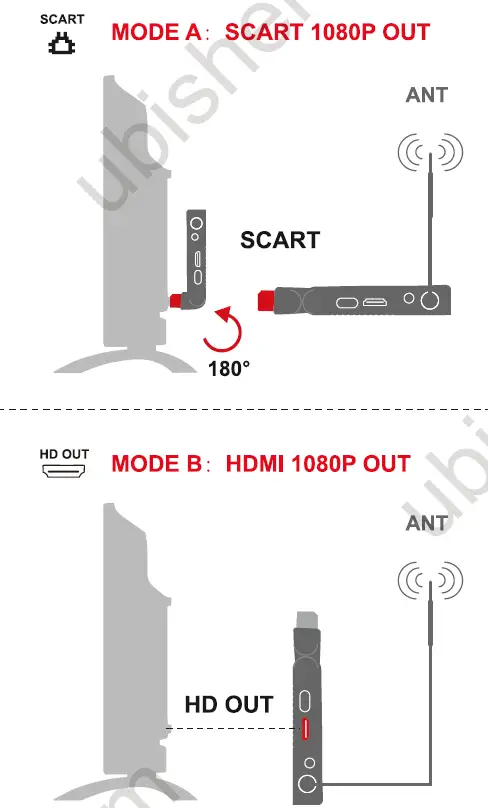
Update to DVB-T2
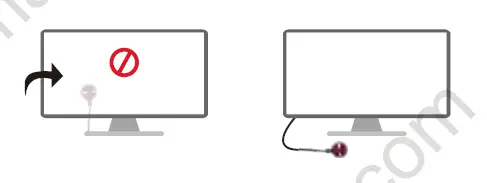
Attention
- Place the IR Reveiver in front of your TV Not behind it

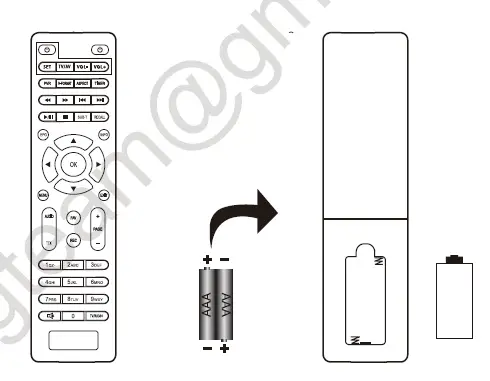
- Insert 2 AAA batteries (not included) into your remote

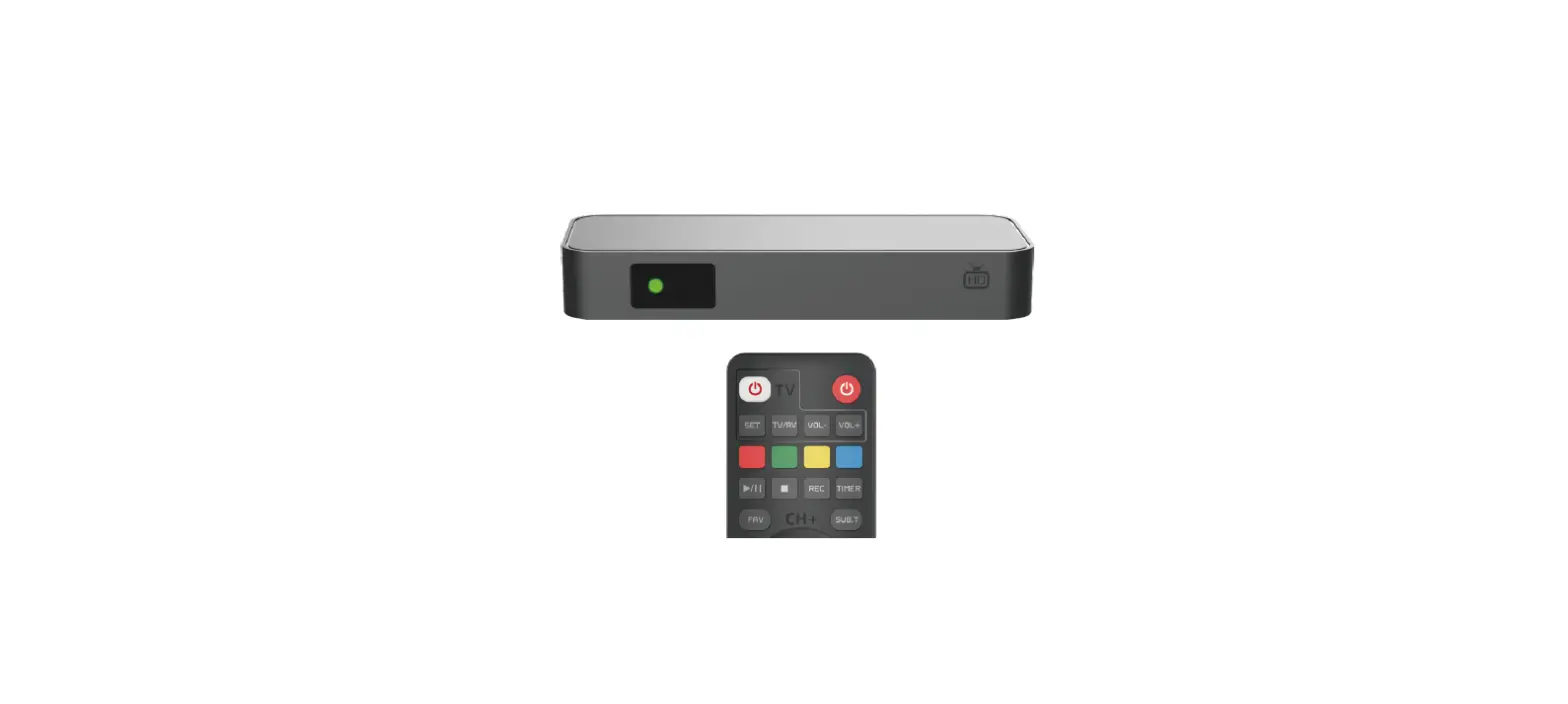
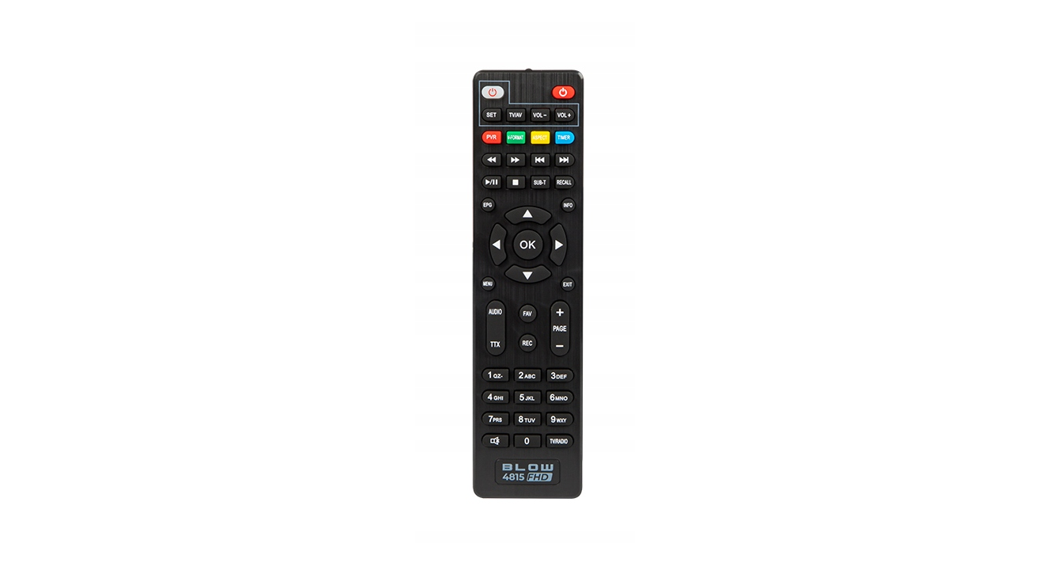
DVB Remote Control
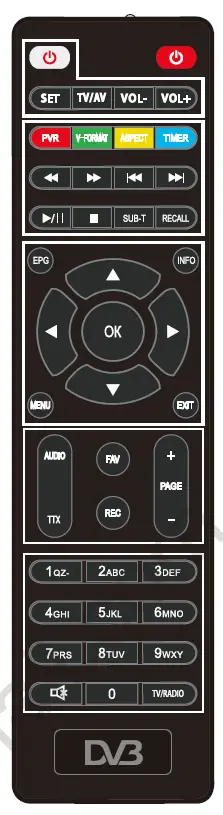
 POWER: turn ON/OFF the DVB device
TV Control
 POWER turn ON/OFF the TV
- SET: auto-learning setting
 POWER turn ON/OFF the TV
MEDIA Control
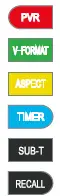
 Show the REC media via the USB device
- Switch 720P or 108OP
- Switch 16:9 or 4:3
- Book listing control
- Show the subtitles (if available)
- Skips to the previous channel
 Show the REC media via the USB device
MENU Control
 Electronic guide (if available)
- EPG
- INFO Info of the channel MEN) MENU: open the main menu ET
- EXIT: Exit from a menu
 Electronic guide (if available)
MORE Control
 AUDIO: selects the language of the channel
- TTX: Teletext ( if available)
- FAV: creates and shows the list of
- the favorite channels
- REC: start recording in the USB device
- PAGE: navigate inside the menu
 AUDIO: selects the language of the channel
CHANNEL Control:
- TV/RADIO: switch TV or Radio channel
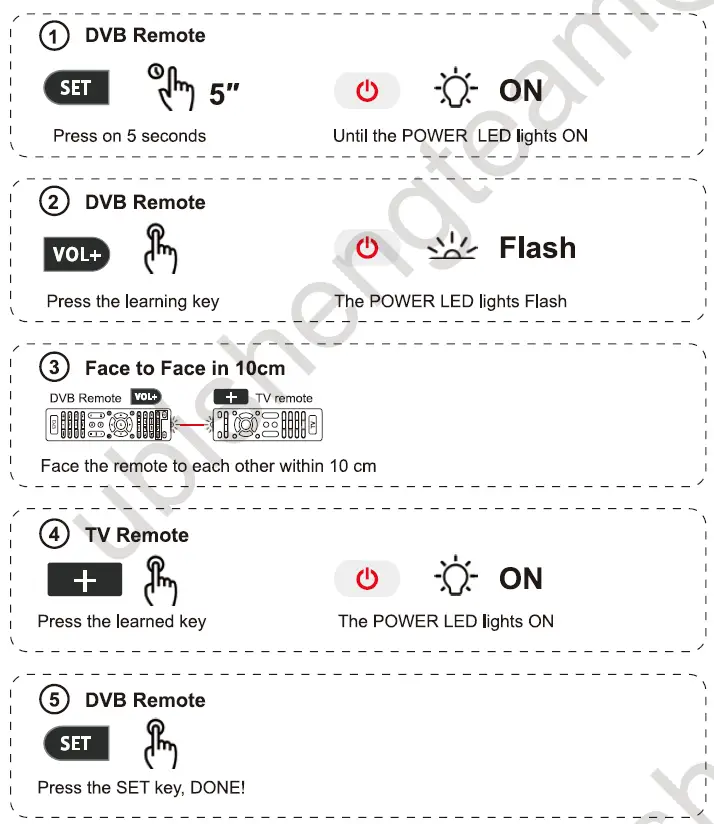
Remote Auto-Learning Set
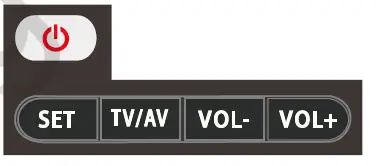
TV/AY VOL VOL+ Only these 4 keys of DVB remote can be learned, TVIAY VOL- VOL Use
  vOL+ as an example
All these keys can be set up via steps 1-5
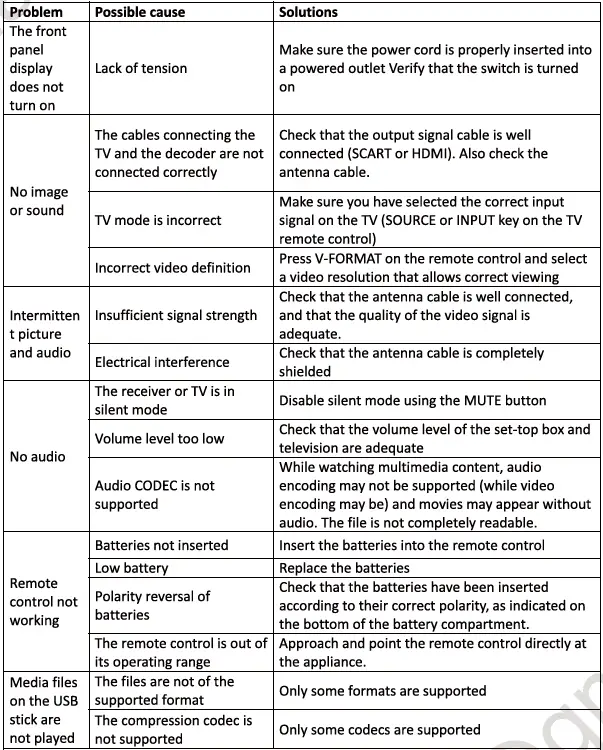
Troubleshooting