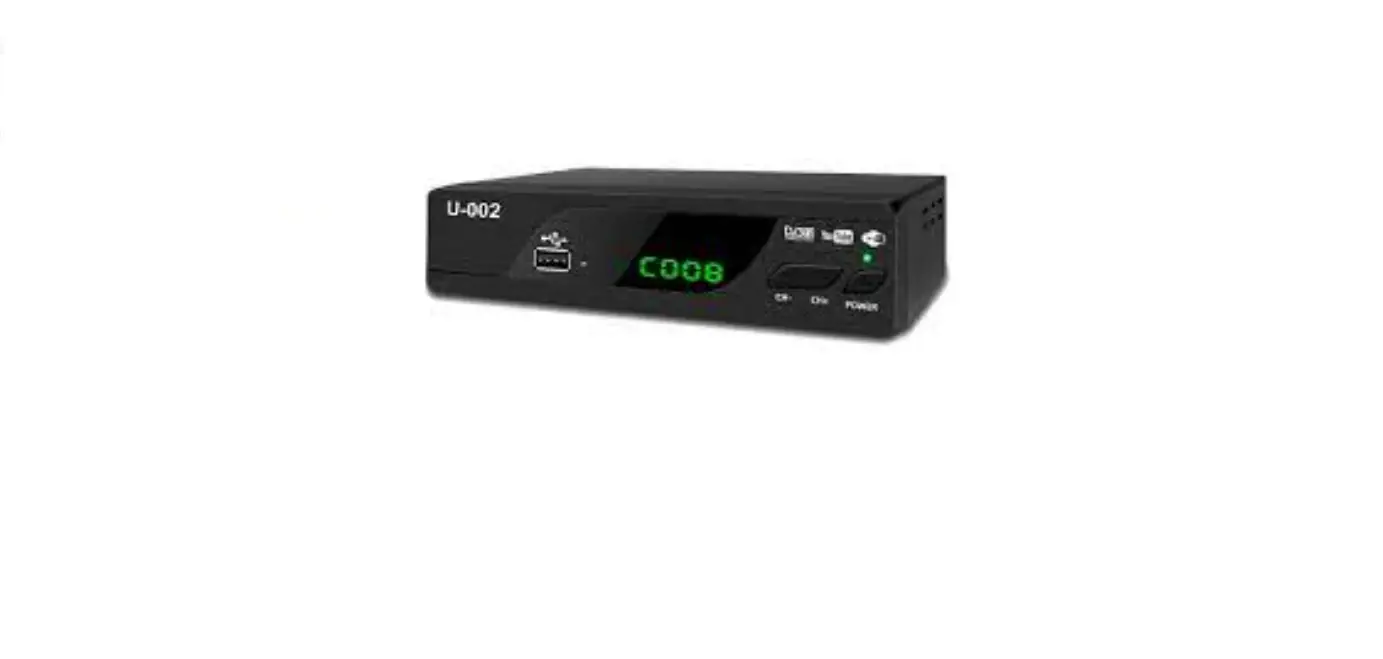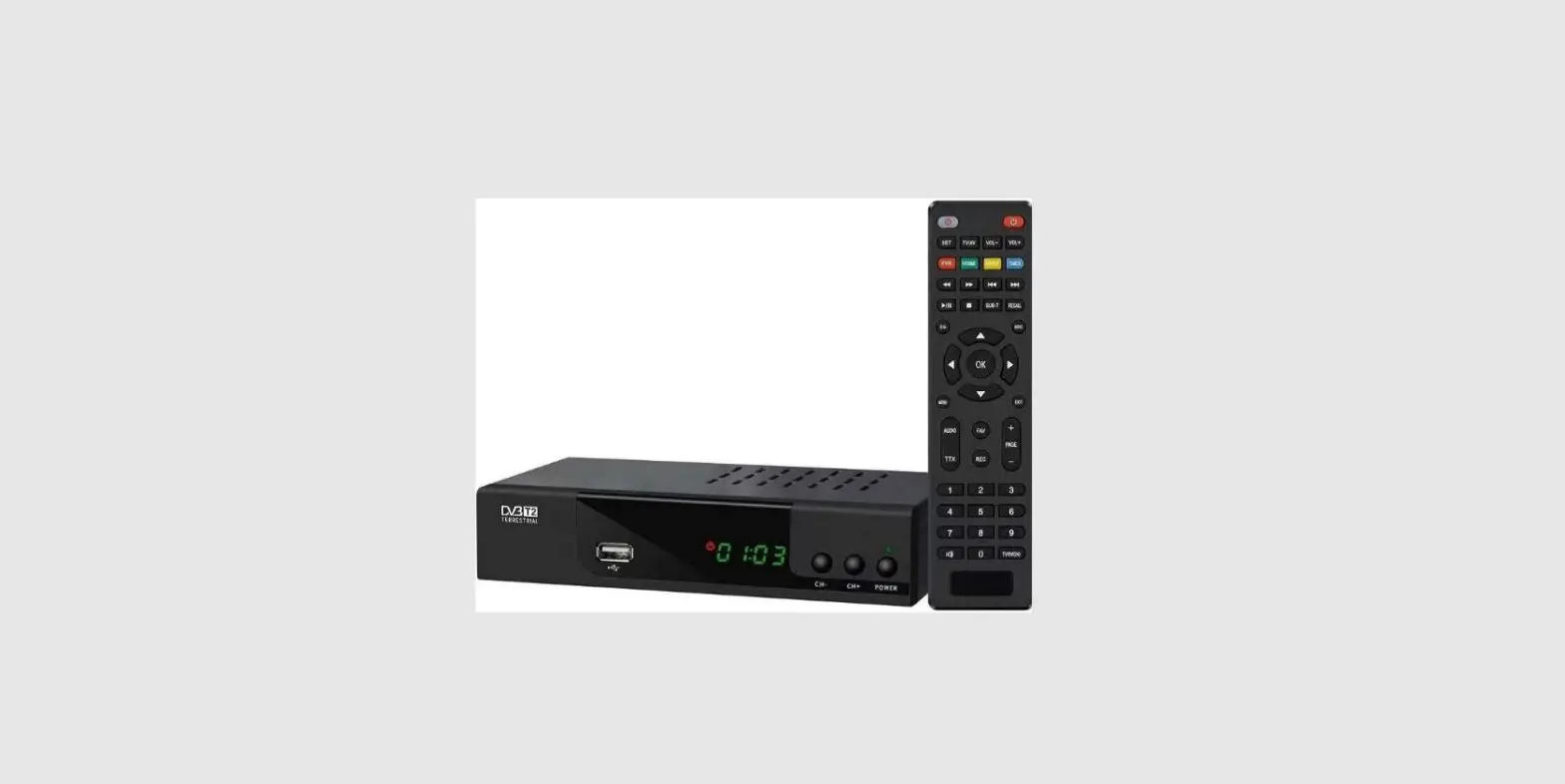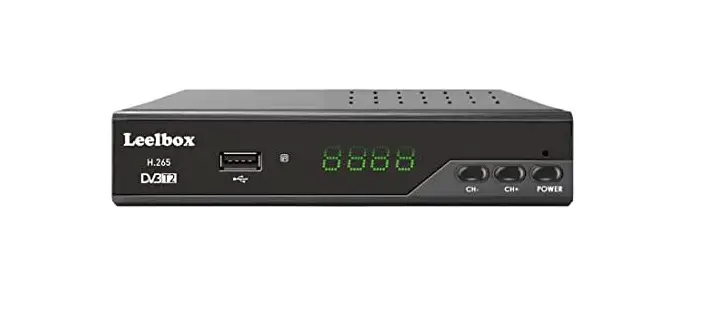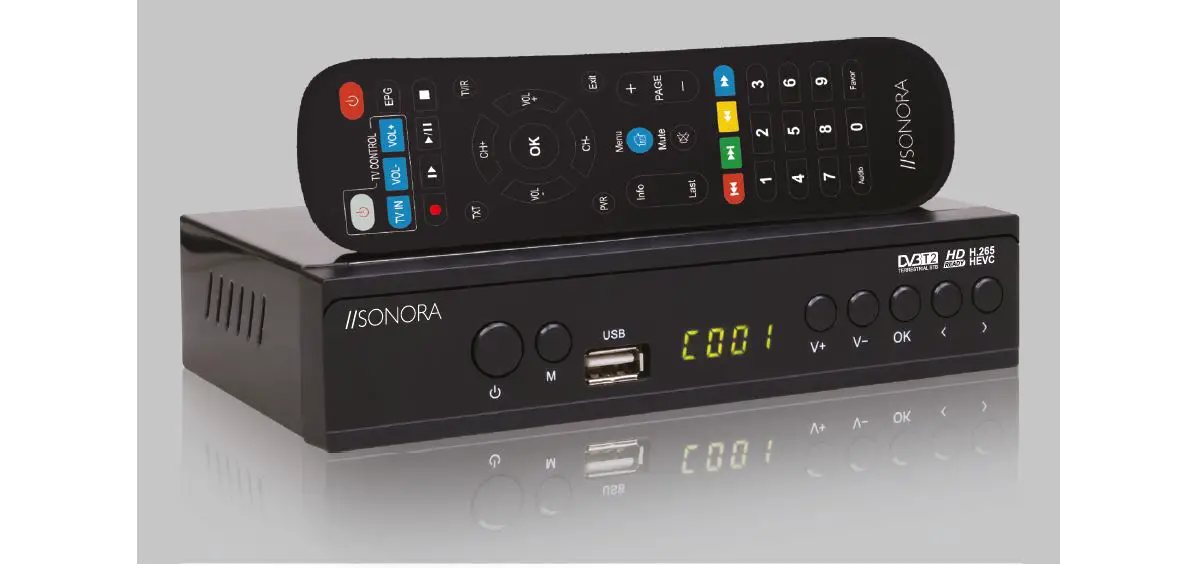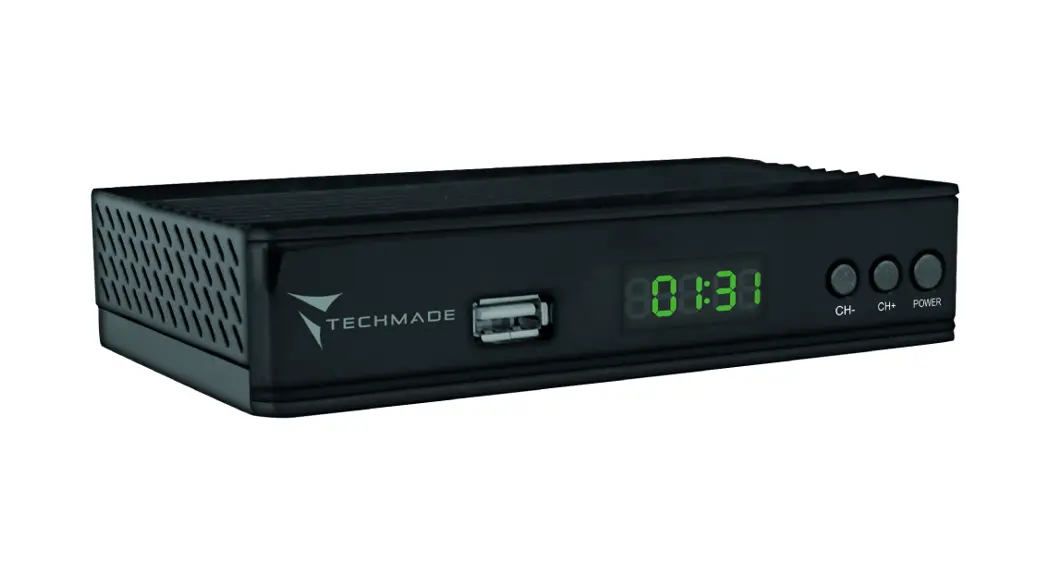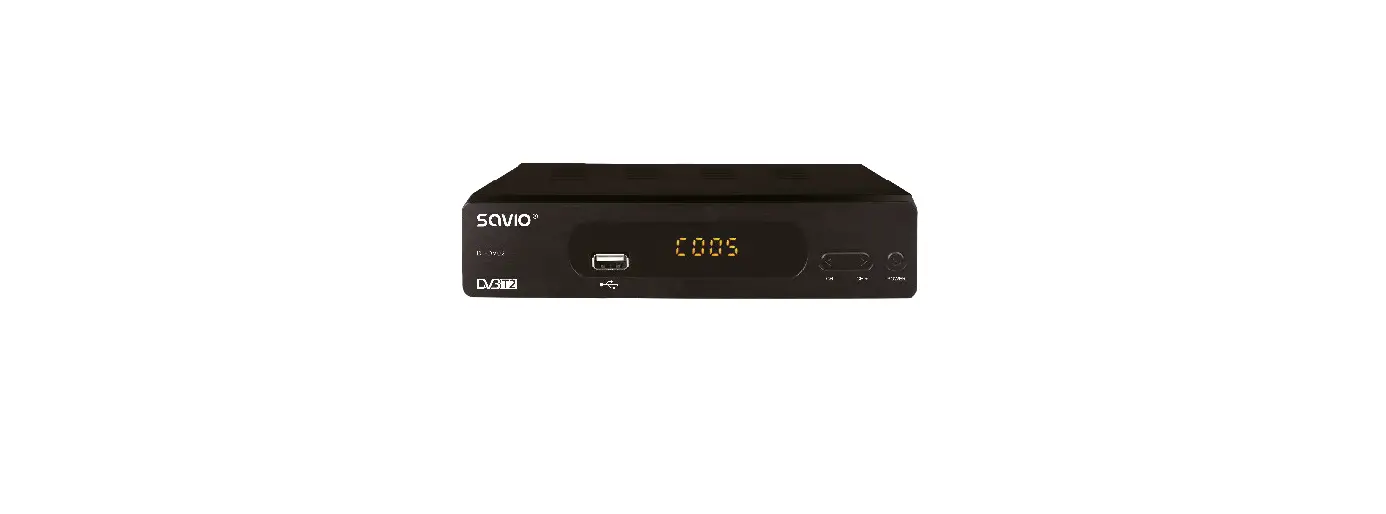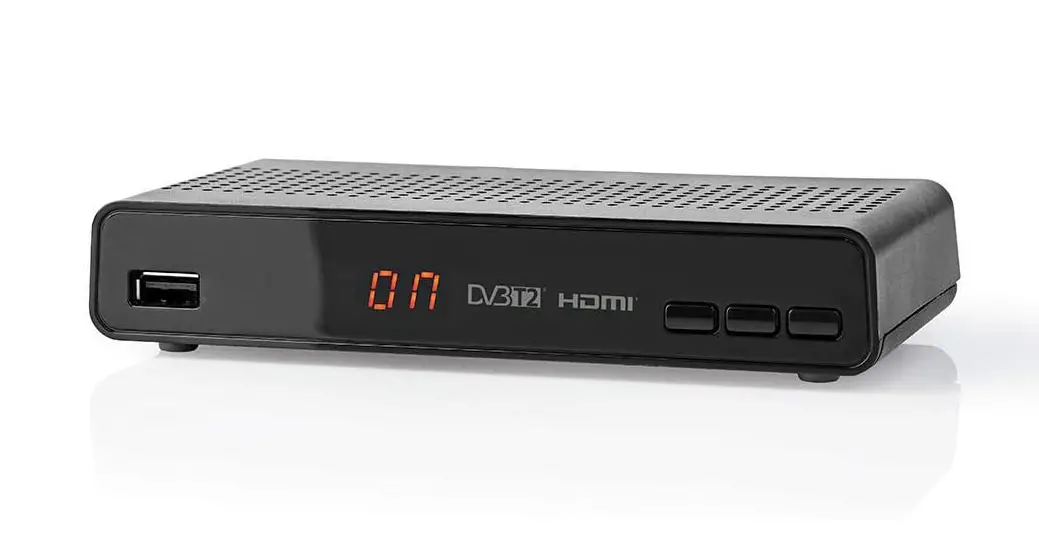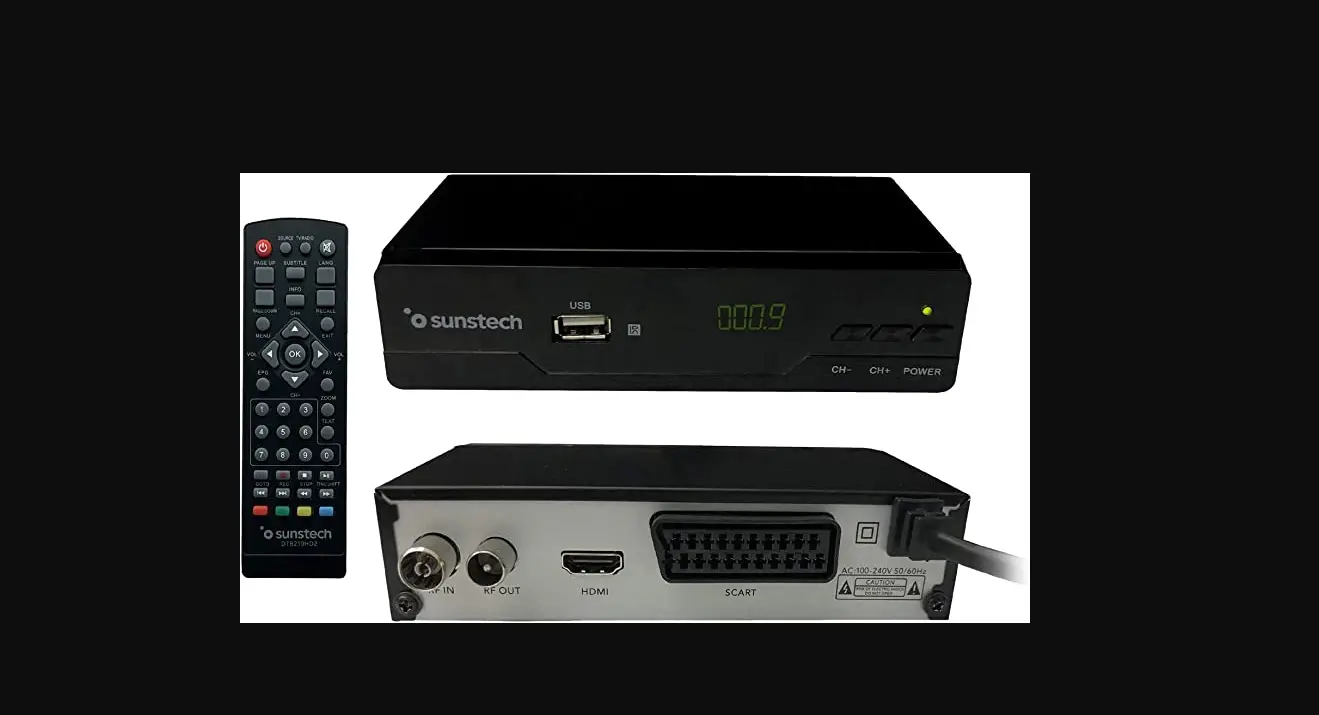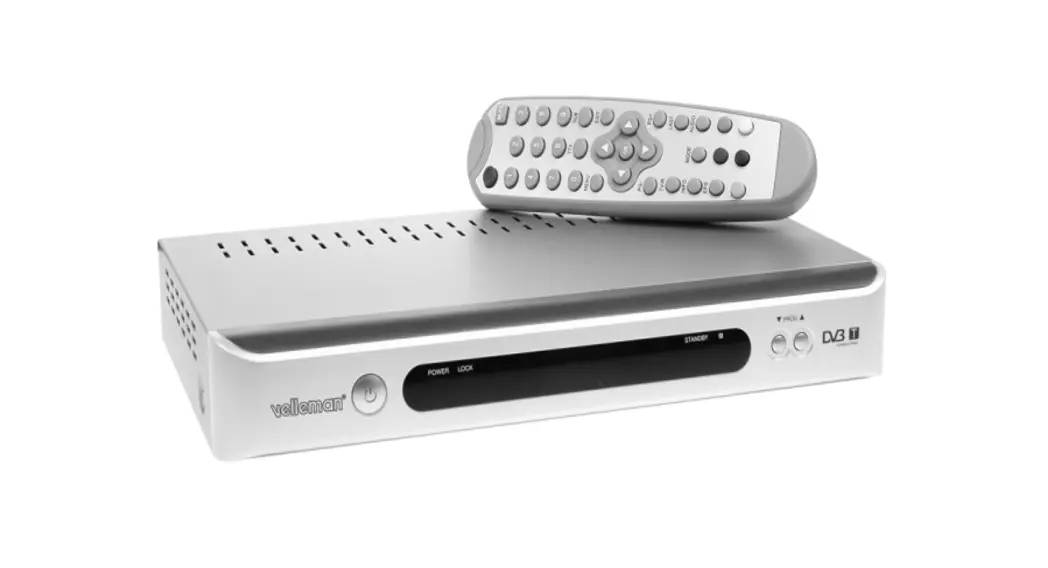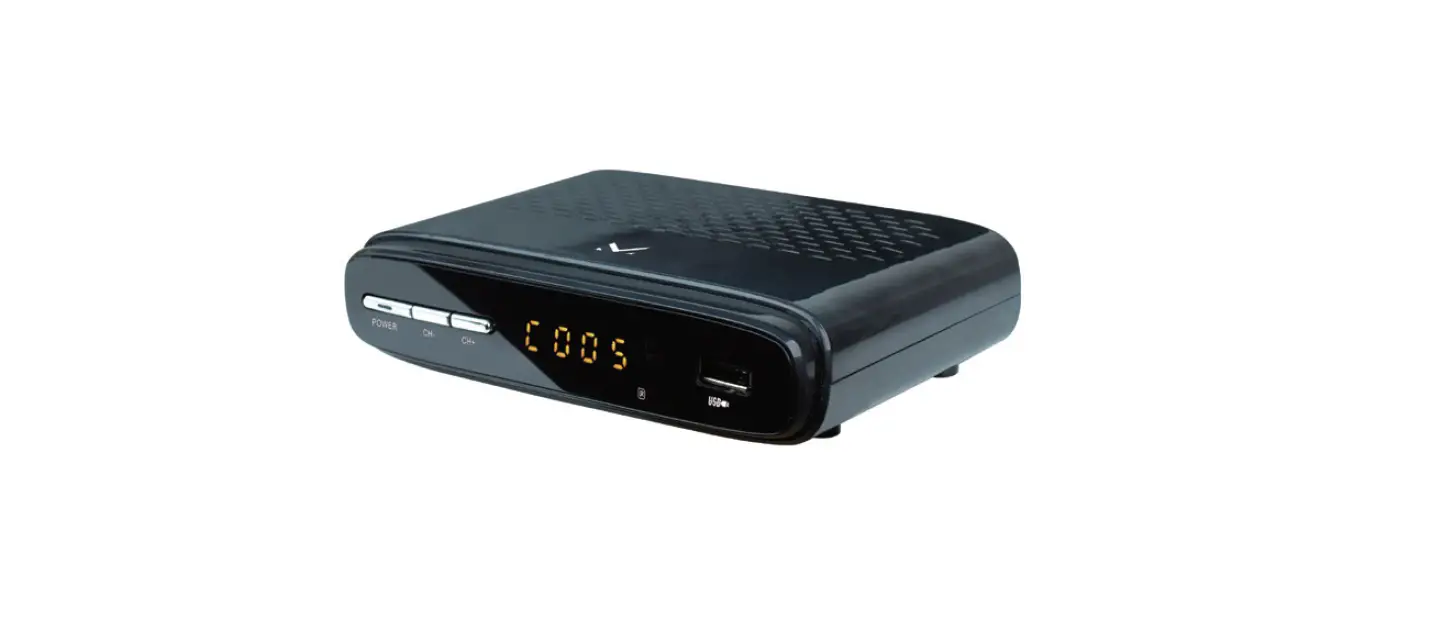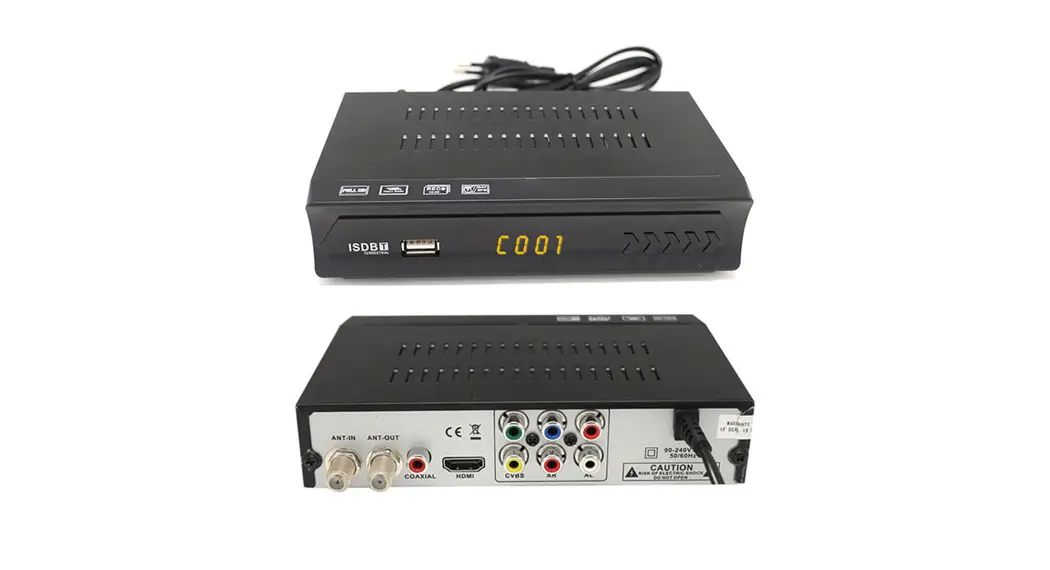
DcolorHigh Definition Digital Terrestrial Receiver
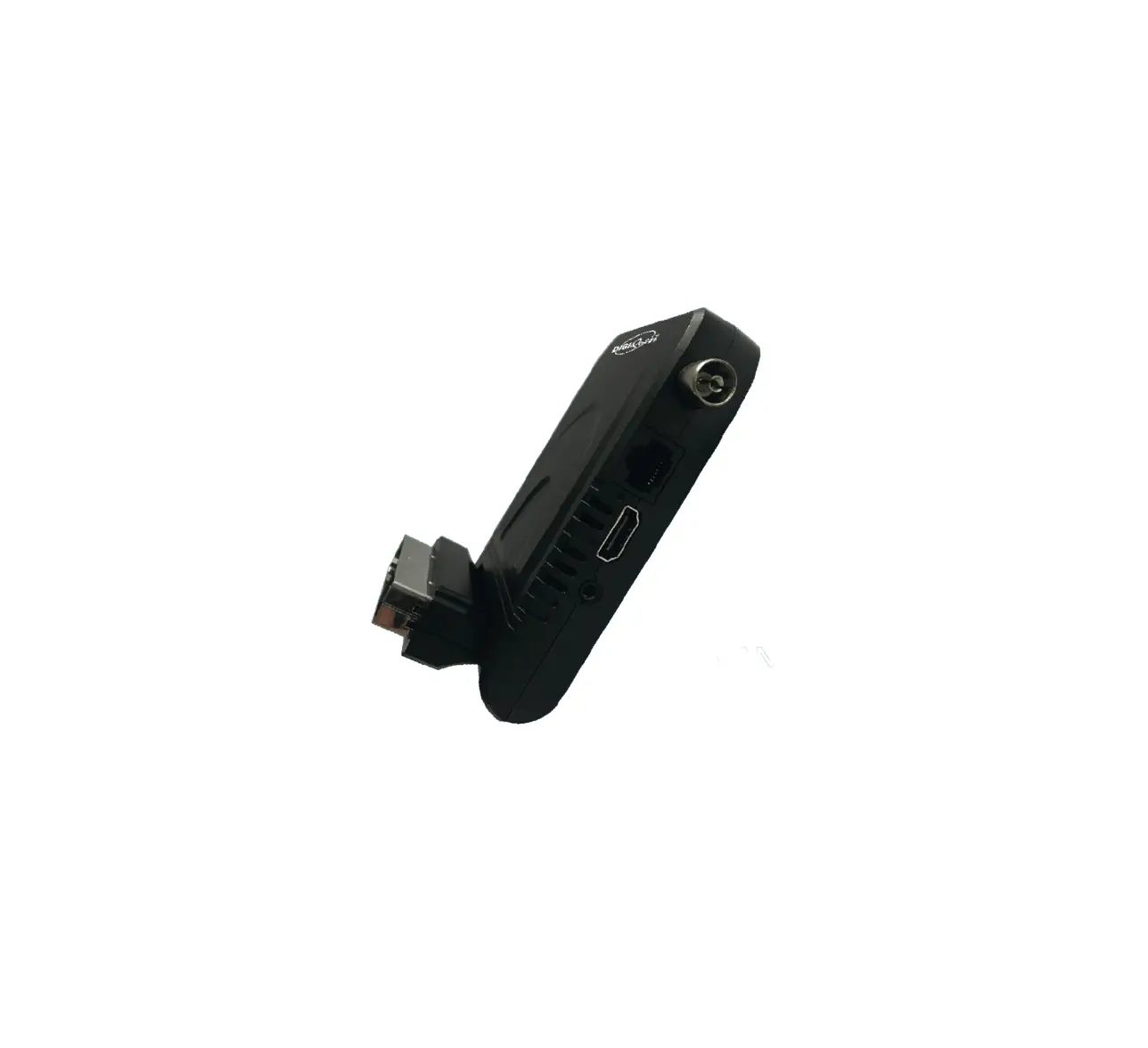
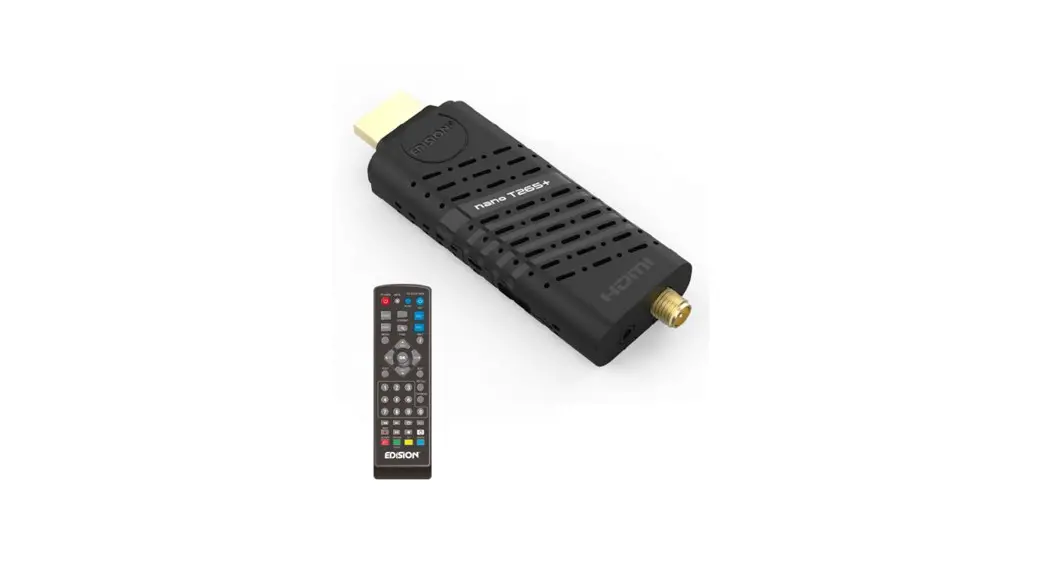
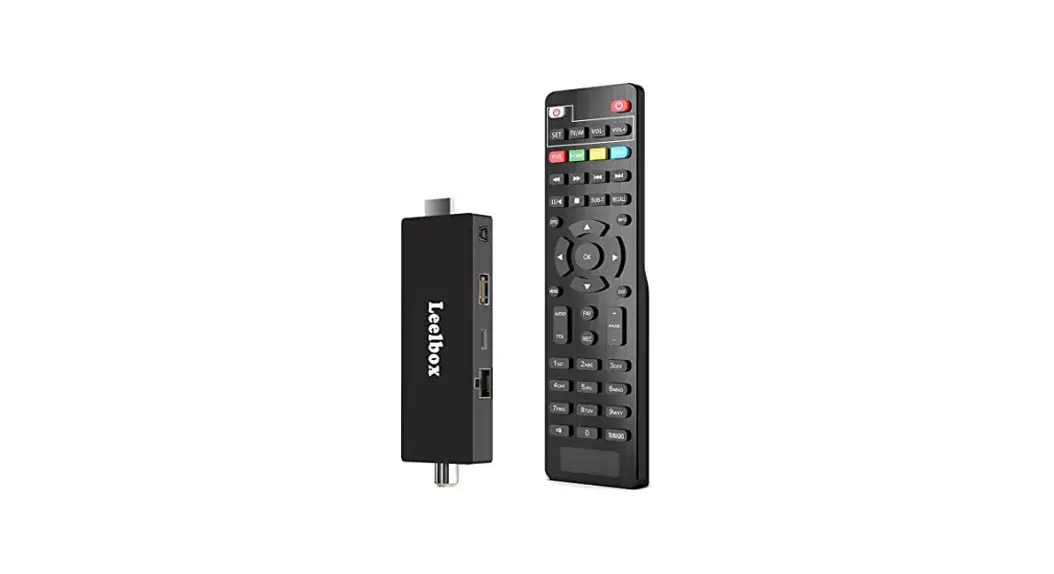
H.265 DVB-T2 TV Stick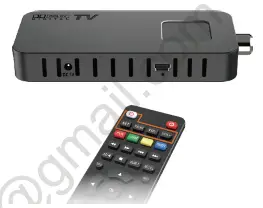
Simply Upgrade Your TV to DVB-T2 Happy? Tell the whole world
 Unhappy? Contact us to get help
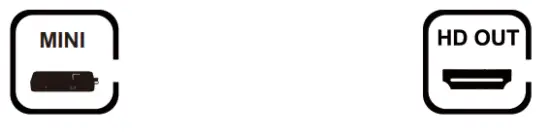
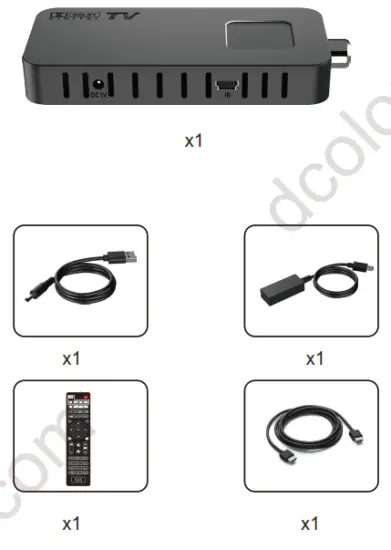
Packing list
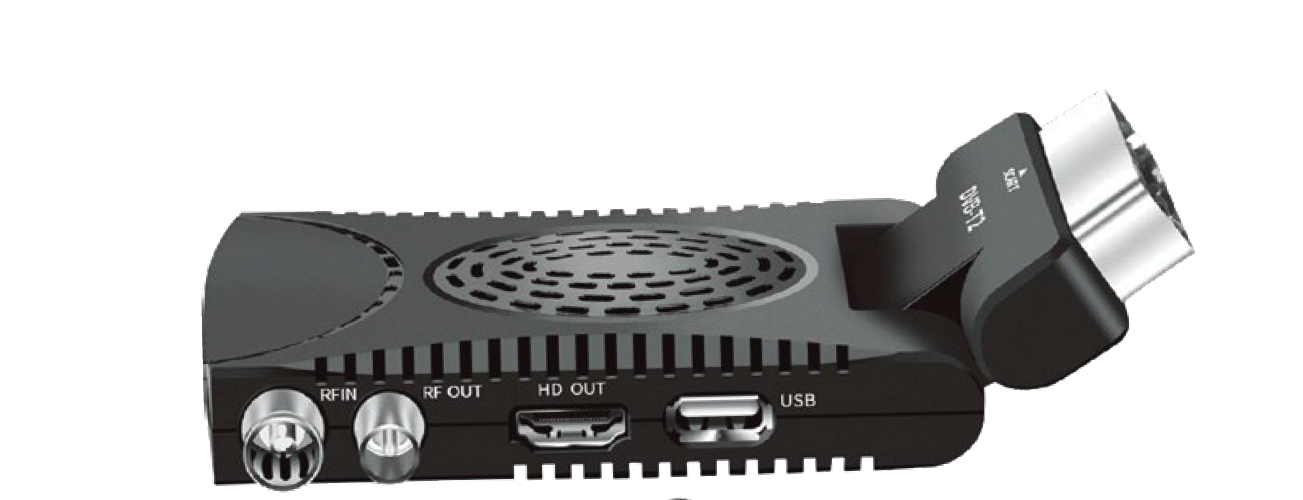
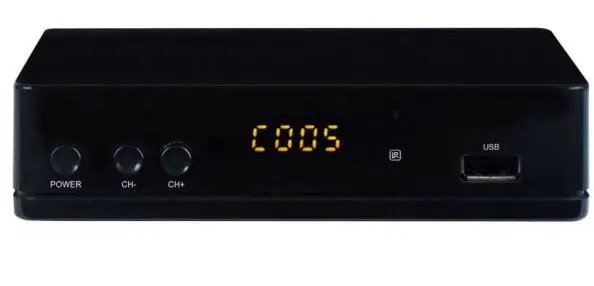
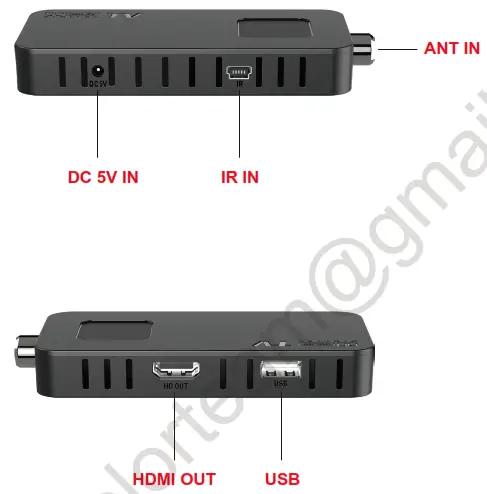
Functional Port
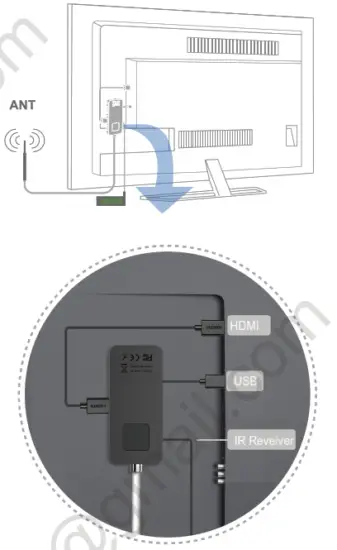
Upgrade to DVB-T2

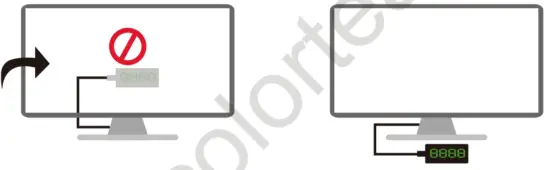
Attention
- Place the IR Receiver in front of your TV
Not behind it
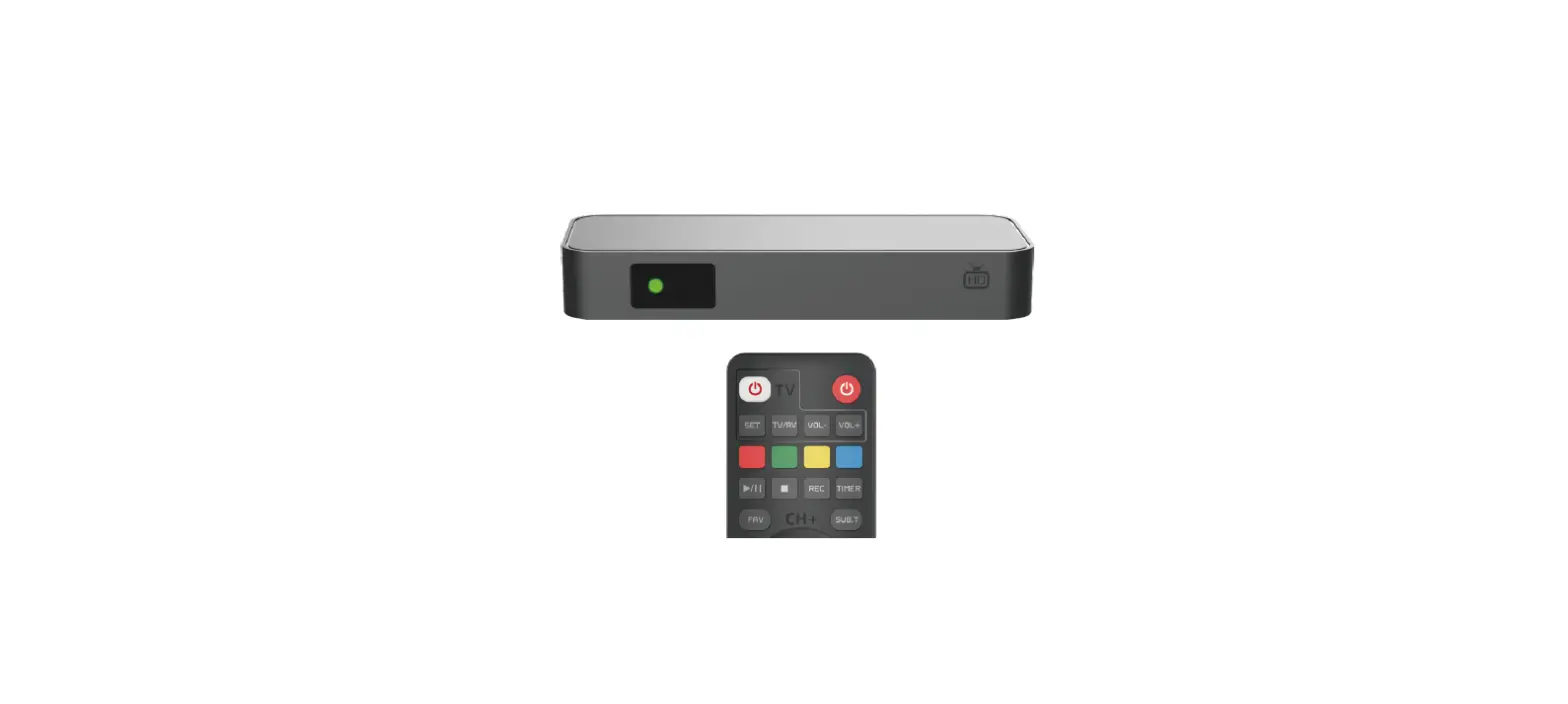
DVB Remote Control
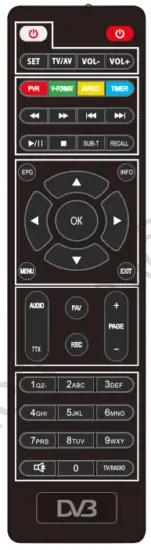
 POWER: turn ON/OFF the DVB device
TV Control POWER:turn ON/OFF the TV
 SET: auto-learning setting
MEDIA Control
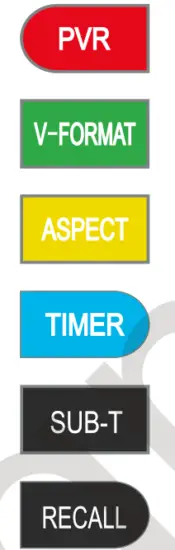 | Show the REC media via the USB device |
| Switch 720P or 1080P | |
| Switch 16:9 or 4:3 | |
| Book listing control | |
| Show the subtitles (if available) | |
| Skips to the previous channel |
MENU Control
 | Electronic guide (if available) |
| Info of the channel | |
| MENU: open the main menu | |
| EXIT: Exit from a menu |
MORE Control
 | AUDIO: selects the language of the channel |
| TTX: teletext ( if available) | |
| FAV: creates and shows the list of the favorite channels | |
| REC: start recording in the USB device | |
| PAGE: navigate inside the menu |
CHANNEL Control:
TV/RADIO: switch TV or Radio channel
Remote Auto -learning Set
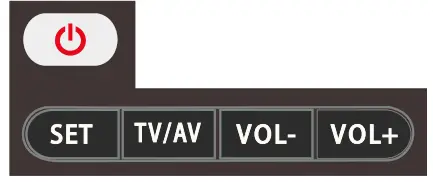 Only these 4 keys of DVB remote can be learned
 , Use as an example
All these keys can be set up via steps 1~5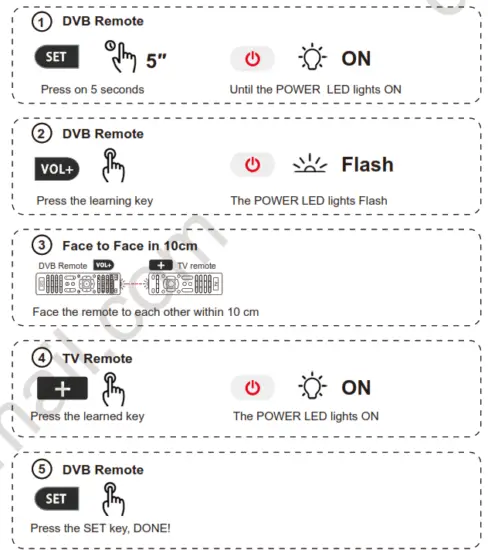
Troubleshooting
| Problem | Possible cause | Solutions |
| The front panel display does not turn on | Lack of tension | Make sure the power cord is properly inserted into a powered outlet Verify that the switch is turned on |
| No image or sound | The cables connecting the TV and the decoder are not connected correctly | Check that the output signal cable is well connected (SCART or HDMI). Also check the antenna cable. |
| TV mode is incorrect | Make sure you have selected the correct input signal on the TV (SOURCE or INPUT key on the TV remote control) | |
| Incorrect video definition | Press V-FORMAT on the remote control and select a video resolution that allows correct viewing | |
| Intermittent t picture and audio | Insufficient signal strength | Check that the antenna cable is well connected and that the quality of the video signal is adequate. |
| Electrical interference | Check that the antenna cable is completely shielded | |
| No audio | The receiver or TV is in silent mode | Disable silent mode using the MUTE button |
| Volume level too low | Check that the volume level of the set-top box and television are adequate | |
| Audio CODEC is not supported | While watching multimedia content, audio encoding may not be supported (while video encoding may be) and movies may appear without audio. The file is not completely readable. | |
| The remote control not working | Batteries not inserted | Insert the batteries into the remote control |
| Low battery | Replace the batteries | |
| Polarity reversal of batteries | Check that the batteries have been inserted according to their correct polarity, as indicated on the bottom of the battery compartment. | |
| The remote control is out of its operating range | Approach and point the remote control directly at the appliance. | |
| Media files on the USB stick are not played | The files are not of the supported format | Only some formats are supported |
| The compression codec is not supported | Only some codecs are supported |
Contactus for help: [email protected]