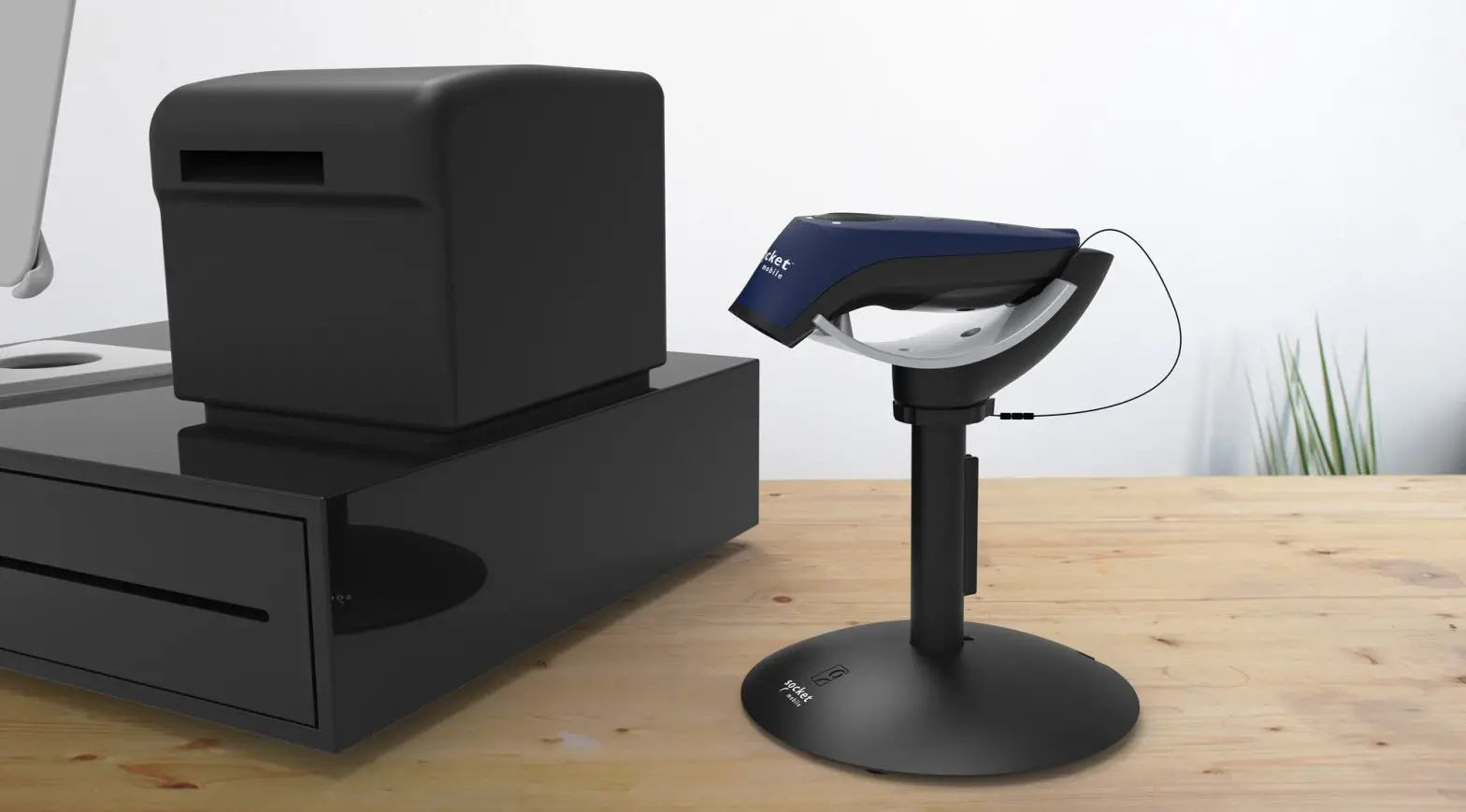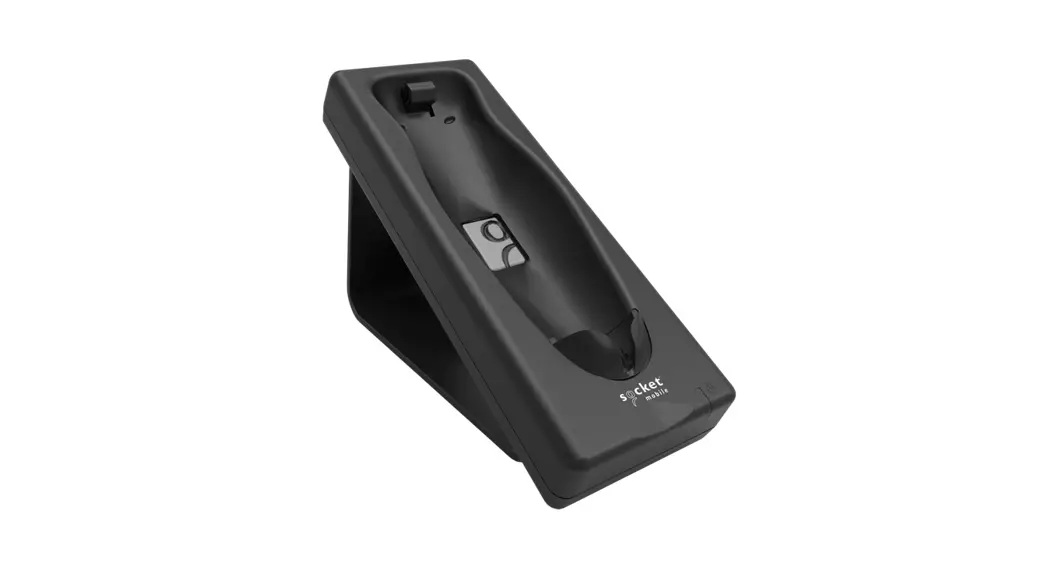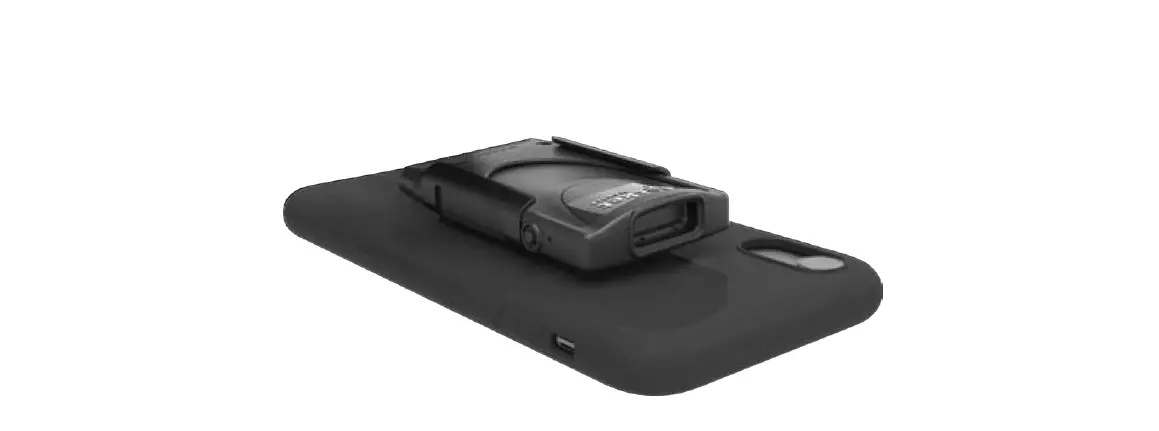

Socket Klip For Durascan 800 Series And 800 Series With Flexguard User Guide

Socket Klip For Durascan 800 Series And 800 Series With Flexguard User Guide

socket logo

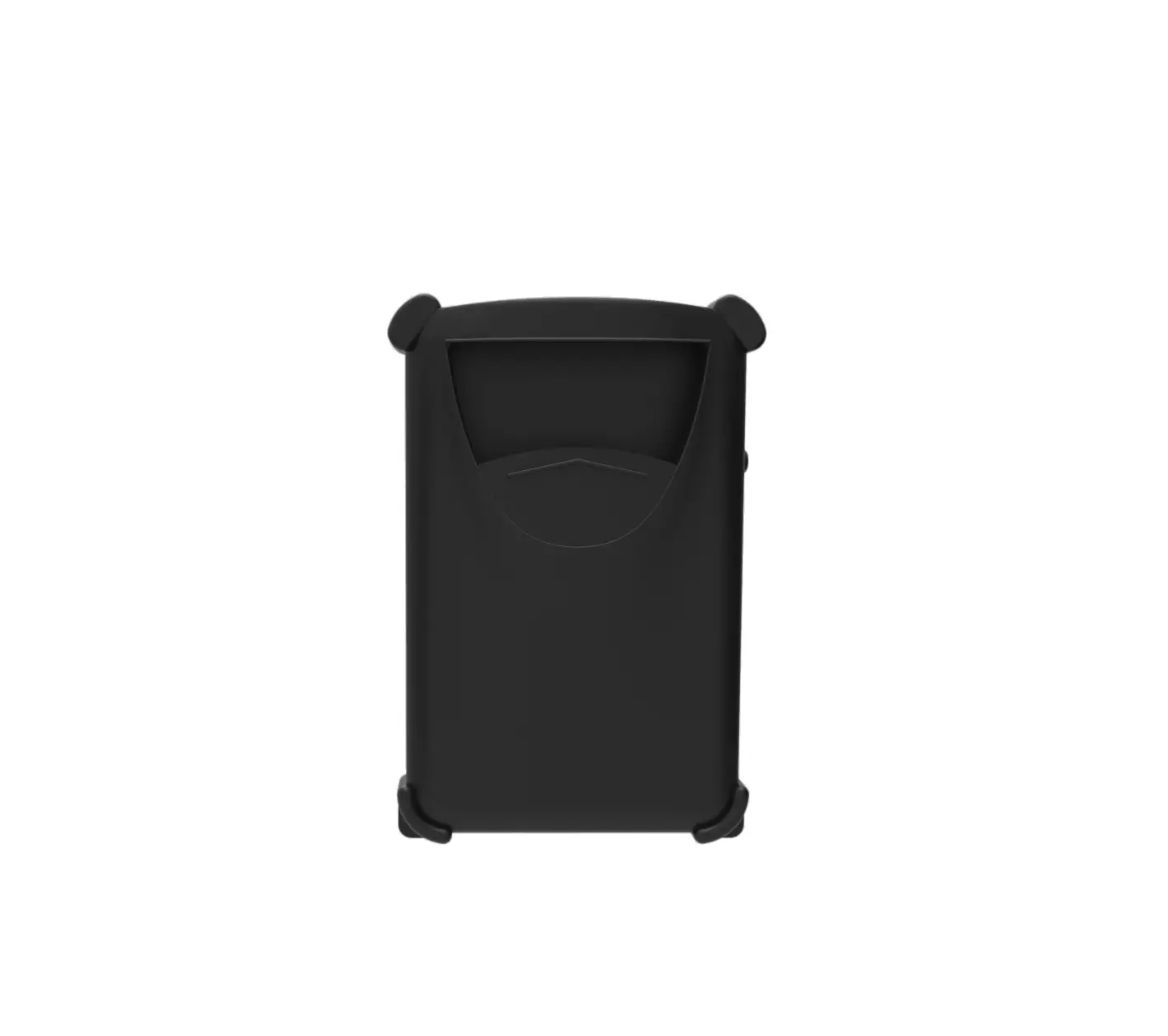
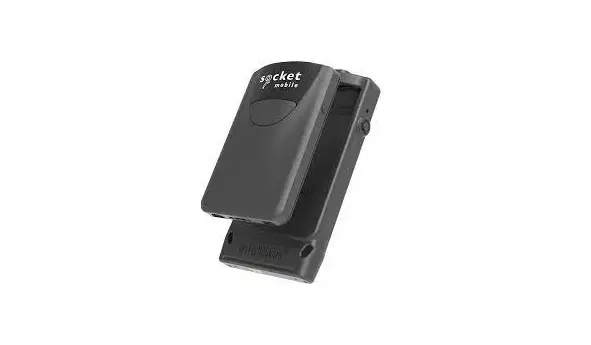
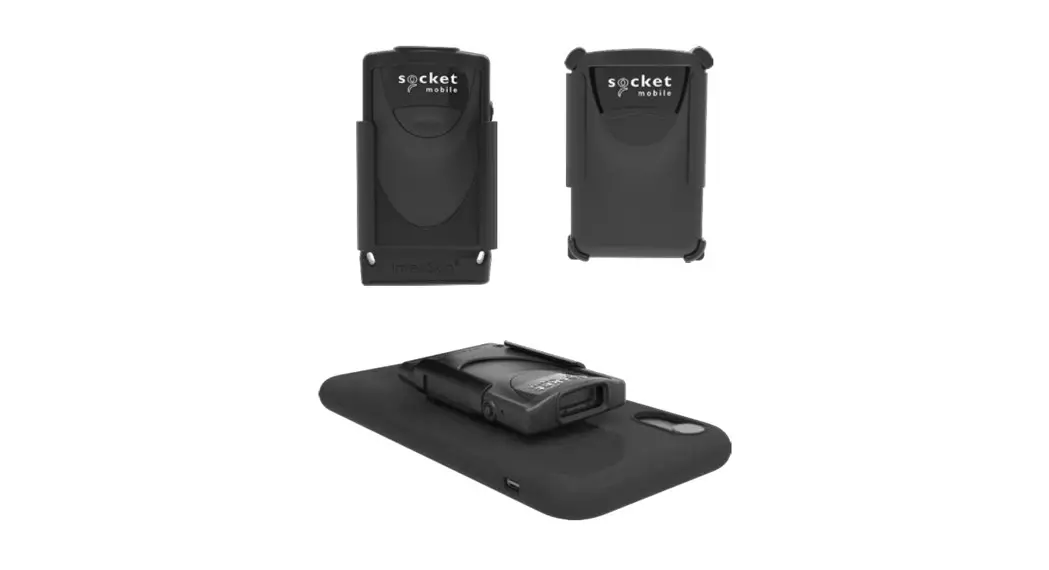
socket Klip for DuraScan 800 Series and 800 Series with FlexGuard
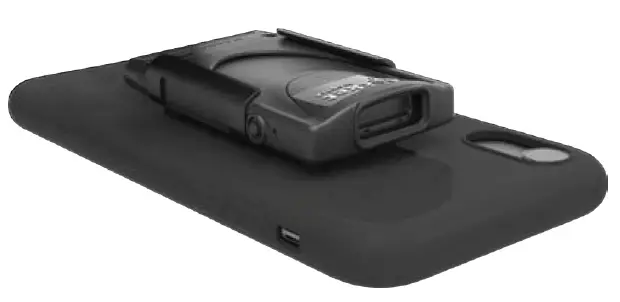
socket Klip for DuraScan 800 Series and 800 Series with FlexGuard fig 1

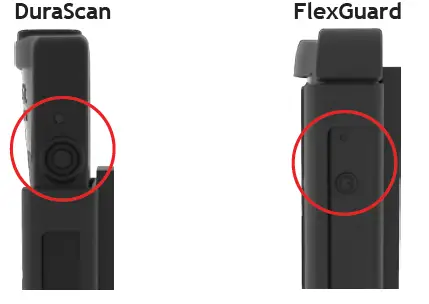
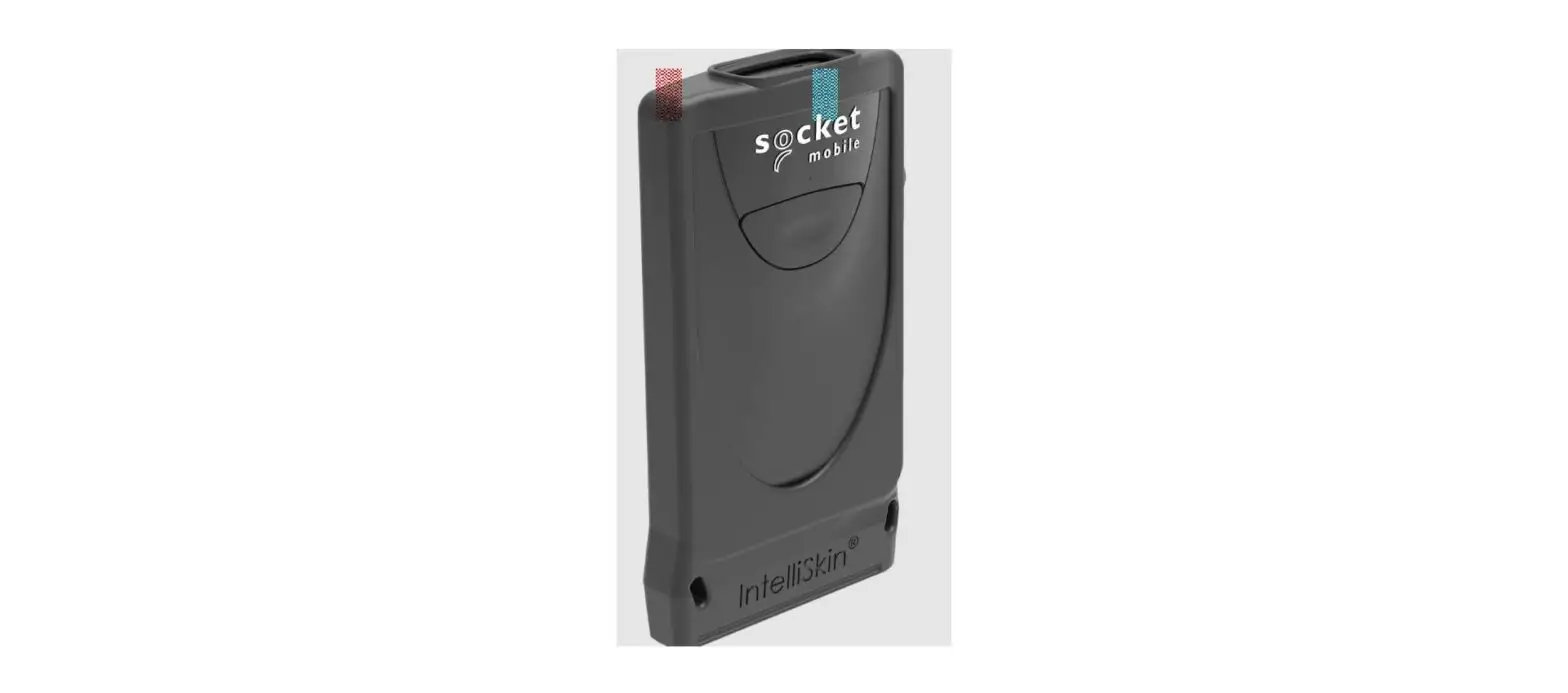
Durascan 800 Series
SocketScan 800 Series with FlexGuard
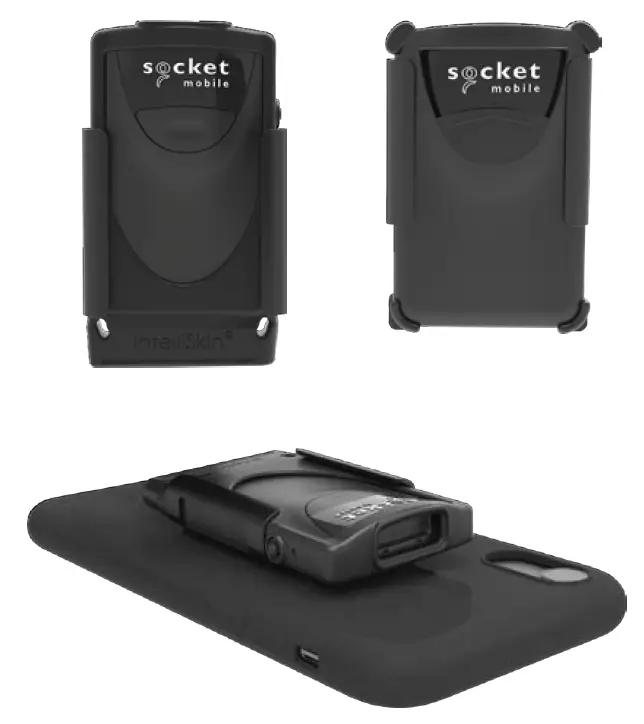
socket Klip for DuraScan 800 Series and 800 Series with FlexGuard fig 2

KLIP INSTRUCTION STEP 1

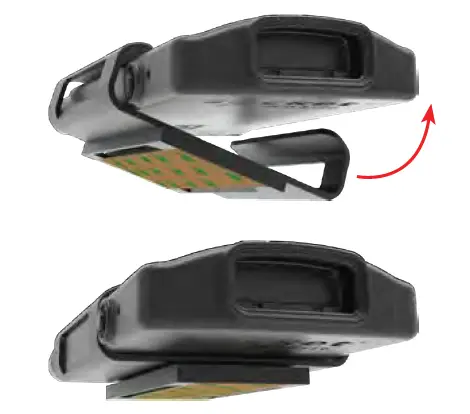
  1. Attach your scanner in the Klip.socket Klip for DuraScan 800 Series and 800 Series with FlexGuard fig 3
    Ensure the power button on the side is visible.socket Klip for DuraScan 800 Series and 800 Series with FlexGuard fig 4
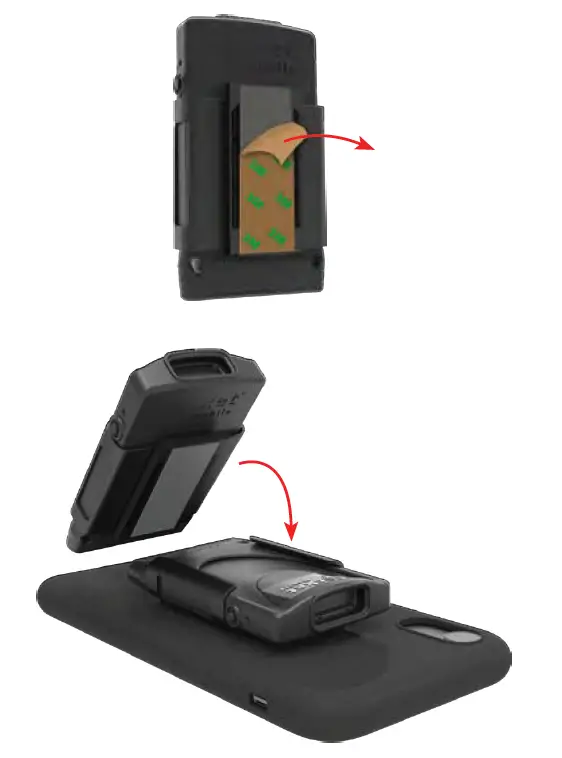
  2. Peel and stick it on the desired location of the back of your case.socket Klip for DuraScan 800 Series and 800 Series with FlexGuard fig 5

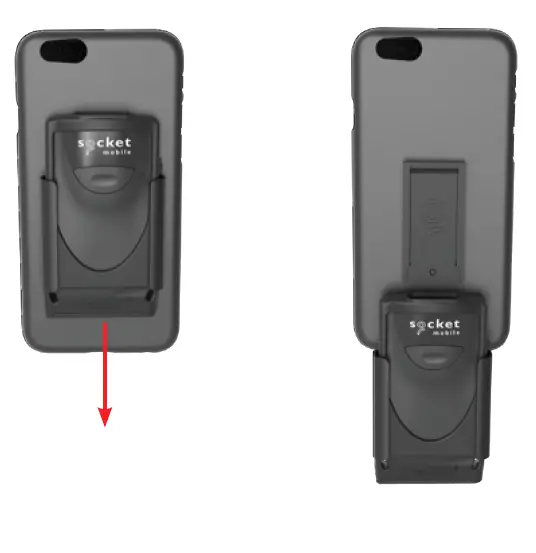
HOW TO REMOVE SCANNER

Slide scanner and Klip down from the cover piece.socket Klip for DuraScan 800 Series and 800 Series with FlexGuard fig 6
Documents / Resouces

Download manual
Here you can download full pdf version of manual, it may contain additional safety instructions, warranty information, FCC rules, etc.


Related Manuals