 Quick Start Guide
See our online User Guides
yotoplay.com/start
http://www.yotoplay.com/qsg
Setup
- Turn Yoto Player on
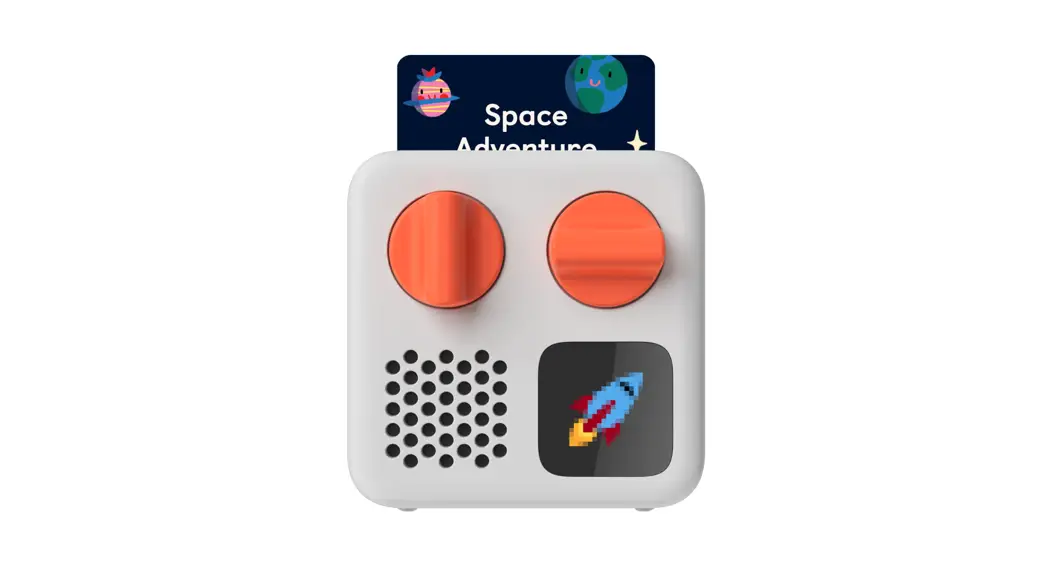
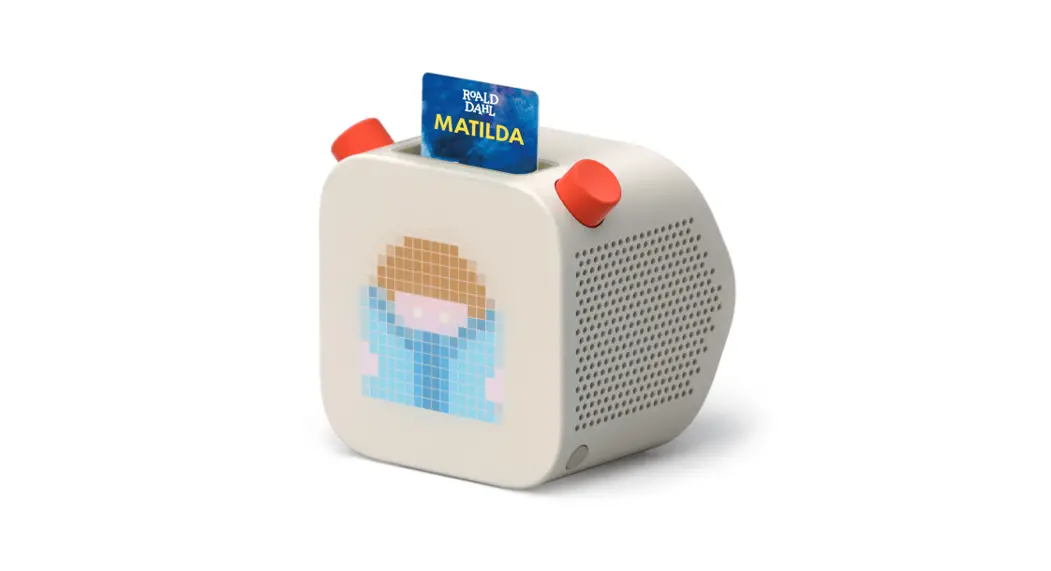
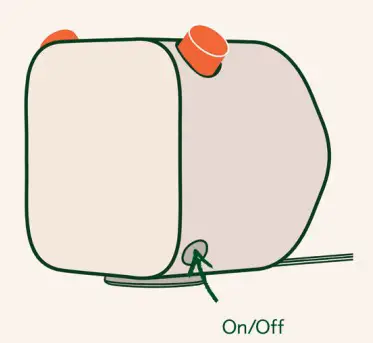
Press the power button until the display illuminates. During setup, sit the Player on its Dock, which should be plugged into a wall socket.
- Get Yoto Player online
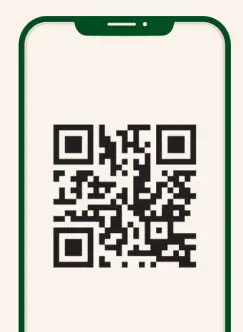
Download the Yoto app, then follow the instructions in ‘Set up a Yoto Player’ to get your Player online, so it can download and play audio cards.
GET IT ON Google Play
 https://yotoplay.com/unbox
 - Set up a family account
During the setup process, pair your phone with Yoto Player to create a family account. You can then play cards from the app and manage parental settings. A second adult can pair with the same Player to join this family account.
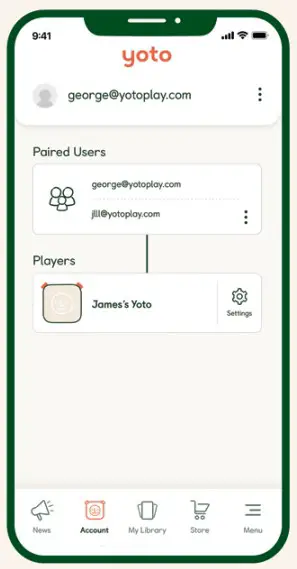
- Personalize your Player Once setup is complete, take a moment to personalize your Player from within the Settings section in the app Account screen. Give your Player a name, set sleep and wake times, and choose the color of the nightlight.

Controls
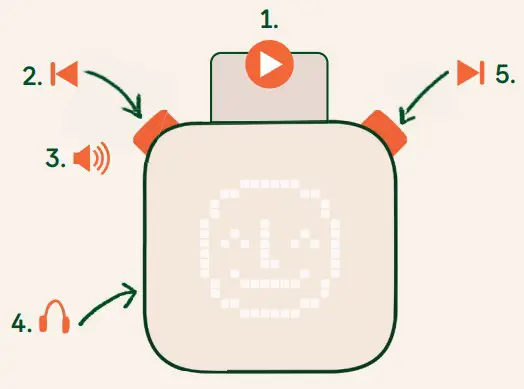 | 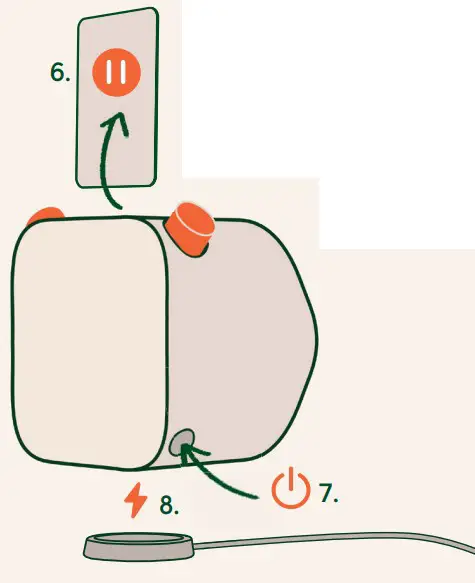 |
- Play Audio
- Press: skip backward
- Turn: Volume
- Headphone Jack
- Turn: Navigate through tracks (press to select)
- Pause / Stop Audio
- Long press: on/off Short Press: see battery level (when no card inserted)
- Dock to recharge the battery
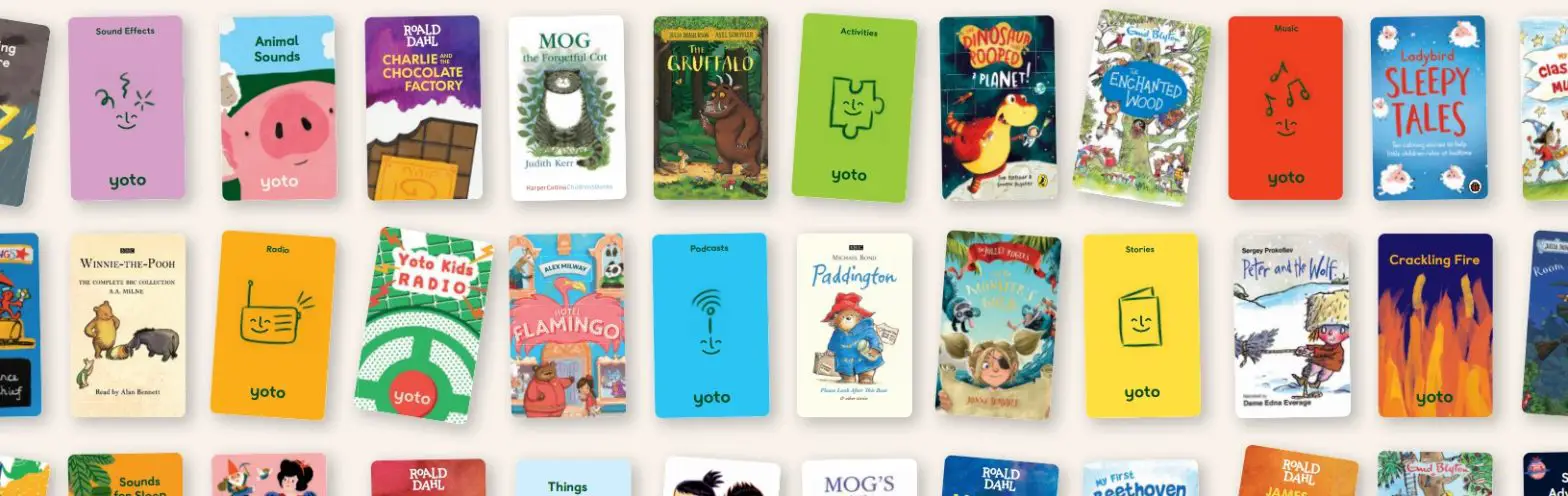
Discover a world of audio
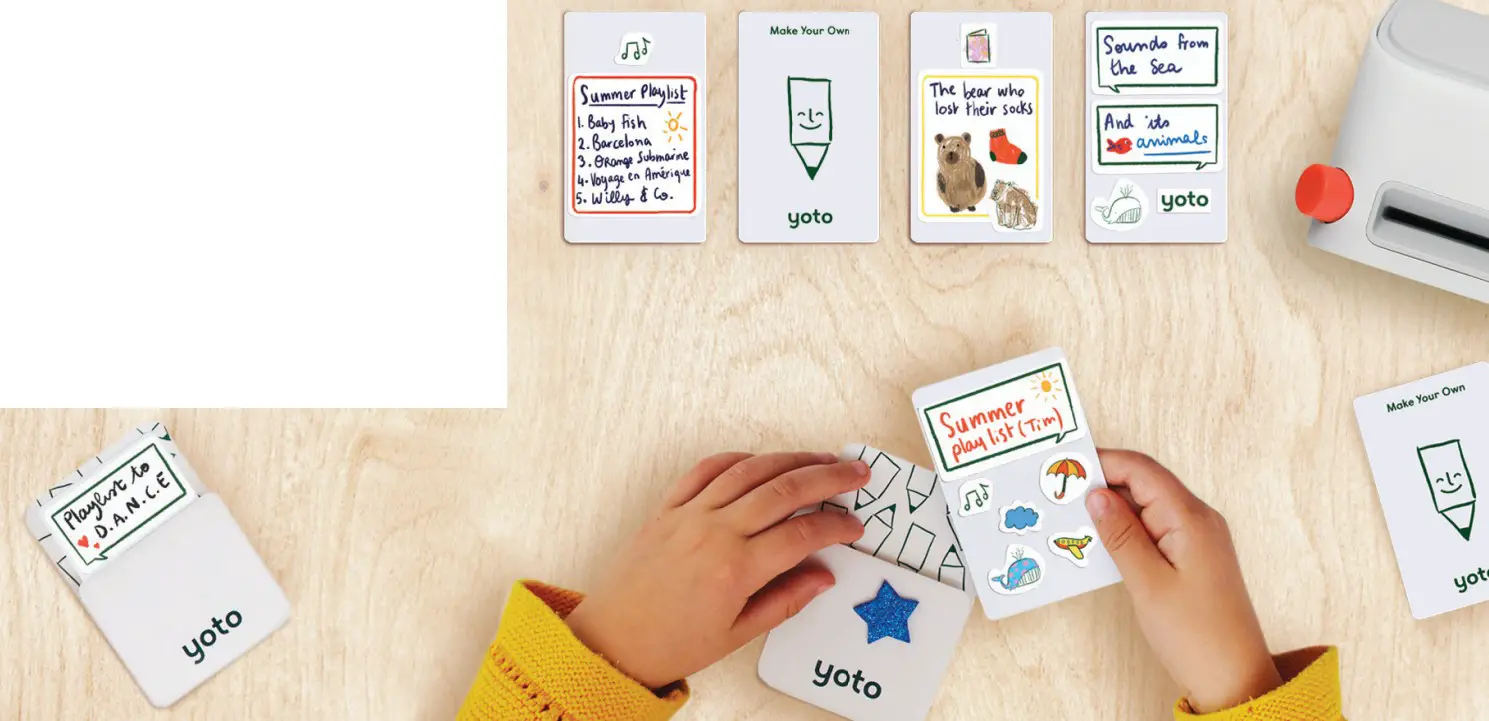
Make your own cards
Free content, new every day
Press the right-hand button (once) to play Yoto Daily, our own micro podcast. Delivered fresh to your Player each day, it’s guaranteed to give you something to laugh at, talk about and take away.
Press the right-hand button (twice) to hear Yoto Radio, our in-house radio station that plays an eclectic mix of songs to dance to, sing along with, and help to wind down when the time is right.
yotoplay.com/yotodaily
Discover a curated selection of kids’ radio stations and podcasts on the Yoto app you can listen to for free.
Select one that you like and link it to a Make Your Own card to play it on Yoto Player.
yotoplay.com/free
We are here to help
 Yoto Card Store – A world of curated audio
– Yoto USA
Yoto Card Store – A world of curated audio
– Yoto USA