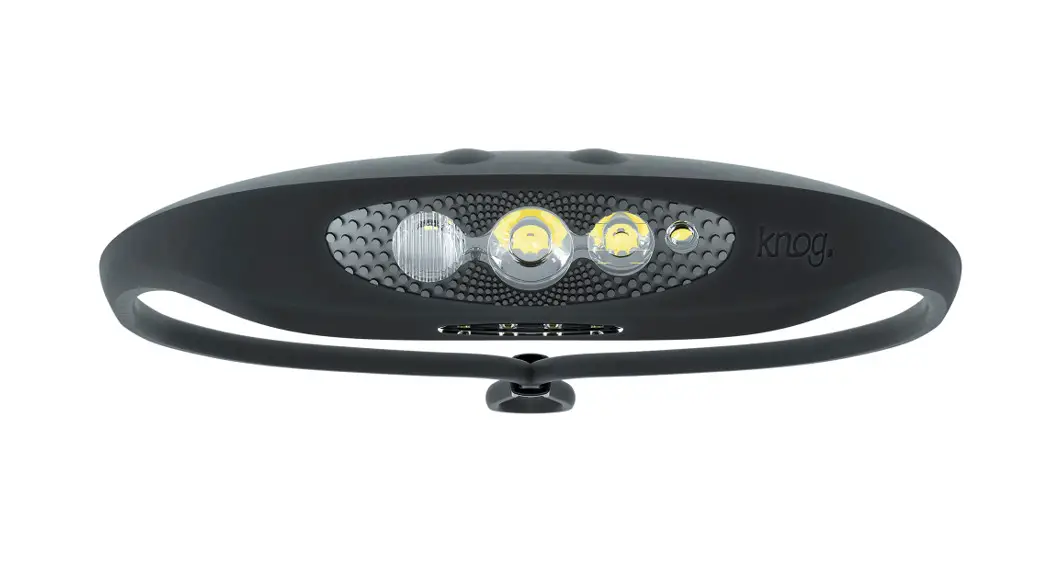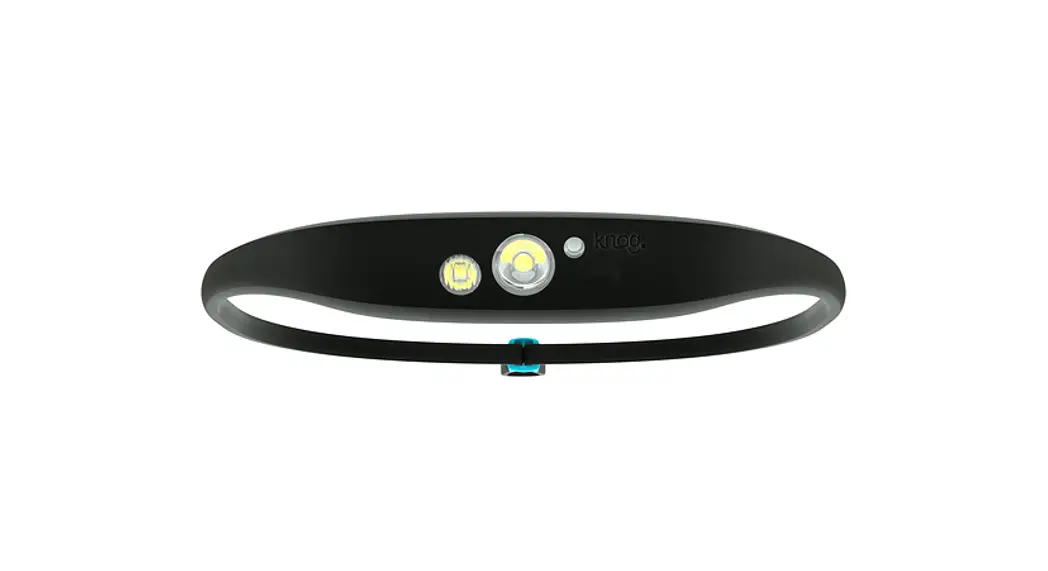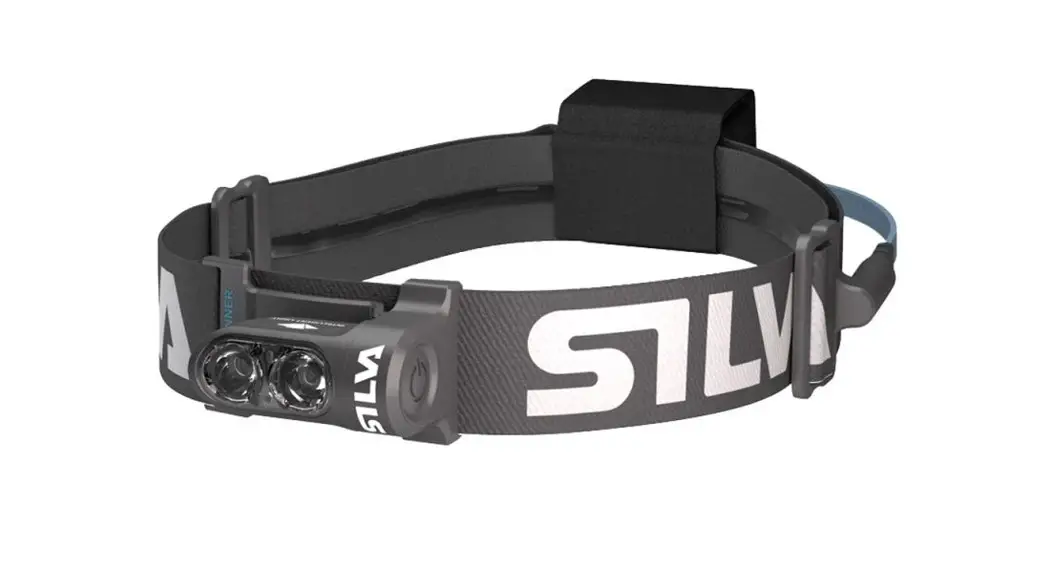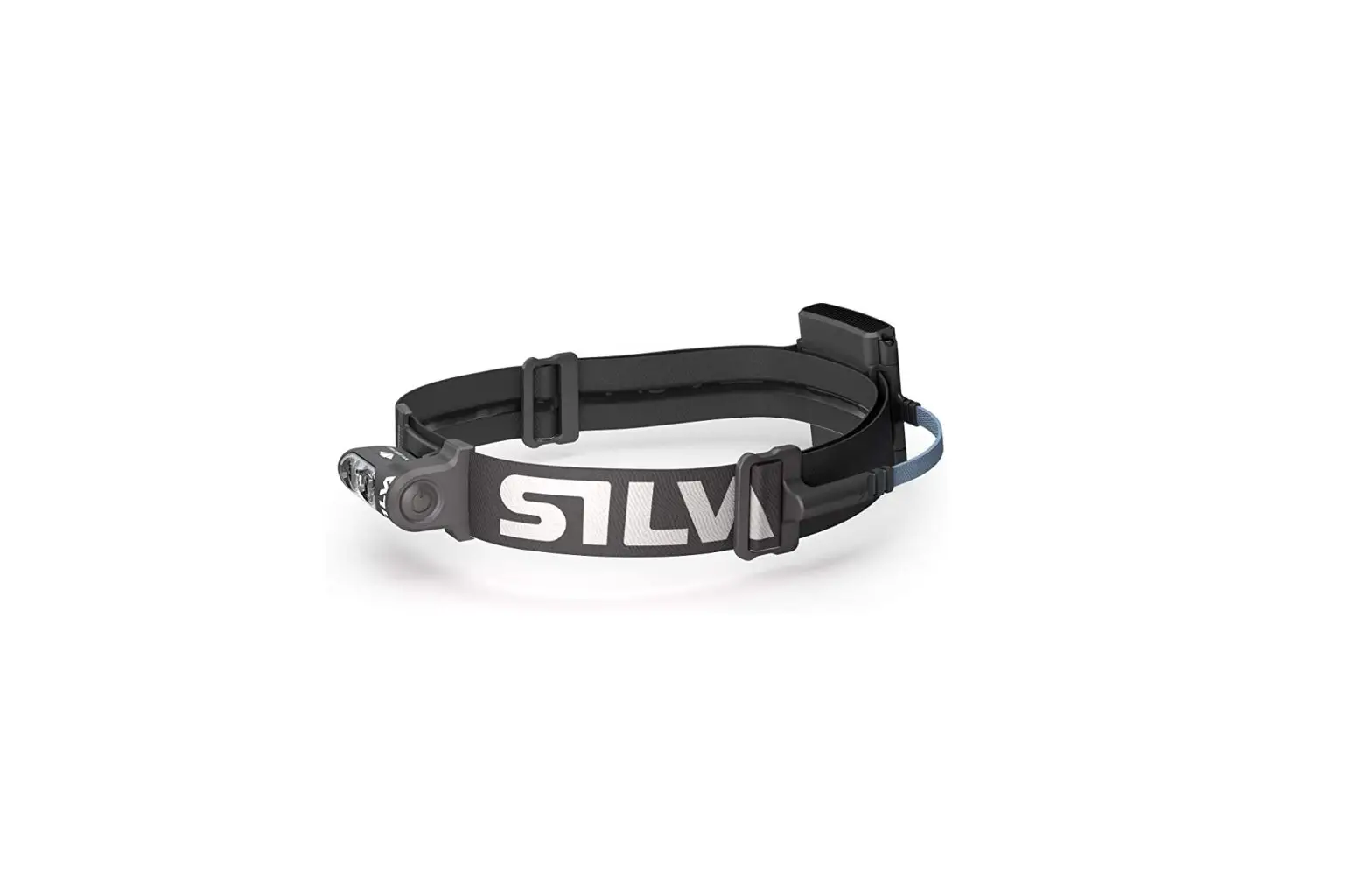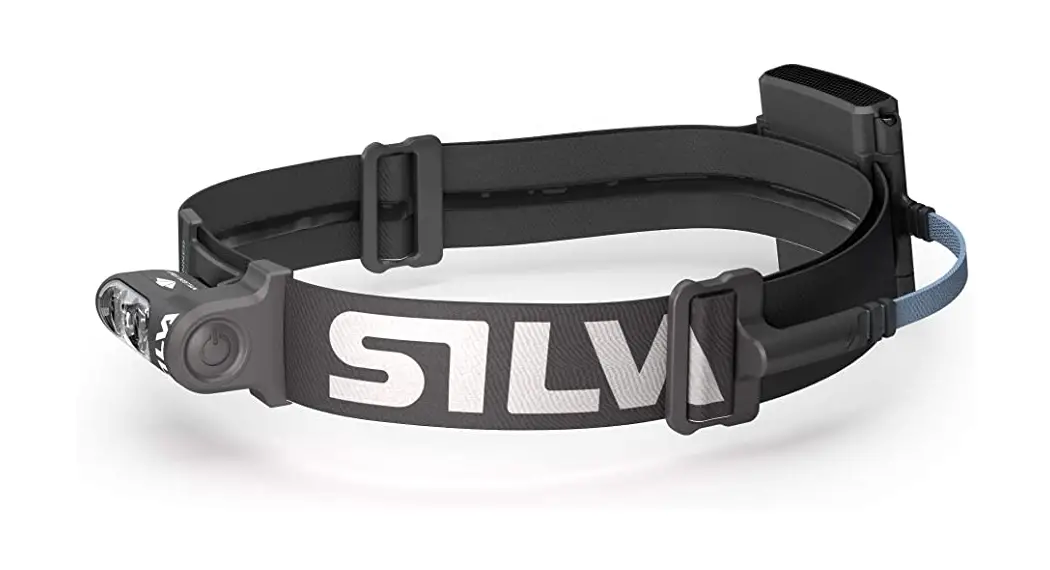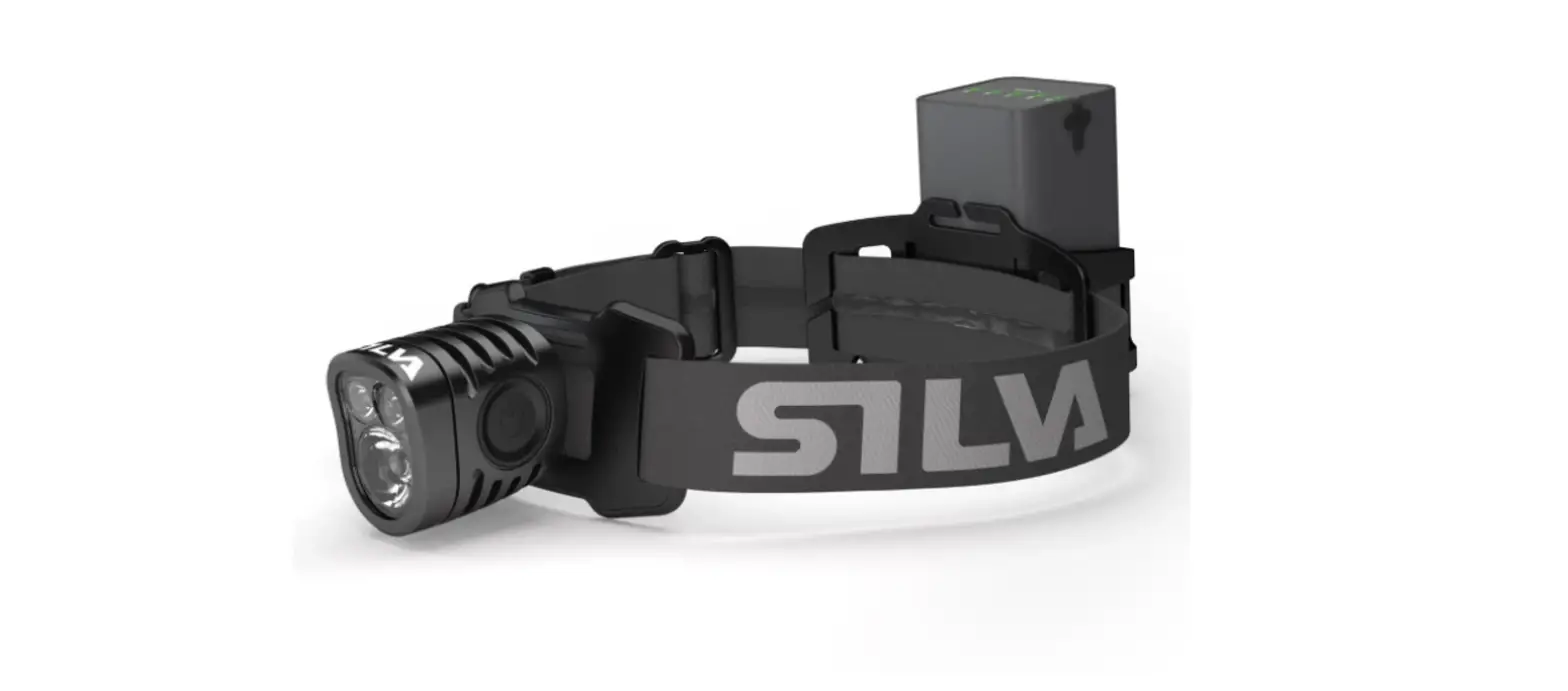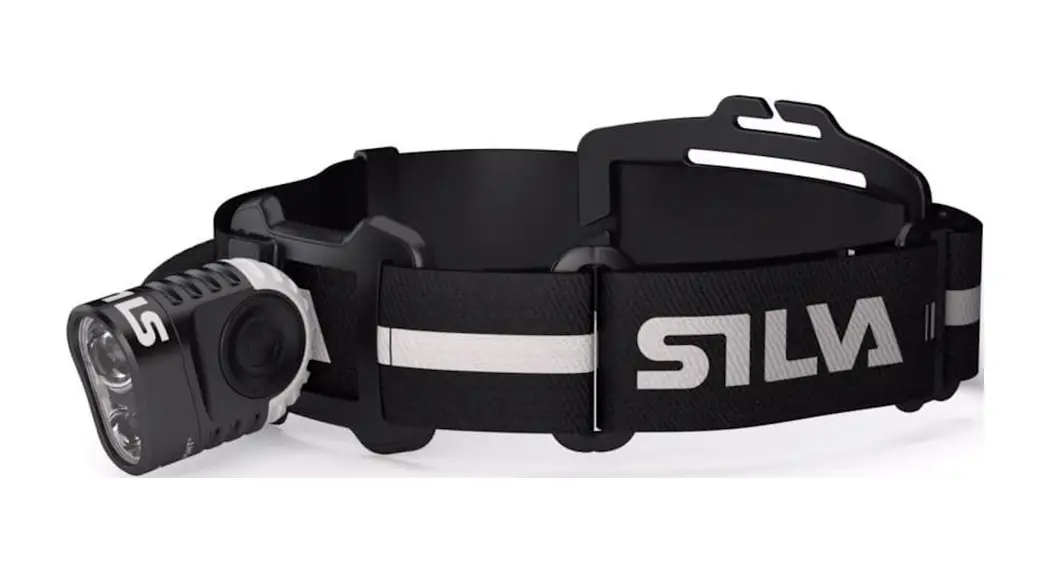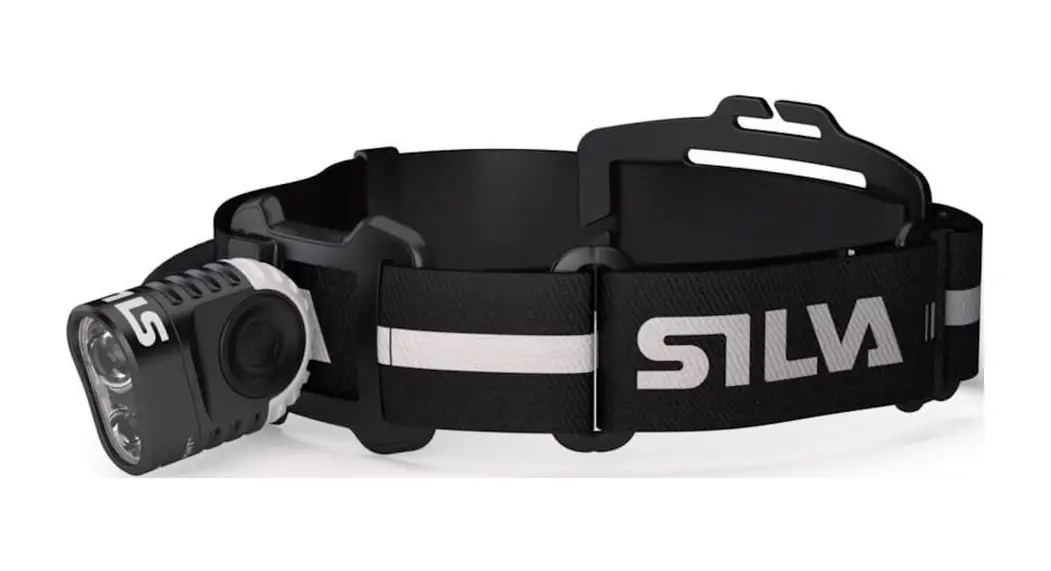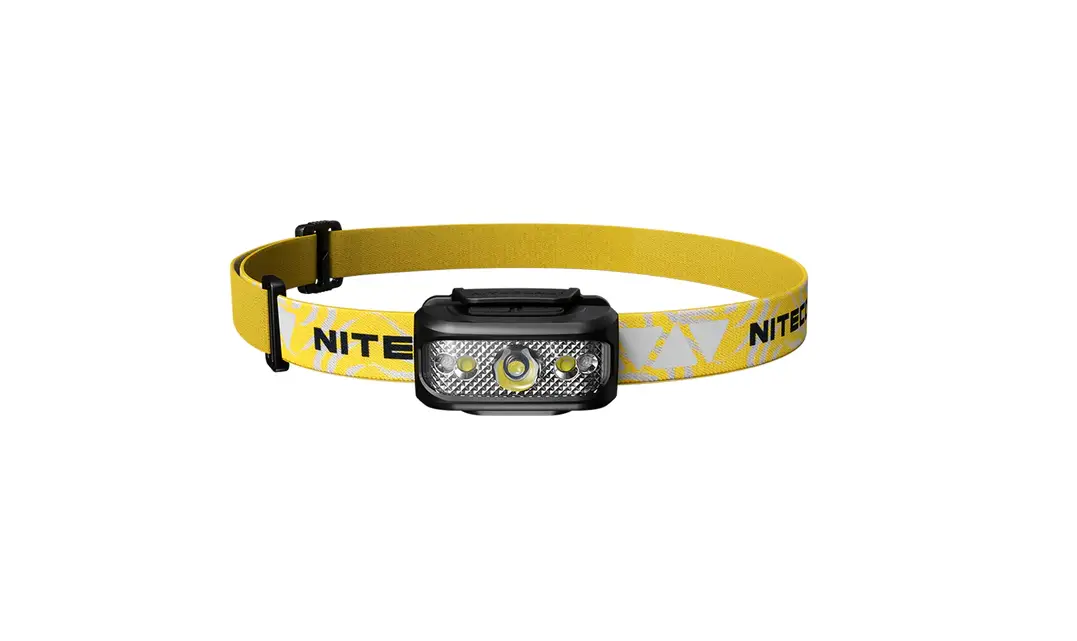

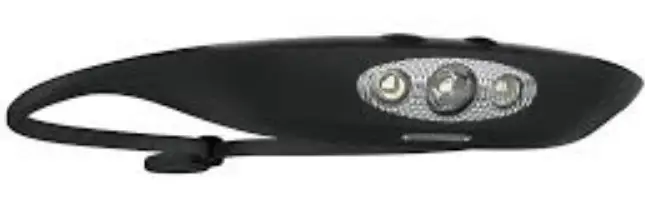
knog Bandicoot Run 250 Headlamp
BANDICOOT & BANDICOOT RUN QUICK START GUIDE
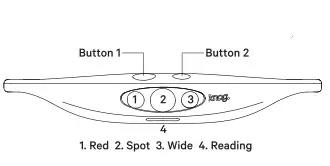
GET STARTED
Bandicoot comes locked
To unlock hold both buttons for 3 seconds
WHEN LIGHT IS ON
| OPERATION Short Press Double Press Press and hold both buttons | BUTTON1 Change Mode Boost Mode | BllTTON2 Brightness ne |
| Halo Mode� Turn Off | ||
Halo Mode only available with Bandicoot Run
CHARGING
Fully charge the Bandicoot before the first use. Pop out the inner pod to access the USB. Then charge in any USB charge port.
Chargetime:4Hr.
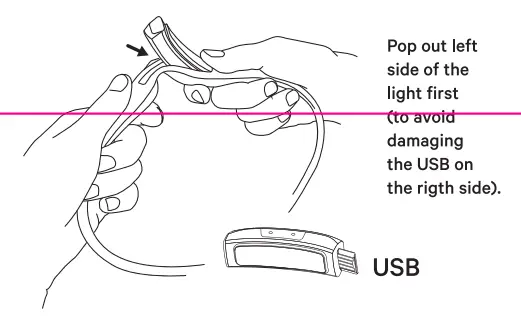
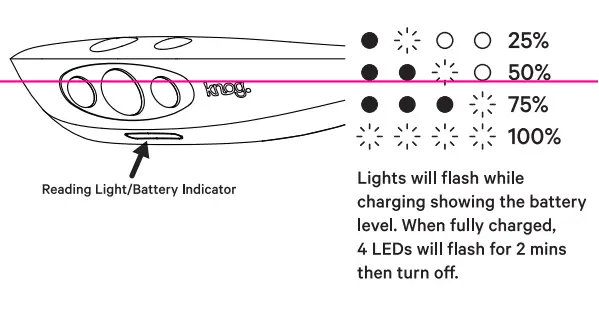
CHECKING BATTERY LEVEL
The reading lights show the battery level. When the Bandicoot is turned off, quick press any button,
MODES
Short press of button 1 to scroll through modes. The light will slowly dim to extend runtime,. if you wish to go back to full output of your chosen mode, press button 1 once.
Modes: Combo, Spot, Ambient, Red LED & Reading,
| MODE | (OWUTMPEUNT) | RUMNATXIMWE HMOEUNRS | RUMNTINIMLEUHMOENURS |
| COMBO | 250 | 8 | 28 |
| SPOT | 200 | 12 | 36 |
| AMBIENT | 50 | 22 | 70 |
| RED LED | 4 | 26 32 | 72 |
| READING | 6 | 106 |
BRIGHTNESS
Short press of button 2 to scroll through the brightness settings,
Brightness: Max, High, Medium & Low.
OPERATION
Turn On: Long press of Button 1
Turn Off: Long press of Button 1
WHEN LIGHT IS OFF
| OPERATION | BUTTON 1 I BUTTON 2 |
| Short Press Long Press Press&Hold | Turn light on/off I |
| both buttons | Lock/Unlock Light |
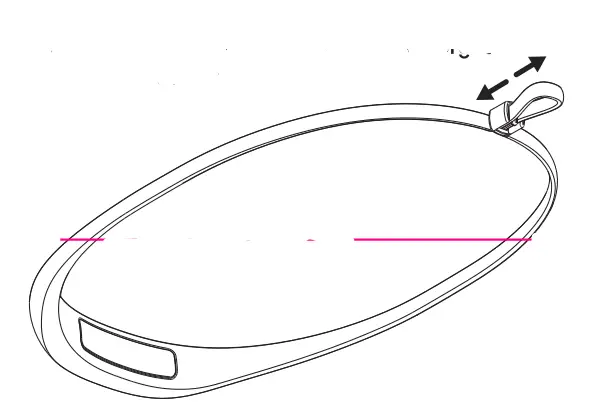
ADJUSTABLE HEAD STRAP
The silicon strap adjusts with a toggle. Once you’ve found your size you can set and forget or adjust on the fly.
LOCK
If you accidentally press any button when the Bandicoot is locked the red light will flash twice.
To Lock/Unlock: Hold both buttons for 3 seconds.
White light will flash twice to show that the Bandicoot is unlocked. Red light will flash twice to show that the Bandicoot is locked.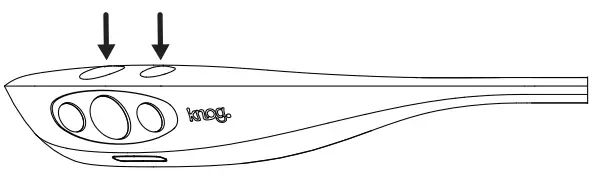
BOOST MODE
Double click button 1 to activate boost mode, the bandicoot will power up to maximum.
LOW BATTERY
When the battery is low the light output will drop.
MODE MAKER
The Bandicoot is compatible with the ModeMaker app to allow customisation of the light modes. Open ModeMaker, plug the USB into your computer, drag and drop the modes you want and select upload.
CARE & MAINTENANCE
To clean: wipe with cloth, don’t use harsh chemicals.
Air-dry, don’t sun-dry.
WARRANTY
The light is guaranteed for 2 years against manufacturing defects only,
See the website for more details KNOG.COM